



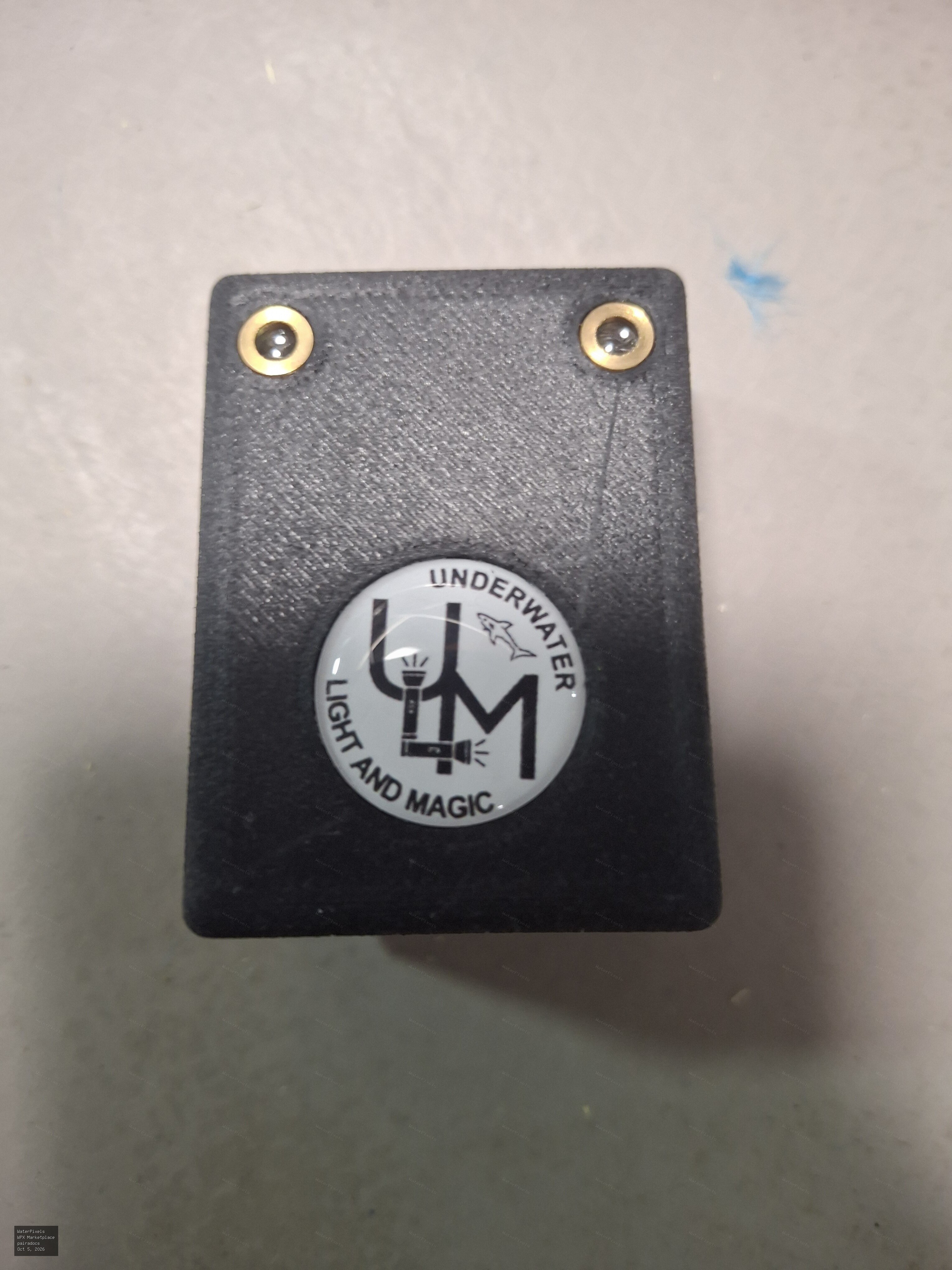
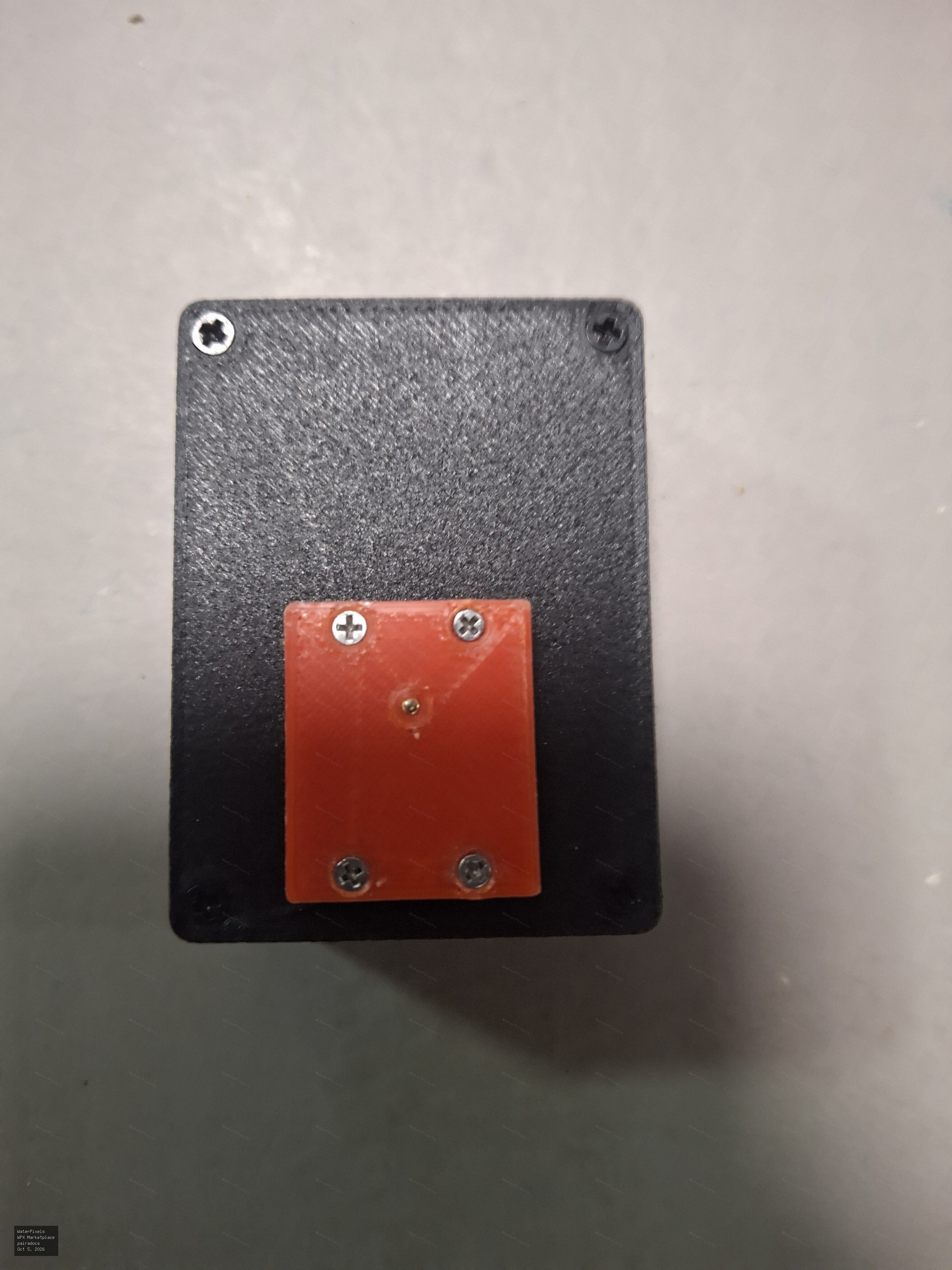
Flash Trigger - Underwater Light and Magic for Sony/Nauticam
Description
Barely used, just tested out on a couple of dives, but decided to go with Marelux wireless trigger instead because I have Marelux strobes.
This is for Sony cams (see list below) in a Nauticam housing.
USB C charging. Charge will last almost forever
Sold and shipped from my USA address.
$110 shipped
Info from UWLM website:
Underwater Light and Magic's laser flash trigger is an industry first to use lasers instead of LEDs (PAT pending). This makes them far more reliable to fire external strobes, providing a dependable ultra-fast flash triggering over fibre optic cables. This flash trigger plugs into the compatible Sony camera hotshoe (see below) and provides an optical signal for fast continuous strobe firing. With the power of lasers, these flash triggers are able to use Underwater Light and Magic's custom fibre optic cables. Compatible With: Nauticam Housings Sony A7/ A7II / A7III / A7RIII / A7IV / A9 / A7SIII / A7IV / A1 / A7RV Technical Specifications: Operation: This is a manual flash trigger only and has no TTL function. Flash Capacity:
Approx. 50,000 times Battery:
USB-C rechargeable, approx. 1 hour
Location
Delaware




Comments (0)