




-
I don't think we can rule out some reverse engineering, there are some really clever MCP's for AI models that can be used for this (One being REA - Reverse engineer anything) What this does as I understand it is look at the inputs and outputs of compiled code you point it at and generate psudo code of how you'd get the same outputs from those inputs. So it's possible some of that is going on as well as vibe coding features but that is just speculation on my part. I'm encouraged by the speed at which they're pumping out releases and hope they don't lose steam as I think these could be a real alternative to expensive subscription models as well as support a wider range of operating systems than the original software.
-
I do worry about this too as they’ve just released some Microsoft office cloned tools too. Hopefully they can get a good community contributing. Edit: looking at their commit history it looks like they’re burning a bunch of AI tokens on this. So not just humans working on the code.
-
Will have a look at rapid raw too then, thank you! This has an uber fast development cycle too, even from me downloading it , it went up a minor version, I know some raw formats weren't supported yet in v0.30 but will check the latest release notes.
-
ahh damn, just realised I posted in the wrong place, could a mod move to the general chat please
-
What a world we live in, A team in the US have created from scratch clones of a whole host of Adobe software, almost identical workflows and have open sourced them, the lightcraft (lightroom alternative) is very much still in beta at the moment so I wouldn't recommend replacing anything yet or testing on your existing photo libraries but for those not using lightroom currently it might be worth a punt. ArtCraftCrafting Apps: open-source creative toolsImage editing, vector illustration, video, photography, PDFs, motion graphics and page layout: seven native, open-source apps from the ArtCraft team, built in Rust and free to use.
-
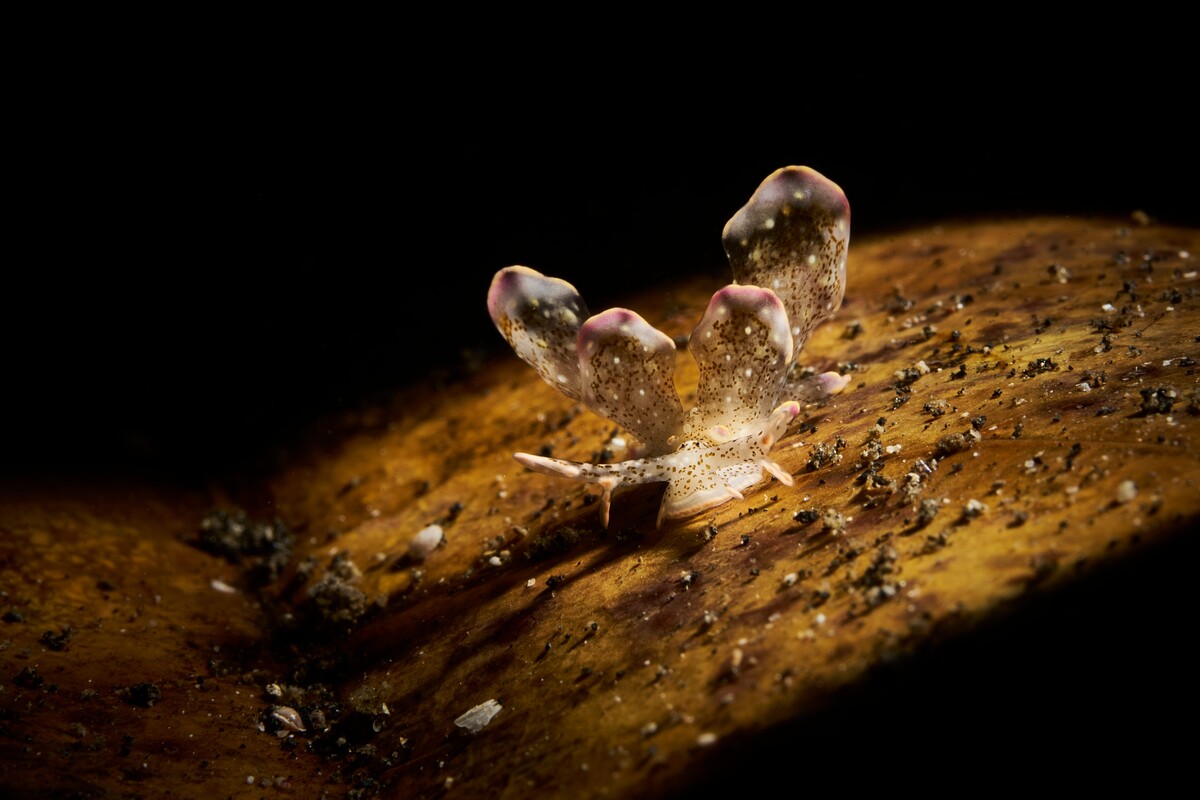
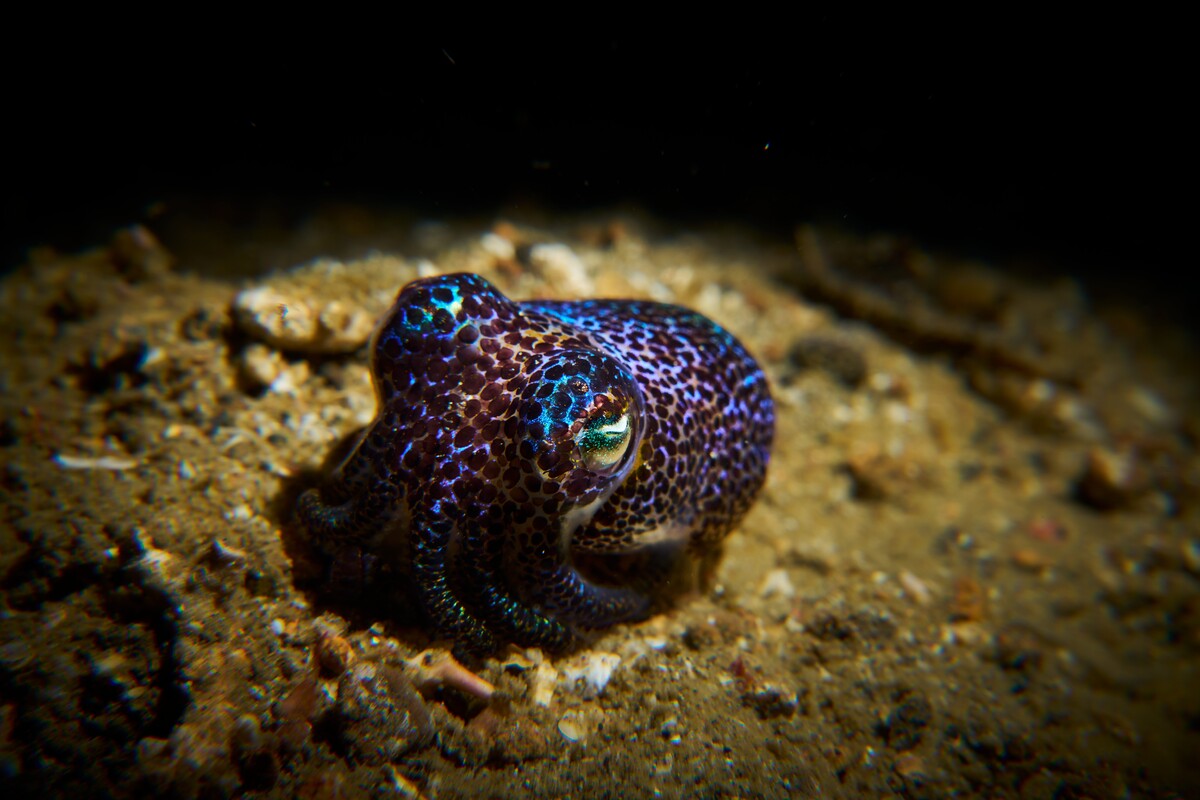
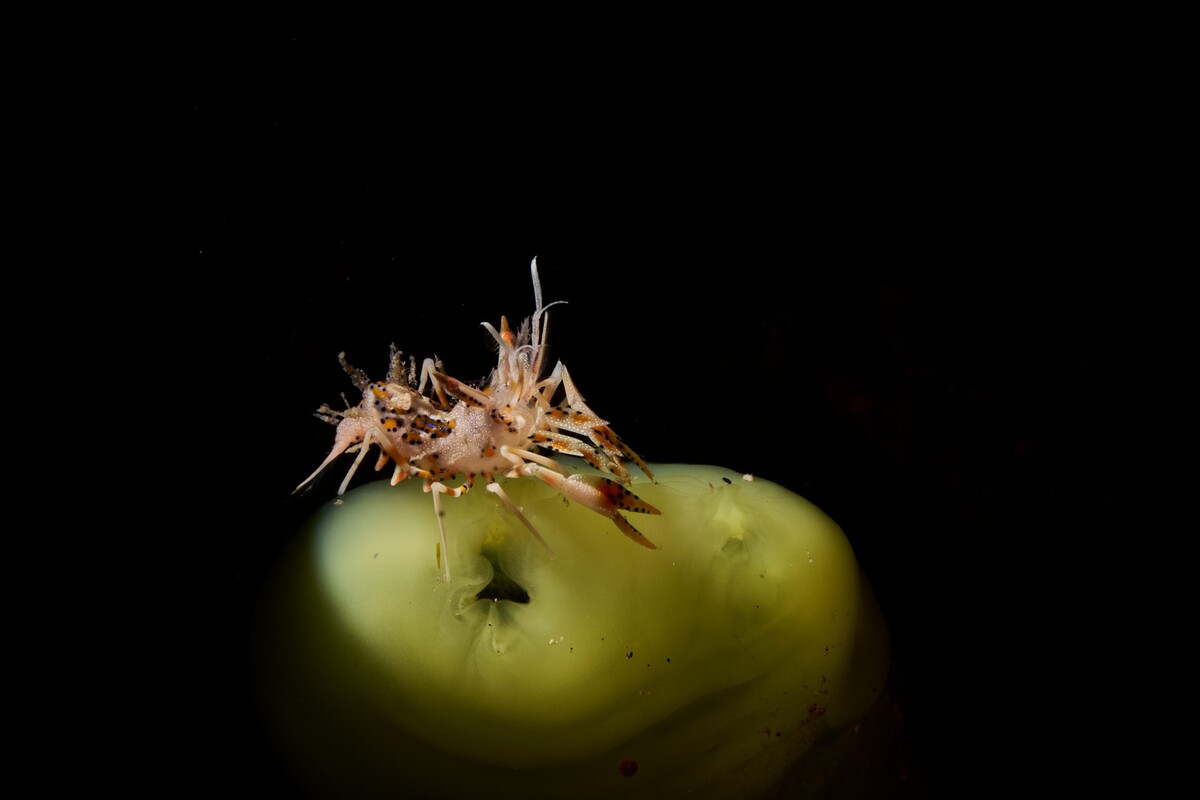
I definitely agree, some handle the spotlight effect well, some don't the bobtail beinf an example of the latter, whilst a nice shot of the bobtail itself I'm less keen on the lighting. Critters sitting on substrate is always a little tricky for me. I'll definitely try that next time, thanks for the tip! It works great in that example.
-
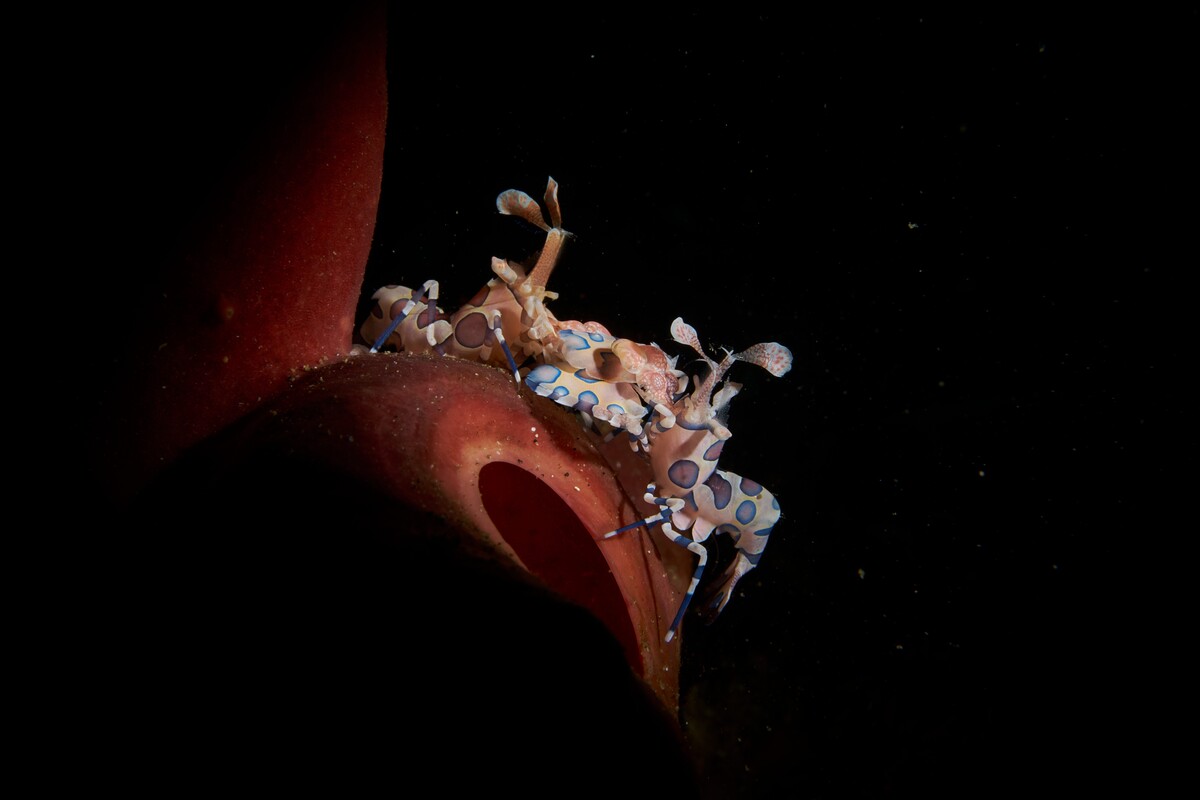
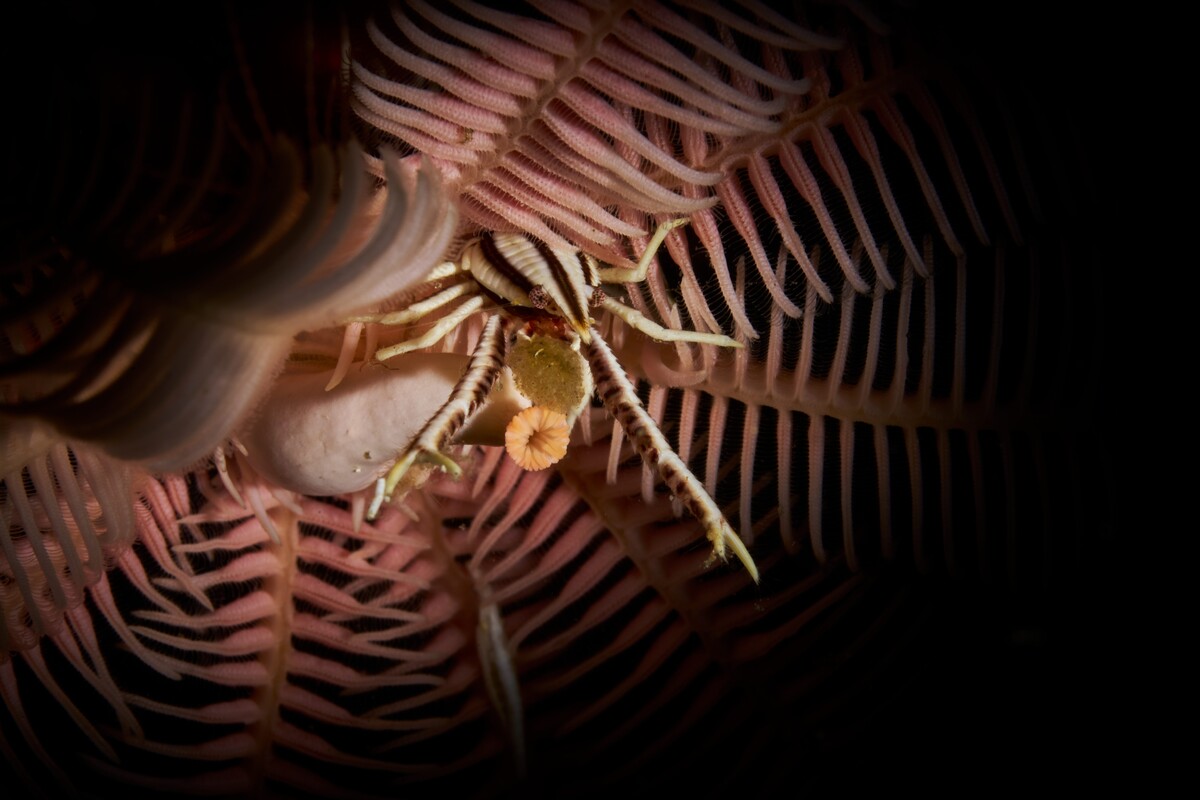
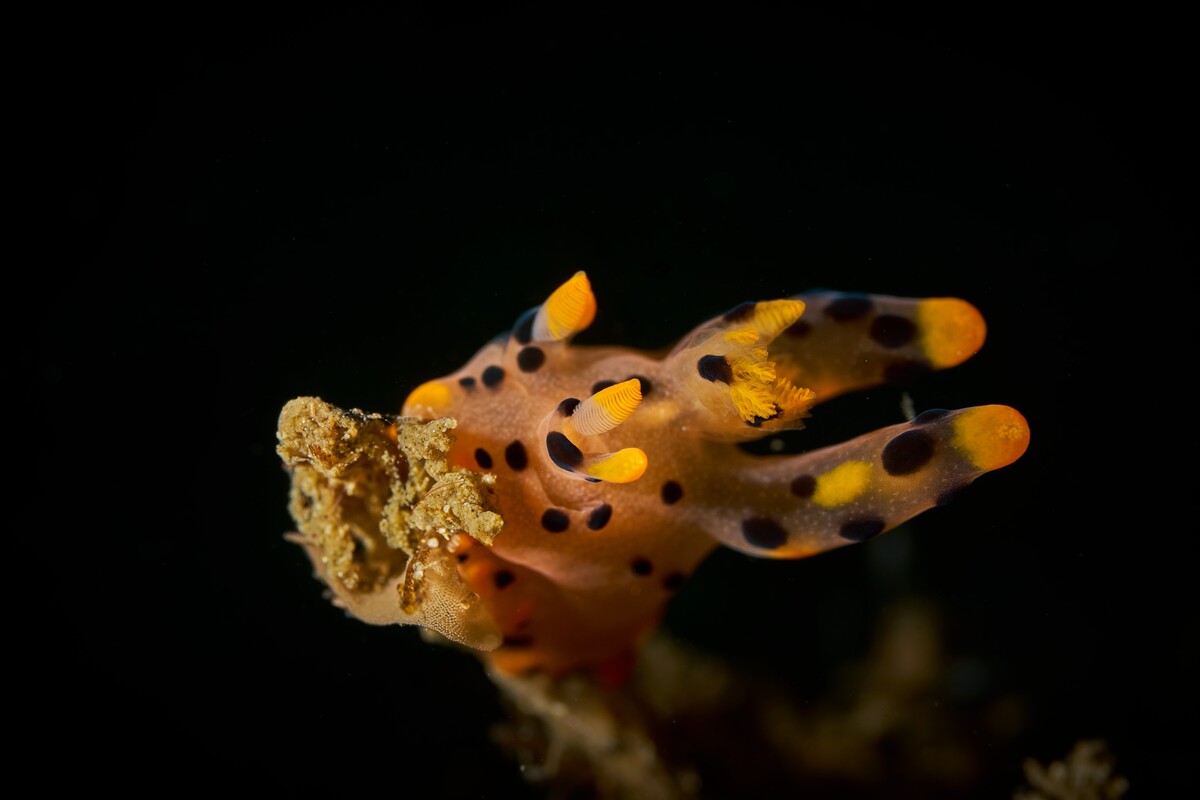
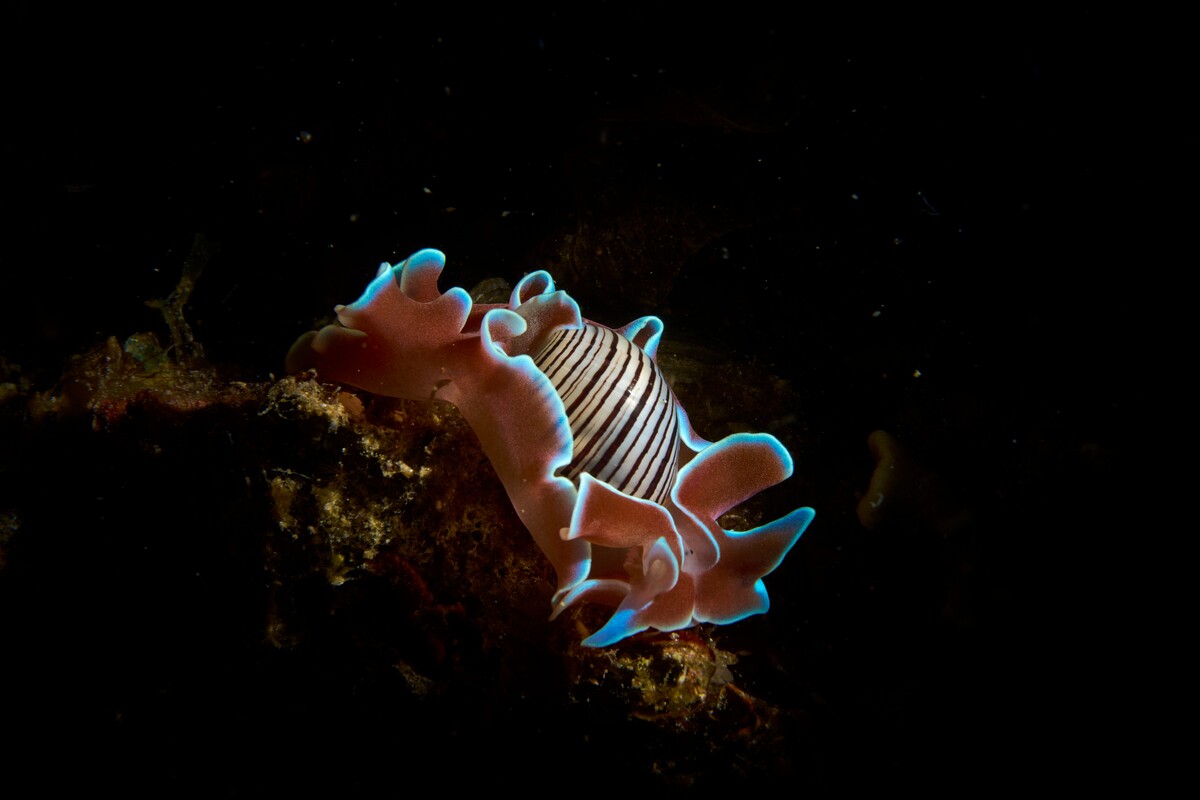
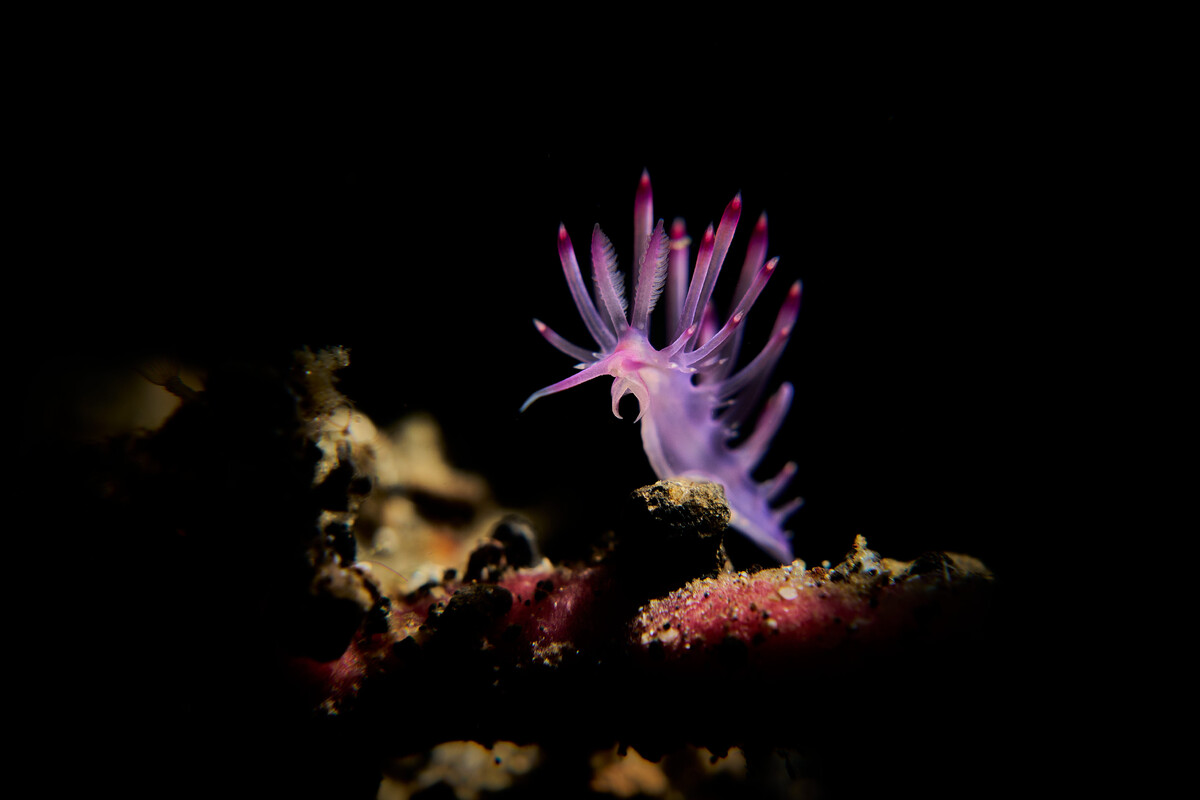
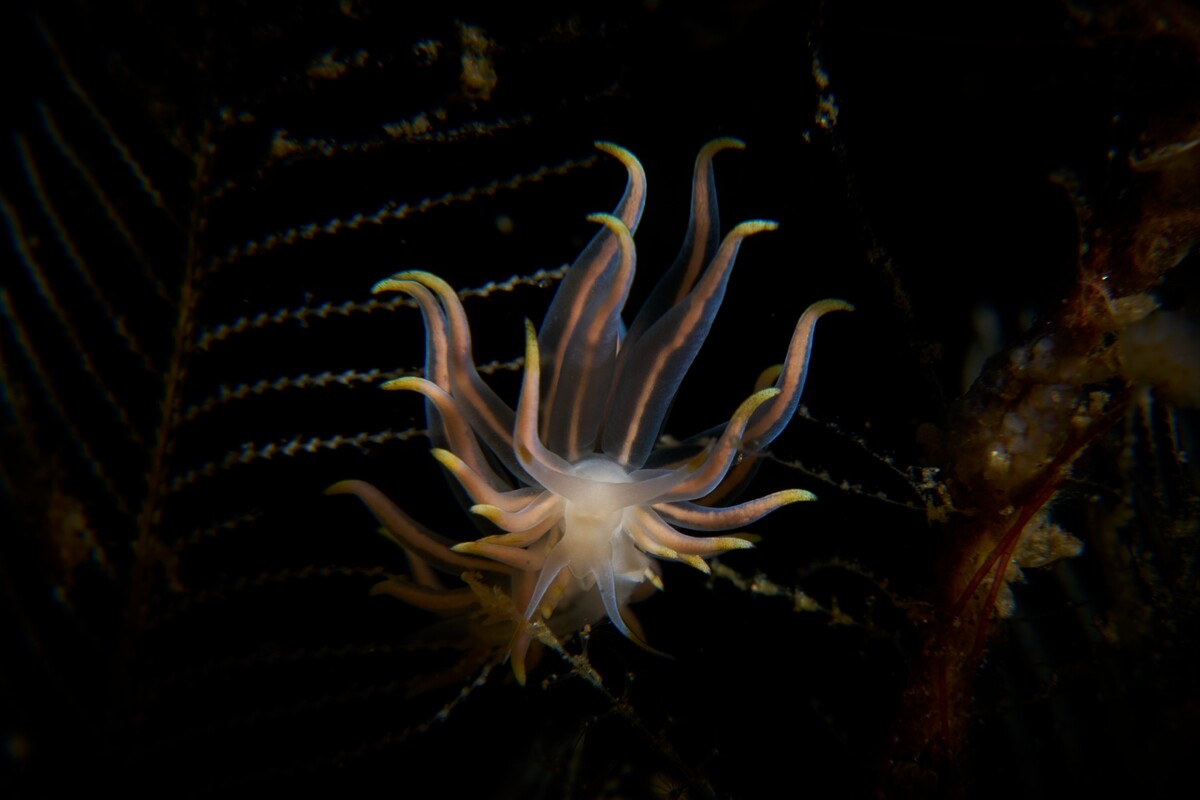
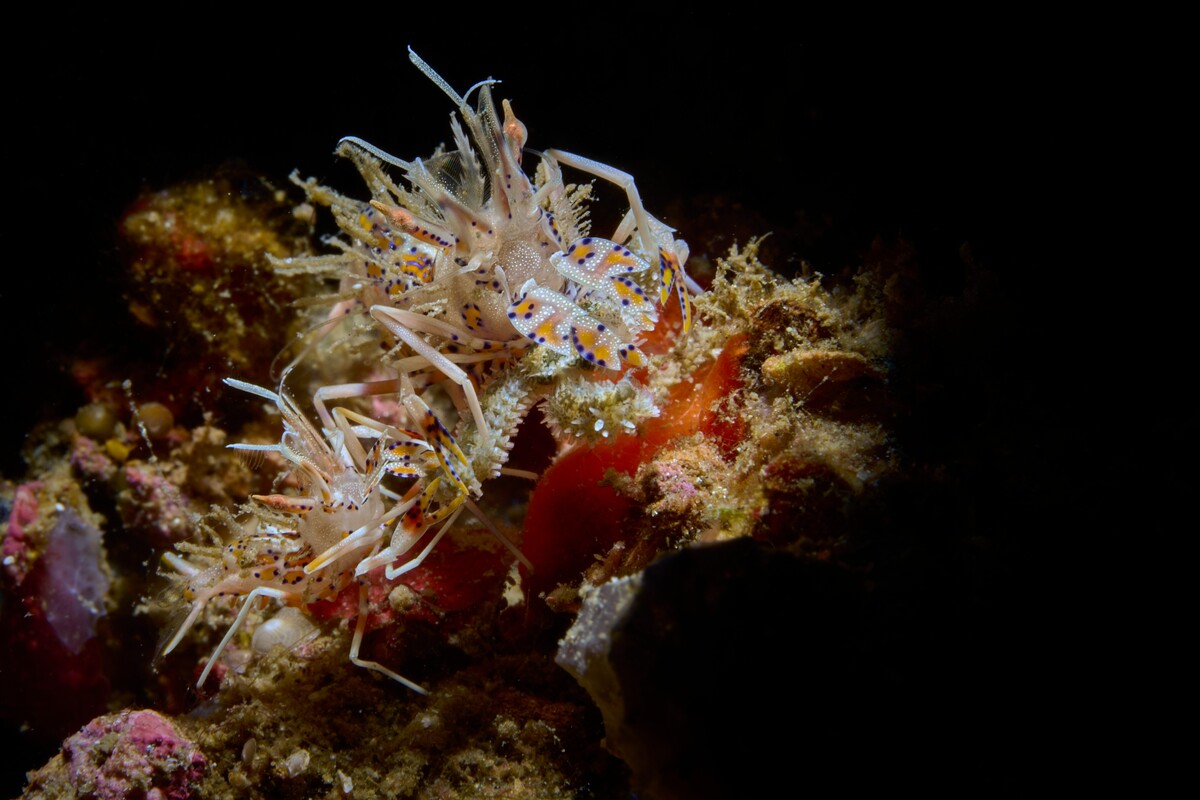
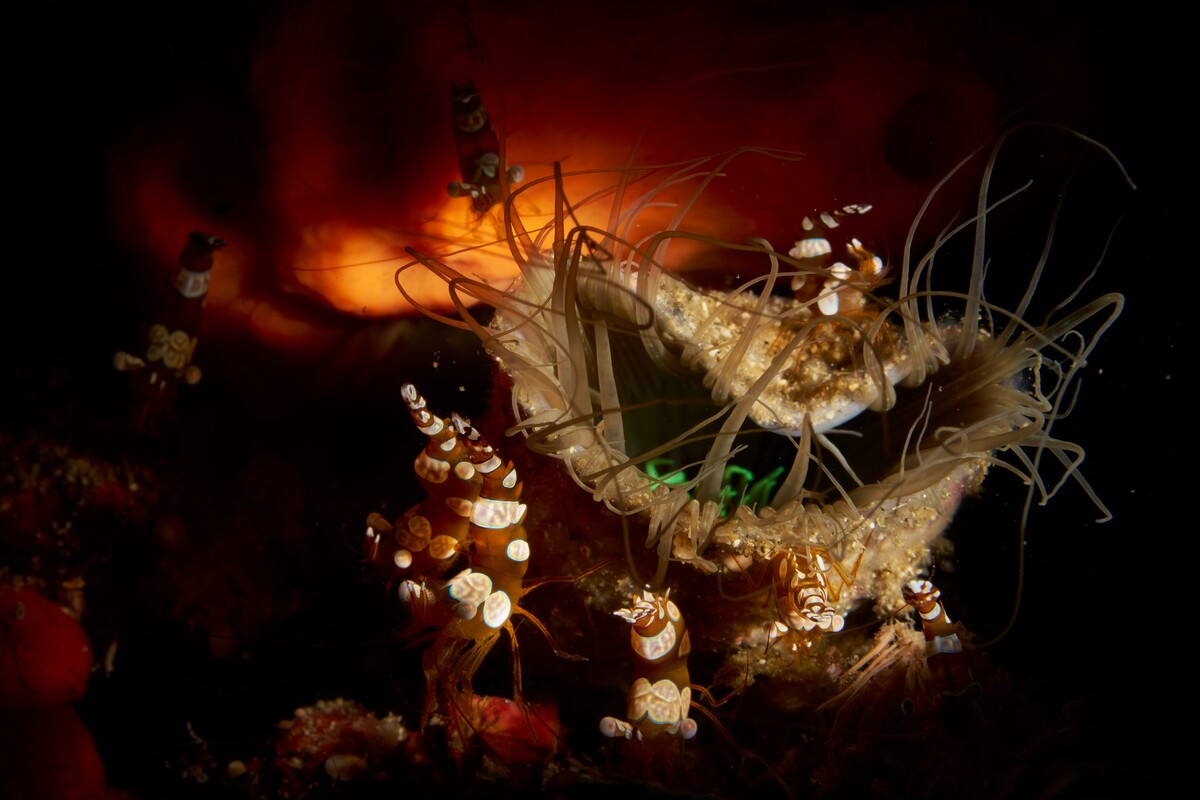
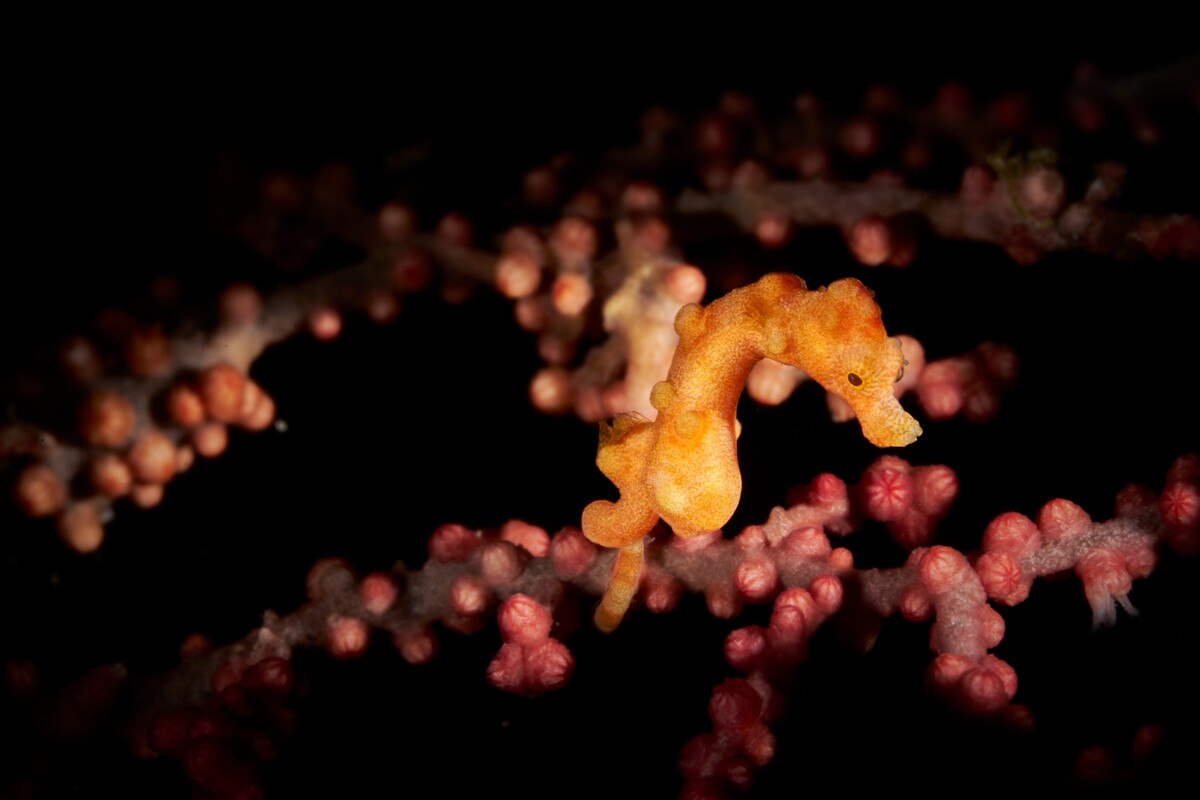
Hi All, Only third time posting on here, a few weeks back from a 20 day dive trip with K2 in Lembeh with a total of 60 dives and 67h 24 mins underwater having recently experienced a flood in my very old omd-em10 rig I had just taken the opportunity to upgrade to the A7r V with nauticam housing and backscatter atom strobes with snoots, just shooting the 90mm macro currently so this trip was a good opportunity to start learning the camera (I can only learn so much using it on land). But I came back with what I think are some reasonable shots. Would love some feedback!
-
Hi Jef, I recognise your name from the GitHub repo. Just want to say thank you for open sourcing and maintaining such a great library. Will absolutely reach out if I get stuck or have any questions, thank you.
-
Quick update, v0.3.35 is released, this makes the trips functionality optional. There is now a tabs for trips, timeline, location. these are drag and droppable, the leftmost being the default view. fixes the dive numbering and also fixed a bug I found whilst doing this regarding photo importing https://github.com/wyvernp/pelagic/releases/tag/v0.3.35
-
This it really useful feedback, thank you Mike. This was exactly what I was looking for, it was mostly built around the way I dive (mostly trips abroad) and I have only been able to test with my own equipment. So next steps I will look at the numbering, and make trips optional hopefully this should solve the first issue. I’ve not been able to fully test the iNaturalist integration as they have a minimum requirement for setting up api integrations which I have not yet met the criteria for. Dont feel you have to but would it be possible to share one of your uddf files? This would massively help when testing new import scenarios and data mapping. Thanks again. Wyvern
-
Just wanted to follow up with anyone who's downloaded and tested if they had any feedback, have you found it useful? anything that bugs you about it etc? open to all feedback.
-
New Release v0.3.32 just published with UDDF support for both mac and PC https://github.com/wyvernp/pelagic/releases/tag/v0.3.32
-
Thanks for giving it a go and the feedback, adding UDDF support as we speak and should have a new build for you within an hour or so, along with a couple of other fixes for macs (hopefully).
-
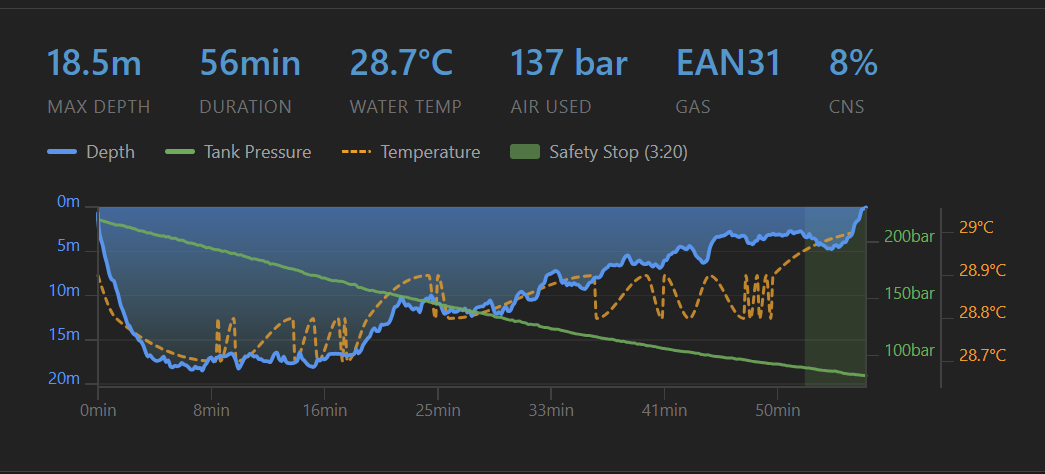
Just pushed a new release that fixes a bug with writing the dive data to the exif data to dng files and added auto safty stop detection which works reasonably well The green bar will turn yellow to red as safety stop time goes under 3 mins.
-
I have uploaded a test mac os build to the v0.3.31 release. Unfortunately I'm not able to test it only using a PC




