-
Thanks for your time Pavel ! I asked the dealer for a replacement.
-
I did, I let you know his answer 👌🏼
-
Thanks Chriss, I did before posting here ! Pavel send me back to my retailer whom was not able to apprehend the problem without the gear. Before sending back the TTL converter for an exchange, I wanted to be sur there was no other fix or that the error message was the sign of a defective unit.
-
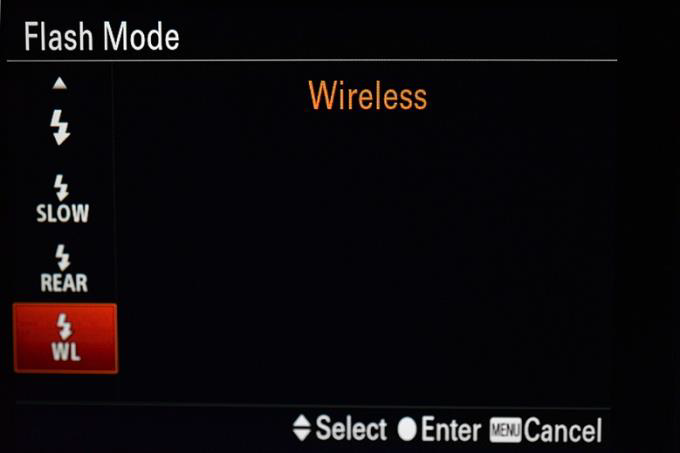
Hello Yorkie ! Indeed, I forgot to mentioned it in the gear configuration. Everything is set according to UWTechnics manual : Position 7 on the board for the Retra, WL is off in the camera, only mechanical shutter, power save to 10sec, etc. The following image is taken from the manual and you can see that all the flash modes are usable. In my case, the first one is grey and when try to select it, it gives me the error message. I'm starting to think it is a defective unit as the error message seems not to be encoutered by others ?
-
Hi ! This not the topic that I wanted to post for my fist post but I'm looking a specific feedback regarding the use of UWTechnics TTL converter 11075 for Sony and an A7RV. I've just recieved my new gear and I'm getting the following error message on the A7RV when connecting the hotshoe off the converter : Can someone confirm me if when the TTL converter is connected to the camera, the same error message appears ? Or is this only with mine ? I did futher testing with the following gear for the tests : Sony A7RV with 4.00 firmware Sony 100mm GM 2.8 / Sony 28-60 TTL converter 11075 (new batteries in) Retra Pro Strobes (firmware up to date) When taking a picture, the converter does trigger the flashs (Retra PRO) but there is no TTL. With the same fixed parameters (ISO, SS), the images goes to underexposed to overexposed when changing aperture (I've been trying from f2.8 to f22 ). I even cleaned the hotshoe contacts on both camera and converter but same result ... Does anybody have been struggling with the same configuration ? I had a D850 with Pavel TTL converter for years and never had encoutered this behavior. Many thanks, Clément
-
Thanks Tim ! Not many time at the moment to go diving an to post images but it will come !
-
Abycimes changed their profile photo
-
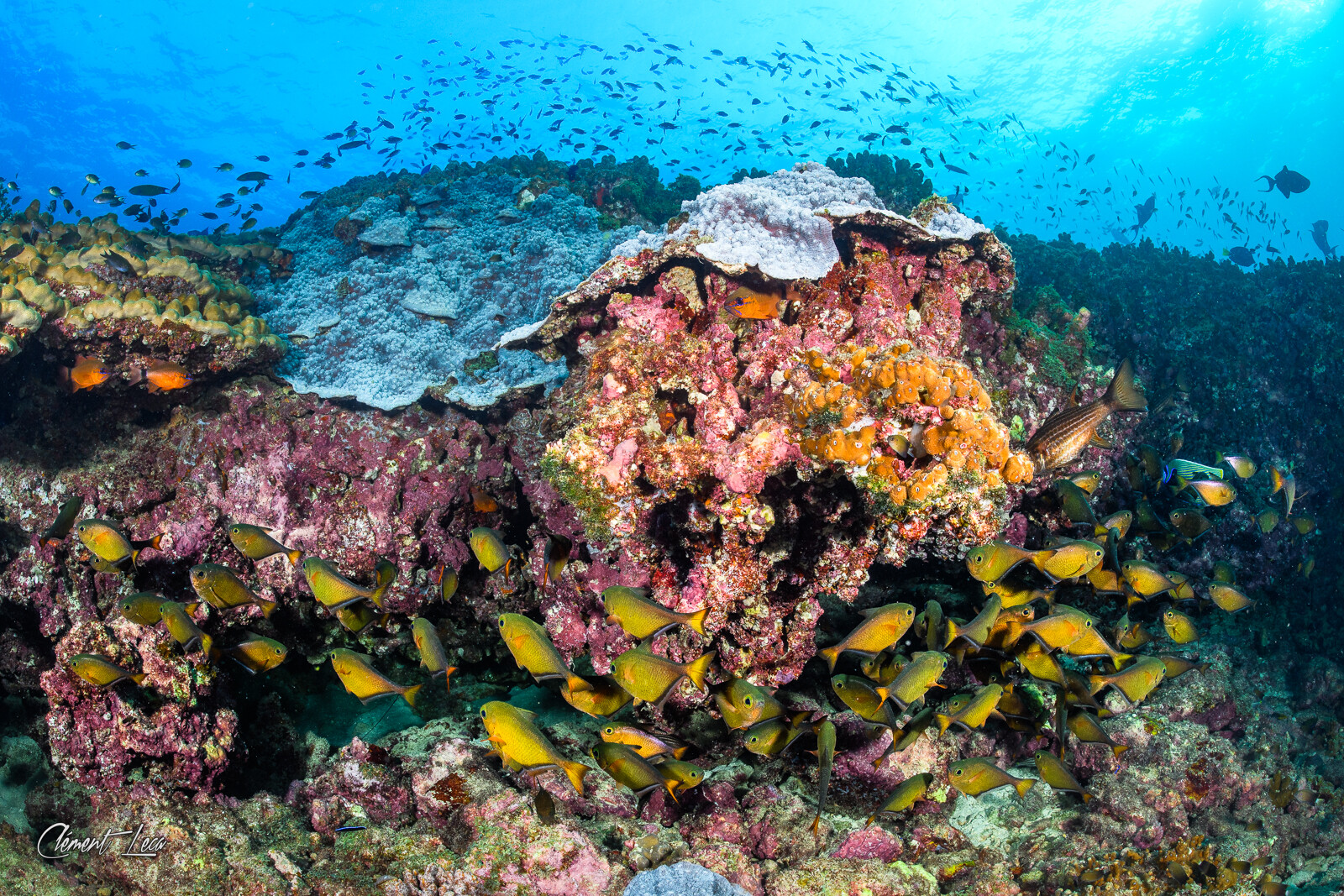
Hi everyone ! I'm a french photographer based on the south of France near Toulon. I'm a 3 stars CMAS diver and I've been shooting underwater since 2015. Here to learn and discuss on any topics regarding photography and image. Best regards Clément