




-
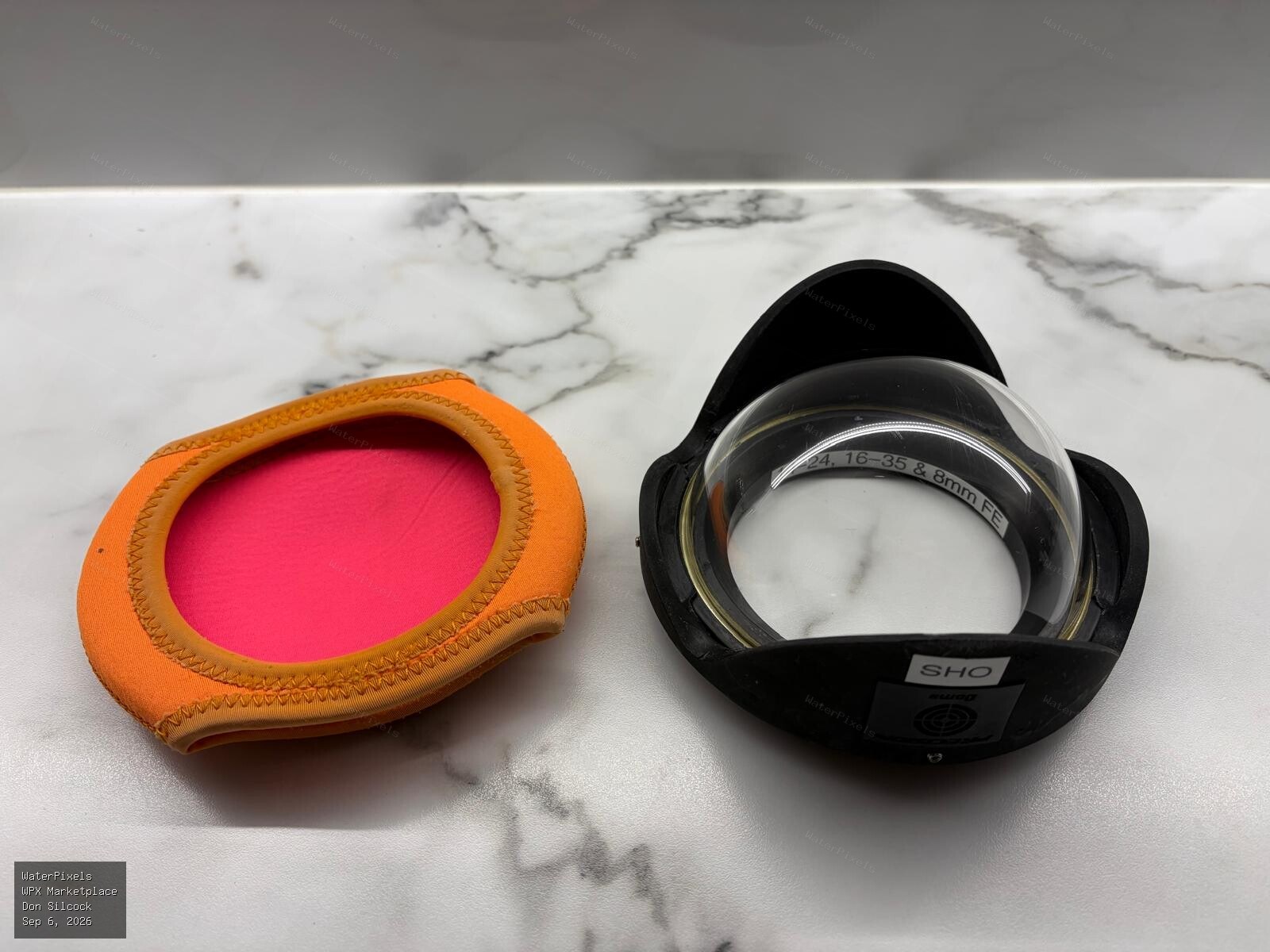
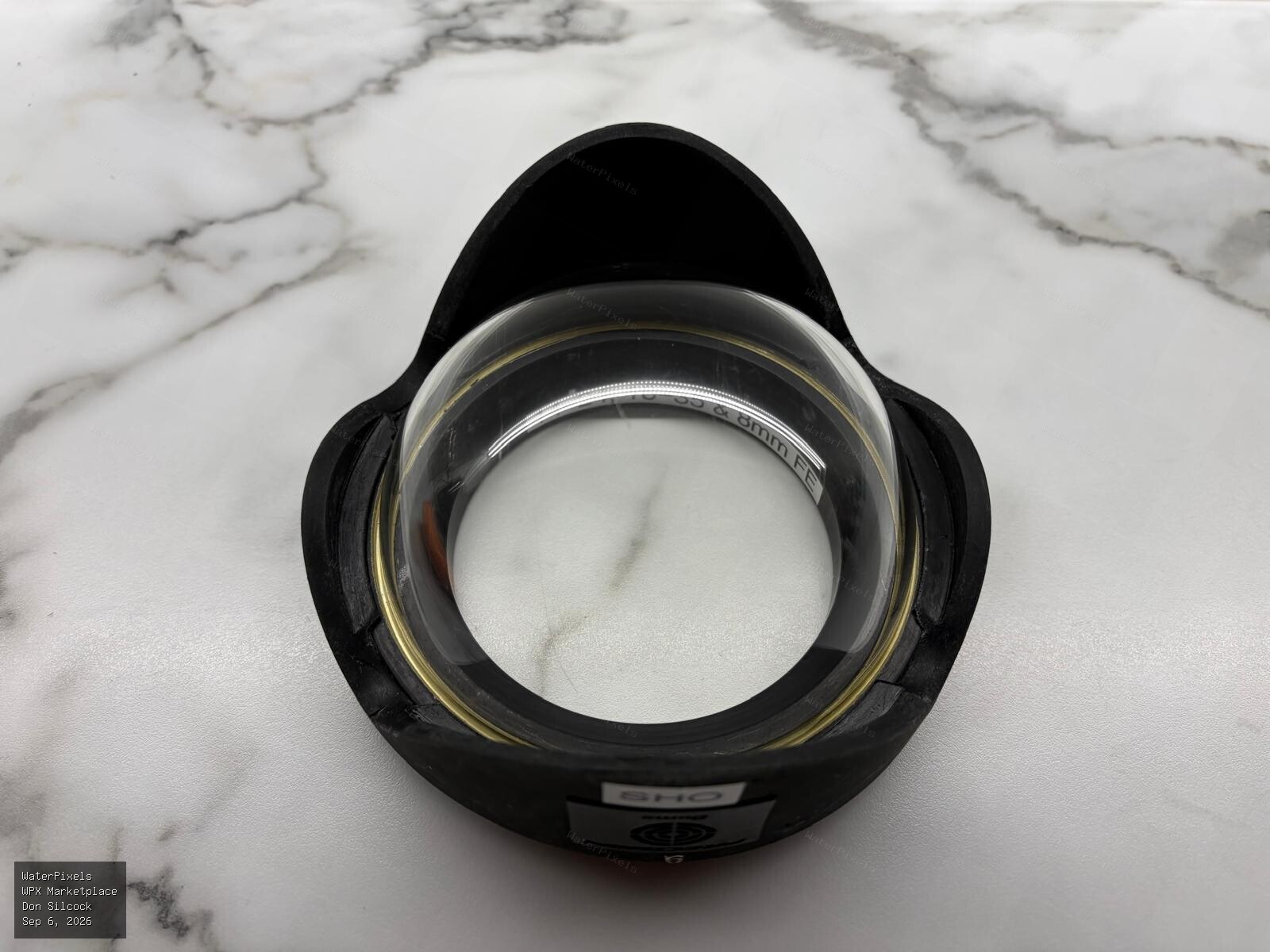
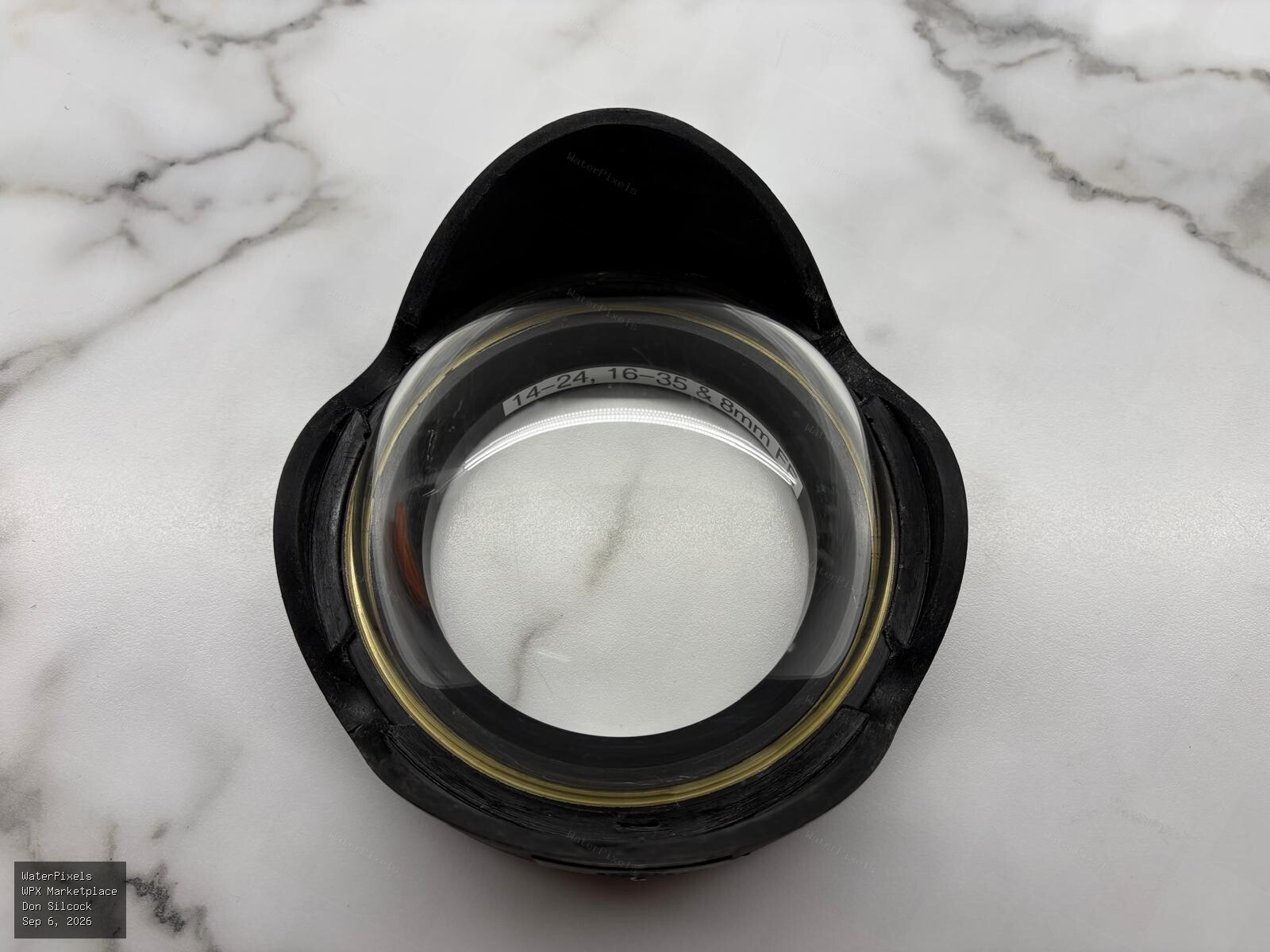 For Sale A$450.00 Sydney
I have moved to Seacam and am having a clearout of all the underwater photography equipment I am no longer using. This is a Precision Domes custom 12…
-
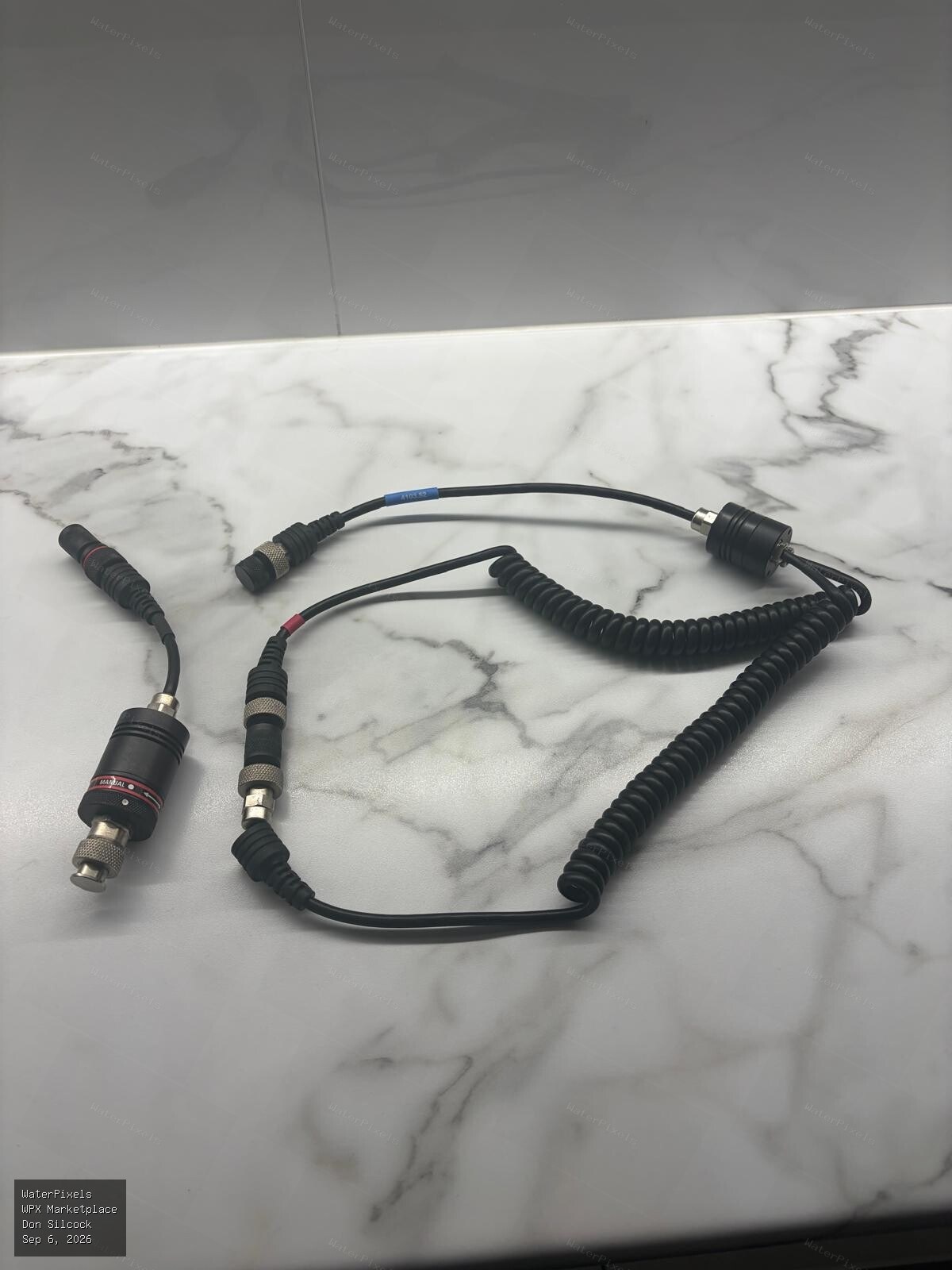
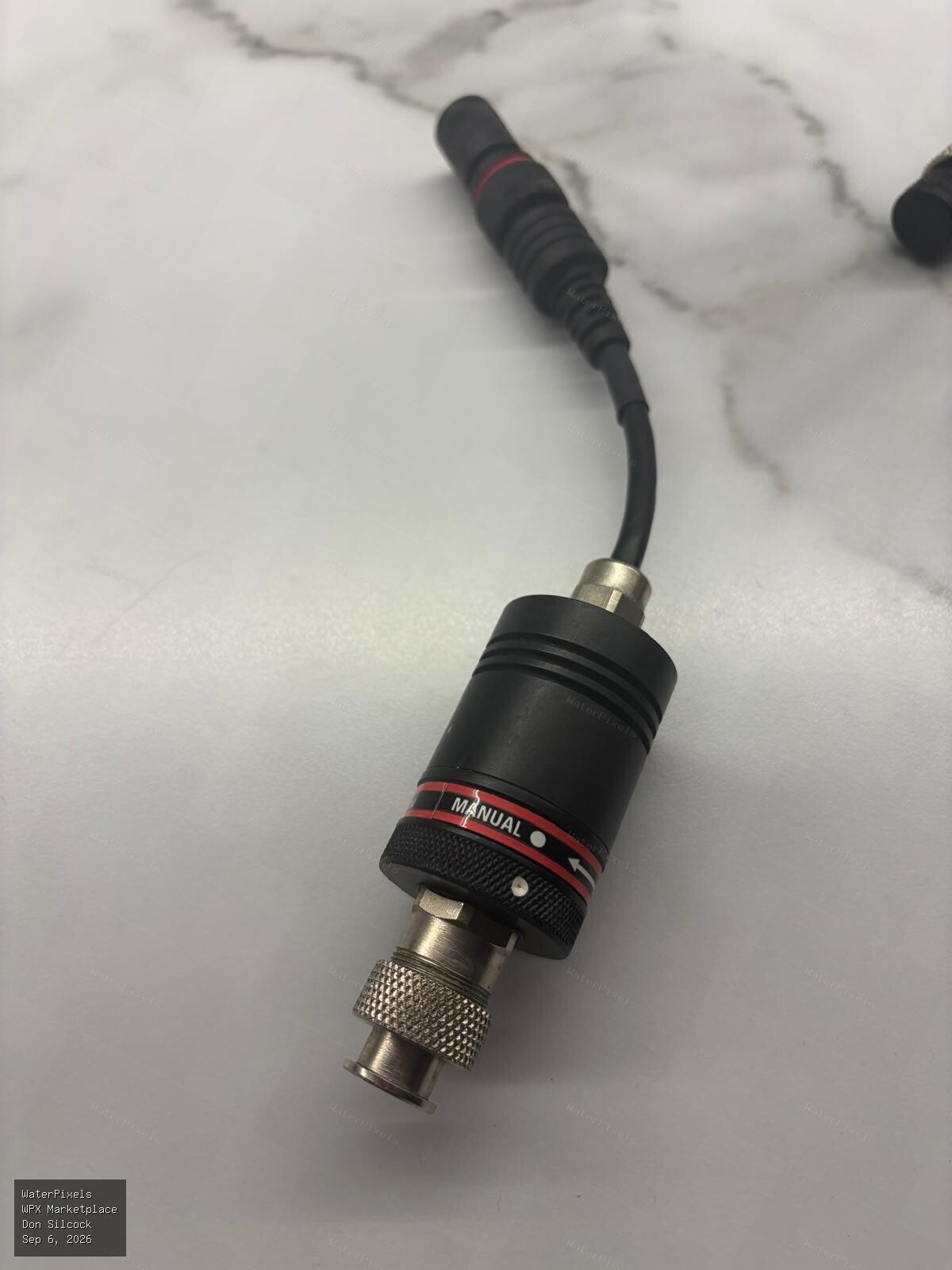
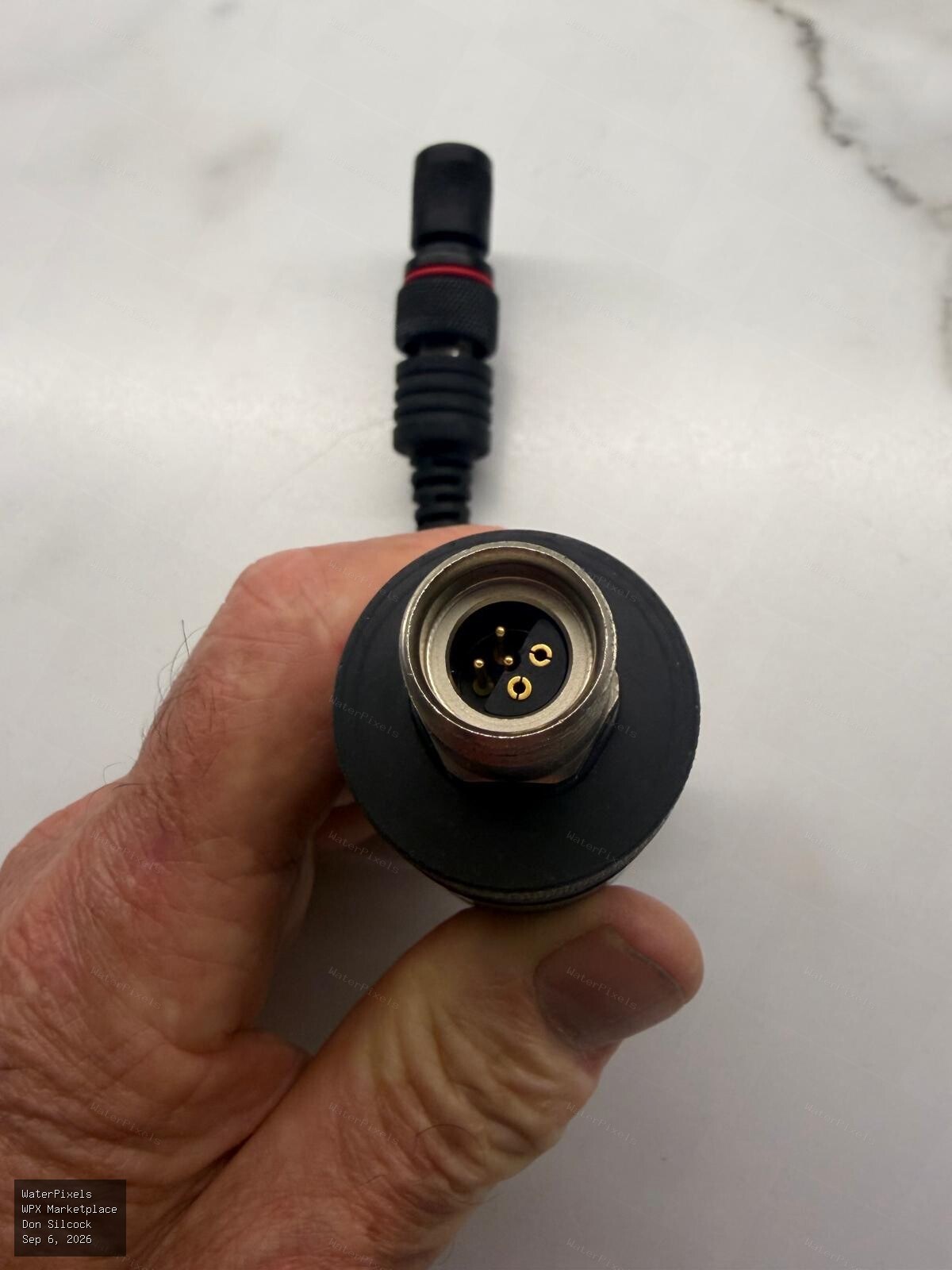 For Sale A$400.00 Sydney
This is the dual cable and TTL adaptor that I used with the Ikelite DS160 strobes. It's hardly been used and is in excellent condition. The dual syn…
-
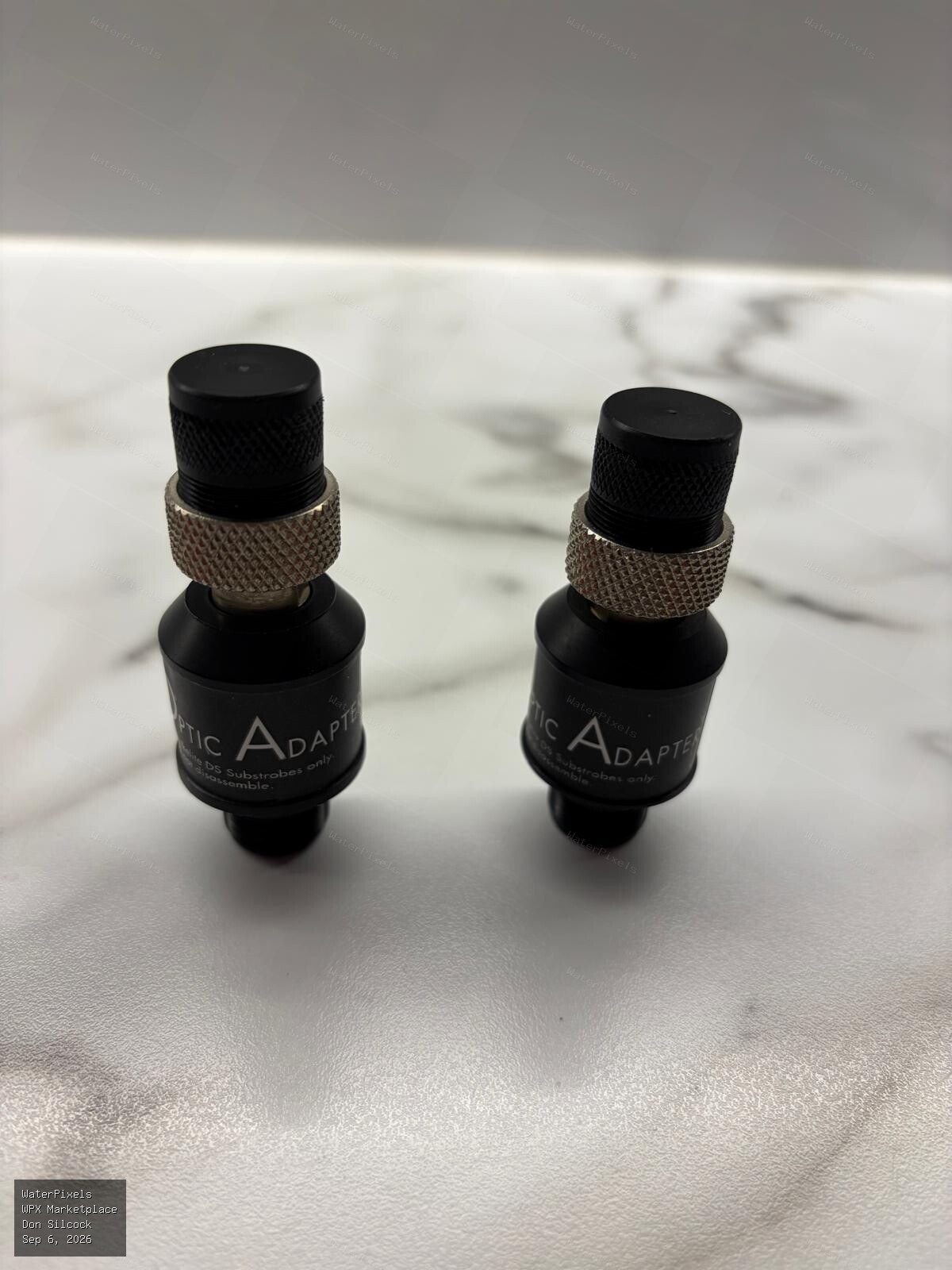
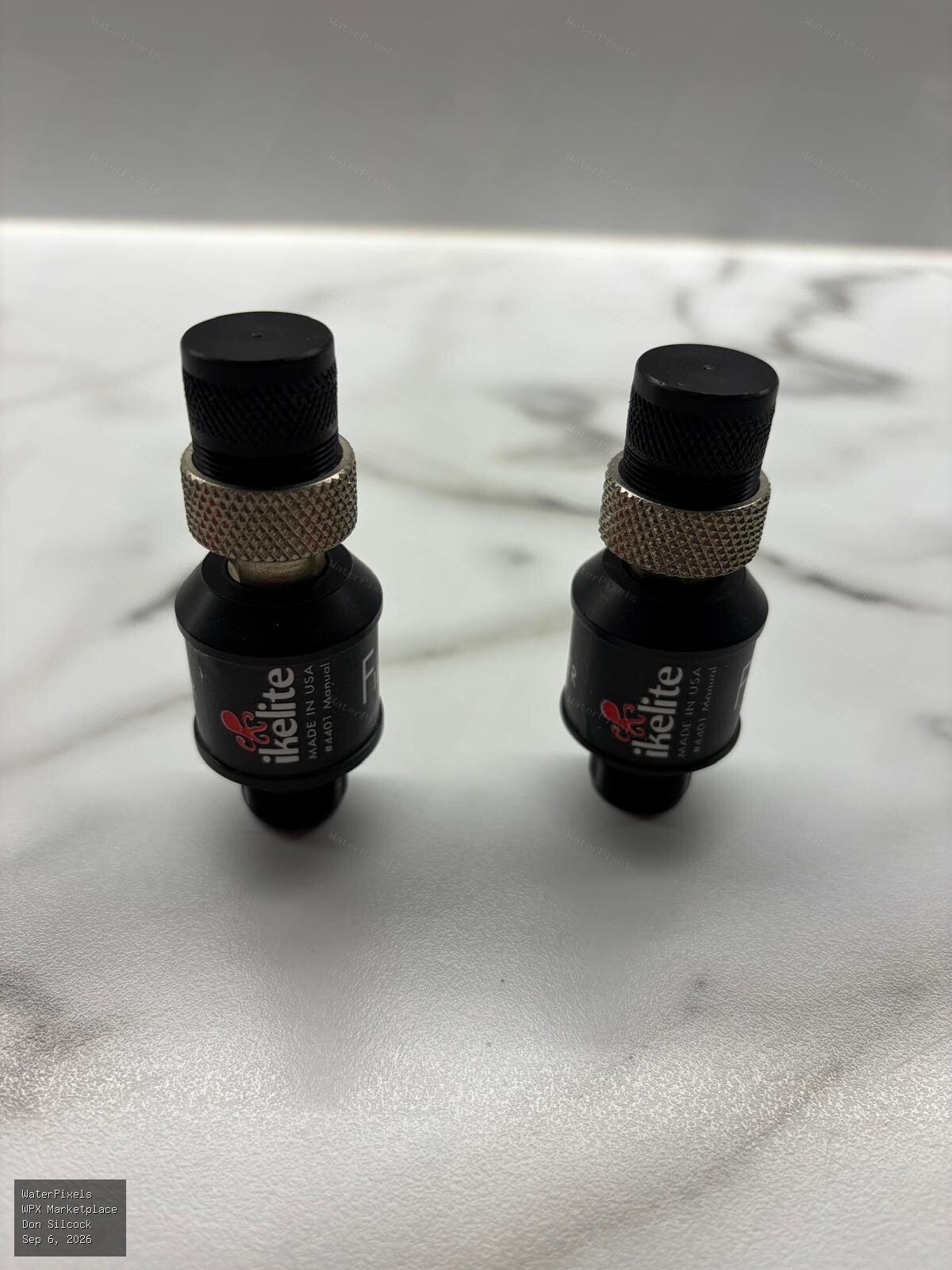
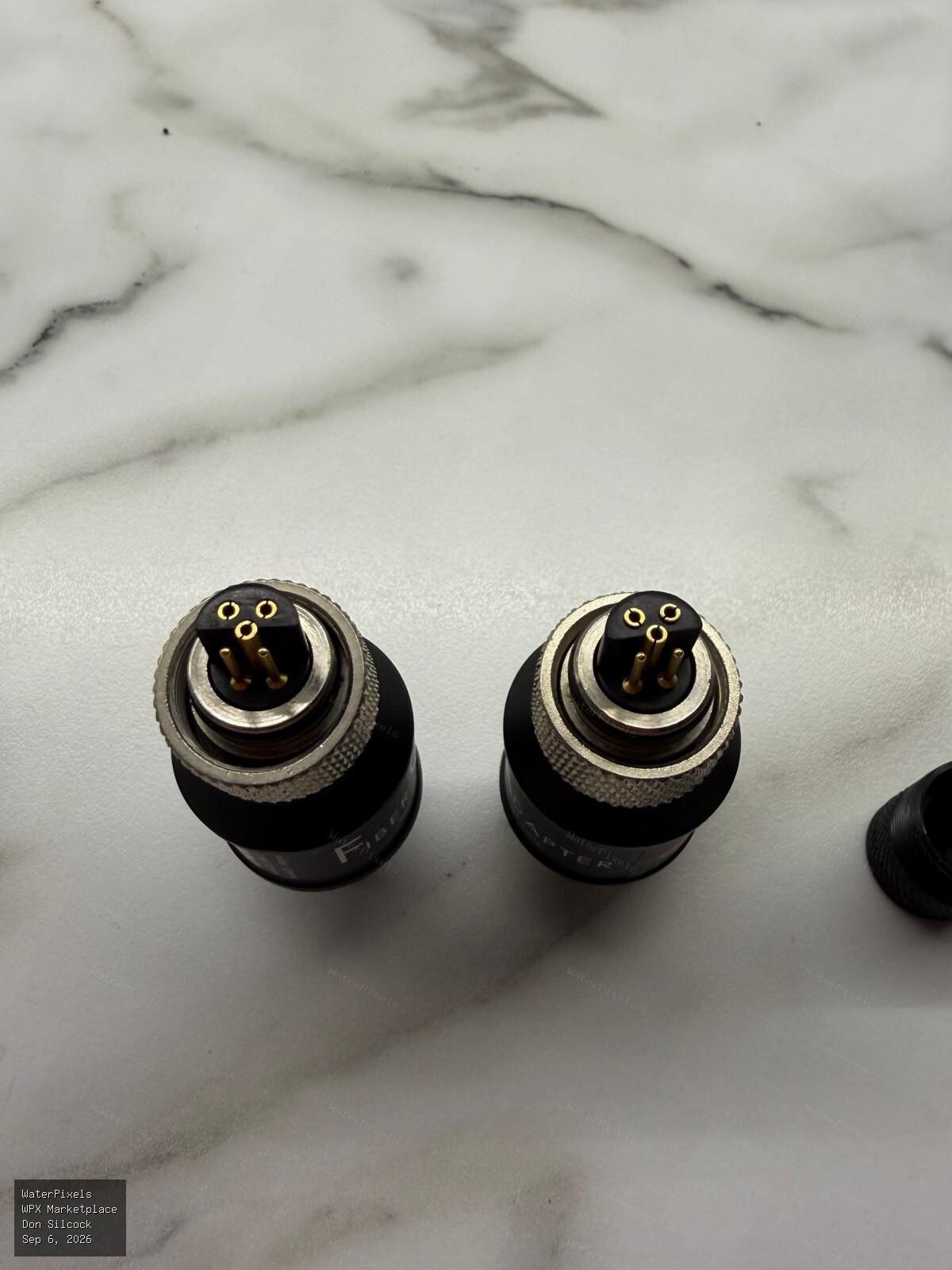 For Sale A$250.00 Sydney
These are a pair of Ikelite fiber optic converters for DS strobes in excellent condition. They retail for A$293 each, so effectively half price. $25…
-
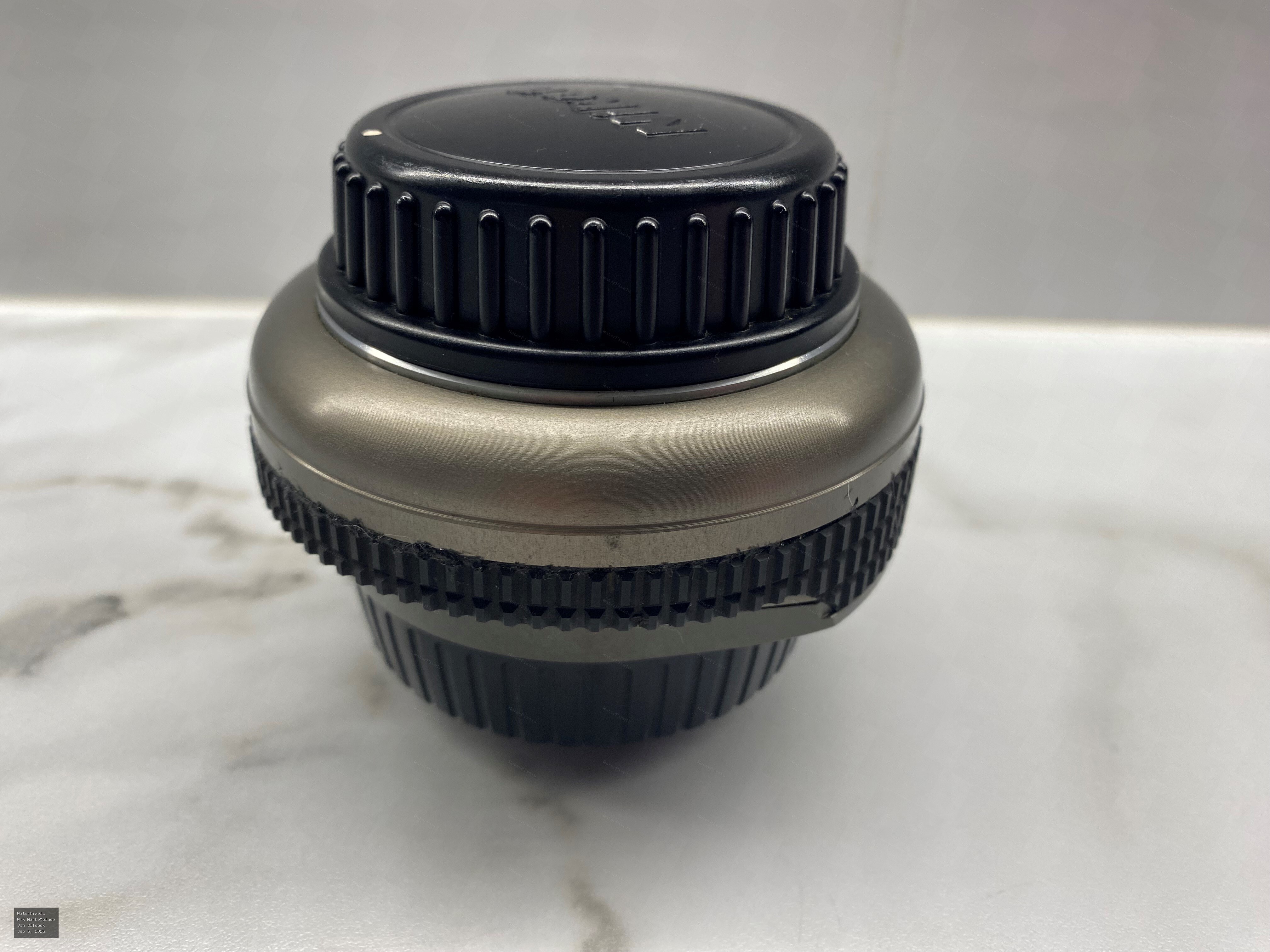
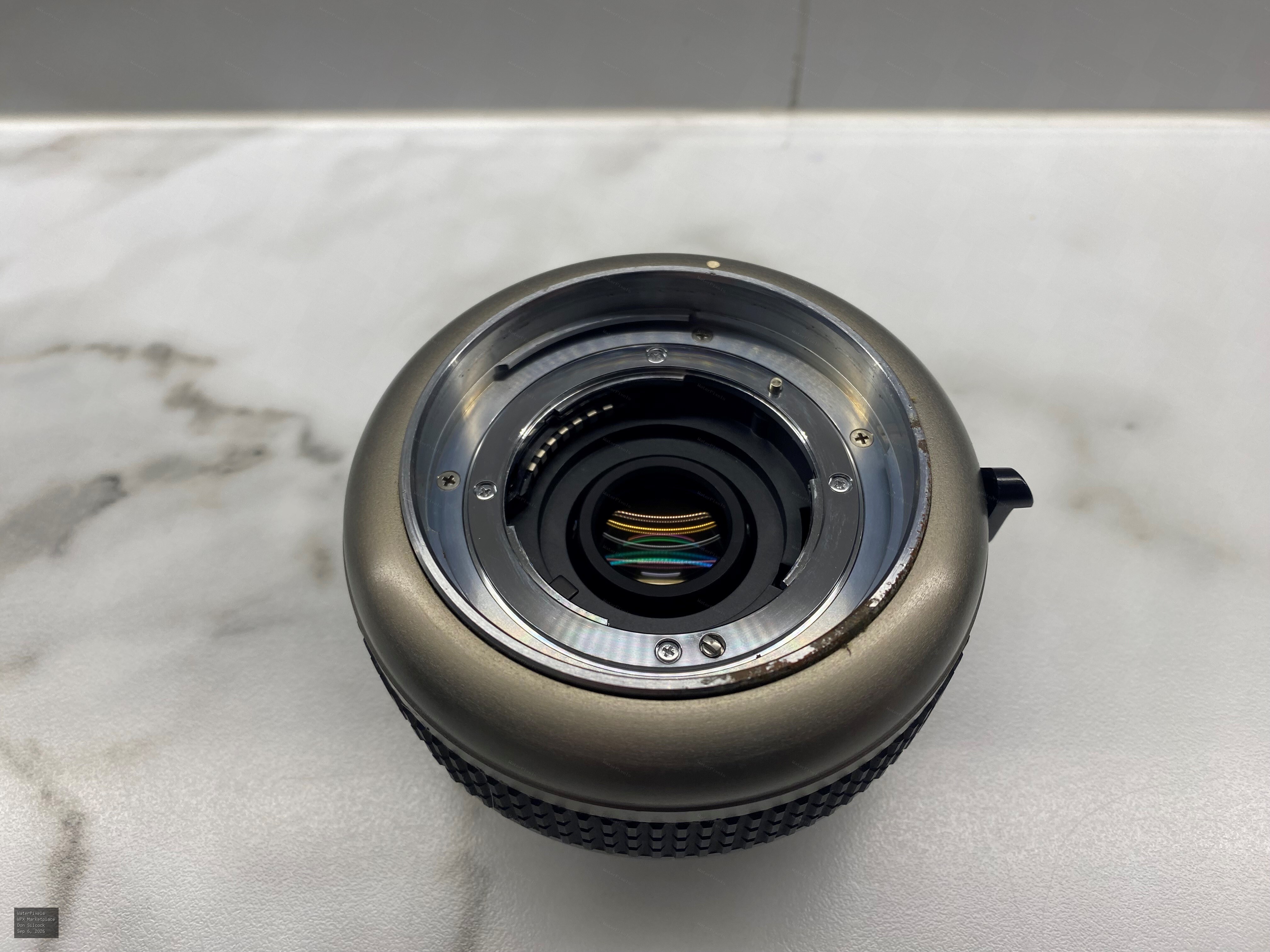
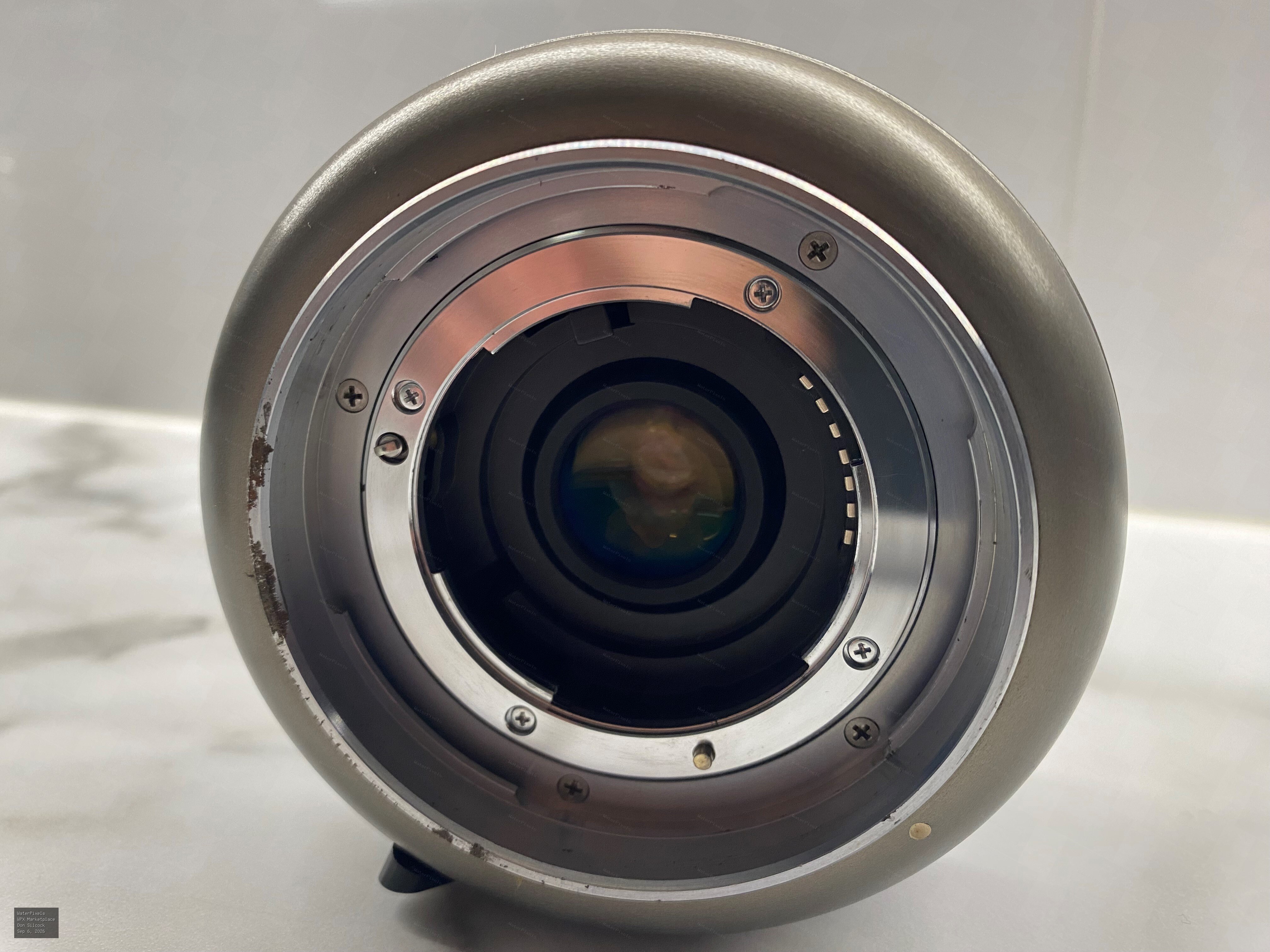 For Sale A$350.00 Sydney
Nikonos RS 2X Underwater TC - Excellent Condition I bought the teleconvertor from a well respected and relaible source in Japan with the intention of…
-
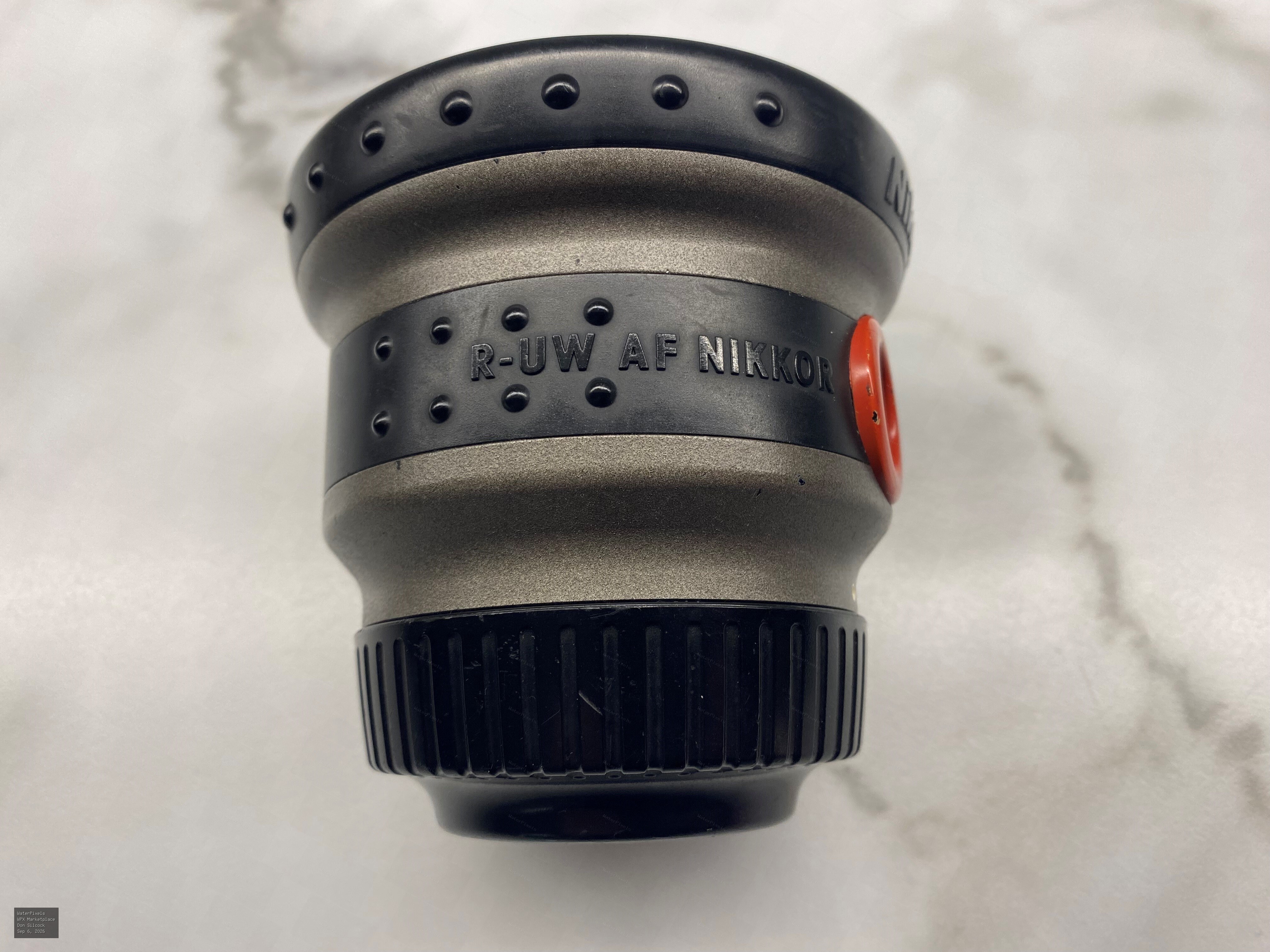
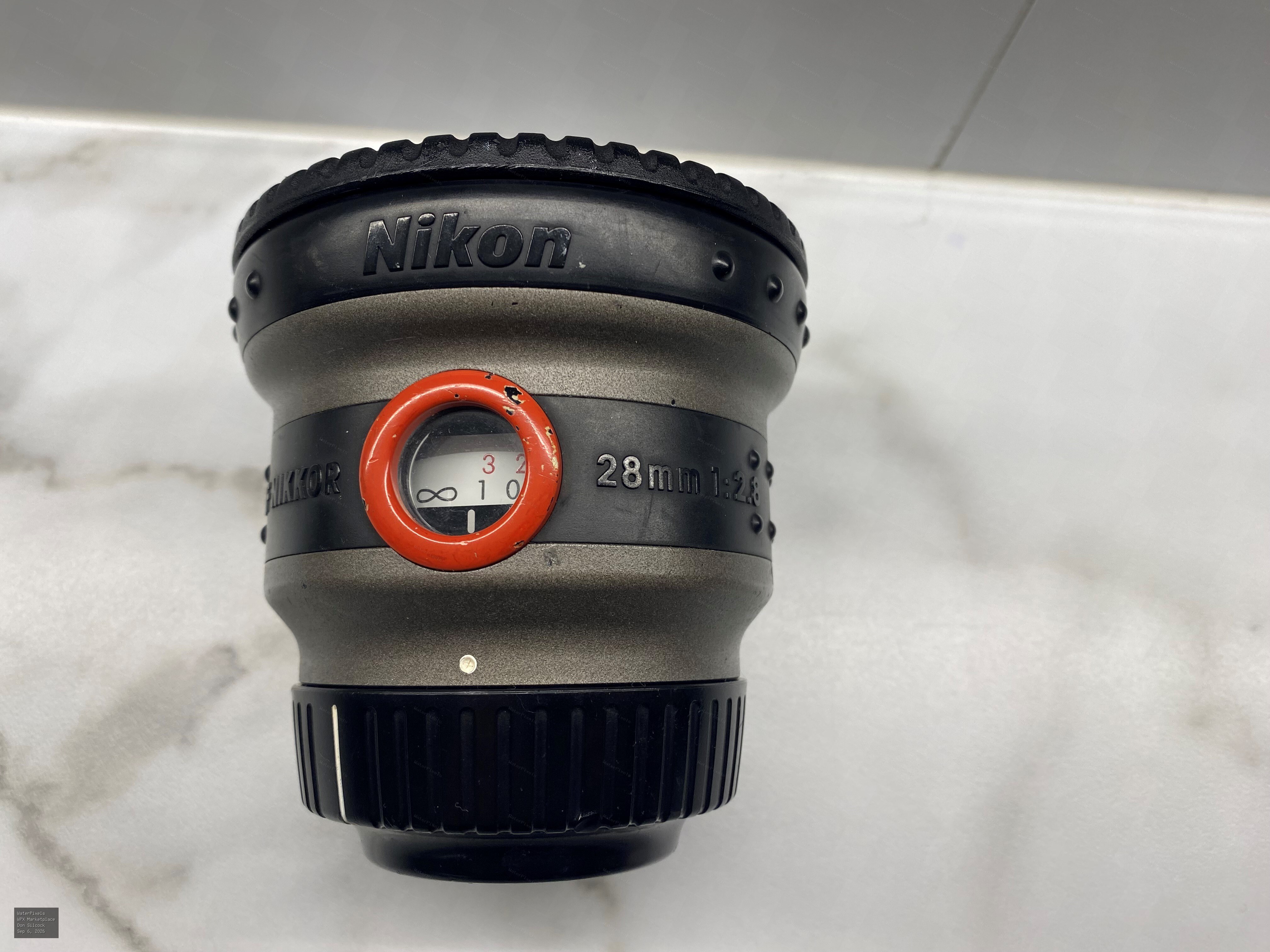
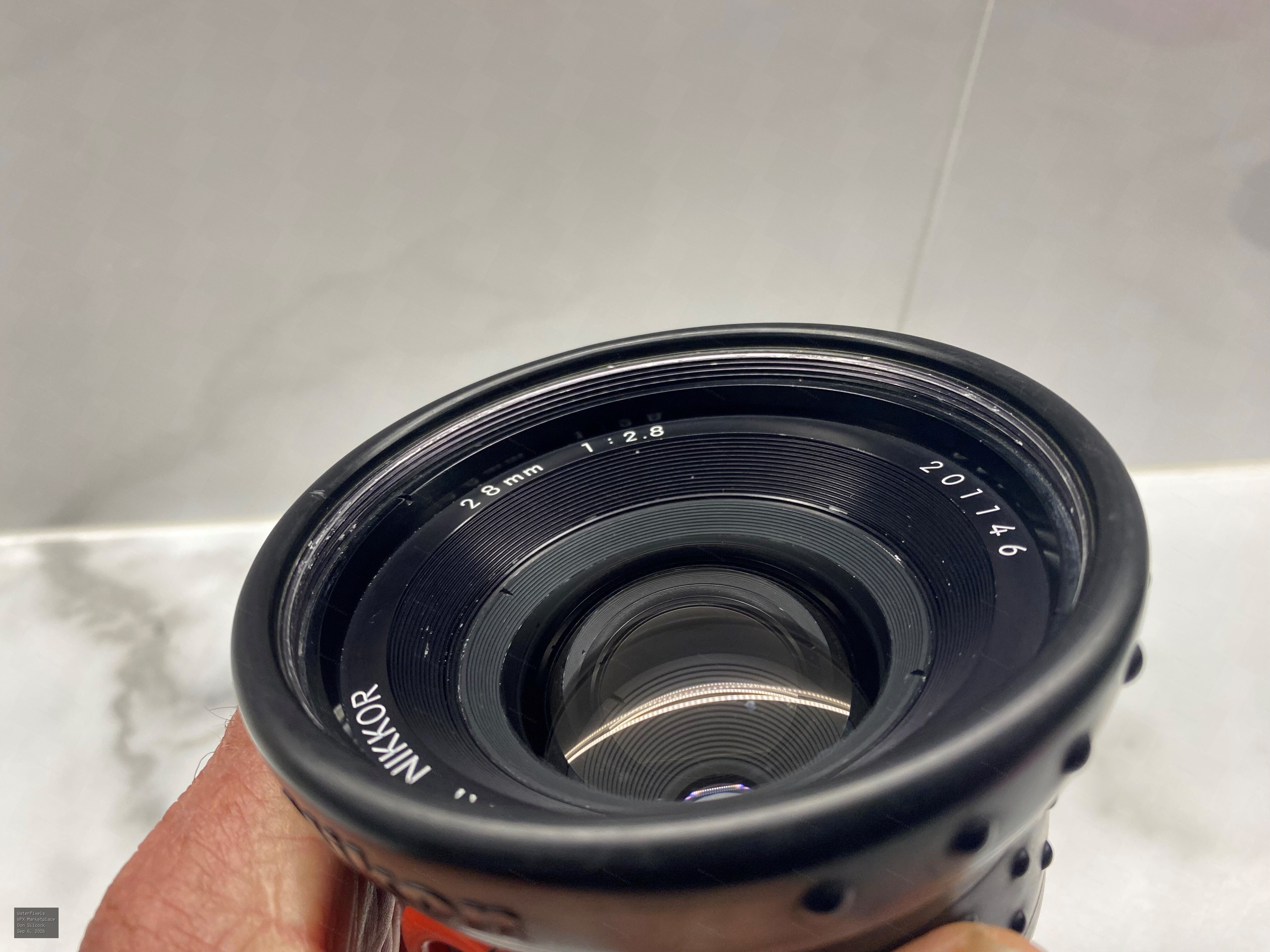 For Sale A$350.00 Sydney
Nikonos R-UW 28mm AF f/2.8 Underwater Lens for Nikonos RS Camera I bought this lens from a well respected and relaible source in Japan with the inten…
-
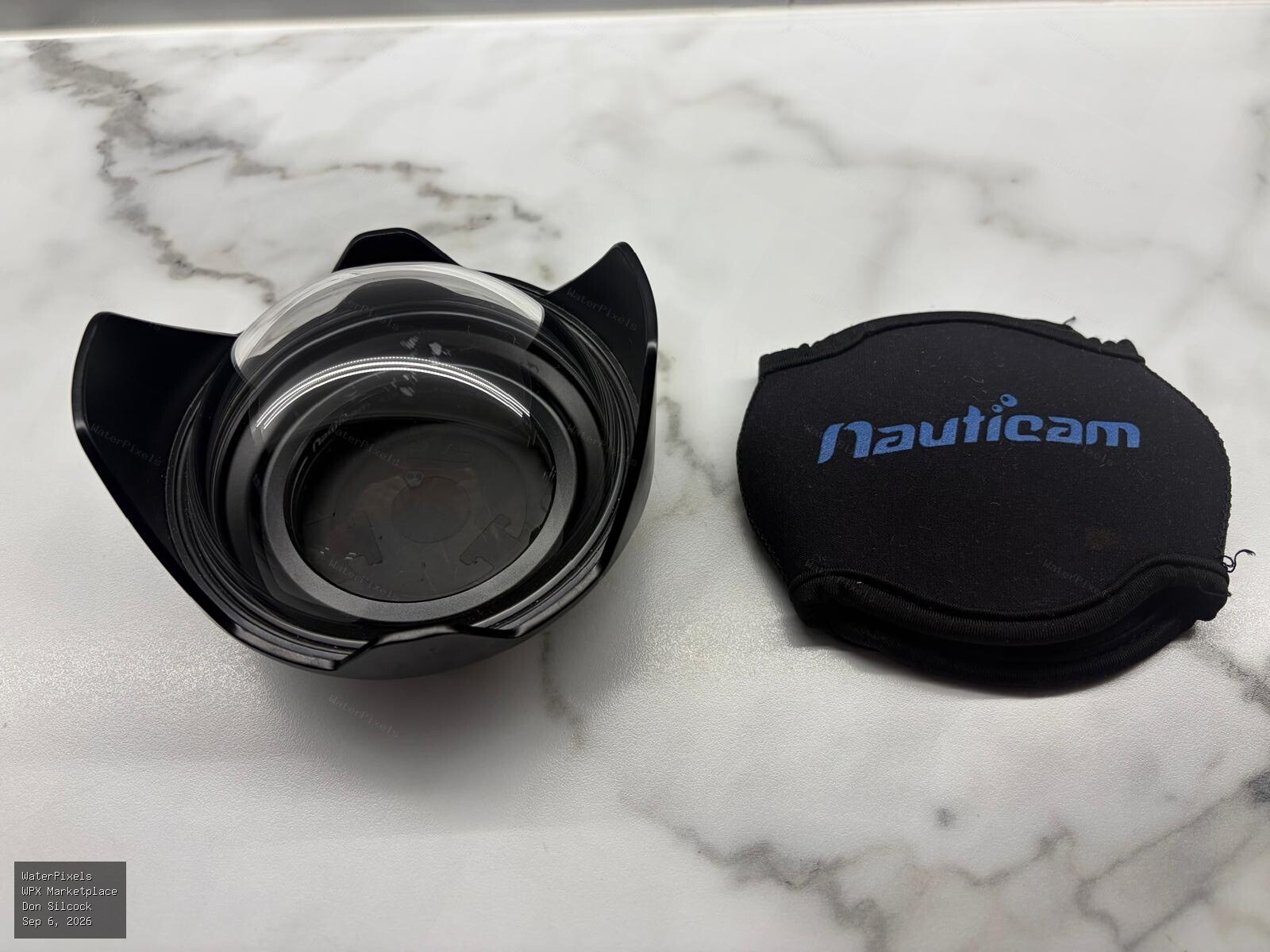
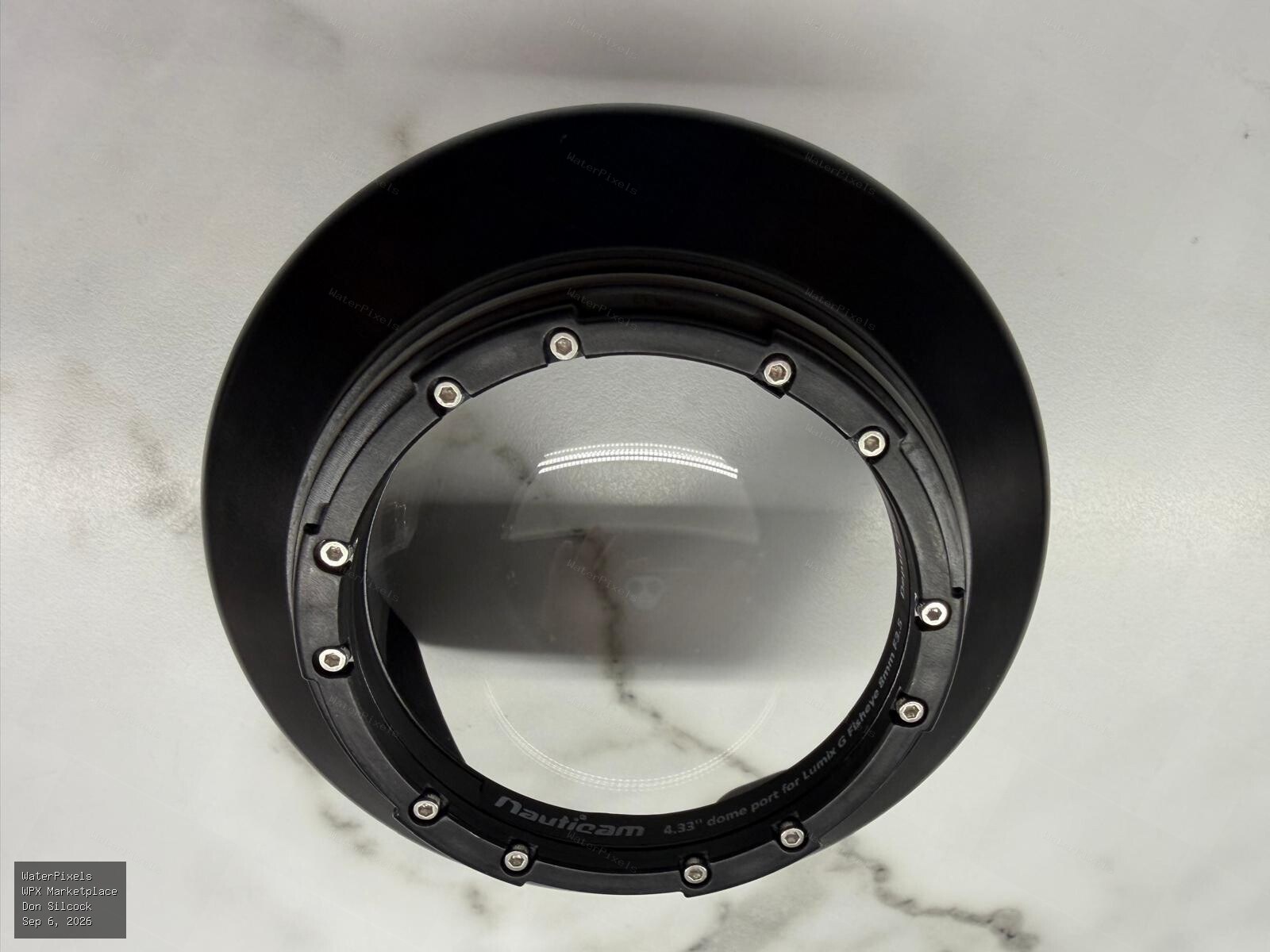
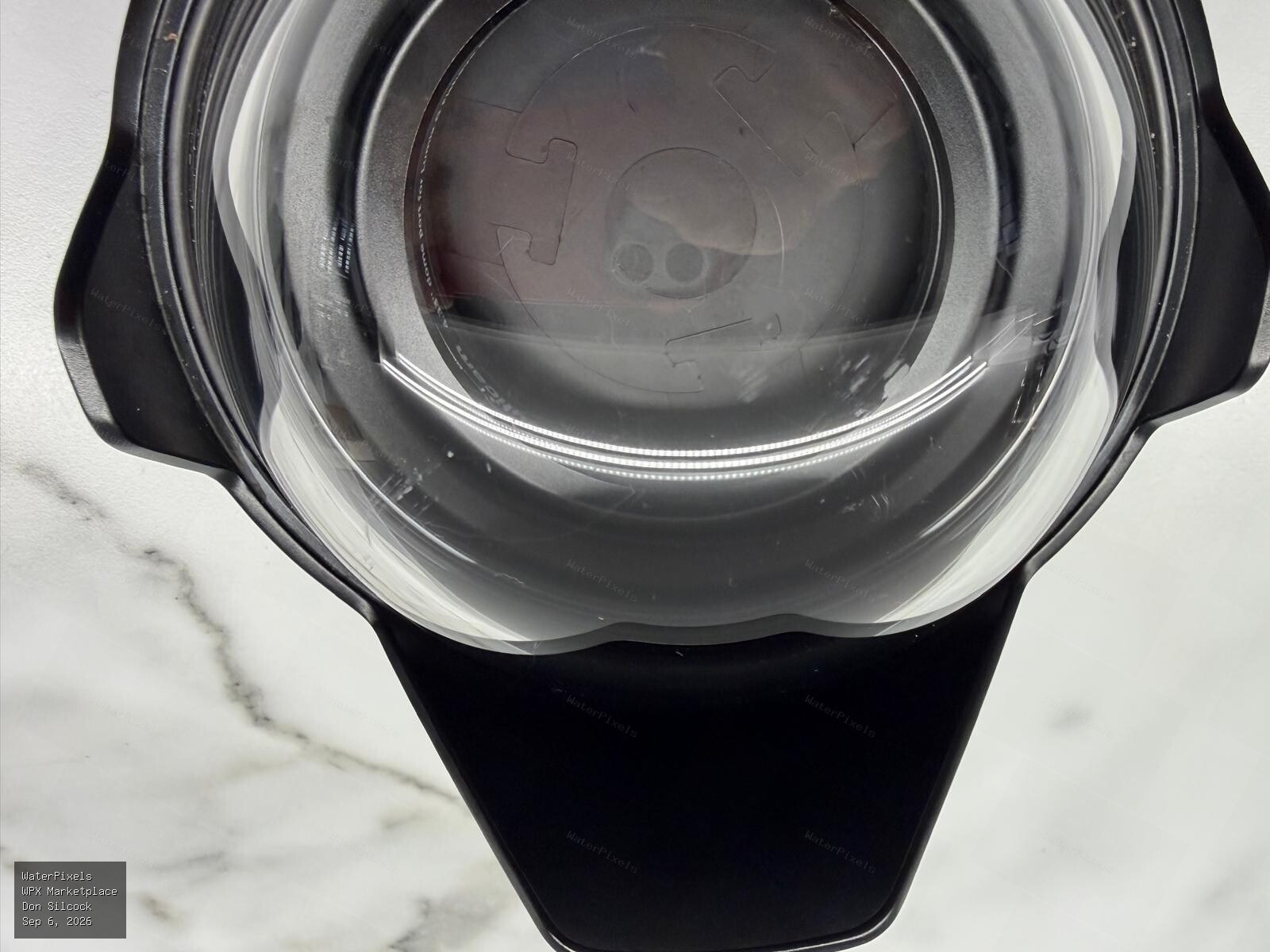 For Sale A$350.00 Sydney
This is the dedicated 4.33" dome for the Panasonic 8mm fisheye. It's an N85 bayonet fitting for the Nauticam housings for the M43 cameras. I used it …
-
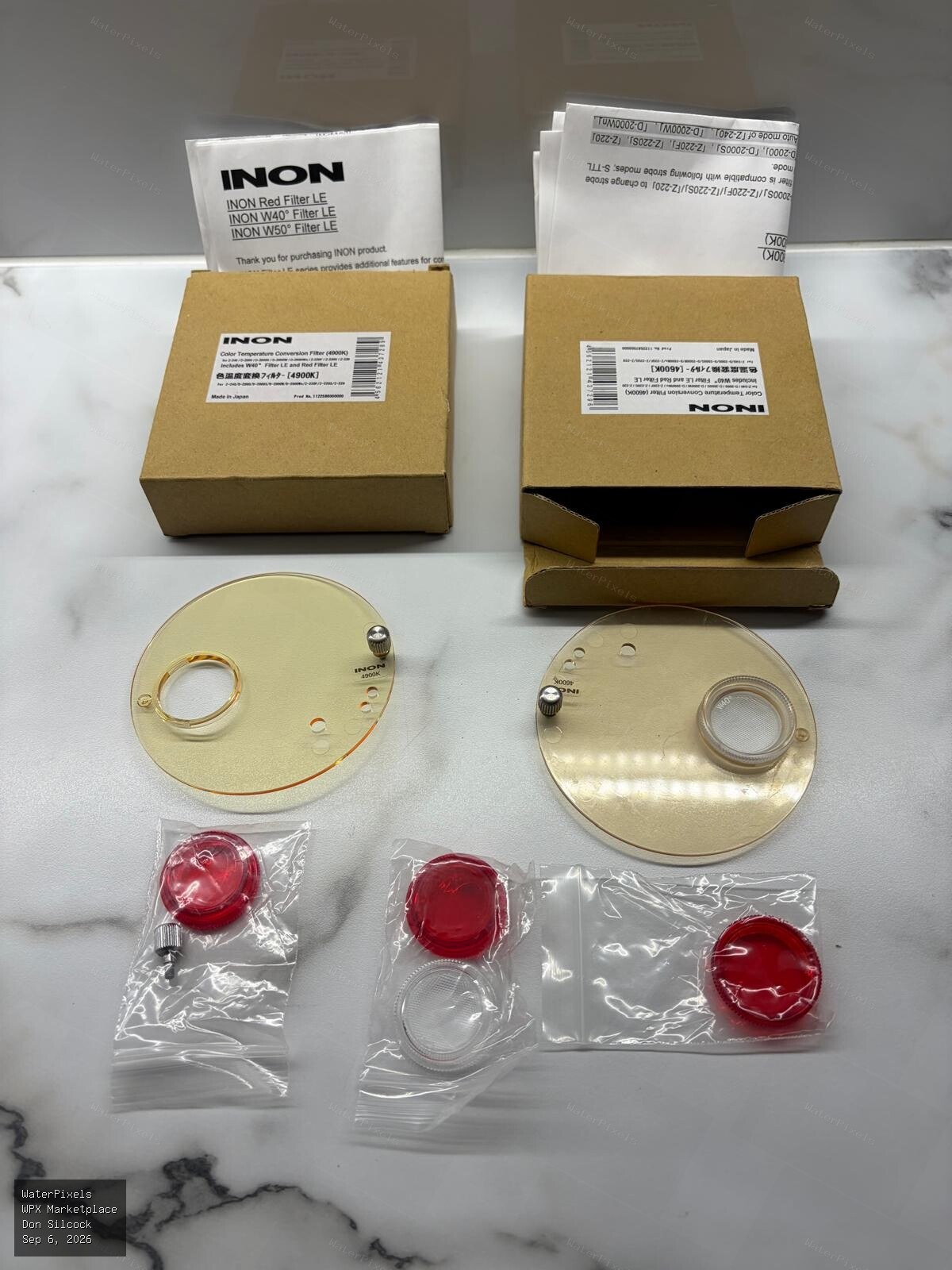 For Sale A$30.00 Sydney
I have moved to Seacam and am having a clearout of all the underwater photography equipment I am no longer using. These are a pair of INON Color Temp…
-
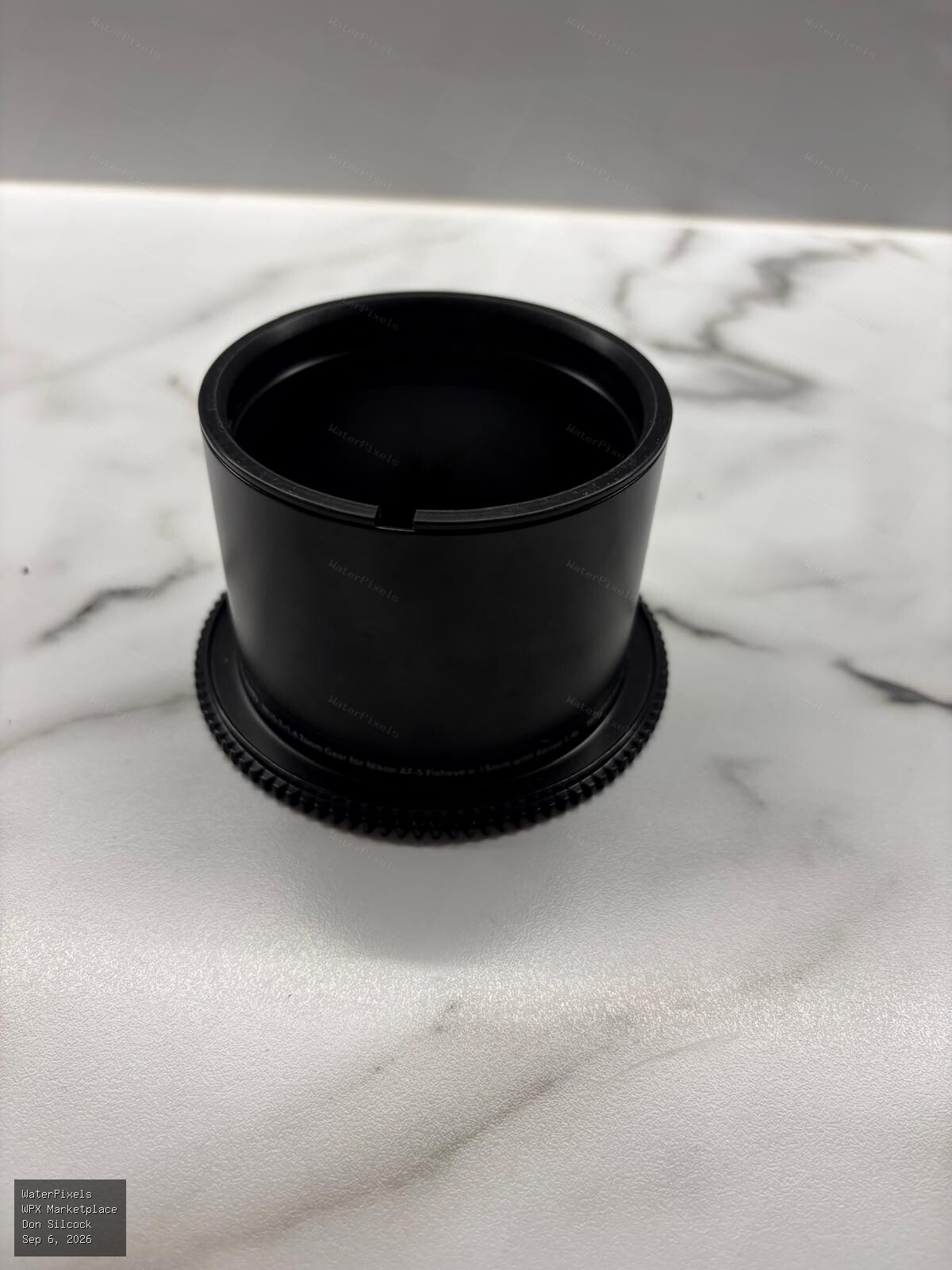
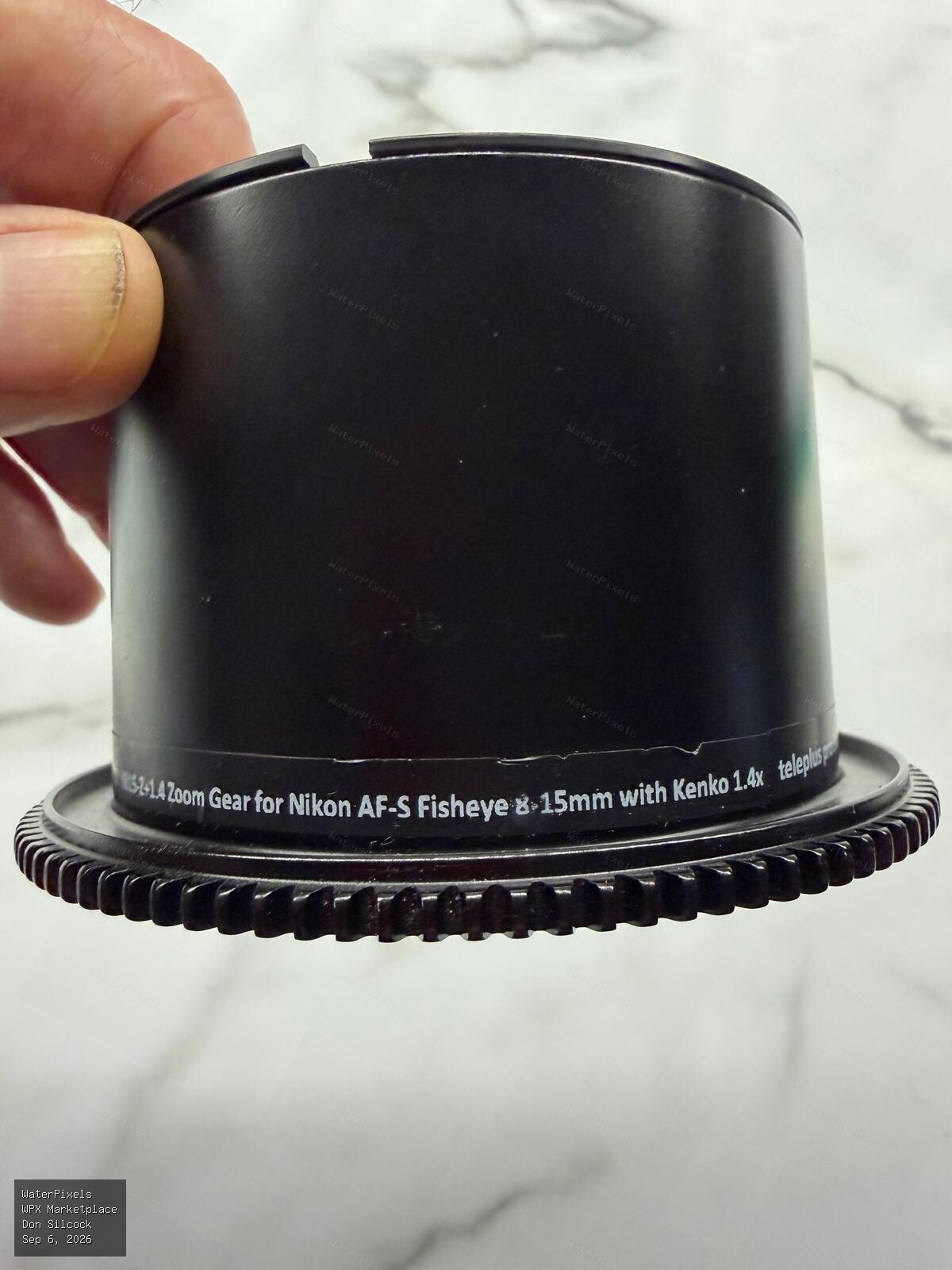 For Sale A$150.00 Sydney
I have moved to Seacam and am having a clearout of all the underwater photography equipment I am no longer using. This is the Nauticam N815-Z + 1.4 Z…
-
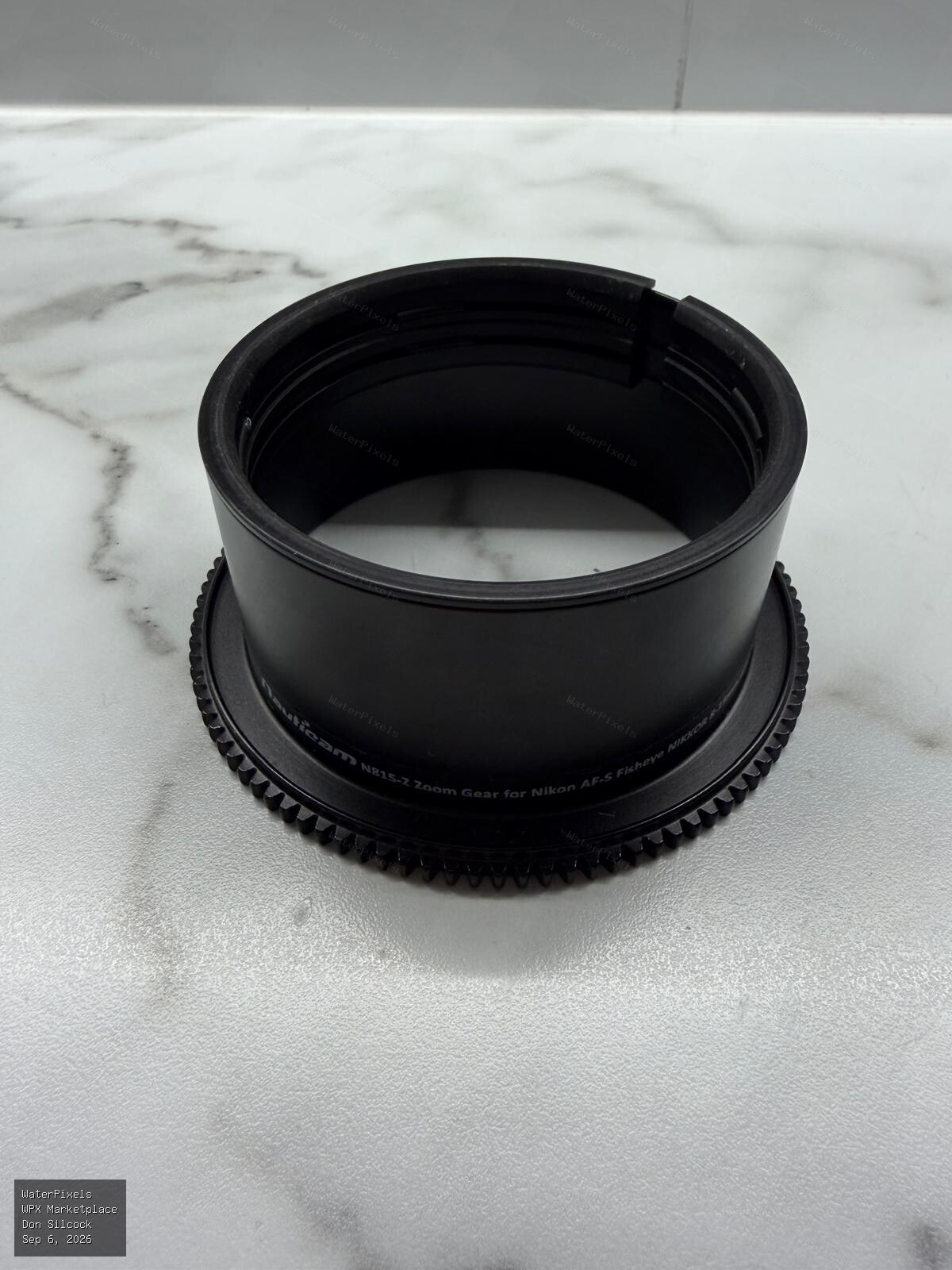
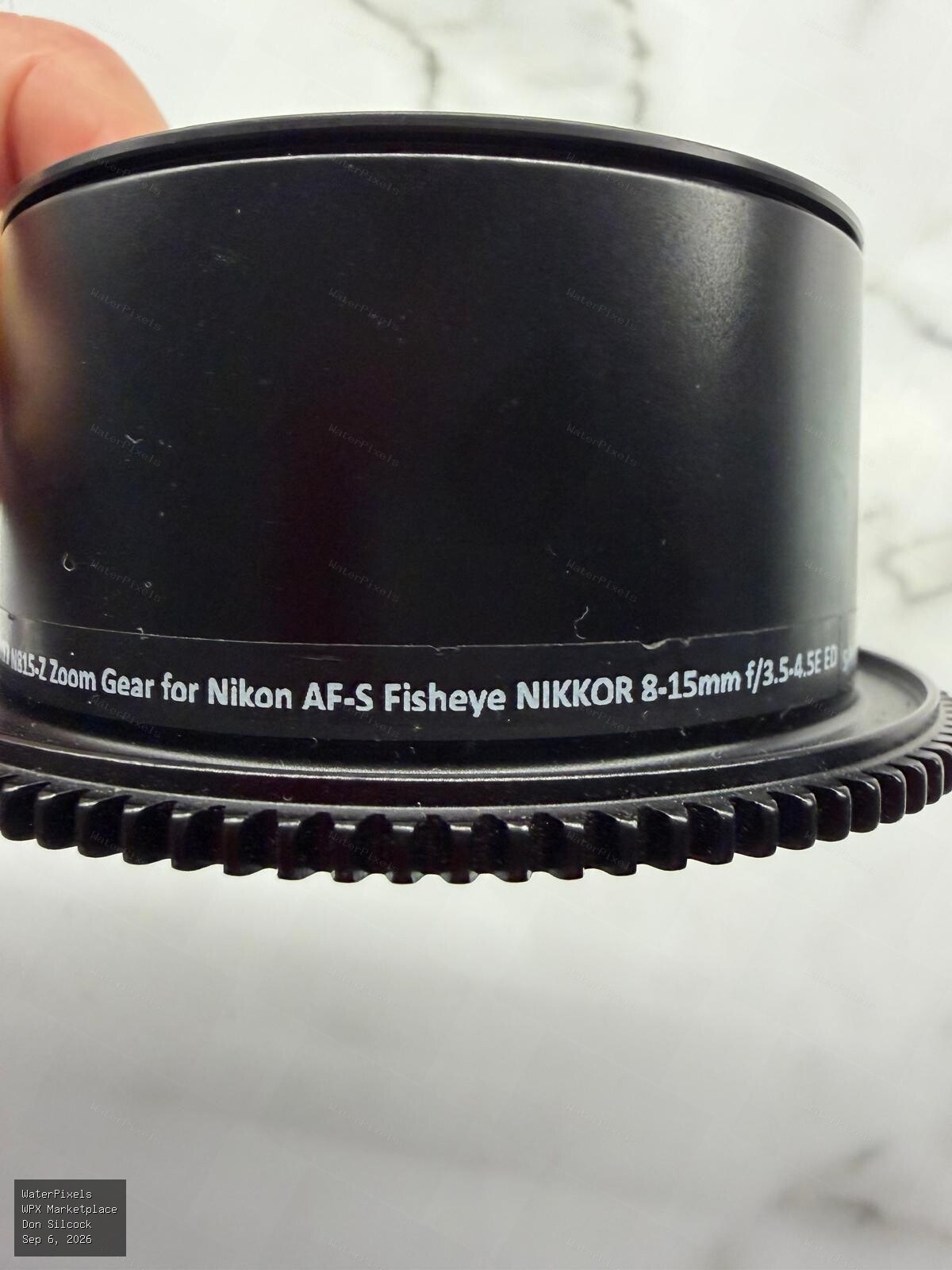 For Sale A$150.00 Sydney
I have moved to Seacam and am having a clearout of all the underwater photography equipment I am no longer using. This is the Nauticam N815-Z Zoom Ge…
-
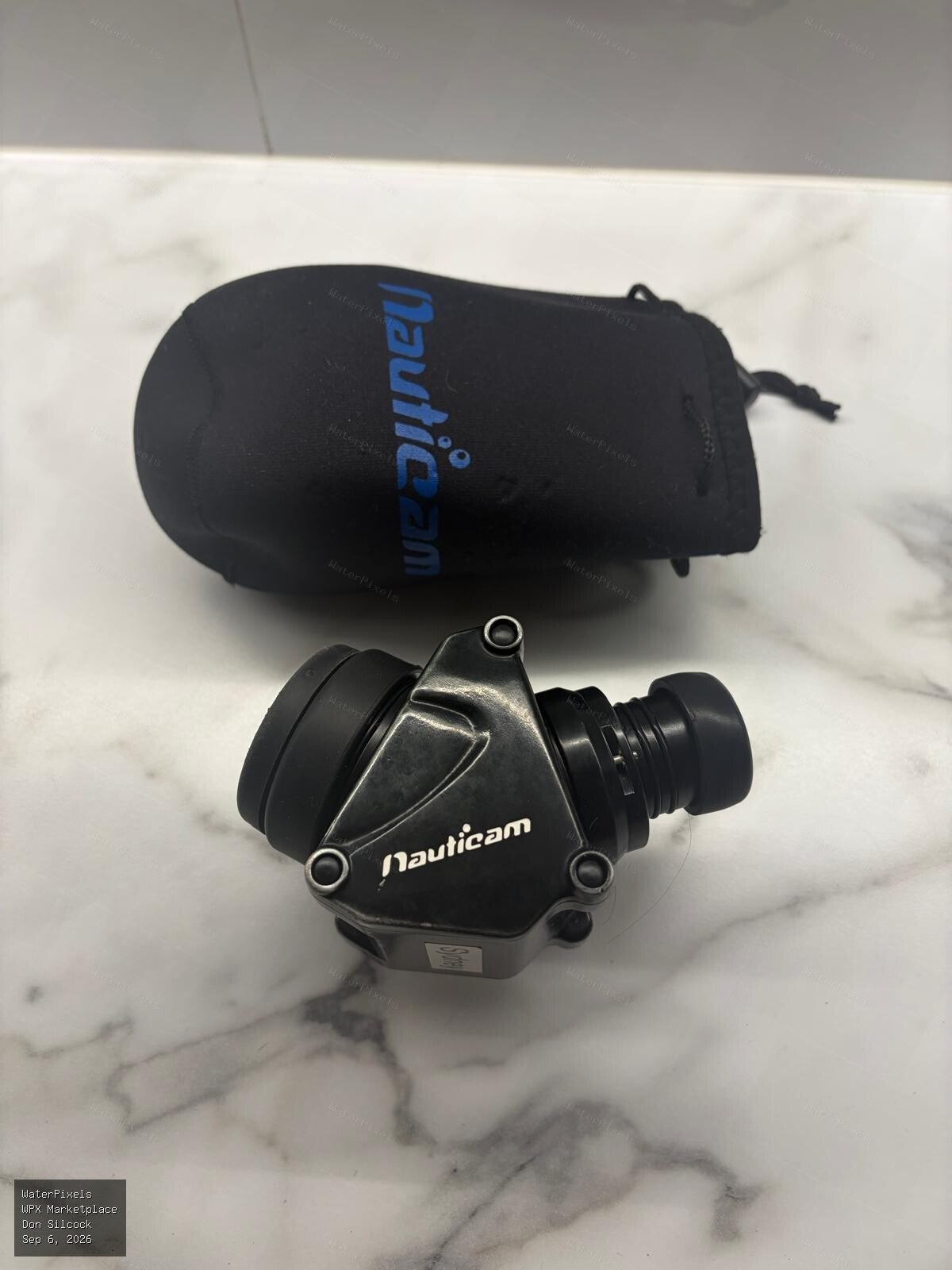
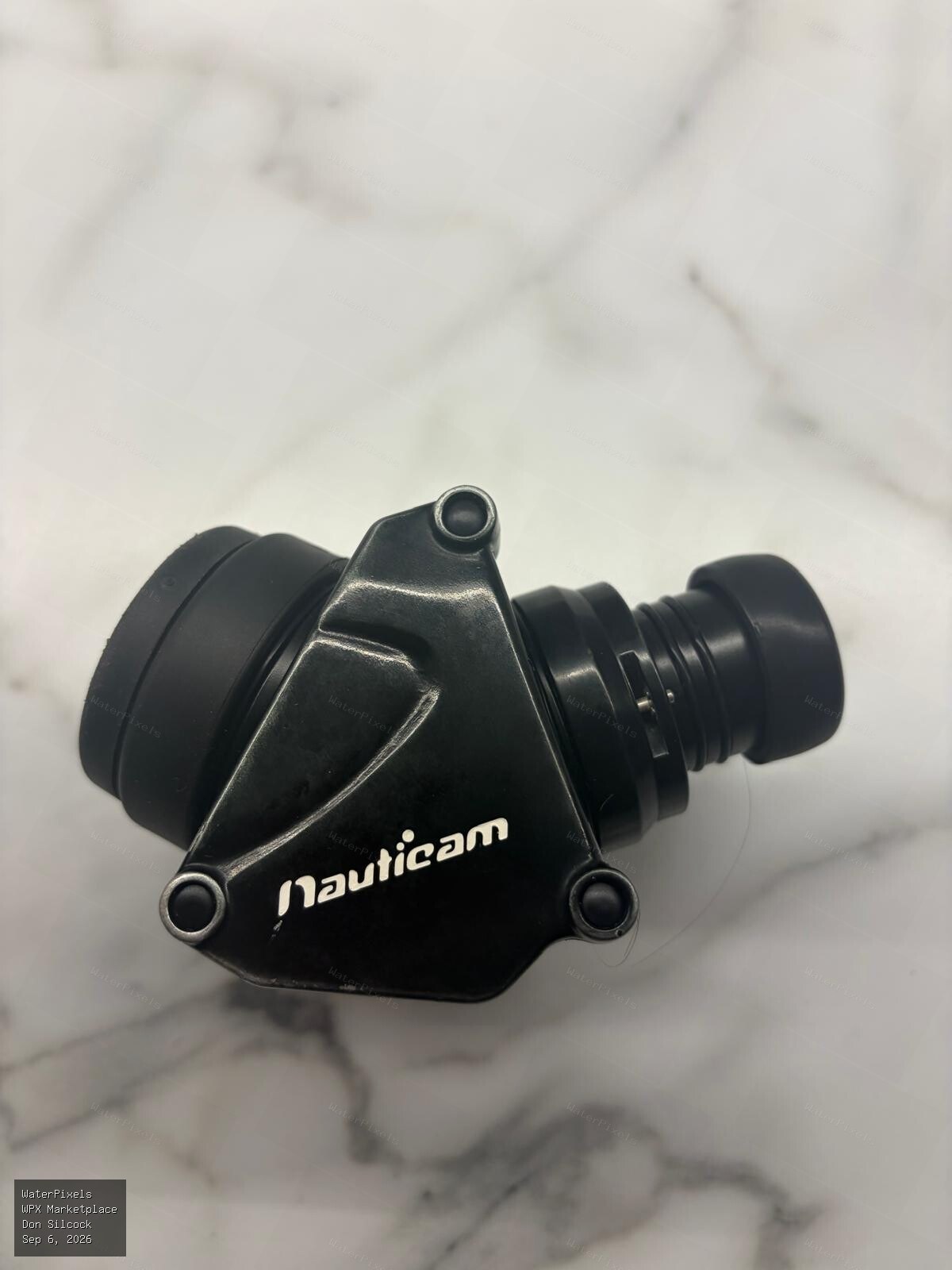
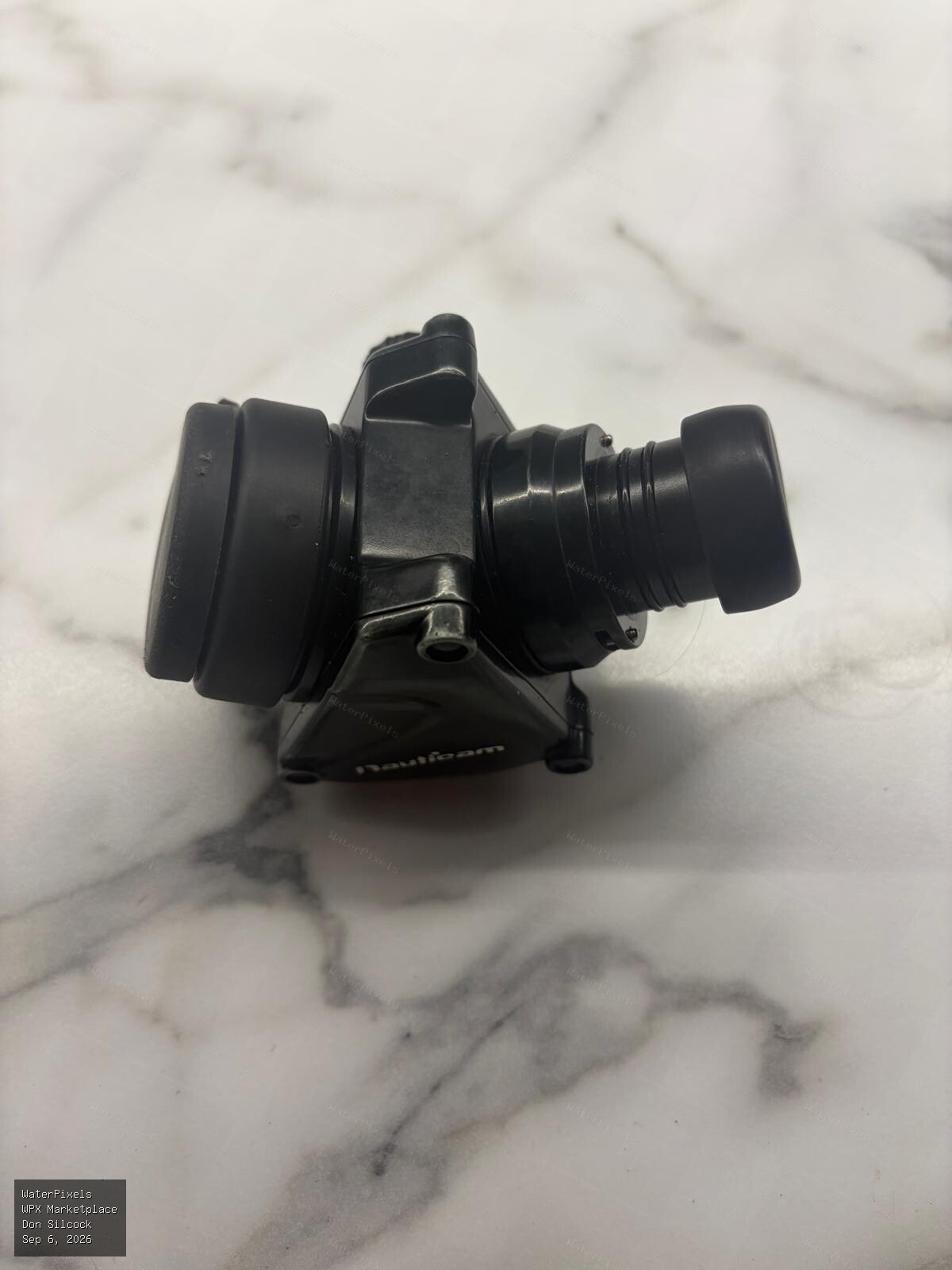 For Sale A$750.00 Sydney
I have moved to Seacam and am having a clearout of all the underwater photography equipment I am no longer using. This is the Nauticam 32203 45 Viewf…
-
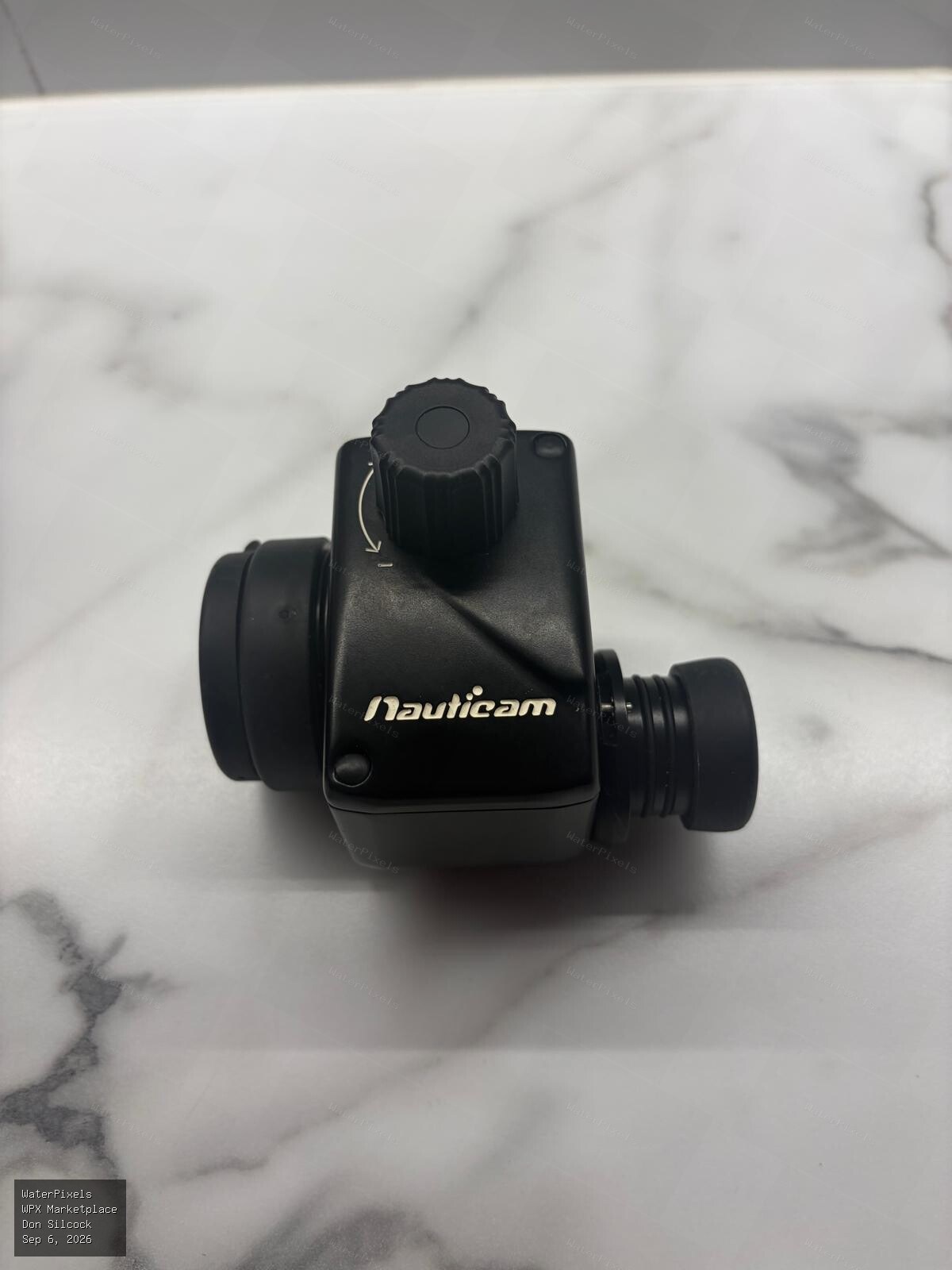
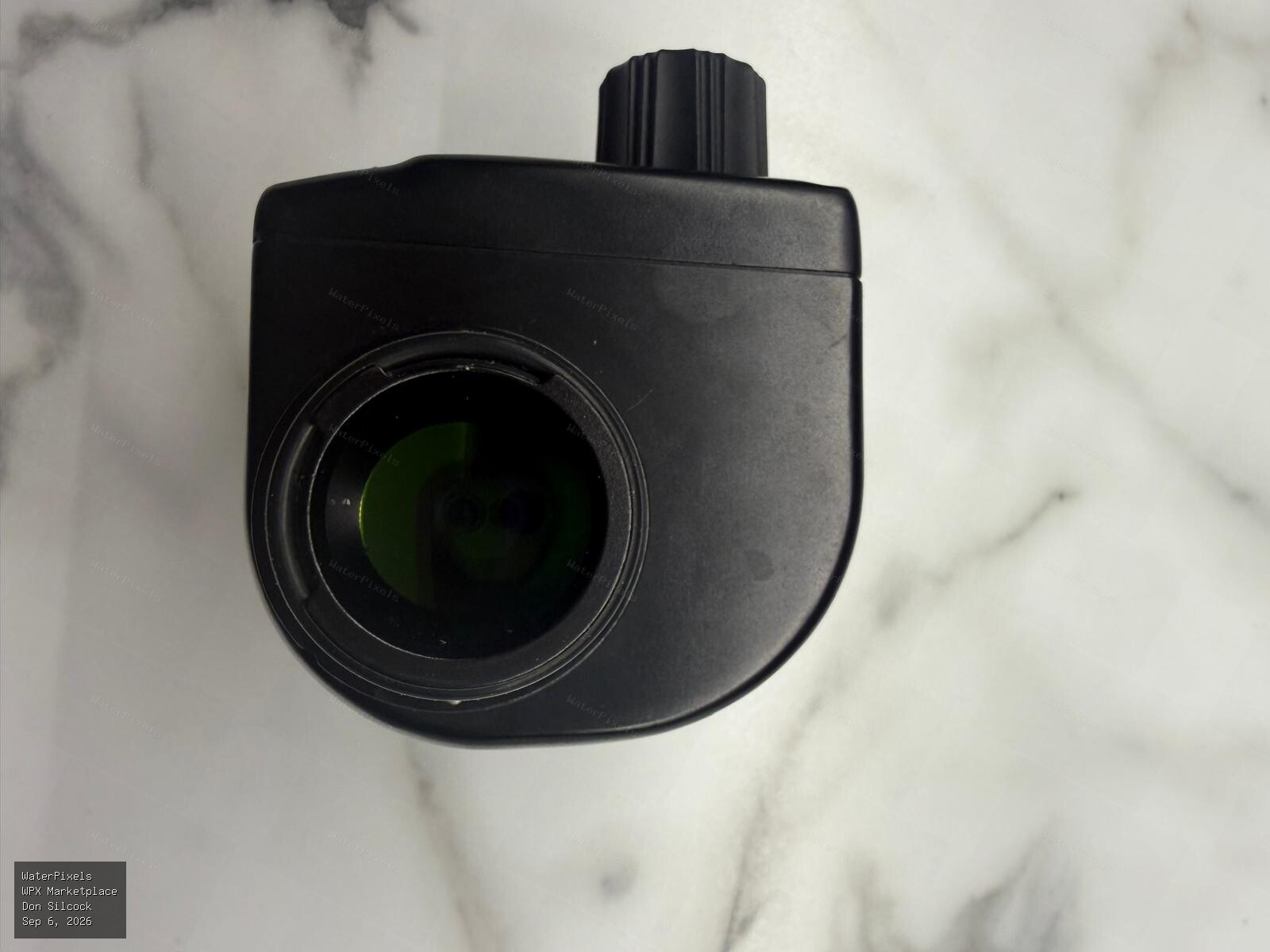
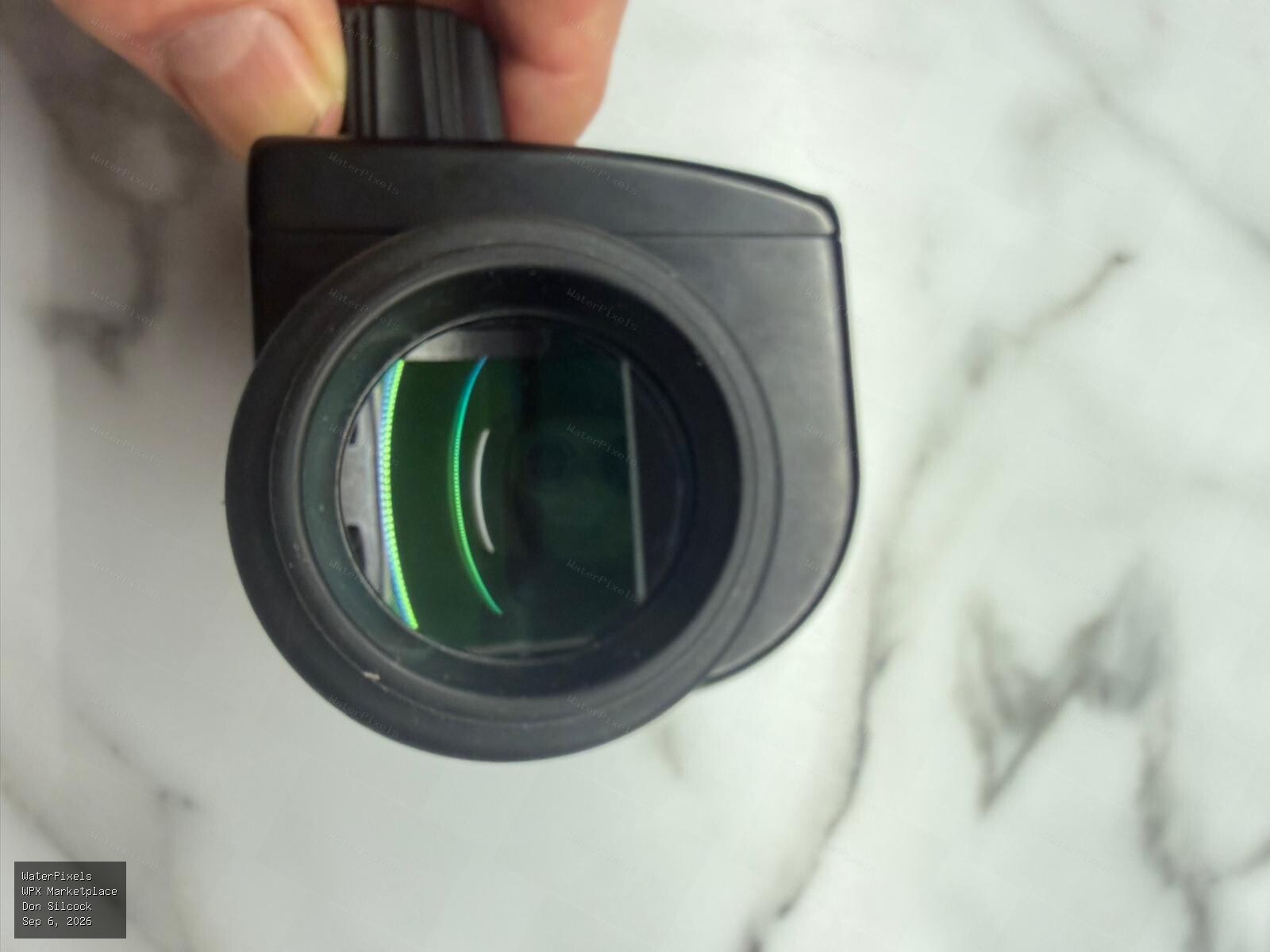 For Sale A$900.00 Sydney
I have moved to Seacam and am having a clearout of all the underwater photography equipment I am no longer using. This is the Nauticam 32201 180 Stra…
-
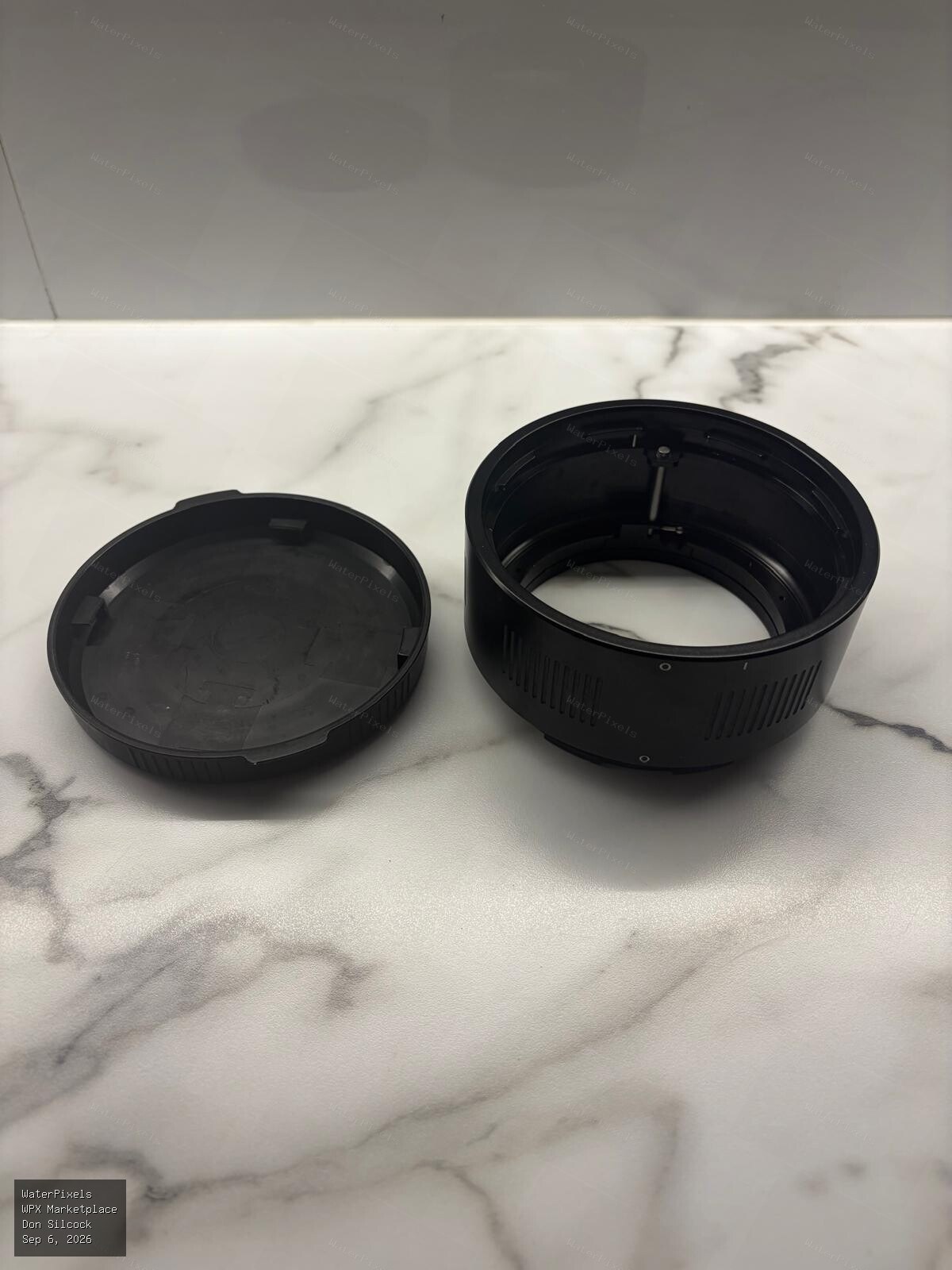
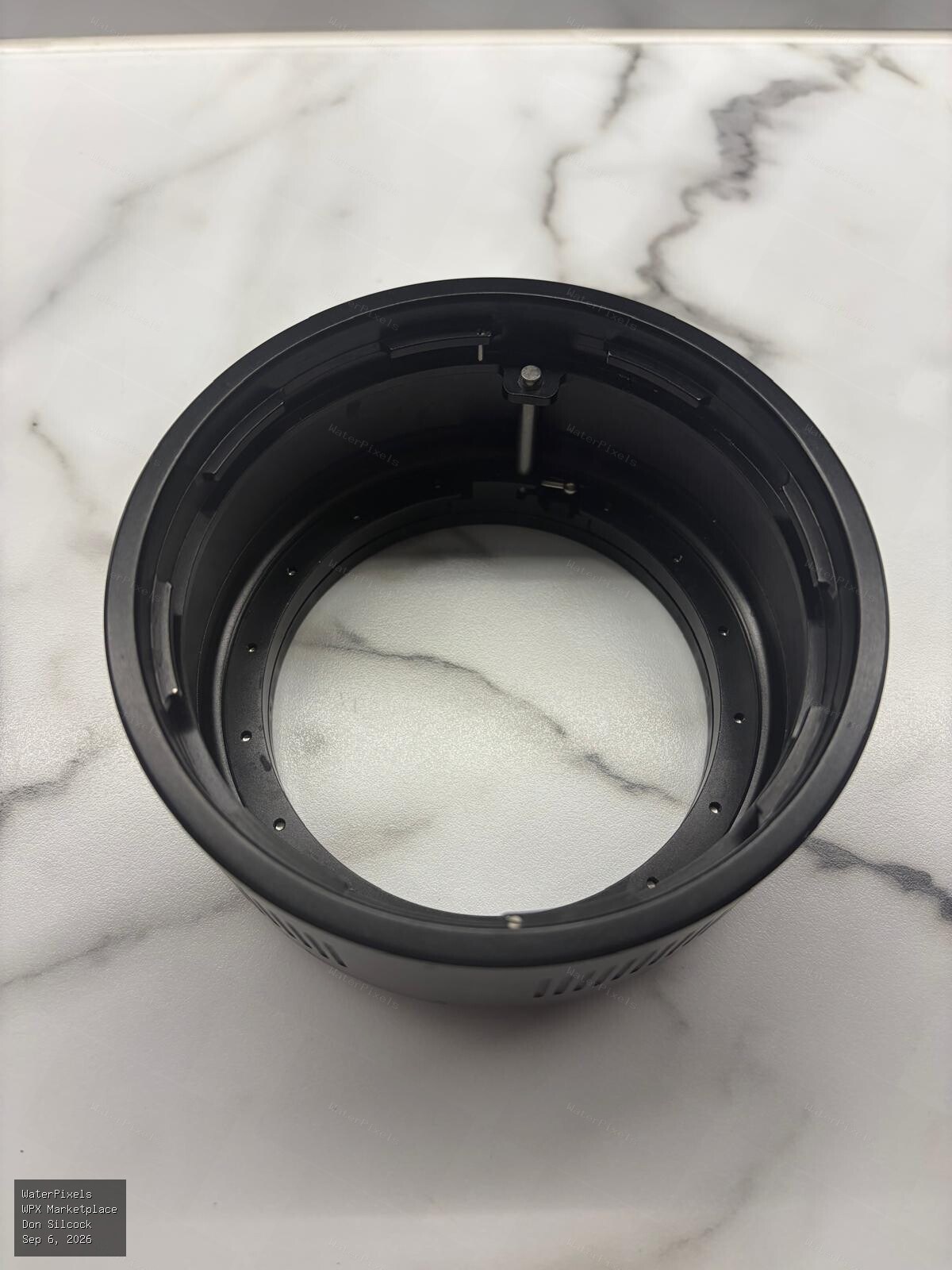
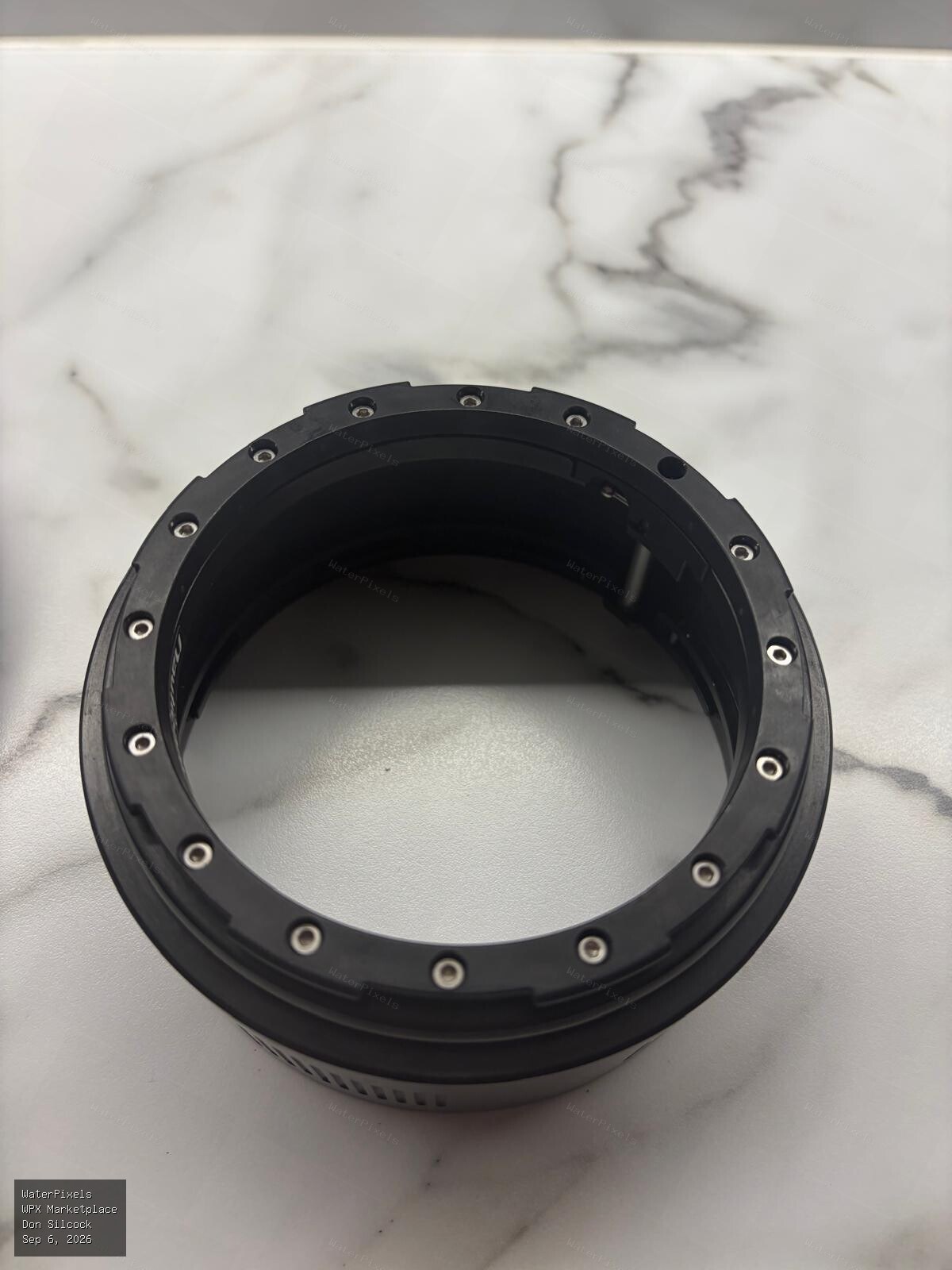 For Sale A$270.00 Sydney
Nauticam N120 50mm extension ring - no longer available new as they have been replaced by the very expensive MkII version which retails for A$980 here…
-
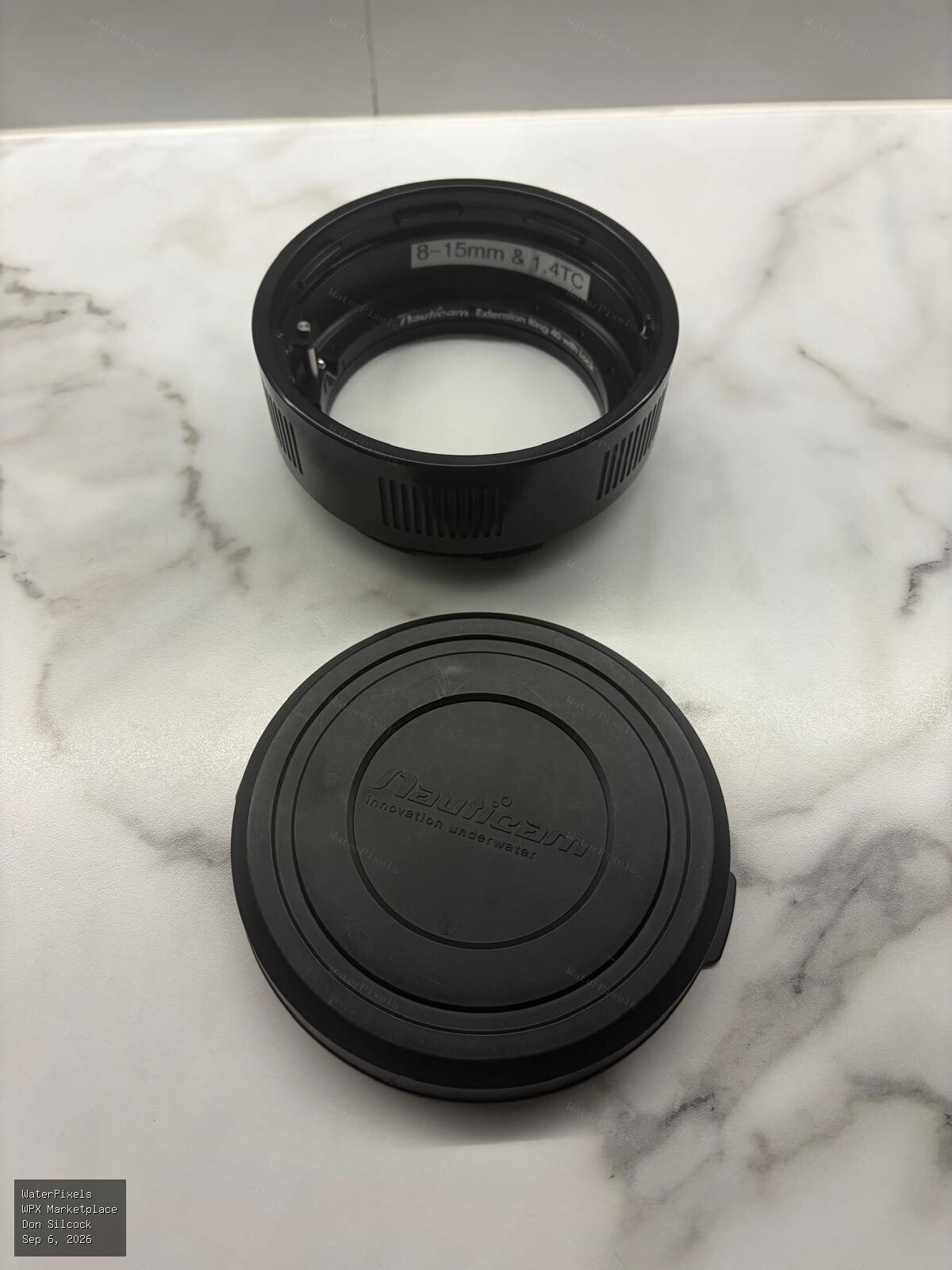
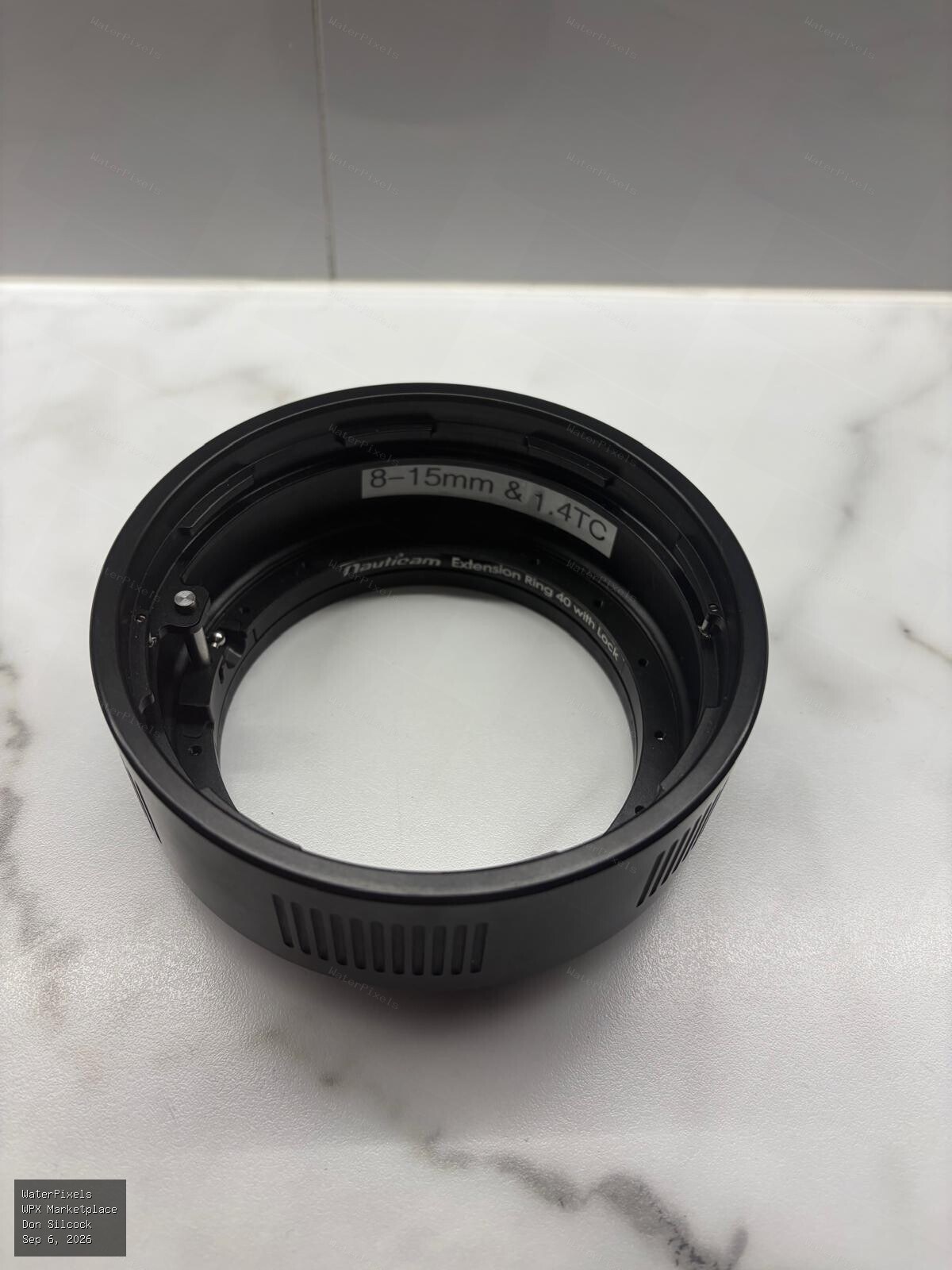
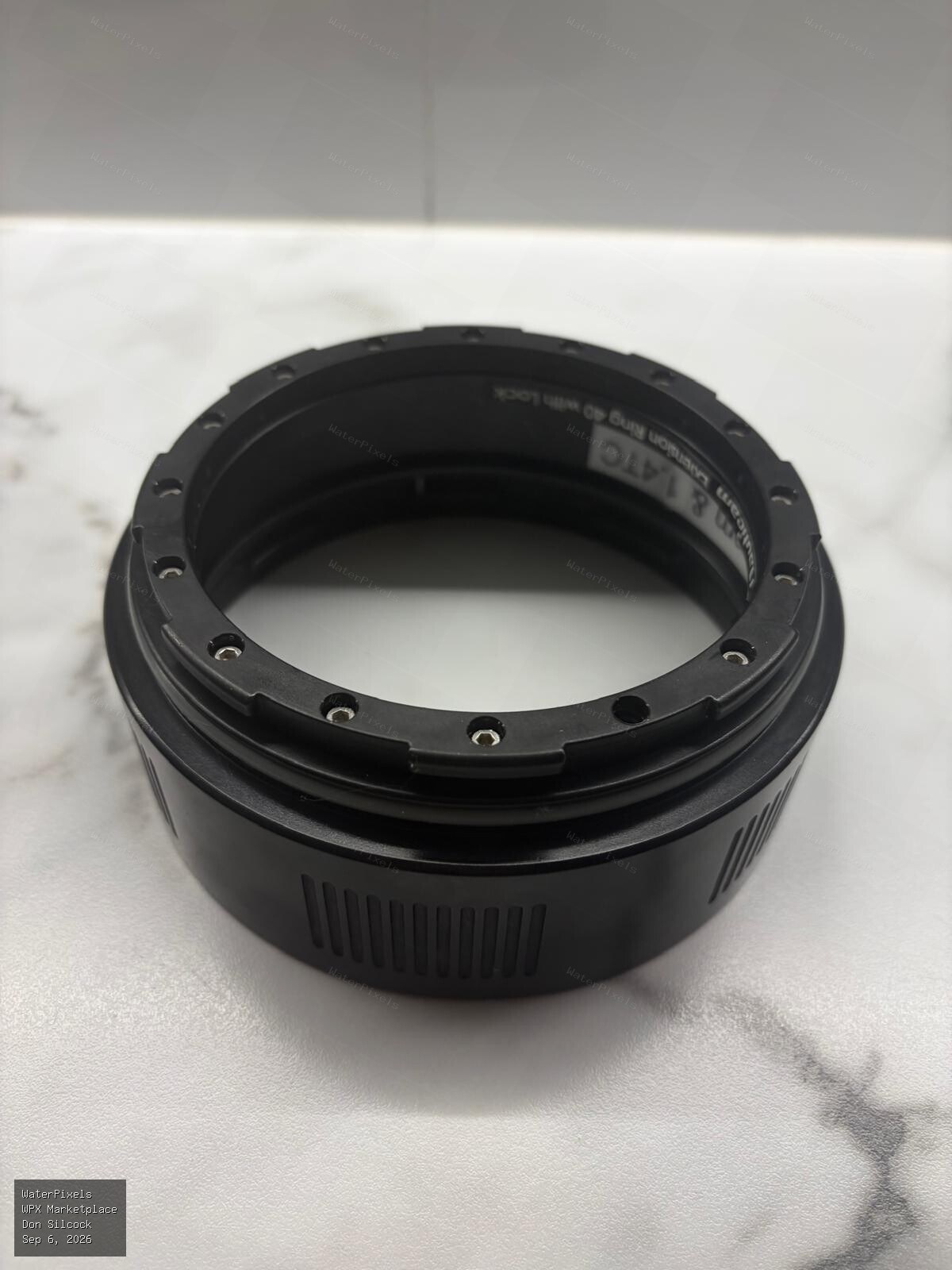 For Sale A$250.00 Sydney
Nauticam N120 40mm extension ring - no longer available new as they have been replaced by the very expensive MkII version which retails for A$962 here…
-
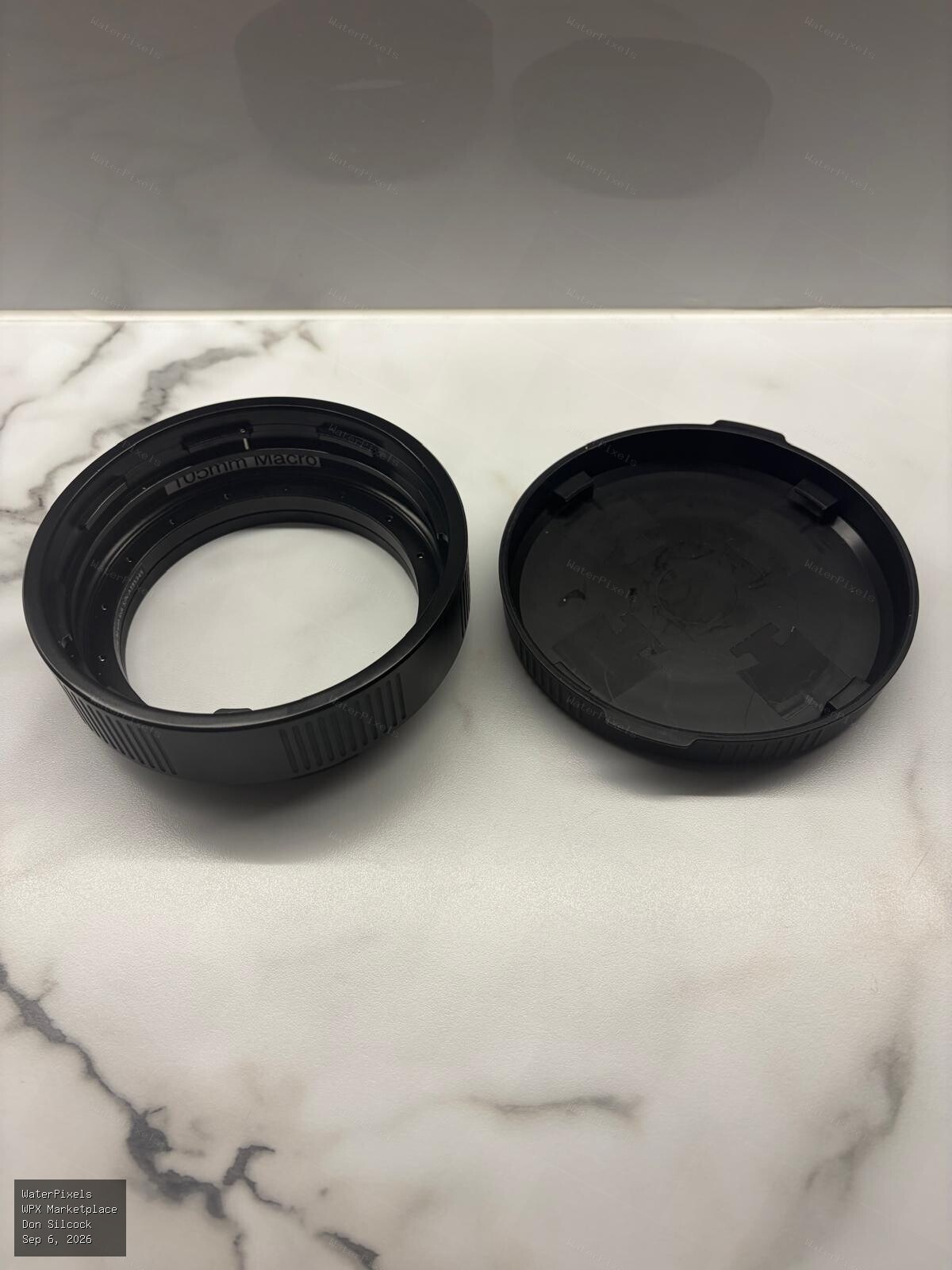
 For Sale A$225.00 Sydney
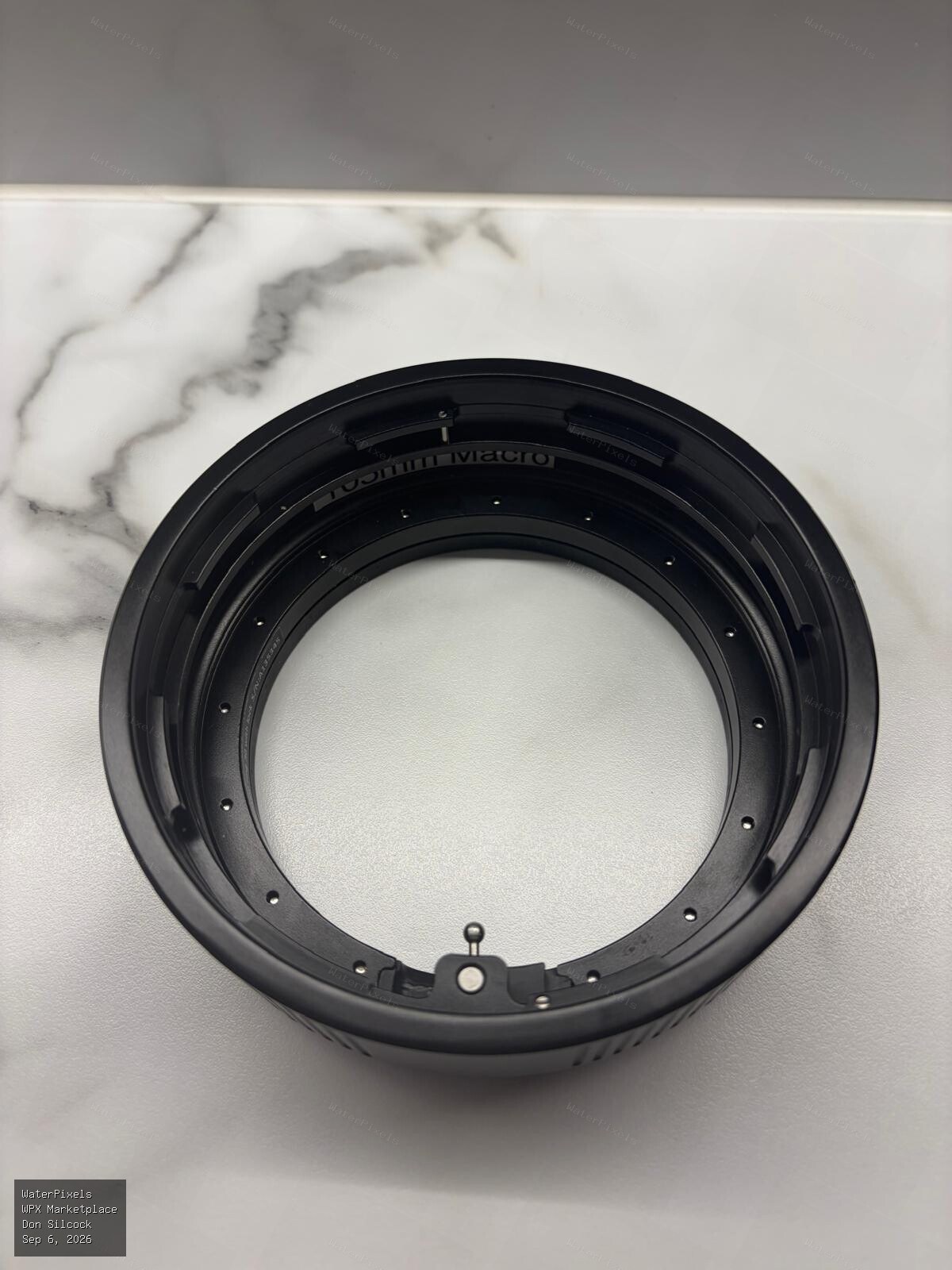
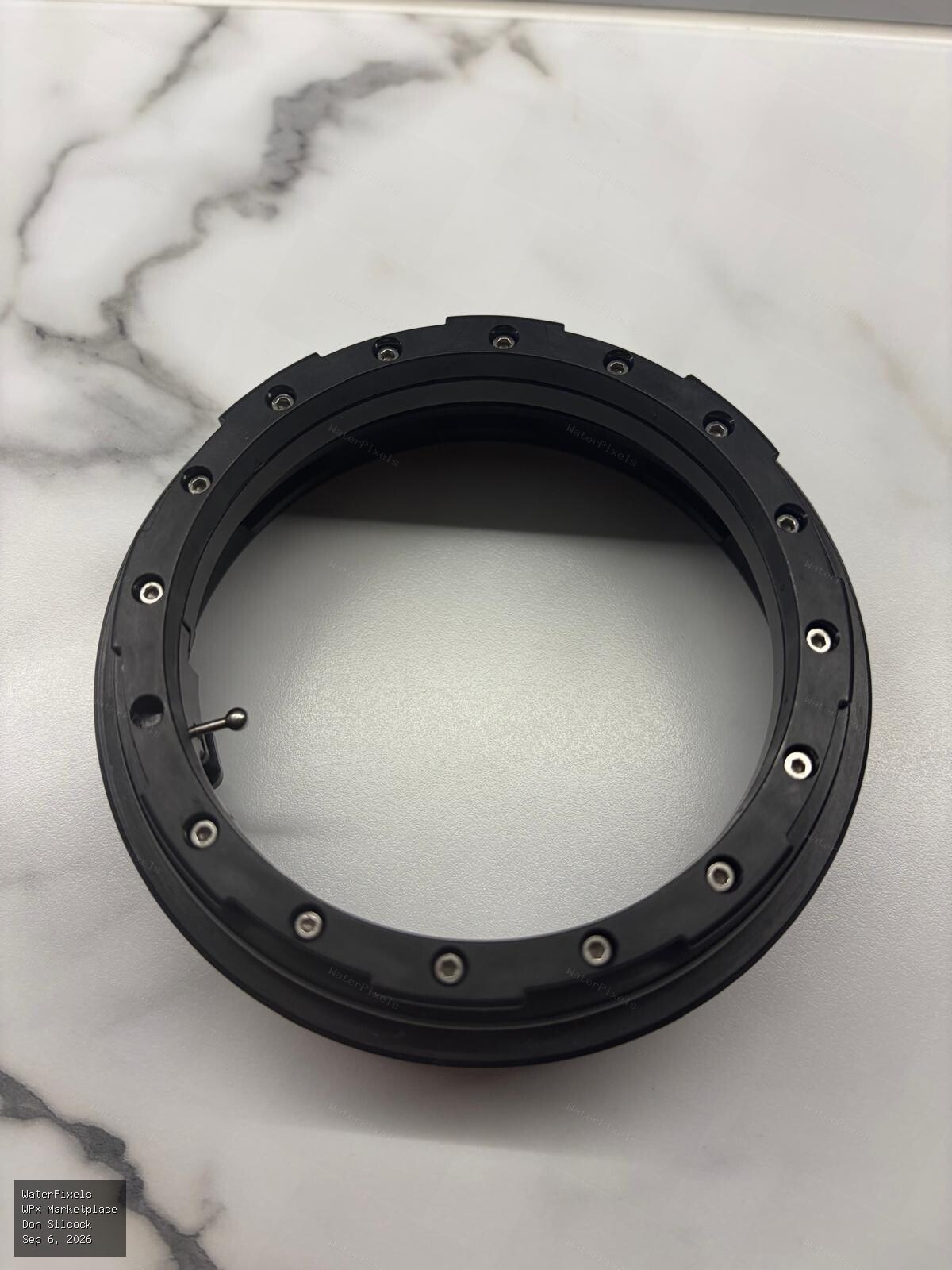
Nauticam N120 30mm extension ring - no longer available new as they have been replaced by the very expensive MkII version which retails for A$904 here…
-
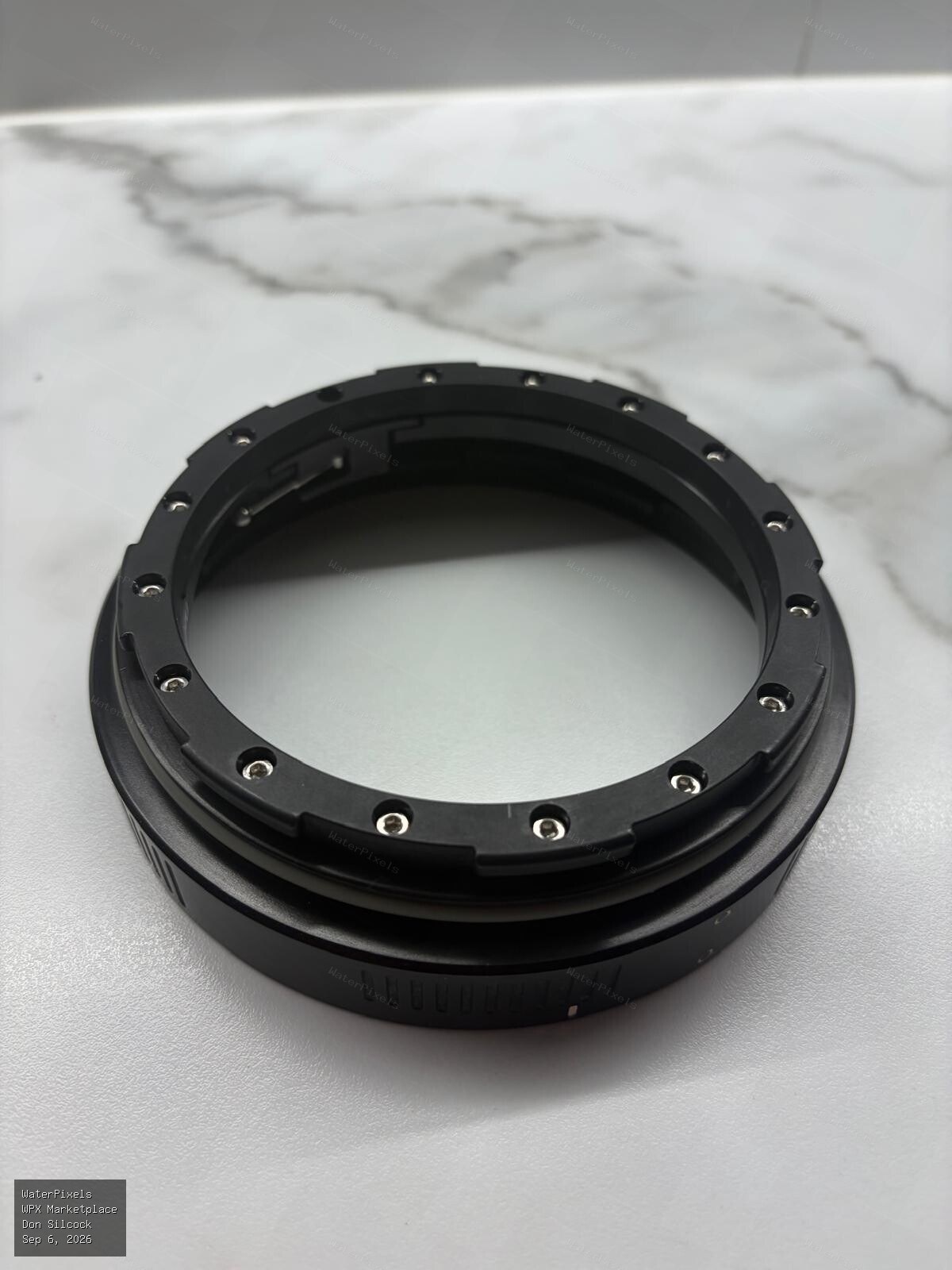 For Sale A$200.00 Sydney
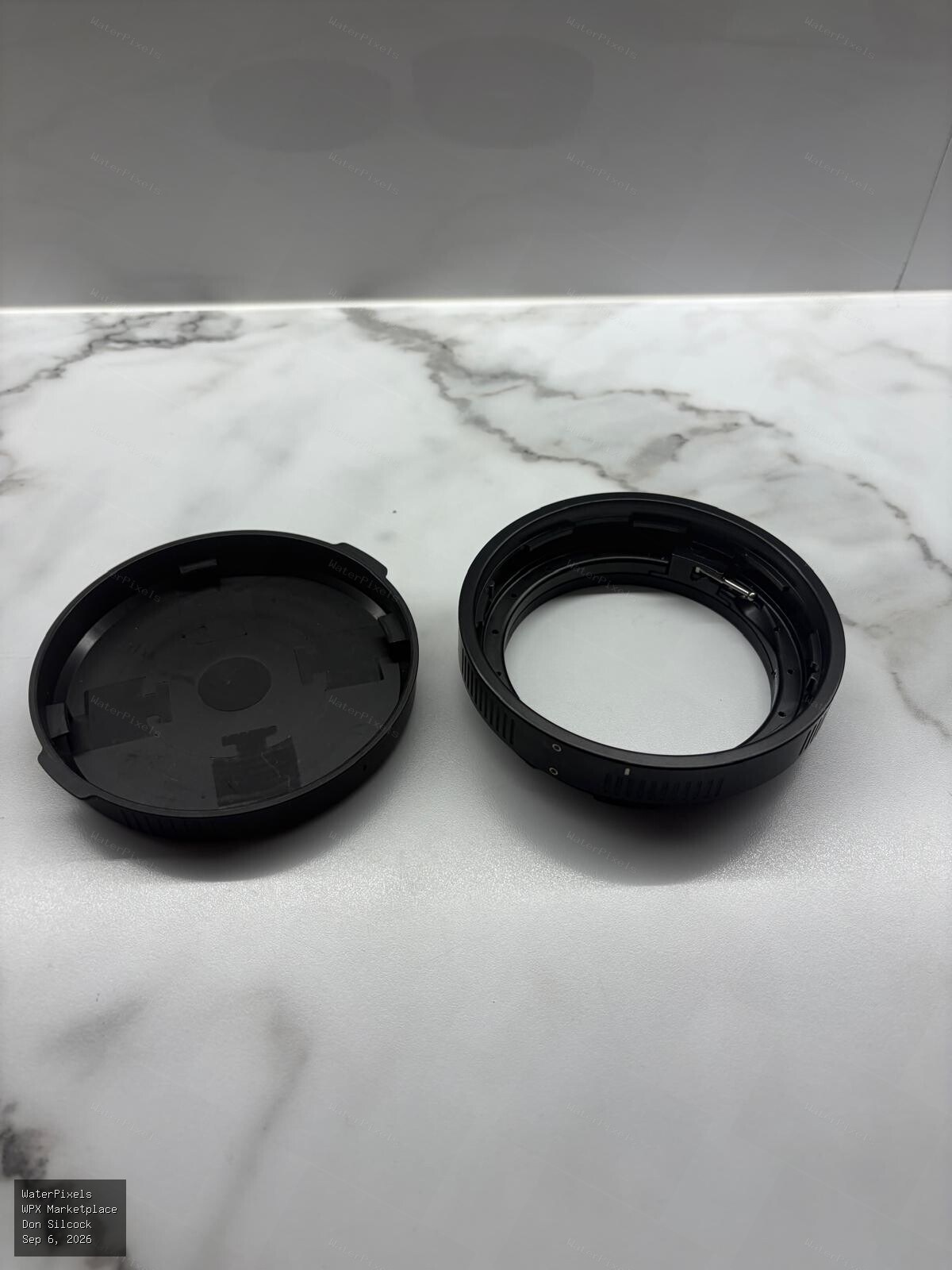
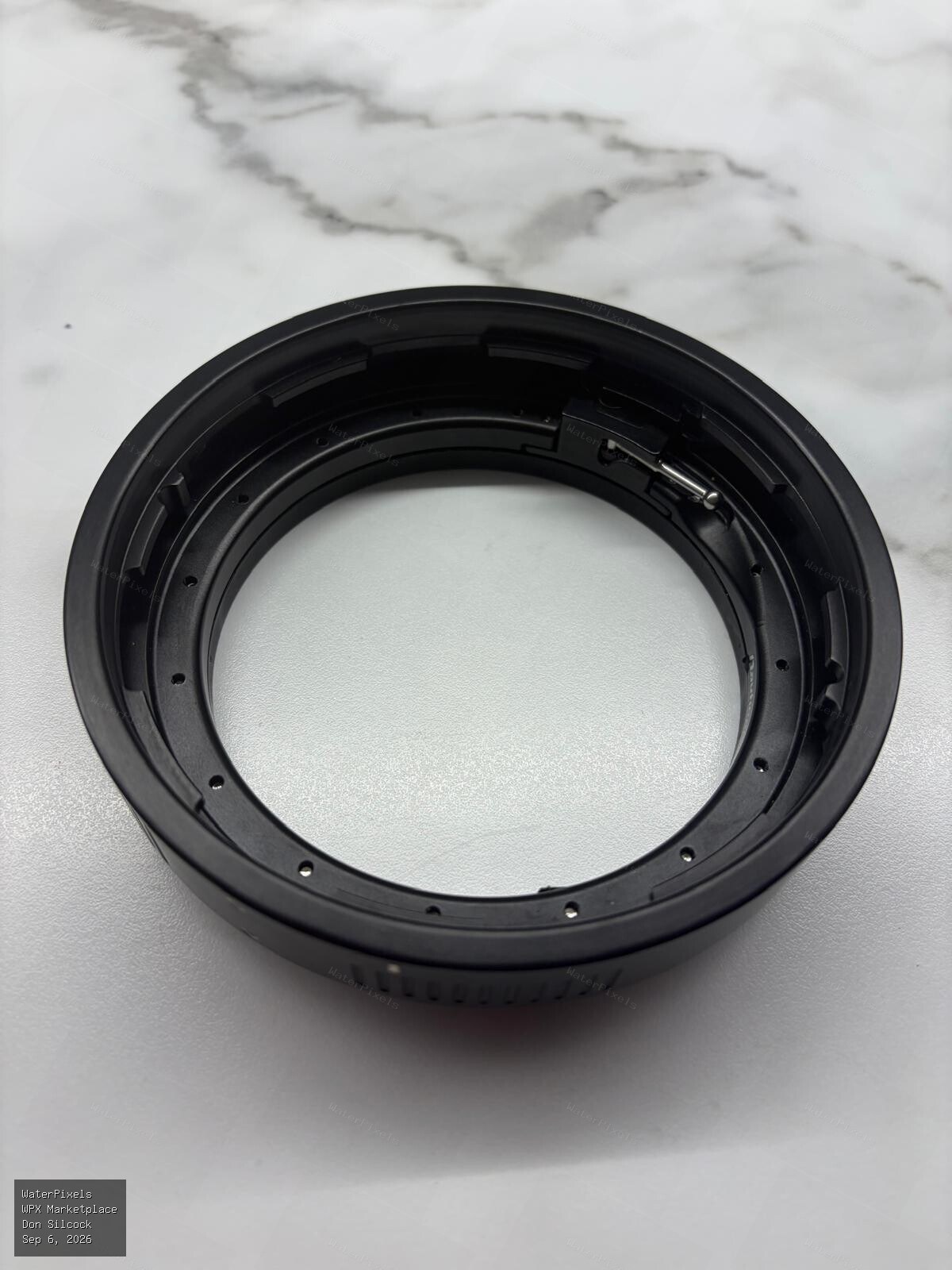
Nauticam N120 20mm extension ring - no longer available new as they have been replaced by the very expensive MkII version which retails for A$855 here…
.jpg.857dbbfbdc4d79d9c6ebf7b4ba96ed1b.jpg)

