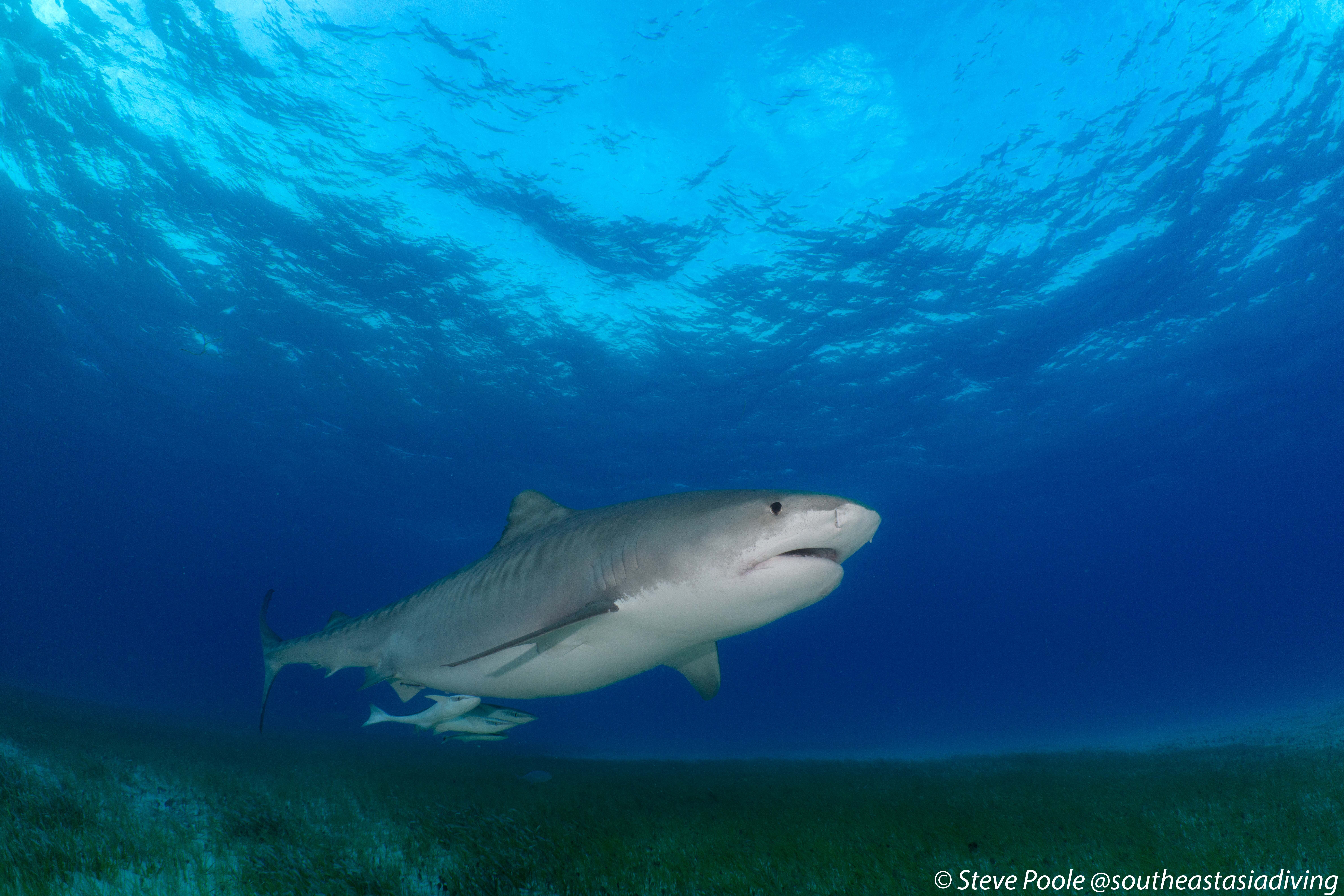
Hi everyone, I thought it was about time I stopped lurking and introduced myself. I’m Steve, originally from the UK but now living in upstate New York. I’ve been diving for many years and, like many people here, the photography bug gradually became just as addictive as the diving itself. I spent nearly a decade living in Malaysia, which gave me the opportunity to explore many of Southeast Asia’s incredible dive destinations. Over the years I’ve been lucky enough to dive places including Sipadan, Mabul, Raja Ampat, Komodo, Tubbataha, Anilao, Bali and the Similan Islands. More recently I’ve been exploring closer to home with dives at Blue Heron Bridge in Florida and a recent trip to Kauai, Hawaii, where I went expecting to spend the week shooting wide angle but ended up completely distracted by frogfish, harlequin shrimp and all the other macro life. I currently shoot with a Sony A7R V in a Nauticam housing, mainly using the Sony 90mm Macro, the newer Sony 100mm GM Macro, or the 28–60mm with a WWL-1B, together with a pair of Sea & Sea YS-D3 strobes. I’ve recently started shooting with the Sony 100mm GM Macro and have really been enjoying experimenting with it. There is clearly a huge amount I still have to learn, and one of the reasons I finally decided to join is because there seems to be an incredible depth of knowledge here. I’ve been reading WaterPixels for quite a while and have already learned a huge amount from many of you, so I thought it was finally time to join in rather than just searching old threads whenever I had a gear question. I’m looking forward to learning more, sharing a few images and trip reports, and hopefully contributing where I can. Thanks for having me! Steve