
-
With the exception if you take the trip to Apo Island. There's some nice reefs and larger scenes there, but yes, along the Dumaguete shoreline, it's muck diving primarily.
-
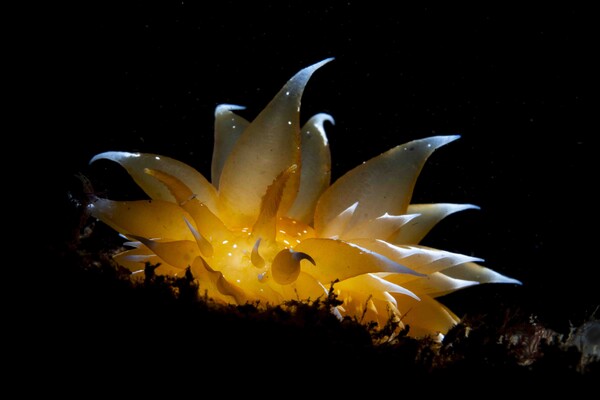
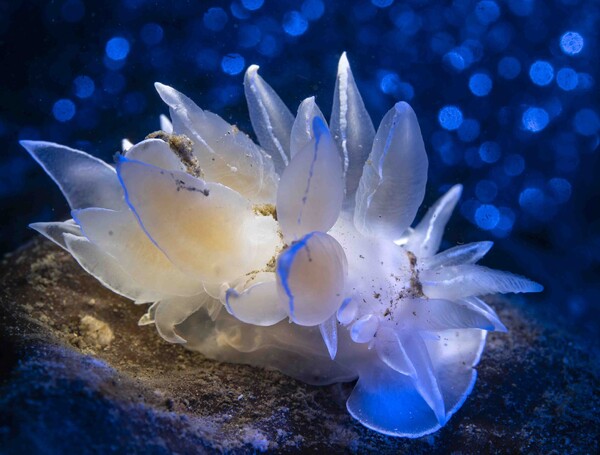 Snooting with Backscatter Atom/ OS-2 with rear fill and bokeh with MF-2 on Sony A7C.
© Jim Piavis
-
I guess I missed the biggest headache; here in Puget Sound, particles are just a cost of doing business, even with good strobe positioning, backscatter is a thing at times. Having a much better tool to remove backscatter would be awesome. I know there's another commercial product based on a starfield removal tool, but I'm surprised Adobe hasn't improved the dust/scratch algorithms much more.
-
Throwing my nickel into the conversation, my base workflow is typically the following: 1) Import the day's dive into Windows file system and name the folder <Site> - <year> -<month> - <day>. 2) Open Lightroom Classic and run the import on that previous file, it creates the same named folder under Library Navigator 3) Run a first triage using X and then Photo -> Delete Rejected Photos -> Remove from Disk 4) Run desired edits and a second pass to delete pics. 5) Tag photos with location and critter tags 6) Output JPGs for web, PNG for prints I rarely use PS for editing base photos unless I'm doing something more artistic. And since LrC had initially begun as an indexing system, that capability is really useful. For what I put into CCR and underwater photography, the Photography subscription from Adobe for PS and LR isn't much more than a couple O2 fills.
-
-
-
Unfortunately, I think we tend to draw a very large box around the GenAI term and there's certainly workflow acceleration aspects without wholesale manipulation or creation of an image. Maybe it's just backscatter reduction, mask application, or other tasks that may not involve large changes.
-
Was just there two weeks ago, south islands up to Darwin. The only restriction was use of strobes with seahorses. Other than that, no issues.
-
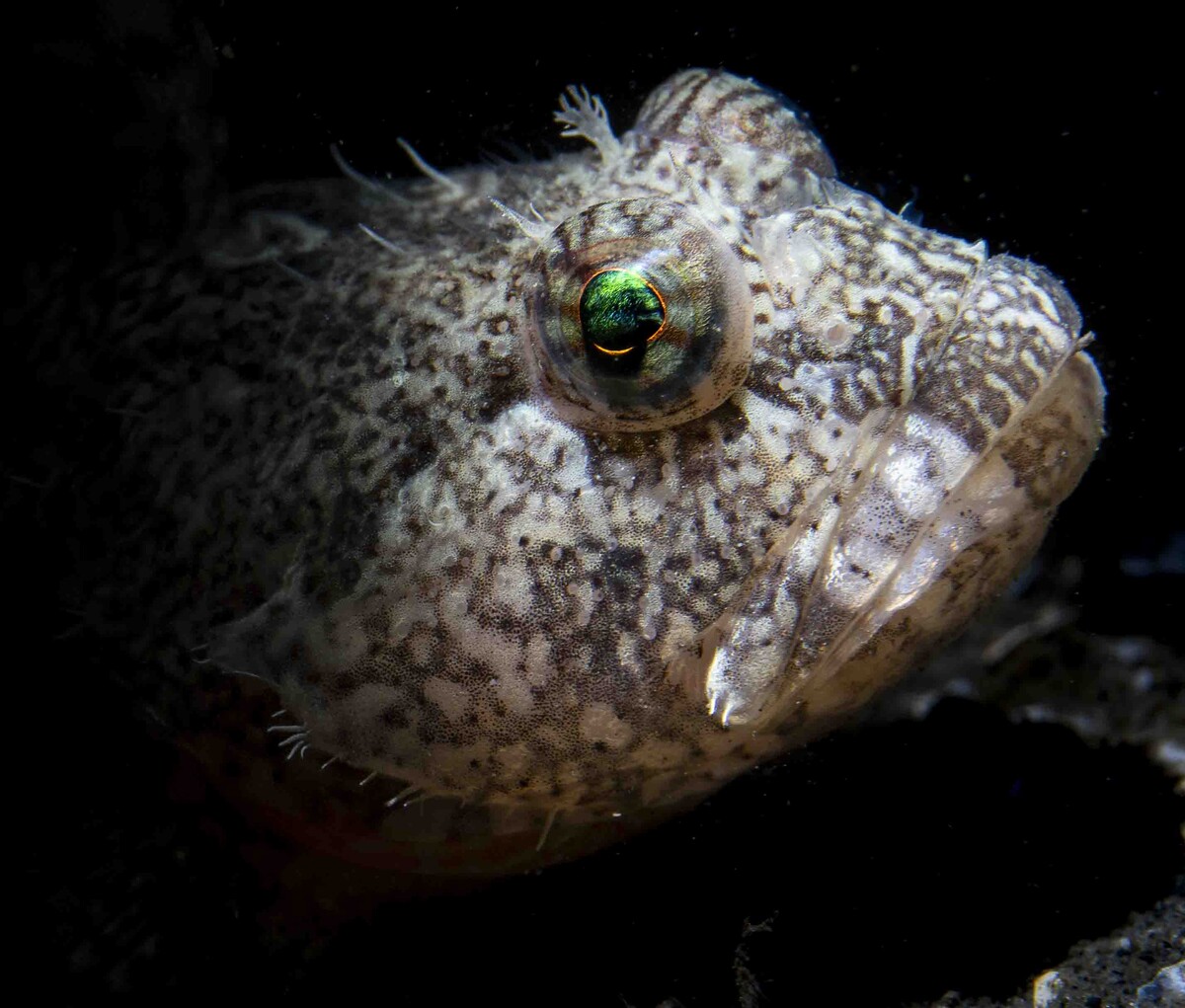
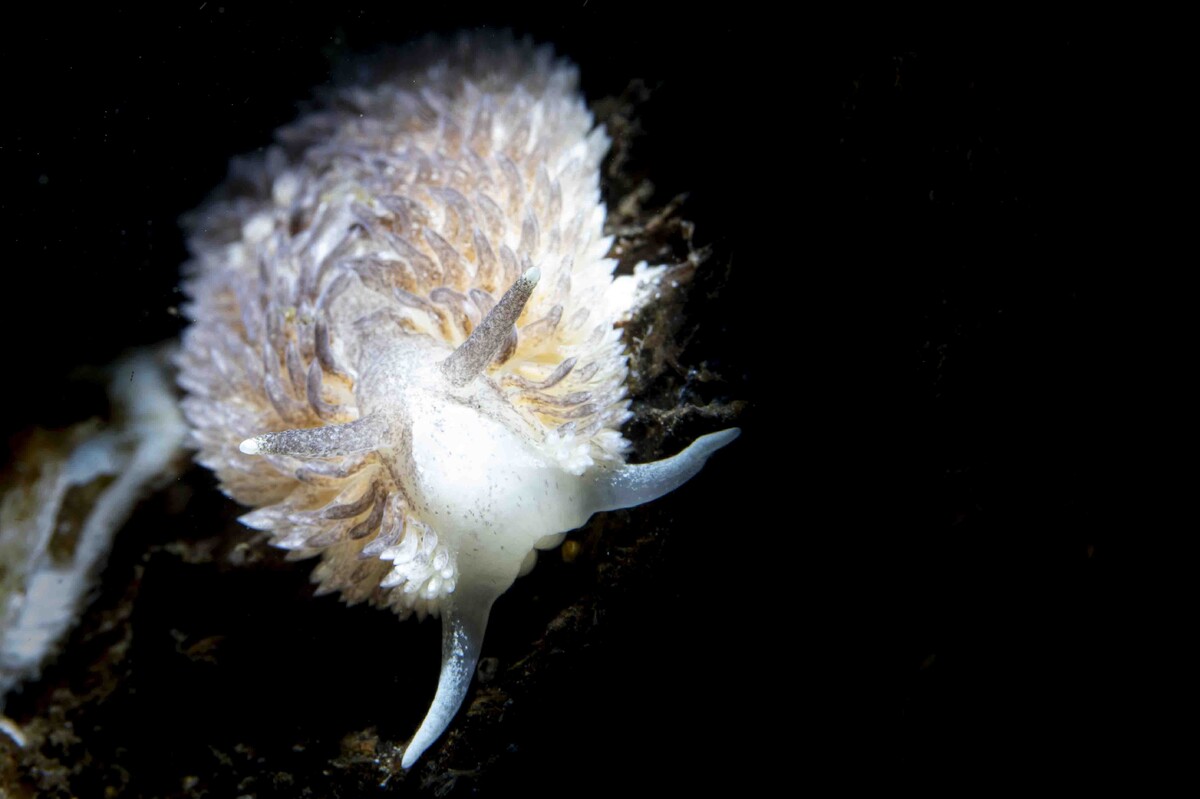
As Dave mentioned, a snoot works great, but takes practice. I shoot a Sony A7C, so sync speed is a relatively low 1/160, but here in Seattle, that's usually enough. It's usually good enough to get the majority of the background black, but a little clean-up of the usual silt particles may be necessary. I'm also in the camp of not moving the nudis, they are just way too fragile.
-
I know, not explicitly photography related, but thought I'd give this a shot. Found a decent dive computer in Galapagos recently. If anyone knows anyone who may have lost one, DM me with some details on where it was lost and computer details. Jim
-
But where does that end? No adjustments of any kind in LR? No exposure, cropping, white balance, saturation/vibrance, clarity, etc? I know some locations make it easy, but here in the more dark and green temperate waters, silt and junk in the water is just a way of life for us. I think there's a somewhat fuzzy line between the provided tools in LR and some of the more powerful generative fills/removals that are also available.
-
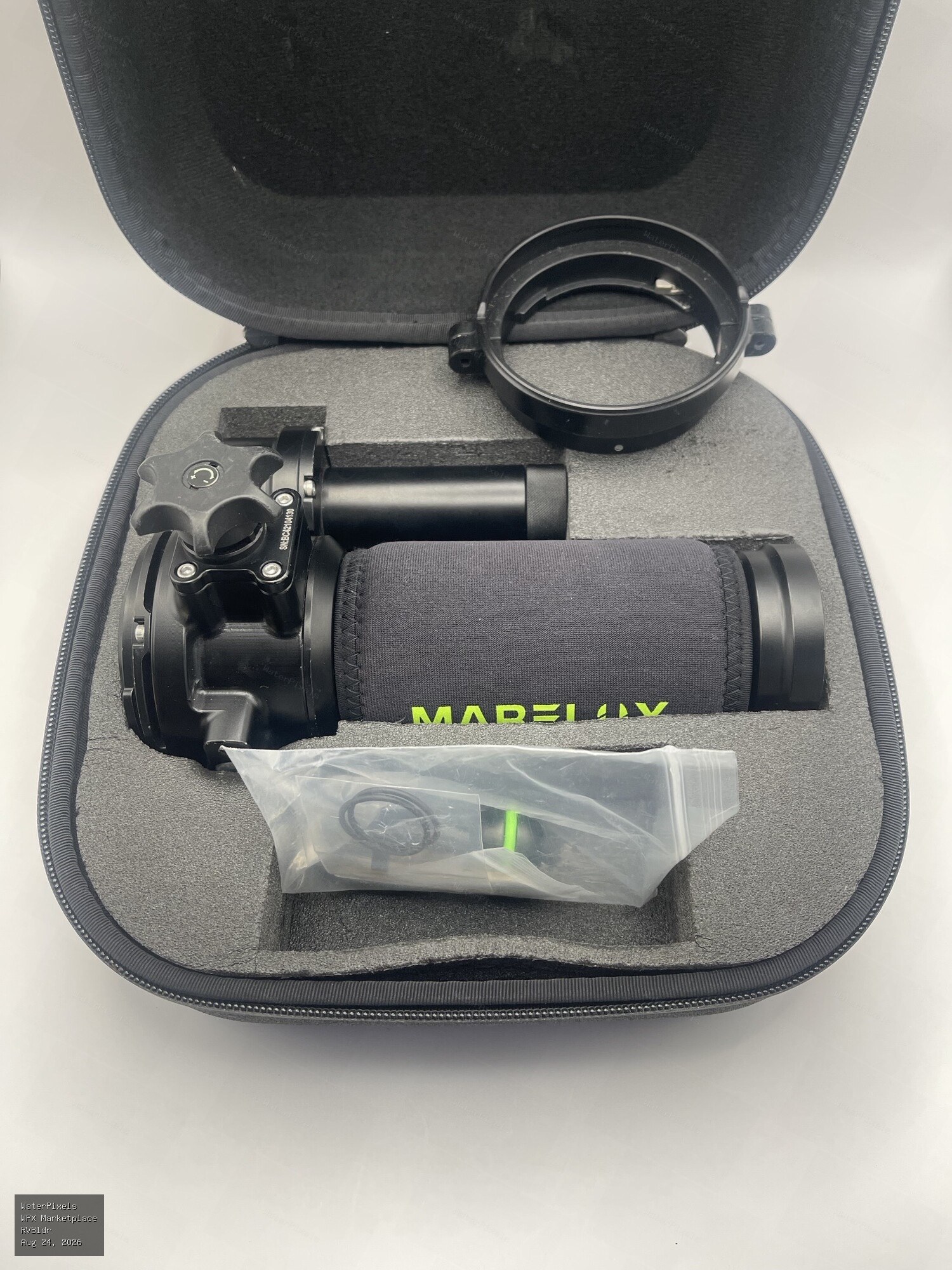
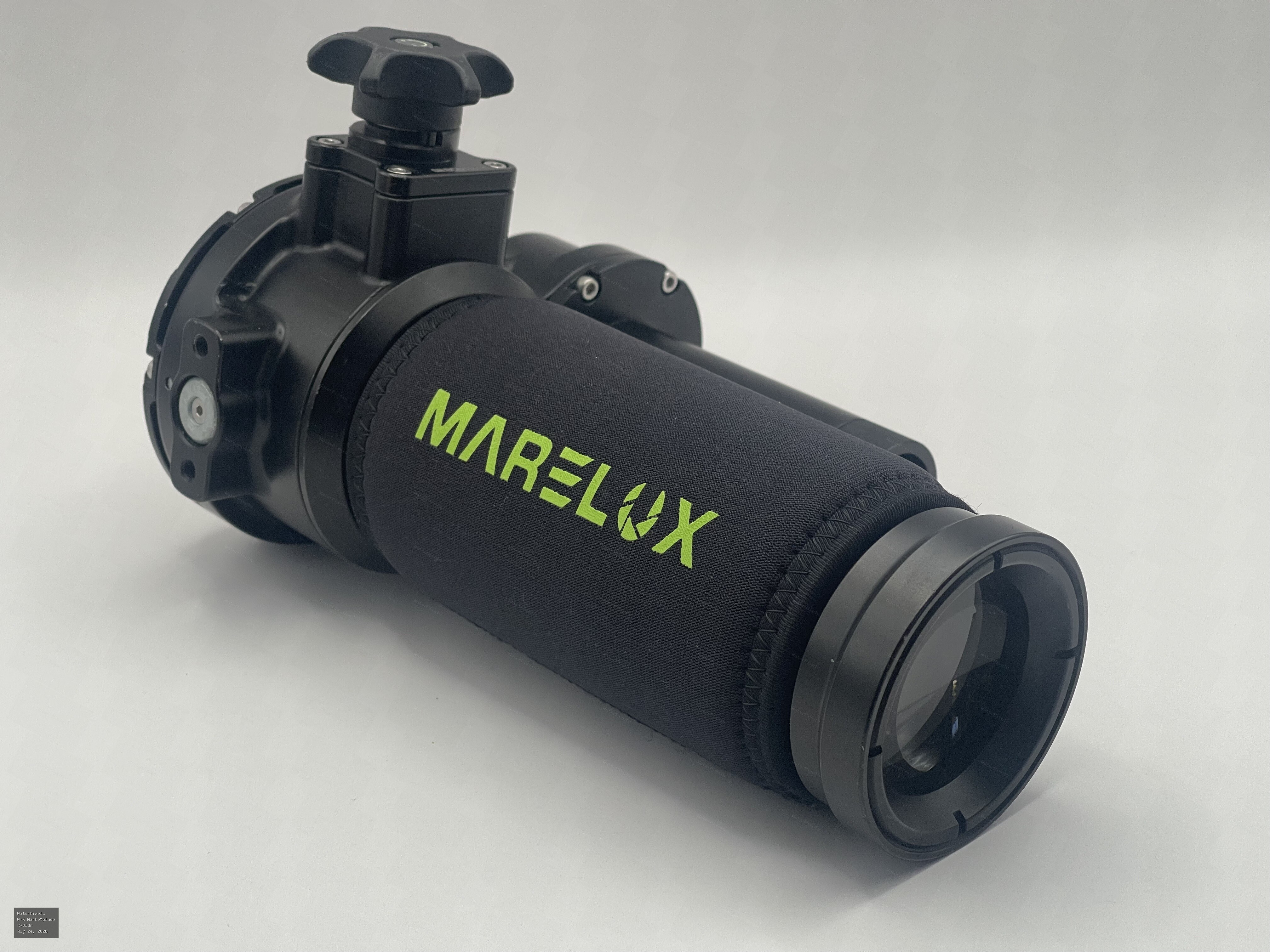
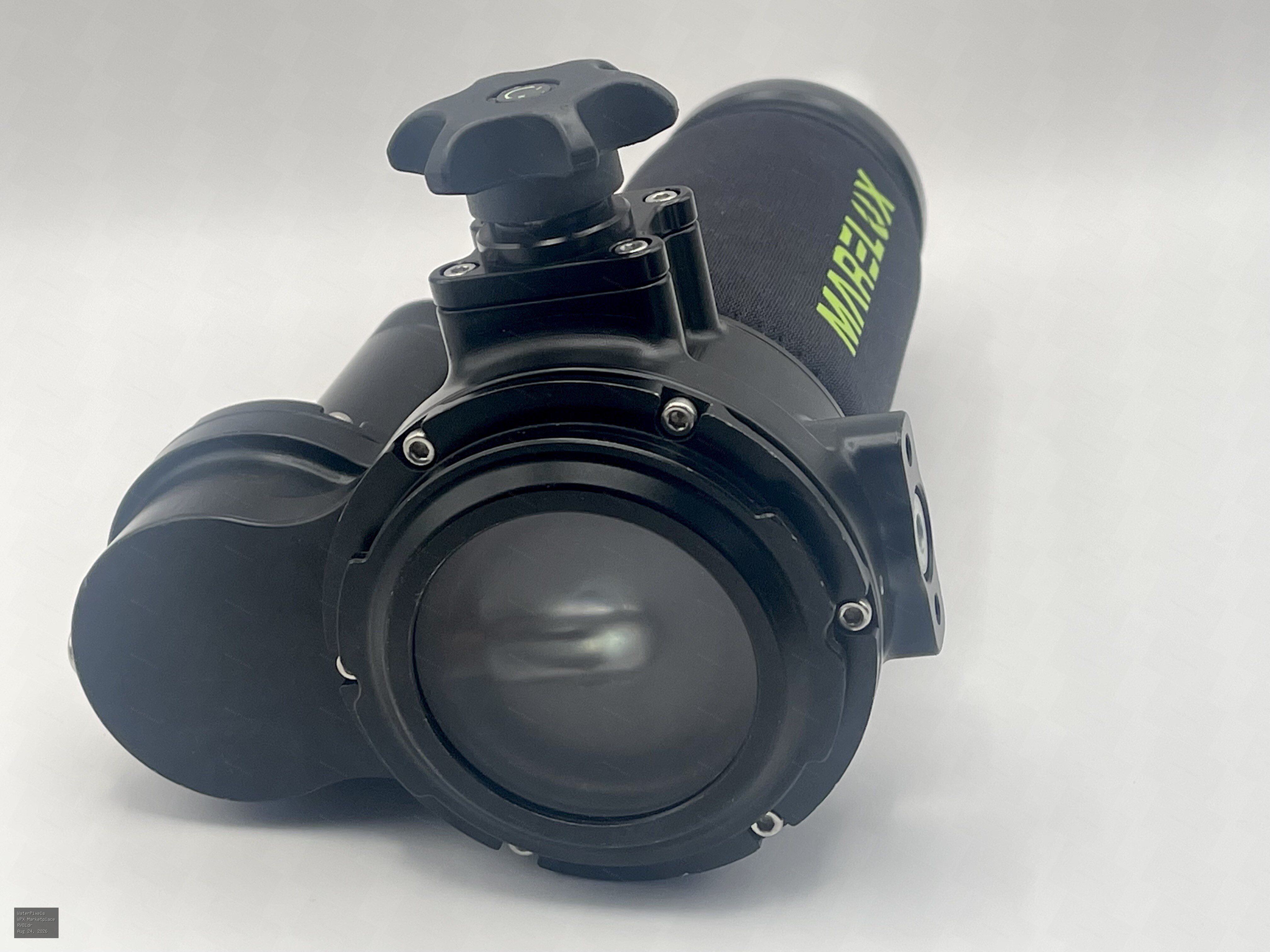 For Sale $150.00 Redmond, WA, USA
I have a Marelux SOFT snoot V1.0 for sale. Very little in-water use and works as advertised (spotting light and beam control) with case and never floo…
-
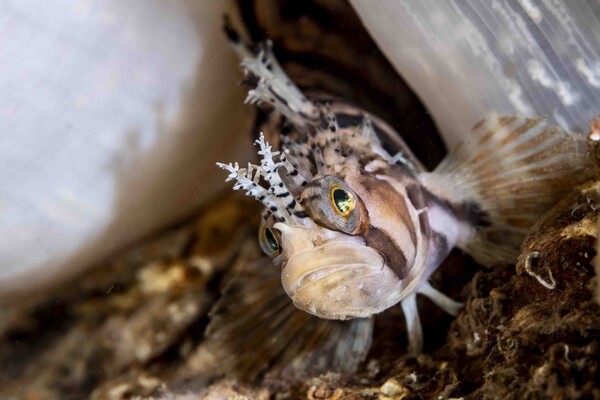
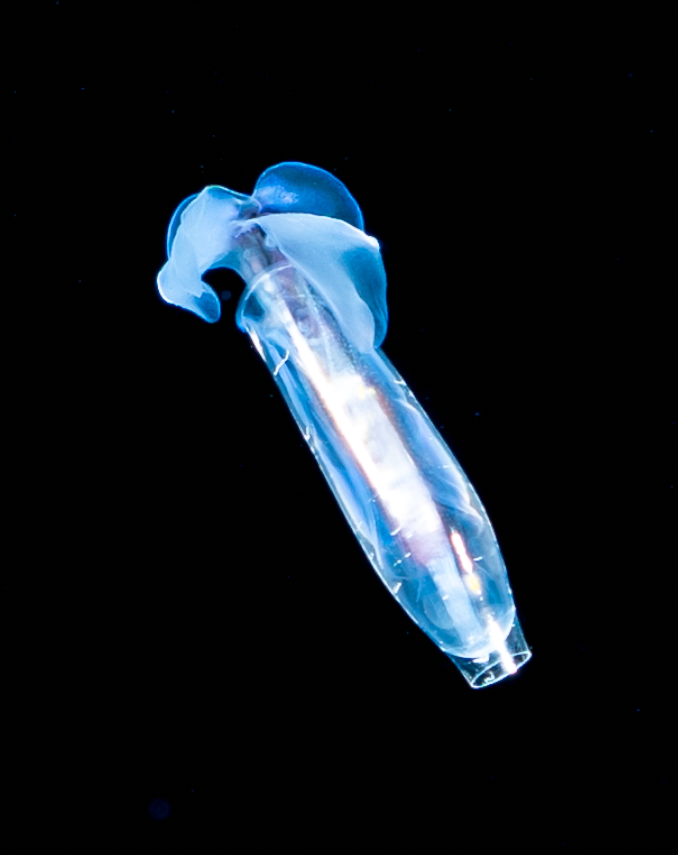
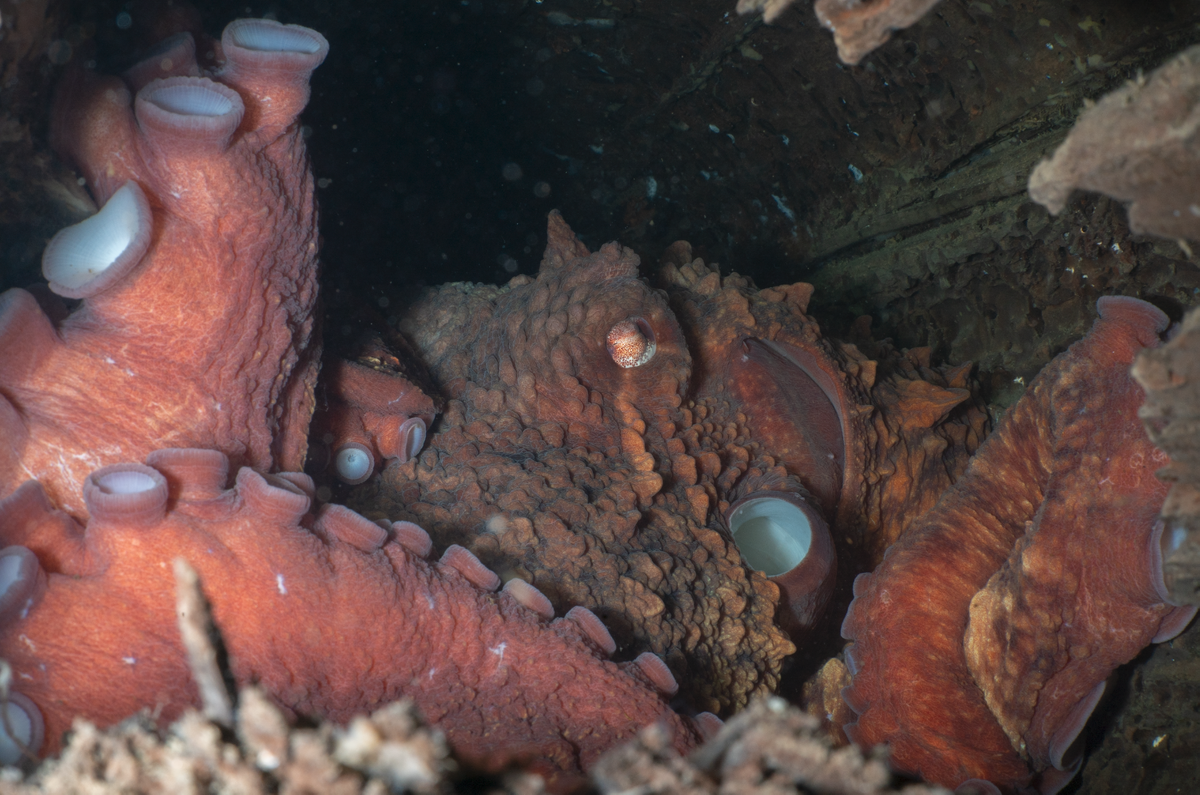
Been using my Sony A7C, 90mm/MFO-3 (on a flip) for a while now and it's now my go-to for most Puget Sound diving. This very small (<.24") slug larva was shot off Kona on Blackwater, but, it will also take a nice mid-wide shot like this medium-sized GPO taken from about 18" away (Octo has taken up residence in an old piling log). Overall, it's a pretty versatile diopter.
-
Easy enough to just take a snip and copy into Google Image search. Generally, it's pretty successful and very easy workflow. I just add a key word in Lightroom and tag as needed.
-
Here ya go Dave: MF-2 and 3 Quick Disconnect Connector - Free 3D Print Model - MakerWorld