



About Me
About Me:
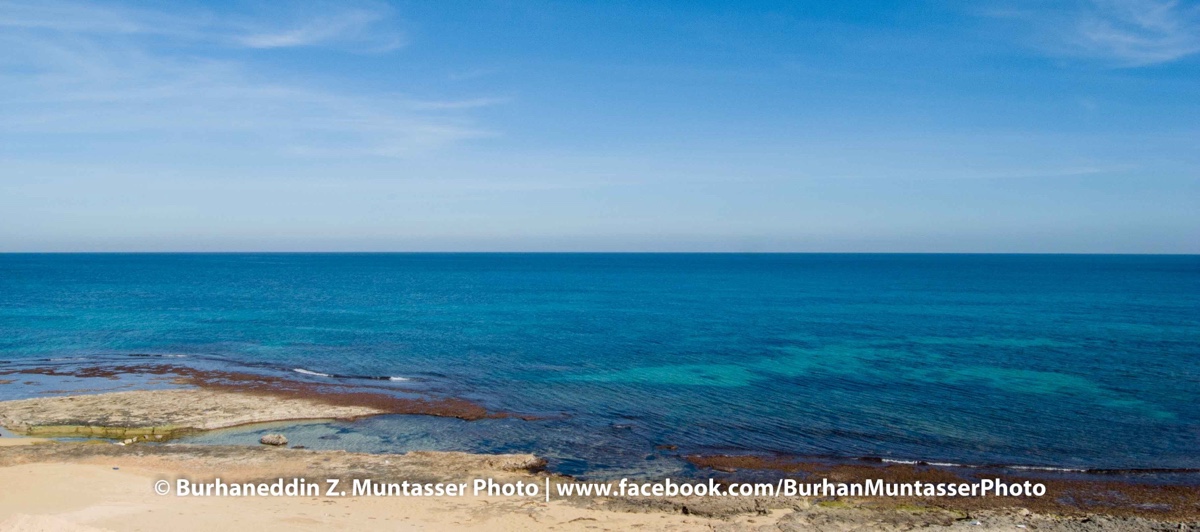
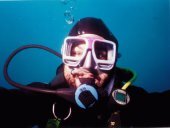
<p>I am from, live in, and dive in Western Libya. I started diving in Libya in the mid-70s, moved to the US in the early 80s, and spent over 30 years diving across New England, NY/NJ, and Florida. I owned a dive shop in NY before returning to Libya. My diving experience spans the Caribbean, Fiji, Micronesia, Mexico, Malaysia, Egypt's Red Sea, the UAE, Oman, and Libya's southern Mediterranean. I began underwater photography in the mid-90s and consider myself an "intermediate" photographer. With over 5000 dives worldwide, I am certified as an instructor and course director/examiner by several international diver training agencies. When not instructing, I dive to take photos. Now I live and dive again in Libya, working as an engineer while taking every chance to dive, especially since I live just 200 meters from a coastline of 2000 km, mostly pristine and breathtaking.</p><p></p><p></p><p>Happy to be here! I look forward to connecting with and learning from everyone.</p><p> </p><p><a rel="external nofollow" href="http://www.instagram.com/bmuntasserphoto">http://www.instagram.com/bmuntasserphoto</a></p><p><a rel="external nofollow" href="http://www.flickr.com/photos/193604377@N08"><img src="https://www.flickr.com/photos/193604377@N08" alt="Burhaneddin Muntasser Photo-Video" class="ipsRichText__align--block" loading="lazy"></a></p><p><a rel="external nofollow" href="http://www.facebook.com/BurhanMuntasserPhoto">http://www.facebook.com/BurhanMuntasserPhoto</a></p>
<p>I am from, live in, and dive in Western Libya. I started diving in Libya in the mid-70s, moved to the US in the early 80s, and spent over 30 years diving across New England, NY/NJ, and Florida. I owned a dive shop in NY before returning to Libya. My diving experience spans the Caribbean, Fiji, Micronesia, Mexico, Malaysia, Egypt's Red Sea, the UAE, Oman, and Libya's southern Mediterranean. I began underwater photography in the mid-90s and consider myself an "intermediate" photographer. With over 5000 dives worldwide, I am certified as an instructor and course director/examiner by several international diver training agencies. When not instructing, I dive to take photos. Now I live and dive again in Libya, working as an engineer while taking every chance to dive, especially since I live just 200 meters from a coastline of 2000 km, mostly pristine and breathtaking.</p><p></p><p></p><p>Happy to be here! I look forward to connecting with and learning from everyone.</p><p> </p><p><a rel="external nofollow" href="http://www.instagram.com/bmuntasserphoto">http://www.instagram.com/bmuntasserphoto</a></p><p><a rel="external nofollow" href="http://www.flickr.com/photos/193604377@N08"><img src="https://www.flickr.com/photos/193604377@N08" alt="Burhaneddin Muntasser Photo-Video" class="ipsRichText__align--block" loading="lazy"></a></p><p><a rel="external nofollow" href="http://www.facebook.com/BurhanMuntasserPhoto">http://www.facebook.com/BurhanMuntasserPhoto</a></p>

