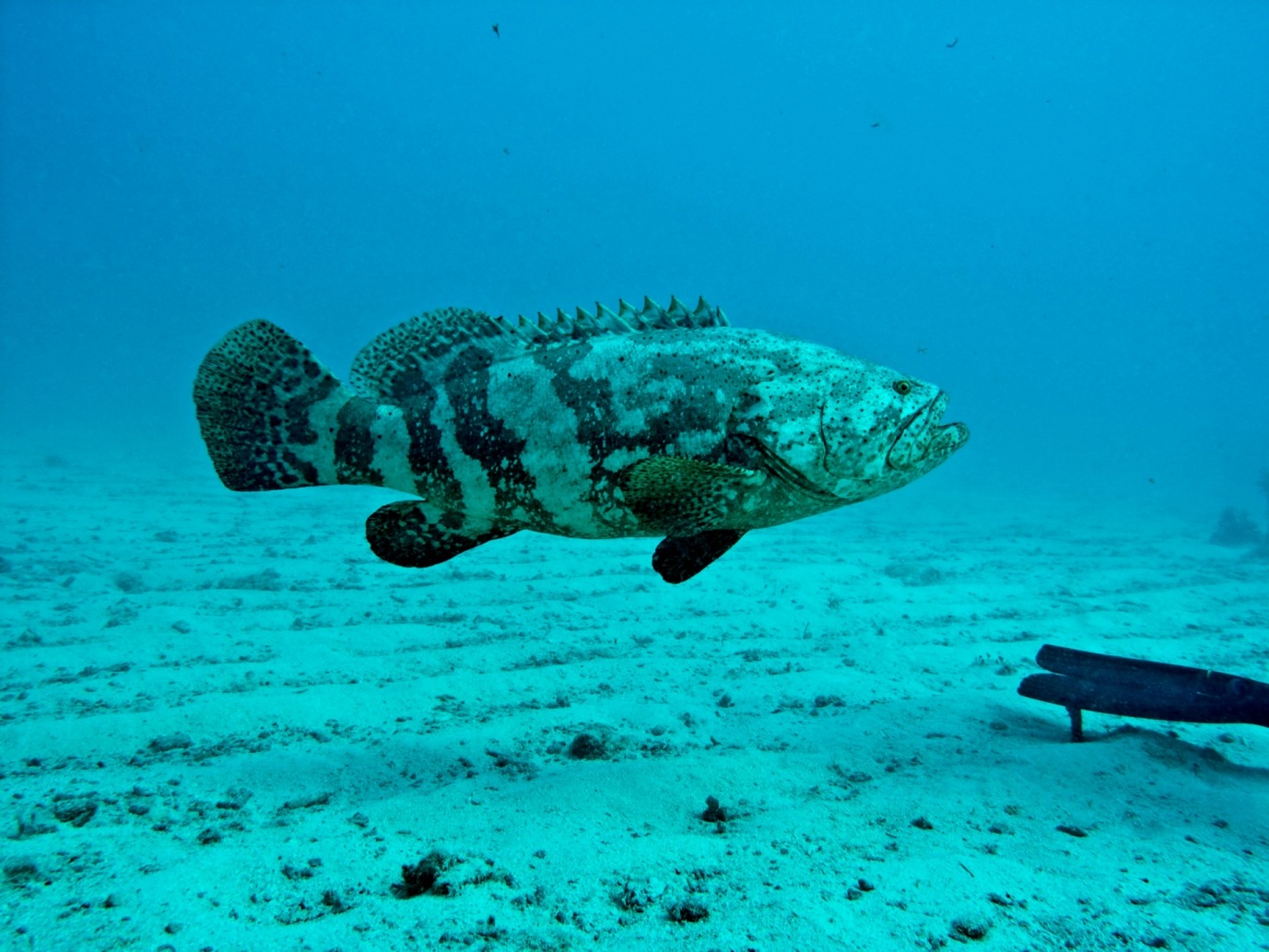
I have an Olympus 8080 camera. All my pictures which have significant ambient light turn out with a strong cyan tint in the RAW file. See example below. No problems when strobe is main light source. I can't figure out how to get rid of this tint using Adobe Elements 6 without turning to black and white. Is there something I can do when taking the picture to not generate it? If not, is there something I can do in Elements to get rid of it.
Thanks,
I have an Olympus 8080 camera. All my pictures which have significant ambient light turn out with a strong cyan tint in the RAW file. See example below. No problems when strobe is main light source. I can't figure out how to get rid of this tint using Adobe Elements 6 without turning to black and white. Is there something I can do when taking the picture to not generate it? If not, is there something I can do in Elements to get rid of it.
Thanks,
Take a look here
Restore Reds where I mention some ways to remove the cast, but it is in Photoshop. I think Elements has some similar things. Also shoot RAW in the Olympus (though the recycle is slow) Lastly, use strobes and get close, that is the best way.
Open the RAW file in Camera Raw, select the White balance eyedropper and then click on something in the foreground that should be white or grey.
That should provide a good starting point to then fine tune with the temp/tint sliders.
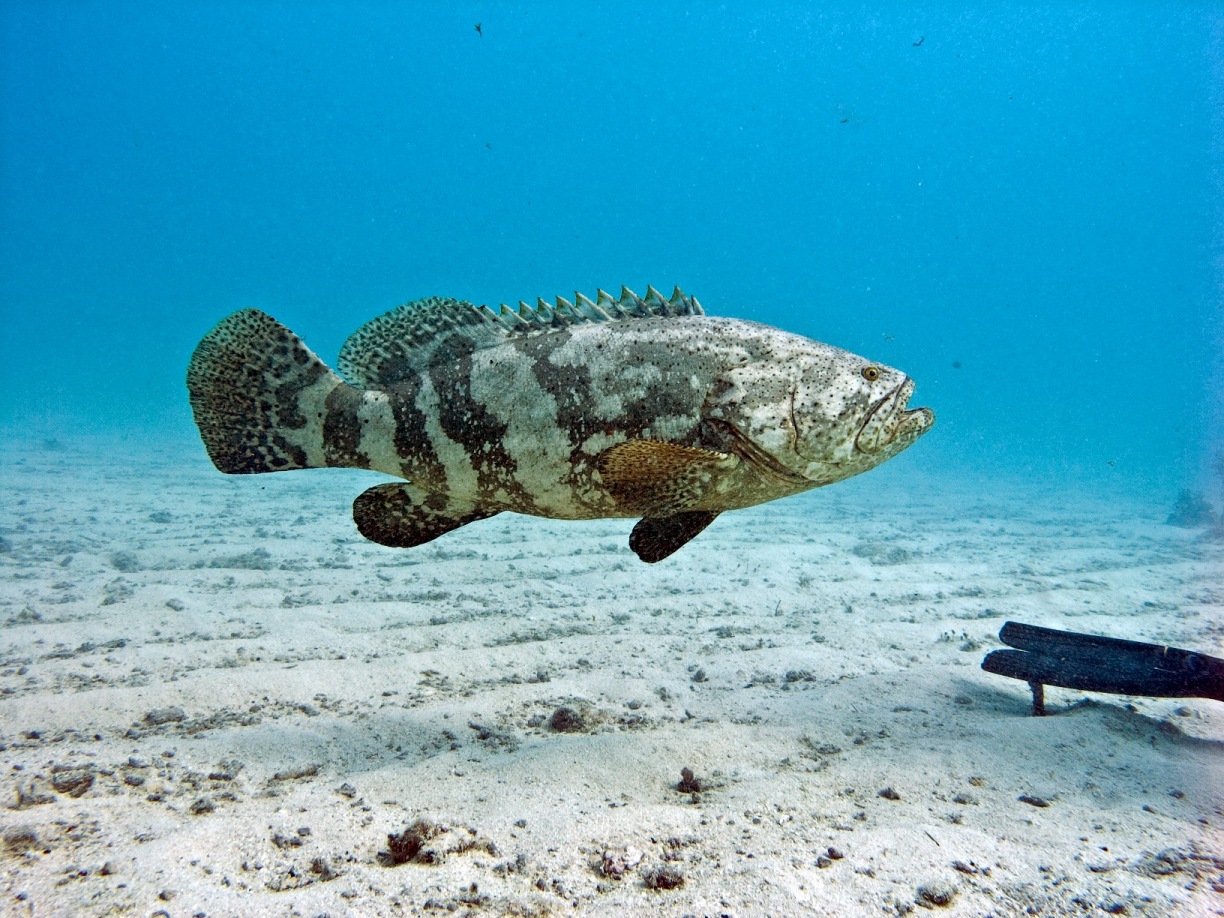
Thanks for the suggestions. I have not noticed the eyedropper in the RAW file screen and I would never have thought of moving the temperature and tint all the way to right as it did when I clicked on the white sand. Below is the revised picture after additional editing. I like it much better now. Thanks again.
I also have an Oly 8080 and gave up waiting for RAW a long time ago. Unless I have a stationary subject I use auto white balance preset one or two pips redder but ultimately strobe positioning is the most important point. I have an Ikelite housing with DS 50 strobes that makes use of the TTL but believe the Heinrich coverter gives you the same. I found the best thing I did was getting the second strobe and was amazed at how much easier photography became.
In elements 5 I used: Enhance, adjust color, remove color cast. This seems to be the same function, though possibly not as strong as that you used in RAW. Since getting the second strobe I use this very seldom and now tweak using layers and levels