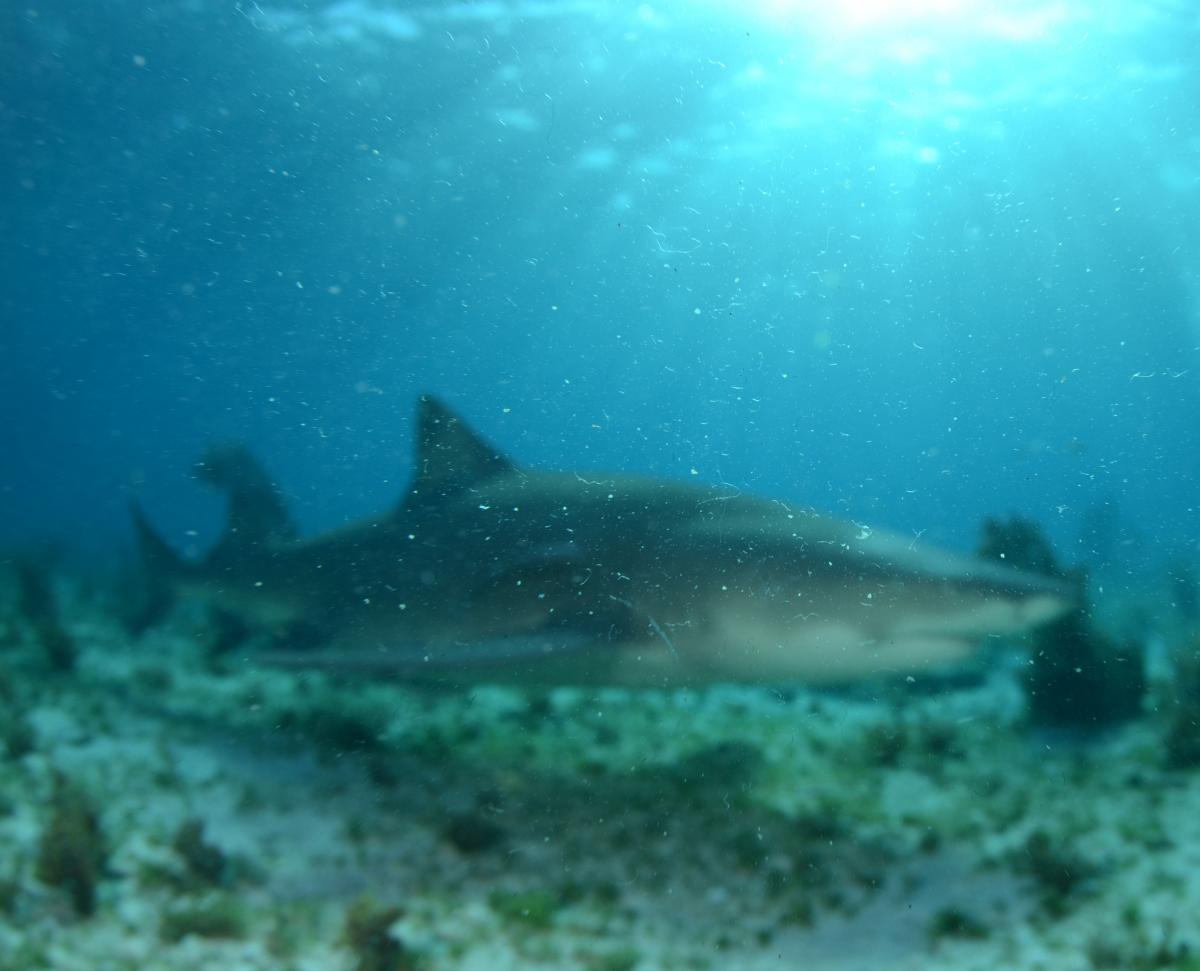
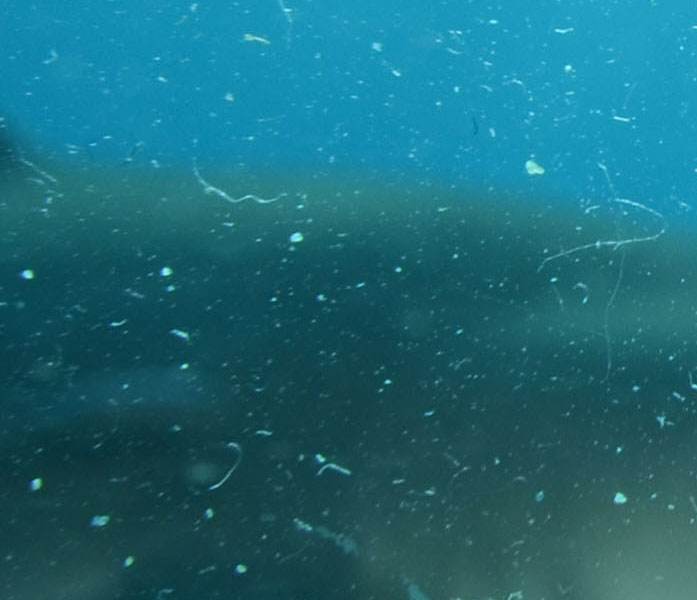
When an acrlylic mini dome contains small scratches or dust particles, the autofocus of the camera sometimes mistakes them for subjects further away you are trying to shoot. I think this is more likely when bright sunshine hits the dome.But the primary reason is that a fish-eye lens behind a mini dome is able to focus on minuscule objects that are very close to the front of dome, or even on the dome itself. .See what happened to me with the Tokina 10-17 behind a 5 inch Precision dome. The 100% crop shows that the lens was just doing its job: focusing on dome scratches and small dirt particles floating in front of the dome.
So I meant to say that not only scratches but also dust particles floating in front of the mini dome may deceive the autofocus system. Especially when a lot of sunshine penetrates into the water.
Christine:
Go ahead and soak the inside of the dome with warm, soapy water and maybe get some long q-tip type cleaners (I use clean room wipers) to remove the dead guy's remains. Then rinse with warm water then rinse with distilled/deionized water and you should be good to go.