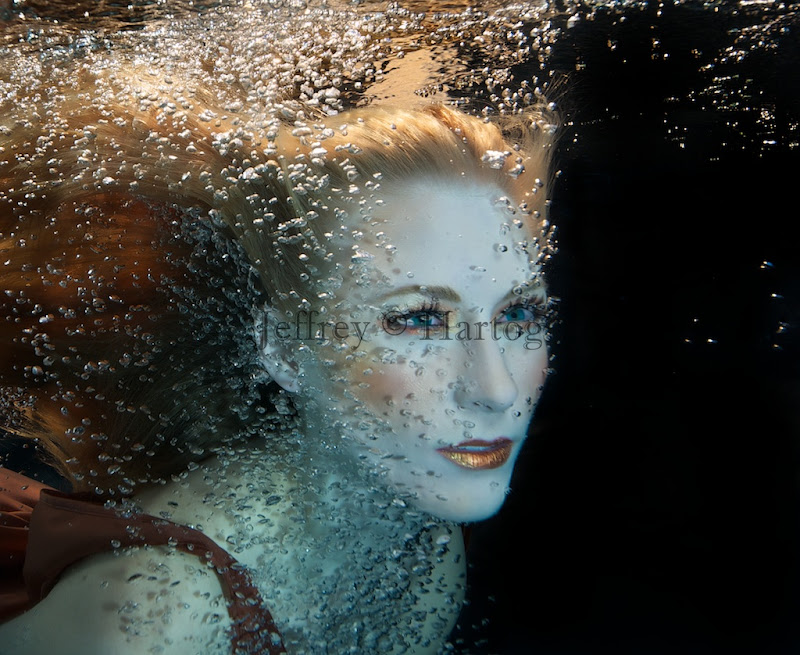
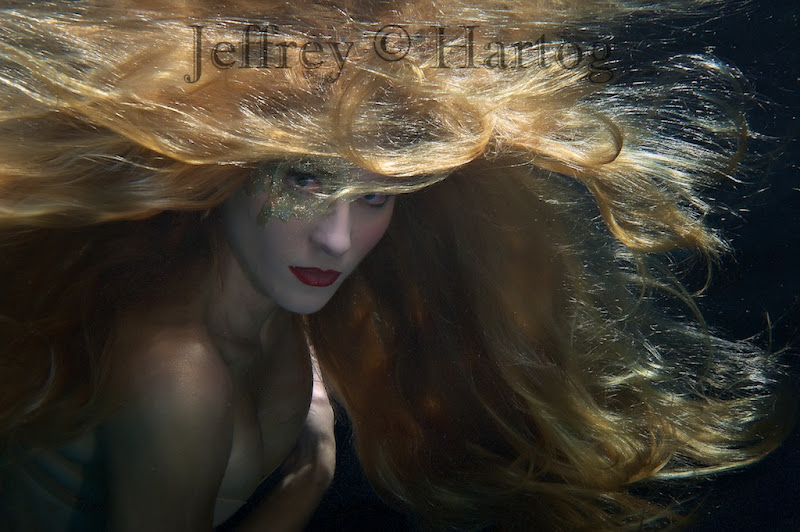
Probably my last pool shoot till spring. Kristina is also an accomplished photo retoucher who will be working on some of the images over the next few weeks - will be interesting to see what she comes up with.
Taking some copyright advice from Simon below.
I like the sense of movement in these. How did you get the small and well-behaved bubbles to work?
1. Its very commercial, with a plethora of uses. Much better to negotiate use first...
2. If used for misrepresentative purposes, how will the model feel? Much better to check usage first...
If you are really serious about protecting your work, it might be worthwhile registering the work with the US Copyright office...it is not the most intuitive of processes, but if you need help by all means PM me.
Thanks folks.
Thanks Simon. You are right. I do watermark my images on my website, and should do so here as well. Only problem is that a watermark that cannot easily be cropped out etc, detracts from the image.
...Only problem is that a watermark that cannot easily be cropped out etc, detracts from the image.
I do regret having to stick watermarks on, but using images without permission is rife. But watermarks do work. I was recently contacted by someone wanting the unwatermarked version, so some do care.
What is perhaps the worst is finding another diver/photographer using one's work. Using Google Image Search I found just that...but I digress...
Number 1 I like...still clearly visible that its a stunner...just trashed enough to compel others to ask first!
If I am being really, really picky then the best statement would be 'Copyright Jeffrey Hartog. All rights reserved' - and I think the required std format for the US includes year date of first publication...
But that is picky. Perhaps only a lawyer would try and argue....
Lovely images! Great work as always.
Cheers
BC
Nice work Jeff. I find the placement of the watermark on the first one very distracting. I wouldn't have put it right across her eye.
Really nice bubbles!
Great work.
~abi
Stunning shots Jeff!
Cheers
Karel
Very nice creative shots!
These are fantastic Jeff - always something new looking from you. I am stuck in a rut!
I love the use of bubbles - it certainly says "Underwater" but I love the golden hair too.
Cheers
James
These are fantastic Jeff - always something new looking from you. I am stuck in a rut!
I love the use of bubbles - it certainly says "Underwater" but I love the golden hair too.
Cheers
James
Thanks folks.
James, you're too busy with the little guys! Enjoy it, before you know it they will be in college. Then you will have time for photography.
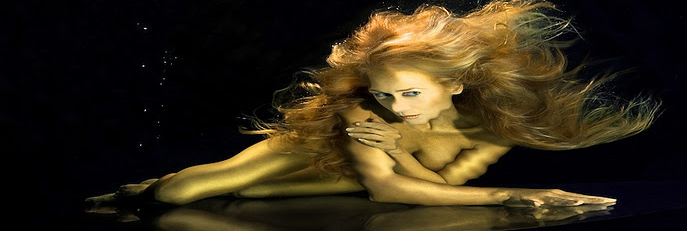
A little update, more on the Liquid Gold idea
Very, very nice.
The liquid gold shot is phenomenal.
Love the "liquid gold" image. Awesome work, Jeff!
Liguid gold for sure! Hey Jeff, have you ever tried to frame just the reflection? Just a thought.