Skip to content

Video Gear and Technique / Archived topic

BlackMagic Cinema Camera underwater custom housing

Started by thani ·

  • 49Posts
  • 49Replies

Read-only discussion

BlackMagic Cinema Camera underwater custom housing

49 posts
  1. Thanks guys for the advise. We will try to do more testing and hopefully with the super FF wide angle lenses.

    So an 8mm should be around 20mm on BMCC topside and On the to be released BMPC/4k the 8mm should be around 13mm topside. Correct?

    Now, at such focal lengths (20&13mm) with the fish-eye, should the lens act as a rectangular lens and avoids the barrel/distortion of the fish-eye?

  2. Hi guys,


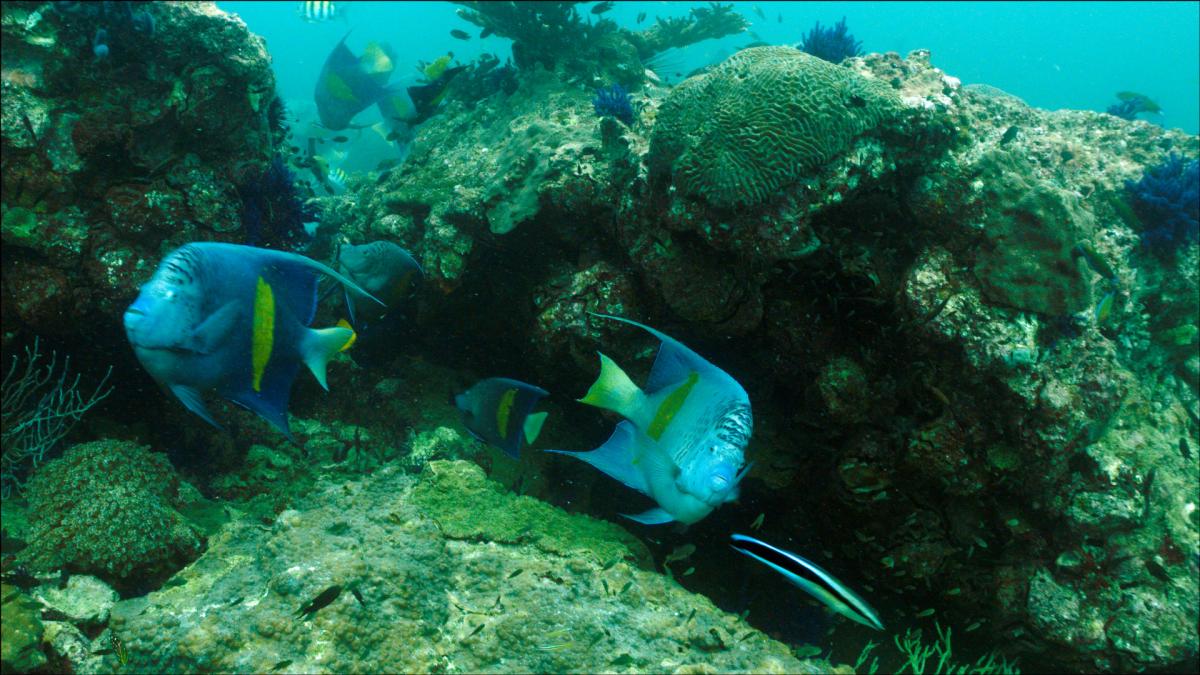
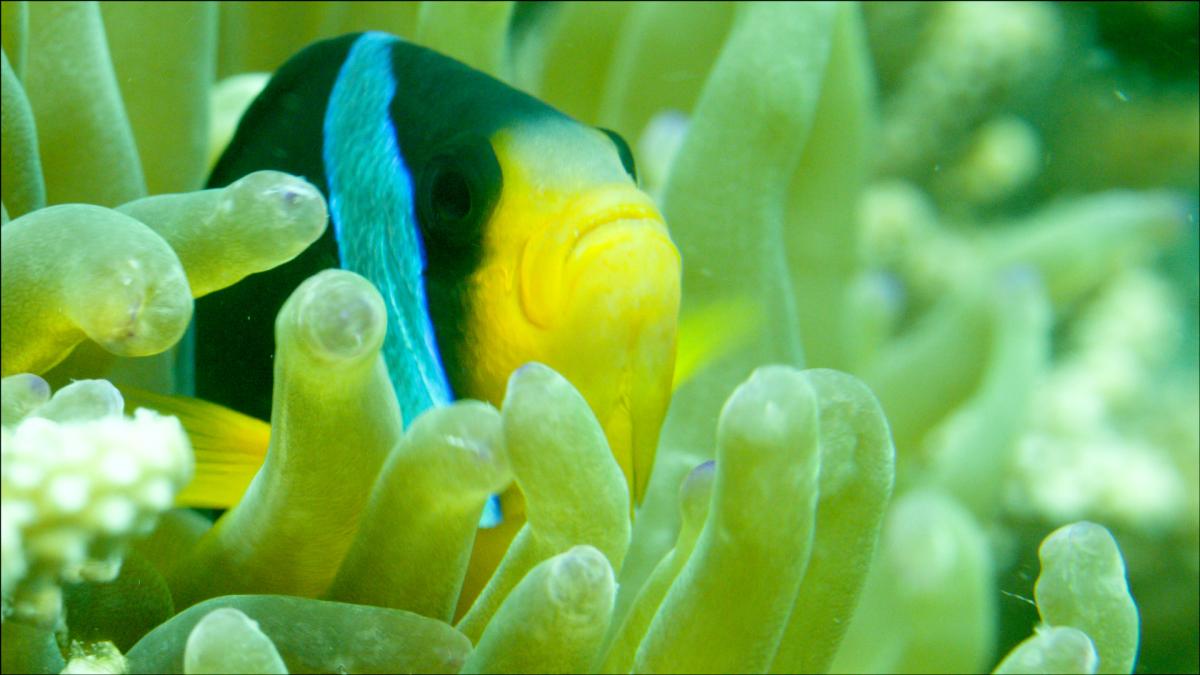
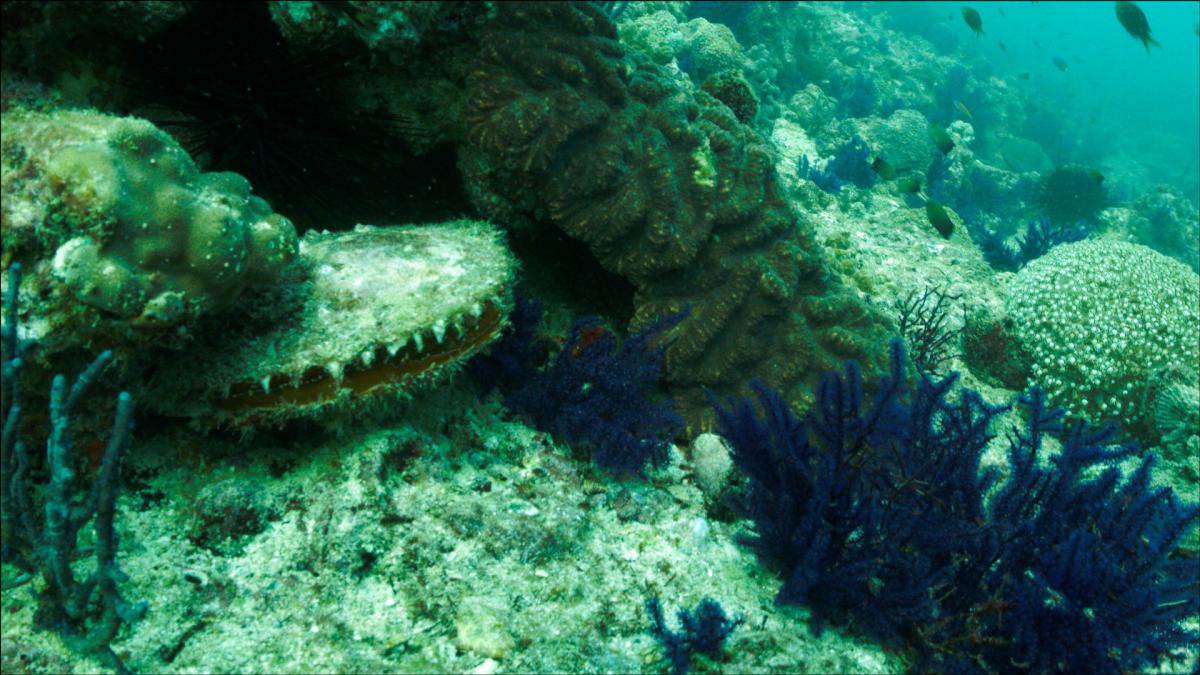
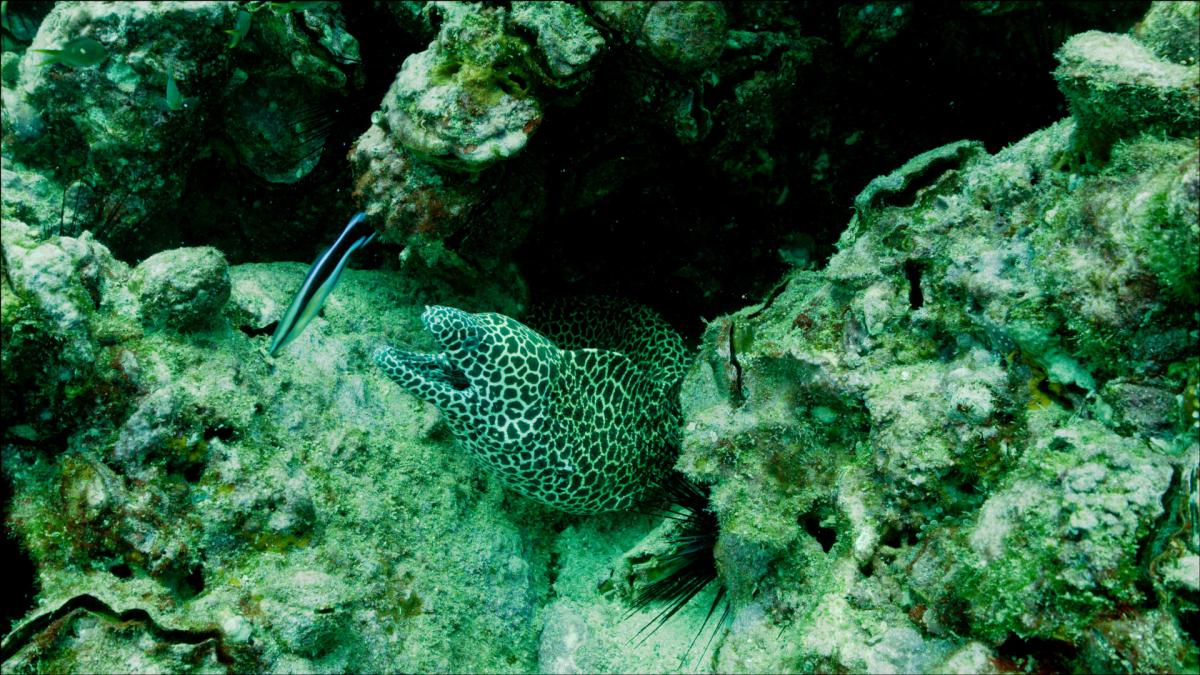
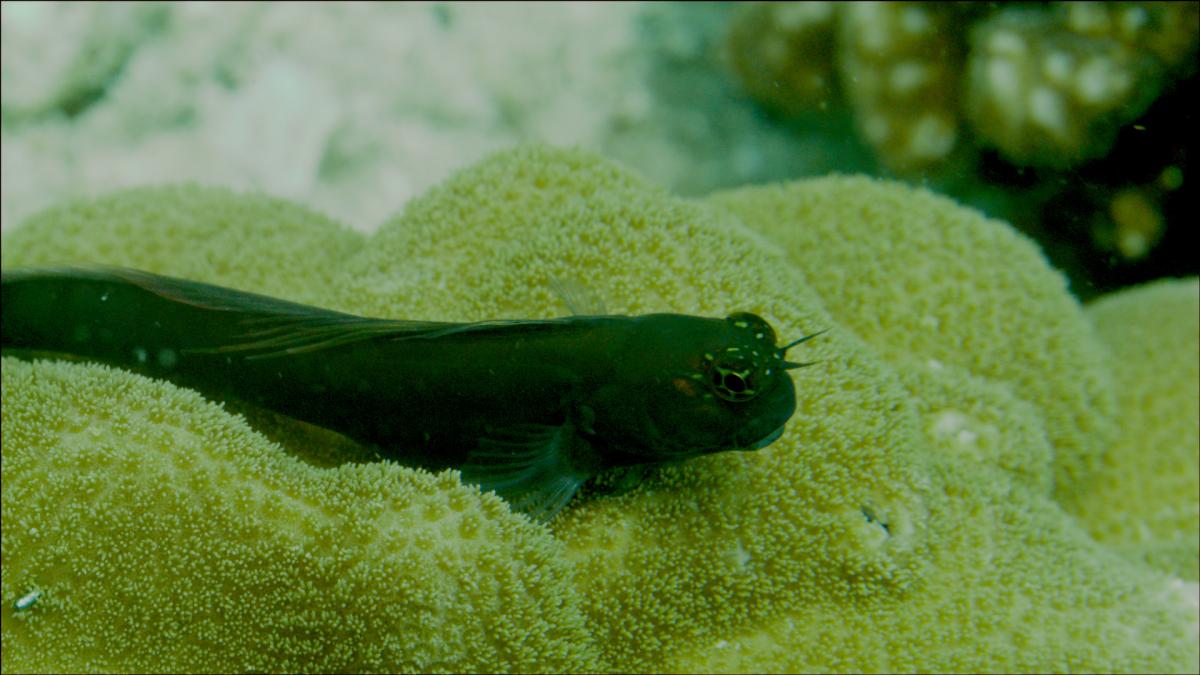
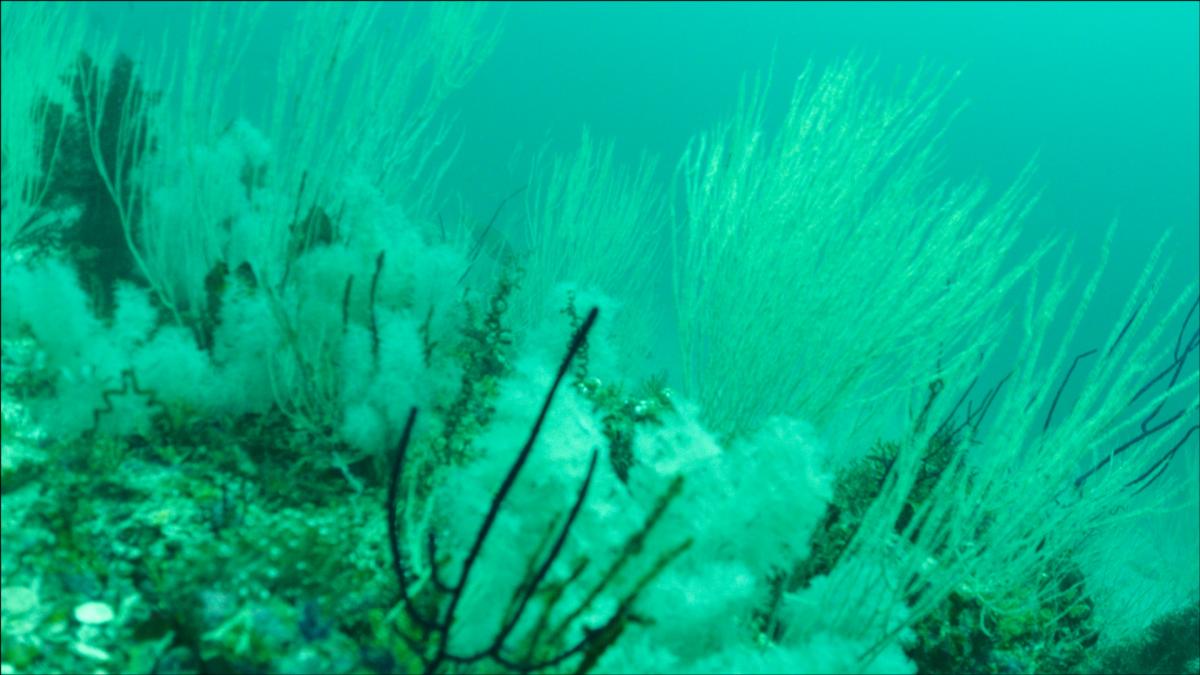
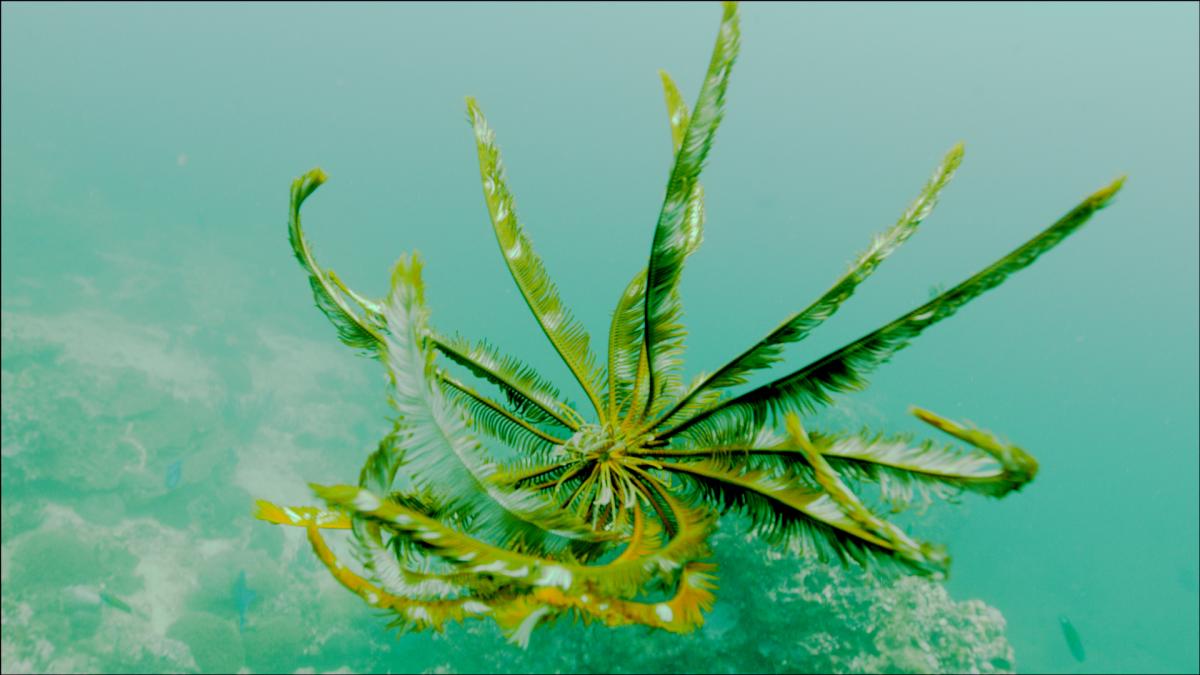
    Here are some raw frames of BMCC taken by Sultan in his custom housing.

    Feel free to play with them or distribute them but please make sure to mention the link to this thread or to give credit to Sultan bin Mejren :)

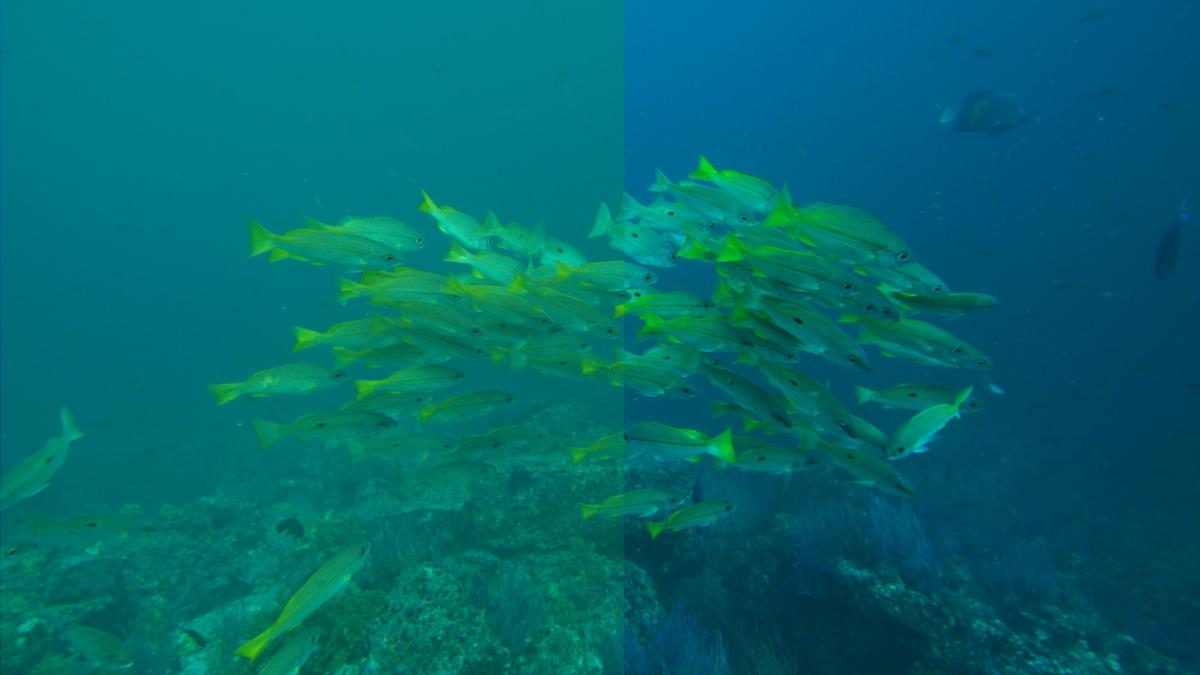
    It will be interesting if you can post any color graded frames back to this post. This will be highly appreciated and interesting as each colorists will be seeing the underworld way in his/her own creative way.


    Facts:

    Location was Musandam, Oman

    July 2013 (ignore BMCC file dates)

    Visibiliy was poor (3-5) meeters

    Most of the shooting was done via canon 16-35mm L lens along with the Fathom port;

    Only the macro shots were taken by Canon 100m L lens in using flat port (two shots: Clown fish, Little Brownish long fish on hard corals- dont no the name :( )

    White balance was set to 7500k


    https://www.dropbox.com/sh/rk241svrgtg4ywp/G1oOpa0STM


    Best Regards,

    Thani

  3. Shukran, Thani and Eid Mubarak to you and your family, as well as Sultan and his family.

  4. Shukran to you Drew :). Where did you learn Arabic? Are you any good at it?

  5. Hi Drew,


    Were you able to download the raw files from the above link?

    How does underwater world look in raw?! ;)

  6. Hello,


    Anybody there?

    Any successful downloads or color correction for the images?

    :(

    You can get Davinci Resolve lite for free. It is really good

  7. It will be interesting if you can post any color graded frames back to this post. This will be highly appreciated and interesting as each colorists will be seeing the underworld way in his/her own creative way.


    https://www.dropbox.com/sh/rk241svrgtg4ywp/G1oOpa0STM

    I am travilling for couple of weeks and I thought I will try to post some of the sample frames hence no body posted any color corrected files from the above link : :fool:

    Note that images are being compressed badly during the upload :(

    post-22245-0-59913800-1377032207_thumb.jpg

    post-22245-0-49433000-1377032421_thumb.jpg

    post-22245-0-18596500-1377032607_thumb.jpg

  8. Had to break it in to multiple post:

    post-22245-0-11653900-1377032791_thumb.jpg

    Edited by thani
  9. more

    post-22245-0-25872000-1377033017_thumb.jpg

    post-22245-0-27751600-1377033051_thumb.jpg

  10. One more:


    post-22245-0-15213300-1377033266_thumb.jpg

  11. Last image:


    post-22245-0-38915100-1377033414_thumb.jpg

  12. Hi there,


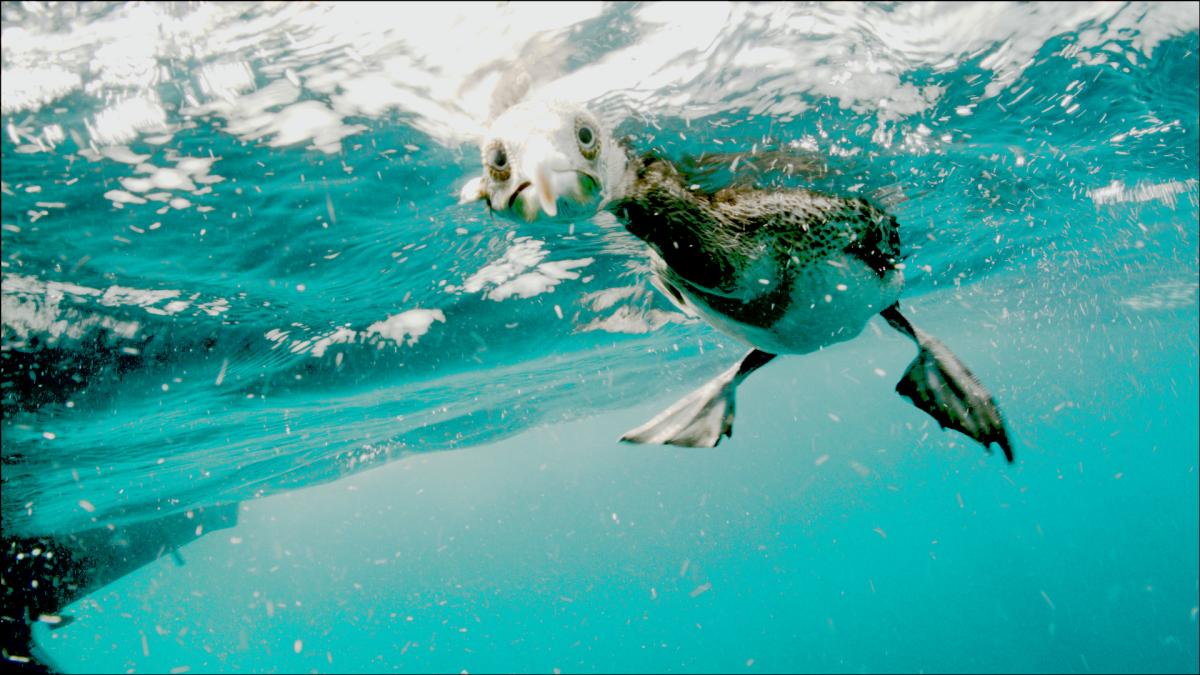
    Here is a video we shot with the custom housing using the following setup:

    BMCC (2.5k)

    RAW video

    Sigma 8mm (F4 - not a fast lens) behind a flat port. Focus preset on 3ft (as the manual focus was built for canon 16-34 lens)

    Edit was done entirely in Davinci Resolve Lite 10 beta

    Video was shot 2-3 Nov 2013 in Musandam Oman

    Depth vari between shallow - 110 ft. i.e. stingray at 110, Fish around 100 and Grouper around 70-80


    I will try to post my thought on shooting RAW when time allows :)

    Thank you Sultan for your innovation, love for the sea and everything else :)


    Remember to watch it in Full HD and I hope you enjoy it:

    Edited by thani
  13. Here is a video we shot with the custom housing using the following setup:

    BMCC (2.5k)

    RAW video

    Thanks Thani for your sample. This video displays a good selection of various material at various depths.


    The only thing I am wondering about is why do I see uneven banding on the sea backgrounds, e.g. 0:59-1:01. The smaller steps in the banding are understandable (8-bit color components), but, why are there larger steps as well? Or is this a result of the video having been converted for/by Youtube? I actually took a framegrab and noticed how colors changed quite abruptly at the edges of the coarser bands, e.g. RGB 0:113:138 to RGB 0:110:136 from pixel to neighboring pixel, which explains why the banding is so visible. Just curious. :)

  14. The only thing I am wondering about is why do I see uneven banding on the sea backgrounds, e.g. 0:59-1:01. The smaller steps in the banding are understandable (8-bit color components), but, why are there larger steps as well? Or is this a result of the video having been converted for/by Youtube? I actually took a framegrab and noticed how colors changed quite abruptly at the edges of the coarser bands, e.g. RGB 0:113:138 to RGB 0:110:136 from pixel to neighboring pixel, which explains why the banding is so visible. Just curious. :)

    Yes, I believe youtube compression had an effect on the quality. In addition, I have not rendered to the 'best quality' hence the size will be too big to be uploaded. I used the second best which is called 'high' in davinci resolve.

    I have dropped four frames in Dropbox, two are the original camera raw and the other two (namely 033 & 142.dng) are converted by adobe converter so that it can be opened in Photoshop.

    https://www.dropbox.com/sh/pzipmq80ahi2ogu/SiW3c6Ga6M


    I am interested to here about your findings :)

    Edited by thani
  15. I am interested to here about your findings :)

    I opened the files in CorelPaint XV. All of them appear to be 48bit files with 16-bits per color component. Due to restrictions of the tool I was not able to verify the effective amount of bits per channel. But the images do have a lot of latitude in color processing. You can actually adjust them into quite beautiful colors if you can accept the increase in the noise level. It would be interesting to calculate the S/N ratio with this exposure. My guestimate is 33-39 dB but I could be wrong. What exposure settings did you use at this point of the video footage?


    Even with strong image adjustment I did not observe any banding (or it is camouflaged by the noise). Thus the banding visible in the earlier Youtube video sample must have been a result of conversion(s) and/or other post processing. If possible, you might want to keep the full bit depth until the very last conversion into output media. The picture below was edited first in 48-bit - no visible banding. When I exported it into a 24-bit jpeg at the end, slight banding was introduced.


    It would be interesting to view a fully color graded version of your video.

    post-33246-0-00692700-1384548105_thumb.jpg

    Edited by r4e
  16. I opened the files in CorelPaint XV. All of them appear to be 48bit files with 16-bits per color component. Due to restrictions of the tool I was not able to verify the effective amount of bits per channel. But the images do have a lot of latitude in color processing. You can actually adjust them into quite beautiful colors if you can accept the increase in the noise level. It would be interesting to calculate the S/N ratio with this exposure. My guestimate is 33-39 dB but I could be wrong.

    What exposure settings did you use at this point of the video footage?


    It would be interesting to view a fully color graded version of your video.

    First, I really appreciate your effort into qualifying the images :)


    On the exposure, I believe on this dive my iris control got stuck and the iris was opened at the widest 4.5. On the same note, I am quite amazed by davinci resolve recovery from such over exposure issues. I've seen total white images come back a live. Like the sardine shot at the end of the clip.


    Re. Viewing a fully graded version, do you mean a better graded one than the YouTube version? Can you elaborate more on this plz


    It is important to recall that the BMCC is meant for film and the footage itself tends to be grainy, a desired affect for films, where I think it would not be desired for underwater. Still to be studied.


    In the full version of Resolve there are various ways of reducing noise. I think the one that works on separate channels such as luminance may be effective.


    Remember that I did the edit in resolve lite and that I am a beginner in color grading.

  17. Thani, thanks very much for your test. I am really impressed by the extend that these raw video files can be tuned. Can't wait for the housing for my bmpcc.

    10883134656_1737a5483b_z.jpg

    Edited by kkfok
  18. Re. Viewing a fully graded version, do you mean a better graded one than the YouTube version? Can you elaborate more on this plz

    Remember that I did the edit in resolve lite and that I am a beginner in color grading.

    I am a beginner as well. But, like kkfok demonstrated, there is even more latitude for color grading. Depending of course on your targets. E.g. beautiful bright pictures vs giving the impression of depth.


    Perhaps on the sequence of the searays I would have adjusted the color of the sand differently as well as the overall color balance. Most of the footage, however, looked very good. And then it is a question of how far you personally want to take your color grading.

  19. Kkfok.... nice grade, are you able to share what you did to the image?

  20. Kkfok.... nice grade, are you able to share what you did to the image?


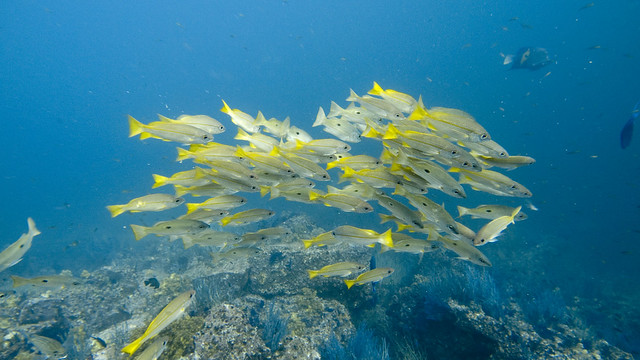
    Thanks. Basically just the tint slider, temperature slider and exposure in ACR.

Marelux

Account

Navigation

Search

Search

Configure browser push notifications

Chrome (Android)
  1. Tap the lock icon next to the address bar.
  2. Tap Permissions → Notifications.
  3. Adjust your preference.
Chrome (Desktop)
  1. Click the padlock icon in the address bar.
  2. Select Site settings.
  3. Find Notifications and adjust your preference.