Skip to content

Photography Gear and Technique / Archived topic

Olympus 60mm First time shooting - tips?

Started by smk82 ·

  • 23Posts
  • 23Replies

Read-only discussion

Olympus 60mm First time shooting - tips?

23 posts
  1. I have been using this lens for some time now, and have not yet tried it with any kind of magnifier/close up lens so far.


    I found it to be very easy to use, fast AF (with my simple setup that includes only one strobe at the moment). Still learning though. Never had the need with MF so far, but then again, you can always do that without the zoom gear but by moving the camera.


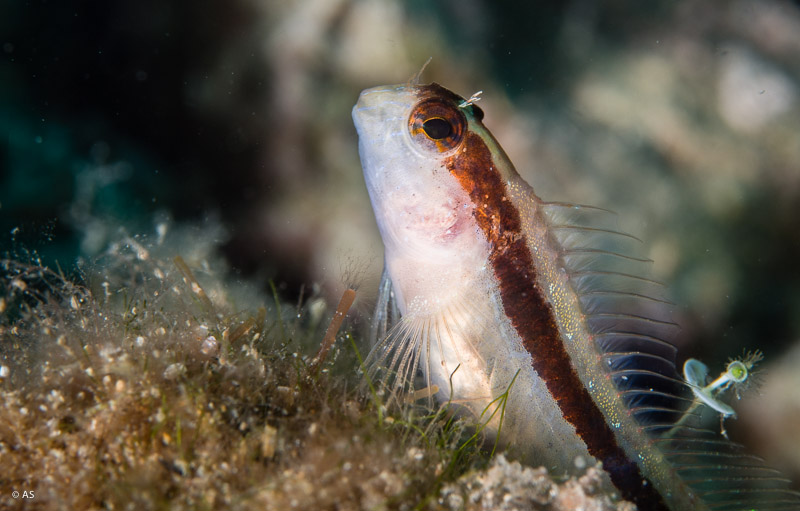
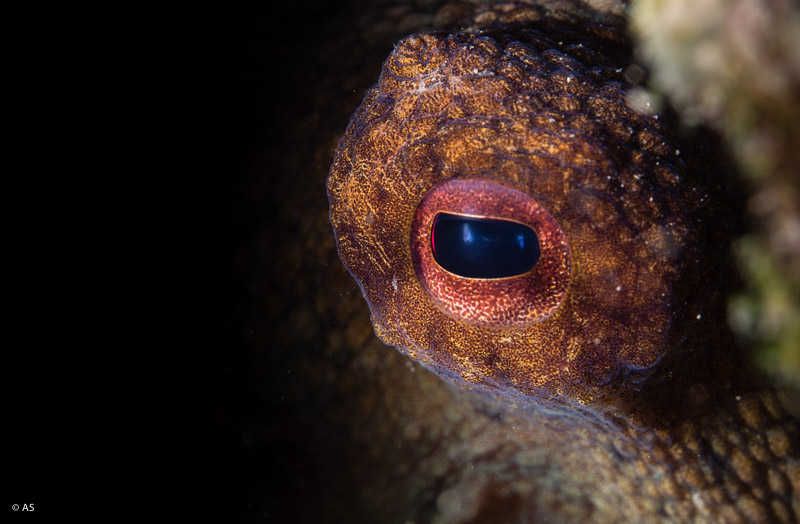
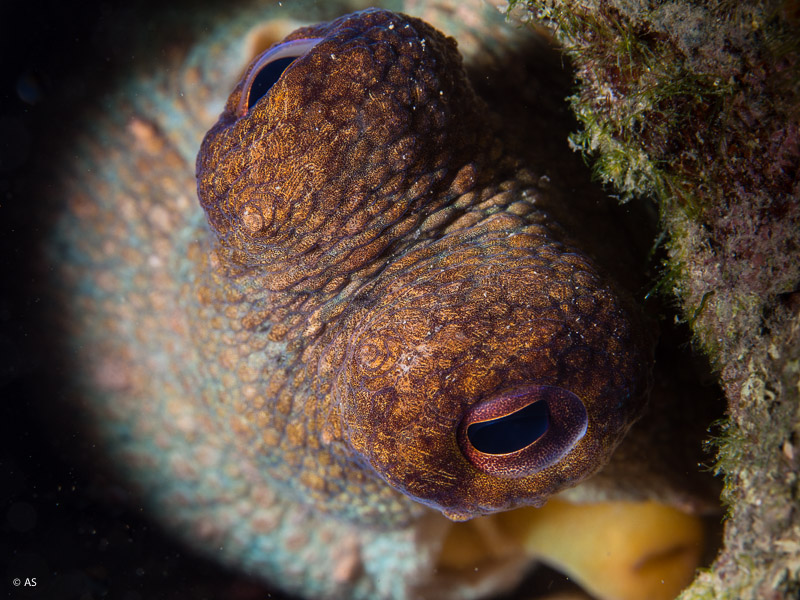
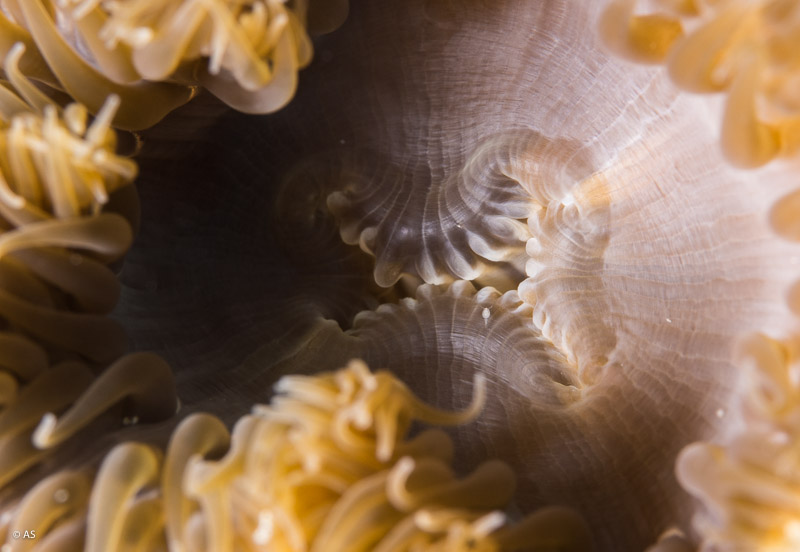
    I keep it at 0.19 - infinity AF setting, F8, 1/250 (as that is max sync speed on EM5), below are some results from todays dive.

    First two photos are uncropped, on the 2nd one you can actually see some kind of a critter which is probably 1-2mm in size (if you look closer).


    post-44985-0-30597400-1438528409_thumb.jpg

    post-44985-0-25521400-1438528422_thumb.jpg

    post-44985-0-31420800-1438528439_thumb.jpg

    post-44985-0-08007700-1438528456_thumb.jpg

  2. I finally got the lens and performed some tests in water. As far as I can see it is not worth putting any diopter between +6 and +12 as the magnification once in water is really minor that all you are doing is reducing working distance. My conclusion is that the 60mm does fine without any additional lenses and if you really want something specific you need the CMC but for most users there is no need for any wet lens

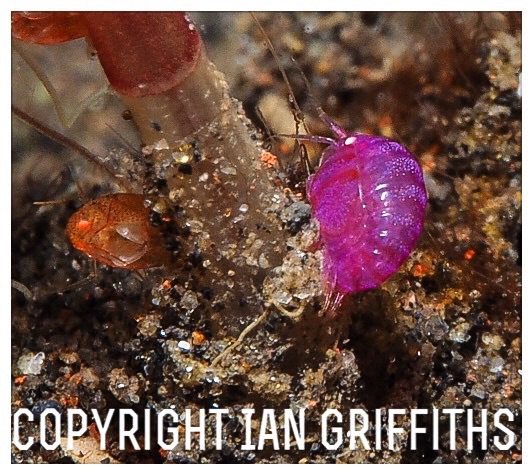
  3. I took these Amphipods in Bali with my Oly 60mm with a Subsee +10 which gives about 30% increase in magnification. I wish I had my CMC then as this is quite heavily cropped as they are less than a millimeter long and hard to see let alone photograph. Without the wet lens they would of still been tiny in the frame. Must commend Parman "Eagle Eyes" our regular dive guide who found these as we requested.

    post-50926-0-13254000-1438738989_thumb.jpg

AOI

Account

Navigation

Search

Search

Configure browser push notifications

Chrome (Android)
  1. Tap the lock icon next to the address bar.
  2. Tap Permissions → Notifications.
  3. Adjust your preference.
Chrome (Desktop)
  1. Click the padlock icon in the address bar.
  2. Select Site settings.
  3. Find Notifications and adjust your preference.