Skip to content

Video Gear and Technique / Archived topic

Red filters for GH4

Started by Etc ·

  • 32Posts
  • 32Replies

Read-only discussion

Red filters for GH4

32 posts
  1. Ah, missed the limit on the wide angle on the adapter


    Again, personal choice, but I wouldn't be too bothered by trying to retro fit a back filter if it means using tape etc... Too much potential for gunk near the sensor and owns workings for my liking.


    Another option would be to fit a filter step up ring to the outside of the lens hood, then fit a filter to that. Provided that the adapter ring ding sit proud of the lens hood, you wouldn't get any vignette etc, although you would need to ensure the step up ring fitted inside the done port aperture.

  2. I have retro-fitted the VXQ1911 part in the back of my Panasonic 7-14mm. It cost me a blummin' fortune from www.partsimple.com... USD 79.24 including shipping to Thailand. It was the cheapest option I could find. I used a craft knife rather than a Dremmel to shave off the material that wasn't needed.


    Using tape does work OK. Use the thinnest 3M Scotch Magic tape which leaves less residue than others.


    As for filters, in my experience the Original Magic Filter does not give good results underwater with the GH4. I don't know how their Auto-Magic filter performs. In the back of my Panasonic 8mm fisheye I have recently been using a piece of Rosco Dark Salmon (#008) e-color+ gel which perfectly matches the UR-Pro blue-water filters that are used in Gates, L&M etc. housings. With a manual white balance on the palm of my hand, results seem good. You can contact Rosco or their distributors and ask them to send you a set of Rosco swatch books for free then you can test different colours. The swatches themselves are big enough to cut a couple of filters out of. Be careful not to scratch them as you flip through the swatch book. These gels are intended for lights, not lenses, and purists will tell you that you should be using a proper optical gel filter such as Kodak Wratten, but the Rosco material looks pretty clear to me! I don't know which of the Rosco gels is theoretically the most optically clear. Once I know that I will probably order a bigger sheet. I have also used Rosco lighting gels as ND filters on the back of my Panasonic 7-14mm.


    Rosco-gels.jpg

    Edited by Nick Hope
  3. Thanks guys. Since I'll use the filter just in specific situations I think all the options seem to be a little bit messy, so I guess the right way to go is first use the filter in the 12-35mm. If it works fine, I'll return to this topic.

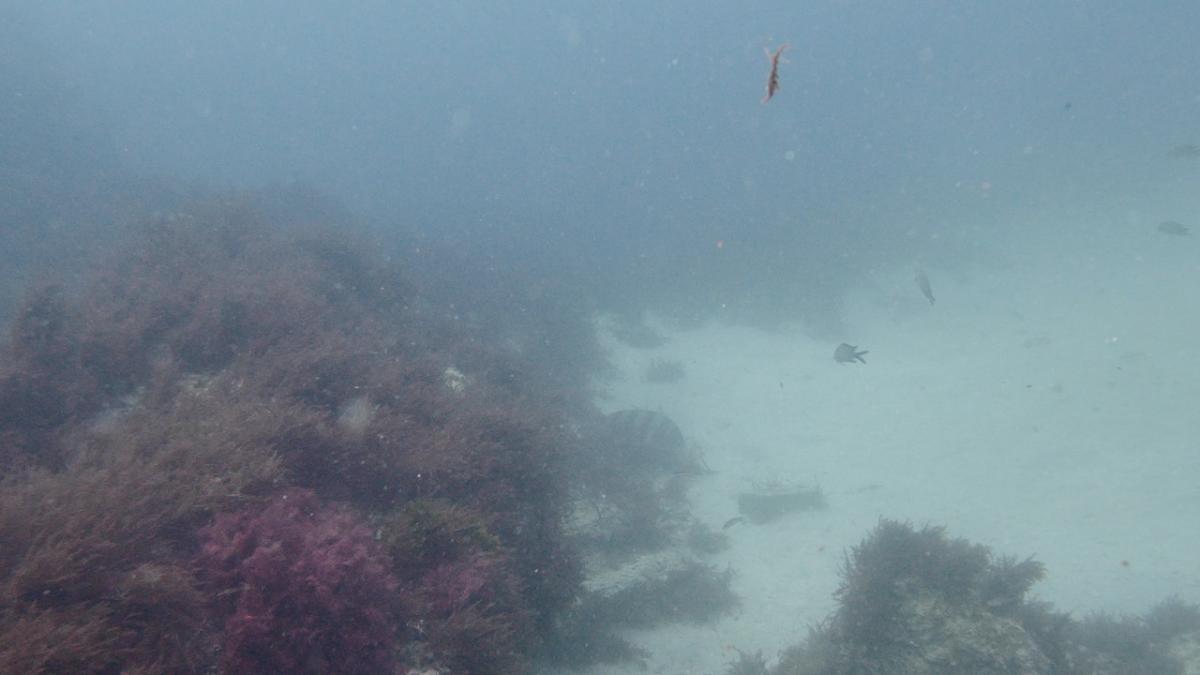
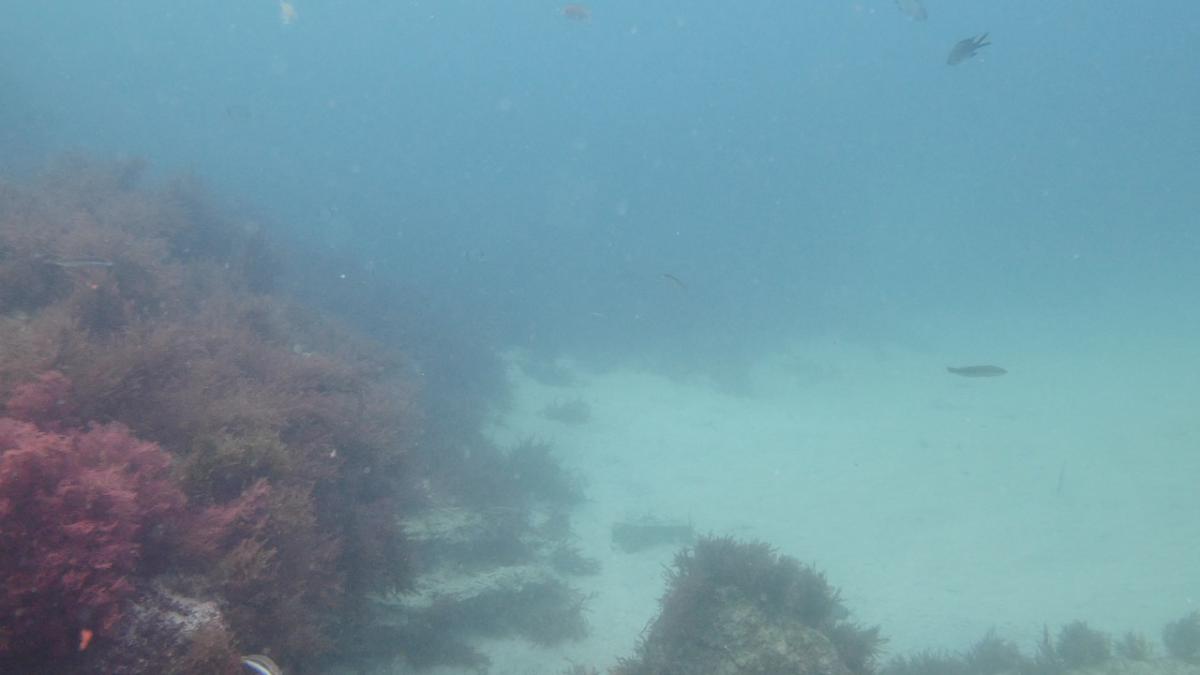
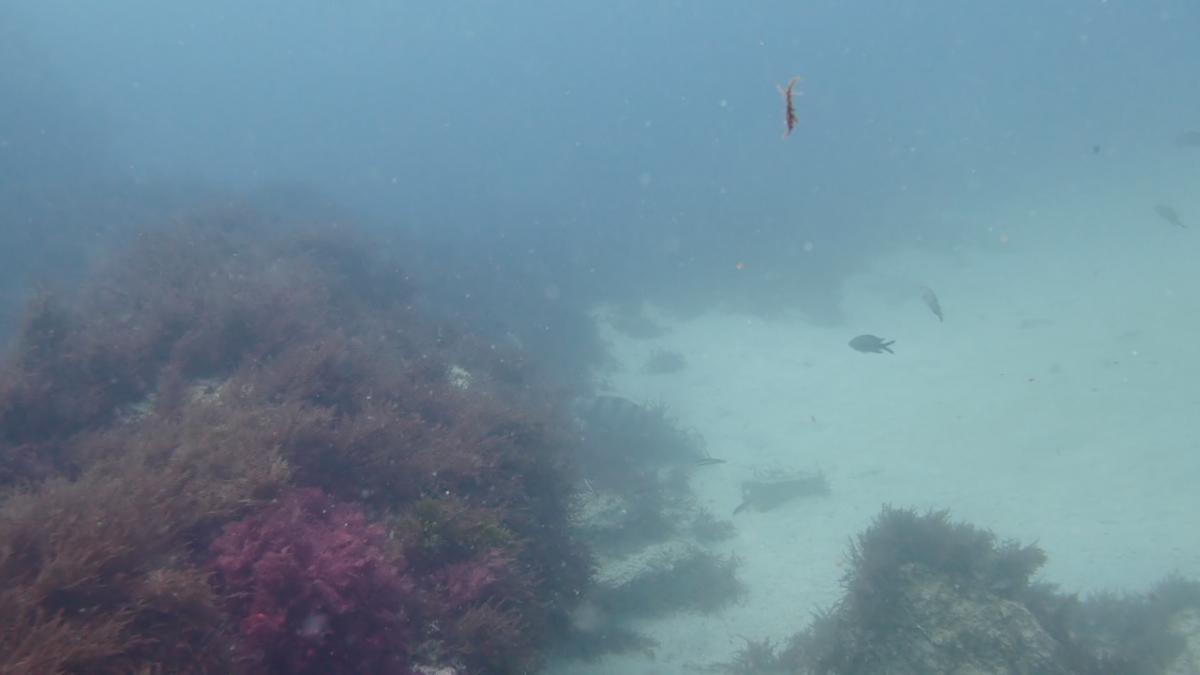
  4. I know the 'scene' is poor and so to the vis, but I hope the colours show at least what I'm trying to convey


    Taken at the same time (at 15m'ish) on the same dive.


    No Filter - Manual White Balance

    post-43742-0-43632200-1461780191_thumb.jpg


    UR Pro 'Red' Filter - Manual White Balance

    post-43742-0-26715200-1461780195_thumb.jpg


    Adding +30 Sat in Post to the No Filter File:

    post-43742-0-23931800-1461780792_thumb.jpg


    Using a White Balance Slate and Sceney Profile.


    This made me realise the GH4 does a pretty good job without one.

    Edited by thetrickster
  5. Generally I find panasonic custom white balance to work pretty well. The filter gives just extra saturation so the footage is ready to go. In shallow water the filter also helps avoiding the camera to use small aperture. In general sony needs filters panasonic doesnt is my appraisal. The LX100 tends even to oversaturate colours and definitely doesn't require a filter in any scenario

  6. As per my suggestion to Etc, I'd personally say record in HD. Everything you may gain from super sampling down from 4K will be more than lost by the relatively higher compression (compared to HD) that onboard on the A7s uses.


    If however you were pushing out uncompressed to an external recorder, 4K to HD wins by a mile


    That's not true the H264 codec as well as any intra codecs are not optimised for 4K and perform worse than what they do for 1080p

    The downscaling theory is based on the resolution available and the theory that downscaling a 4:2:0 color space becomes 4:4:4

    The first is true only for cameras without full sensor readout and the second is just not true


    Well. I did some test.

    I recorded in a green screen set to test Chroma Key and I also recorded a low light shot.

    All clips recorded with the Pana12-35mm. Iso400. 1/50s. I shot 4 different clips in each test:

    -4K 25p 100Mbs

    -HD 50p 200Mbs

    -HD 50p 100Mbs

    -HD 50p 50Mbs


    Curiously I didn't notice much difference in the chroma key test. They all look pretty much the same. I definitely have to do further tests.


    Let's get into the low light tests. Some stuff came up that really don't make much sense to me.

    All clips recorded with the camera on a tripod, same duration (5 secs), same scenario, lighting, aperture...


    4K size: 55,1MB

    HD200 size: 28,6MB

    HD100 size: 55,8MB

    HD50 size: 33MB


    When I saw the HD200 size in my computer explorer I had to double check all the clips in the camera because I couldn't believe it.

    4K has double resolution than HD200, but half the frame rate, and half the bitrate. So in a rough calculation I would expect the HD200 clip to double the size of the 4K file. But, since compression is not linearly proportional to resolution and it has to do a lot with spacial and temporal redundancy ( bitrates are variable too), I'm really not surprised by this data.

    What really surprised me is when comparing HD200 with HD100!!!!!!. Has no explanation to me. All the clips are in the same container and are supposed to be compressed by the same codec!!!!


    Anyway, those are just number so far.

    So I imported all of the clips into Adobe AE and pushed the signal to the extreme. I applied the same correction to all clips, obviously. I also downscaled the 4K clip to HD after correction.


    6BnMjfY.jpg


    Same cropped area of each clip:


    HD 50Mbs

    2rk9mTW.jpg


    100Mbs

    cjZD1jm.jpg


    HD 200Mbs

    9nHm8Kx.jpg


    4K

    QGLkmNi.jpg

    _________________


    Depending on the frame you analyze of each clip you might see slightly quality difference between HD clips, but to my eyes the all look pretty much the same junk.

    I expected some evident difference between them, but once again compression algorithms are beyond my understanding and I guess that probably I would notice some difference in terms of quality under some other circumstances (high lights or high detailed images).

    BUT what I really consider as fact is that the 4K clip has a much better behavior than any HD file. For me it really confirms what I read about the convenience of recording in 4K in the GH4 even when the final output is HD.


    Take a close noise in the door and in the AC switches. Here is no so evident, but in my work computer I can also see a great difference in the greens gradient of the chroma board. Is much less noisy in the 4K clip.


  7. ISO 400 is not really high ISO. To test noise you need to push it to 1600. At ISO 400 f/5.6 1/50 there isnt much light once you have an overcast day.

  8. I wasn't testing noise. I was testing "video signal" behavior in grading and postproduction.

  9. I think something may have gone wrong with your 200 Mbps feed. I would check media info. There seems to be chroma noise everywhere on the door but to be honest am not sure I understand what is that you are trying to prove?

  10. Well. I don't pretend to prove anything.

    I have a camera that is able to record in several resolutions, bit rates and even different formats. So I try to put some of them into test with the idea of deciding which one to use at any given circumstance. I'll keep testing but in my first tests I found a couple of things I find noteworthy.

    The size of a HD200 file compared with the size of the HD100 in a low light situation (As I said, I already checked all the files info twice), and the better response of a 4k processed footage and downscaled than a HD200 one.

  11. The 200 mbps all intra formata are not very useful. The comparison should be between 24p at 100 mbps at HD and 4K. What is best depends on how the camera renders HD. Once you downscale you effectively skip lines and columns so resolution is gone. H264 has motion compression so higher bitrate will give less artefacts and should give you more dynamic range. You shot HD at 50p so you are not comparing apples with apples

  12. As interceptor says, you're not comparing like for like. HD100 uses interframe compression whereas HD200 uses intraframe compression. Both are variable bit rate, so the actual end bit rate returned will depend on the subject and the type of compression applied. A low lit area with lots of dead space and no movement isn't really going to put the compression to the test.


    Shift your test to a well lit subject with no dead space and lots of movement, you'll see something difference.


    In terms of your test, your pixel peeking on a single image, so not really a conclusive or comprehensive test when comparing the quality of a moving image across different compression methods and resolutions ;)

    Edited by Stuart Keasley
Isotta

Account

Navigation

Search

Search

Configure browser push notifications

Chrome (Android)
  1. Tap the lock icon next to the address bar.
  2. Tap Permissions → Notifications.
  3. Adjust your preference.
Chrome (Desktop)
  1. Click the padlock icon in the address bar.
  2. Select Site settings.
  3. Find Notifications and adjust your preference.