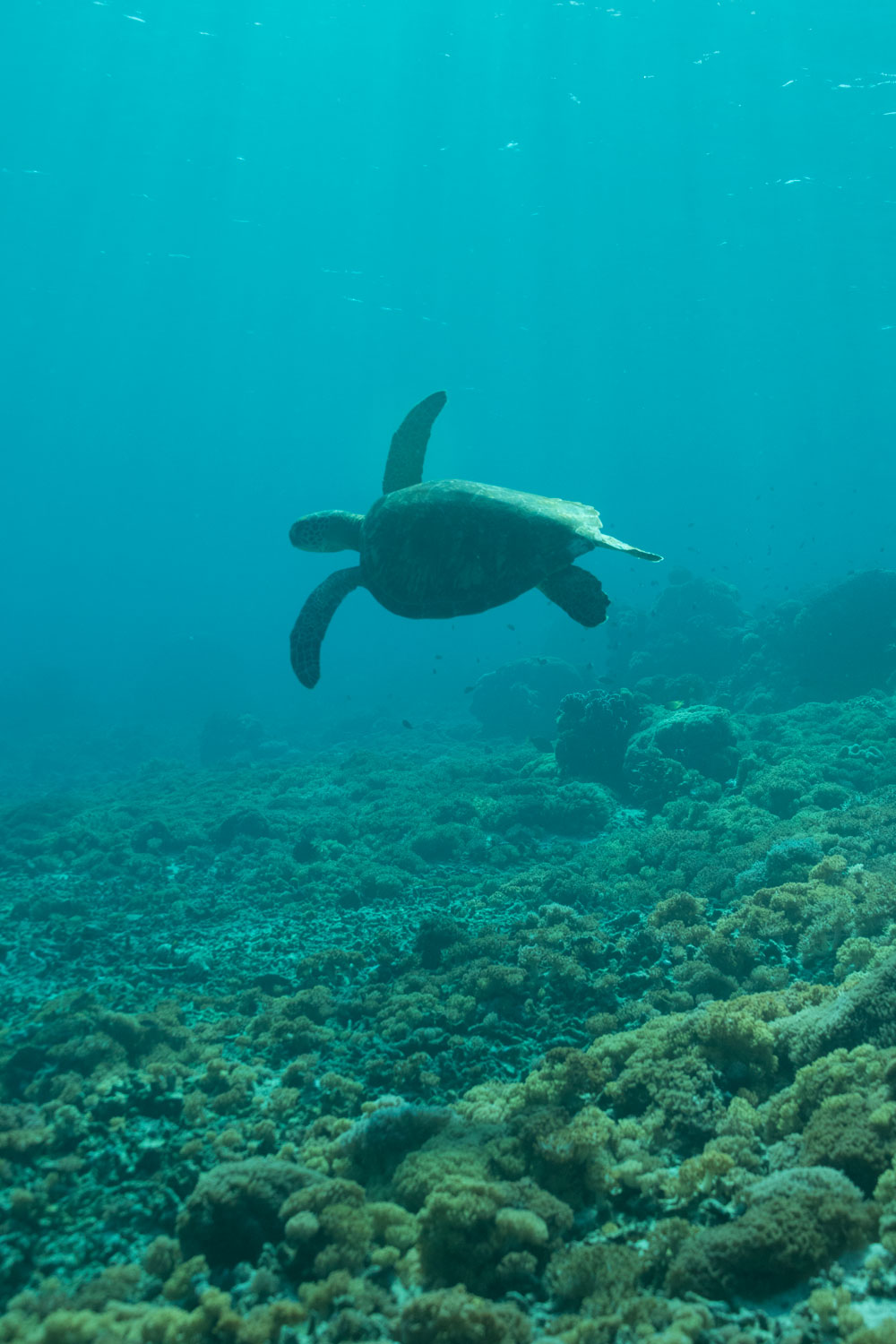
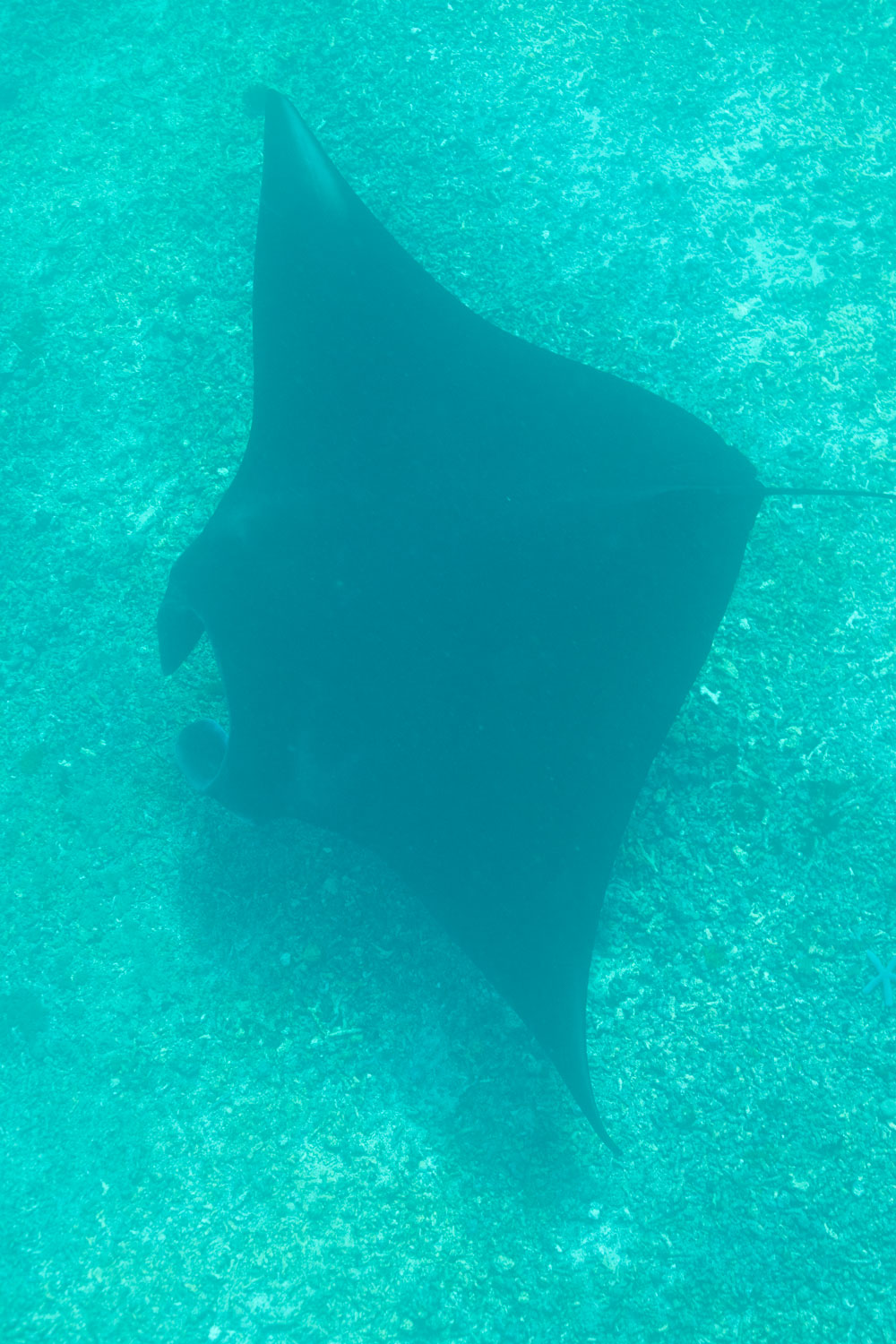
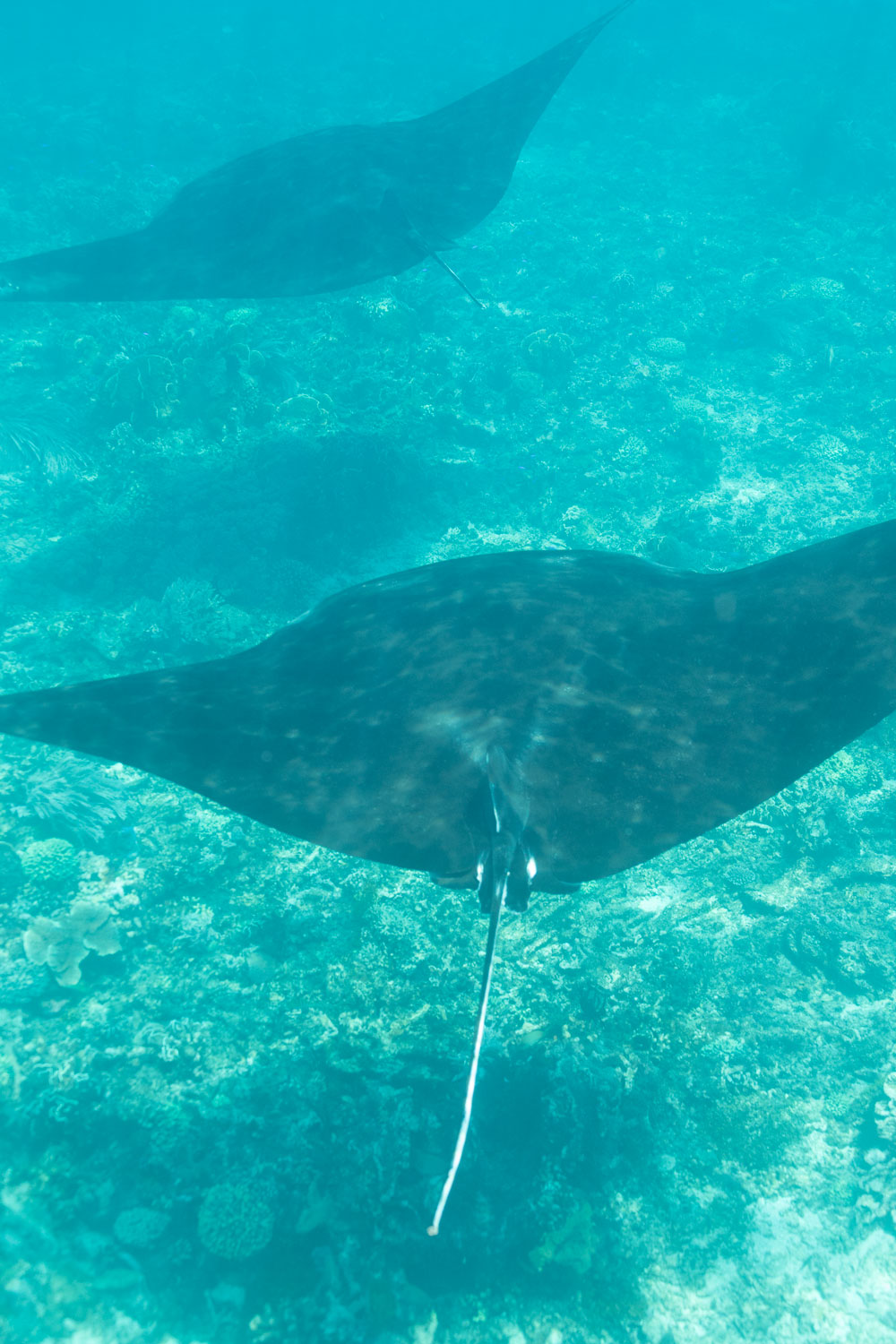
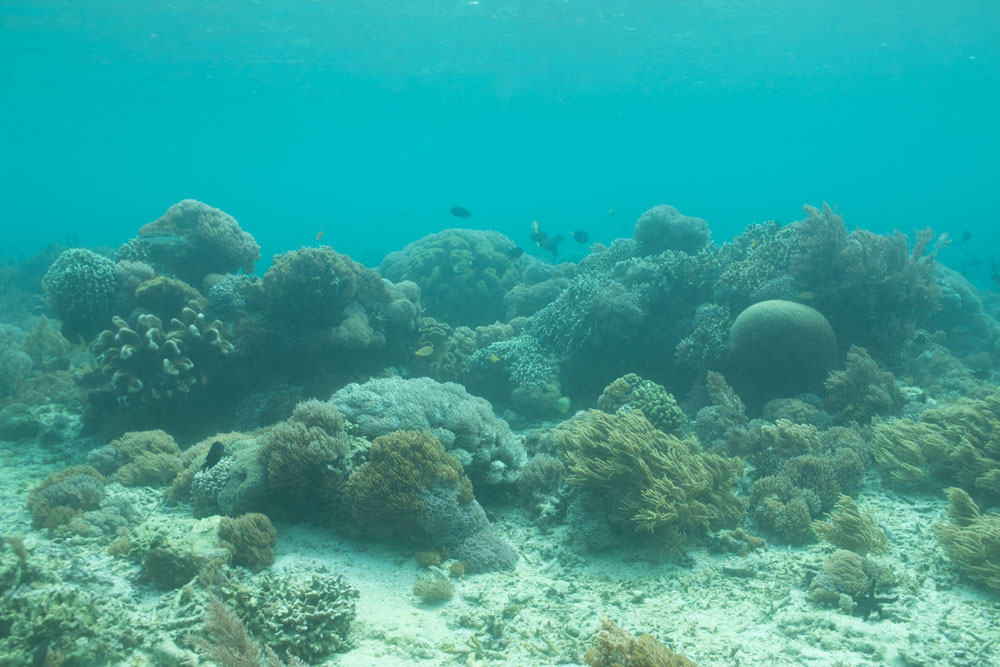
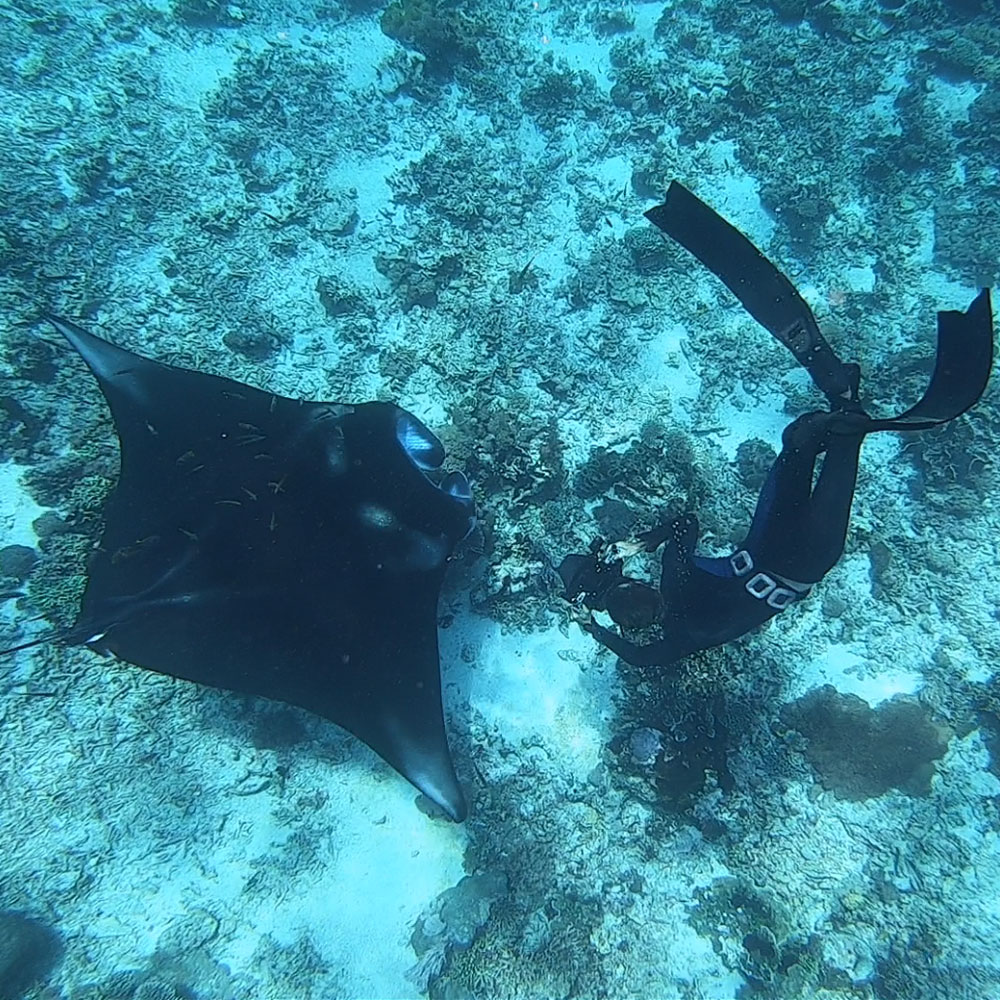
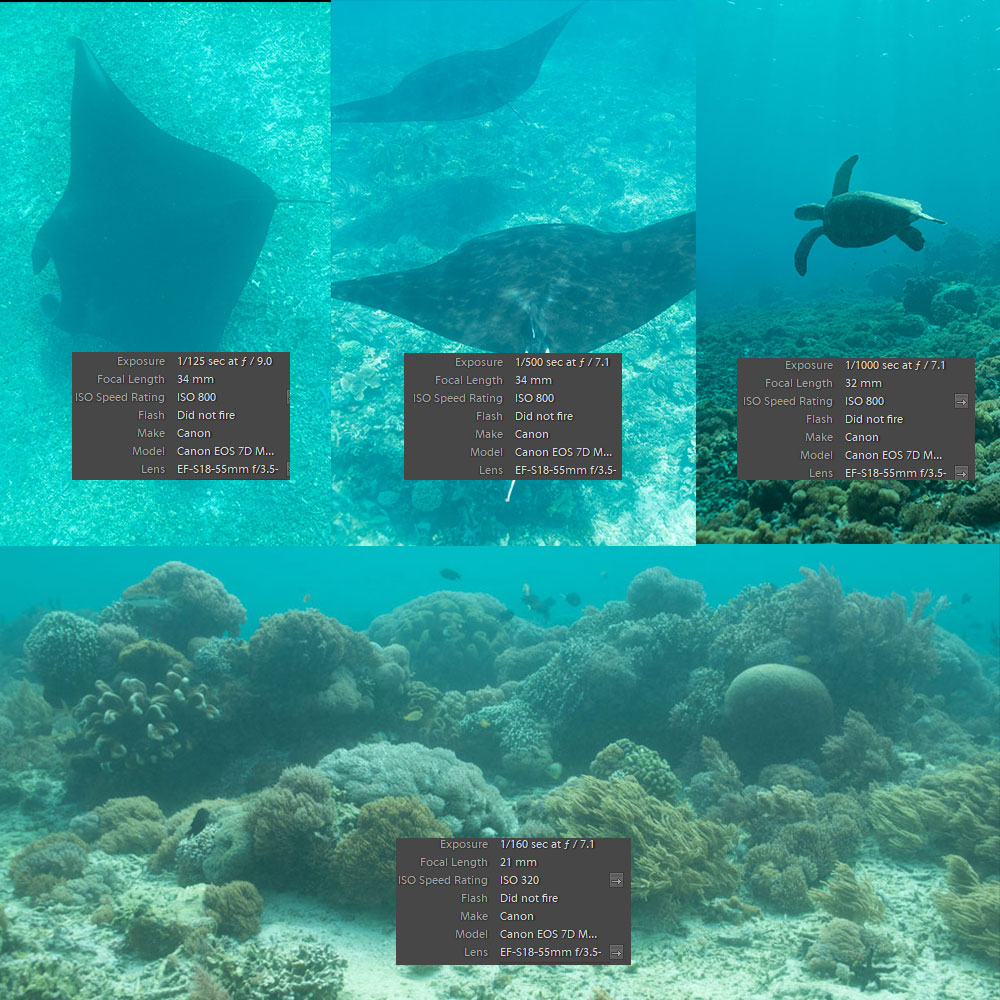
I had another look when I'm actually awake, and reviewed the histograms, here's some screen shots of the histograms for the Go-Pro shot, the manta and the reef:

A few things to note on the histograms, the GoPro shot is well balanced, though it has some highlight clipping, on the color histogram there is some red showing on the LHS - this is the cyan cast, but it's not bad. Did the Go Pro have a red filter? If not it has done a pretty decent job of colour balancing and only needs a light correction to remove the cyan cast. This is because you have dteail in all three colours in the image spread across the histogram.
The two shots from the Canon are blocked up in the shadows, but on the colour histogram the red is mainly in the blocked up section on the LHS of the frame, it's worst on the Manta, the reef shot there is a secondary red peak which is the browns in the corals in the foreground of the shot. The Manta there is no red to speak of anywhere in the image. That Red Peak on the LHS is the cyan cast that covers everything, the rest of the image, the blues and the greens only covers half the histogram so it looks like a flat dull image you would get in fog for example. For an image to look strong and punchy it needs a full histogram and good contrast in the midtones.
What you see when you open it in the raw conversion program is that programs interpretation of the data in the raw file. In most Raw programs it is based upon the the in camera JPEG settings. I think the Histograms fully explain what you are seeing in the shots, but you need to look at the colour histograms to get the full story. In the Manta shot for example there are no deep shadows only a complete lack of red which shows up as a cyan cast covering everything.
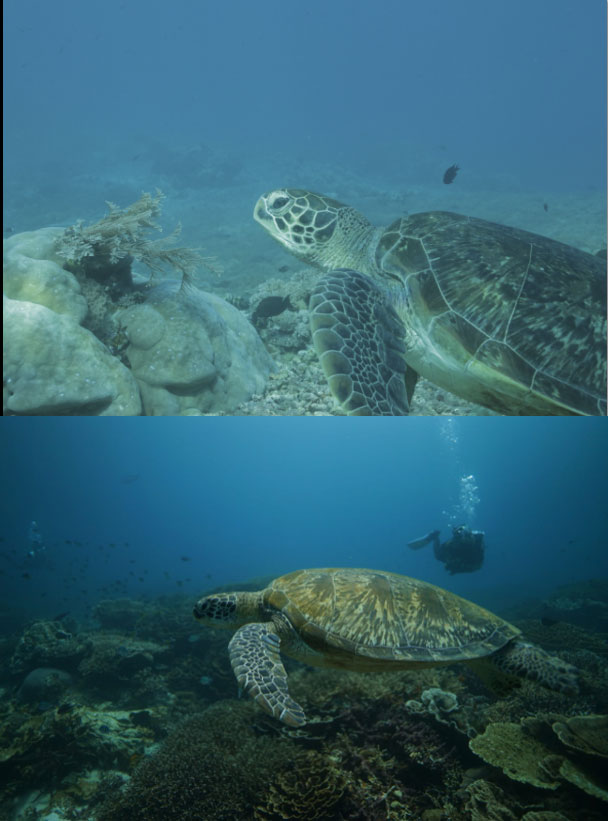
I would suggest you try a manual white balance. Getting closer will also help, I see the rays were shot at 34mm FL, Getting the same framing at 18mm would be better. The light comes from the surface and the less water it travels through to reach you the better, if you are closer then that improves things. Notice your reef shot is better than than the other images and has some red details hidden in it. You were at 21mm for that so you were closer. You can see this in the shot I processed. The foreground is balanced and fades to cyan in the background, the closer parts of the shot have more red light, purely because the light travels through less water.