I use already the Canon 8-15mm fisheye with Metabones 1x Smart adapter with OMDs EM5-II and EM1-II (see here for description: http://wetpixel.com/forums/index.php?showtopic=62974&hl=;http://wetpixel.com/forums/index.php?showtopic=62560&hl=). I am still very excited about this WA solution.
This time I was interested to use a circular fisheye on the MFT camera system and purchased a Sigma 4,5 mm F2,8 EX DC HSM circular fisheye (Canon EF mount). The following combination was used:
Nauticam housing (NA-EM5II or NA-EM1II)
Nauticam 34.8mm N85-N120 adapter
Nauticam 25mm N120 extension
Nauticam 140mm N120 minidome (removeabel sunshade version!)
2x Sea&Sea YS-D2
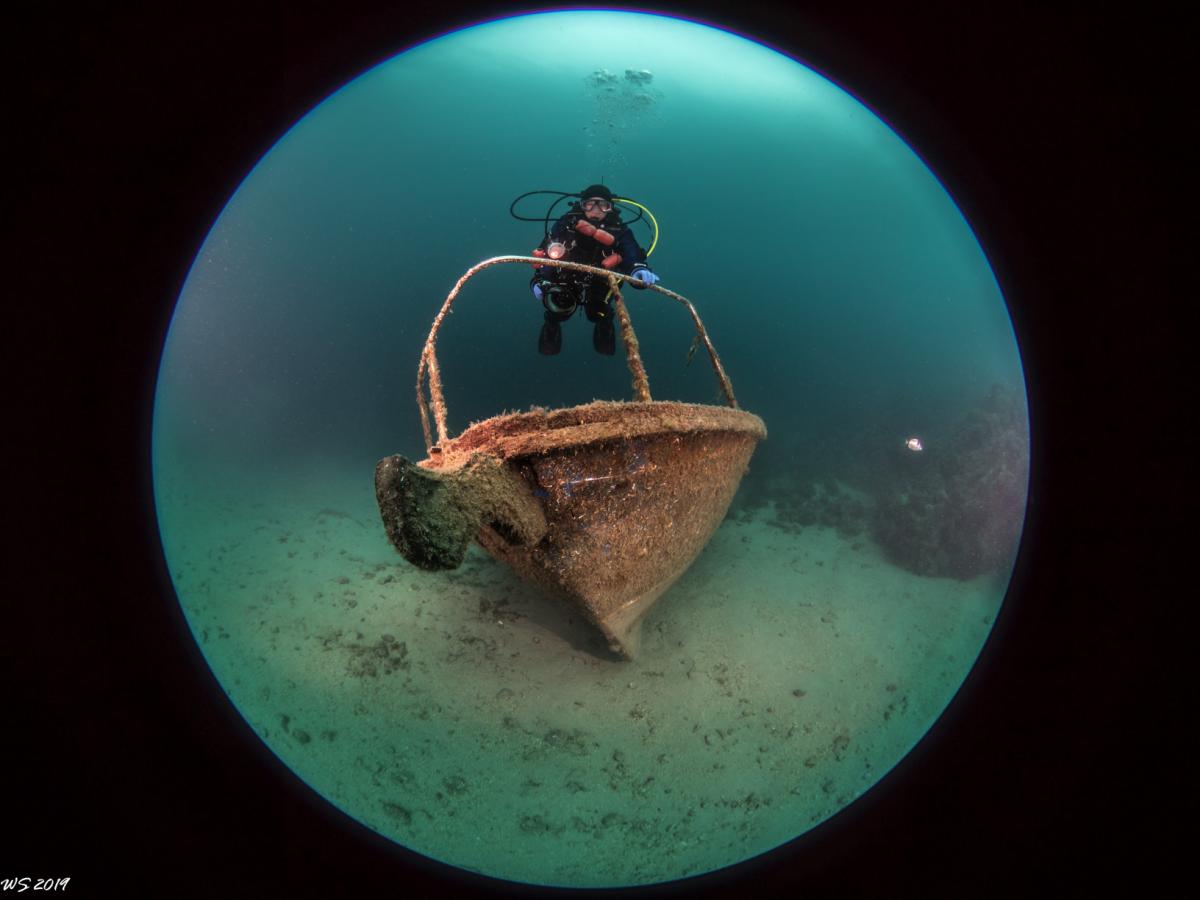
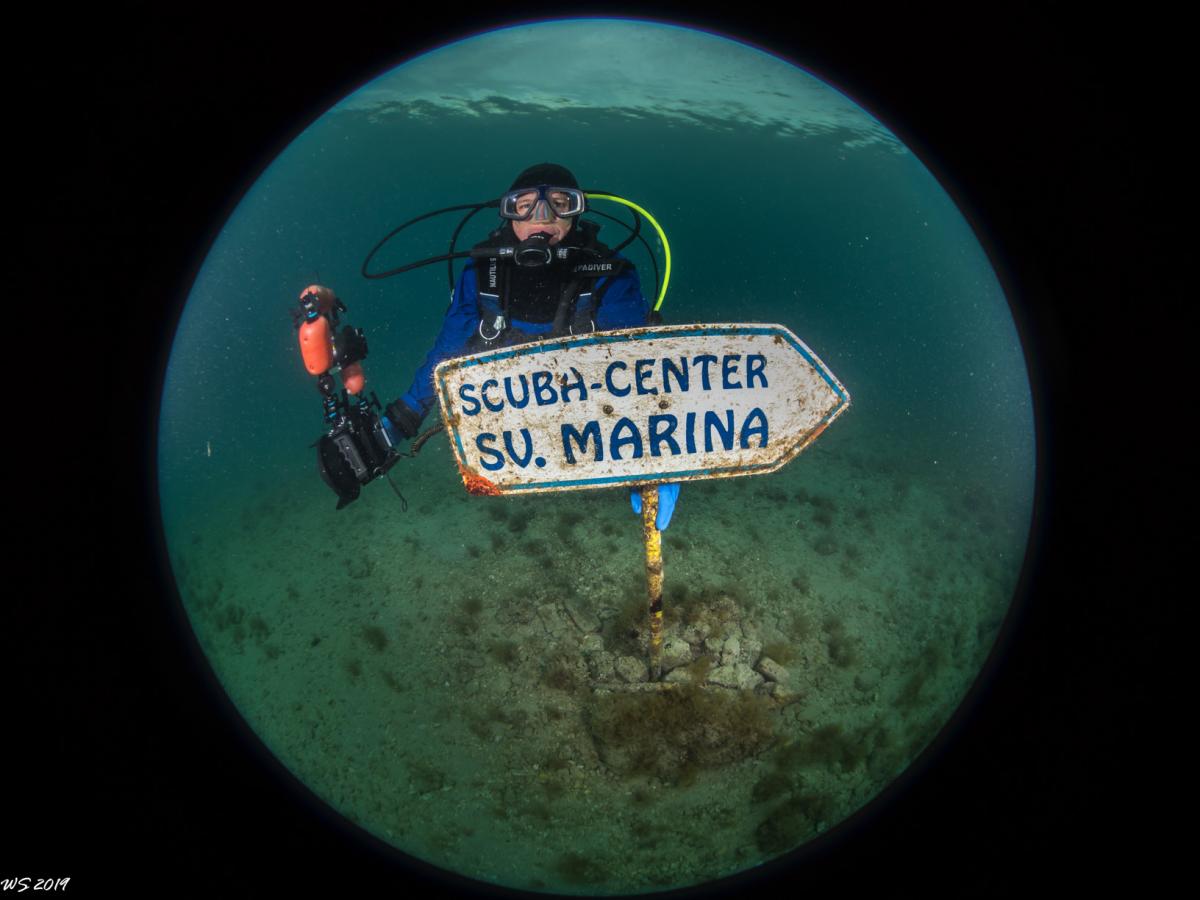
I used this combination so far few times only (first example photo is from the first dive and one can see that I forgot to remove the focuslight  ), but it is a lot of fun. The adapter lets the lens communicate very well will the camera, even AF works very good. IQ is not as tack sharp as e.g. with Zuiko 8mm or Canon 8-15mm fisheye, but still o.k. for a circular fisheye...
Here are some sample photos (Real life IQ is substantially better than shown here, maybe someone can give me a hint, how to export the raw file from LR 6.14 to fit this forum here to results in better IQ, I will be happy to replace the samples by better ones):