Skip to content

Classifieds / Archived topic

FS: Nauticam EMWL components

Started by Isaac Szabo ·

  • 5Posts
  • 5Replies

Read-only discussion

FS: Nauticam EMWL components

5 posts
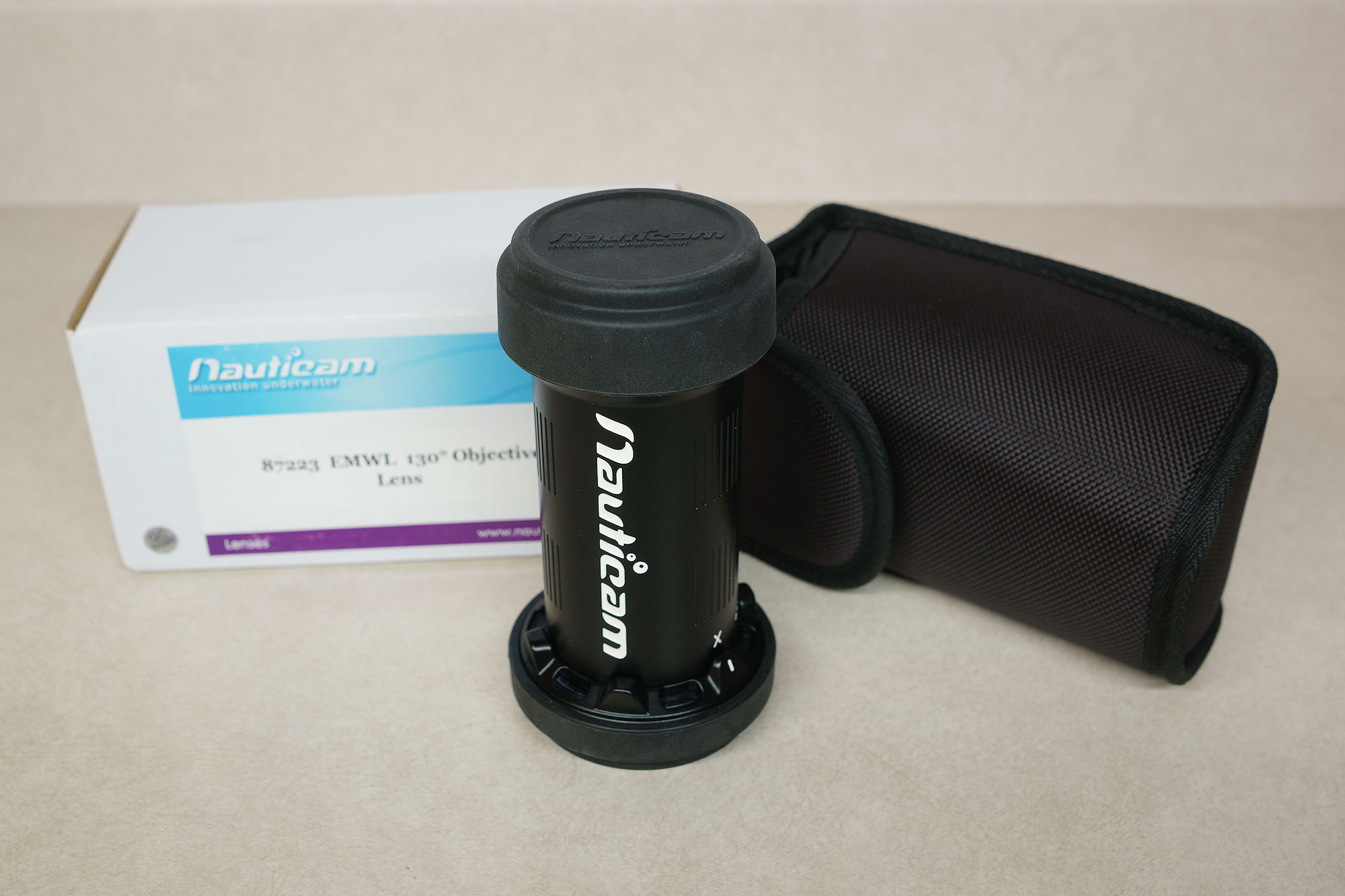
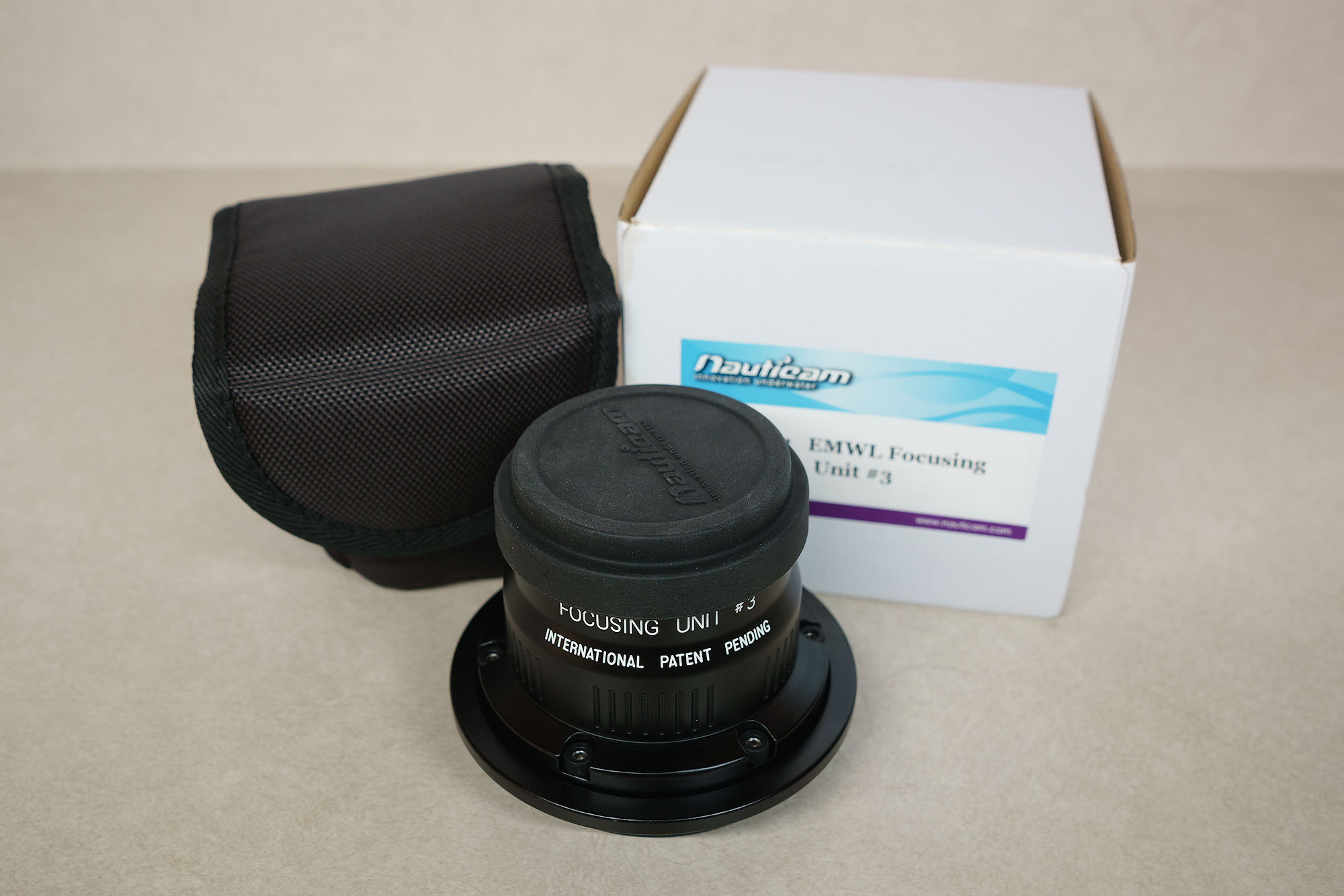
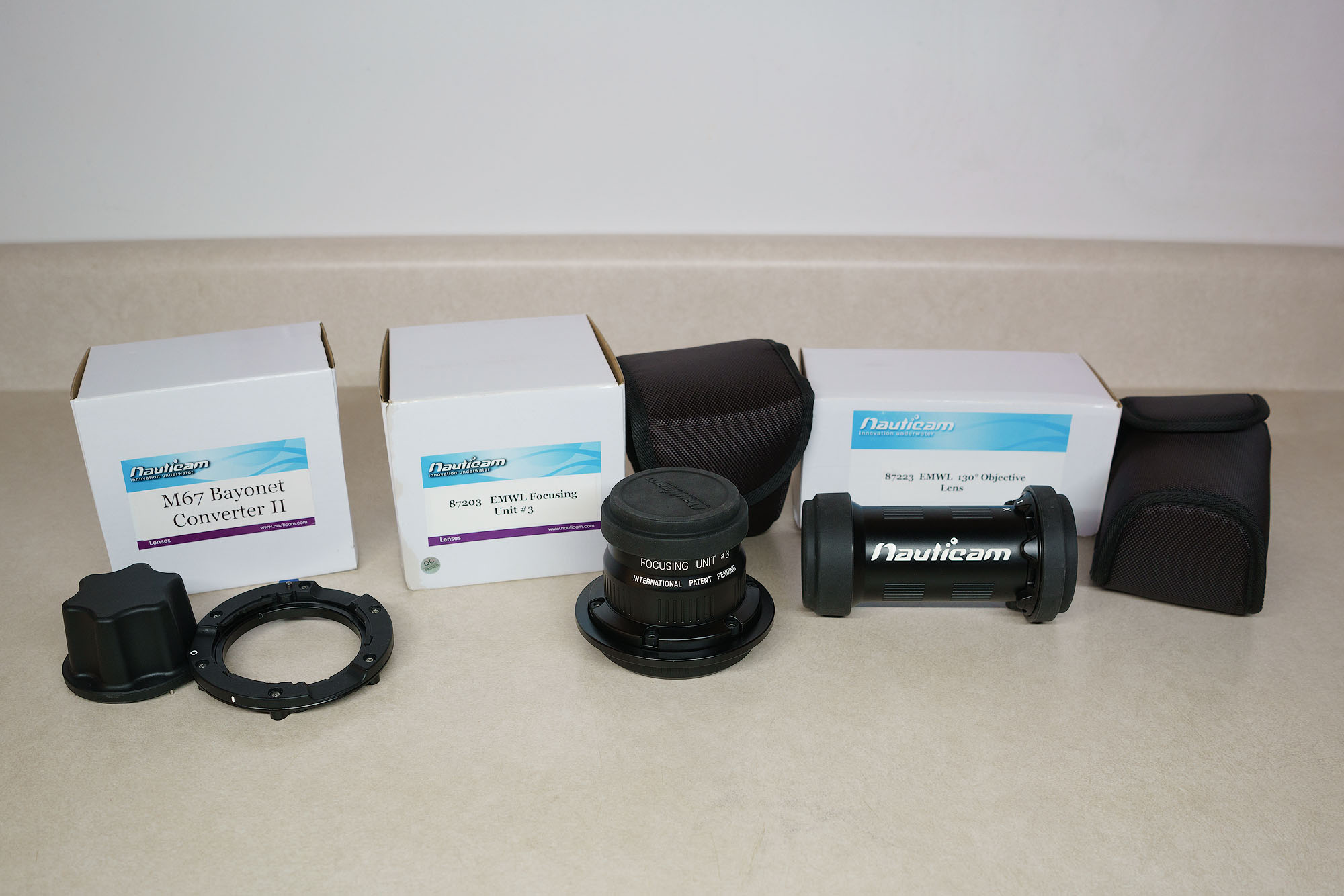
  1. I am selling the following components of the Nauticam EMWL system:

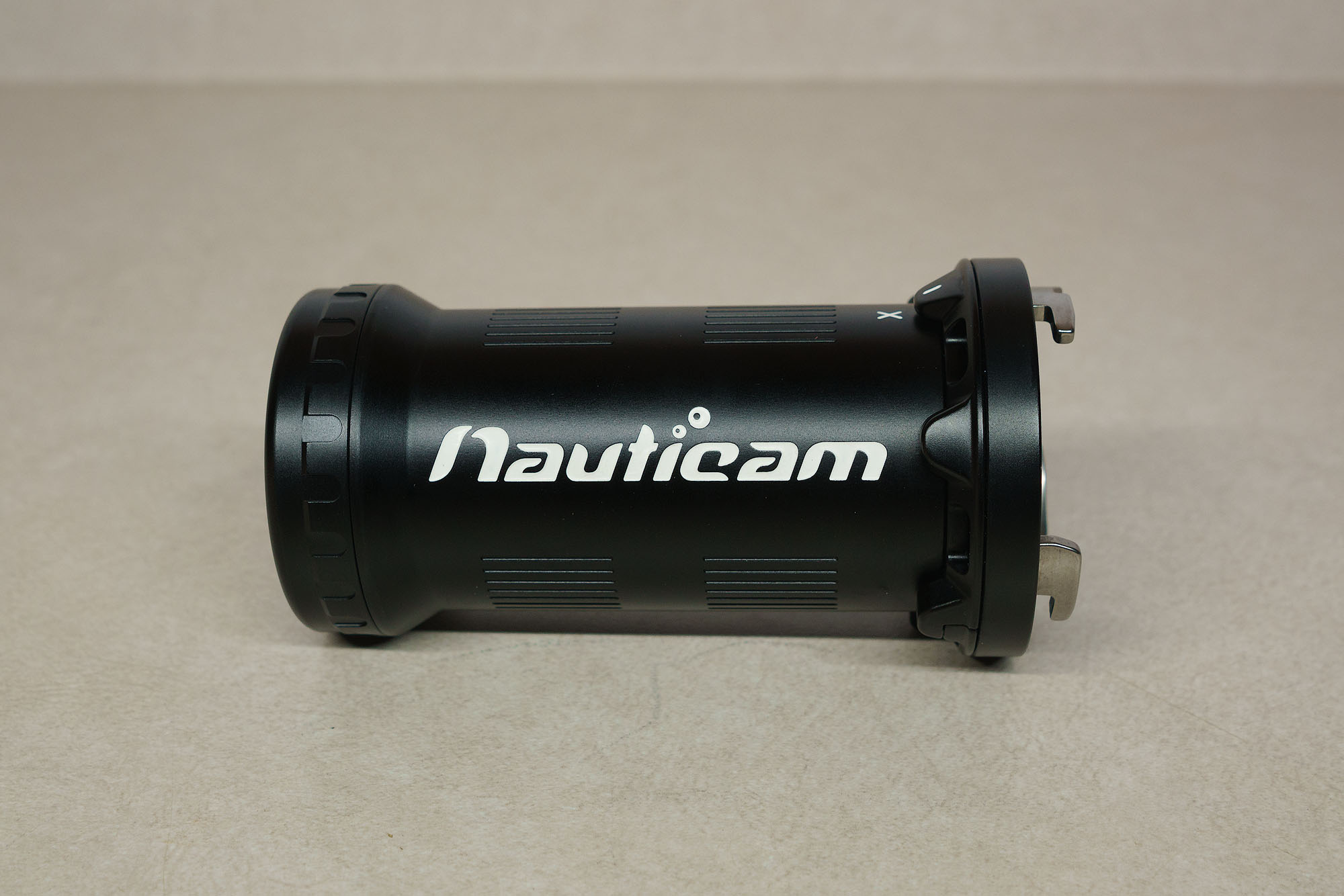
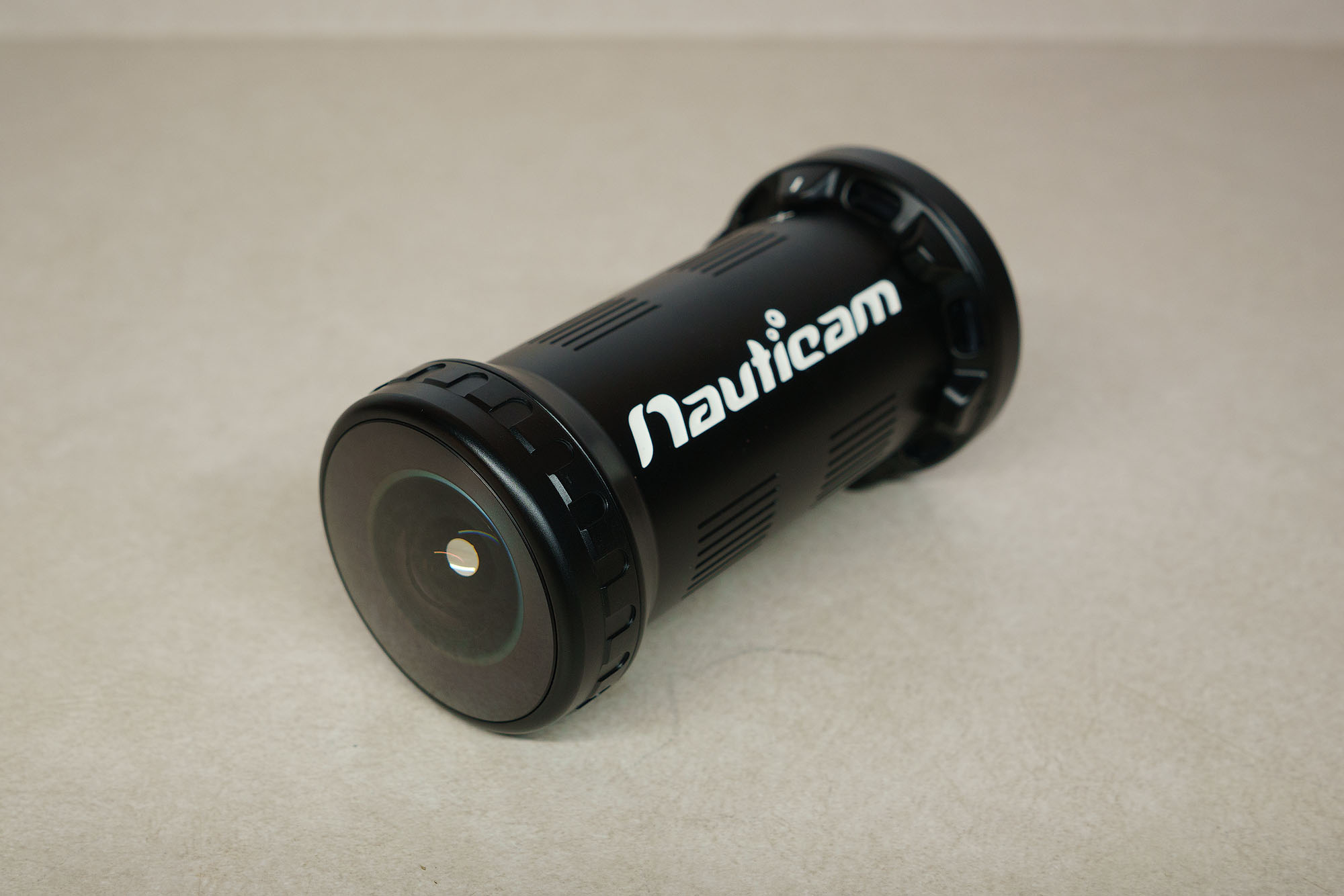
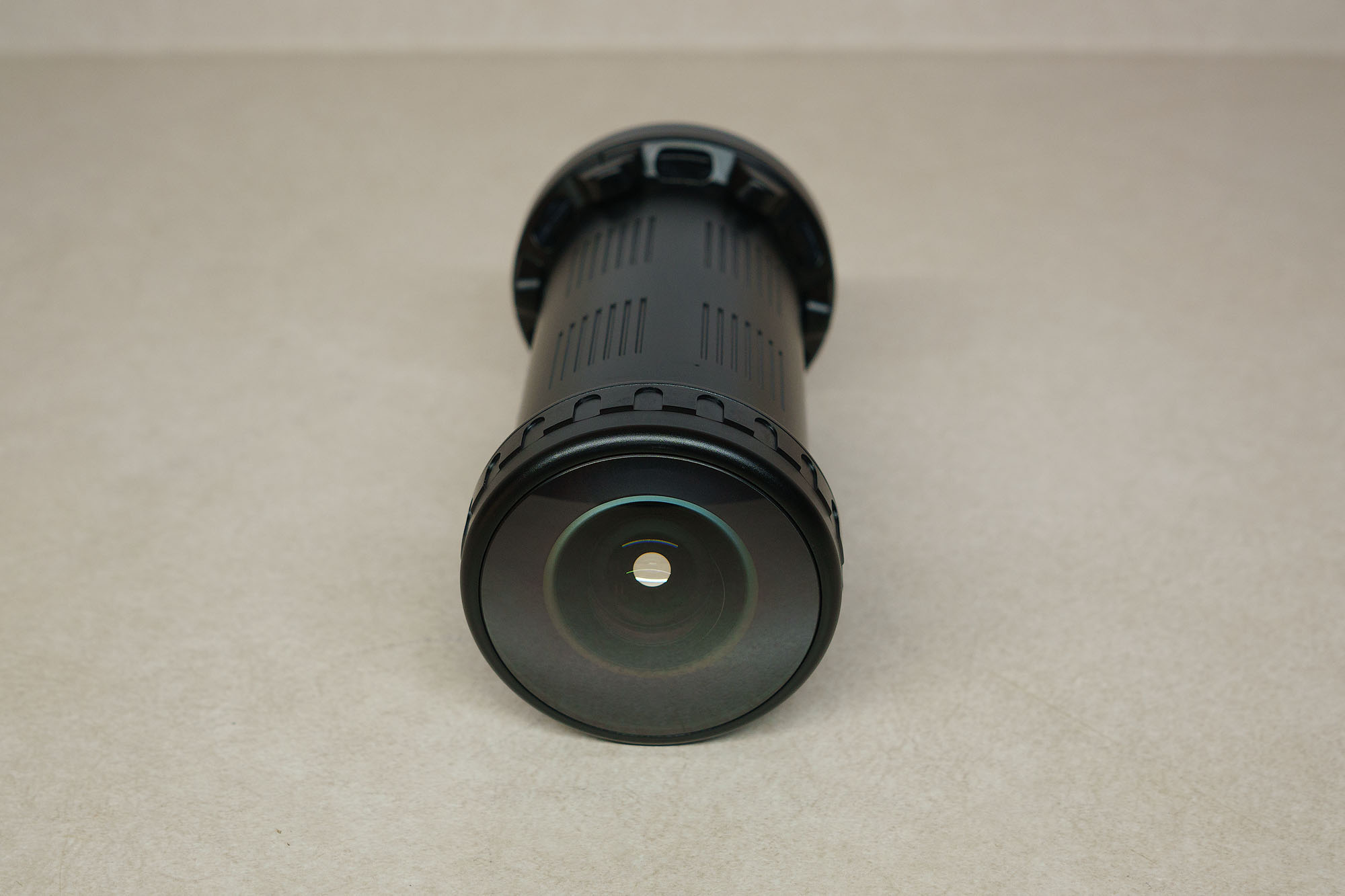
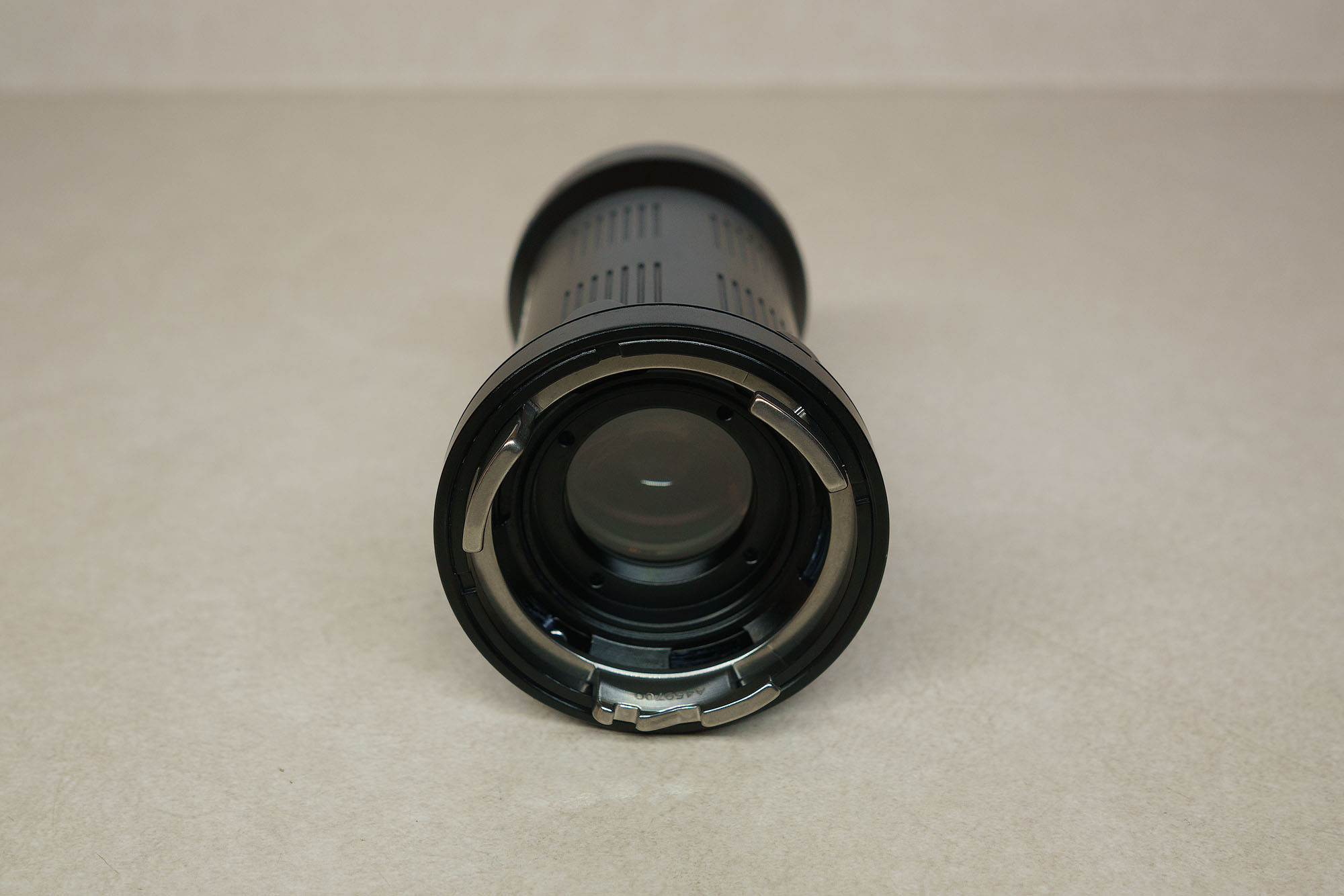
    *130 Objective Lens
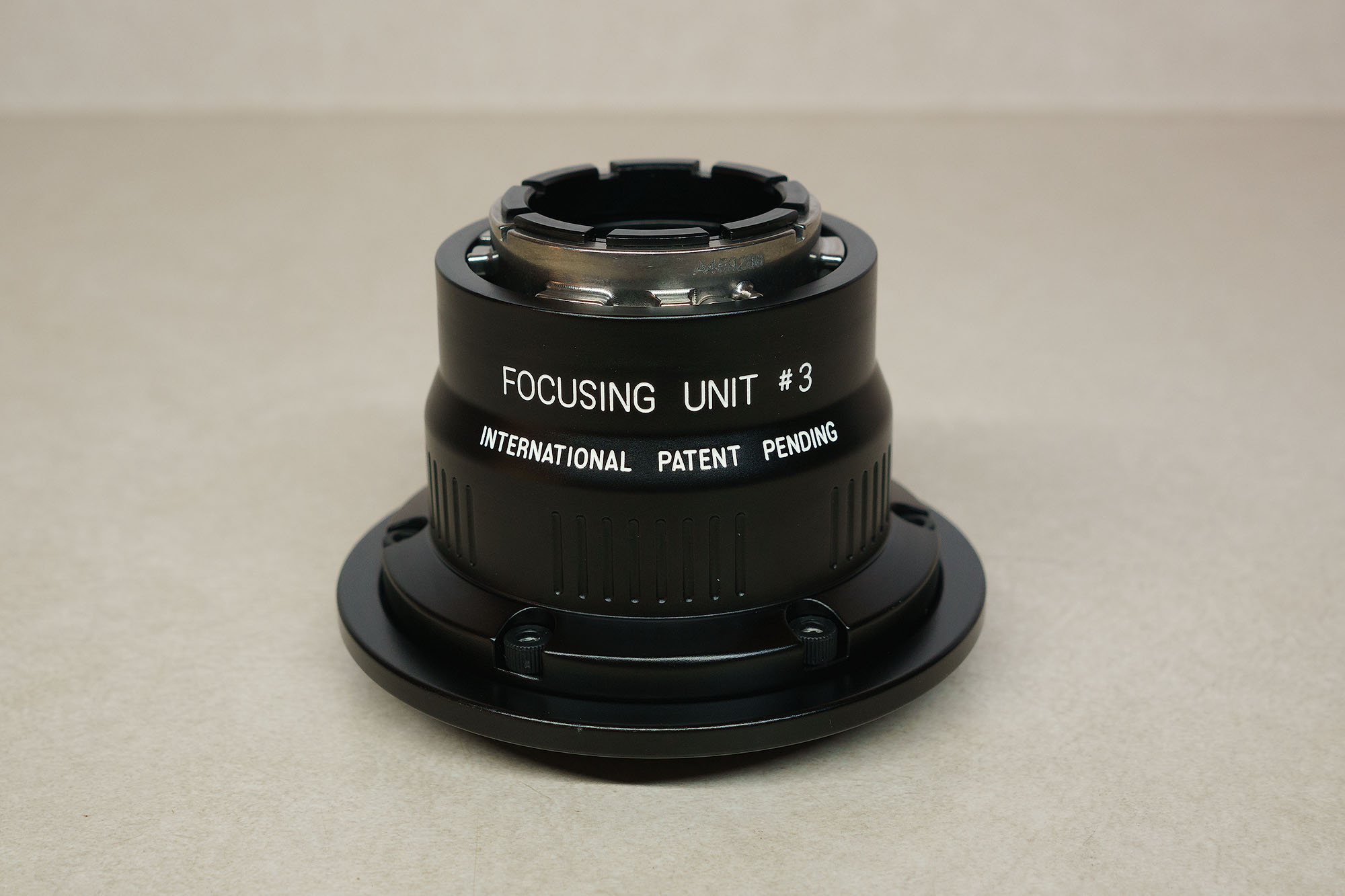
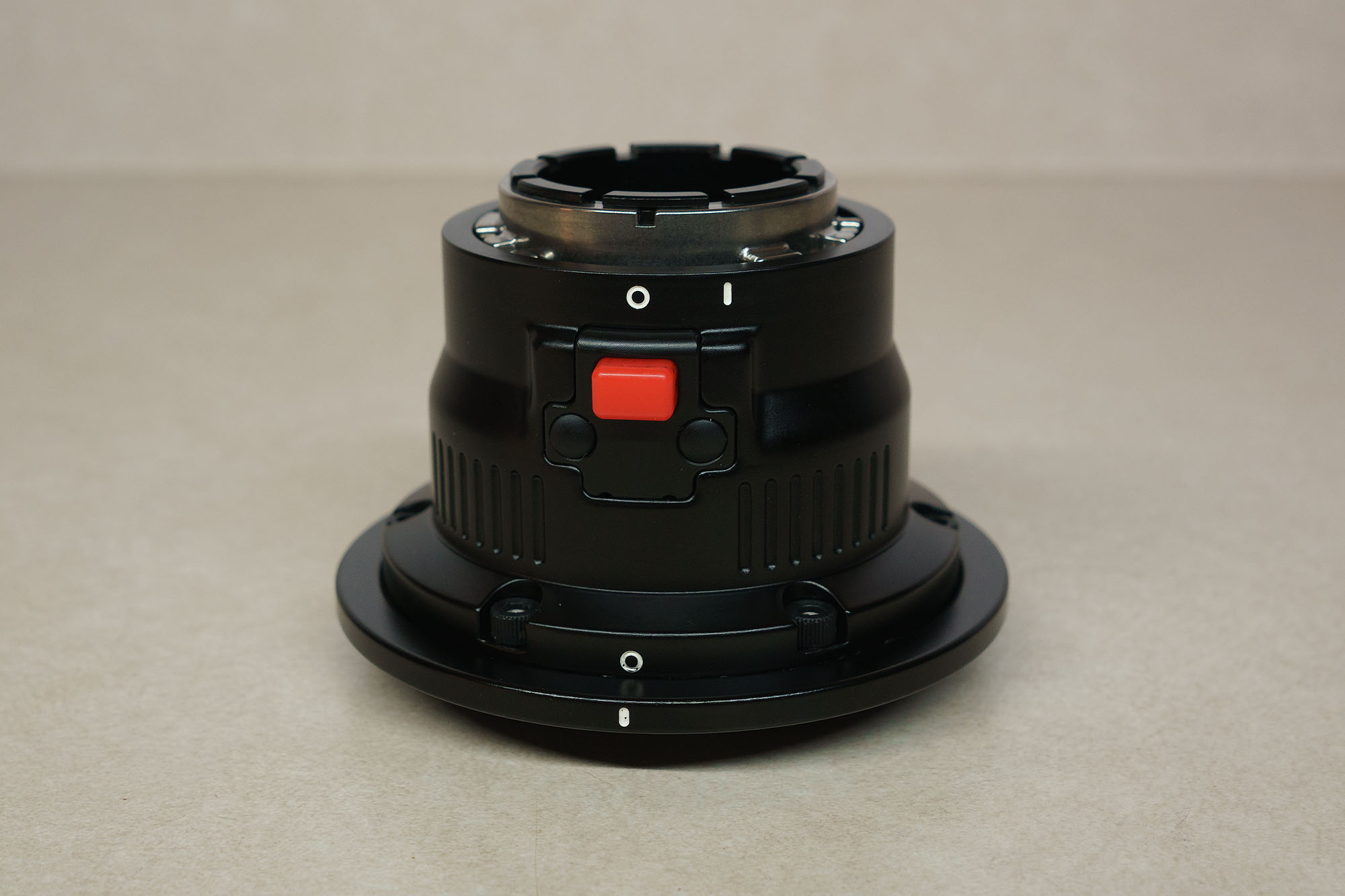
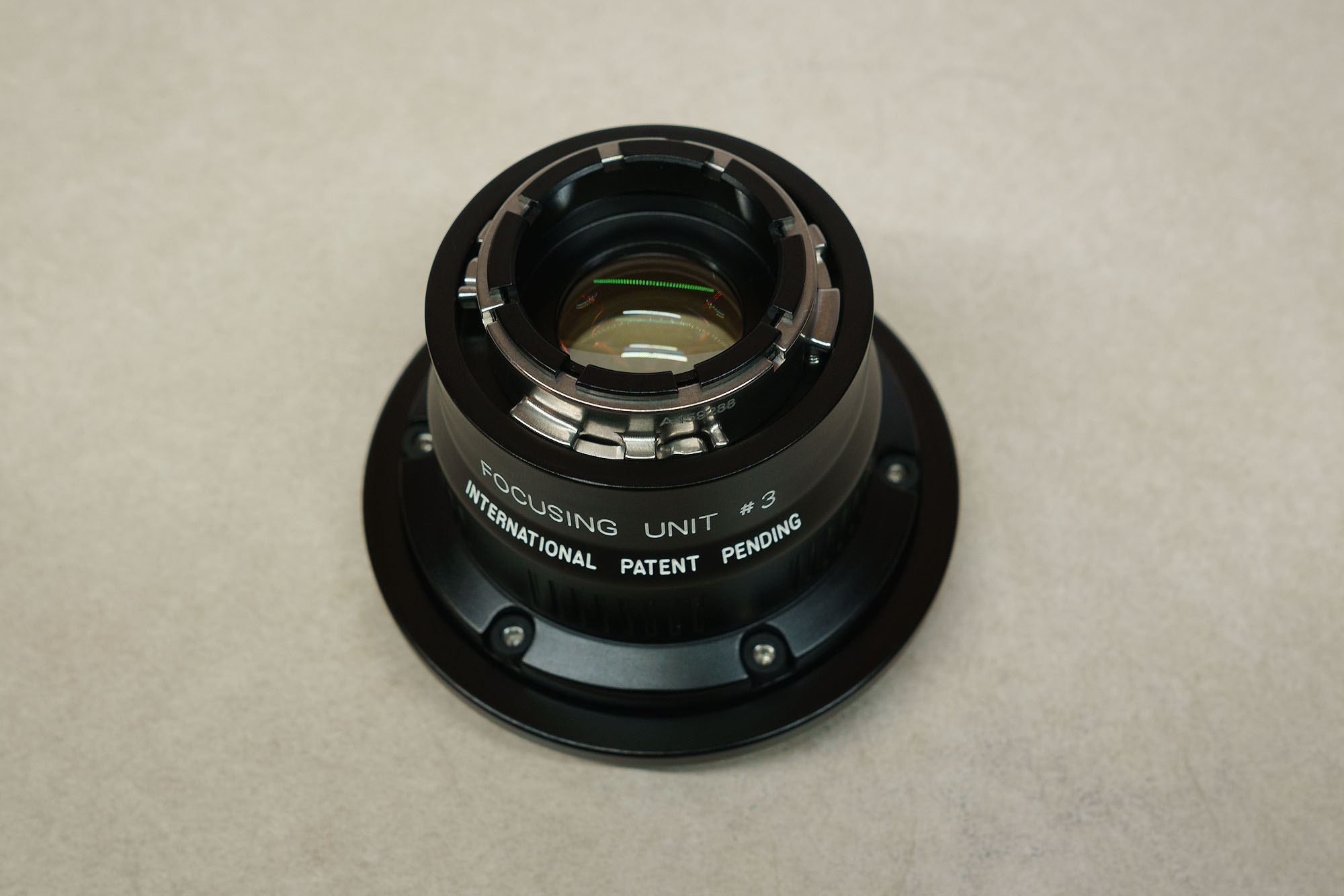
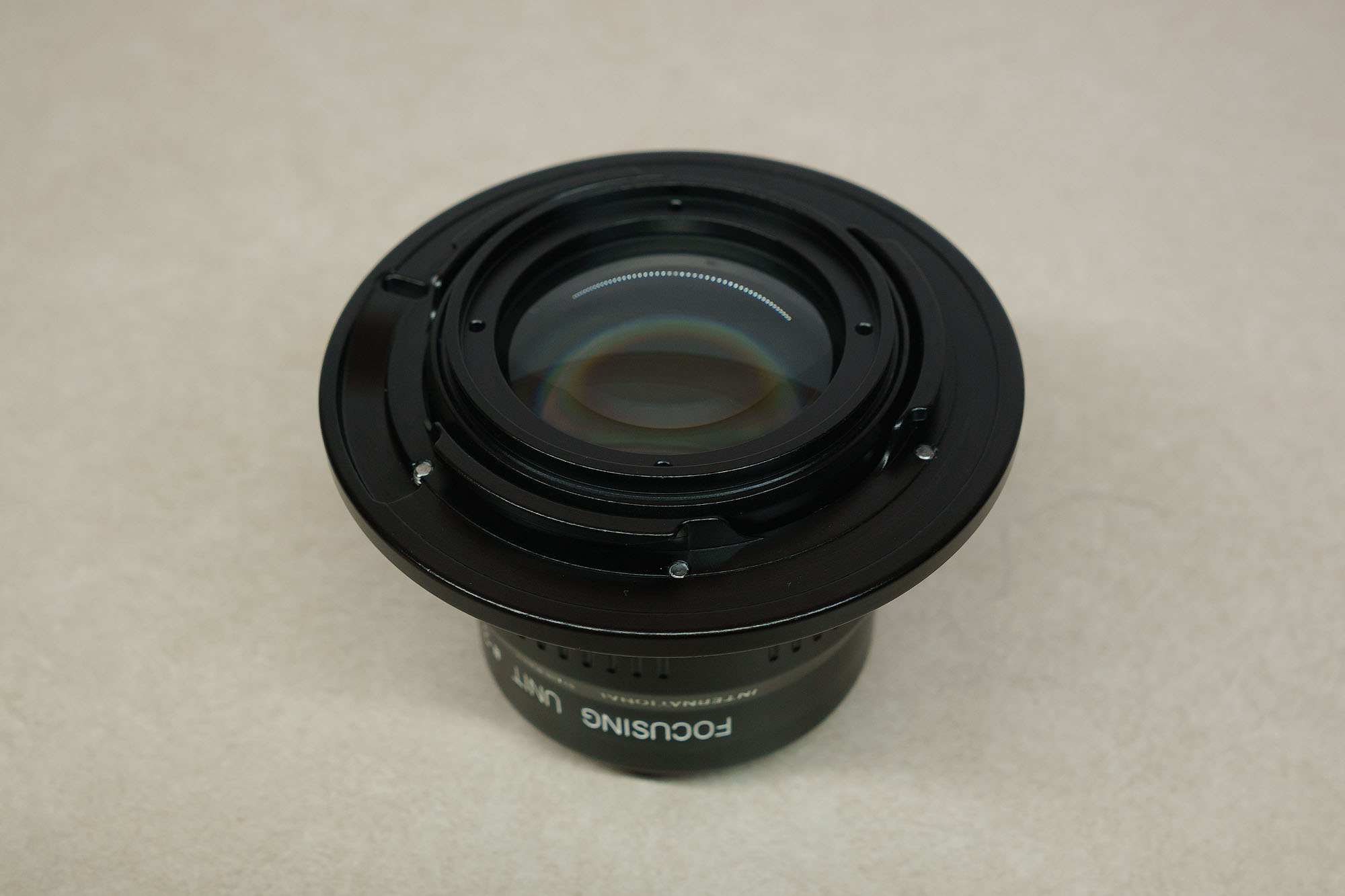
    *Focusing Unit #3
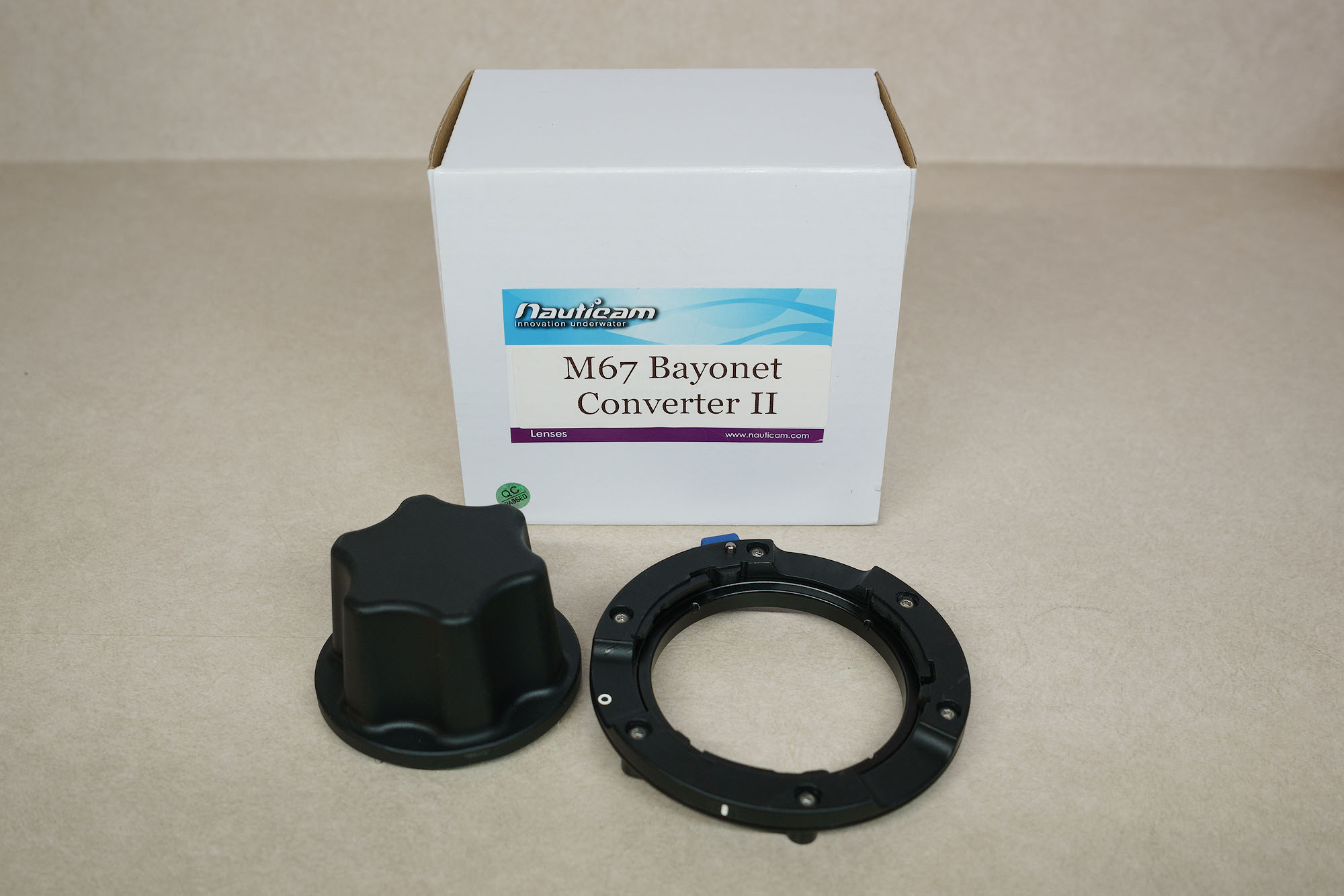
    *M67 Bayonet Converter II

    The objective and focusing unit are in like new condition. They were only tested two times in freshwater. They are pristine and free from any scratches/damage. The bayonet converter shows some minor signs of use as it was a store demo copy when I bought it. 

    The focusing unit #3 is compatible with the Sony 90mm macro, Nikon 60mm macro (DX), Canon RF 100mm macro, and Panasonic 45mm macro. Here is a link to Nauticam’s EMWL port chart.

    I used the EMWL without the middle relay lens with an external monitor that allowed me to correct the inverted image. If you do not have an external monitor, you will probably want to also get the relay lens. 

    I am asking $2,750 USD, which represents $636 in savings based on Nauticam’s current prices. The buyer will also cover the cost of shipping and any fees associated with the payment (preferably PayPal). 

    While I am new to selling here on wetpixel, I have a lot of experience as an eBay seller. You can check out my eBay feedback here. Or feel free to look me up on facebook, instagram, or my website. 
    EMWL_group.jpg

    EMWL-130_1.jpg

    EMWL-130_2.jpg

    EMWL-130_3.jpg

    EMWL-130_4.jpg

    EMWL-130_5.jpg

    EMWL-focus_1.jpg

    EMWL-focus_2.jpg

    EMWL-focus_3.jpg

    EMWL-focus_4.jpg

    EMWL-focus_5.jpg

    EMWL-bayonet_1.jpg

  2. Still have this? Interested in the 130 objective lens!

  3. I do still have it. However, since it went a long time without selling, I decided to make a few to changes to my setup and try it again, and I have managed to get better results with it. So currently I am no longer wanting to sell it. Sorry about that. 

  4. Hey Issac, I would be interested in learning what you did to improve the results! 

  5. 39 minutes ago, nickga69 said:

    Hey Issac, I would be interested in learning what you did to improve the results! 

    There is a lot of information in this thread, but to sum up: Edward Lai of Nauticam admitted there is a focus shift problem with some lenses when used with the EMWL and that they weren't aware of the issue until very recently because they hadn't done the required testing. For my lens (Sony 90mm) it means all shots will have backfocus error if focused using the normal method in which the camera focuses at f/2.8 and then stops down to the shooting aperture to take the shot. However, I stumbled upon a partial workaround for Sony cameras. In AF-C mode the initial focus acquisition is done at f/2.8 (focus shift with the EMWL), but if you keep holding the focus button down after it acquires focus it will stop down to the shooting aperture and refine the focus (no focus shift with the EMWL). So if I use AF-C and let the camera acquire focus and then give it another second or two to keep focusing, I can get accurate focus fairly reliably with the EMWL. It's not a perfect solution though. Having to wait those extra seconds means I miss many shots. Also, with my camera (A7R II) this method only works up to f/8, so I can't stop down further for more depth of field. And even when it focuses accurately it does not live up to Nauticam's claim that the "image quality rivals the best wide angle lenses". Despite that, it can do unique things that other lenses can't, so it definitely has its uses, provided you can get it to focus accurately. Edward has not yet said which of the supported lenses do/don't suffer from the focus shift issue, but based on user reports the Nikon F 105mm is the main one that is currently known to perform very well.

Isotta

Account

Navigation

Search

Search

Configure browser push notifications

Chrome (Android)
  1. Tap the lock icon next to the address bar.
  2. Tap Permissions → Notifications.
  3. Adjust your preference.
Chrome (Desktop)
  1. Click the padlock icon in the address bar.
  2. Select Site settings.
  3. Find Notifications and adjust your preference.