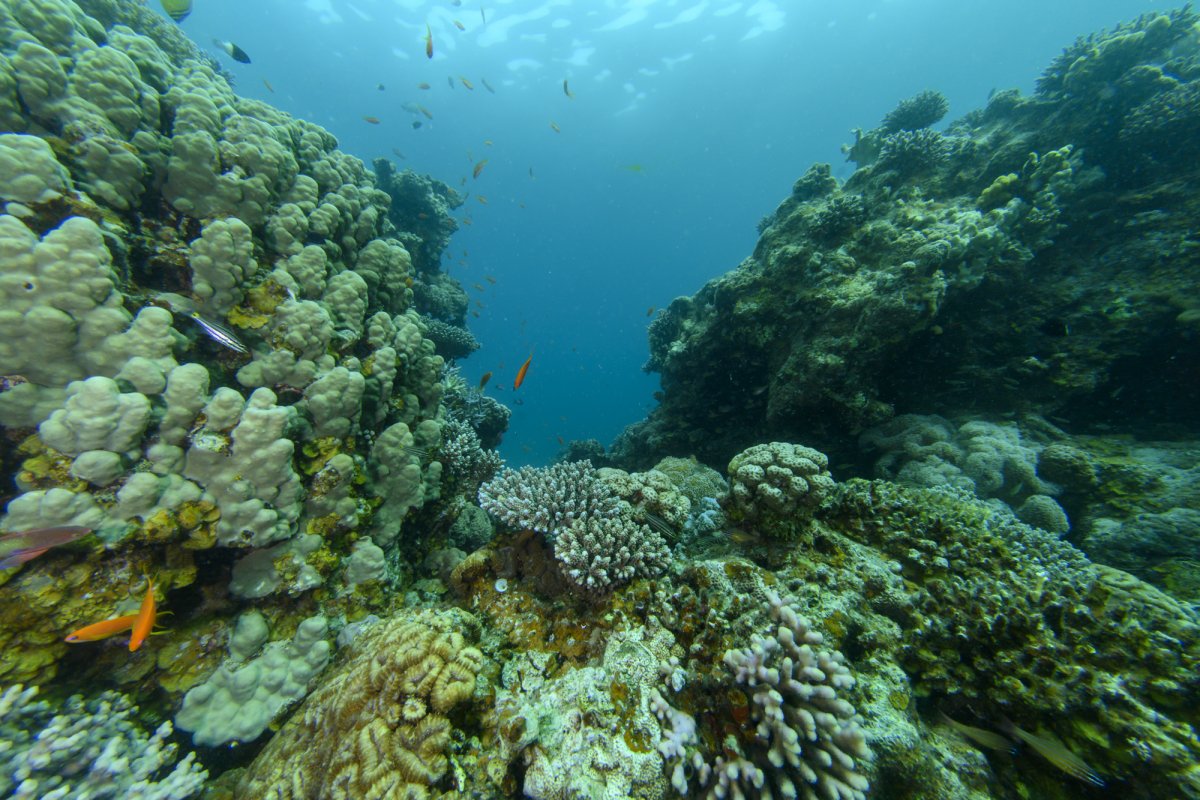
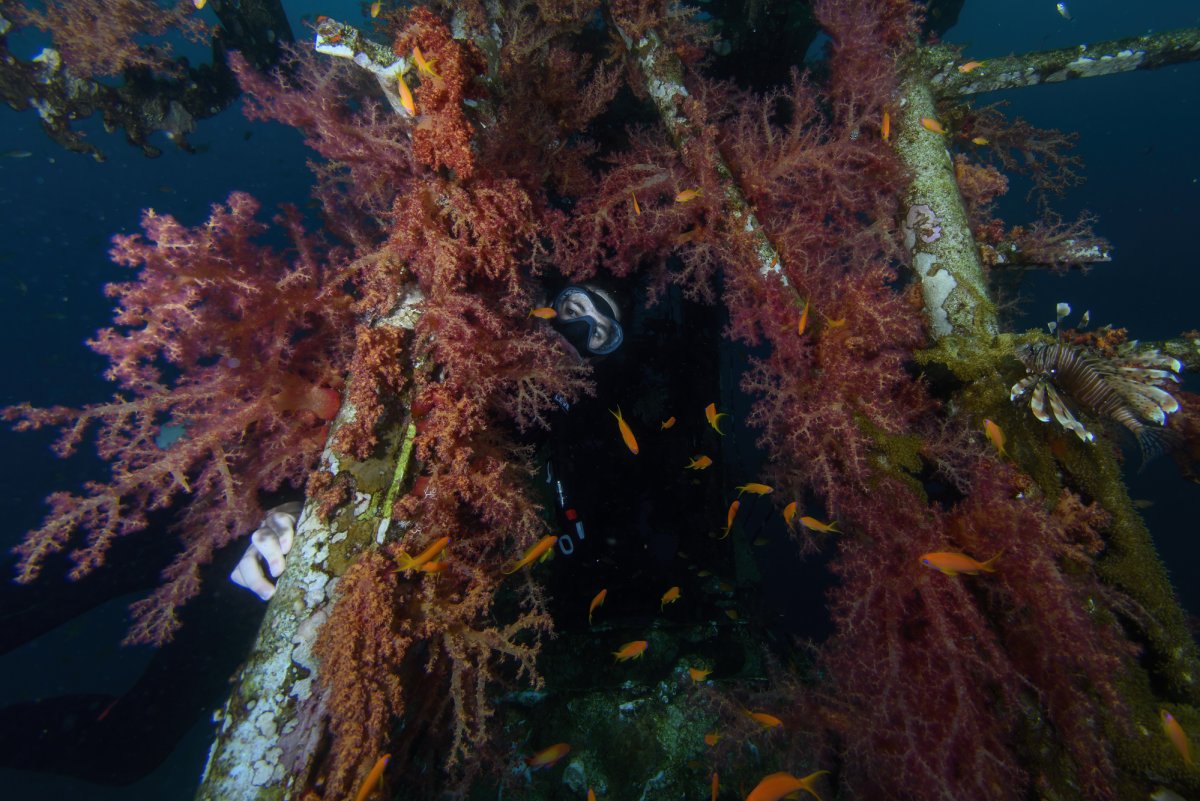
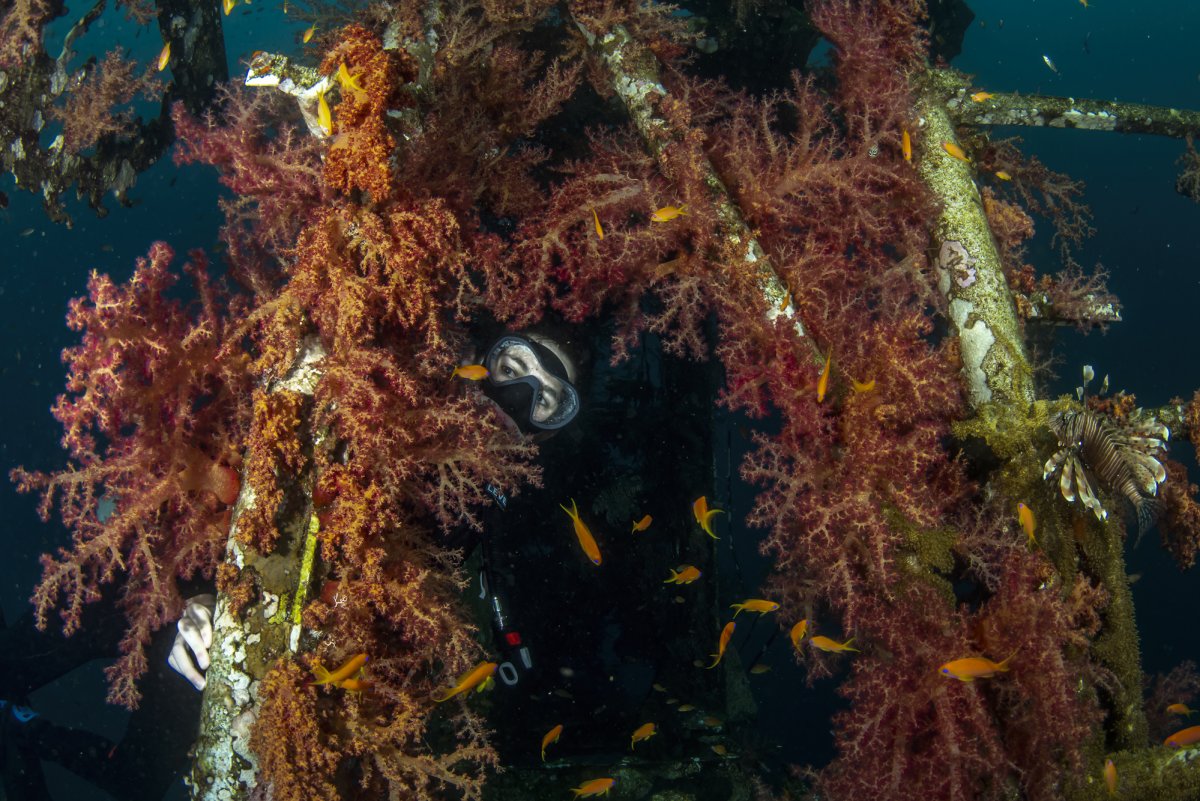
Nauticam also sells acrylic 8.5'' dome which you may also find very useful for reef scenes. It may not be as good for CFWA, but corners with this dome are pretty good. And what's best - it's about 30% cheaper than the 140mm dome.
I use both: 140mm glass dome for fisheye, and 8.5'' acrylic for 10-24mm rectilinear lens. I know it's not really directly comparable, but corners seem much better with the big dome and rectilinear lens with the aperture set to f8, than with the 140mm dome and fisheye lens with the aperture set to f11-16.
I would go for a 170mm port with a full frame high resolution camera and the 8-15mm. It provides an acceptable compromise between corner sharpness and physical size.
Port charts are not really useful in this instance, as they do not differentiate on your intended use. As we have previously discussed, you can use smaller domes with fisheye lenses for CFWA/WAM and the port charts note this. However, this doesn't make them optimum for reef scenics.
Given that you already have the 100mm for CFWA, buying a bigger dome for scenics makes sense.
2 hours ago, adamhanlon said:
I would go for a 170mm port with a full frame high resolution camera and the 8-15mm. It provides an acceptable compromise between corner sharpness and physical size.
Port charts are not really useful in this instance, as they do not differentiate on your intended use. As we have previously discussed, you can use smaller domes with fisheye lenses for CFWA/WAM and the port charts note this. However, this doesn't make them optimum for reef scenics.
Given that you already have the 100mm for CFWA, buying a bigger dome for scenics makes sense.
There isn't a 170mm dome in the Nauticam system and you would adapting a third party dome. The 170mm ZEN sounds attractive but it's not a hemisphere so you need to place the entrance pupil well forward of the optimal position to prevent it vignetting, same goes for the Nauticam 180mm dome.
Good point...I use the ZEN 170mm or Seacam CP port. My 8-15mm is almost always at 15mm so vignetting is not an issue (although this is a creative decision rather than a practical one!)
36 minutes ago, adamhanlon said:
Good point...I use the ZEN 170mm or Seacam CP port. My 8-15mm is almost always at 15mm so vignetting is not an issue (although this is a creative decision rather than a practical one!)
The Seacam CP port looks to be a 180° hemisphere so would be fine .
I have the 170mm Zen dome and the centre of radius of curvature is about 65mm below the dome base and well into the extension. So the entrance pupil of any fisheye lens used with it at least 50 or 60mm forward of the optimal position - most fisheyes the entrance pupil is right up front on the lens. The lens won't vignette but is also won't perform as well as it would if the entrance pupil was at the centre of the radius of curvature of the dome.
Hi guys
I just had 2 days of diving with a 6.5 inch dome and 20 cm extension (in addition to the 30 cm zoom extension) and I sill has blurry edges in f11. is this the best I can get from this dome ? (I started with 4.5 inch dome)
I am using Nikon Z72, Nikon 8-15, Isotta housing.
Thanks
This looks too blurry for me, try to test lens at home with all f spots to understand its sweet point.
The edges look stretched. Did you apply distortion correction in post (aka defishing)? If so that's at least part of the problem.
27 minutes ago, Isaac Szabo said:
The edges look stretched. Did you apply distortion correction in post (aka defishing)? If so that's at least part of the problem.
I use lightroom. I set the calibration to my lens. What do you mean by "defusing" ?
4 minutes ago, ido said:
I use lightroom. I set the calibration to my lens. What do you mean by "defusing" ?
A fisheye lens has strong barrel distortion. It sounds like you have enabled a distortion correction in Lightroom that is removing the barrel distortion by stretching out the edges of the image (removing the barrel distortion from a fisheye image is also called defishing). The distortion correction is degrading edge sharpness and reducing field of view. You should turn off the distortion correction/lens calibration in Lightroom.
Just now, Isaac Szabo said:
A fisheye lens has strong barrel distortion. It sounds like you have enabled a distortion correction in Lightroom that is removing the barrel distortion by stretching out the edges of the image (removing the barrel distortion from a fisheye image is also called defishing). The distortion correction is degrading edge sharpness and reducing field of view. You should turn off the distortion correction/lens calibration in Lightroom.
thanks. I will try it
Here it is without the auto correction: It looks much better
This. Normally for a 10 mm I apply a 15 mm fisheye correction, if you use too much correction it will look too bad like your photos.
16 hours ago, Isaac Szabo said:
A fisheye lens has strong barrel distortion. It sounds like you have enabled a distortion correction in Lightroom that is removing the barrel distortion by stretching out the edges of the image (removing the barrel distortion from a fisheye image is also called defishing). The distortion correction is degrading edge sharpness and reducing field of view. You should turn off the distortion correction/lens calibration in Lightroom.
Exactly! If you enable the "lense correction" (I don't know the exact term, my version is in French), the software will crop the picture and stretch the image to restore straight line (compressing the center and stretching the edge). As it seems a good idea for rectilinear lenses, with fisheye this process is extreme and will induce important softness in corners. Turn this off on those pictures and you will see an improvement (and a totally different perspective).
But do keep that setting checked (Enable Profile Correction) for other (non-fisheye) lenses. Generally you want to fix the lens distortion for all lenses except for the fisheye.
10 hours ago, Andrej Oblak said:
But do keep that setting checked (Enable Profile Correction) for other (non-fisheye) lenses. Generally you want to fix the lens distortion for all lenses except for the fisheye.
It may be your personal preference to always enable distortion correction, but that is not a good general rule to recommend for everyone. Distortion correction reduces sharpness/resolution, so for me personally I would never enable it unless I feel a particular image is improved by it.
6 hours ago, Isaac Szabo said:
It may be your personal preference to always enable distortion correction, but that is not a good general rule to recommend for everyone. Distortion correction reduces sharpness/resolution, so for me personally I would never enable it unless I feel a particular image is improved by it.
Tend to agree, a little bit of barrel distortion is usually not noticeable UW except perhaps on wrecks with straight lines involved.