- 21Posts
- 21Replies
Read-only discussion
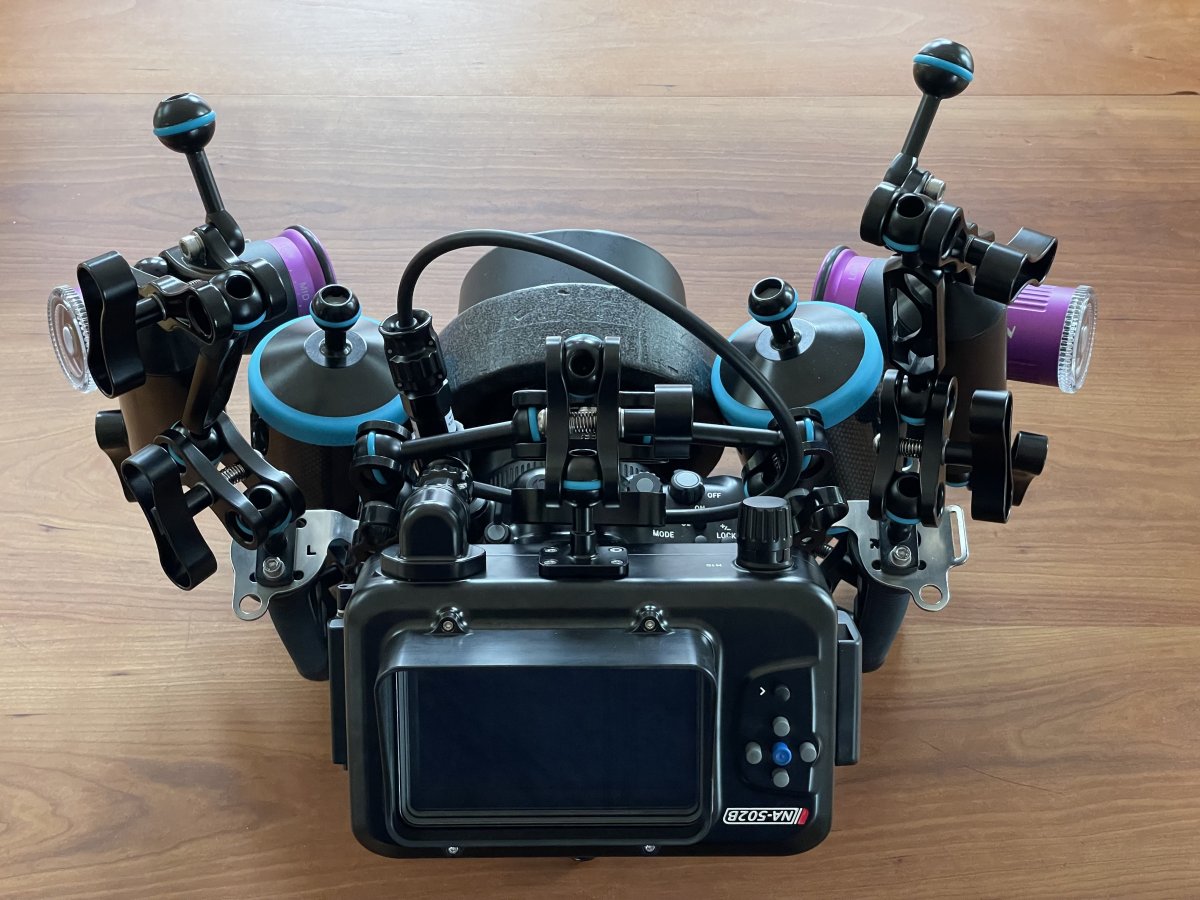
Monitor mounting styles
-
-
-
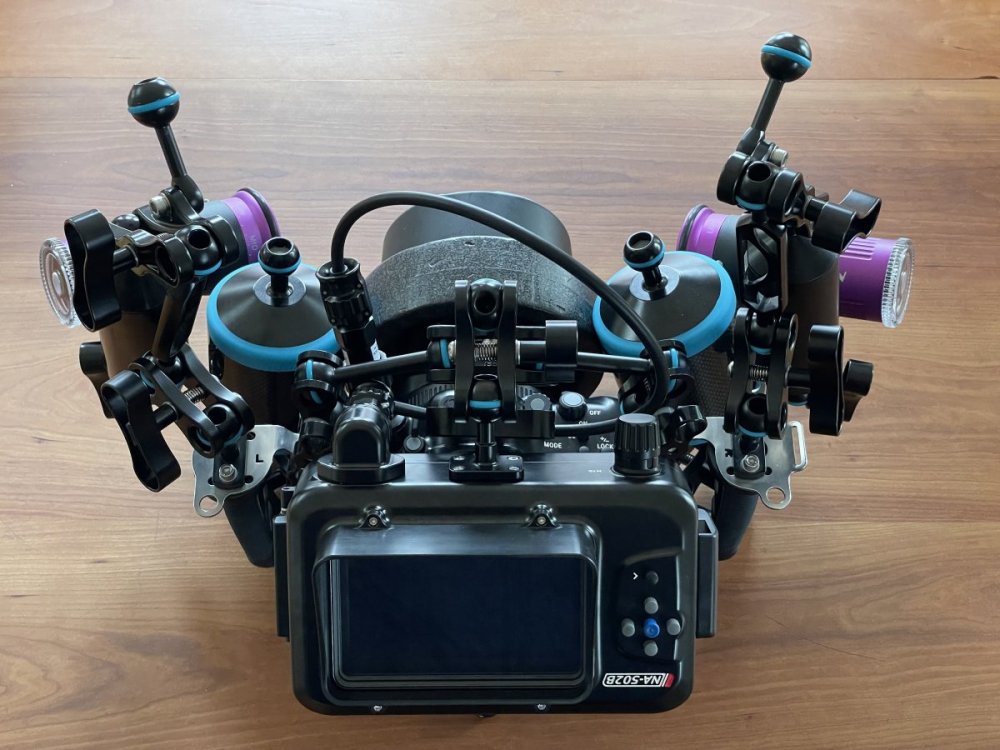
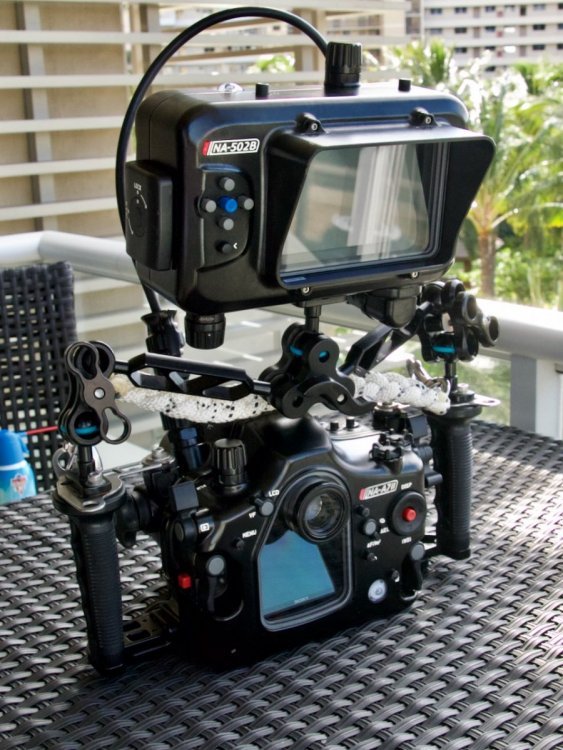
Actually it's the same position as the third one in the op post, except you use the lower 1" ball.
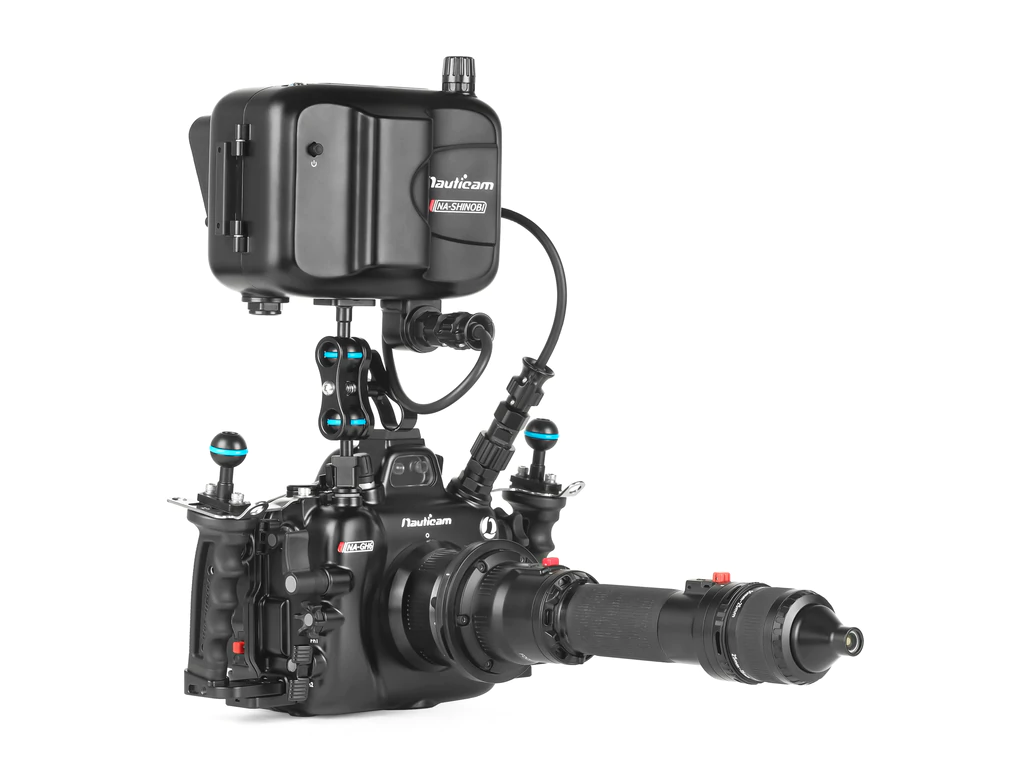
IMHO for video use, having the monitor on the rear part, I think it's the best one. This way you can lower the center of gravity of the case and make everything more stable. Of course, you will only see the monitor and not the camera's display. This could be a problem if the monitor is also the external recorder.
-
@Tom_Kline Don't you use a ULCS clamp with a modified arm to provide a similar mounting point to photo #3 above? While the GH5/S and other housings have a cold-shoe attachment point for center mounting, not many other housings have that option. I seem to remember coming across a photo of that--- can you share it here?
-
@diggy what tray is that in the pics you posted?
-
On 3/6/2022 at 4:00 AM, Akoni said:
@diggy what tray is that in the pics you posted?
Its this one:
https://www.nauticam.com/products/tripod-plate-for-na-a7s-gh4-a7ii-gh5-a9
-
@diggy thanks.
-
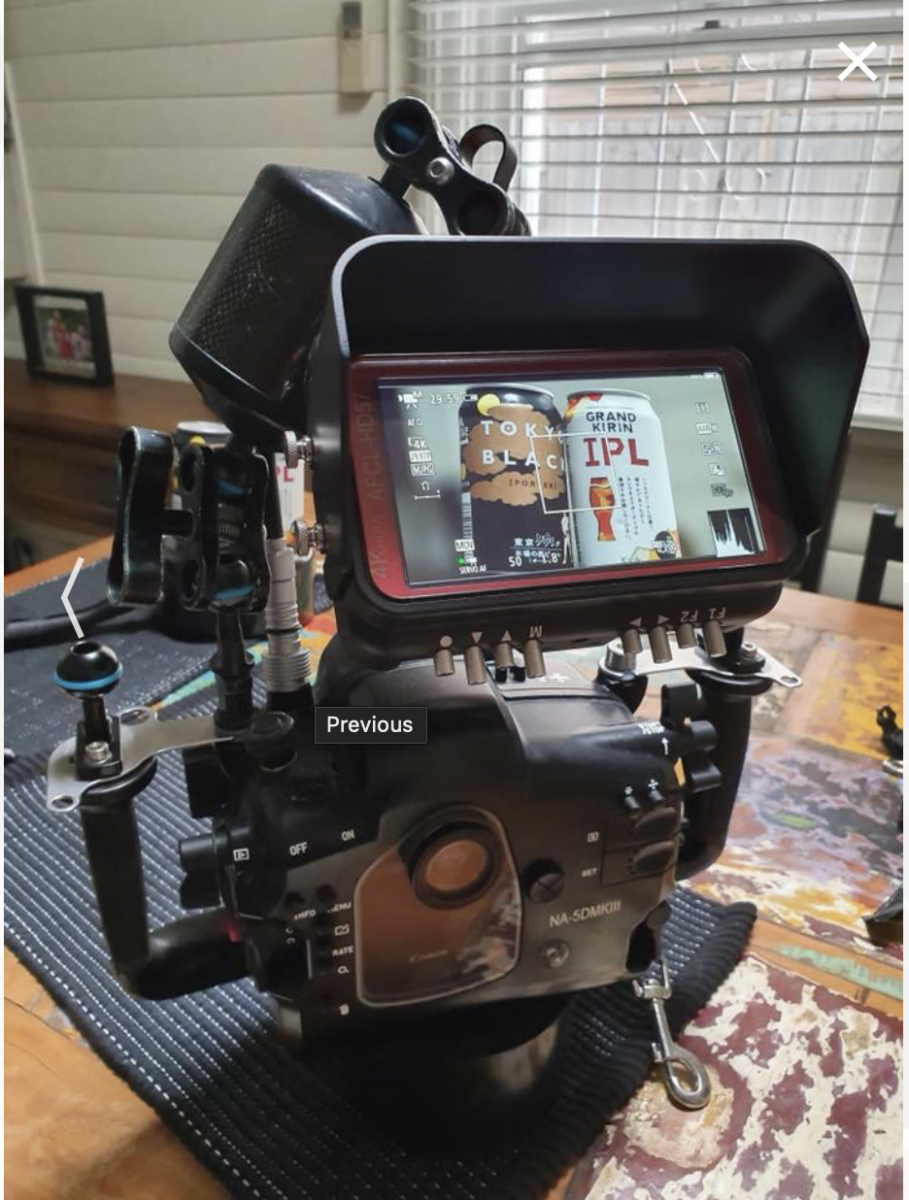
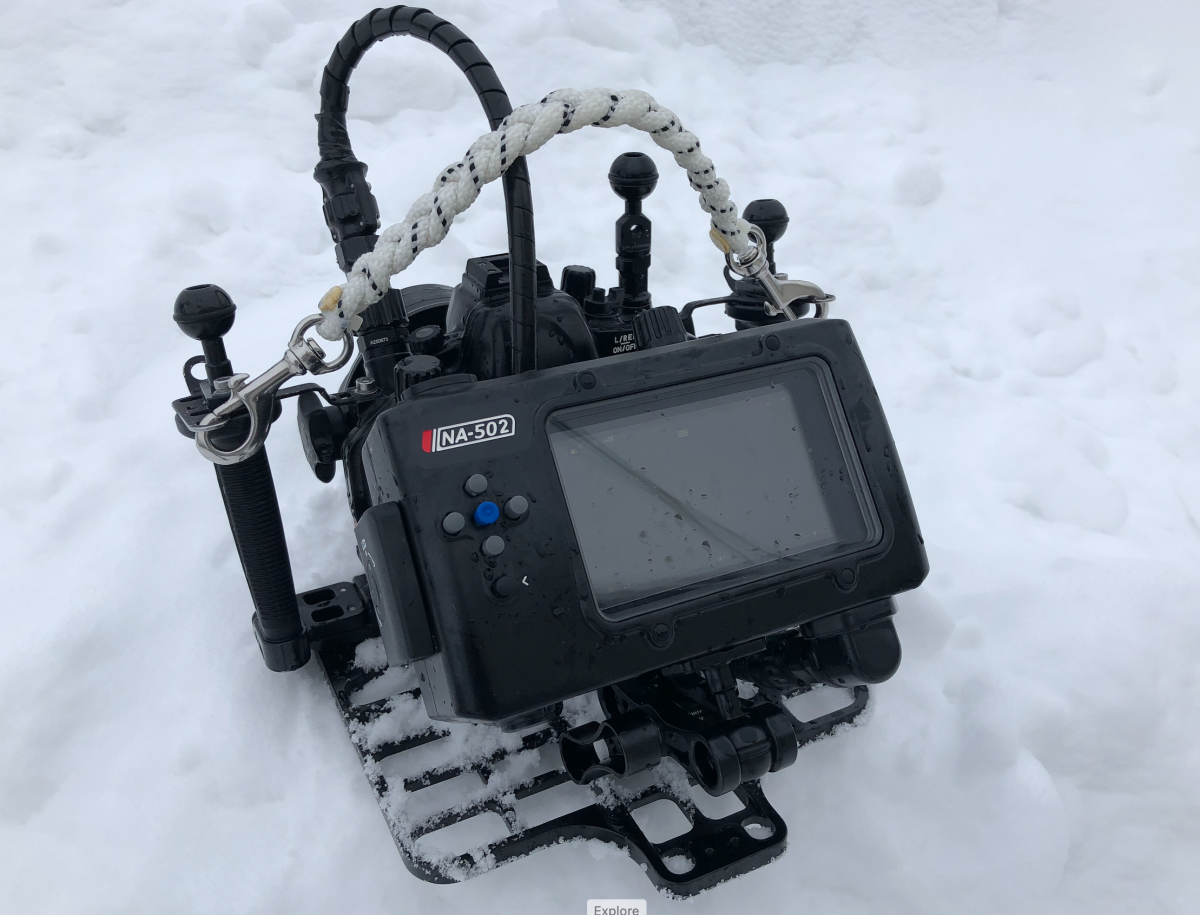
I use the Nauticam Atomos arm plus a self-customized adapter. This adapter allows me to affix the Atomos arm to either the top or bottom of the Ninja allowing a large combination of positions. E.g. for photogrammetry work I can point the camera downwards and still view the monitor horizontally in front of my face and holding my horizontal trim. This customized adapter works also with the previous version of Ninja housings, i.e. the version without the larger screw holes for the Atomos arm.
-
-
On 3/8/2022 at 8:52 PM, r4e said:
I use the Nauticam Atomos arm plus a self-customized adapter
Could you show it in detail? Who made it?
Very compact e sleek setup. That plate allows unforeseen solutions

Main limitation of my current setup is the hdmi bulkhead connector design (straight) and cable lenght.
-
On 3/14/2022 at 7:50 PM, Davide DB said:
Could you show it in detail? Who made it?
Very compact e sleek setup. That plate allows unforeseen solutions

Main limitation of my current setup is the hdmi bulkhead connector design (straight) and cable lenght.
+1 for more details please
-
Seeing the advertisement for the new GH6 housing, I really wonder who would use such a monitor location to shoot video.

-
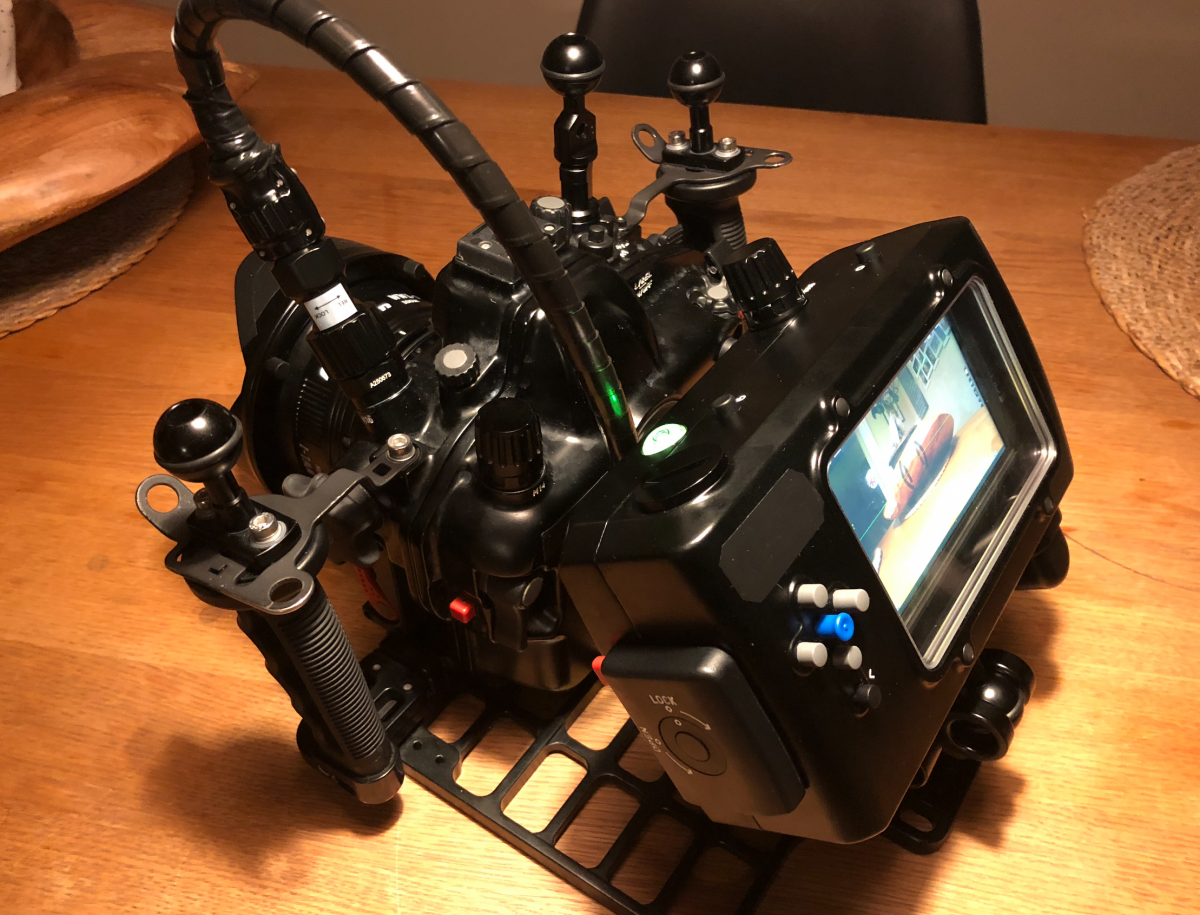
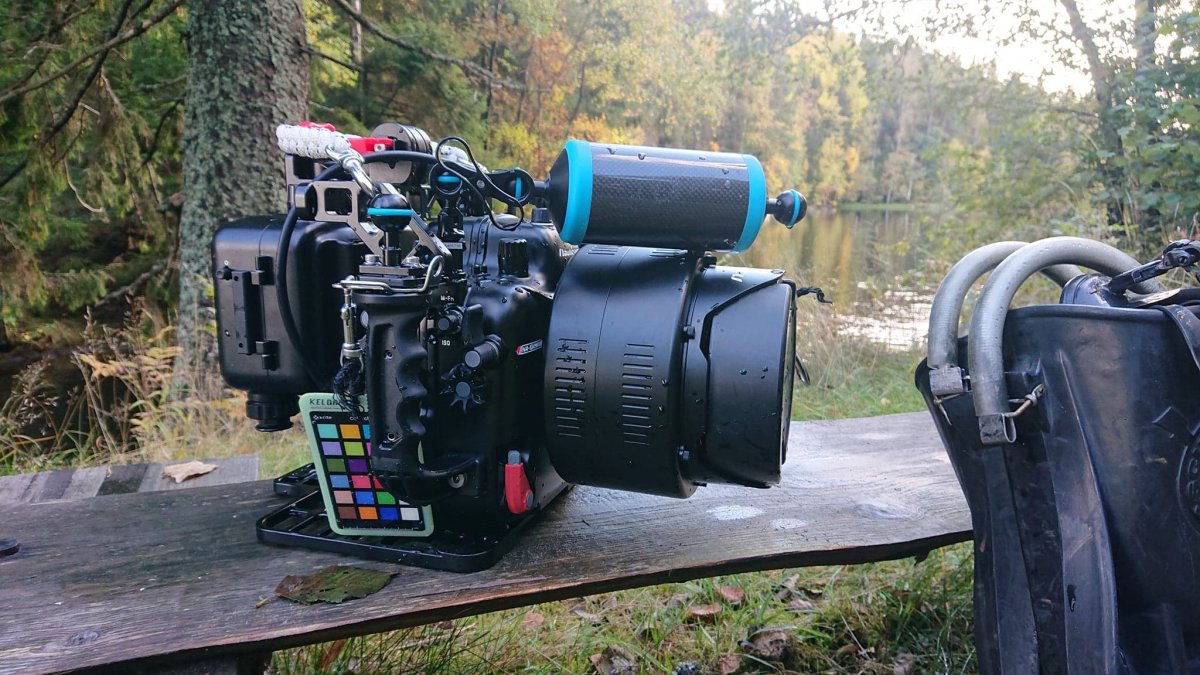
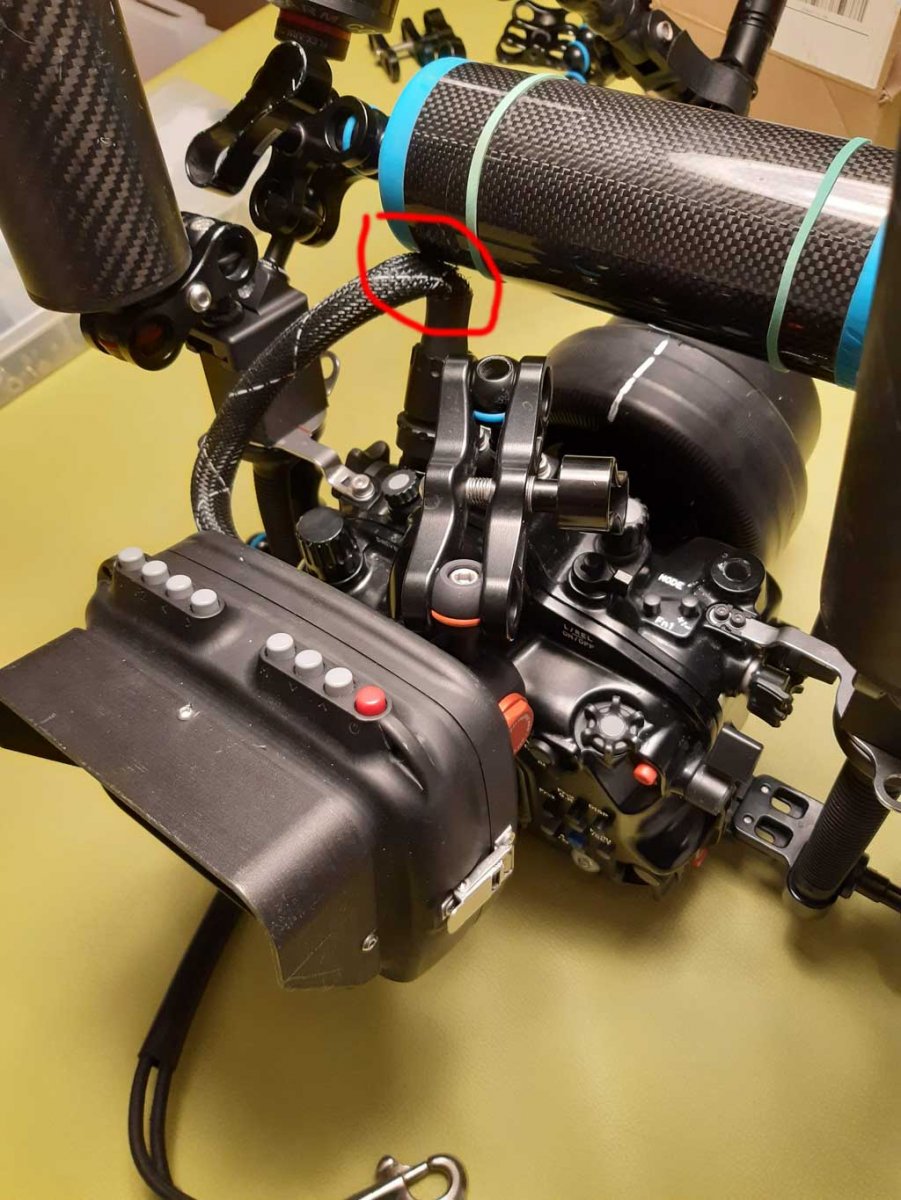
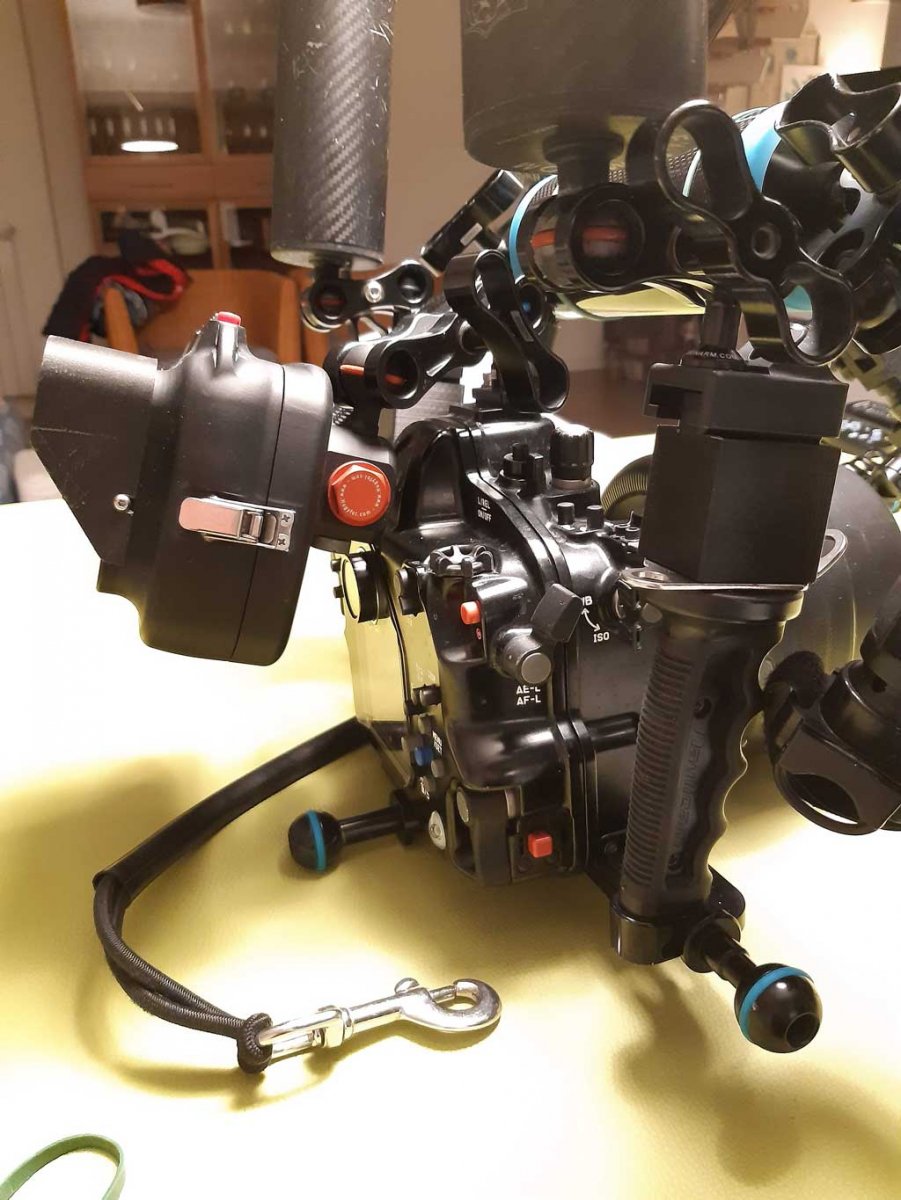
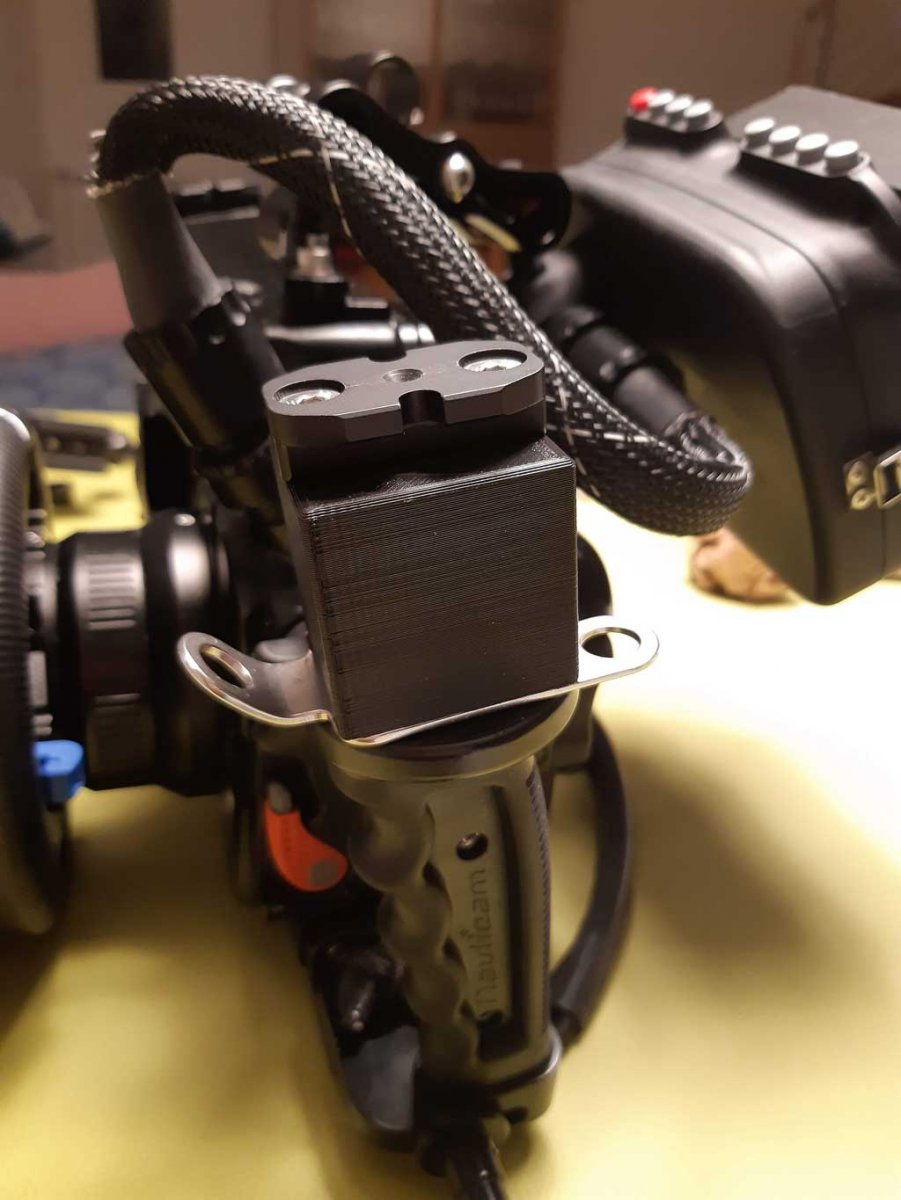
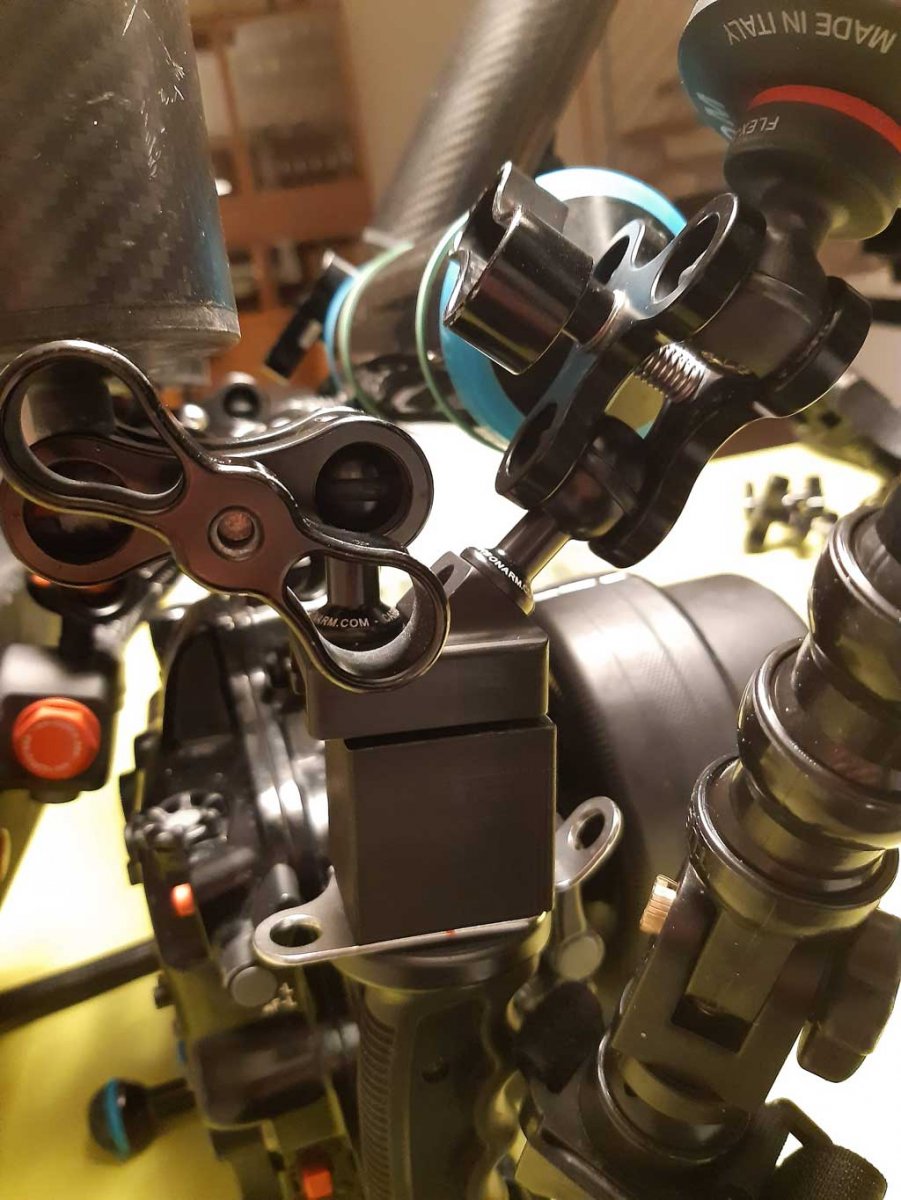
This is my setup.
After a complete rethink, I shortened the arms and went back to the center floating arm which gives a lot of stability to the system.
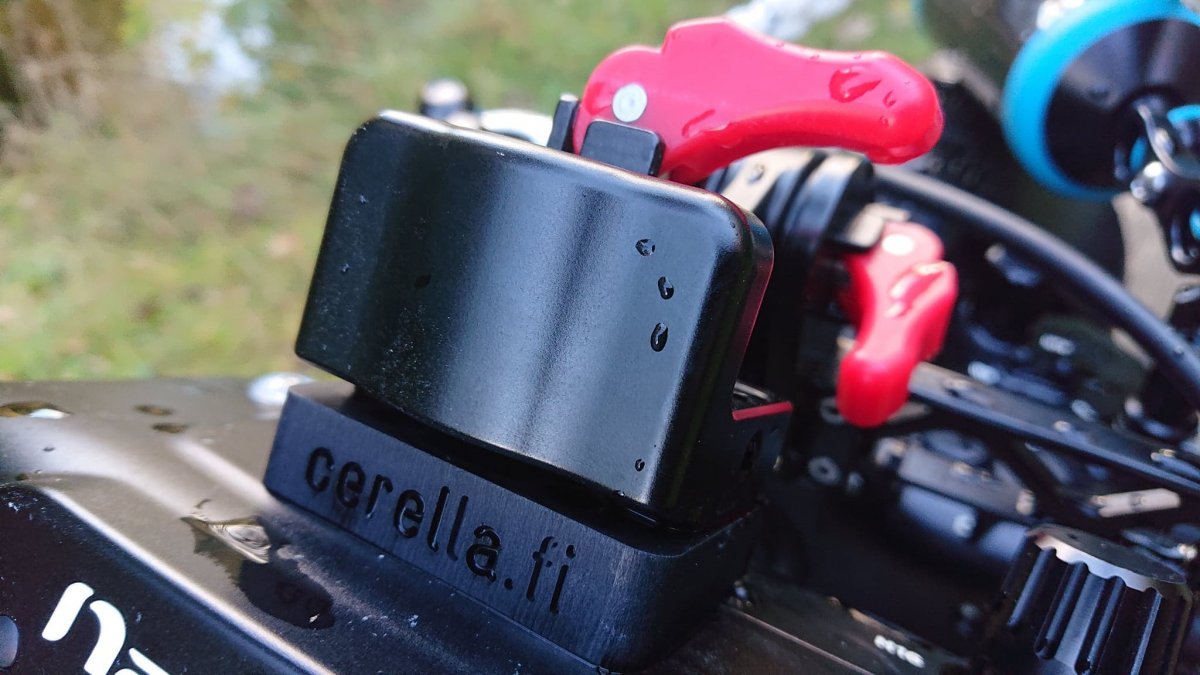
Unfortunately, the location of the HDMI cable input relative to the Nauticam GH5 case handles and the shape of the Hugyfot connector are one of the worst pairings I've ever seen. I was forced to print two blocks to lengthen the handle and insert the center float. I am molding two blocks 5 mm higher to avoid contact with the HDMI cable. Even if I had the cheese plate I could not mount the monitor because the cable is too short.
In this respect my buddy's AGH5 Aquatica case is phenomenal for the layout of the outputs.I'll take it anyway.
-
Thanks for the great discussion everyone-- its obvious that there are many ways to configure one's setup!
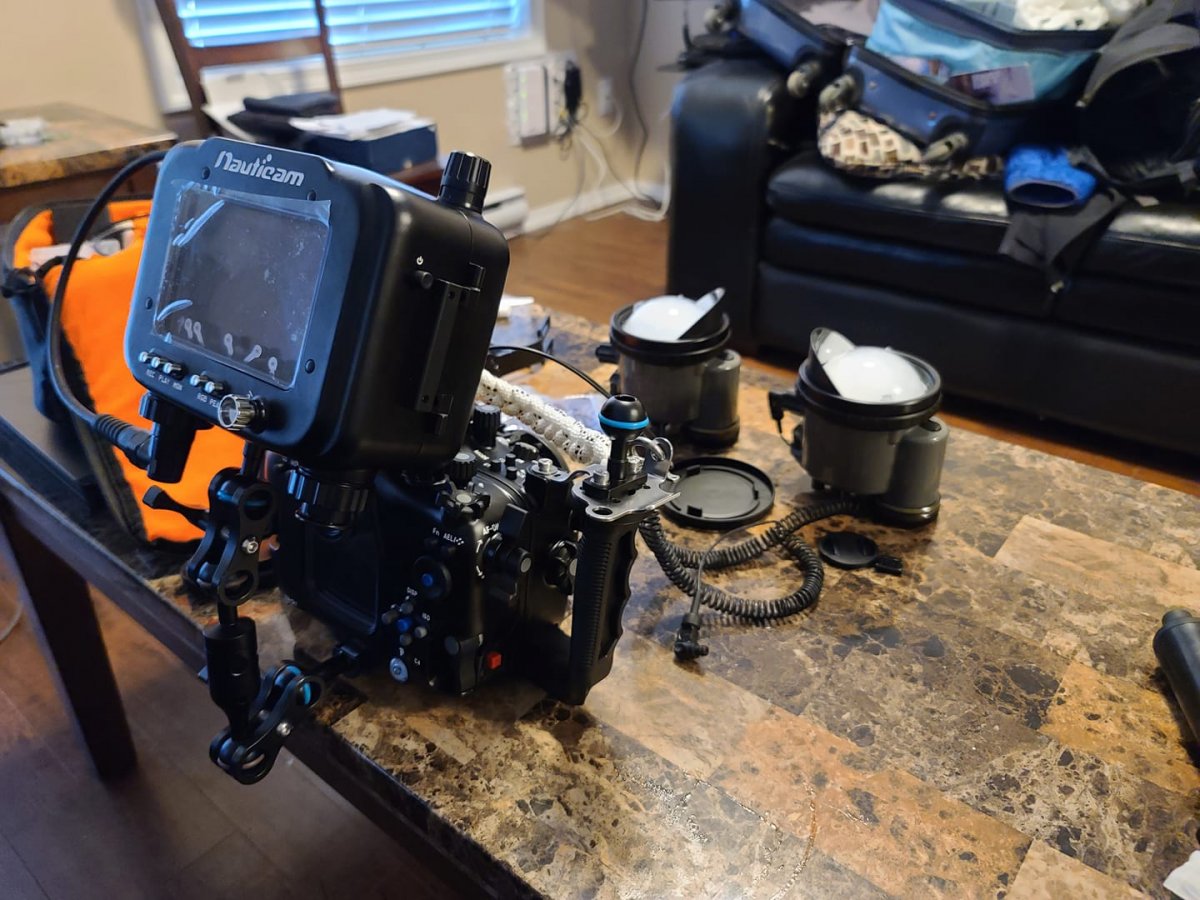
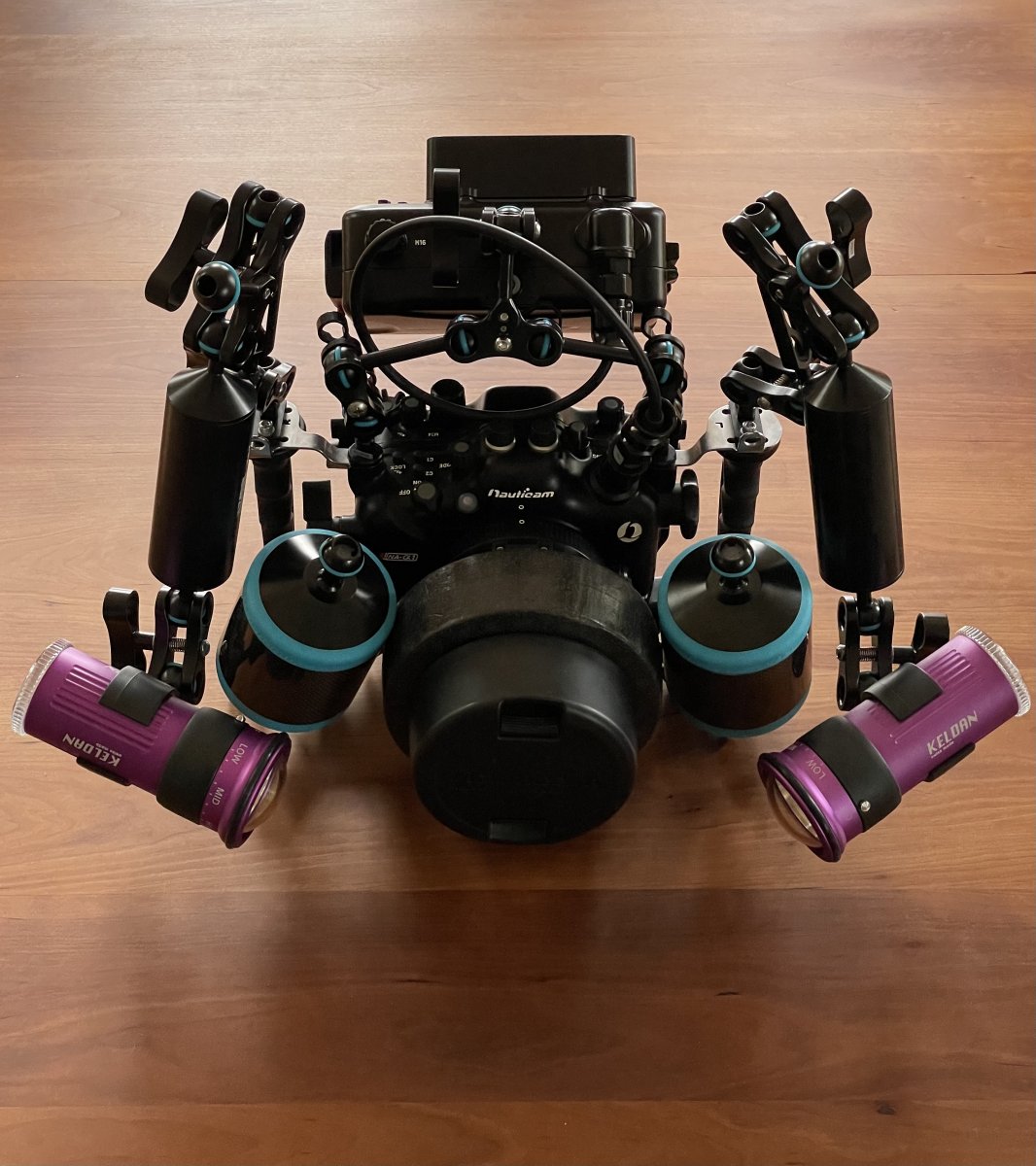
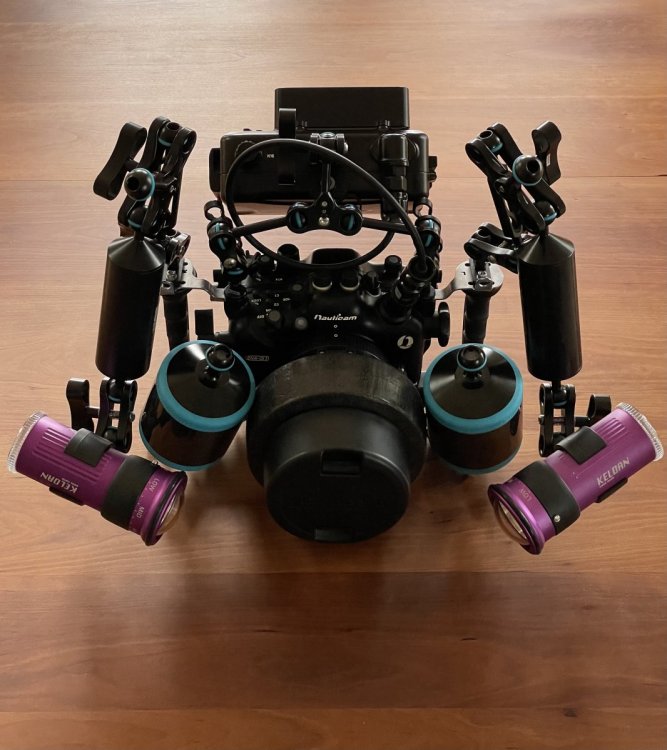
I ended up getting 2 Nauticam arms (75mm double ball arms) and a standard multi-purpose clamp (with the ball mount attachment) to run off of my extra housing mounting points. This is most similar to the second photo I originally shared without dealing with the triple clamp. It provides quite a bit of flexibility for running the monitor in the above, behind, or 45 degree angle configuration.
There is extra room below to run the controls, and allows the monitor and HDMI cable to tuck in quite nicely behind the camera housing. An additional benefit is that it allows me to more easily control buoyancy in the shallow environments I frequently work in and still have independent lighting control.
Let me know if you see any ways to improve upon the design here!
-
wow, nice rig.
I don't get where are clamped on the bottom the two Nauticam arms.
P.S.
I would suggest to rename this thread Rig Porn
-
22 minutes ago, Davide DB said:
I would suggest to rename this thread Rig Porn
Extremely tempting.......
-
Well, seeing the care with which users are photographing their creations...
-
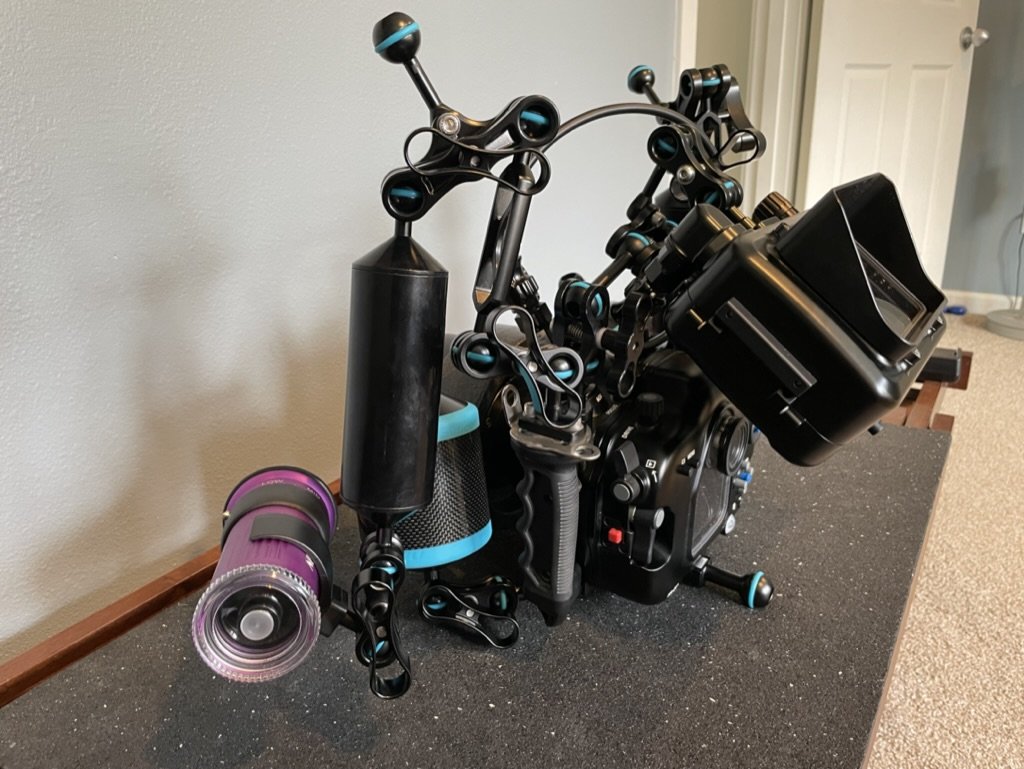
@Davide DB the two buoyancy arms are attached to the two front tripod mounting balls that I added to the underside of my housing. See below for a side view that shows that more clearly.
Now only if I could get my camera display to show only the settings so I could keep a clean feed on my monitor....

-
Ah, now I see it. Nice idea.
On my NA-GH5 the side tripod mounting balls are handle extensions. I should try.
-
On 2/28/2022 at 9:08 AM, Driftc said:
@Tom_Kline Don't you use a ULCS clamp with a modified arm to provide a similar mounting point to photo #3 above? While the GH5/S and other housings have a cold-shoe attachment point for center mounting, not many other housings have that option. I seem to remember coming across a photo of that--- can you share it here?
I am not sure what you are referring to. I use Seacam housings that feature a fitting for a ball in the center-top of the housing. I use this mainly for attaching a camera pole in my stream shots. I use the same fitting for focus lights when scuba diving.