Hi all, I'm generally pretty careful about not letting water (particularly salt water) dry on my ports, but with the vagaries of life this occasionally happens. I've now got a few water stains on the port, which show up when I shoot into the sun in particular. Does anyone have any ideas on how to clean these off? To be clear, this is a glass port, not acrylic.
Thanks,
Shane
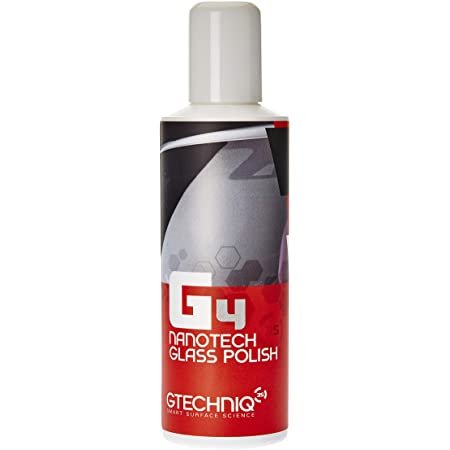
there's been a few threads on this topic, various things have been suggested including vinegar and things like calcium lime rust which is a proprietary product to remove water marks. if this fails using glass polish has been suggested.
I would go with vinegar before CLR (calcium lime rust) which remain a more powerful chemical.
Prevention is better than cure of course, a good long soak after every use and don't let water droplets dry on the glass, blow or wipe them off. The problem is any salts in water become more concentrated as the water evaporates and as they do they become more reactive and the pH will go up. High pH solutions will very slowly etch glass.
As Chris said, there have been tons of posts on this so well worth a read.
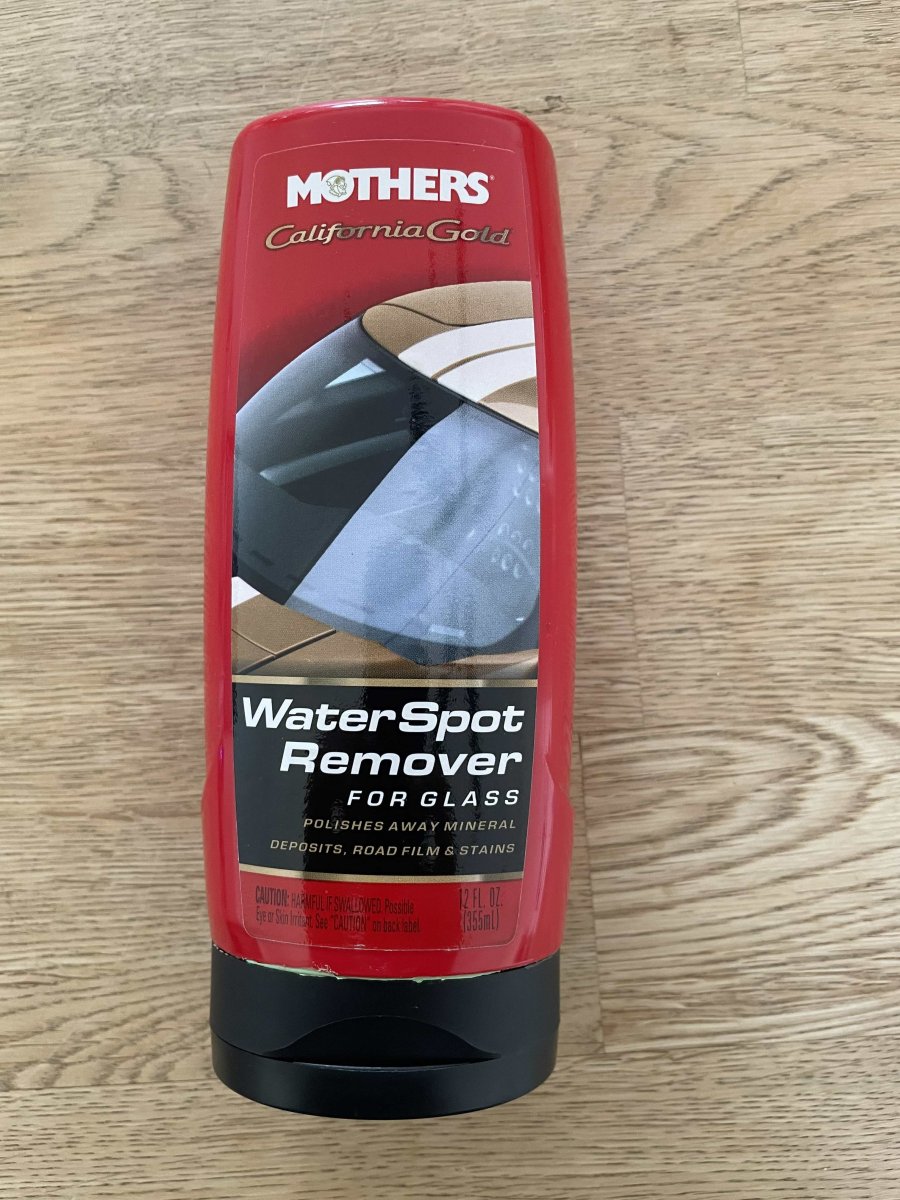
I've tried many things and have only had success with "Mothers Water Spot Remover For Glass"
Great, thanks everyone. I'll have a read through the previous thread and will try some of these options.
Shane
Alex was recommending this product for cleaning and care of glass dome ports in one of his talks. I bought some and really like it.
I have tried everything suggested in these posts and finally found way to remove hard water spots and minor scratches from an old glass dome port! It took a LOT of work, but I was able to completely remove water spots and some very faint scratches from the port. When I hold it up to the light and look from the inside of the port, it is perfectly clear! The final test will be shooting a sunball or sunrays with it.
I applied this product with a soft terry cloth, and rubbed vigorously. I had to repeat this 4-5 times and in a hour or so all the spots were gone. I found it on Amazon.
Note: This is for a GLASS port!
Good to know. Thanks, Larry!
A quick update on this. I was able to save another glass dome port I thought was hopeless. I used a Dremel rotary tool and a buffer wheel with the Griot’s File Glass Polish (mentioned above) and removed every water spot and minor scratch from the port! I used a slow speed on the rotary tool like #2 or #3 (it makes a mess). After I was finished, I looked through the port into the sunlight and it is perfectly clear and spotless! Next time I find a throwaway glass port to polish I will post before and after pics. Amazing!
I am not sure which specific polishing pad it is, but it is one that came in the kit contained in the link I shared. The pad you posted looks like it would work great.