




-
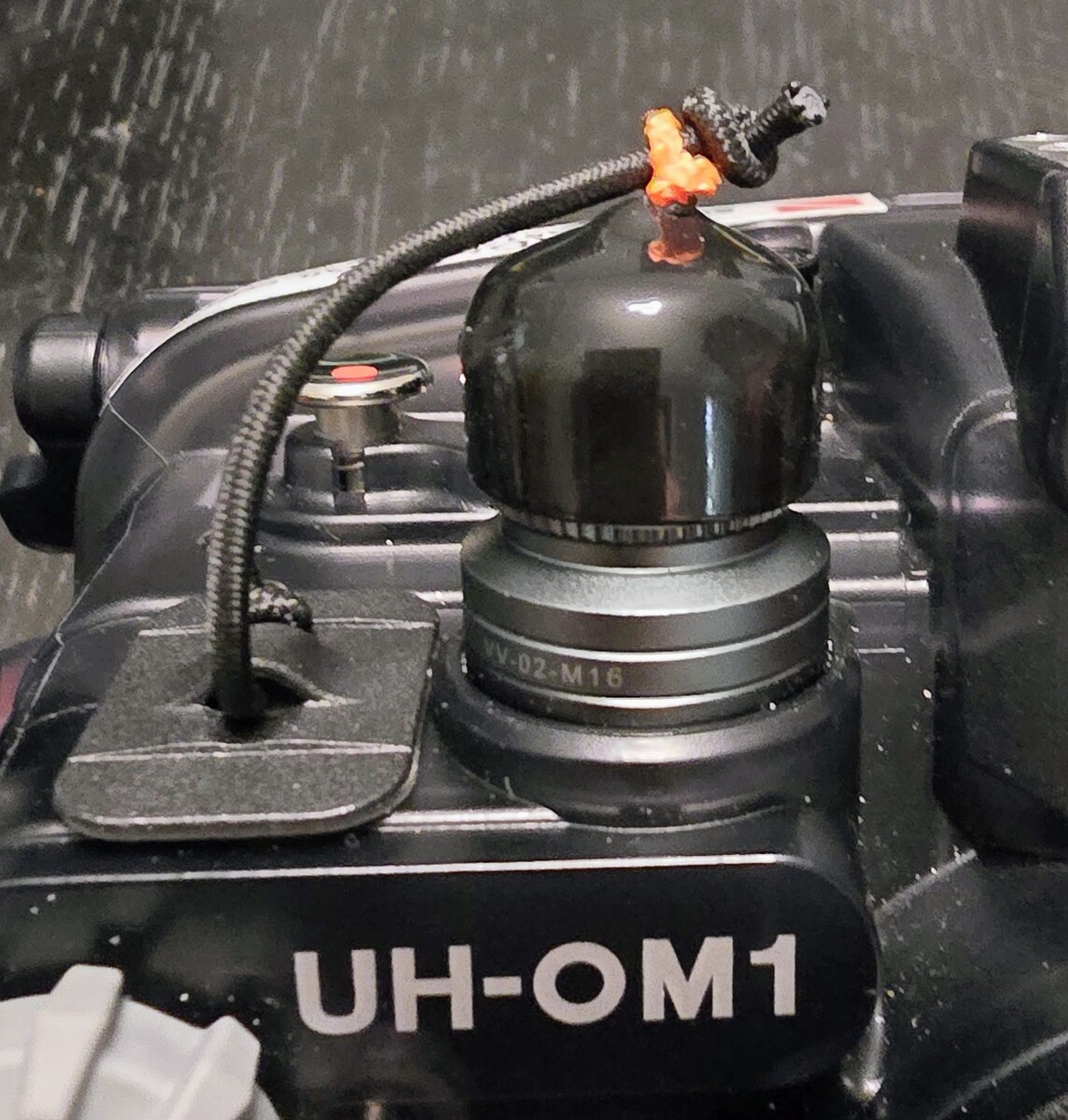
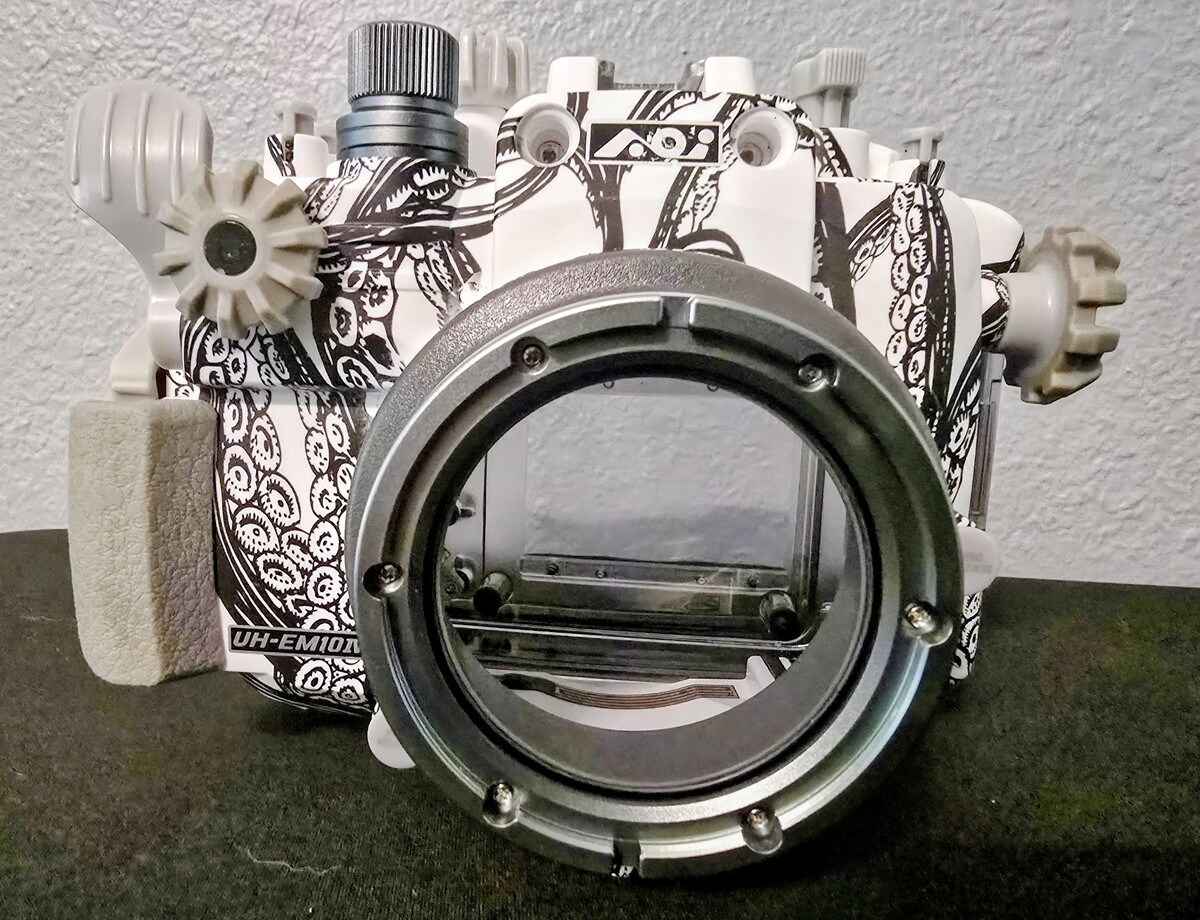
I just saw this post. Without a 3d printer, this was my solution on my AOI housing
-
Hey everyone, I’m currently shooting the Olympus OM-1 with the Panasonic 8mm fisheye in an AOI DLP-06 acrylic dome. I haven’t had enough bottom time with this setup yet to know if internal reflections will be an issue, but looking at the port hood petals, I'm curious: does anyone proactively line the inside of the petals with matte tape or similar materials to kill stray light? Is this a known quirk with the DLP-06/8mm combo, or am I overthinking it before seeing the files? Would love to hear if anyone uses flocking or gaffer tape here. Cheers!
-
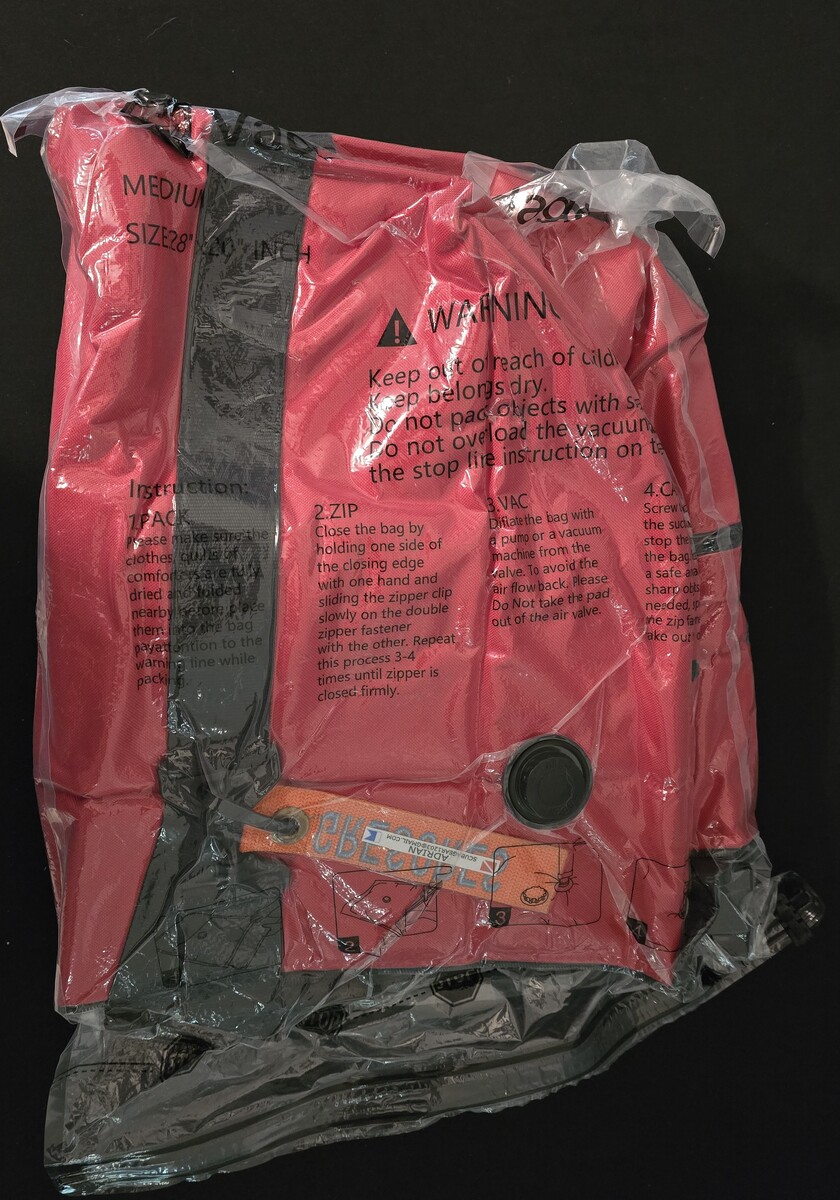
Thank you for all the feedback. I've decided to go with the AO Cooler 36. I've had to cancel my first liveaboard trip unfortunately. Instead, we are taking a quick trip to Cozumel next month. The dive shop actually recommended I use my own soft-sided cooler bag for camera gear, since their rinse tank is too small. I've also managed to vacuum pack the bag, so it fits in the front pocket of a suitcase.
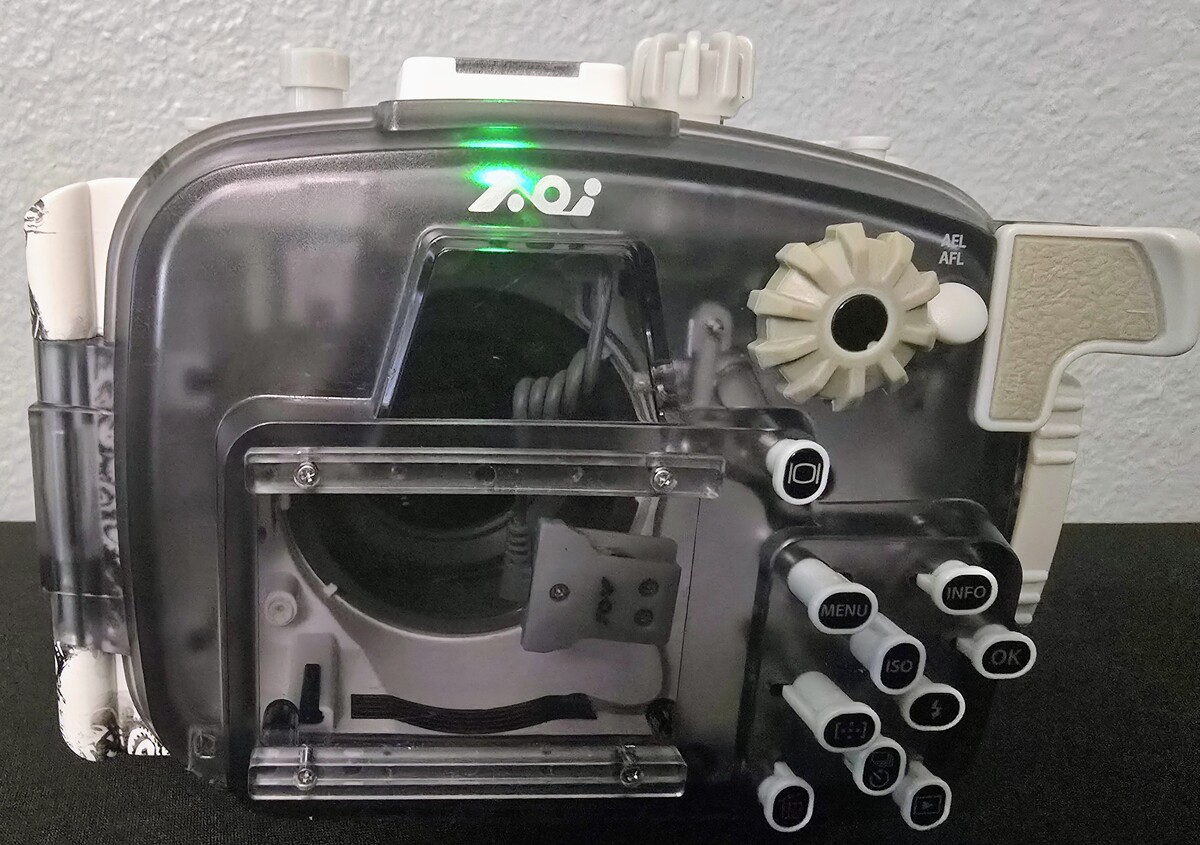
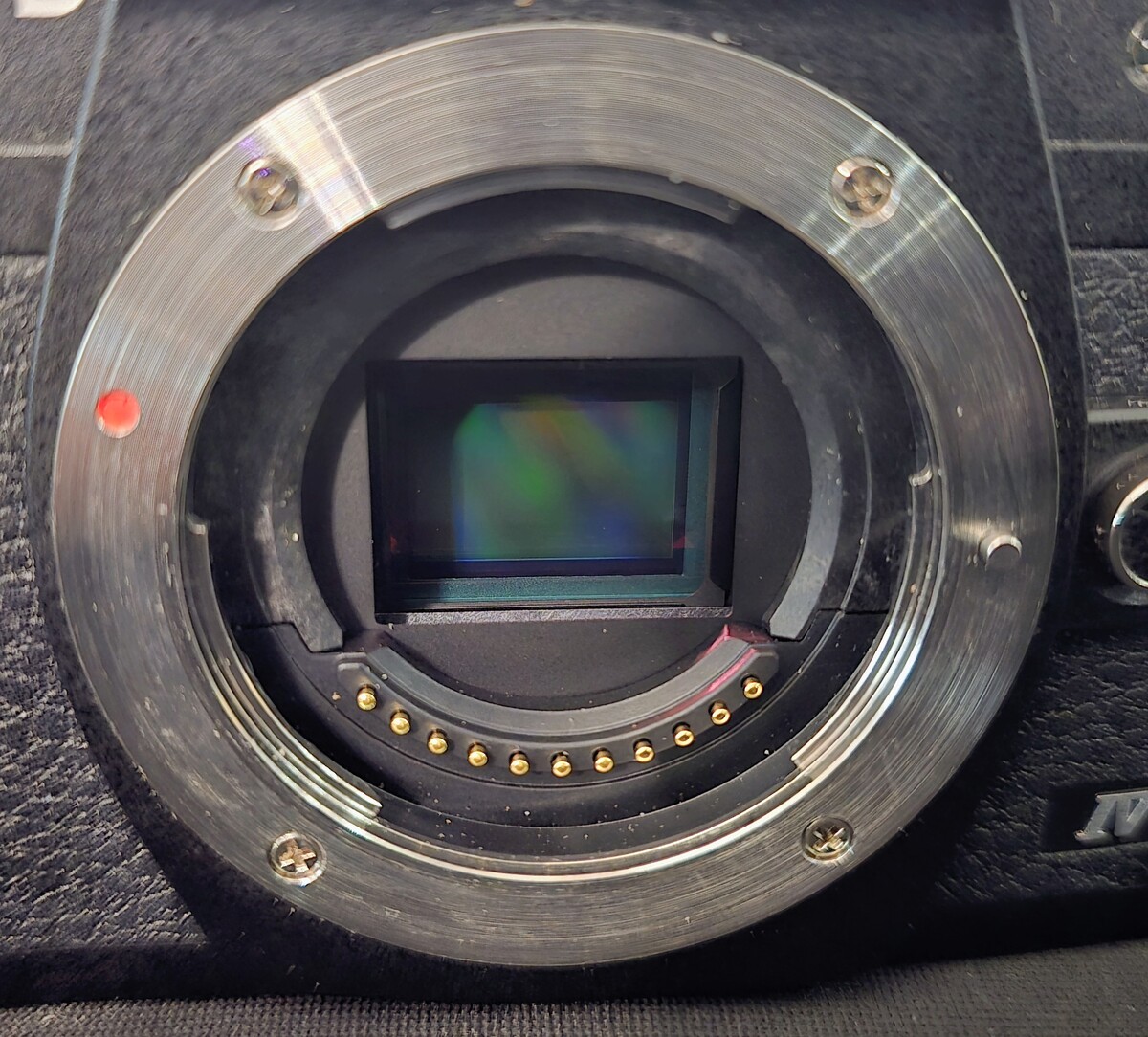
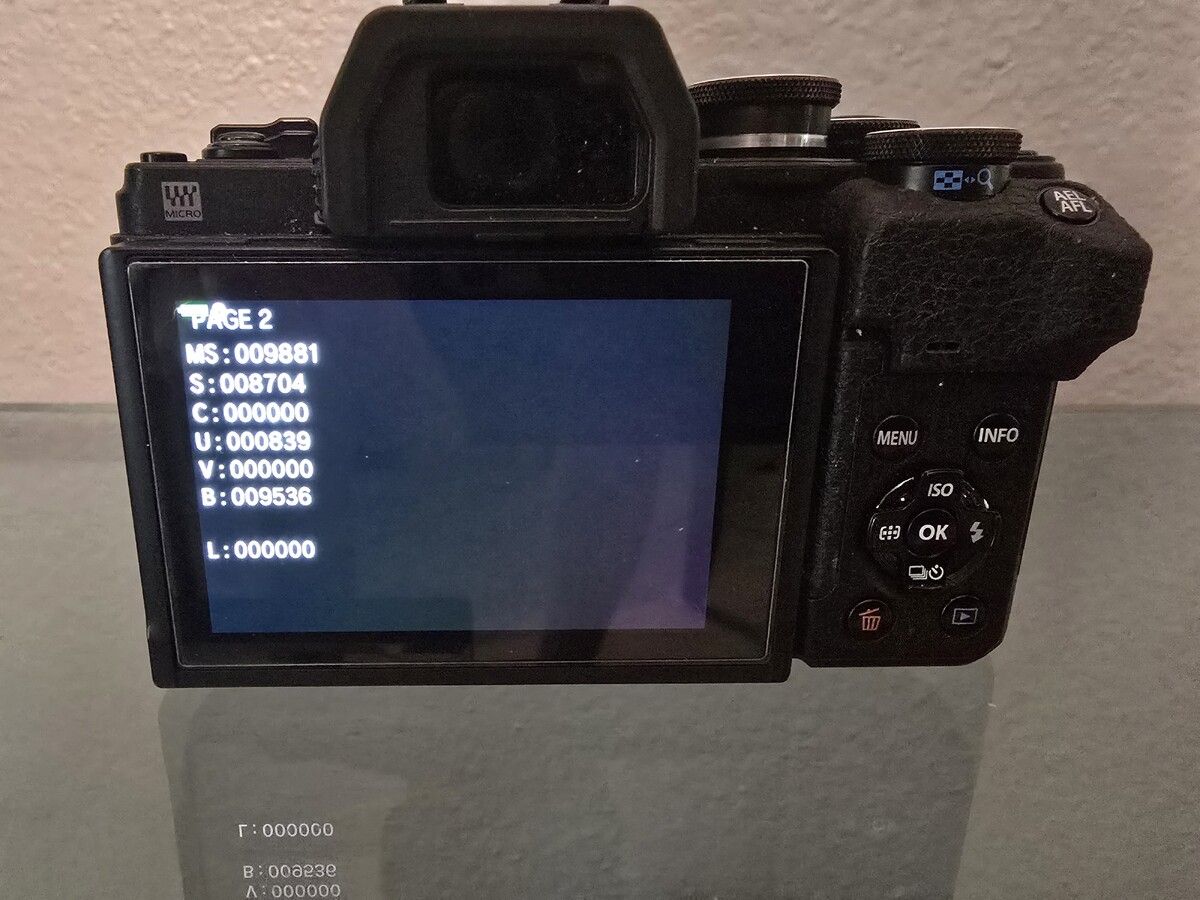
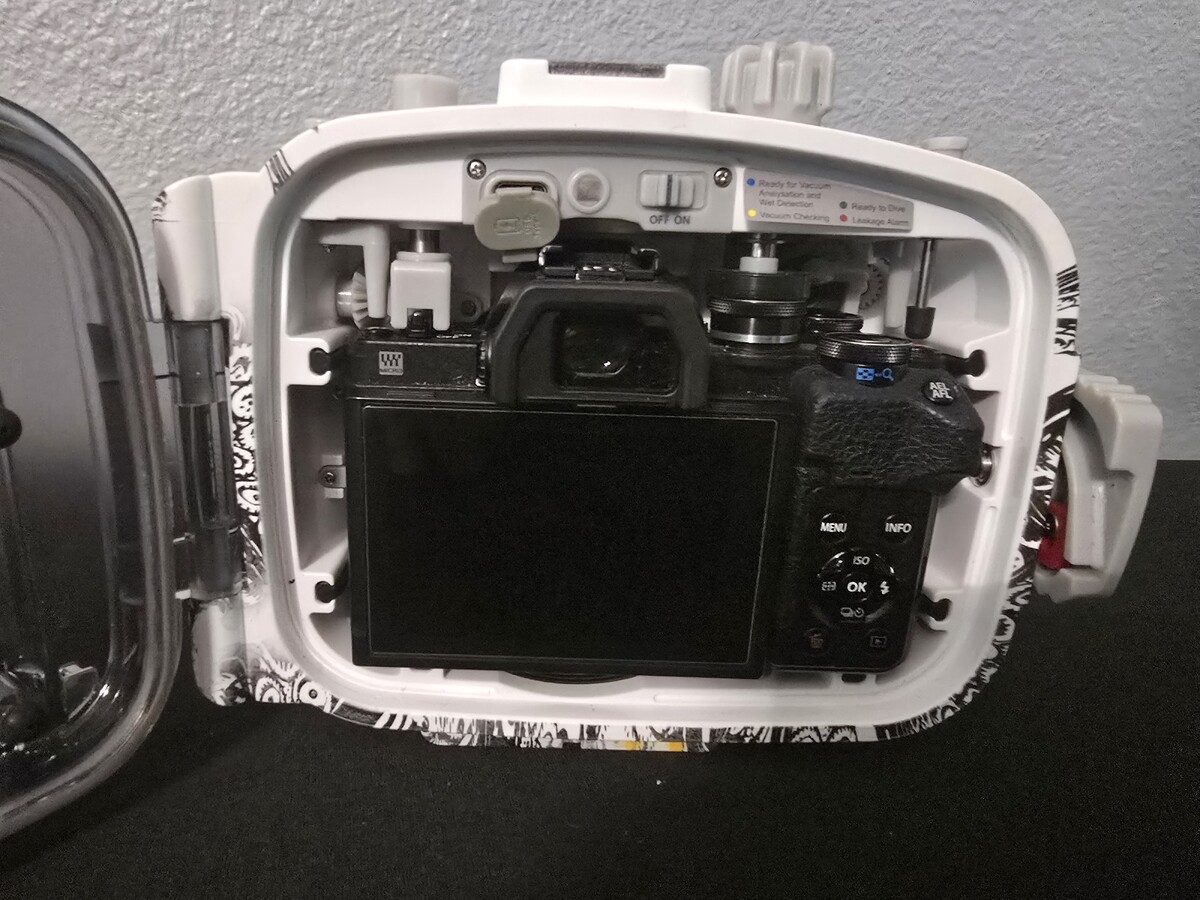
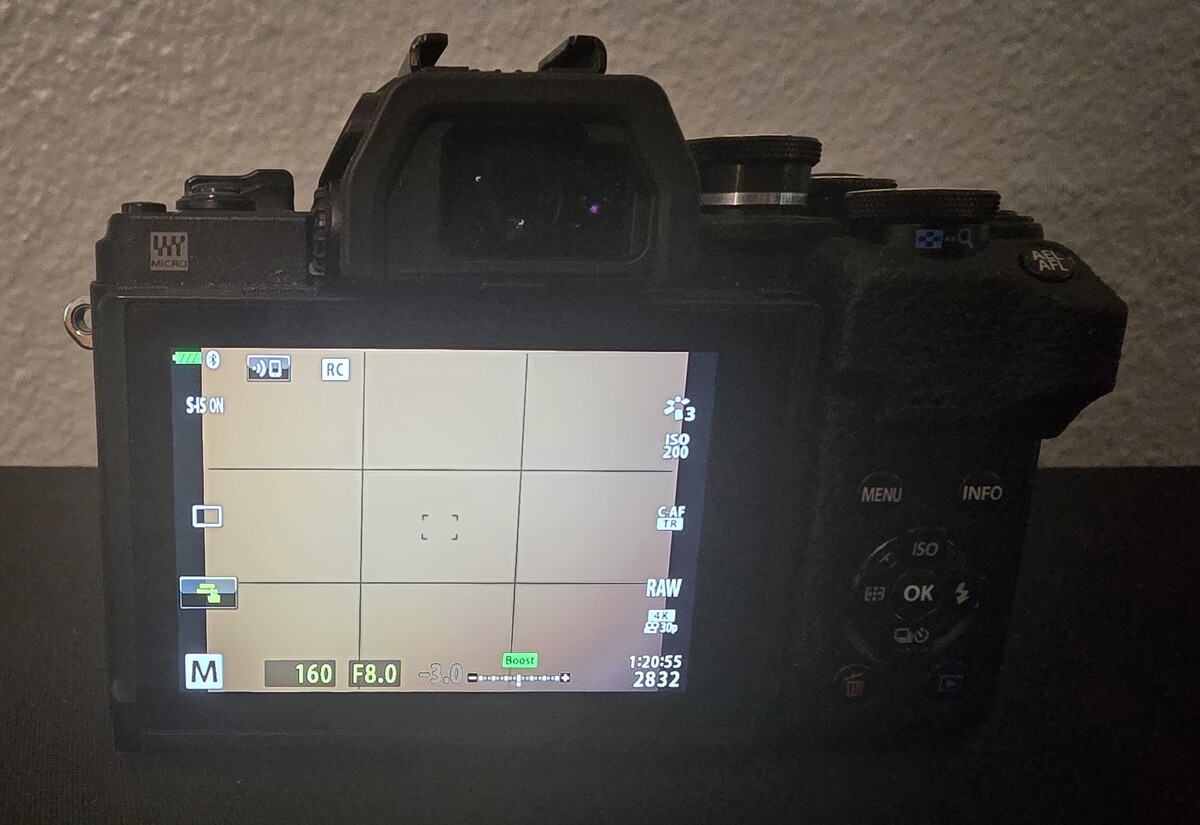
 Description: Selling a complete, turn-key Micro Four Thirds underwater system. I am moving to an OM-1 setup for my upcoming trips, so this meticulously maintained rig needs a new home. This is the Backscatter Octo Edition which includes the integrated LED flash trigger and vacuum system. The Highlight: The AOI UH-EM10IV Octo Housing was completely replaced by Backscatter in August 2025. It has seen very few dives since and is essentially in new condition. It will ship in its original factory packaging with all new-in-box accessories. Package Includes: Camera: Olympus OM-D E-M10 Mark IV (Silver/Black) Shutter Count: 9,881 (Low mileage) Condition: Excellent; pristine sensor; firmware updated to v1.1. Lens: Olympus M.Zuiko 14-42mm f/3.5-5.6 EZ (Pancake Electronic Zoom). Port & Gear: Includes the AOI FLP-06 Flat Port and the dedicated zoom gear for full focal control. Power: 3x Batteries (2 OEM Olympus, 1 aftermarket) + Dual USB Charger. Safety: Integrated Vacuum & Moisture alarm (Pump included). Extras: JJC padded protective pouch and original body/lens caps. Price & Shipping: $1,275 USD Price includes PayPal Goods & Services fees. Includes fully insured shipping (Signature Required) within the CONUS. International shipping available at buyer's actual cost. Location: San Antonio, TX (Local pickup welcome).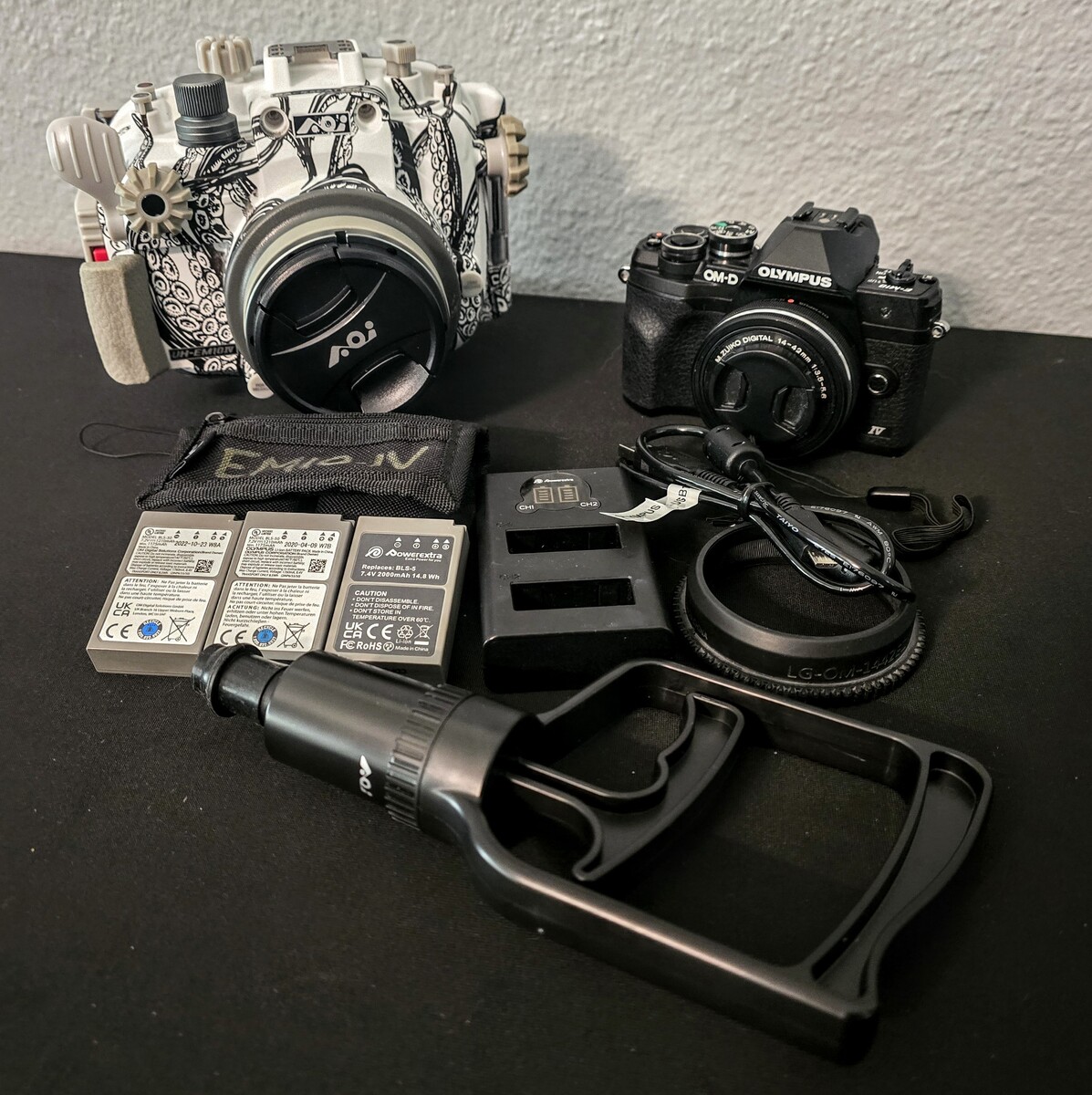
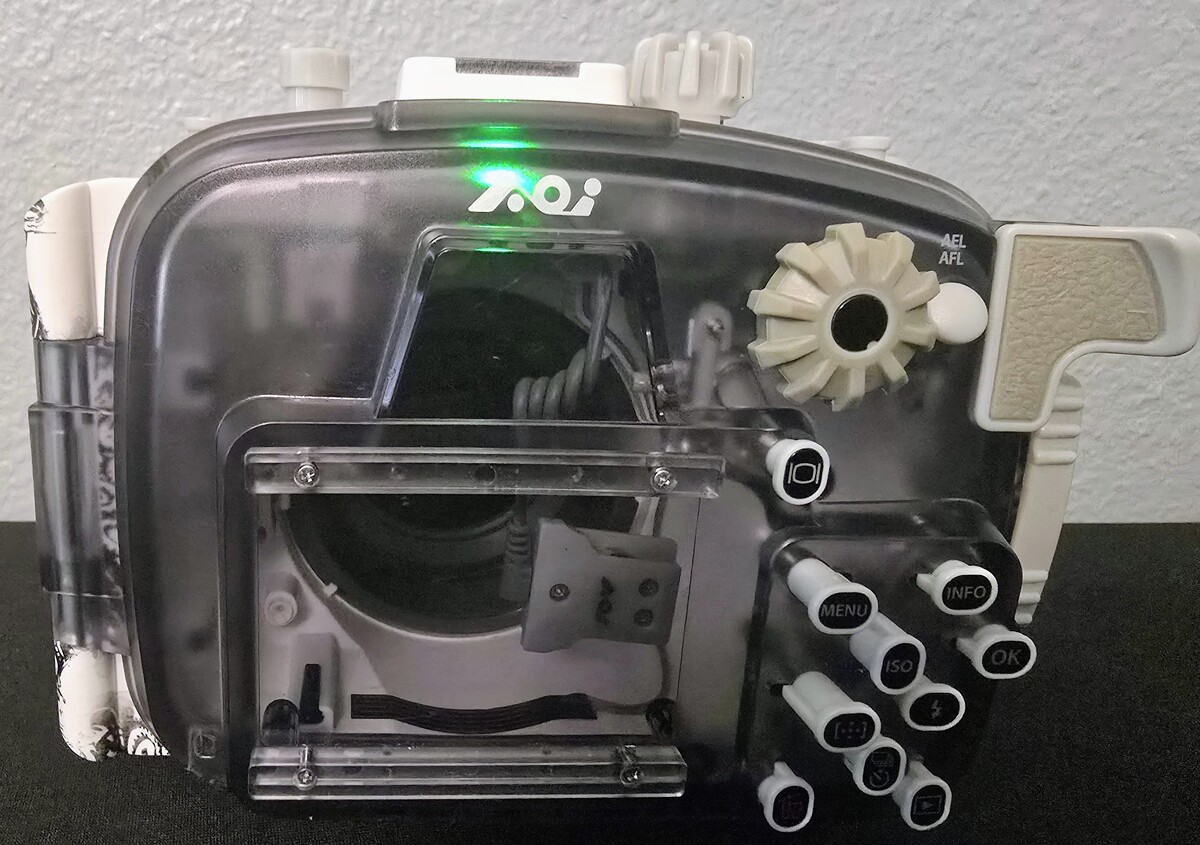
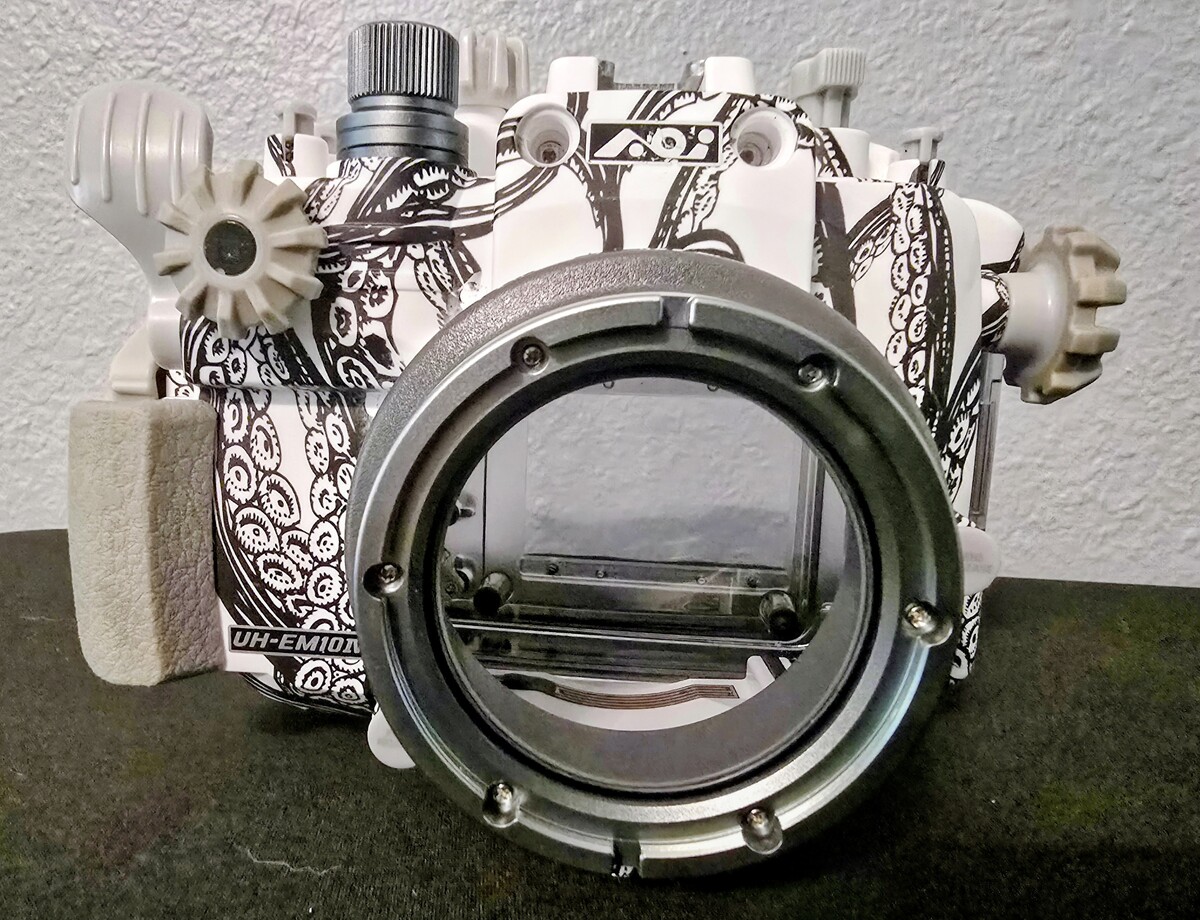
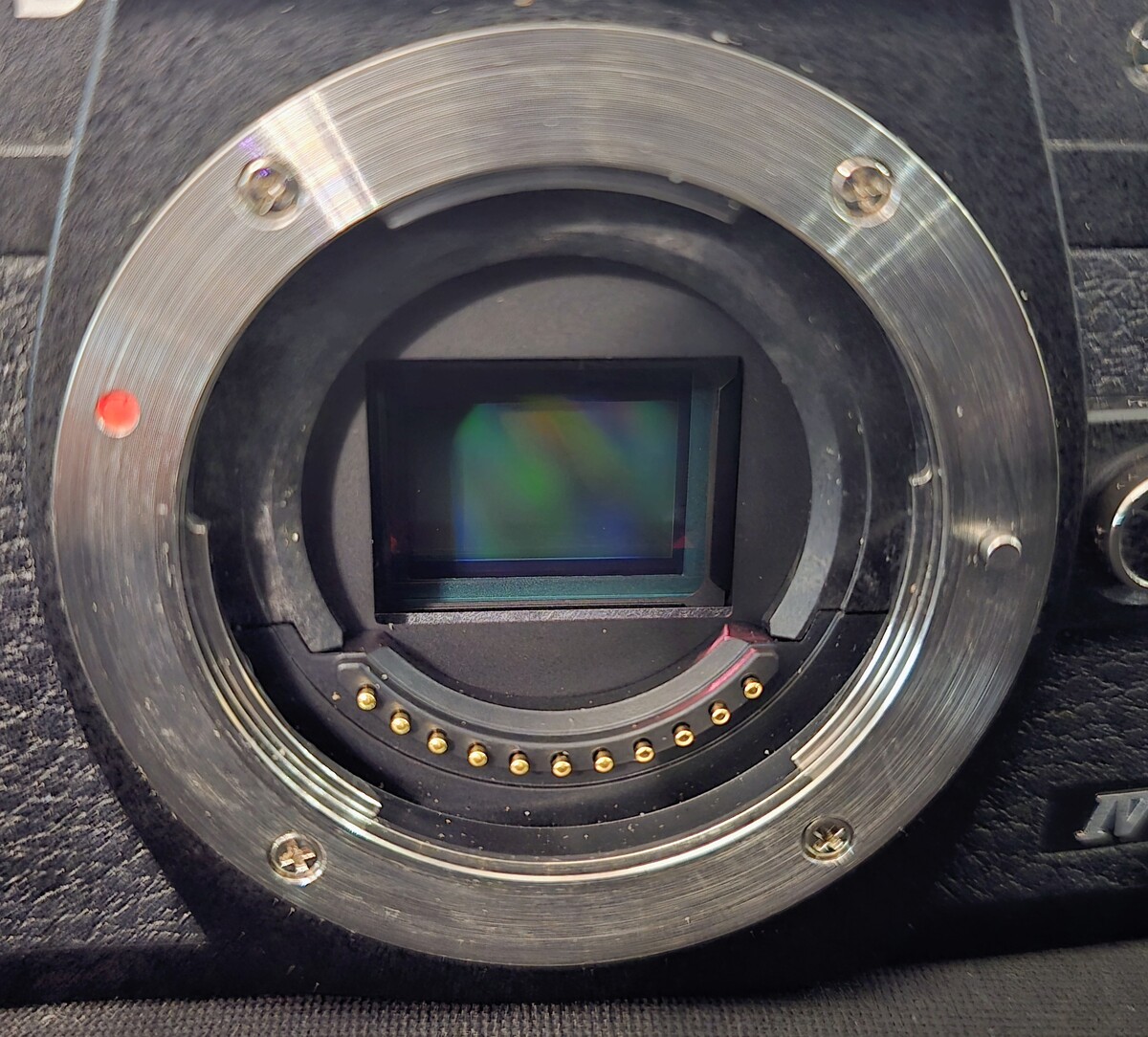
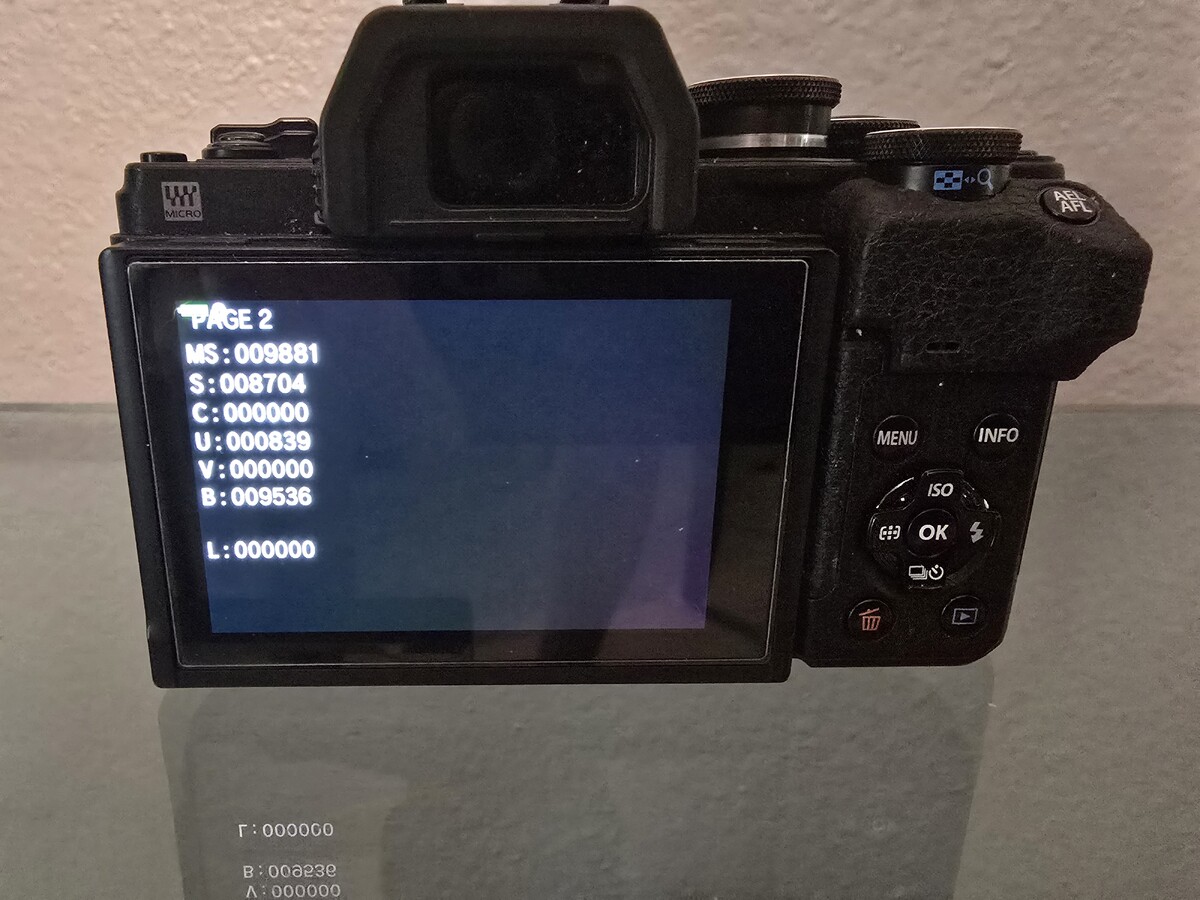
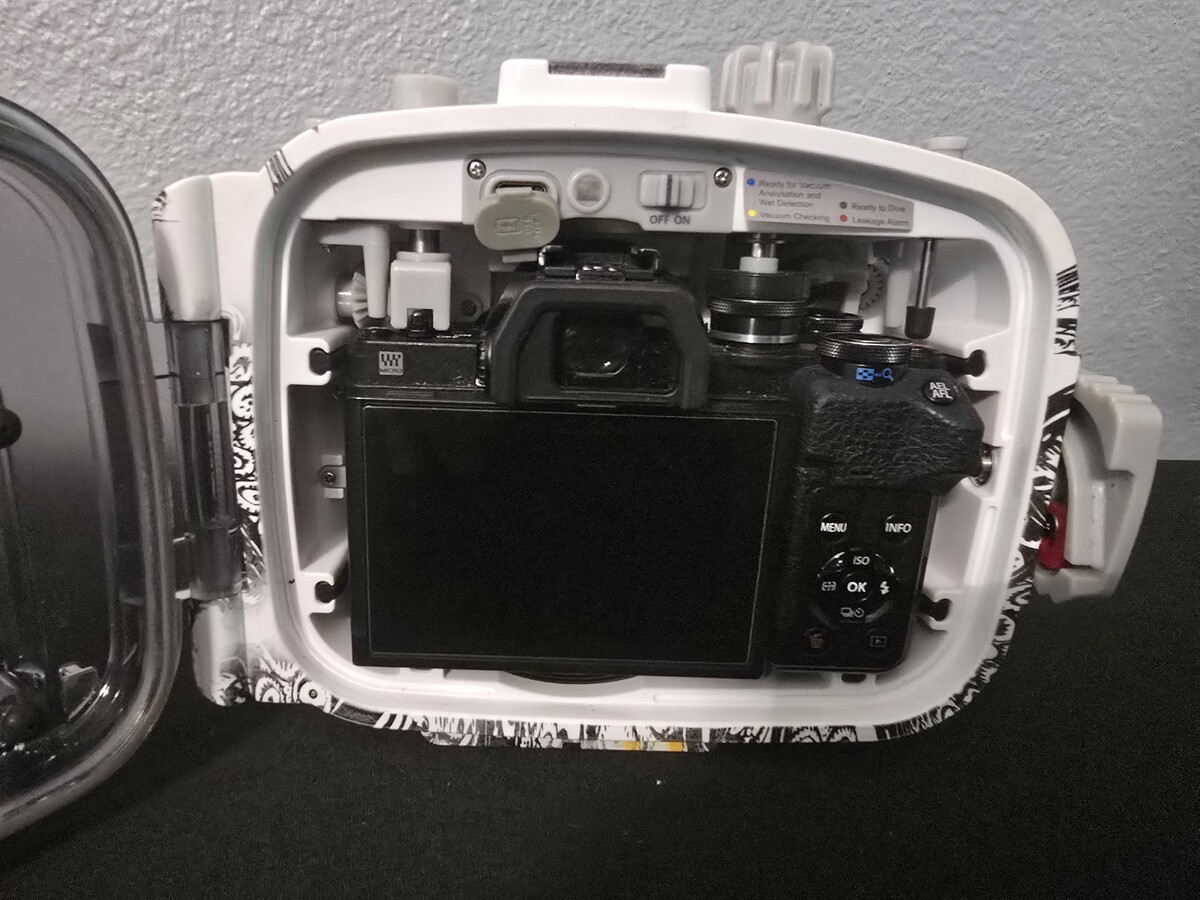
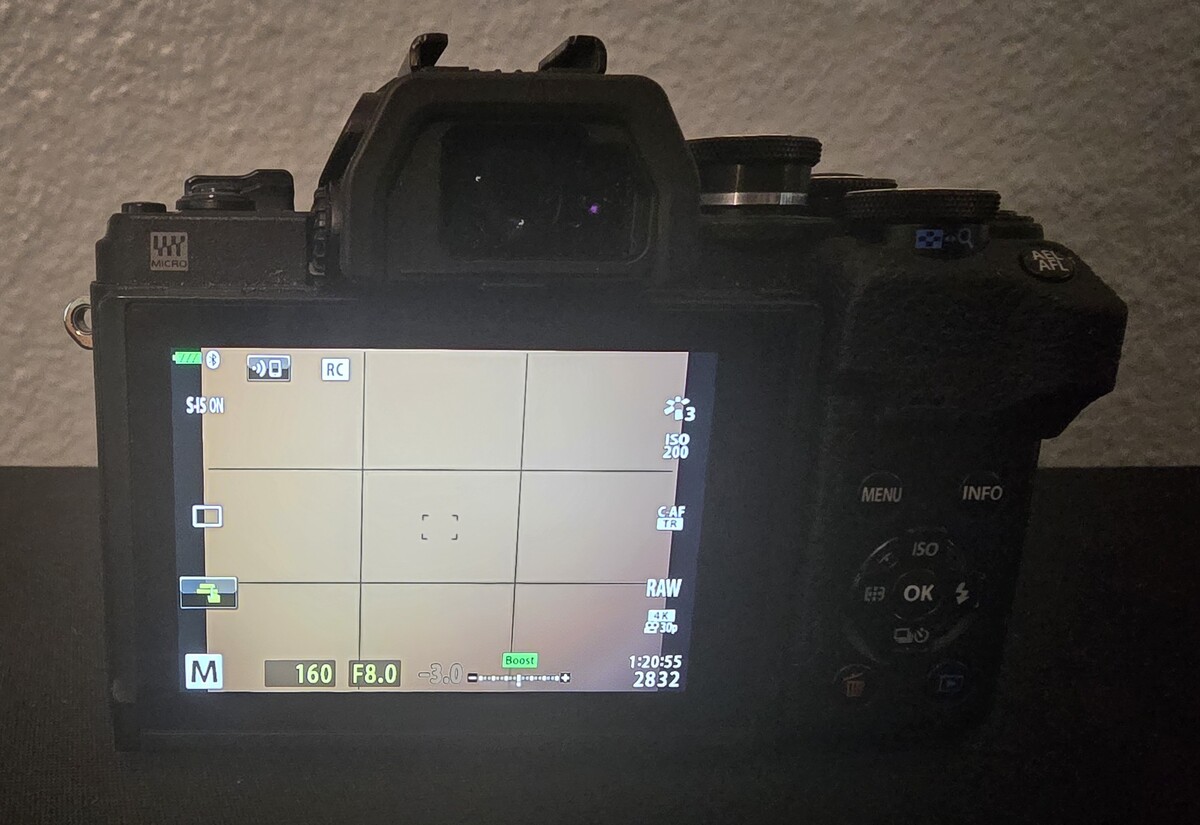 This offer is being closed to include a lens with the final bundle.Description: Moving to an OM-1 system for my upcoming trips to Bonaire and the Sea of Cortez, so I am parting with this fantastic, compact mirrorless rig. This is the Backscatter Limited Edition Octo version with the integrated LED flash trigger and vacuum system. The Standout Detail: The AOI UH-EM10IV Octo Housing was completely replaced by Backscatter in August 2025. It has seen very few dives since and is essentially in new condition with fresh seals and perfect electronics. Package Includes: Camera: Olympus OM-D E-M10 Mark IV (Silver/Black) Shutter Count: 9,881. Condition: Excellent. Sensor is pristine; latest Firmware v1.1. Port: AOI FLP-06 Flat Port (for 14-42mm EZ). Glass is flawless. Accessories: * 3x Batteries (2 OEM Olympus, 1 Powerextra) - all holding full charge. AOI Vacuum Pump & 2x Spare O-rings. Dual Battery Charger & CB-USB12 cable. JJC Padded Pouch. Price: $1,150 USD Includes shipping within CONUS and PayPal Goods & Services fees. Location: San Antonio, TX (Available for local pickup as well).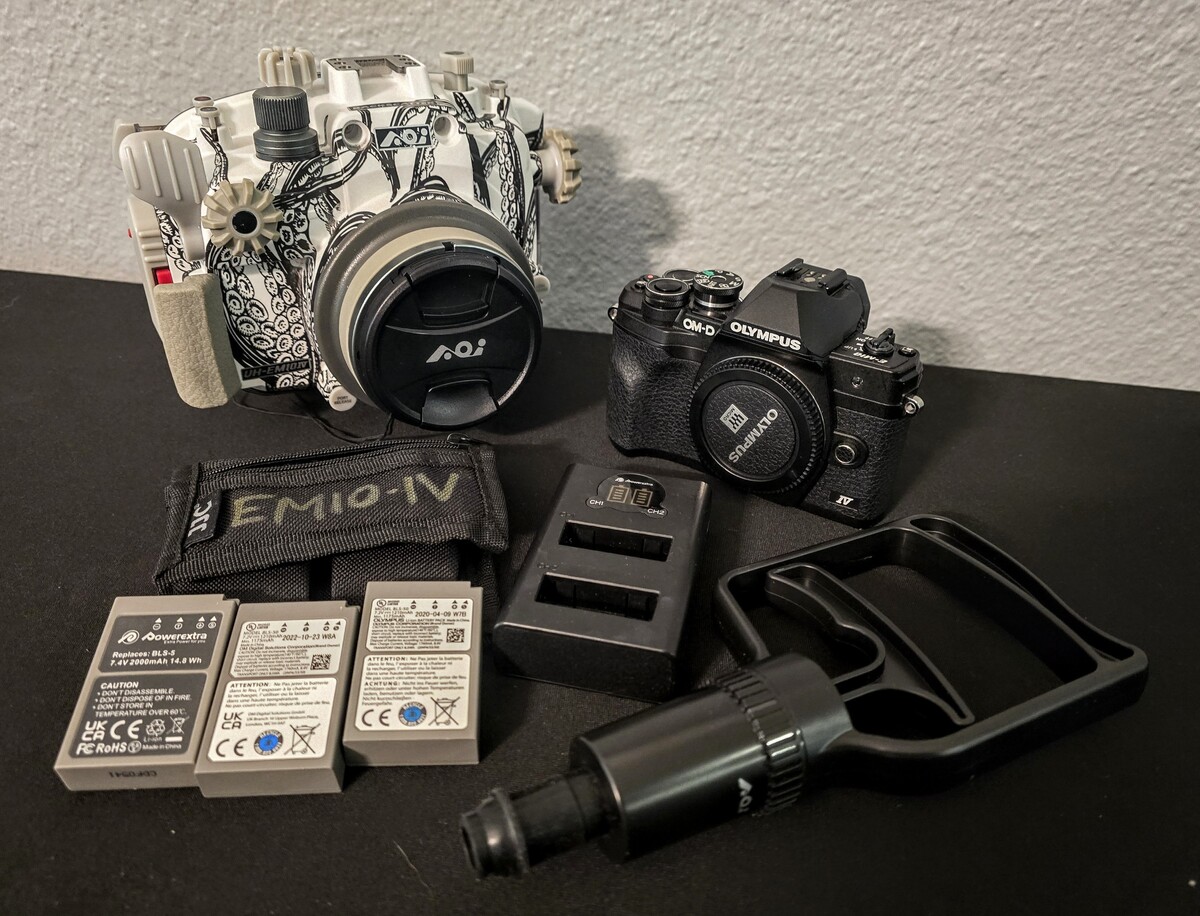
 Sale closed. Please see new offer that includes Olympus OM-D E-M10 Mark IV camera.Price dropped to $599. Please note that this model has an integrated vacuum system and LED flash trigger included.Price drop: $100.00. Moving up to a Nauticam CMC-2 for my OM-1 kit, so this great starter lens needs a new home.Oh, I see that now. I will consider it. Thank you.The zippers are an excellent point. I had not thought about that. I think I am going to return the AO Cooler bag and get the Kraken Rinse Bag just for that reason. I appreciate that. However, from what I read, that bag will not hold water, and I want it to serve as a rinse tank.Although I do understand Dave's point of view, I lean more in your direction. It's too easy for me to get distracted and leave my gear in a big rinse tank. I've done it at dive shops before. I'm probably better off keeping it as close to me as possible. I looked at the CineBags, but it's not available anymore, is it? The Kraken Rinse Bag looks similar. I went with the AO because it's significantly cheaper and I don't think I need all the pockets, etc. Now, I just need to decide on the logistics, keeping in mind I need to take care of my back while traveling. I might just stuff it full of clothes and then stuff the bag in a suitcase. I already have a spinner carry-on camera bag for the most critical camera gear.Hi everyone, I’m heading out on my first liveaboard this August—the Nautilus Under Sea in the Sea of Cortez. While I know they have dedicated communal camera rinse tanks, I’m debating if I should still bring my own personal container. I bought a 36-can AO padded cooler to use as a dedicated rinse/protection station, but I’m hesitating because of the weight and bulk. For those with liveaboard experience: Is a personal rinse bag/cooler worth the luggage space, or are communal tanks generally safe enough for a mirrorless rig (OM-1 in an AOI housing)? Is there enough deck space for everyone to have their own "tank," or will I just be in the way? I'd love to hear your thoughts on whether to pack the AO cooler or switch to a lighter, more collapsible setup. Thanks!


Important Information
Terms of Use Privacy Policy Guidelines We have placed cookies on your device to help make this website better. You can adjust your cookie settings, otherwise we'll assume you're okay to continue.