



Skip to content

Klaus

Members
  • Joined

  • Last visited

  • Country

    Germany

About Me

About Me:
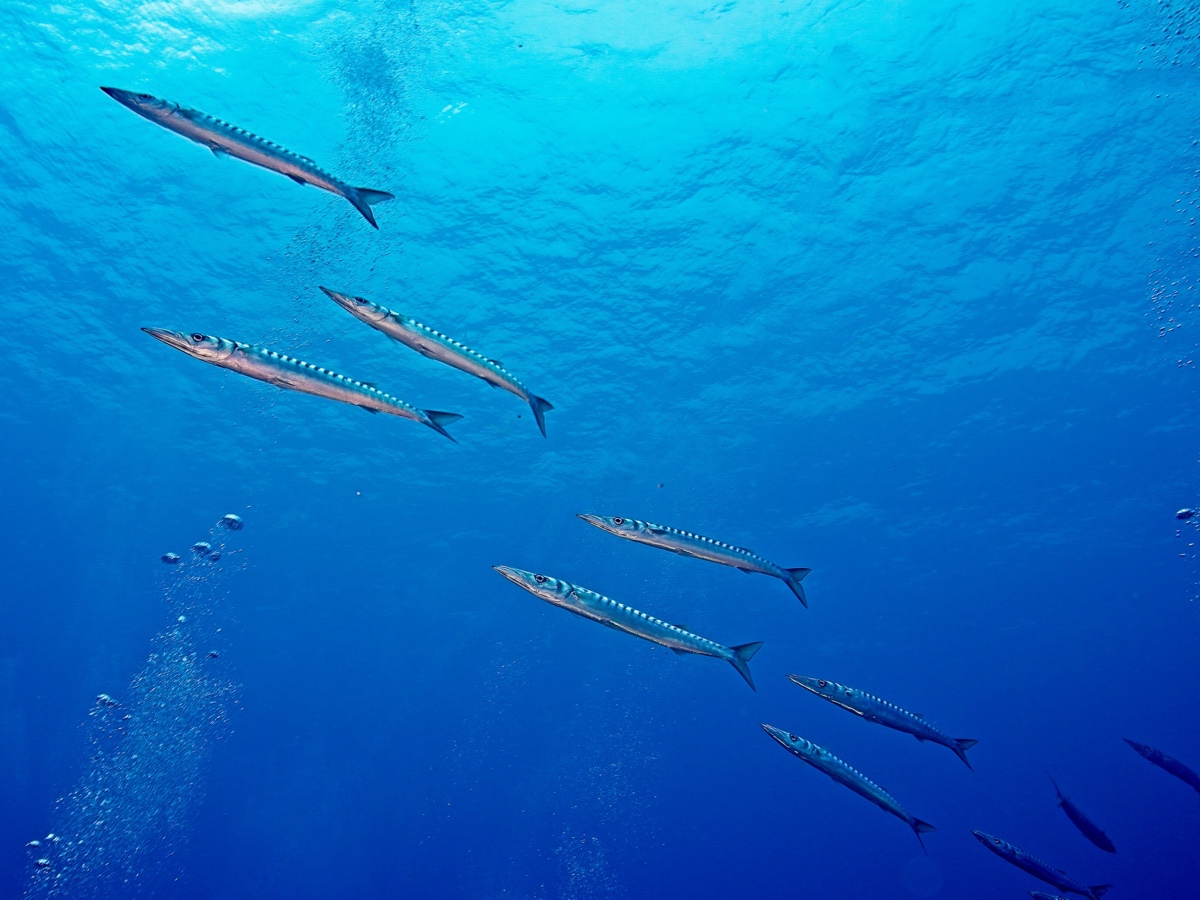
<p> Beginner in all aspects- uw pixels since 2022, scubadiving since 2018. Family father and not exactly broke but I’m rather trying to go diving in the classifieds to reserve a bit of money for actually taking the gear under water. </p>

Account

Navigation

Search

Search

Configure browser push notifications

Chrome (Android)
  1. Tap the lock icon next to the address bar.
  2. Tap Permissions → Notifications.
  3. Adjust your preference.
Chrome (Desktop)
  1. Click the padlock icon in the address bar.
  2. Select Site settings.
  3. Find Notifications and adjust your preference.
