




-
Bump
-
Bump
-
Bump. Can sell the MWL separately.
-
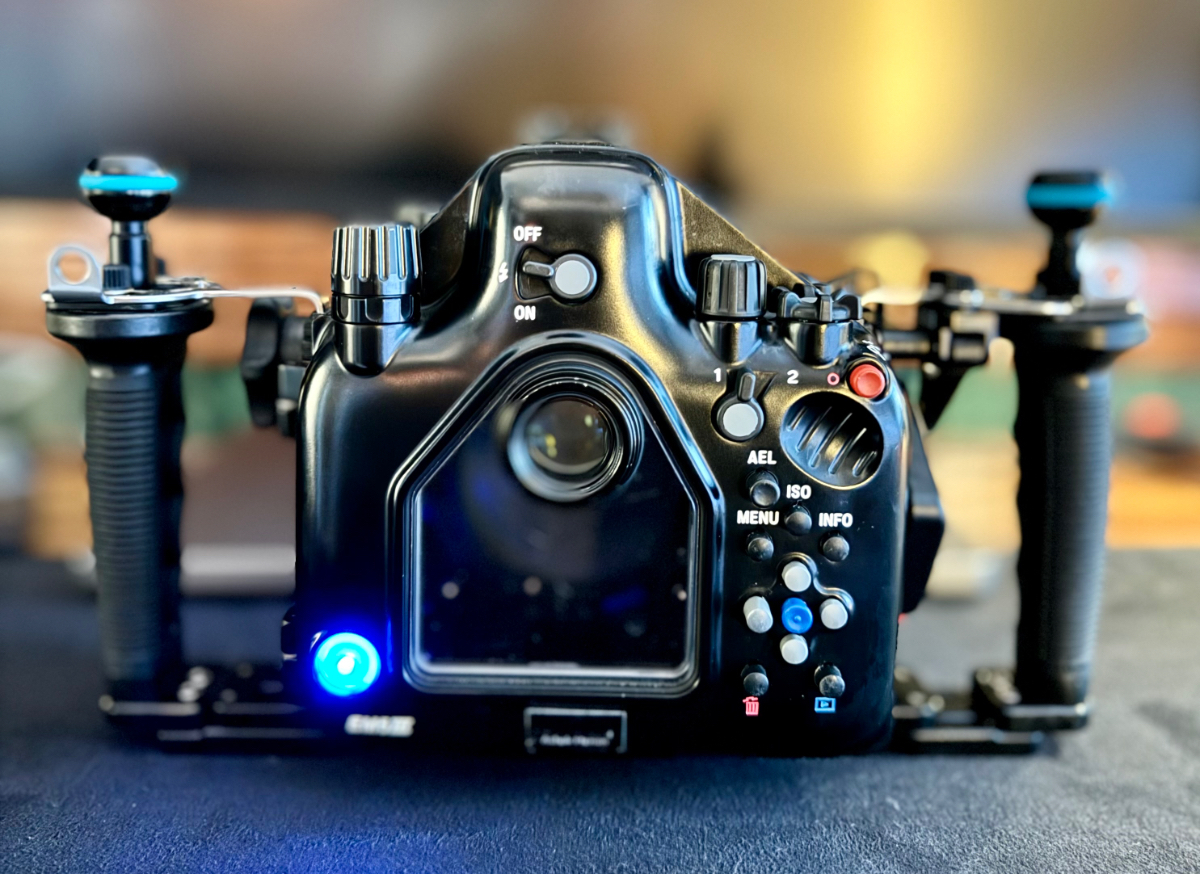
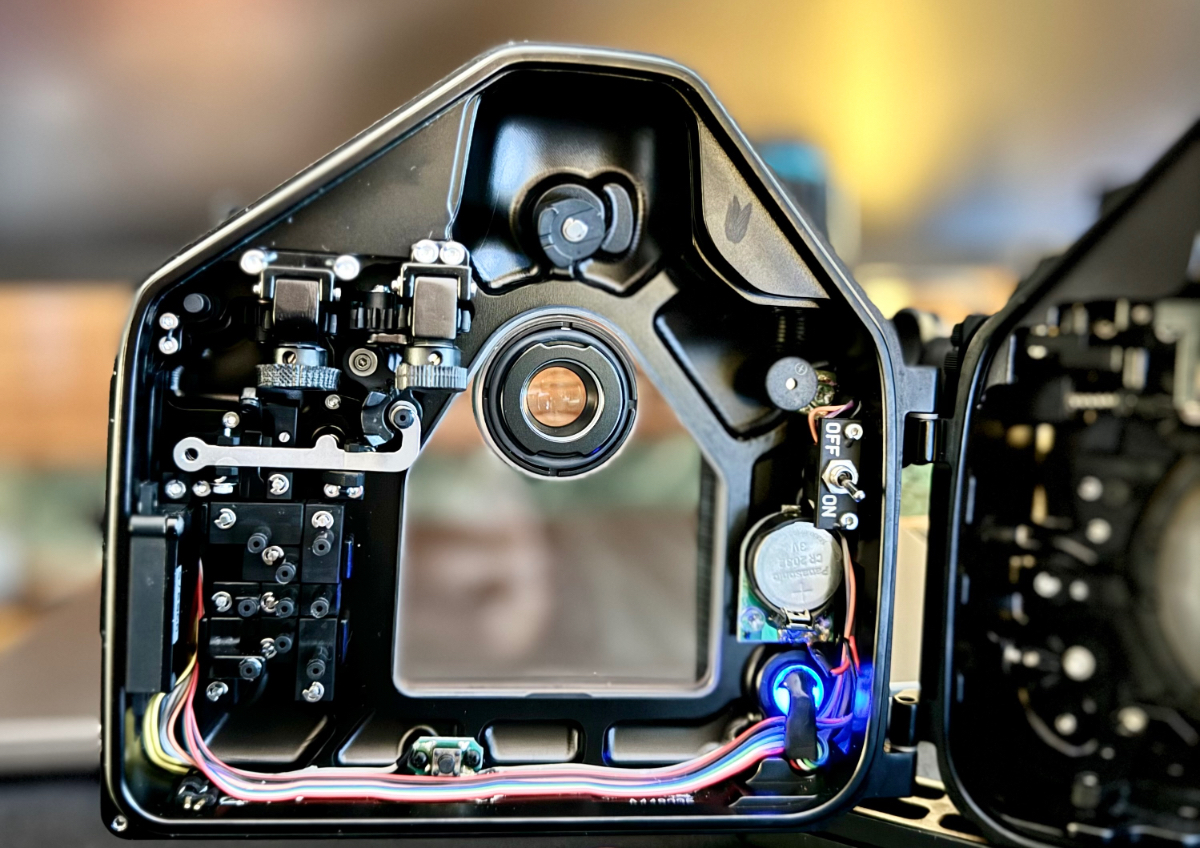
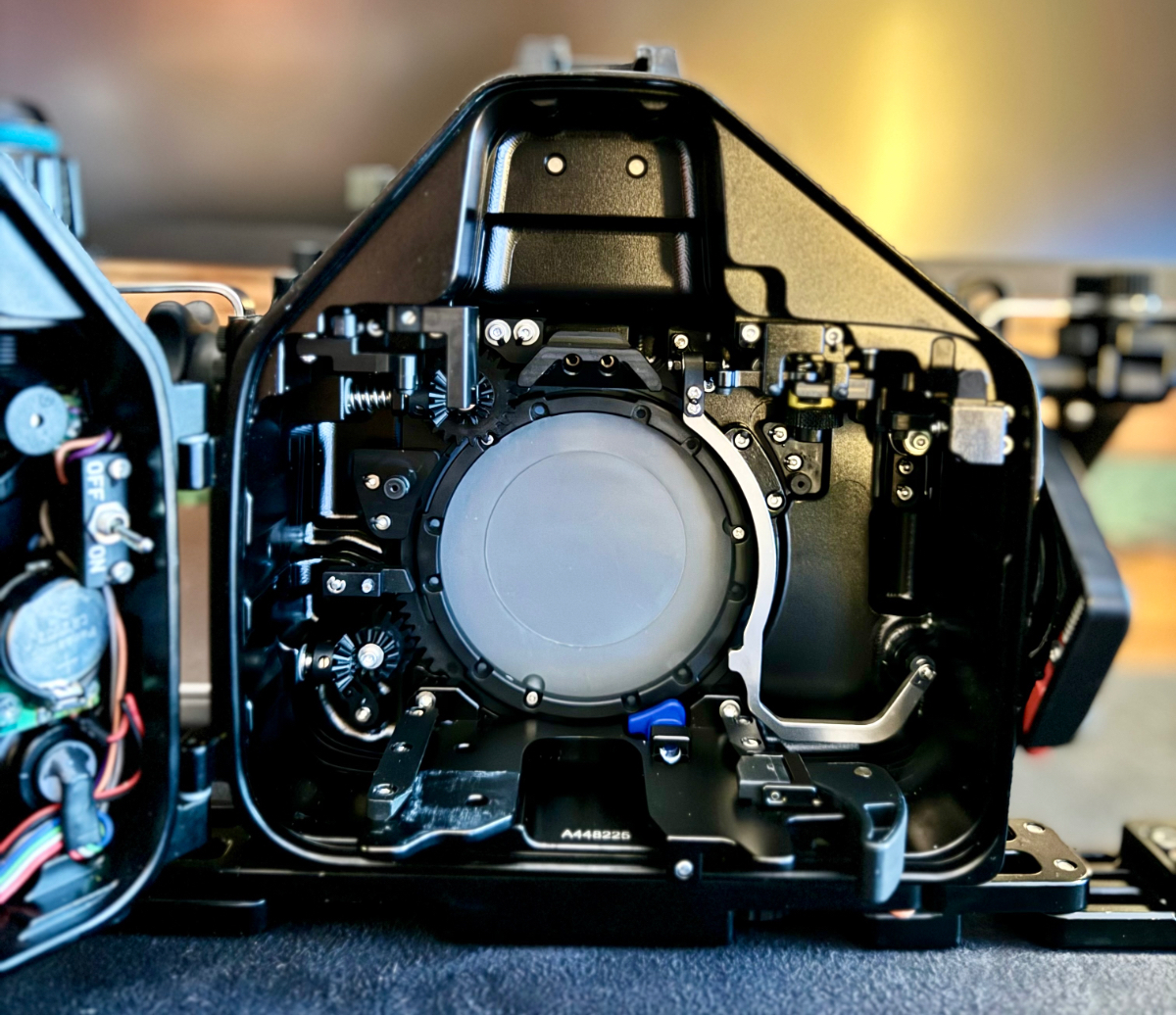
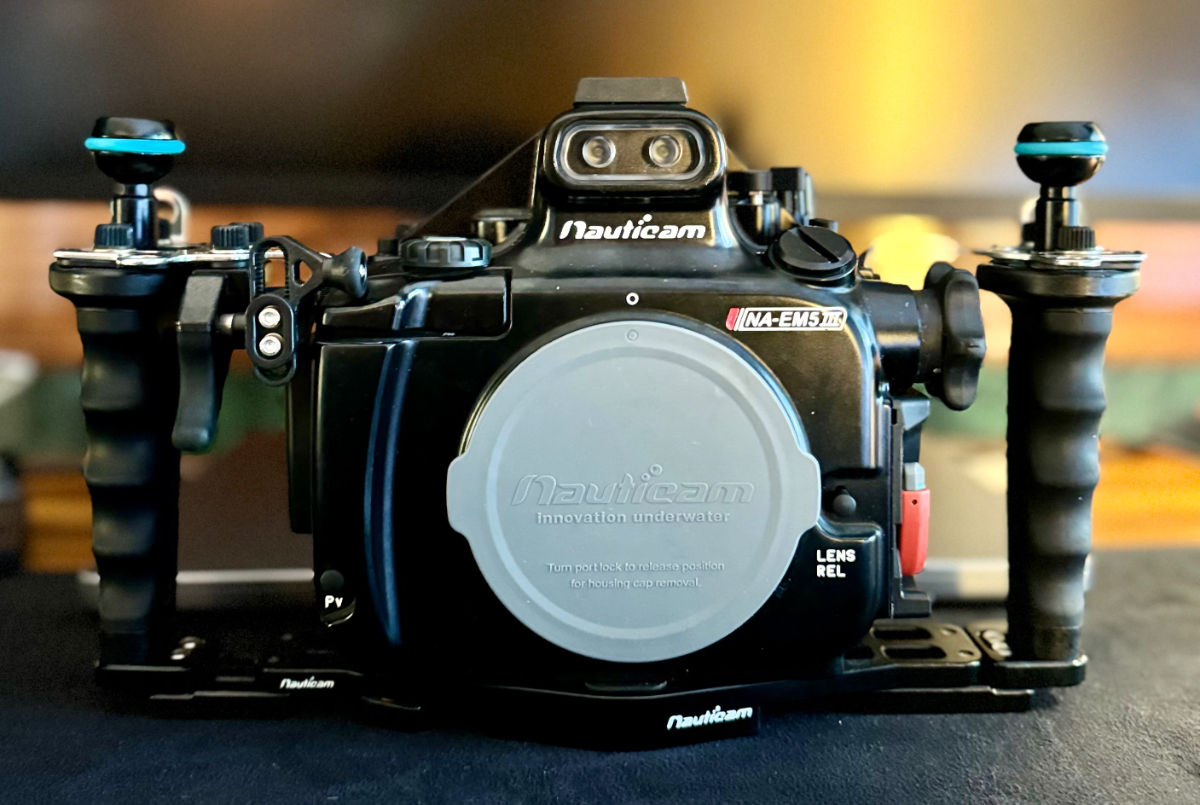
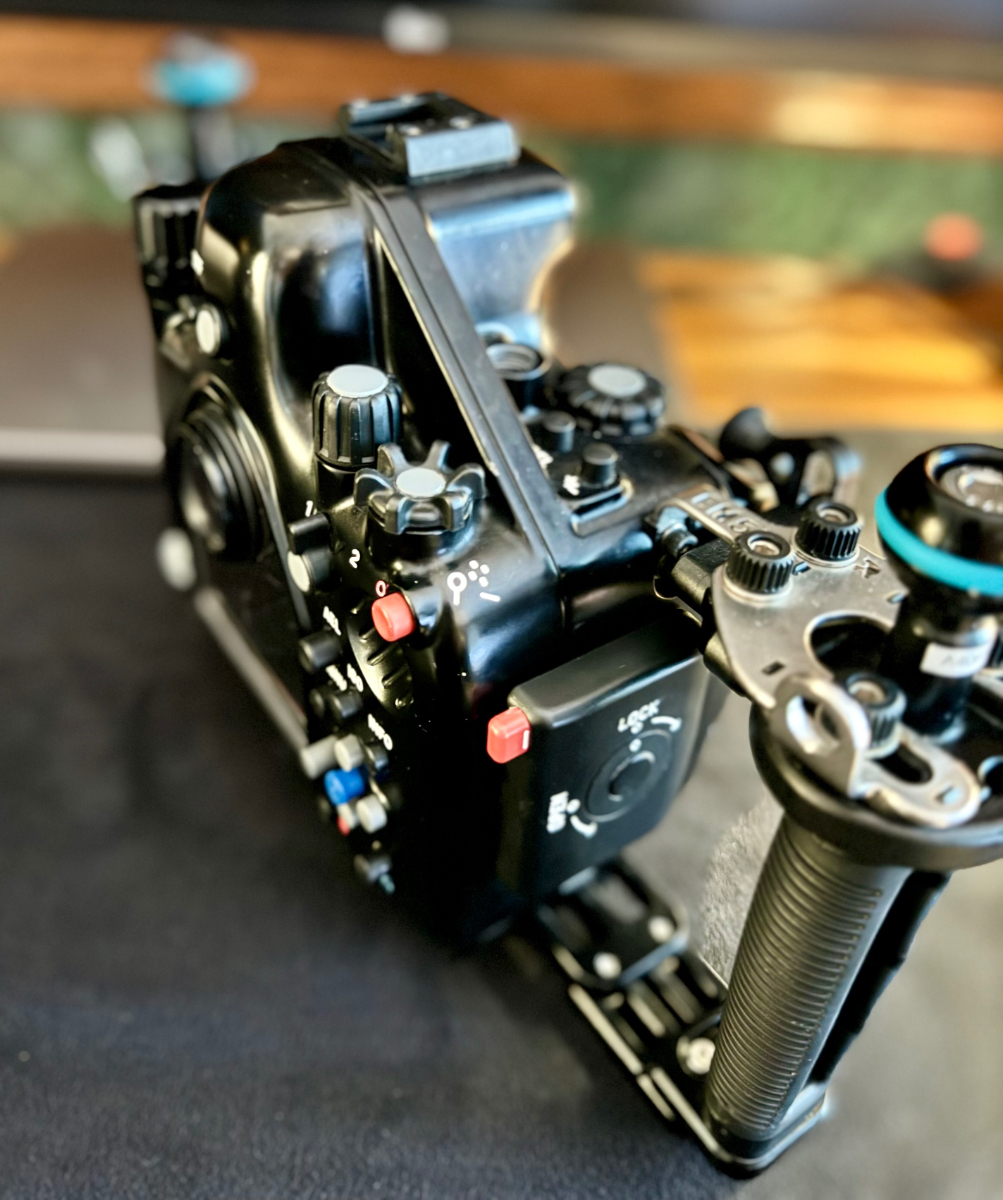
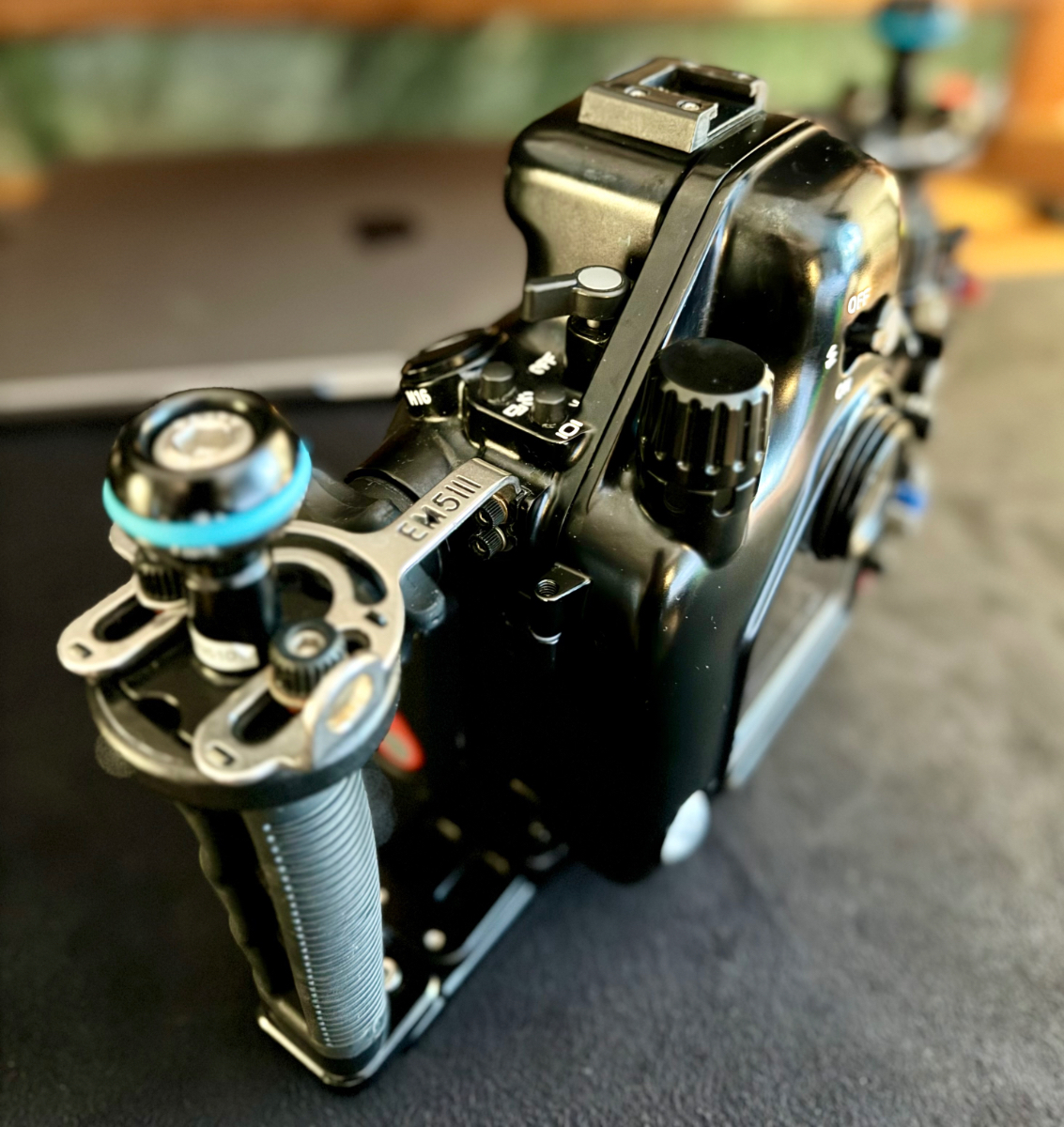
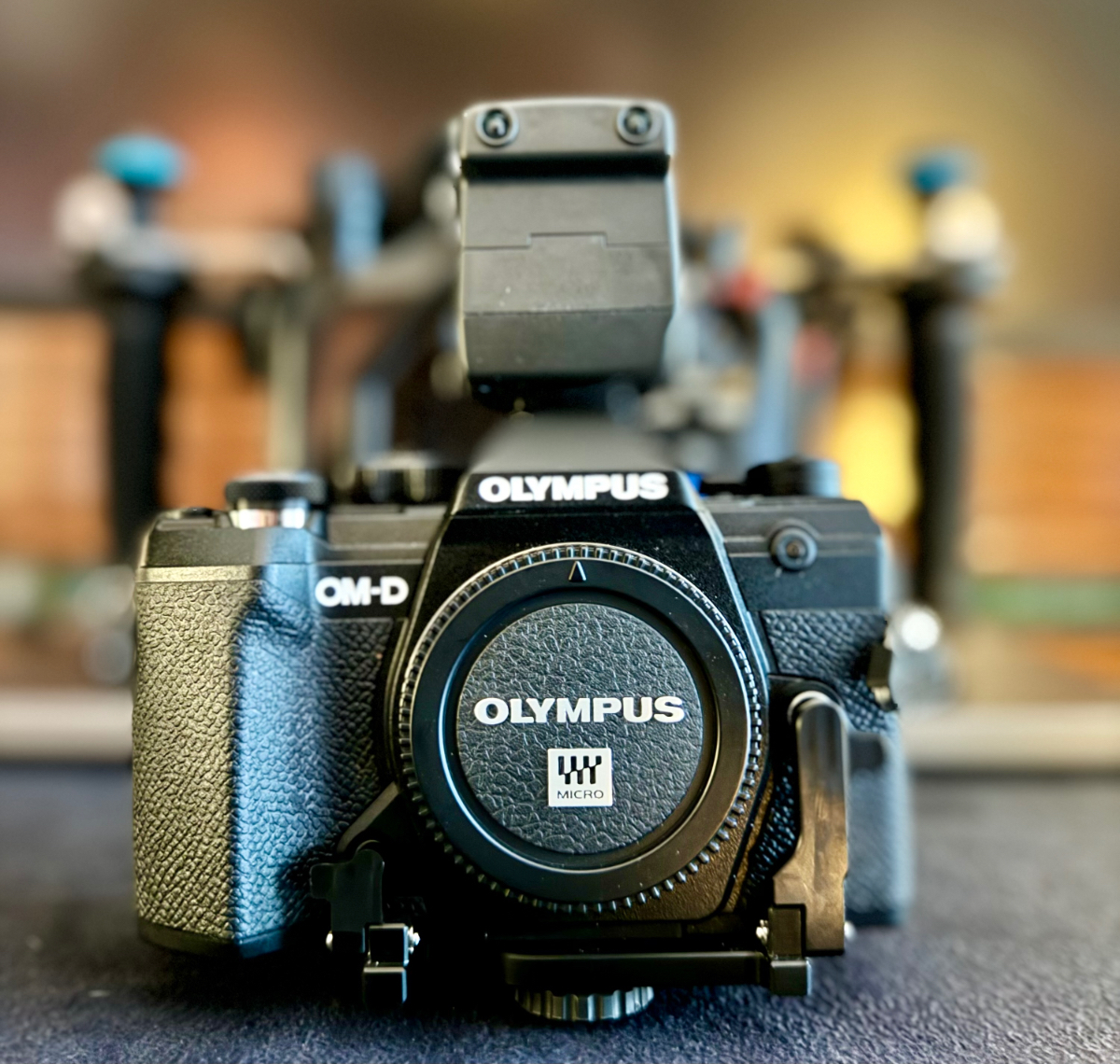
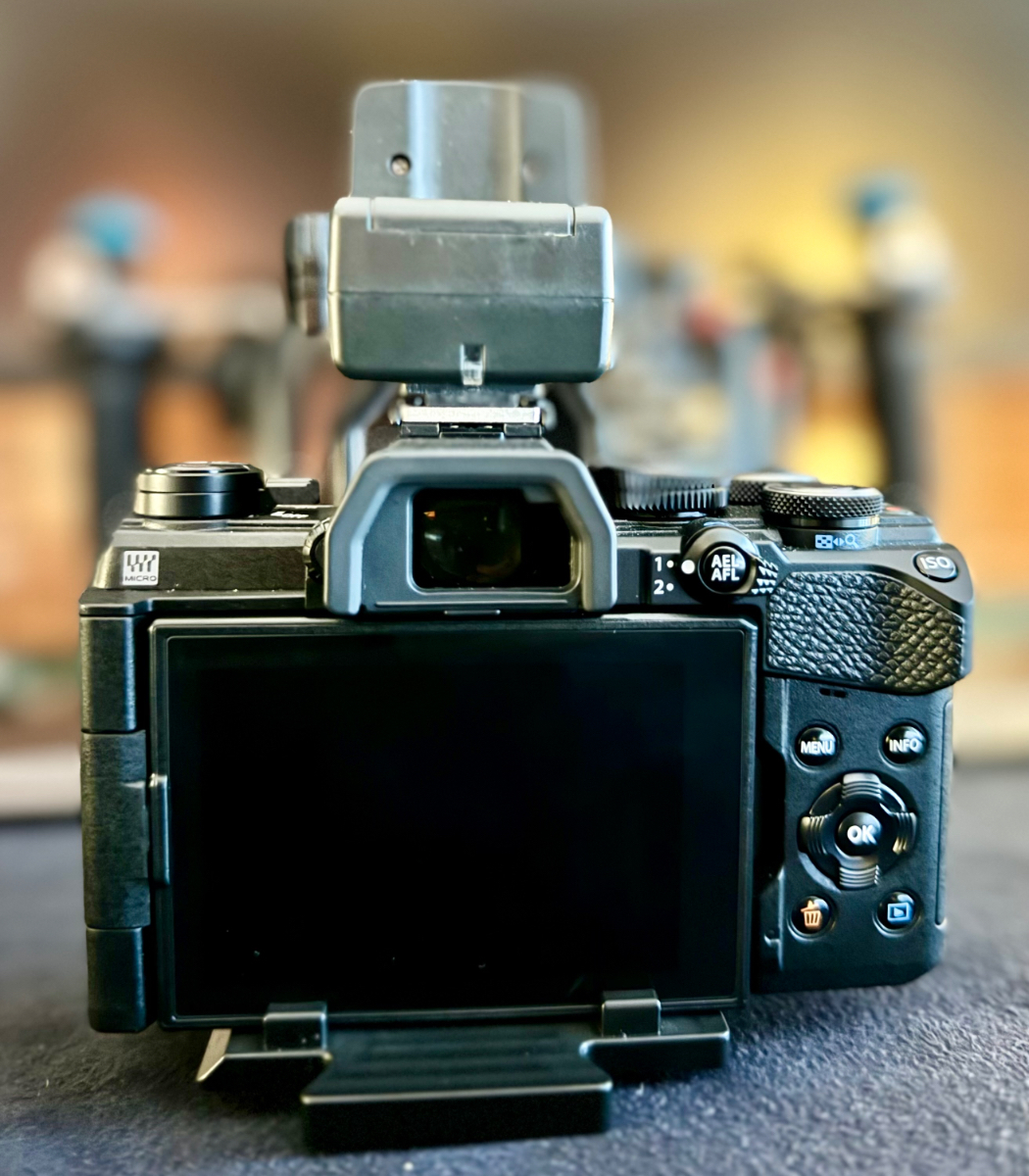
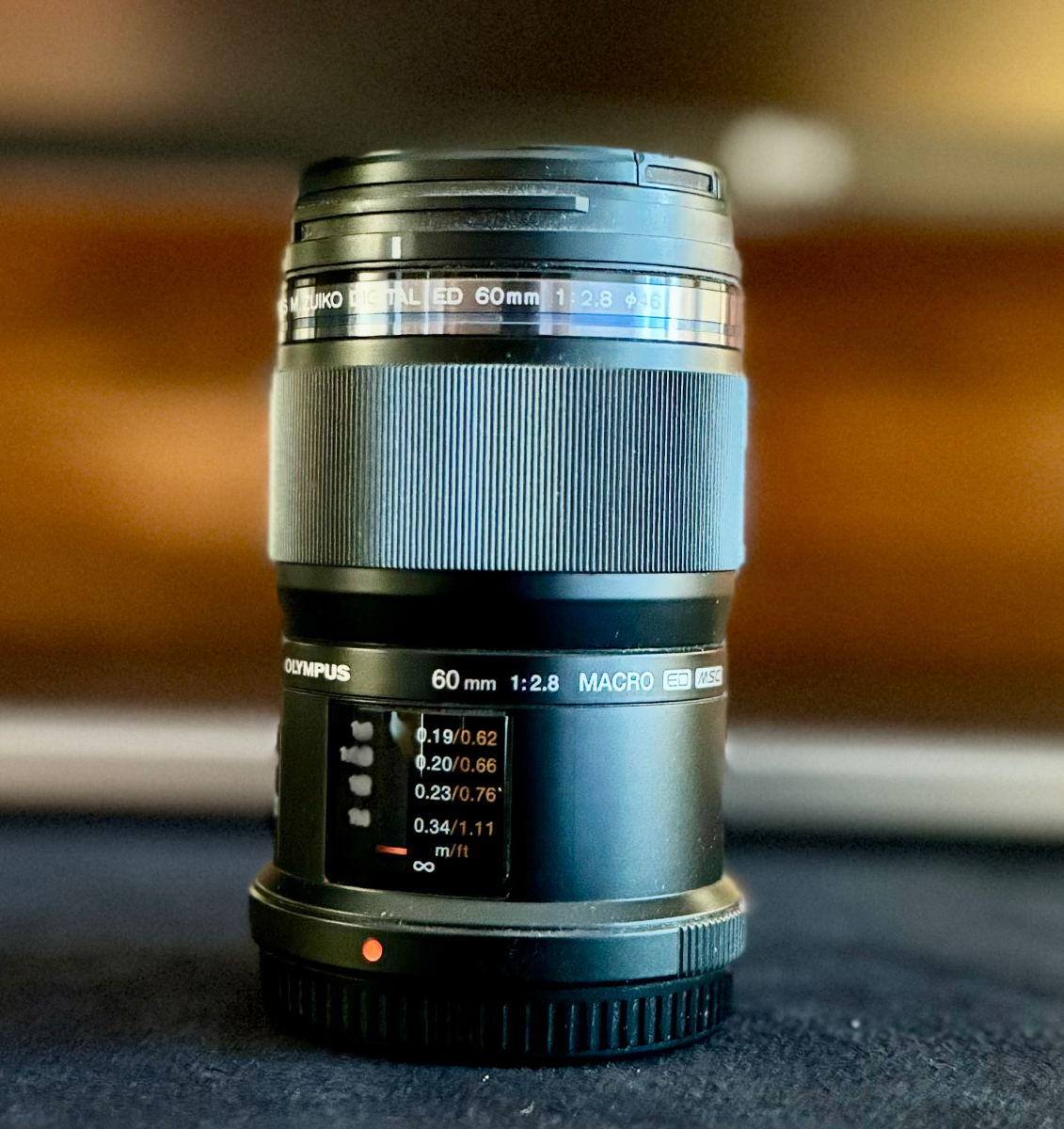
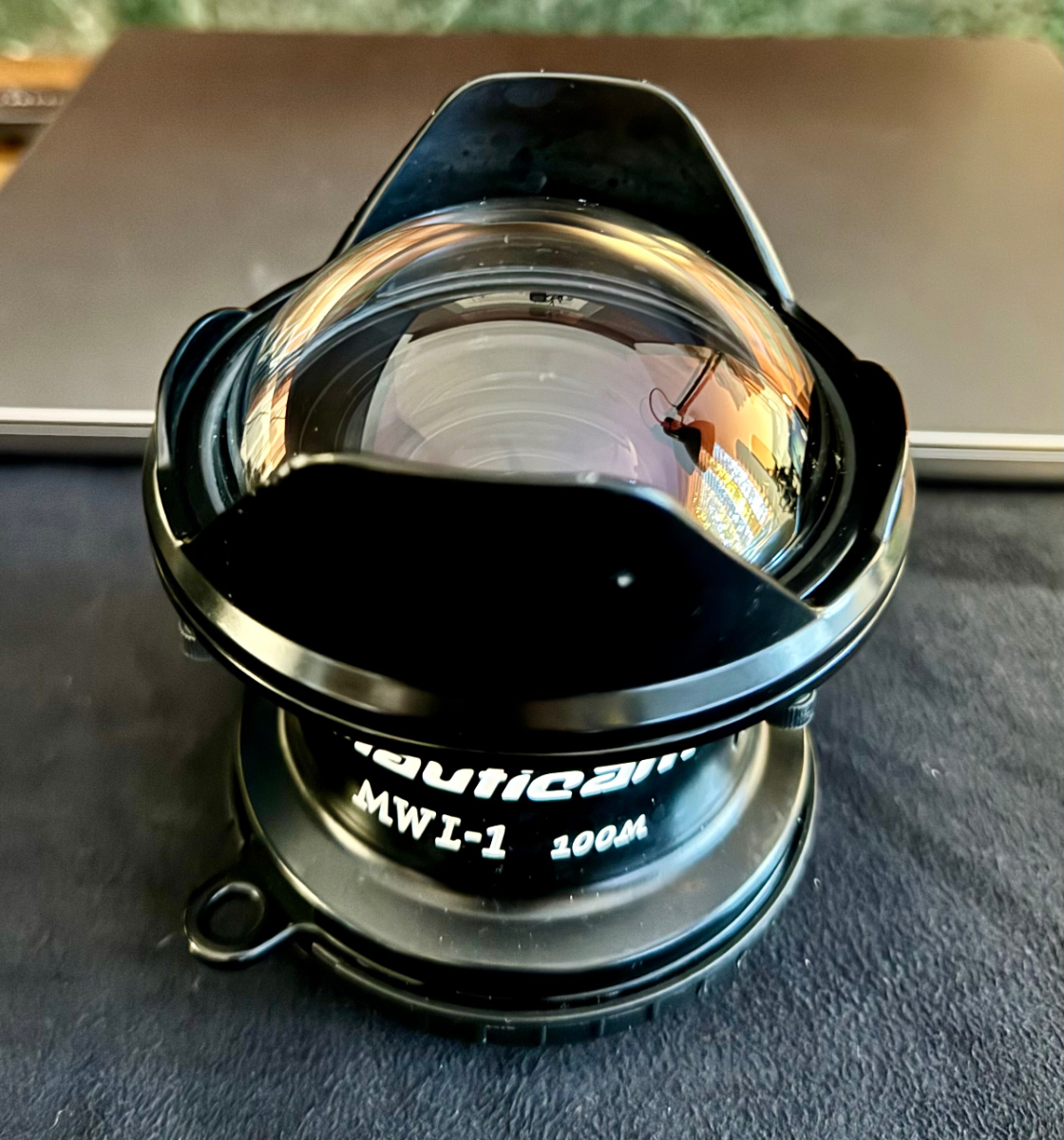
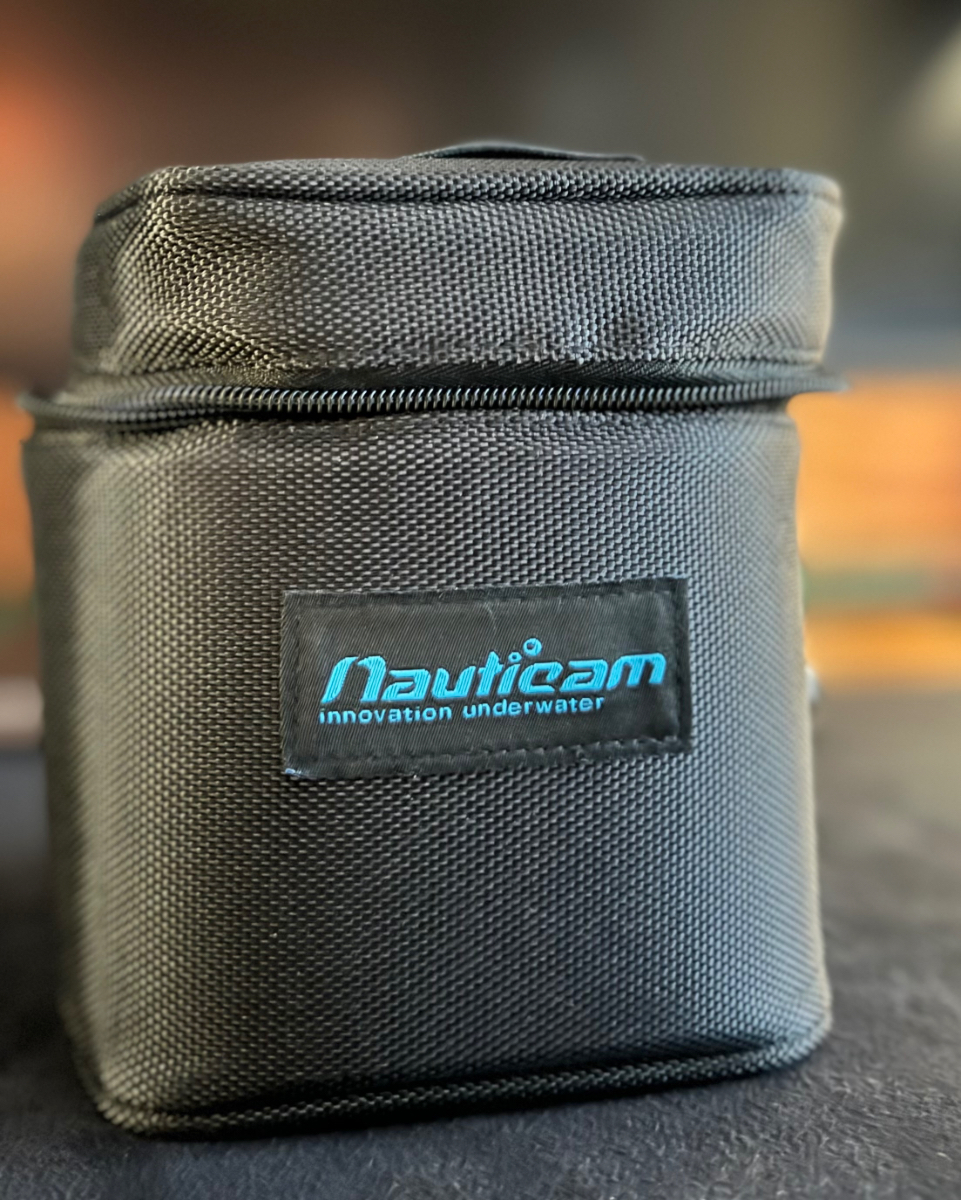
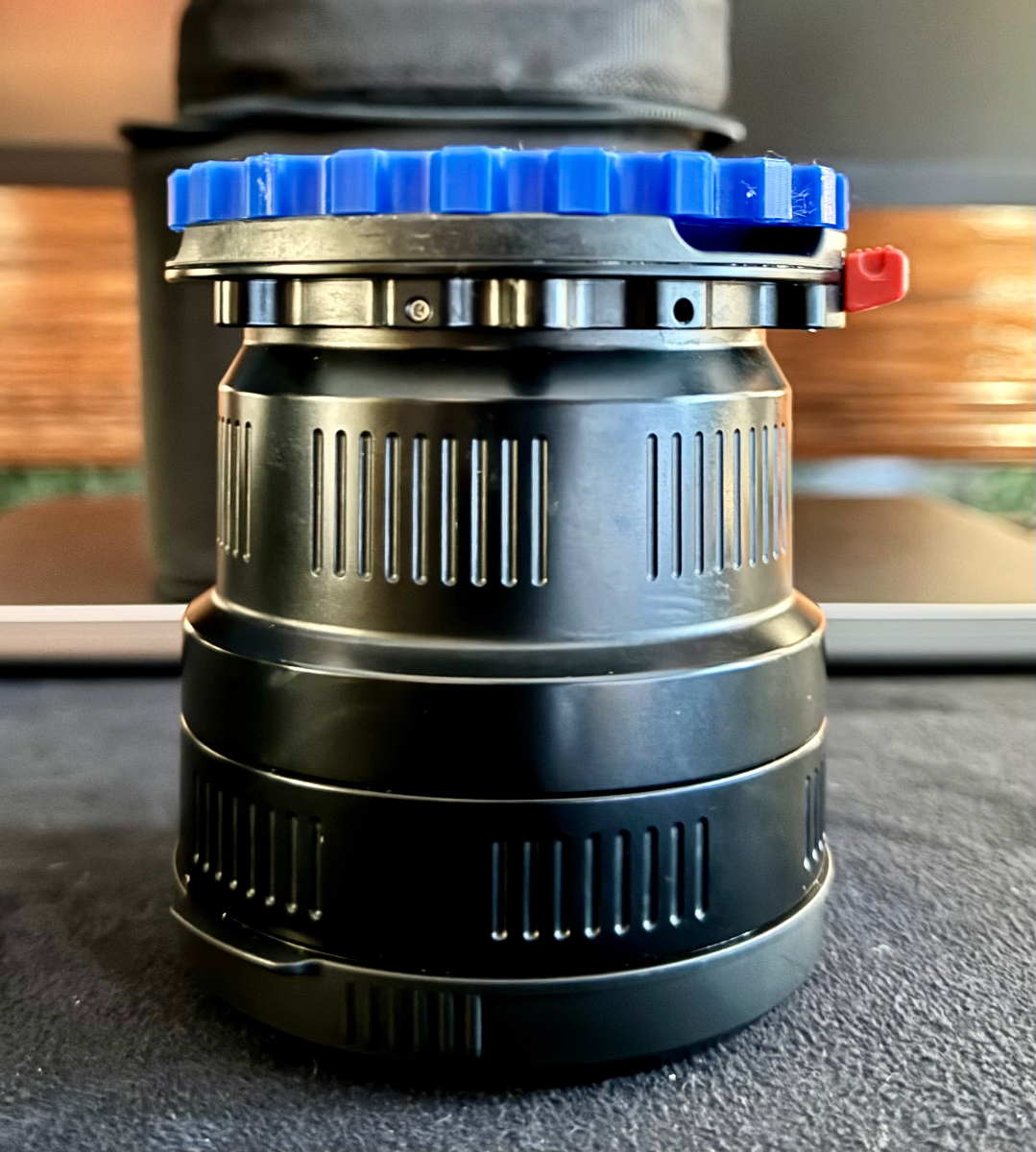
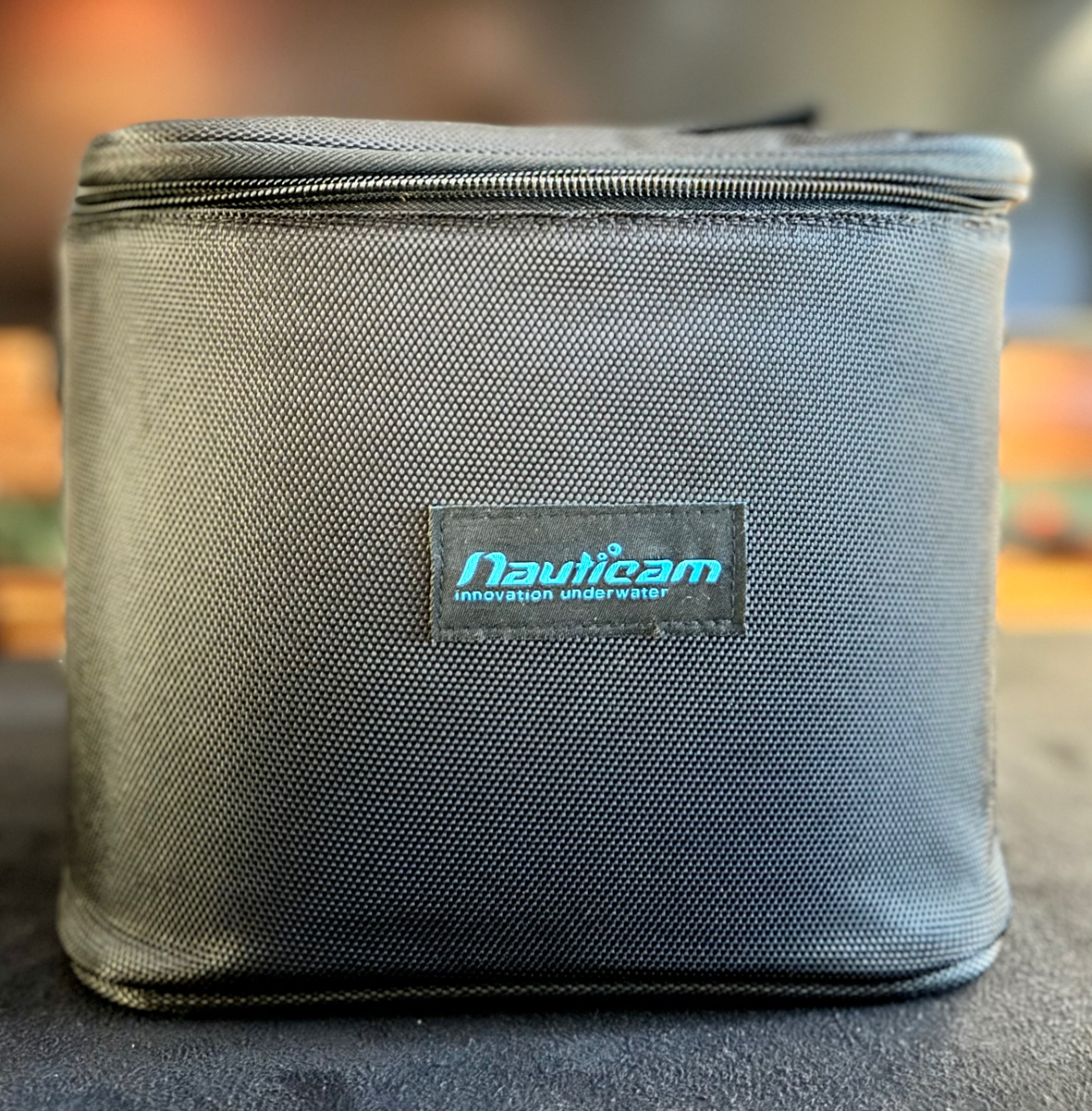
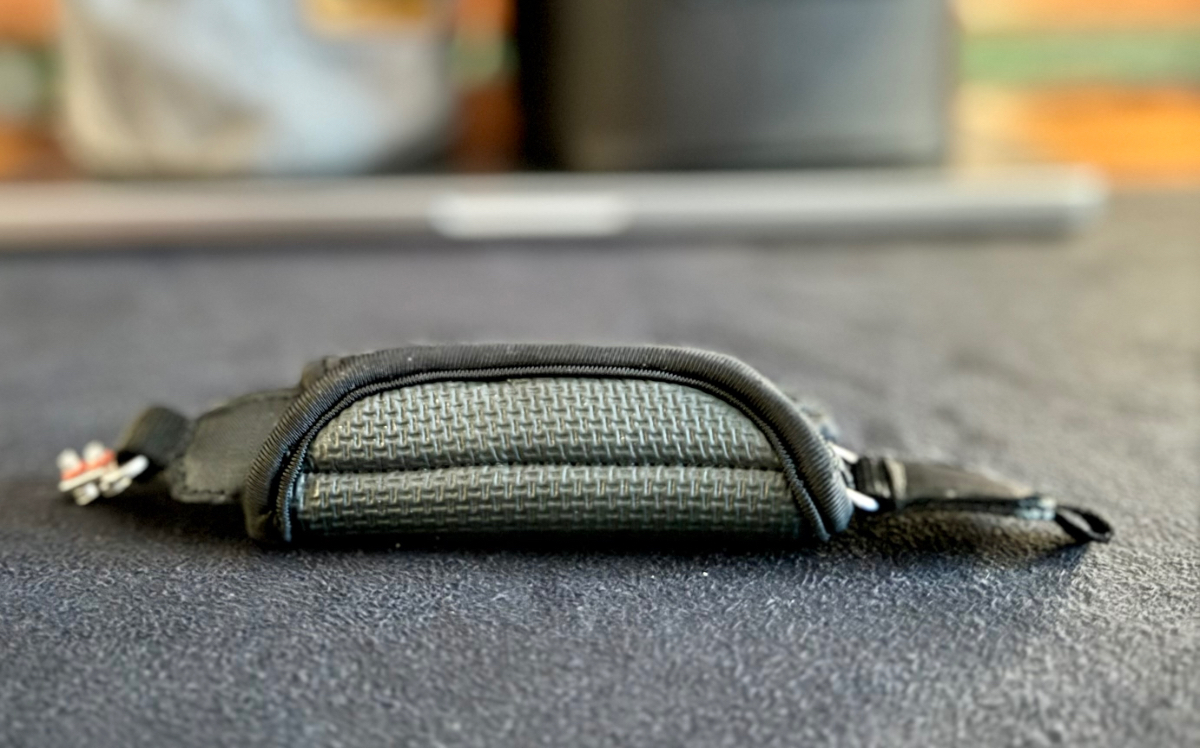
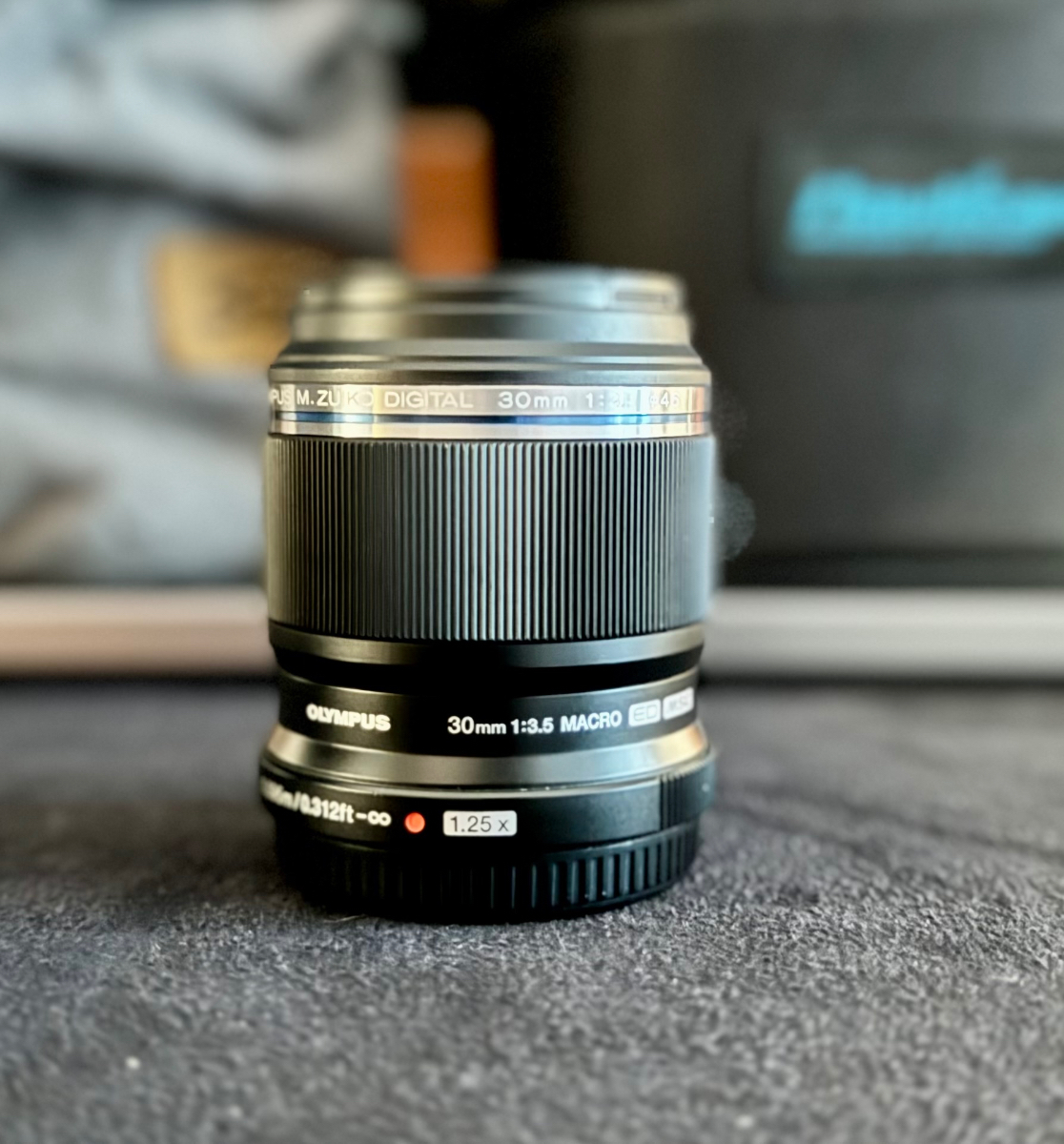
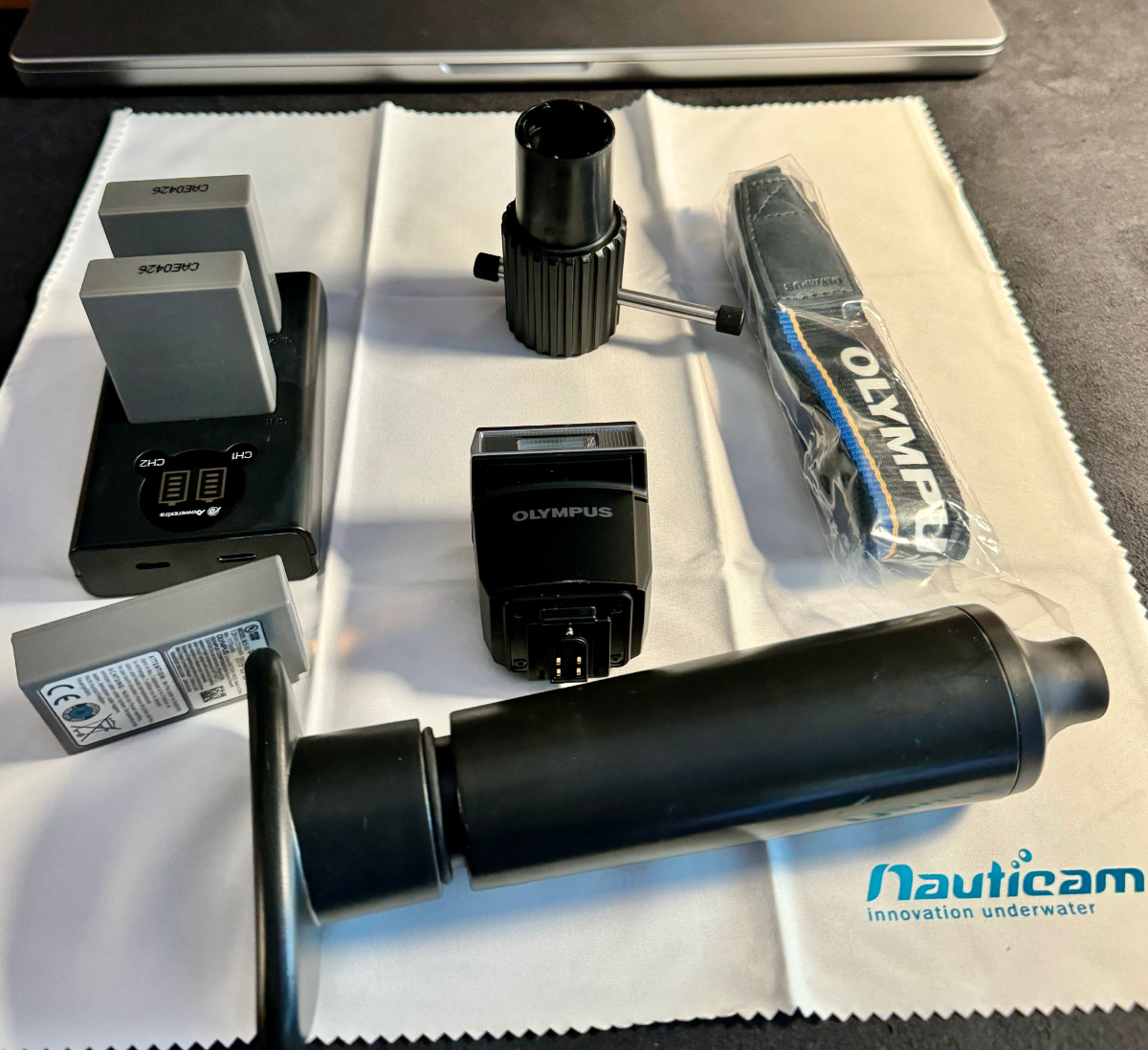
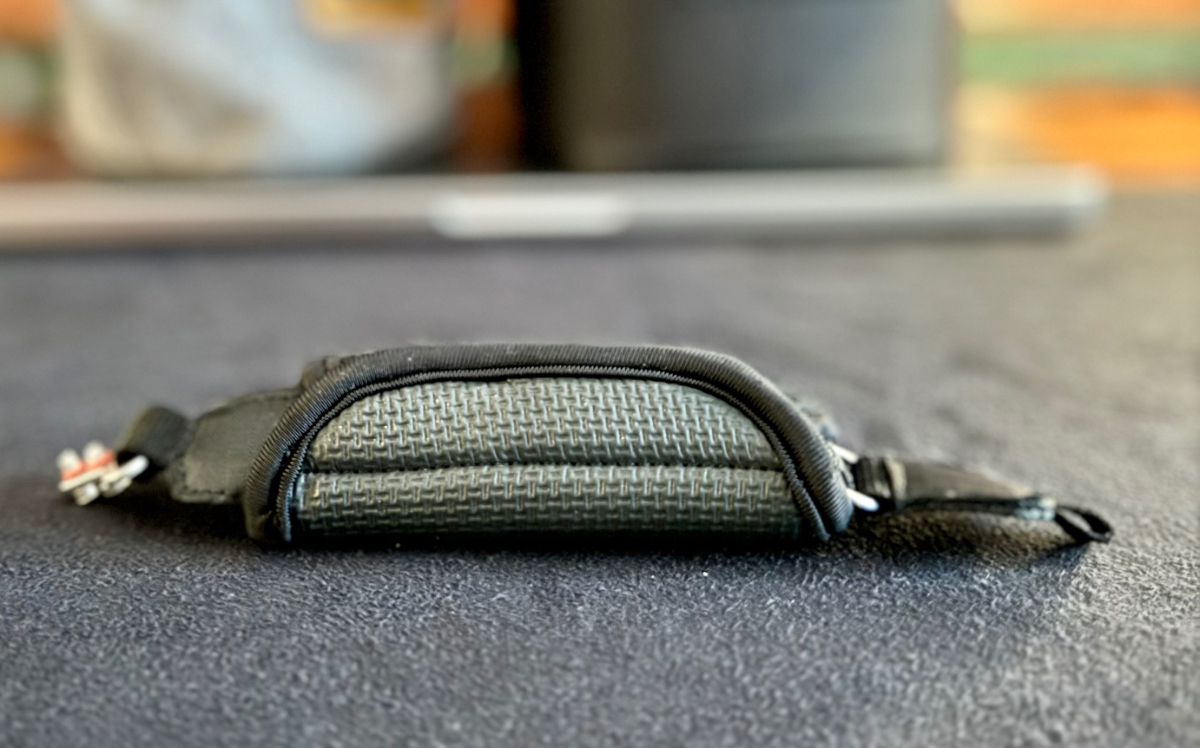
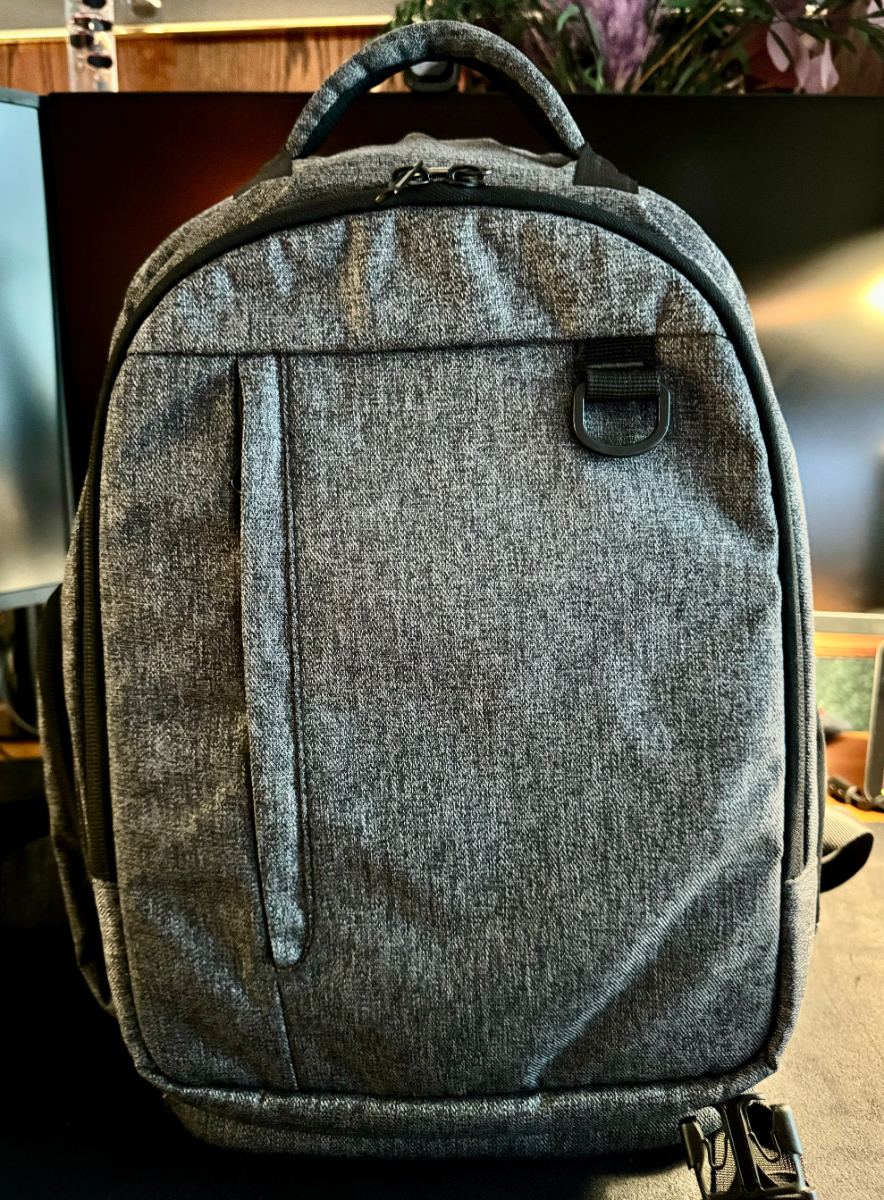
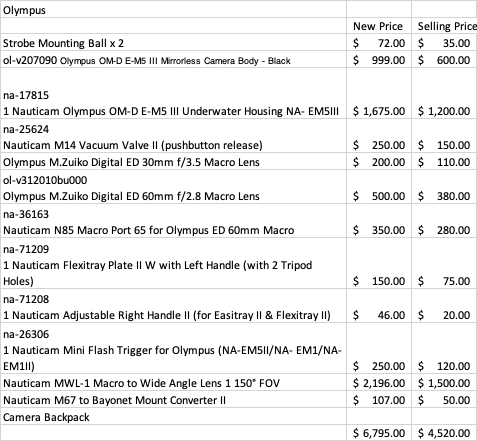
Hello, I'm selling my Nauticam Olympus OM-D E-M5 III System. It includes the camera, housing, tray/handles, flash trigger, tray, ball mounts, extra soft hand strap, batteries, etc. Asking price is $4520. The system has around 15 dives, has never flooded and has been taken excellent care of. It is an excellent compact system and easy to take with you on trips. I bought this for my daughter with the hopes she's be interested in UWP, but she was not interested and never used it, so besides me trying it out for a few dives, it has just been sitting around, so I've decided to sell. The camera has a 60mm lens, which is equivalent to a 90mm lens on a normal camera. It also has a 30mm lens, equivalent to a 60mm lens on a normal camera. This can be coupled with the Nauticam MWL-1 lease for wide angle, and enable you to do wide angle and macro on a single dive. You can couple the 30mm with a SMC as well. The MWL has a Nauticam M67 to Bayonet Mount Converter II installed. The Backscatter mini-flashes work great with this compact system - I have two, if you're interested, I can consider selling. Complete list and prices are below. I'll ship everything in a backpack carrying case. Buyer pays shipping - or I'm happy to drop if off to you if you're close....I'm located in Southern California.
-
Hello. I use an external drive in LR CC to manage my photos. Upon importing, it seems a few photos were directly from the SD card and now kissing in LR. Do I need to delete those photos from LR or can I tell LR to use the new photo location? I can seem to do that, but only one photo at a time. Is there a way to bulk adjust the photo location? Thanks.
-
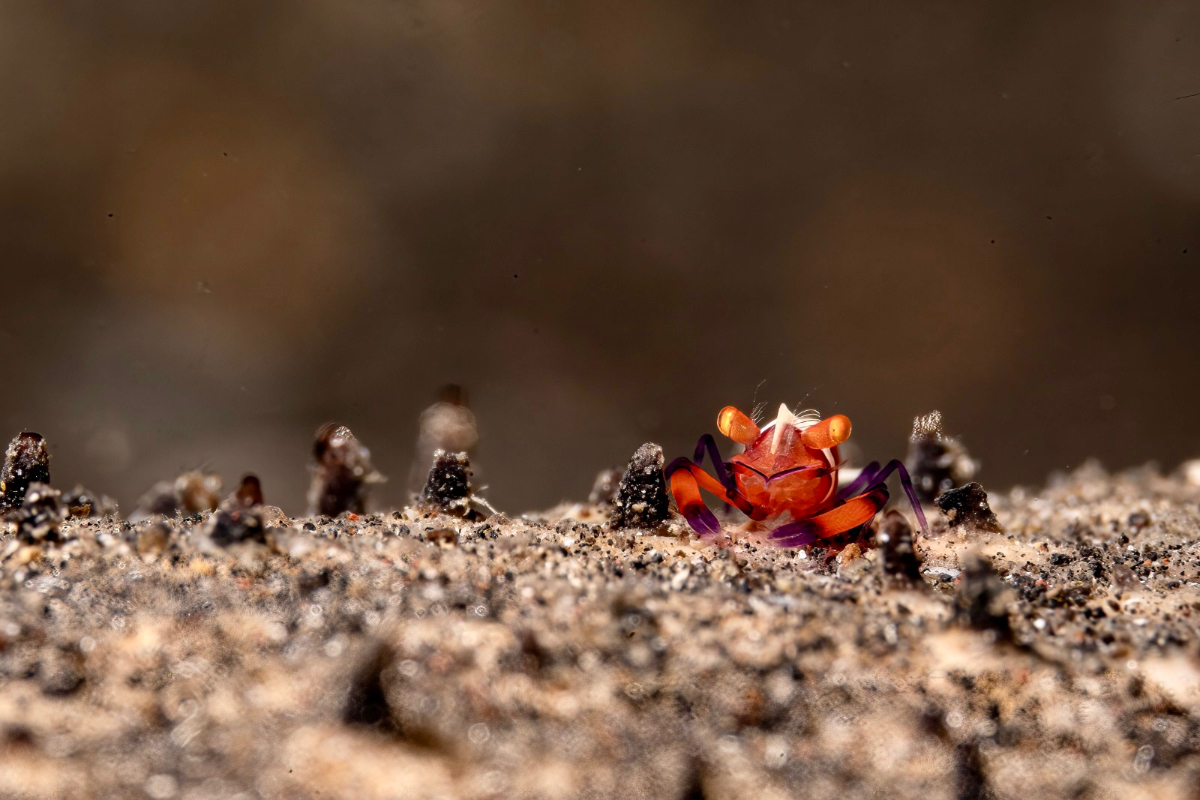
Hi, for some reason I like this little guy, from Lembeh. I the angle and his eyes.
-
Hi everyone, I’m Ashok from Southern California. I shoot with a Sony A7riii in a Nauticam housing and Retra strobes. Happy to be part of this community.



