



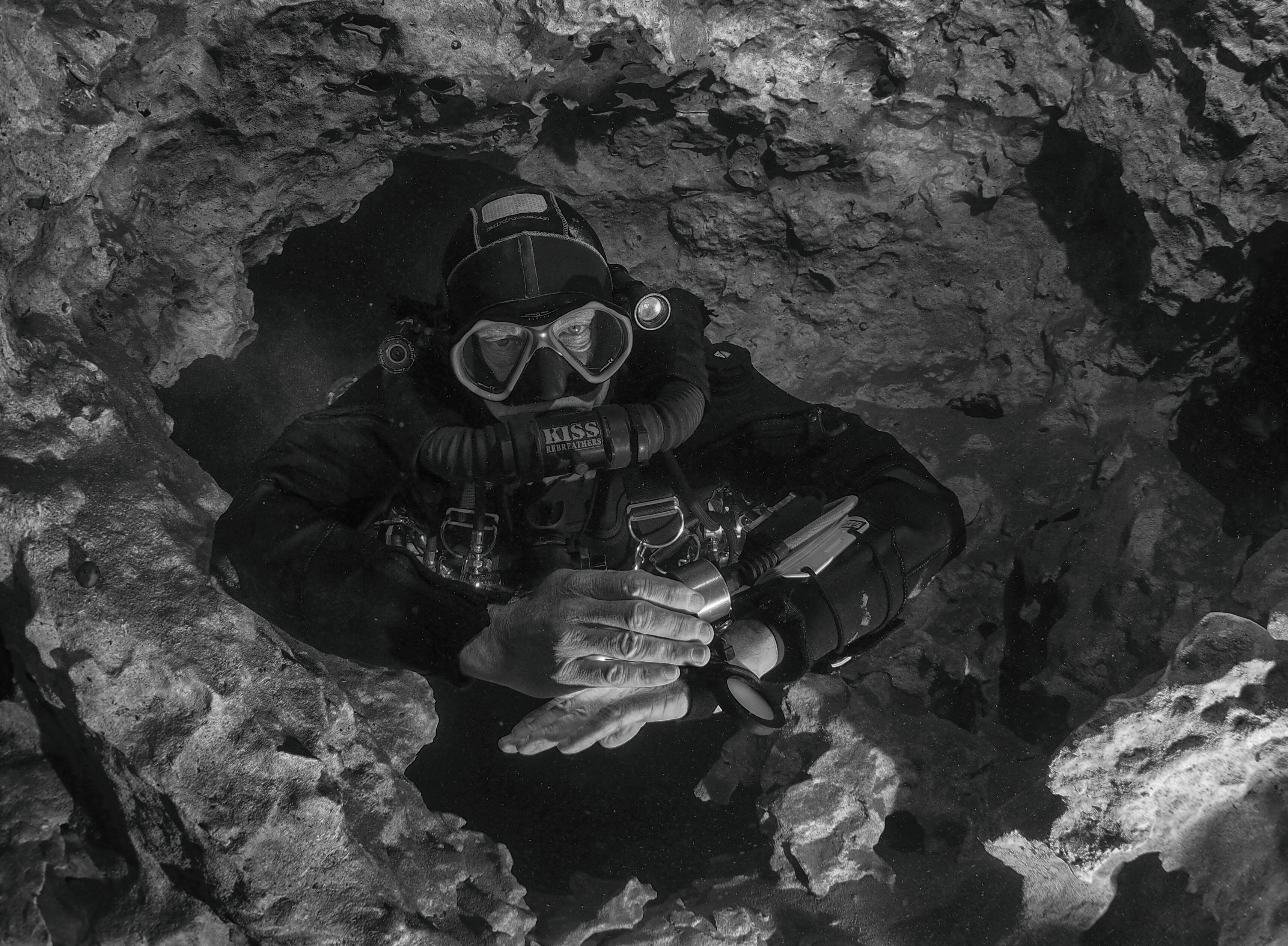

About Me
About Me:
<p> Diving since 1981, in dive industry since 1995.<br> <br> Shooting and teaching UW since 97<br> </p> <a href="https://www.flickr.com/photos/199997756@N06/" rel="external nofollow"><img alt="chris richardson" class="ipsImage" src="https://www.flickr.com/photos/199997756@N06/" loading="lazy"> </a> <p> </p>
<p> Diving since 1981, in dive industry since 1995.<br> <br> Shooting and teaching UW since 97<br> </p> <a href="https://www.flickr.com/photos/199997756@N06/" rel="external nofollow"><img alt="chris richardson" class="ipsImage" src="https://www.flickr.com/photos/199997756@N06/" loading="lazy"> </a> <p> </p>
