-
Yes, she did that, but unfortunately, it didn't really help. The MF-1 is known for its sensitivity issues anyway. I had similar problems when the MF-1 first came out, even with the old Nauticam trigger for Sony. The cable had to be top-notch, and it didn't take much for it to start acting up. I then got an MF-2 as a replacement, and the problems disappeared. I think the combination of the new trigger and the MF-1's relatively low sensitivity is causing the problems here. I'm pretty sure the flash itself isn't working quite right anymore either. She used it quite a lot. Let's see what Backscatter has to say about it.
-
Thanks for your feedback. My colleague and I have now tried out various cables and also tested the setup with another MF-1. The conclusion of the tests is clear: the MF-1 is really sensitive when it comes to the fiber optic cable and can't handle any connection problems. We tested with three cameras and two triggers (Backscatter and AOI). Both triggers use IR light. We'll also run another test with an older TRT. It looks like my colleague's MF-1 might have some other issue. She'll contact Backscatter directly. I think she'll probably get a new flash for macro photography, either the Backscatter Mini Flash 3 or the AOI UCS-Q1i Ultra. Which one would you recommend in her situation? Thanks for your feedbacks, Tino
-
Hello everyone, A colleague of mine is having problems with her Backscatter Mini Flash-1 and her new AOI housing for the Sony A7CII. I know that the MF-1 can be quite finicky when it comes to fiber optics, and problems are often related to the cable. I experienced this myself with my MF-1 and the manual Nauticam Sony trigger. However, I eventually found two cables with which the MF-1 almost always worked. My colleague is now having nothing but trouble with her new AOI housing for the Sony A7CII and the trigger. She has tried countless different fiber optic cables. Sometimes the MF-1 seems to work, and other times it doesn't. The INON flashes she still has work without any problems with all cables. The trigger is always in manual mode (WL ON). Could it be that the older MF-1 flashes are causing even more problems with the newer triggers? It worked perfectly with a TRT trigger I had previously used in a different enclosure. Or does anyone else have any ideas? I'm meeting with her again tomorrow and will take another look. And I think it would be best if she also asked Backscatter directly. But collective wisdom is usually even more helpful! Thanks in advance for any feedback, Tino
-
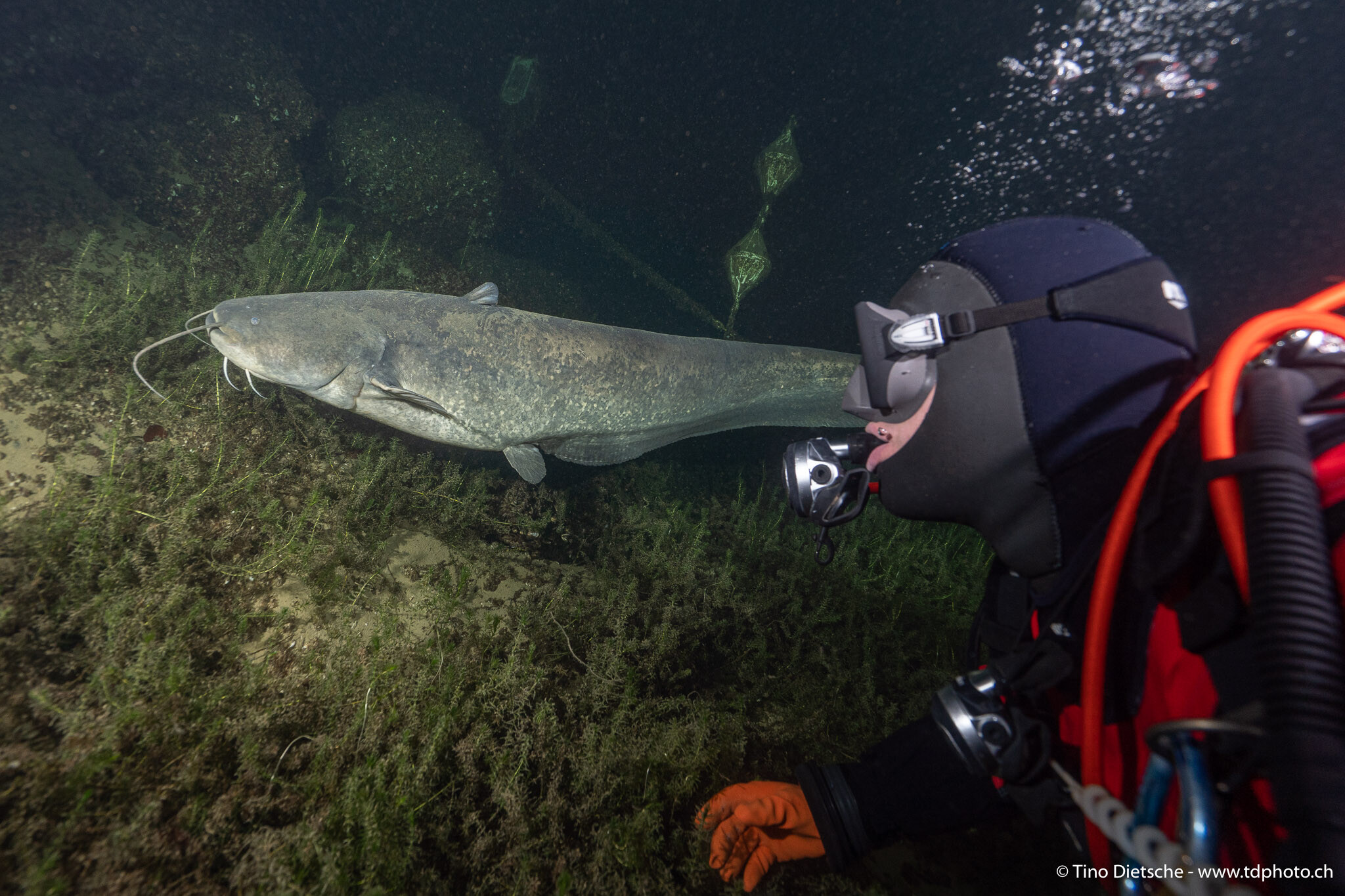
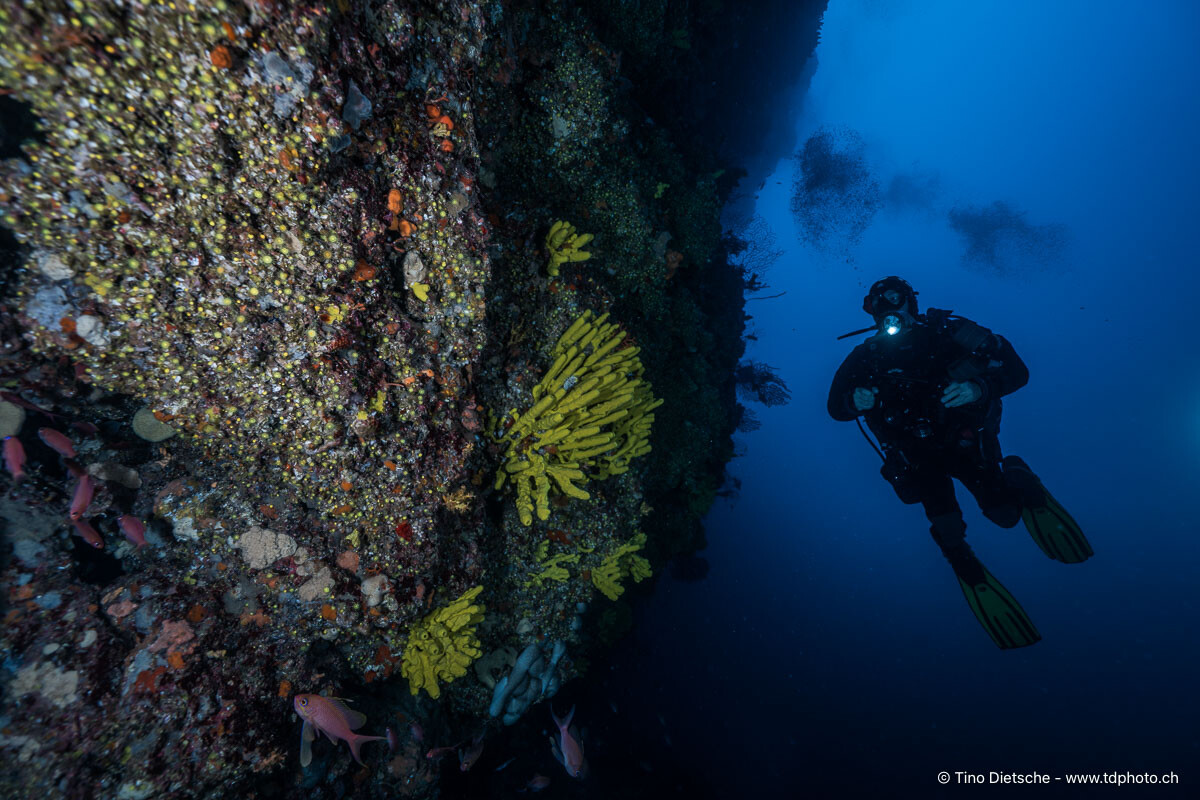
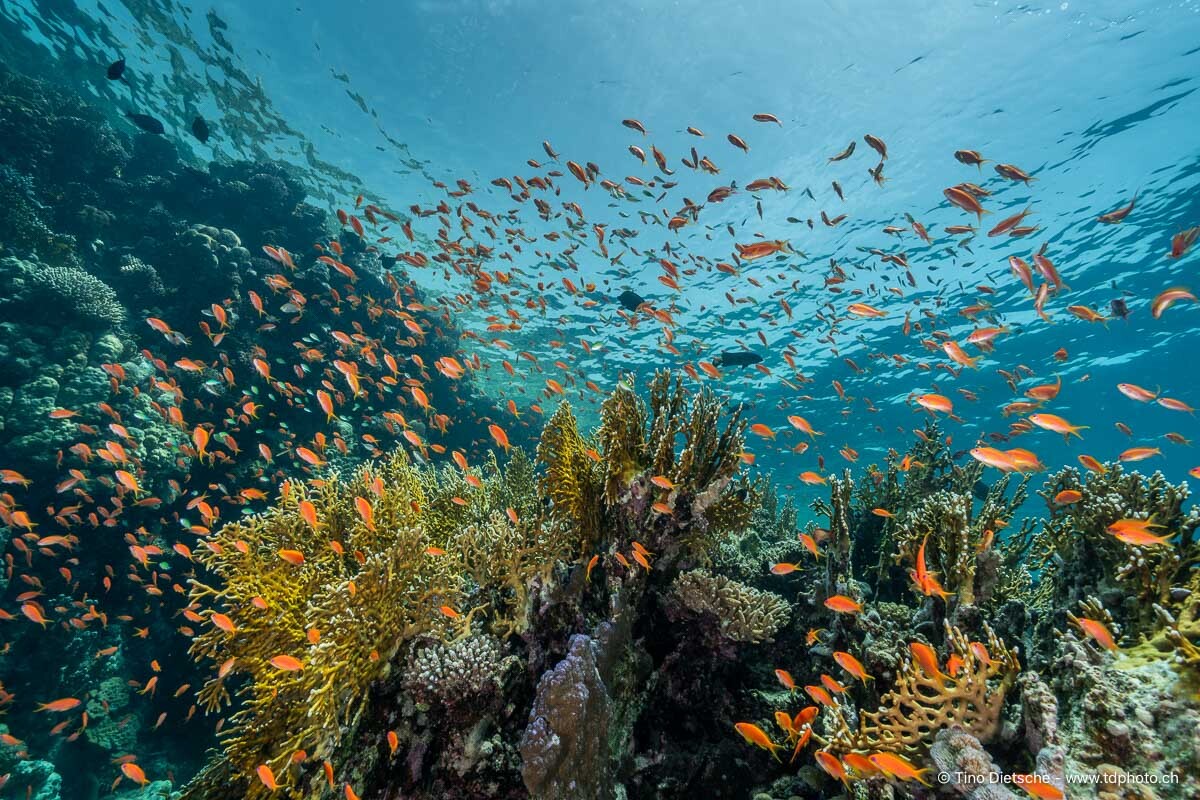
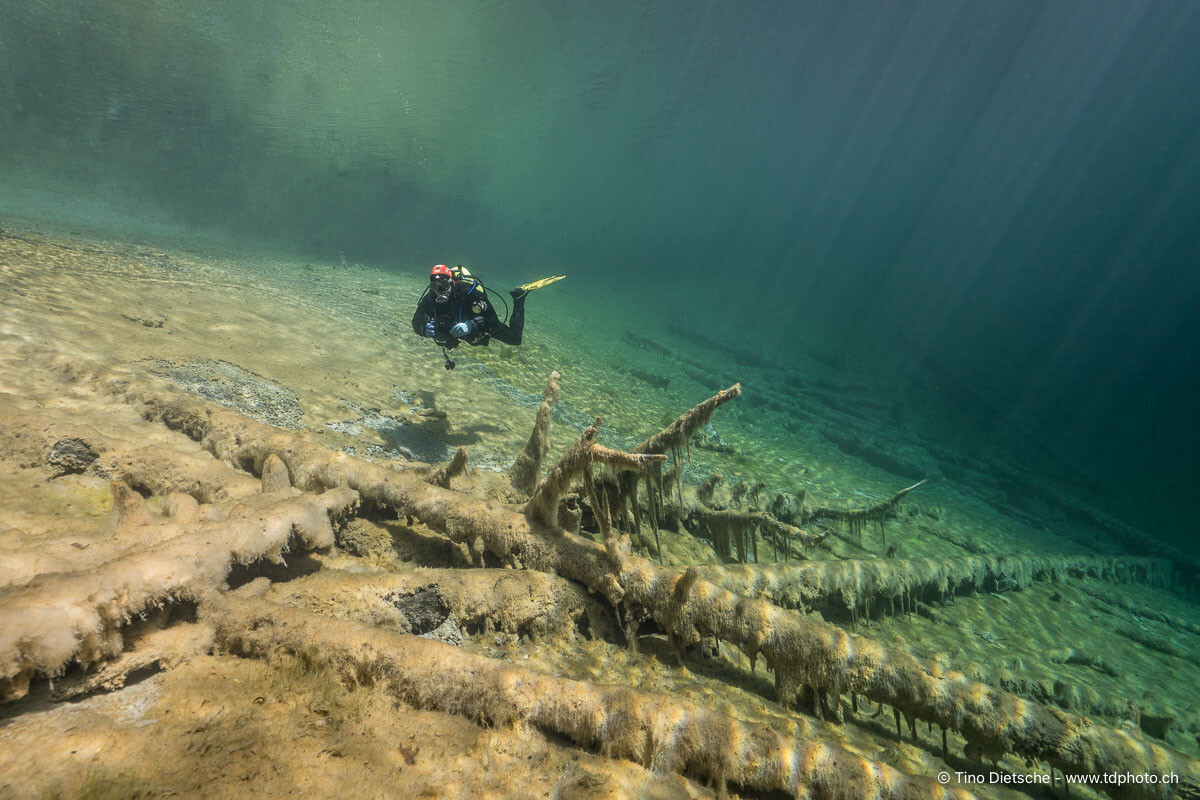
Here some examples with the 16-35mm F4 behind the 180mm Dome
-
Good Morning, Sometimes I also shoot video with my C II; the crop doesn't really bother me. The 33 megapixels are actually always enough for me. Sure, there might be situations where you’d wish for more—or where more cropping flexibility would be cool—but in the end, you have to ask yourself: what are you actually doing with the images? Printing is no problem at all with 33 megapixels, and if we're being honest, most photos never end up in high resolution anyway, especially on social media channels where, in my opinion, you can't see the difference regardless. The photos in the post were taken with the WWL-1 / 28-60, except for the one of the skeleton shrimp. The corner sharpness with the 180mm dome and the 16-35mm isn't exactly ideal. However, I’d be happy to send you a few more samples if you'd like. One thing that really shouldn't be underestimated when it comes to housings is the weight—and the price! Best, Tino
-
Hello, I faced a similar question at the beginning of 2024... Should I stick with the "large" A7 series, which at that time was the A7IV, or go for the more compact A7CII? I ultimately decided on the A7CII, even though I already owned the A7IV. I haven't regretted that decision at all. I think I would make the same choice again today. For one thing, the housing is a bit more compact, and besides Nauticam, there's a top-notch alternative housing, for example, with AOI. In my opinion, the optics and lighting are far more crucial in this whole matter. When it comes to quality in underwater photography, these are the two absolutely decisive factors. For wide-angle shots, I personally switched from the 16-34mm f/4 to the 28-60mm with WWL-1 after upgrading to the A7CII, and I wouldn't want to go back to the large dome port. For macro photography, I've been using the 90mm lens for many years, which I supplement with various wet lenses like the MFO-1, MFO-3, and SMC-3. My current favorite would be the new 100mm. (Anyone still looking for a 90mm with a compatible port...? 😜) No matter which system you choose, the difference compared to your current RX100 series will be enormous! If you live near Lake Constance, feel free to get in touch and take a look at the equipment or even try it out. I still have the 180mm dome lens and the 16-35mm available as well. Greetings from the Swiss shore of Lake Constance, Tino
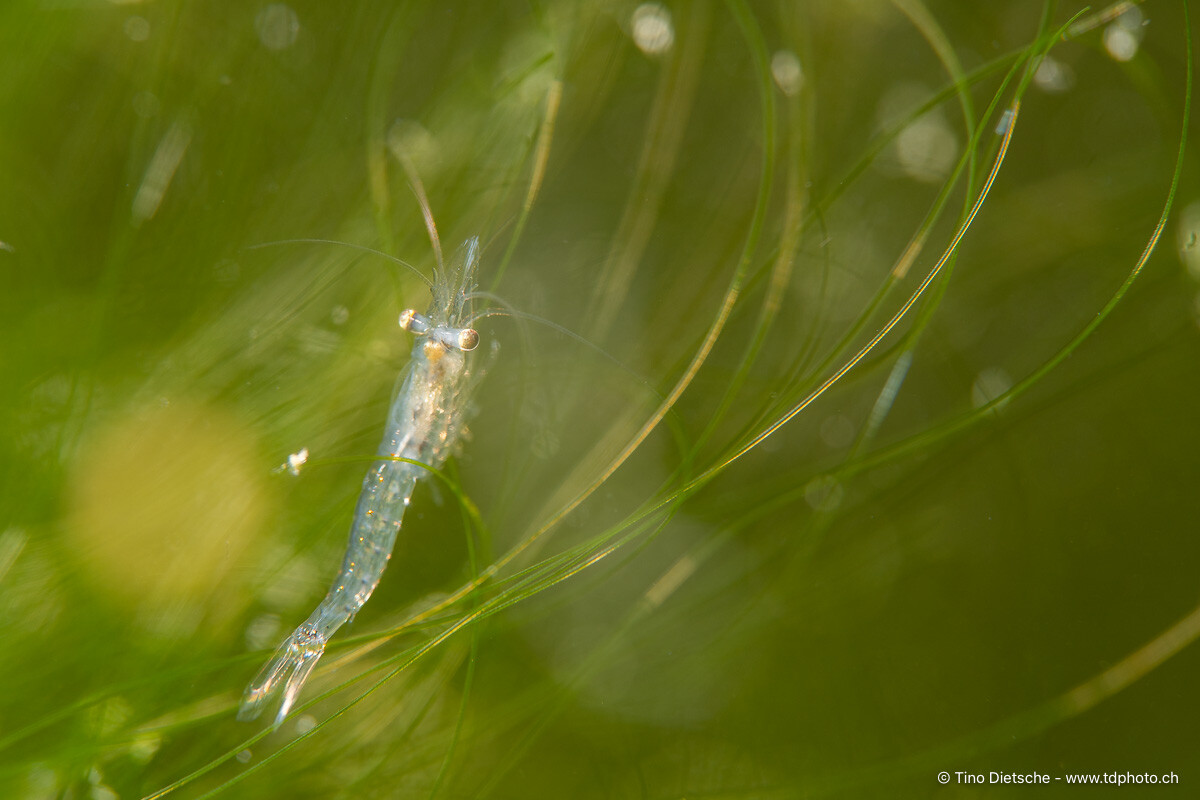
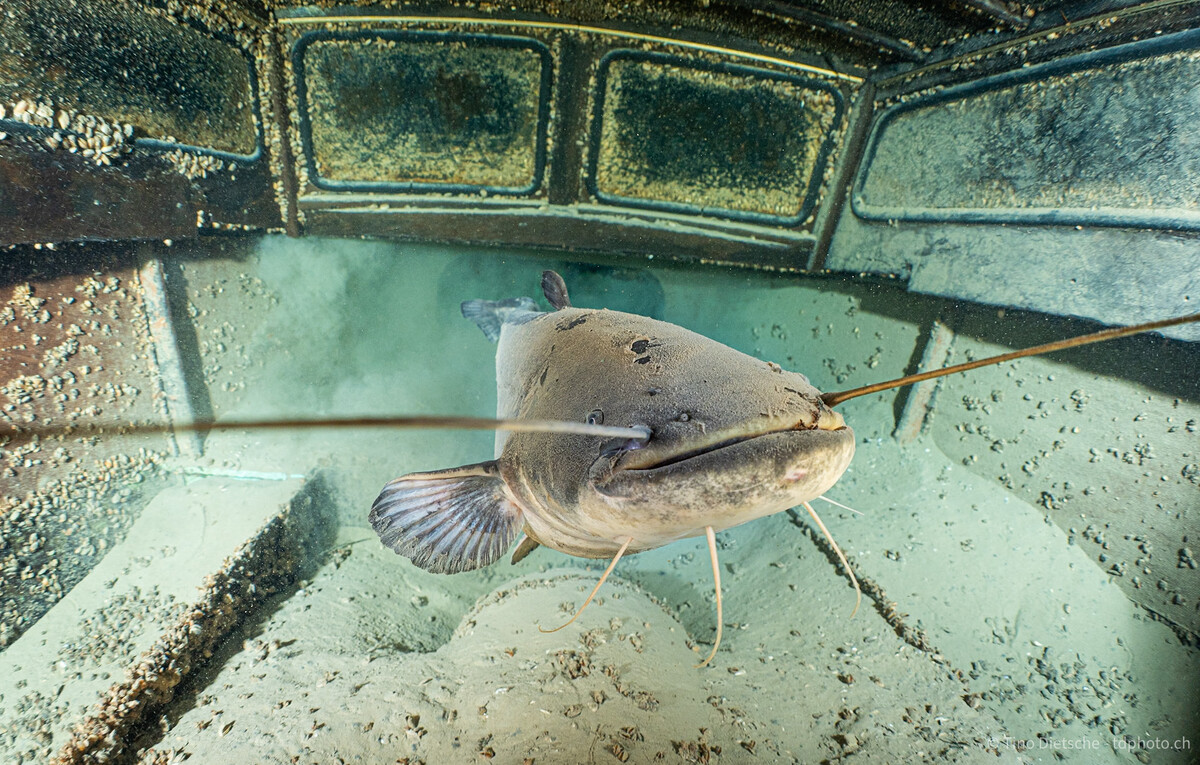
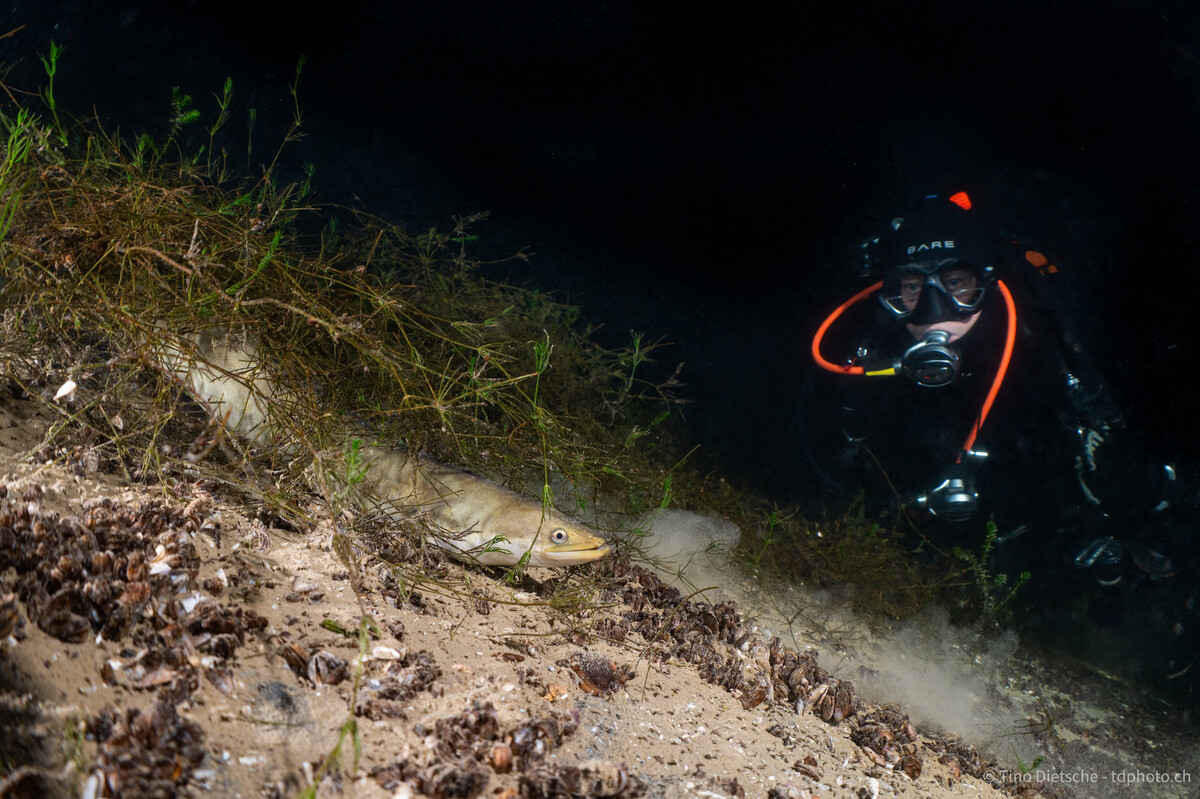
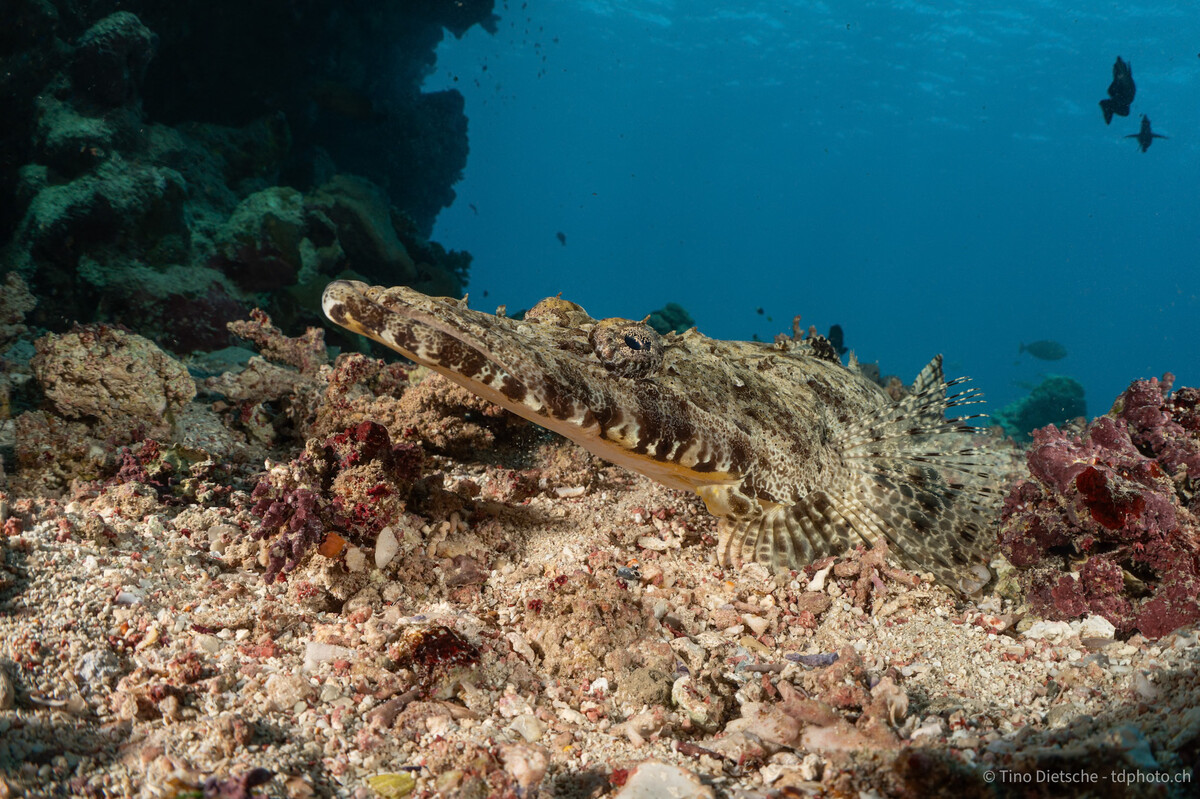
-
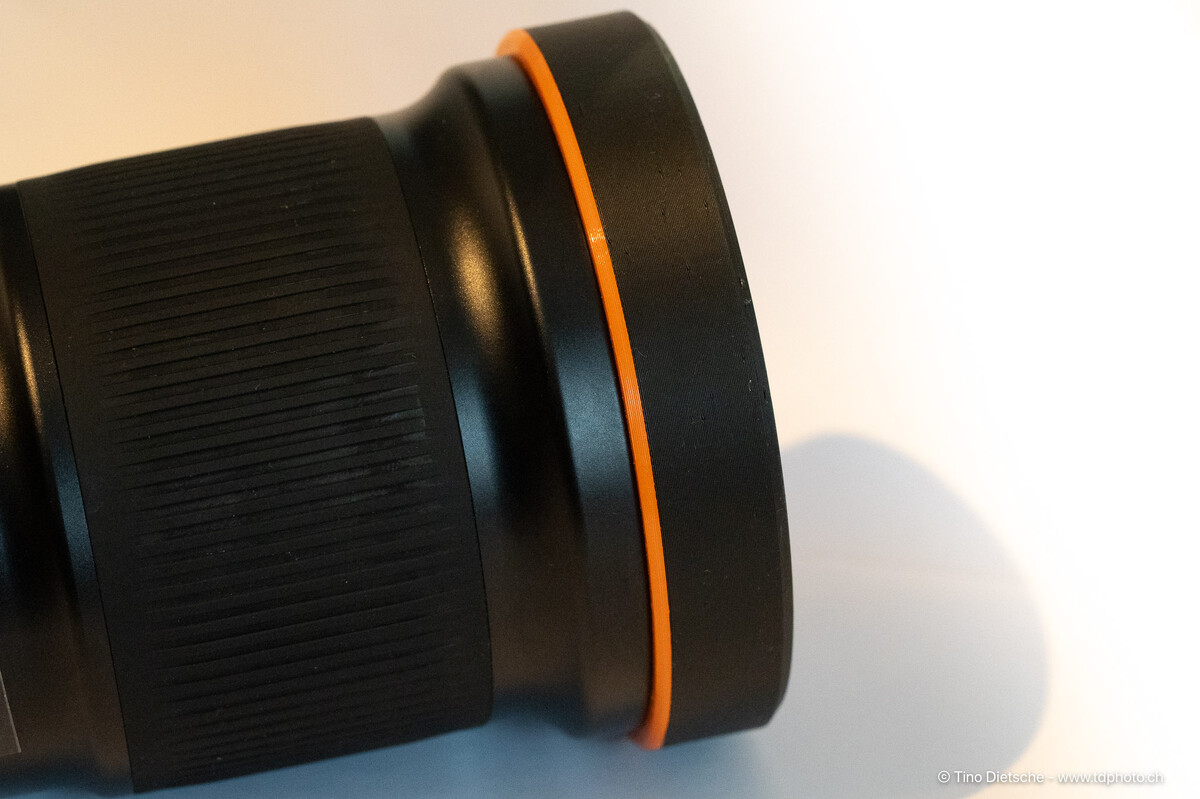
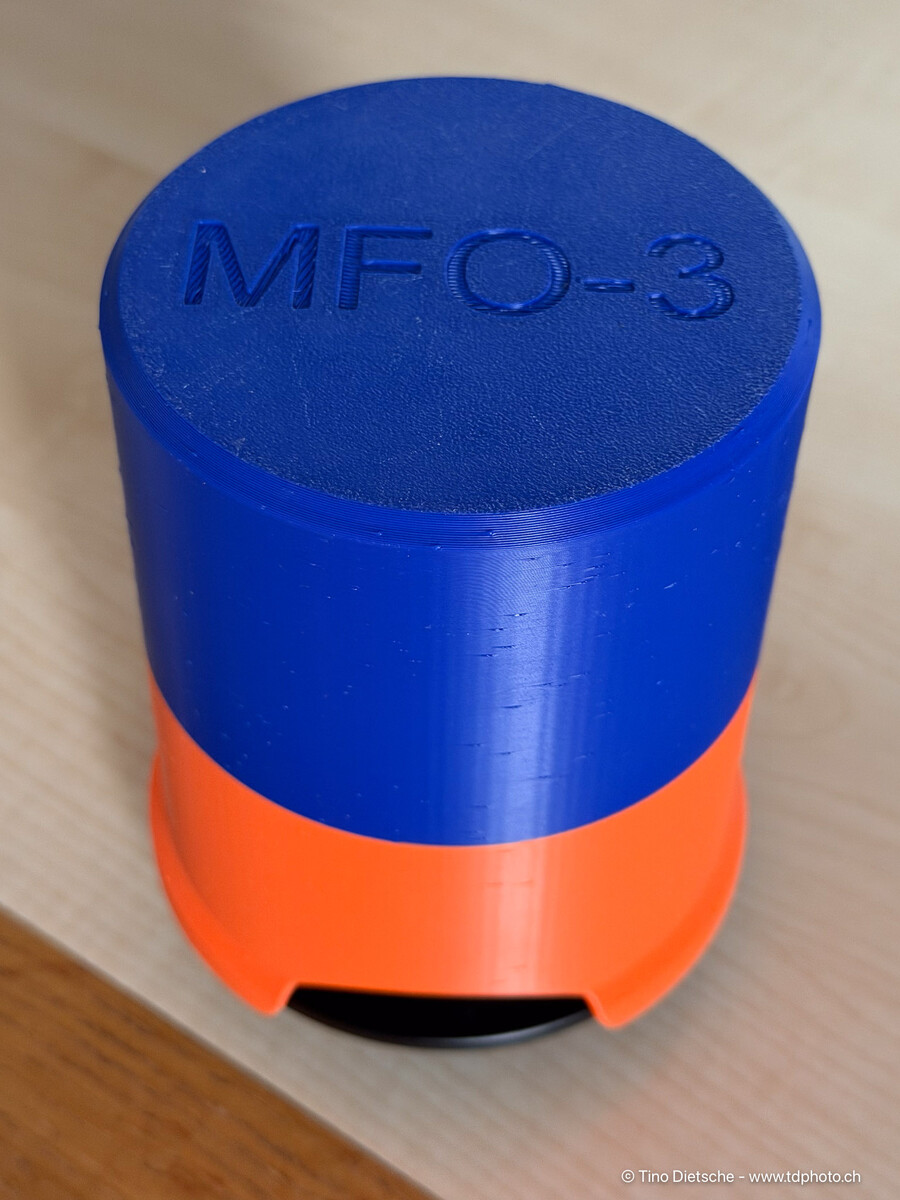
Hello everyone, My protective ring for the Nauticam MFO-3 lenses is now available online. The basic design idea comes from "flowdesign," whose ring I also used for a while. Tanks for this! Since I've designed various things for SMC, MFO, and CMC lenses, I completely redesigned the protective ring. Now I have excellent protection for my MFO-3 lenses both in the water and during transport. Tino https://makerworld.com/de/models/2548785-lens-bumper-for-nauticam-mfo-3#profileId-2806849 Cover for MFO-3 mounted on Nauticam Bayonet-Adapter for Transport MFO-3 Deckel.stl
-
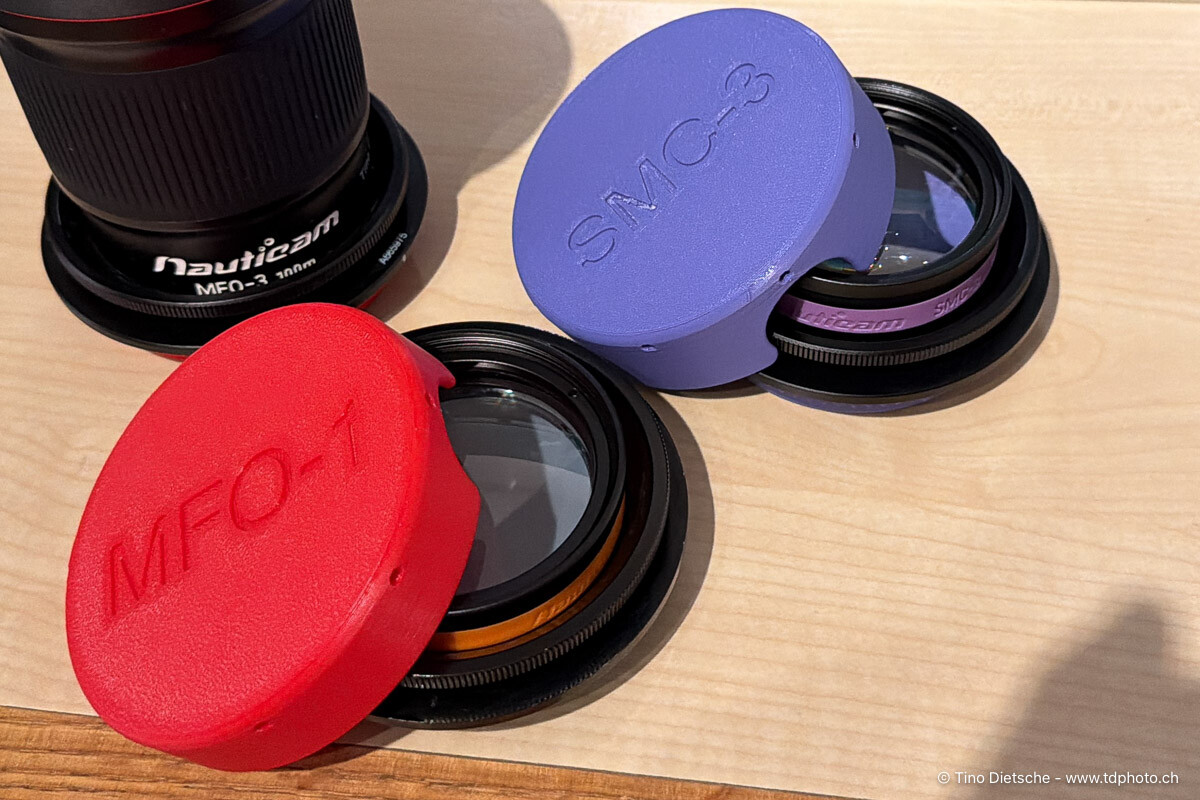
Hello everyone, I've now updated my lens caps for all SMC and CMC lens variants and uploaded them online. The same link now provides the caps for SMC-1, SMC-2, and SMC-3. The caps for the CMC lenses will follow in the next few days, and I'm also working on a cap for the MFO-3. https://makerworld.com/de/models/2463780-front-cover-for-nauticam-smc-lenses#profileId-2704602 Tino
-
Hello everyone, I've adapted my MFO-1 lens cover to fit my new SMC-3. Maybe someone can use it. I've also adapted the lens cap for the CMC-2 if anyone needs it, and various other lenses are compatible with the Nauticam bayonet mount. If you're interested, just send me a private message. I'm still working on a prototype for the MFO-3, but since it has a protective ring on the front, it requires a modified design. SMC-3 Cover https://makerworld.com/de/models/2463780-front-cover-for-nauticam-smc-3#profileId-2704602 rear-Cover for Nauticam Bajonet https://makerworld.com/de/models/1346497-rear-cover-for-nauticam-wwl-1-bajonet-mount#profileId-1388138 Greetings from Switzerland, Tino
-
I use the designt from "flowdesign" and realy like it! You find the files in the following post..
-
If you have an Android phone and a corresponding LR subscription, you can test the workflow before buying a tablet; it works exactly the same on a phone as on a tablet.
-
Hi Atus, In principle, such a workflow is possible with the mobile version of Lightroom. I've done it myself on several trips and vacations. I worked with a 2018 iPad Pro, but I think it should also work with Android tablets. The basic requirement is a Lightroom subscription with sufficient storage space, or enough storage space on the tablet. I don't think it's possible any other way these days. After taking the photos, the images are imported directly into Lightroom on the tablet and copied to the tablet. (I worked exclusively with RAW files.) Afterward, I usually did a rough sort of the images with Wi-Fi turned off, i.e., without internet access, and immediately deleted the unusable ones. Unfortunately, using keywords doesn't work yet, as far as I know. Therefore, I focused on star ratings. As soon as the tablet has an internet connection, the original RAW files are uploaded to the Adobe server, so you essentially have a backup. Almost all image development options are also available on the tablet. When I get home, I launch Lightroom Classic, and all my RAW files, including star ratings and any other developments, are downloaded from the Adobe server and saved to a specific location. Once everything is downloaded, I move it all to the correct location within my file structure and can then delete the space it's using on the server. This workflow works perfectly for me. I even created a tutorial for it. I should probably double-check everything, though, since there have been a few Lightroom updates. Cheers, Tino
-
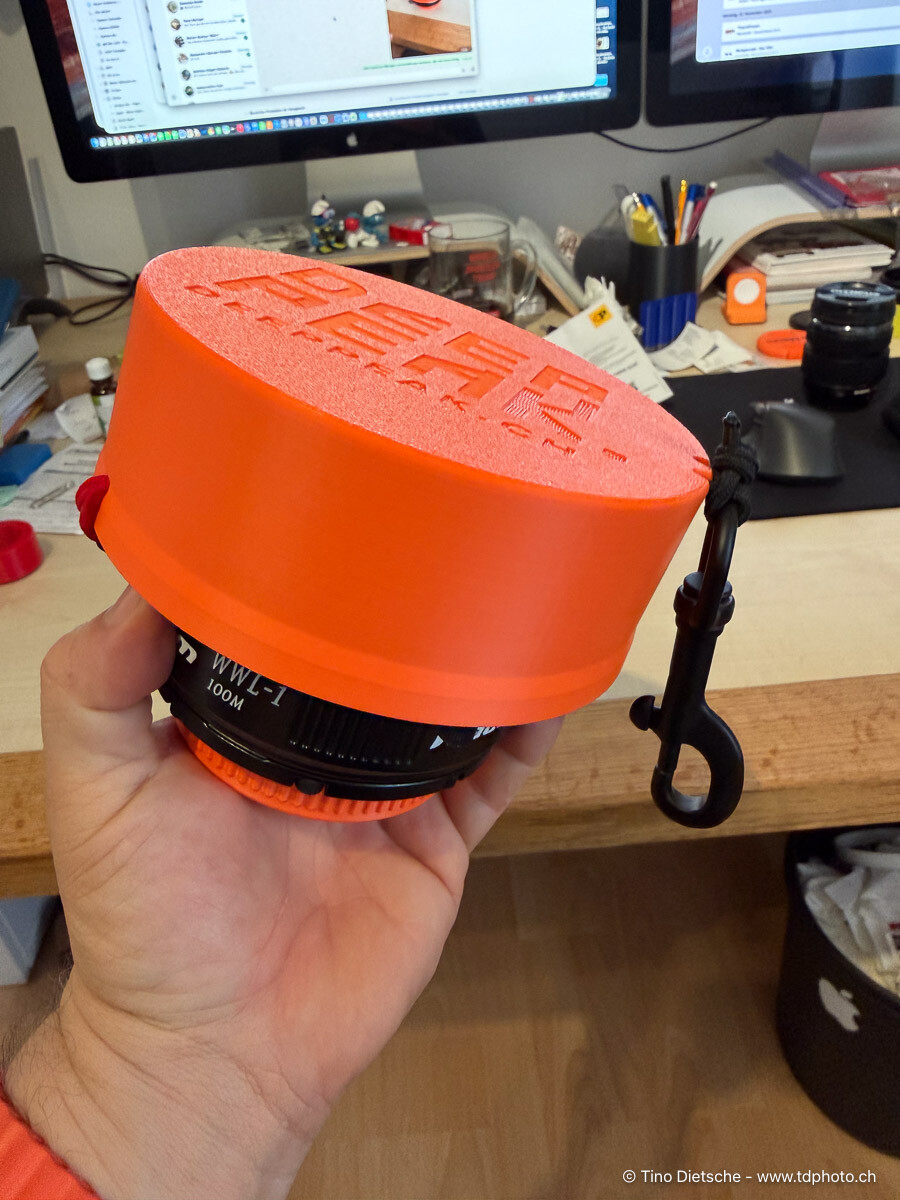
Hi Dave, Nice Cap/Cover! I created a similar solution for my WWL-1, simply closing it off at the front. However, it's also secured using bungees. I created a similar solution for my WWL-1, simply closing the front. I also use bungee cords for securing it. In my opinion, the protection is just as good with the mesh at the front, and the advantage is faster drying. I printed my cover with PETG. (If anyone wants one of these parts for the old WWL-1 (without a buoyancy ring) just let me know and I'll upload it to Makerworld.) I also have TPU for AMS from BambuLab, but I'm not entirely happy with the material yet. It's quite hard and therefore tends to break more easily. I used TPU for AMS for my snoot adapter, but I'll probably reprint that part with regular TPU soon. Tino WWL-1 Cover/Cap, latest version, printed for a friend.
-
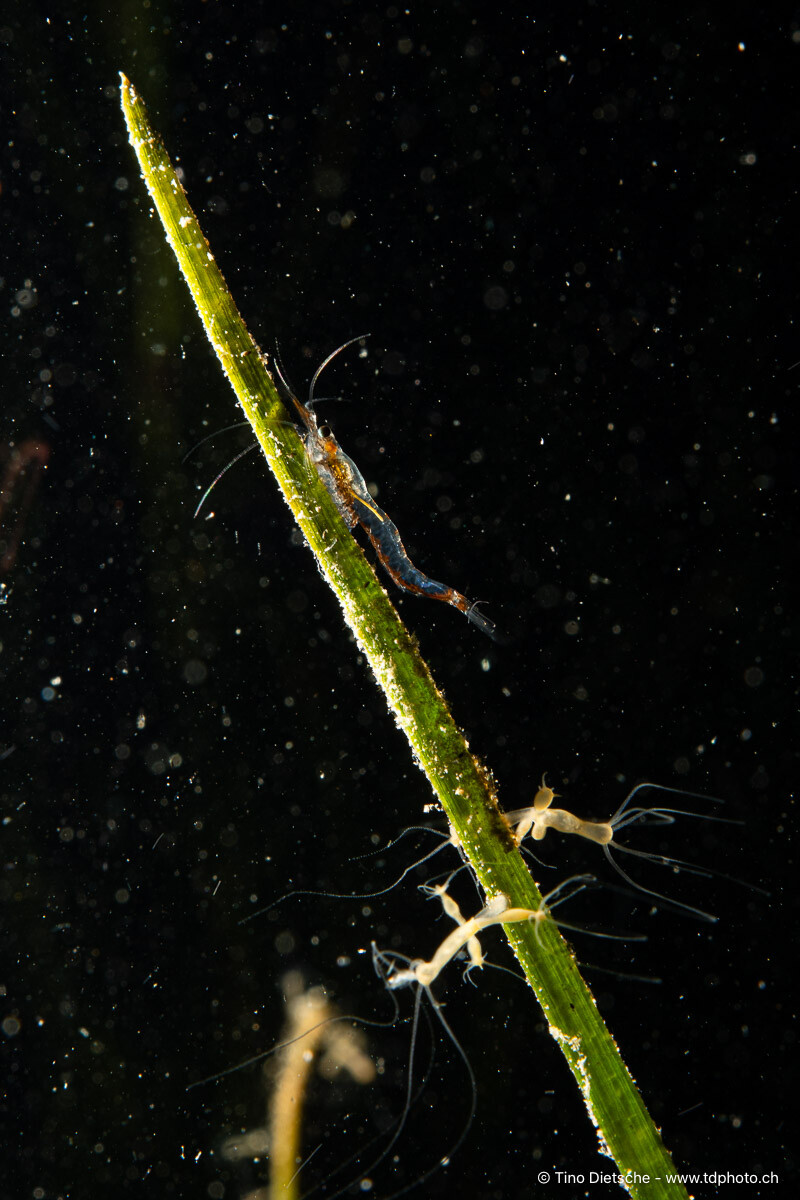
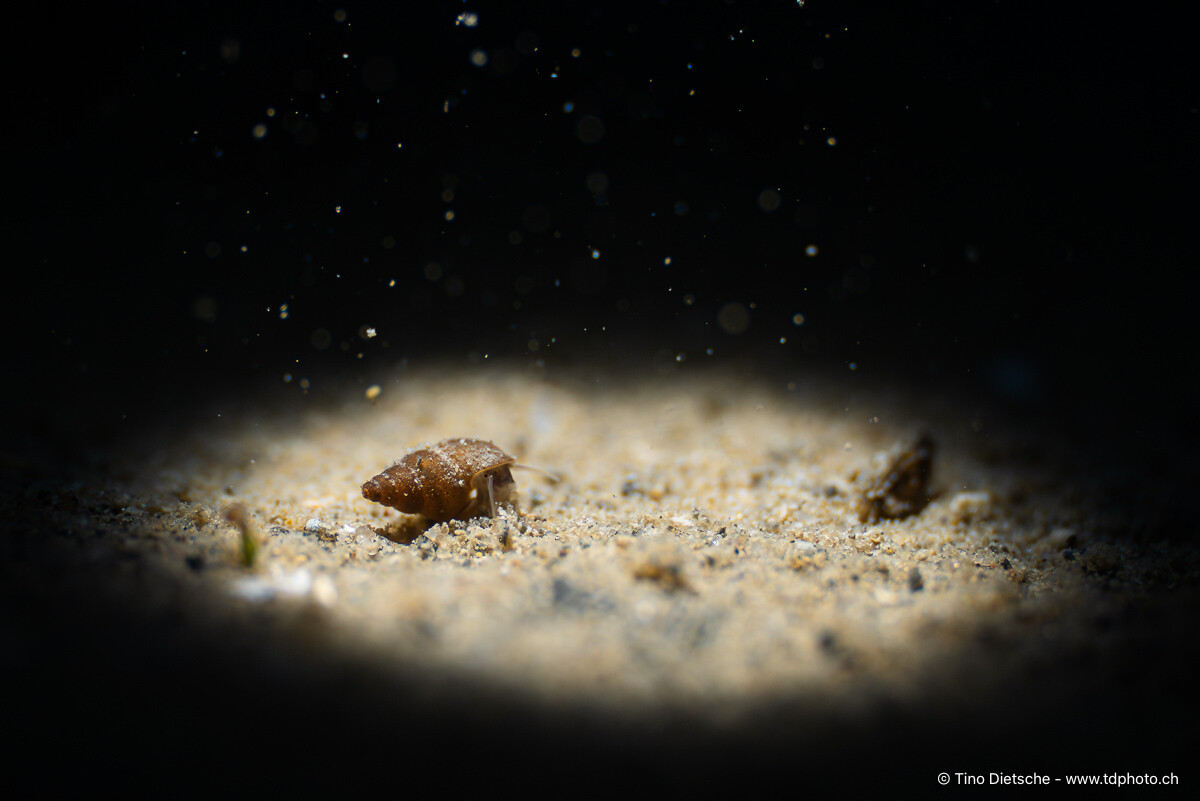
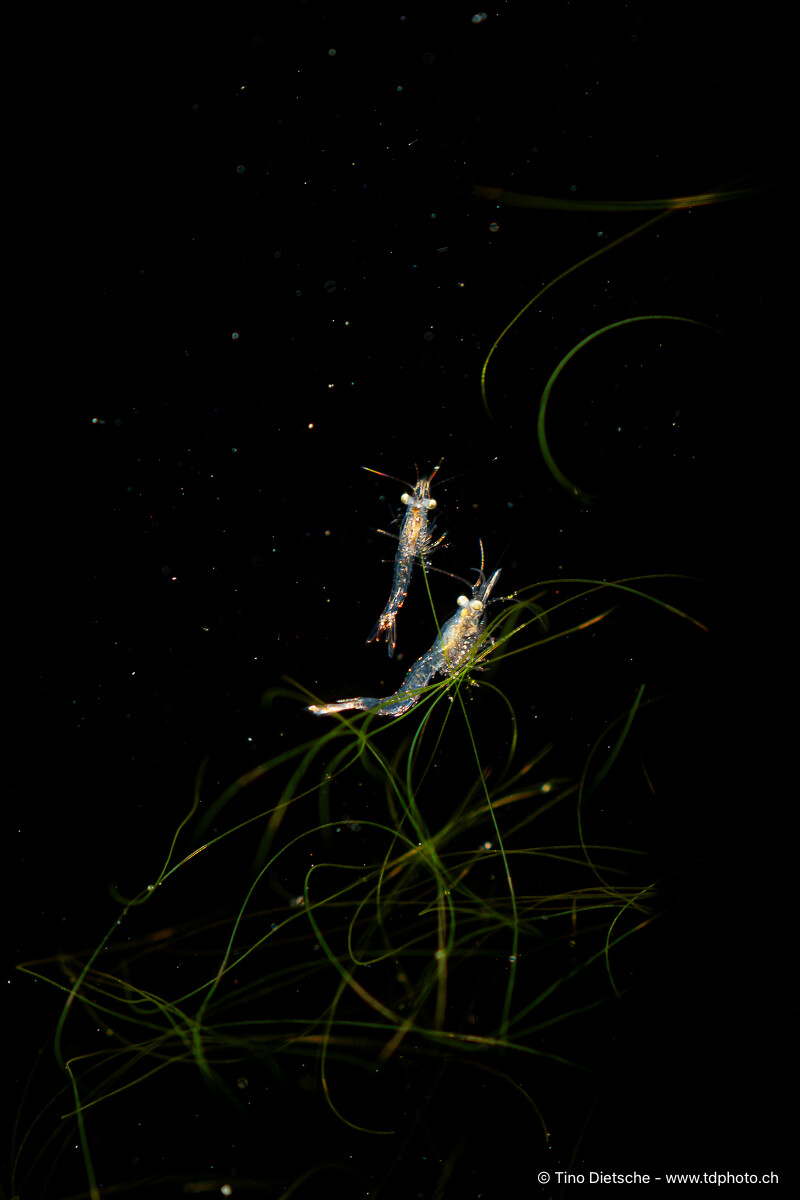
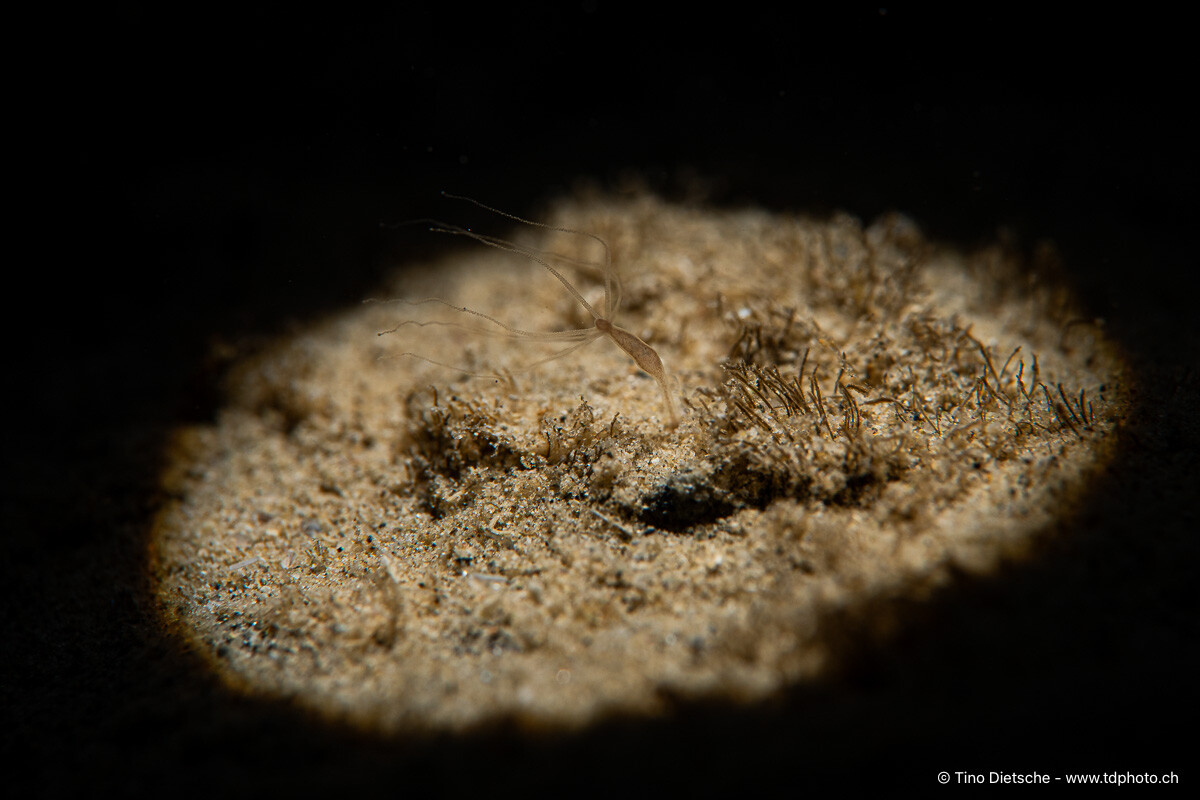
I'd have to test it with reflective material, but I don't have anything suitable here at the moment. In the meantime, I've taken the snoot adapter with me on a few dives. Sony 90mm Macro and Nauticam MFO-3, Snoot Sony 90mm Macro and Nauticam MFO-1, Snoot Sony 90mm Macro and Nauticam MFO-3, Snoot Sony 90mm Macro, and Weefine WFL05S +13, Snoot myDocuments.cannedSearch.zip
-
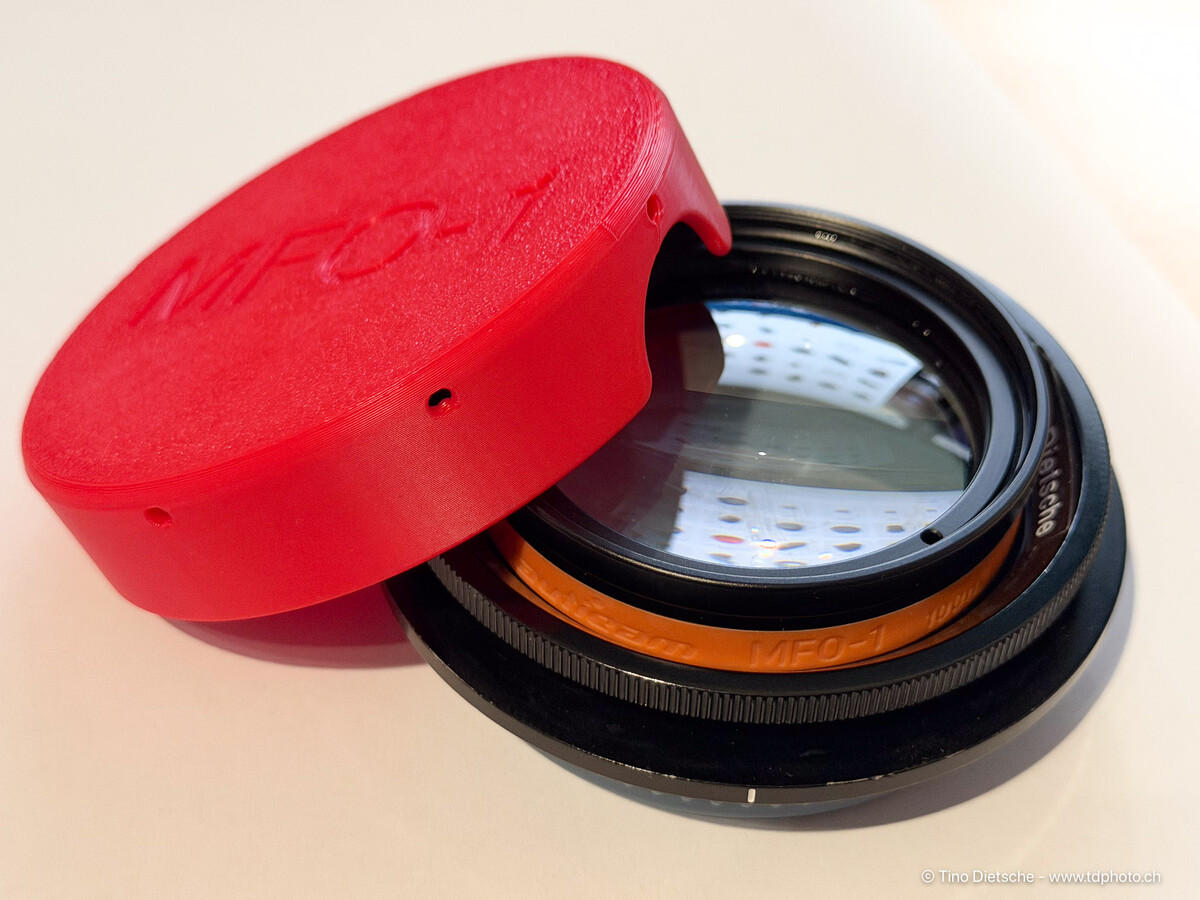
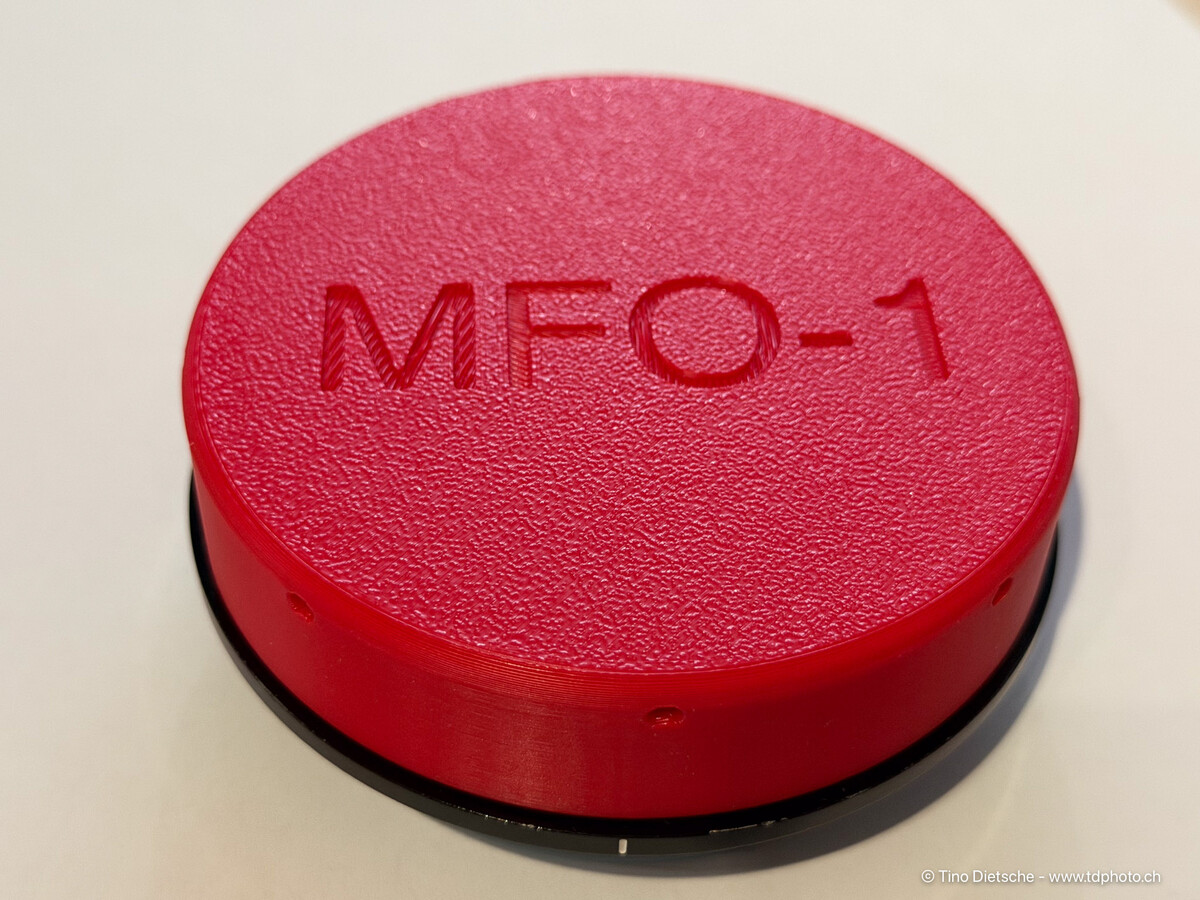
Hello everybody, And here comes the next part for my underwater photography setup, which might also be useful for others. To prevent my MFO-1 lens from getting scratched during transport, I quickly made a simple cap yesterday. Together with my protective cap for the Nauticam bayonet, this allows the MFO-1 lens mounted on the Nauticam bayonet to be transported safely and well protected. Downloads: Front-Cover for MFO-1 - https://makerworld.com/de/models/2326198-front-cover-for-nauticam-mfo-1#profileId-2541153 Rear-Cover for Nauticam Bajonet - https://makerworld.com/de/models/1346497-rear-cover-for-nauticam-wwl-1-bajonet-mount#profileId-1388138 Greetings from Switzerland, Tino