Everything posted by Gmsalterego
-
-
-
-
-
-
Hello everybody, I use a GP12 with Backscatter sharp wide lens and diving torches. I dont use gopro labs firmware. Whats your opinion about 8:7 aspect ratio instead of 16:9? Thank you
-
-
-
 Stone fiscale Red sea
-
 Stella gorgone Astrospartus mediterraneus
-
 Lobster in Elba's island.
-
New bayonet mounting for macromate mini lens. Bye

-
Help, I'm looking for a high resolution tablet, to be used with gopro quik app and display 5.3K videos. Any suggestion will be appreciated. Bye Giacomo
-
@NaughticamBackscatter GoPro Sharp Wide Lens Pro Package: very good wet lens
-
Hello Mike by Backscatter wrote that it's coming out a MacroMate designed for the bayonet, it should be available in a few weeks. bye Giacomo
-
Hello, is it possibile a bayonet mount for backscatter macromate mini lens? Thank you
-
Hello, I have a GOPRO 12 and use Backscatter GoPro Sharp Wide Lens Pro Package, very similar to AOI UWL 03. I also own a gopro hb 7 with macromate mini +15 but it's very difficult to get great macro shot due to the short FOV. Bye
-
Today: lake of Como Gopro 12 and backscatter wide angle. Chinese lights Bye


-
I think so, for wide angle shots of course. Macro requires less light by the way. This is my understanding. Ciao, Giacomo
-
Dear @Elvandar all good questions. I've also spent a lot for macro and wet lens and I dont want absolutely dismiss my GP12 too. I submitted the present subject because of my chinese lamp burned its led. Now I'm waiting for replacement due to the amazon warranty. I was thinking if a different brand was more reliable, considering all the manufacturer are in China. My budget? Around 400-500 € more or less Bye Giacomo
-
Hello everybody, I don't know if this is the right place to submit my question. I'm looking for a good, powerful and hopefully not very expensive video lamp. Any suggestion? Thank you in advance
-
Hello, any news about the topic? I saw the mac version but I'm not so excited by that. Have a Nice day and bubbles Giacomo
-
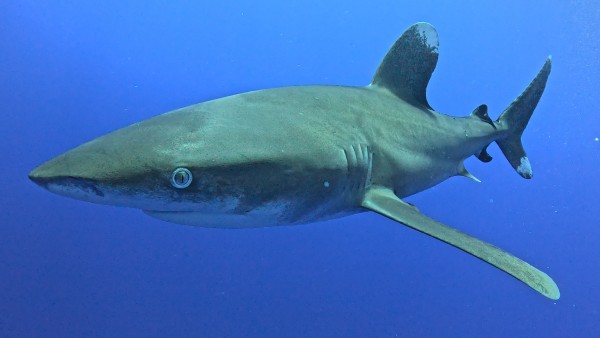
 Red sea - safari october 2024
-
 Cristo - Moregallo, lake of Como
-