I'm still working on trying to come up with a baseline to shoot 7D video. It's a given that we all aren't trying to get the same look for the end result and there are clearly many options. But for a common "best" way for me to set up the camera I'm starting to narrow it down. I was surprised by a new wrinkle I did not understand when reviewing an article on Canon's Digital Learning Center website Here is a quote;
"With the mode dial set to any location other than "M", when you shoot video, the camera will automatically select lens aperture and shutter speed, as well as ISO, based on the light in the scene. Exposure will adjust automatically, on the fly, if the light changes as you move the camera during a shot. Keep in mind that even though the Mode Dial has settings for Tv (shutter-priority automatic) and Av (aperture-priority automatic), these are for still image shooting only. Once you begin shooting video, these will simply revert the camera to totally automatic, programmed exposure — the camera always picks both video shutter speed and aperture."
Well worth reading the article. Sorry if everyone knew that but me. Learn something every day.
So here are my baseline jump settings as a complete rookie video shooter, - clear water, and tropical location with some sunshine overhead.
Manual mode - (OK so I'm a bit of a control freak)
1920x1080 @ 30fps (for normal shots 60fps if going to slow mo)
Shutter at 1/60th (There is another article from Canon on shutter speed here)
Aperture - appropriate for the clip
ISO at 160 or multiple - (I will still consider going to Auto ISO in the right situation. Like a coral tunnel with rapidly changing exposures for example)
AF set to rear button
AF Live View - Quick Mode (just because it's faster, I still want to play with this and Live mode in real shooting situations)
WB- set for the shot and the depth with grey card especially if using Magic filters.
I have this idea that after a couple of days of reviewing the video in a particular location I'll be able to set the Kelvin temp directly in the camera for known conditions. If you're diving the Liberty in the same conditions four days in a row why not just dial it in? Maybe even preset three different depths using the Camera User Settings C1, C2 and C3. In theory you could just dial in the depth.
Or just set it on cloudy 
Presets- I'll go with Neutral to start and experiment with a lower Contrast, lower Saturation, and lower Sharpness per XXX suggestion. I can see how this could have a major impact when shooting at higher ISOs to avoid banding and the appearance of noise.
Auto Power Off set to "Off", found out I don't want to re setup the camera if I don't shoot a clip for a few minutes.
And all of this set up on Custom settings C3 so I can get to the jump settings quickly and not have to look at the camera.
Damn, I'm going to need a bigger slate.
If I'm way of base or forgetting something please let me know.
Cheers,
Steve




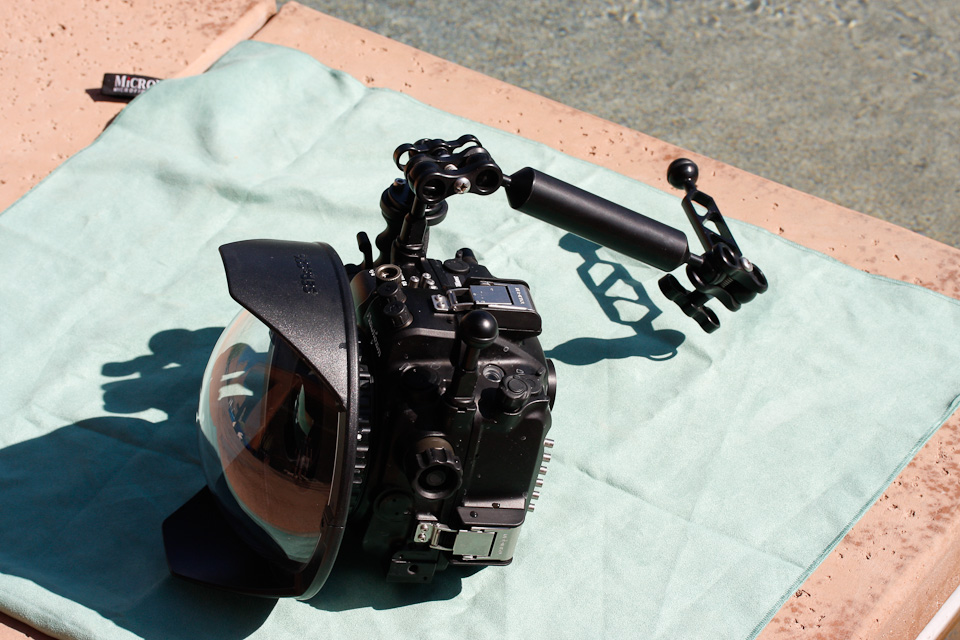
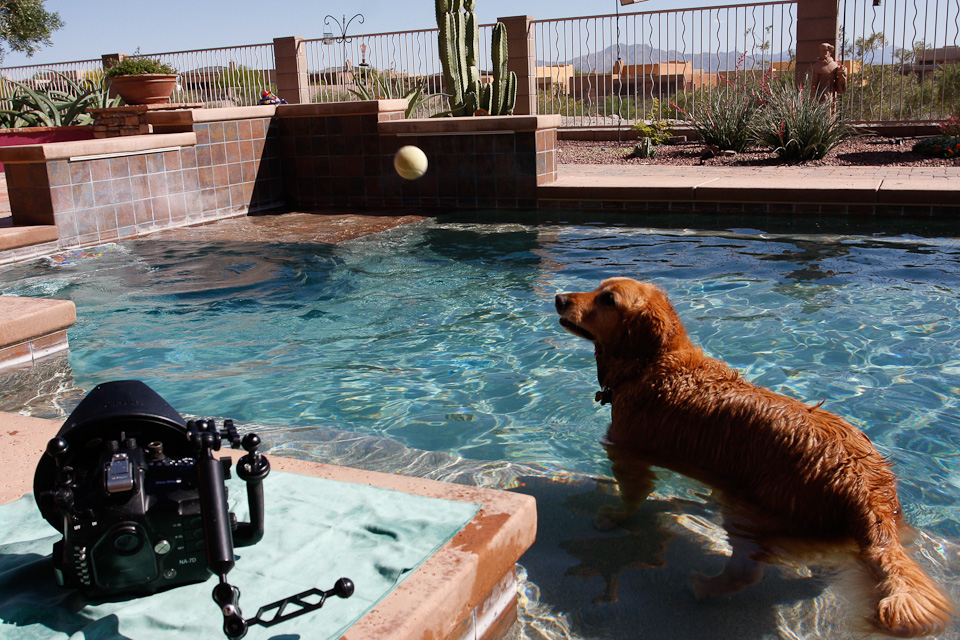
 Easiest way was to focus on my foot and then let the Tokina take care of focus with the D of F. I 'm going to experiment next with some nighttime macro video and I'm guessing the AF will be a bigger issue.
 .jpg.857dbbfbdc4d79d9c6ebf7b4ba96ed1b.jpg)

