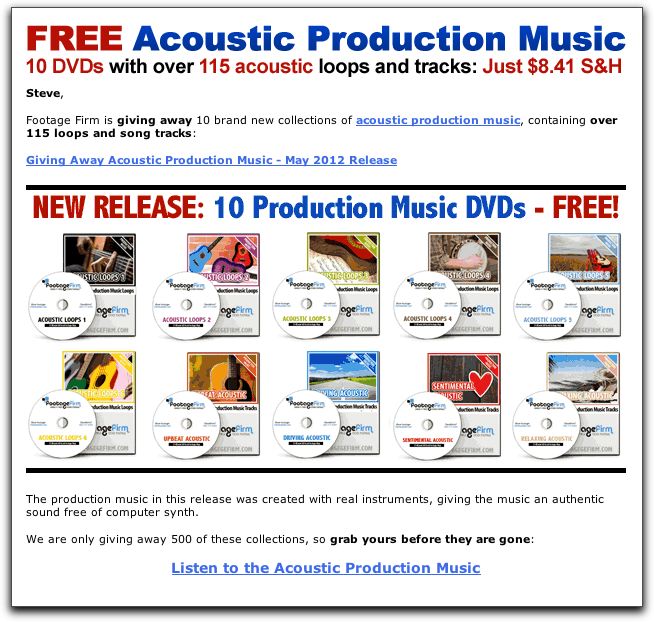
That is interesting. Could this be the new domain squatting?
Shooting Technique, Workflow and Editing / Archived topic
Footage Firm royalty free music offer
Started by Drew ·
- 27Posts
- 27Replies
Read-only discussion
Footage Firm royalty free music offer
27 posts
-
-
I have a great deal of royalty free music that has been sent to me for review from Footage Firm and plenty of other companies. However, my old brain finds it hard to remember what is on one disc or another and these days rarely go to that part of my music library to find a piece of audio that might fit what I am looking for. I find that using Sonic Fire Pro from Smart Sound is just considerably more convienent for me. Yep, you have to buy discs or single cuts from them as well but, once stored, it makes accessing audio so much easier and far less time consuming. I suppose with discs from Footage Firm, Music Bakery or other companies one can just import them onto their externals permanently so that they are always accessible as well, but that does take up some hard drive space.
Steve
-
...I find that using Sonic Fire Pro from Smart Sound is just considerably more convienent for me...
Even Smart Sound music is not immune from this YouTube Content ID hijacking. Far from it! See here and here. Also see the reply here and also danv's post of 5/17/2012 7:08:54 PM here.
Production music providers need to add something like "We will not block or monetize YouTube videos that use our music" into their licence agreements. And YouTube needs to give uploaders more protection from this abuse.
-
Production music providers need to add something like "We will not block or monetize YouTube videos that use our music" into their licence agreements. And YouTube needs to give uploaders more protection from this abuse.
Yet another reason for productions to budget for hiring a composer to write custom music. Not that I have a vested interest in that, of course...
Most people here aren't working on that kind of project, of course. But for those who are; would you use a bunch of color-correction presets instead of a professional color grader?
A lot of composers will be willing to work with you on rate - if you can't afford their straight buy-out license rate, you can negotiate; one compromise I've seen a lot is that the composer writes custom music that you license for use in your production, but retains rights to resell it as stock music. The results you get will almost always be better, and you won't have to worry about stupid licensing issues...
-
Color correction presets just give a good starting point.. you then tweak them from there. There are a ton of these applications from such companies as Red Giant, Noise Factory,DaVinci, DV Shade, Gen Arts, and far too many others to mention. There is nothing wrong with using them as a starting point, and for many, the default settings are just fine as is, but you can also adjust them to your liking. The same goes for royalty free music where you can put in or take out instrumentation, change the key, change the arrangement or even just use loops to create your own musical score.
I'm really not sure what your point is here; unless it is that one can communicate directly with the composer which, for most, is not within there means, even after negotiation.
Steve
-
for many, the default settings are just fine as is, but you can also adjust them to your likingMost people here aren't working on that kind of project, of course. But for those who are; would you use a bunch of color-correction presets instead of a professional color grader?
I'm not saying the average person should hire a composer
 Music libraries are fine if you want royalty free music in your home movie for YouTube.
My point is: for those who have a budget; it seems a shame to hire graphics artists and color graders to make the custom images look good, while using the audio equivalent of clipart. It's a personal annoyance to me when I hear on TV a library cue that I recognize. That's all!
-
I seem to be getting these emails all the time. For those who are interested.
Steve