Hi Abhi,
I have and use this same set-up. Sony A6000 in Meikon housing with the Meikon/Neewer Dome port. I also started with the 16-55 kit lens but now use the Sigma 19mm f2.8.
I also had this same problem in the beginning but it's (mostly) fixable. I'm not sure exactly what causes it. I've had it shooting into the blue water column and also many other circumstances. I can't diagnose all of the problem but I can help a bit with what to do to correct it. I initially had this problem prior to having the dome port so I think you can rule that out.
I've taken your RAW photo and processed it as I normally would. This is what I got (sorry not quite sure how to directly imbed an image)
https://drive.google.com/file/d/1ZgQEHcegphFTmYBVNQvyoeFrAJXs8PHs/view?usp=sharing or
https://drive.google.com/file/d/1zT8YrqPCQI-lk0JSYeEA_mU8pKYDS0gT/view?usp=sharing
Here's how I got there;
1 - Imported into Lightroom.
2 - Lens correction: Enable profile corrections (that gets rid of some of the vignette and lines you're seeing) and select the lens you are using or the closest one you can find to it.
3 - Take the White Balance dropper and use the free divers leg as a sample point (that gave me a a temp: 36,000 and tint +112).
4 - Tone: Auto tone (sometimes this give you a good start point, sometimes not). This time it worked OK.
5 - Tone: set black and white points so they don't clip but give a better contrast to the basic 'auto tone'. Use your histogram for this.
Now you're problem lines are really visible and a horrible purple colour. Let's sort that.
6 - In HSL section, take your Purple Hue slider and drop it to -100. The A6000 has a tendency to have this weird Purple thing going on, doing this gets rid of it easily.
7 - To get a better water colour, in HSL section use the sample button (sorry not sure what it's called) in Luminance and click on the blue water column, drag it down to something you're more happy with. In this case I took it to Blue -40, Purple -22.
8 - There were at least 3 large sensor spots and a bunch of backscatter which I removed most of.
9 - Use a radial filter over the Whale and the free diver to sharpen a little to give focus.
That's it.
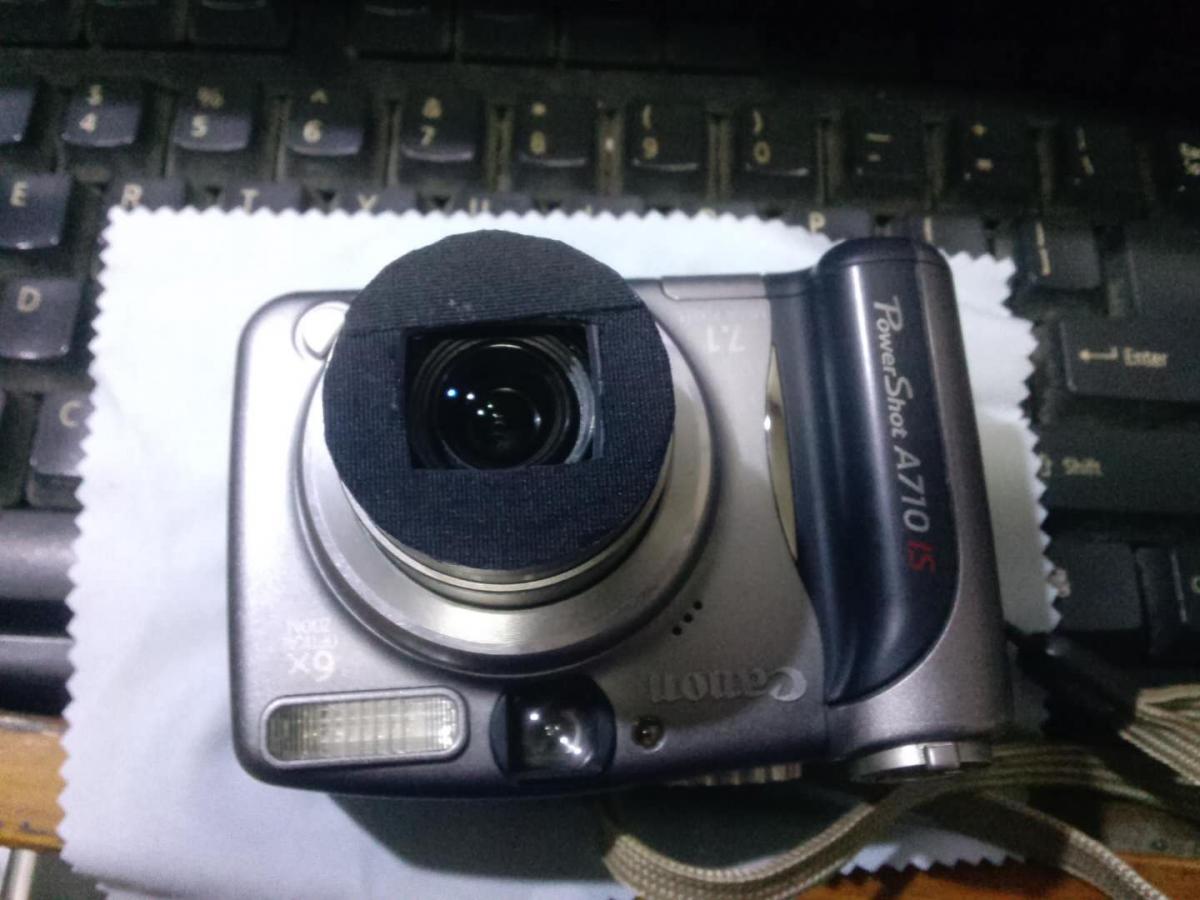
A top tip is to block off the light coming back into your camera. It stops weird reflections coming back into your sensor. I normally place the camera in the housing then use a cardboard business card. Insert it over the top of the lens and push it as far towards the glass of the housing as possible. That stops light getting in and (if you use your internal flash to trigger external strobes, or just use the flash on it's own) the internal flash light escaping through the front of the housing causing extra backscatter. I also covered any clear plastic on my housing with black electrical tape for this reason.
Don't be disheartened. The Sony A6000 is an awesome camera. Don't get me wrong if I had the money I'd upgrade (hopefully this will happen this year) you've just got to know how to use it and how to process the images. Always shoot RAW, if you're doing video shoot in XAVCS not AVCHD. Hope this helps.