



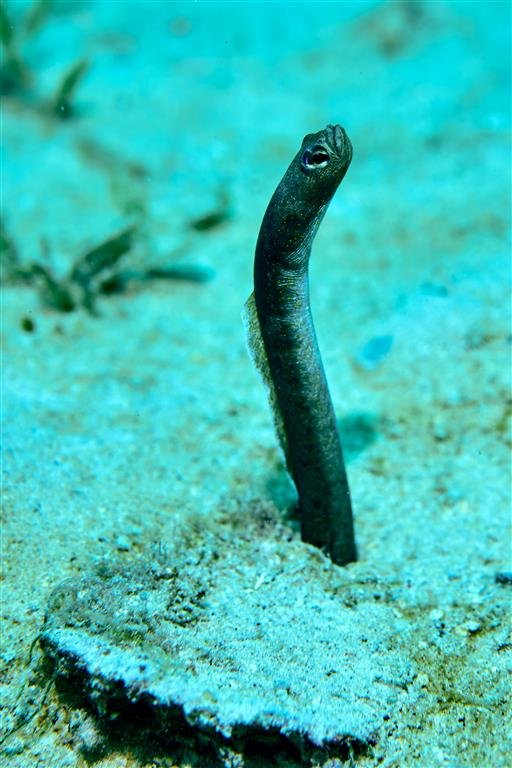
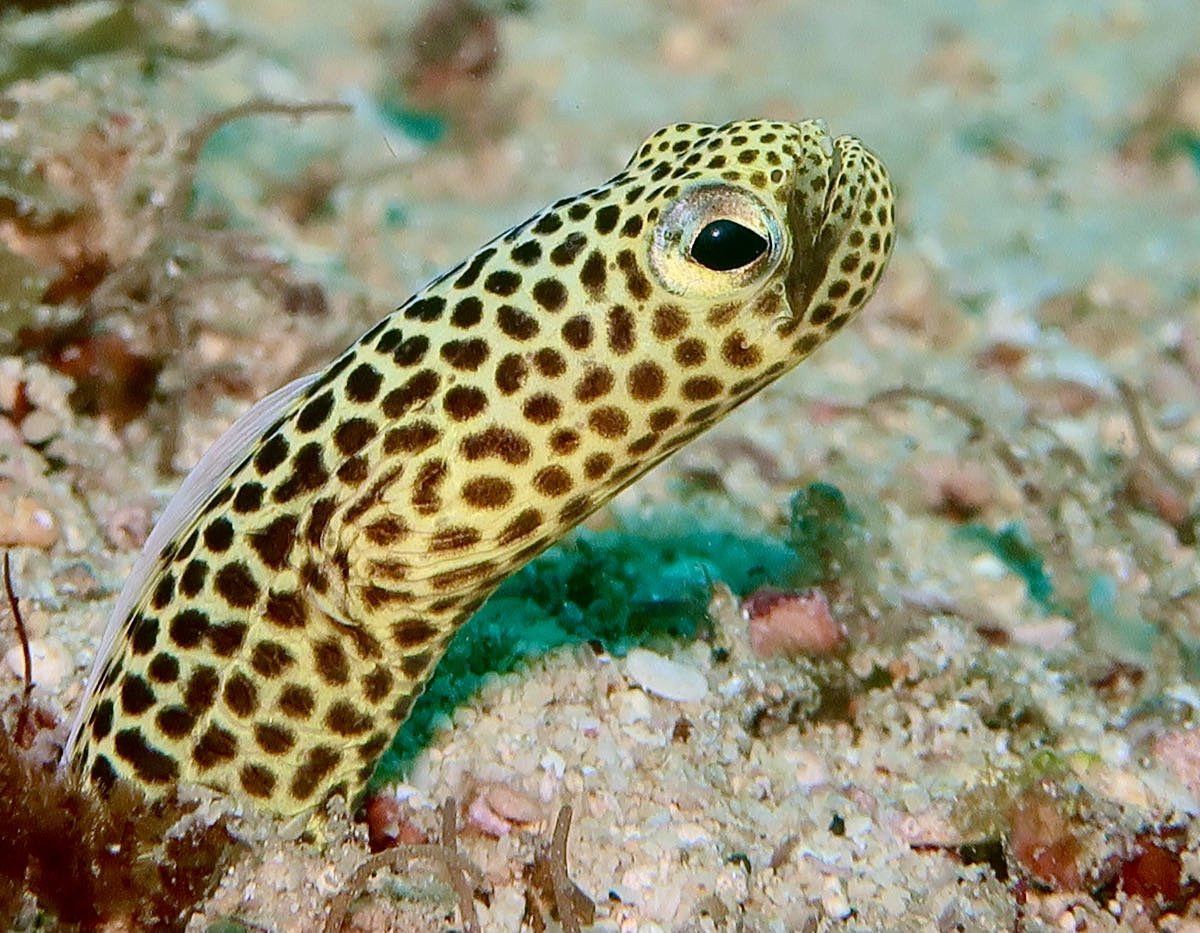
Here is my attempt I took with the Sony A7R3 and Sony 90mm macro
Shooting Technique, Workflow and Editing / Archived topic
Started by Pomacentridae ·
Read-only discussion
Here is my attempt I took with the Sony A7R3 and Sony 90mm macro
I heard a crazy story from a diver in Roatan once. When younger, she and some friends took LSD and went for a shallow dive. They had a divemaster with them keeping an eye on them, and they had a plan. They all went to a nice spot, got heavy and sat on the bottom, not moving. At first much of the wildlife swam away or hid, but after 20 minutes everything seemed to come back and ignore the sitting divers. Key was simply to sit still for long enough to get them used to you. They all sat there for an hour with critters swimming all over and around them, then came up. Not something I'd do, but something that may have taught me something.
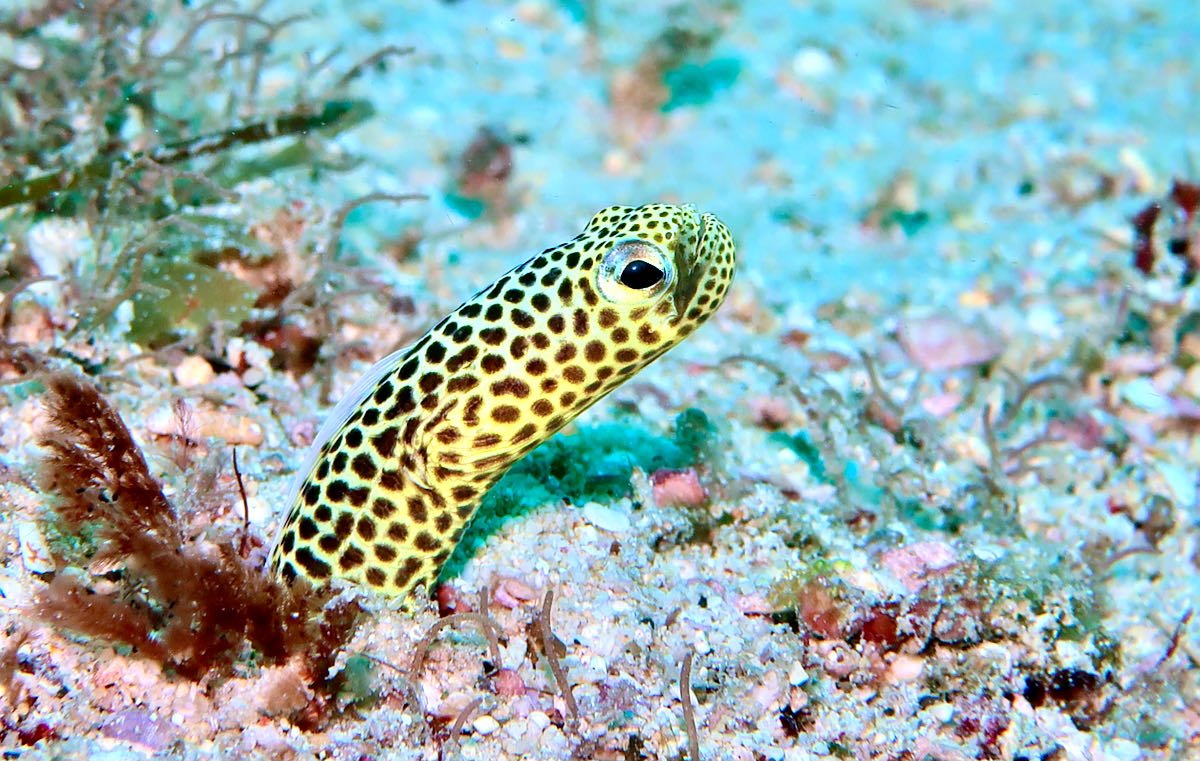
Philippines - Compact Canon G7X II using digital zoom, equivalent 160mm focal length. Fantasea housing, DUAL Inon S2000 strobes.
Standard scuba waiting patiently before ascending to safety stop depth.
I found 1.6X digital zoom is about the max I could use without too much image degradation.
Also, the Canon G7X II camera with 20.1 MP 1" sensor has no flash synch limitation. Synchronizes up to 1/2000 of a second in manual or S-TTL flash.
dhaas


Terms of Use Privacy Policy Guidelines We have placed cookies on your device to help make this website better. You can adjust your cookie settings, otherwise we'll assume you're okay to continue.

A worldwide community for underwater imaging.
