New question here from my side as I now own the Nauticam housing, had already the 28-60 and therefore decided to go for the WAPC-C after all this discussion here.
If looking for Macro - and given the fact that I own the 90mm/2,8 macro lens - is it possible just to use a flat port or is it necessary (with regard to acceptable pictures) to add a macro lens?
I looked at the port chart which is the suggested way bay Nauticam. Does this say that SMC is needed?
Just now, fruehaufsteher2 said:
New question here from my side as I now own the Nauticam housing, had already the 28-60 and therefore decided to go for the WAPC-C after all this discussion here.
If looking for Macro - and given the fact that I own the 90mm/2,8 macro lens - is it possible just to use a flat port or is it necessary (with regard to acceptable pictures) to add a macro lens?
I looked at the port chart which is the suggested way bay Nauticam. Does this say that SMC is needed?
The flat port already achieves 1:1 ratio. The additional lenses are for super macro
Ah, that clarifies. So no need but be possible to get closer.
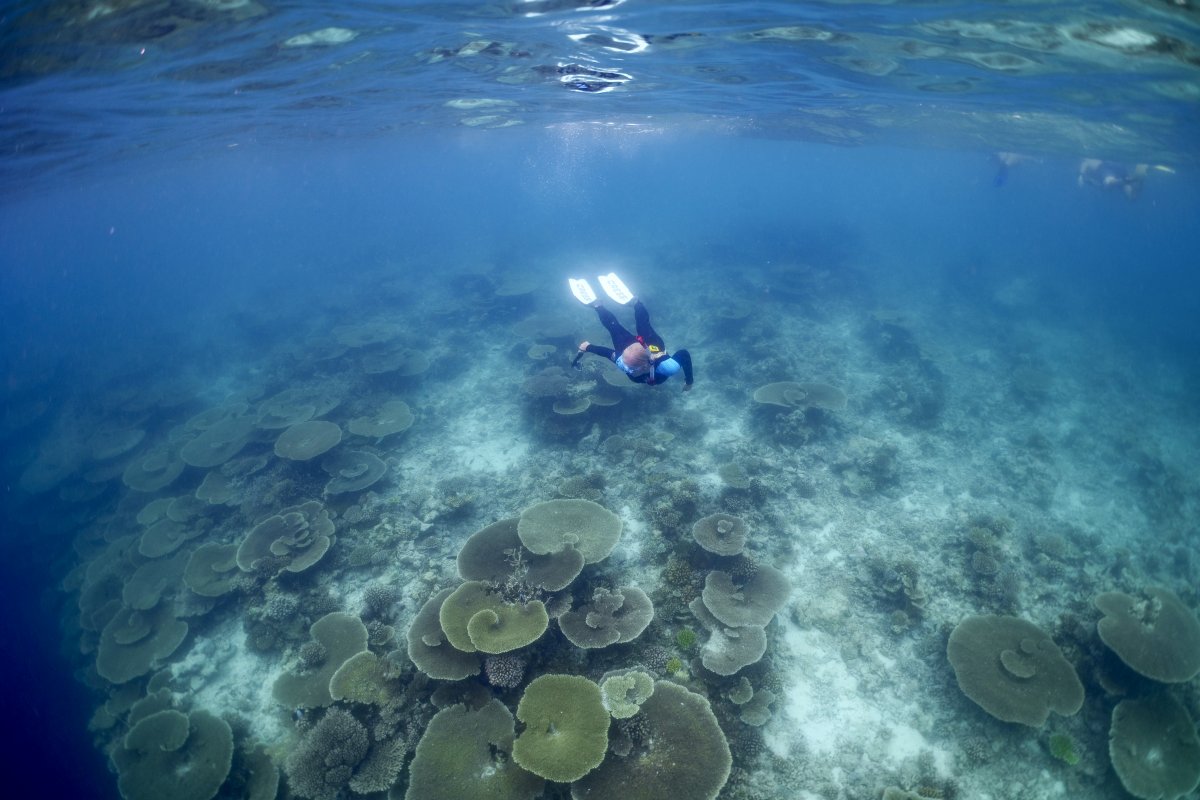
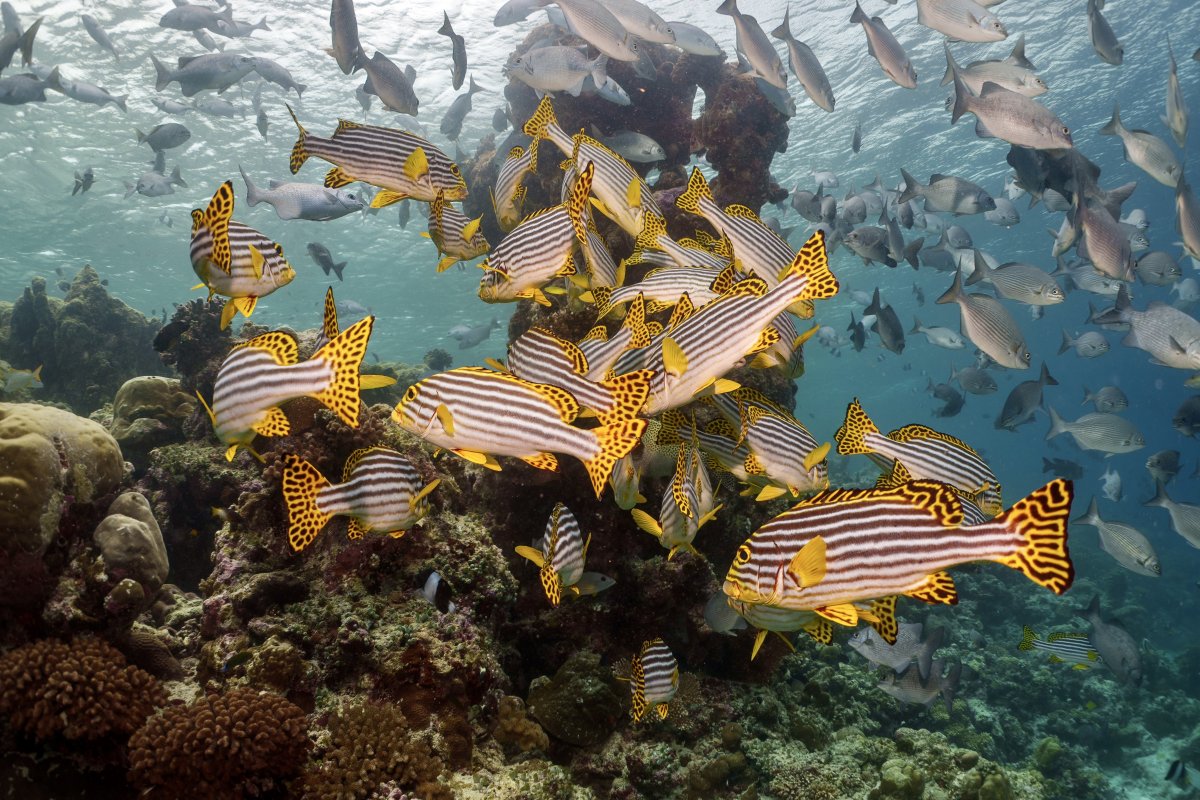
Back from Filitheyo and happy with the setup. 28-60, WACP-C and A7IV.
What I really liked is the wide angle and the possibility to focus very close.