Skip to content

Photography Gear and Technique / Archived topic

Downsizing to smaller rig - suggestions

Started by OCNDiver ·

  • 22Posts
  • 22Replies

Read-only discussion

Downsizing to smaller rig - suggestions

22 posts
  1. I had the same dilemma. After three heart operations I felt that the Nauticam/Nikon D800 combination was too heavy for me and switched to the Nikon Z50/Nauticam. One reason was to use water contact optics, the WWL-C with the kit 16-50 lens, which at 1kg and $1000 is attractive for wide angle. But at 130 degrees it wasn't really wide enough so I am using an 8-16 Sigma behind an 8.5" acrylic port for over/under, and the same dome with a shorter extension for fisheye. The housing, camera, flat port and WWL-C weighs 4.65kg. This is lighter, but not enough lighter to justify the expense possibly. At 20MP (the same sensor as the D500) it seems to have been leapfrogged by the 61MP Sony cameras which friends are using, largely without strobes, to great effect. Check out tones.of.blue on IG to see what I mean. And these are very little heavier.
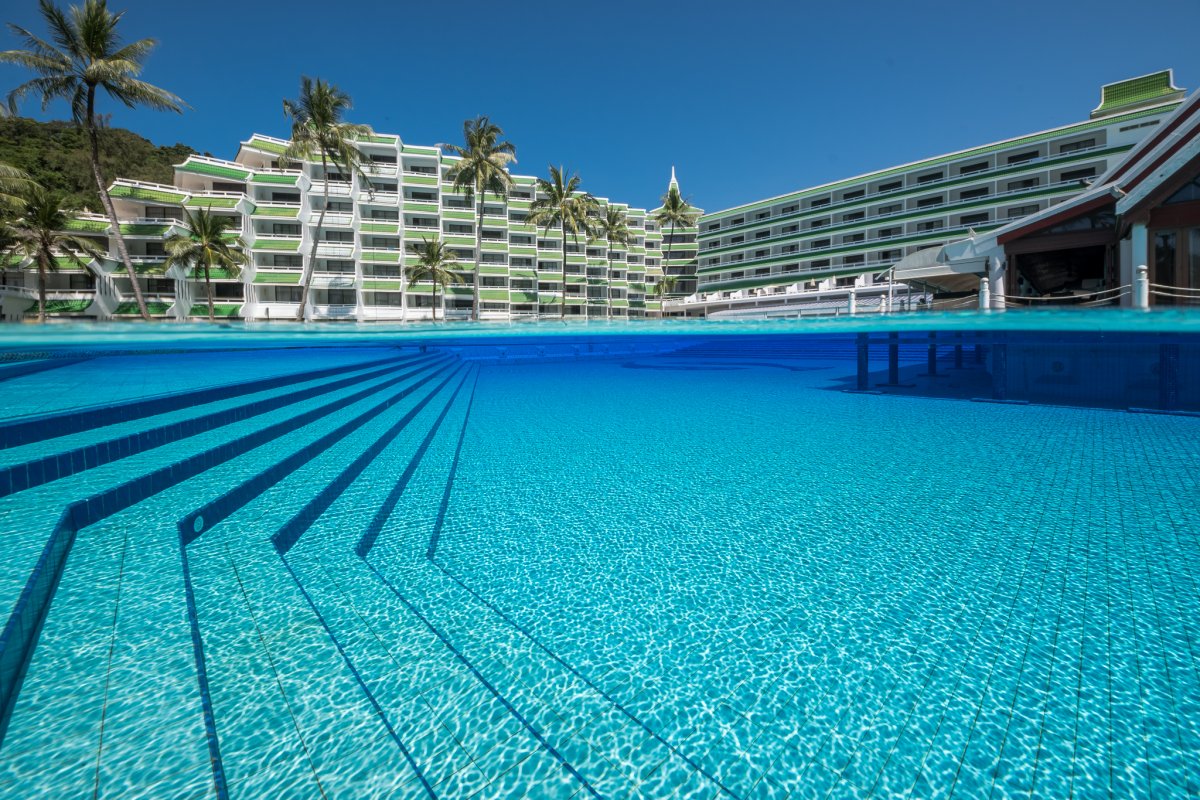
    Pete Atkinson-0332.jpg

  2. I have used a Sony RX100/Nauticam rig for a couple of years (with a CMC-2 and the WWL-1). Then moved to a Sony/Nauticam full frame for a while, unfortunately I could not keep that setup for long for some reasons that are not relevant to this topic.

    So after that I decided to go for an Olympus EPL10 with the AOI housing with the 60mm lens for macro and the kit lens + WWL for wide angle. I could not be happier:

    - Small and light

    - Very easy to use/focus for macro. This was a pain with my RX100 MK7.

    - Significanlty cheap overall setup.

    The only con is the housing, does not seal as good as a Nauticam one, you have to ve extra careful to clean and inspect the o-ring, but overall very happy.

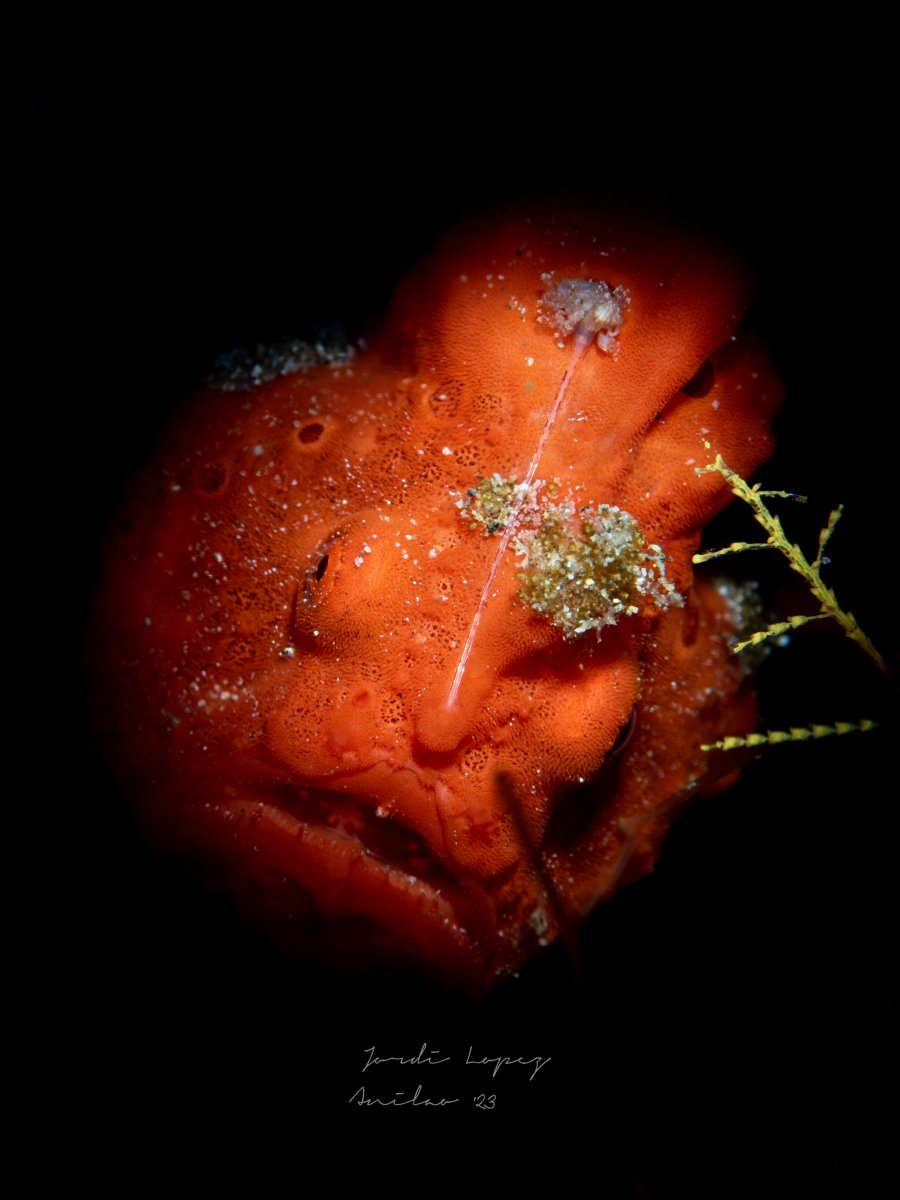
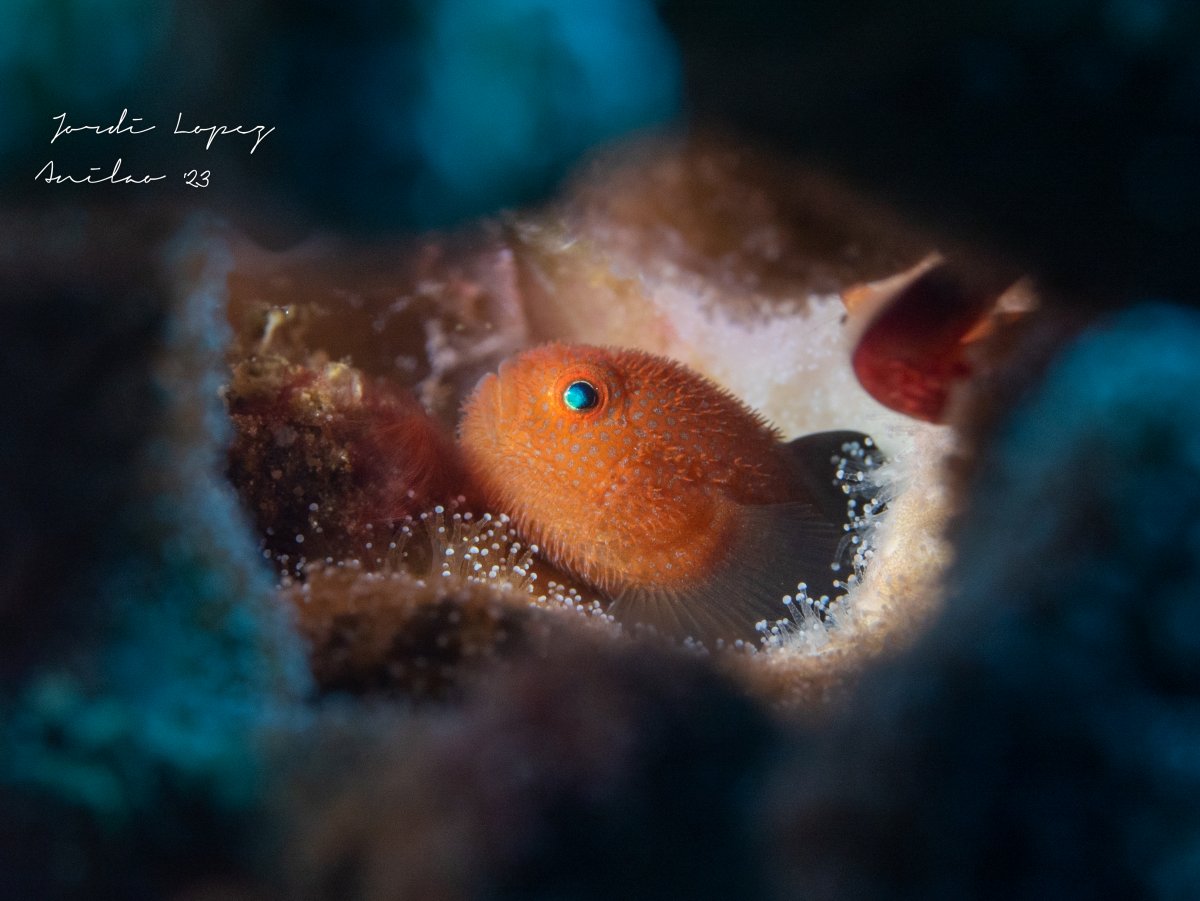
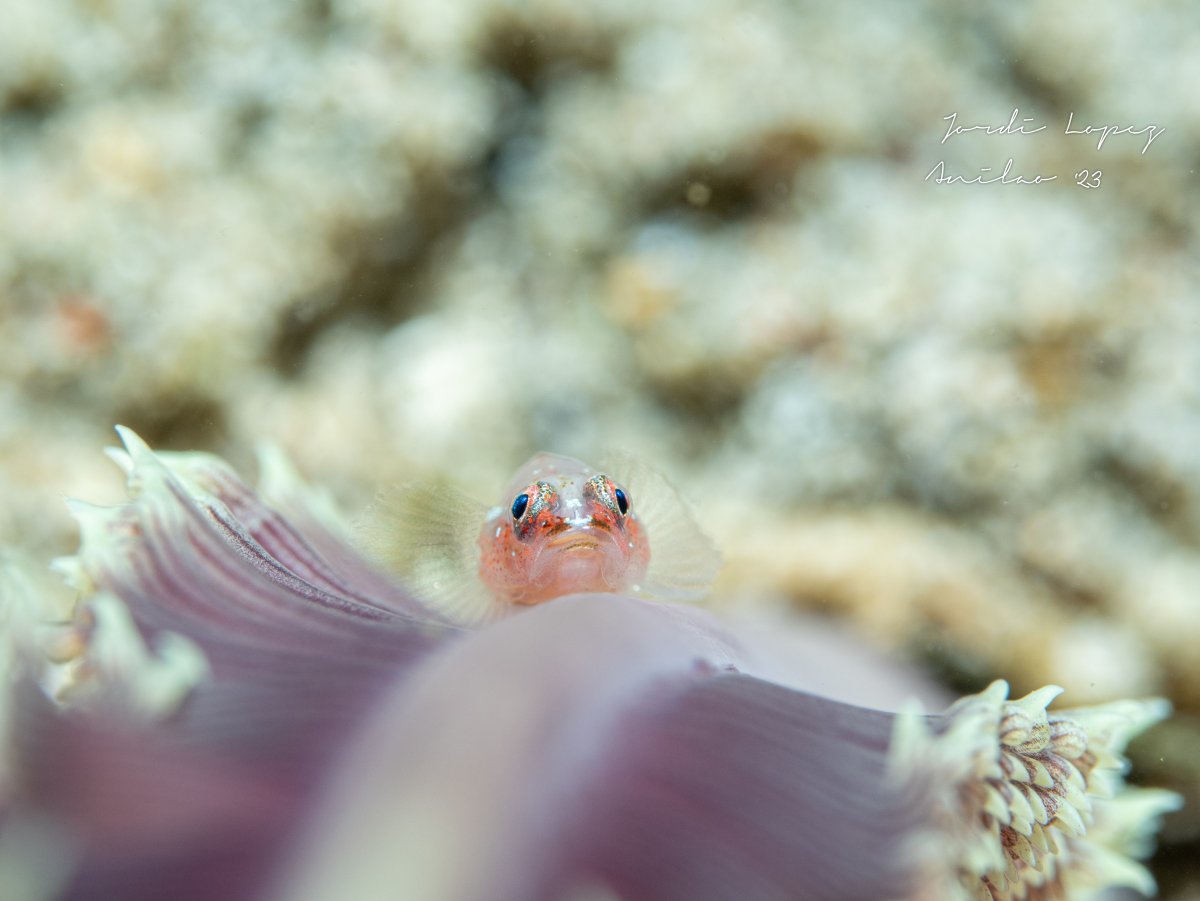
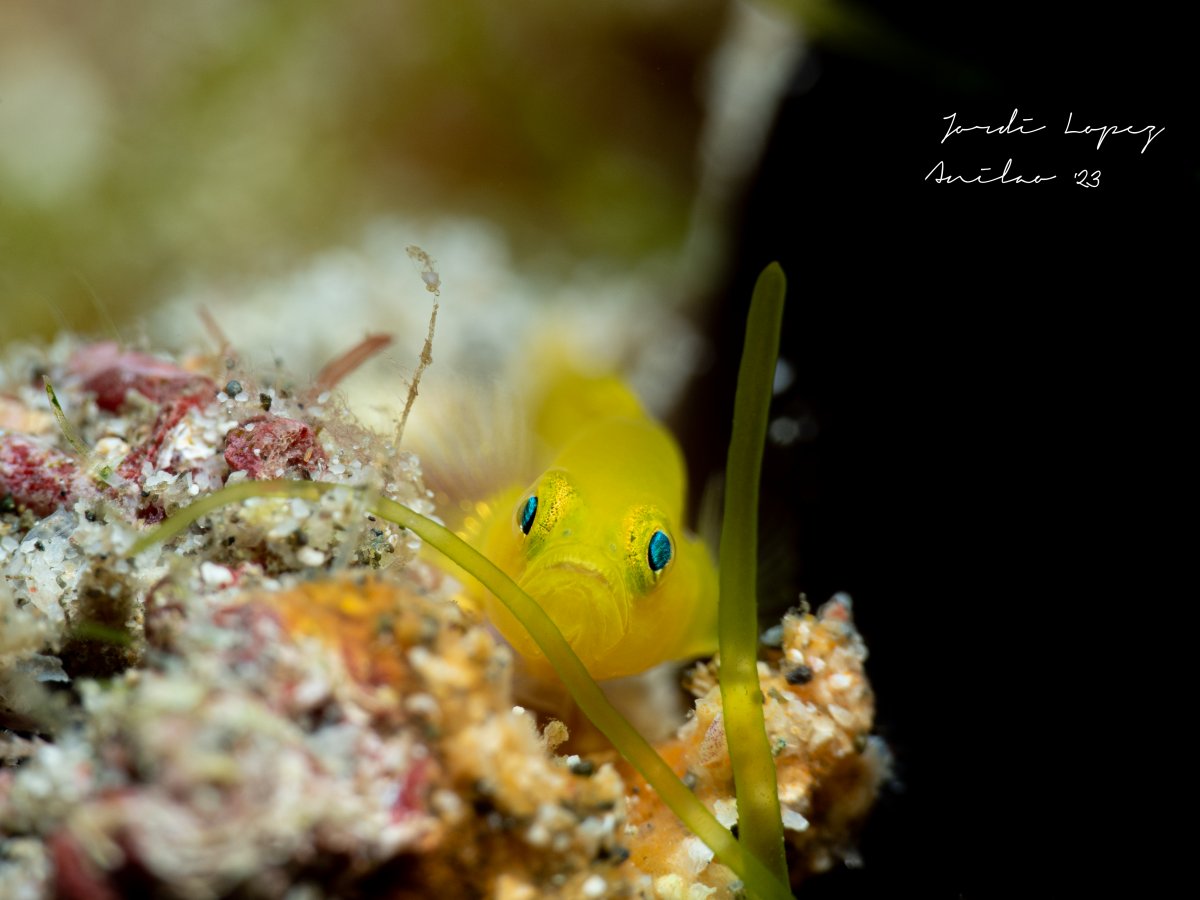
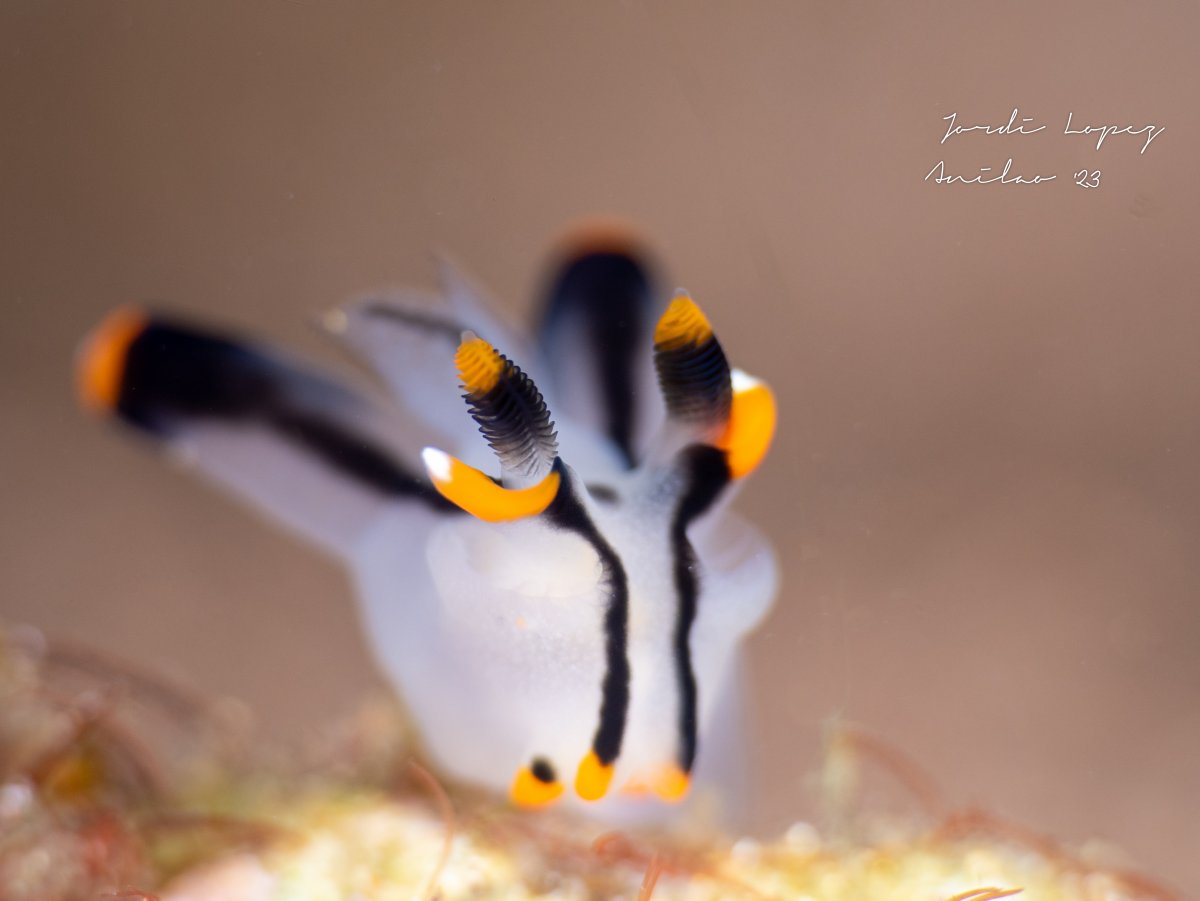
    These are taken with the EPL10 and the 60mm macro and the Back Scatter MF2 :


    _3163273.thumb.jpg.40c4da0bb07cbdf11540e3a8183ac8f9.jpg

    _3254121.jpg

    P3264203.jpg

    _3183457-2.jpg

    _3254154.jpg

Account

Navigation

Search

Search

Configure browser push notifications

Chrome (Android)
  1. Tap the lock icon next to the address bar.
  2. Tap Permissions → Notifications.
  3. Adjust your preference.
Chrome (Desktop)
  1. Click the padlock icon in the address bar.
  2. Select Site settings.
  3. Find Notifications and adjust your preference.