Skip to content

Lights, Strobes, and Lighting Technique / Archived topic

Sea&Sea strobes misfiring

Started by toque ·

  • 37Posts
  • 37Replies

Read-only discussion

Sea&Sea strobes misfiring

37 posts
  1. Hi all. While on  blackwater dive the other night I ran into a problem with my strobes not syncing with the camera. I usually use an ISO of around 320, but had to push it up to over 1000 to get enough light in to get any pics at all and I suspect that the light for the pics was coming from my 2-14k  focus lights. I went through all my settings on my camera and couldn't find anything that changed. The next day I went through all the settings again in my camera, nothing seemed different. I started shooting a bunch of pictures indoors at 100 ISO and still couldn't get enough light in the camera to make out the picture. I started adjusting the strobe output and found that if I ran the strobes in TTL the strobes worked fine and I got enough light. I also found if I set the strobe output to the "0" setting the strobes worked fine, but any other settings including "Full" the strobe seem to not be in sync with the camera, they did flash I just got a black picture. I don't think the strobes or the cables are the issue because what are the chances that each pair would  go south at the same time. The camera seems to work fine and all the settings are the same as I had always used in the past, so to me all thats left is the UT flash trigger  going south, but then why is TTL working? I'm hoping someone out there has more experience than me on this subject. TIA

    BTW if you haven't done blackwater diving yet, you gotta try it. What an experience.

    Sony A6600 - no preflash. Sea&Sea YS-D1 strobes(2), Sea&Sea F/O cables, Underwater Techniques flash trigger
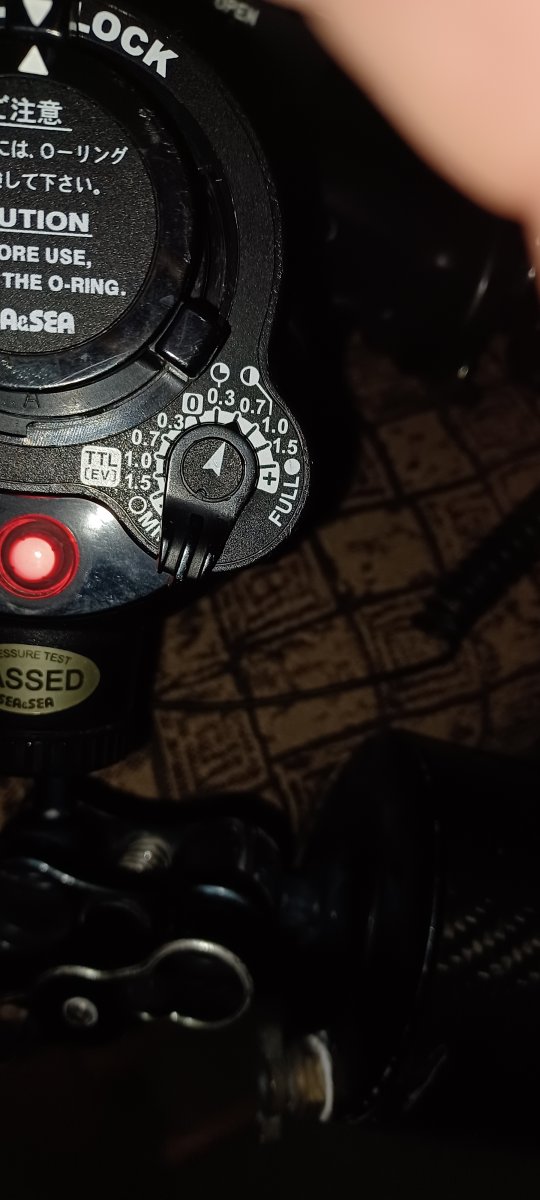
  2. Ok, a bit of an update. I went through shooting a pic at all the settings of my strobes and I found that the strobes synced fine up to the 0.7 mark. any notch higher all the way to "Full" and the strobes were not in sync with the camera.20230723_091120.thumb.jpg.66a8fe46731e4f3dbbe9dbc8d553511f.jpg

  3. First of all are you trying to shoot in manual or TTL, presumably you were trying in manual and not getting results.  It sounds like the camera/trigger is sending a pre- and main flash to the strobes - and if the setting in manual is greater than 0.7 it doesn't have enough juice to make the main exposure which is synced with the camera.

    Which setting are are you using on the flashes?  If the pre-flash is firing set it to the double lightning bolt position.  If you are not using the double lightning bolt setting, try that setting.

    You can test if there is a pre-flash by by setting rear-curtain sync in camera and using a slow shutter speed, about 1/2 to 1 sec.  This way you can see the pre-flash which goes off when the furst curtain opens and the main flash which goes off just before the second curtain starts to close.  Some camera will allow this and others may not.  Do this at less than the 0.7 setting of course.

    As to why it is doing that, not sure, but these tests will allow you to check if that is the problem.  As far as I know Sony cameras always fire a pre-flash.

  4. I'm not 100% sure how it works on A6600, but on my A6300, I use flash wireless mode when I want to use manual power mode on my strobes (UWT trigger + Retra Pro in my case).

    Alternatively, you can set the mode dial on your strobes to twin lightning bolts to make them ignore the pre-flash.

  5. Thanks to you both.

    Chris - I am shooting manual. A6600 does not have a preflash (never used the twin lightning bolts setting before)and doesn't have a built in flash, so I use the single bolt. I installed charged batteries in the flash this morning, so I don't think power is the issue. Besides they are firing at high settings, just not at the right time I guess. 

    Barmaglot - I think your camera has a integrated flash, mine does not, so no preflash. I tried the wireless flash mode and that didn't have an effect either. I don't remember ever using that setting.

    Any idea if low batteries in the flash trigger could cause this? I haven't changed them in awhile. 

  6. First, change to fresh batteries. Do the simple things first to eliminate a variable.

    I recently had a similar problem where my Nauticam D850 system would not sync with a new Backscatter MF-2 strobe. The strobe always fired, but I didn't get a proper exposure most of the time. After some testing and communication with Backscatter it was determined that my older model Nauticam flash trigger had a compatibility issue with the MF-2 strobe. I was able to get my flash trigger replaced with an updated model which solved the issue.

    You should look into this yourself with Underwater Technics to see if they are aware of any possible solutions. Firmware update, hardware version, etc.


  7. Tried new batteries in the flash trigger, no help. I'm stumped

  8. Thanks Davehicks. I was just heading that way. 

  9. 2 hours ago, toque said:

    Barmaglot - I think your camera has a integrated flash, mine does not, so no preflash. I tried the wireless flash mode and that didn't have an effect either. I don't remember ever using that setting.

    I'm using UWT trigger, same as you, and in all flash modes other than wireless (fill, rear curtain, etc) it fires a preflash.

  10. So did you try the two lightning bolt setting on the flash?  The symptoms indicate the trigger is firing twice for some reason and that will either solve the problem or eliminate it so you can look elsewhere.  Once you test that or confirm that you have we can look at other things.  Take a photo looking  into a mirror to detrmine is the flash fires at all.

    The UWT trigger imitates having a flash installed on the hot shoe so that in itself might initiate a pre-flash.


    Edited by ChrisRoss
  11. @toque

    Re; BW diving... very true.

    My dauger and son both love it now... and was very surprised after taking my wife on a BW dive in Raja Ampat that she loves too.

    We're planning a trip to Anilao next year to get a solid 4-5 BW dives in.

  12. If you want to shoot with Sony A6600 camera and Manual flash lighting, you have to set camera flash menu to "WL" ("Wireless"). The "WL" command is assigned in the TTL-Converter firmware for the switching to M mode (without pre-flashes).  Because Sony camera menu doesn't have an original command for M flash mode. 

    Set YS-D1 knob to M mode (without ignore of pre-flashes), the YS-D1 will produce a single flash every time when TTL-Converter LEDs produce a flash. And the flash intensity adjustment will be available only by the second knob on the strobe body.

    UWTechnics TTL-Converter also have few other ways for shooting and adjustment in Manual flash lighting. For understanding the TTL-Converter controls it is absolutely necessary to evaluate the User Manual. Some control options are described only there, they are not intuitive. I can send you the User Manual (PDF), if you need.

    Edited by Pavel Kolpakov
  13. 1 hour ago, Pavel Kolpakov said:

    If you want to shoot with Sony A6600 camera and Manual flash lighting, you have to set camera flash menu to "WL" ("Wireless"). The "WL" command is assigned in the TTL-Converter firmware for the switching to M mode (without pre-flashes).  Because Sony camera menu doesn't have an original command for M flash mode. 

    Set YS-D1 knob to M mode (without ignore of pre-flashes), the YS-D1 will produce a single flash every time when TTL-Converter LEDs produce a flash. And the flash intensity adjustment will be available only by the second knob on the strobe body.

    UWTechnics TTL-Converter also have few other ways for shooting and adjustment in Manual flash lighting. For understanding the TTL-Converter controls it is absolutely necessary to evaluate the User Manual. Some control options are described only there, they are not intuitive. I can send you the User Manual (PDF), if you need.

    Hi Pavel,

    reading through the threads above the Original poster has tried wireless mode and reports it didn't change the situation.  The OP also reports that it was working previously and now will only sync when the the flash power is set to less than 0.7 on the dial, which to me suggests that the flash depletes the capacitor with the pre-flash and cannot fire the main flash as a result.  He also reports he has never set wireless mode previously. 

    I'm suggesting to try it with the double lightning bolt to see if this changes anything.  If the camera is giving a pre-flash signal the double lightning bolt setting should allow the flash sync I would think and even if it is not the final solution may help with trouble shooting.


  14. Hi Chris, i agree with you.

    And it is difficult to say what is in reality, because this product is not on our table, but just a few messages from topic starter.

    My vision of how to solve this task by small steps:

    1) Topic starter has to begin with a check, if the HotShoe two-way protocol works with the TTL-Converter, or not.  If it works, the 2 "flash" symbols must be on the camera screen as confirmation. User must confirm this first now. If it is Ok, it means the TTL-Converter works, system dialog works, then let's go to the next step. If no 2 confirmation symbols or just 1 on the screen, nothing to talk about, the system is broken.

    2) If system protocol work is confirmed, go to the next step:  Look the LEDs flashing. A single flash, or a double flash (Preflash+Main flash) are distinguishable by the eye. User can easy see it. Switch ON and OFF the WL command and back, to see the difference in LED flashing. User should confidently see the both variants: single flash and double-flash. It means that both options are working. Finally, he has to set a single flash (M mode) by WL command and be sure visually that it is a single flash. If this step is solved, let's go to the next step, etc.

    Edited by Pavel Kolpakov
  15. Thanks to all for your replies.

    Good morning Pavel. 

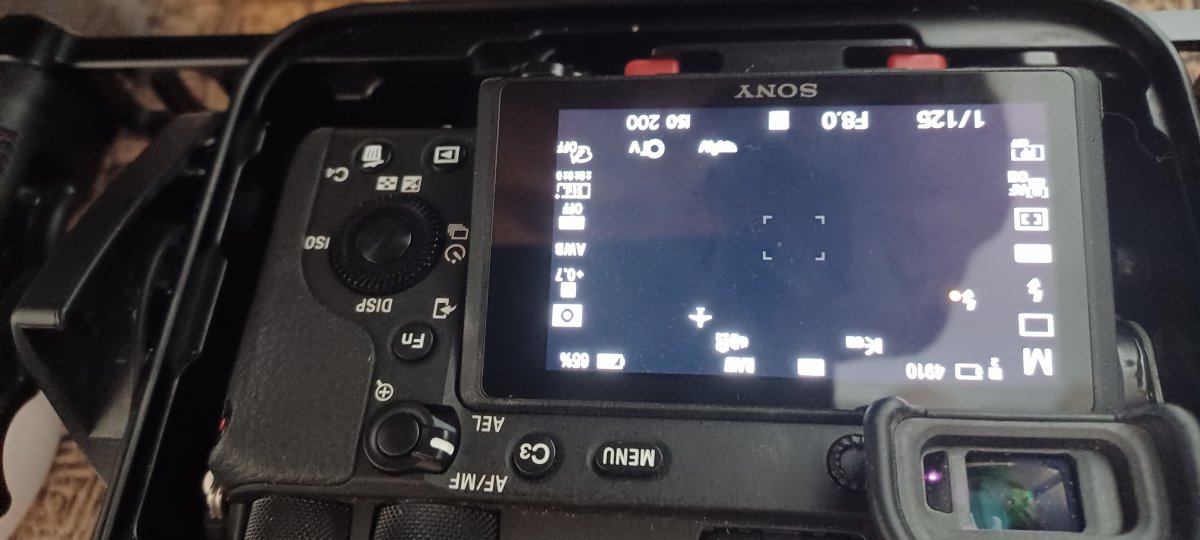
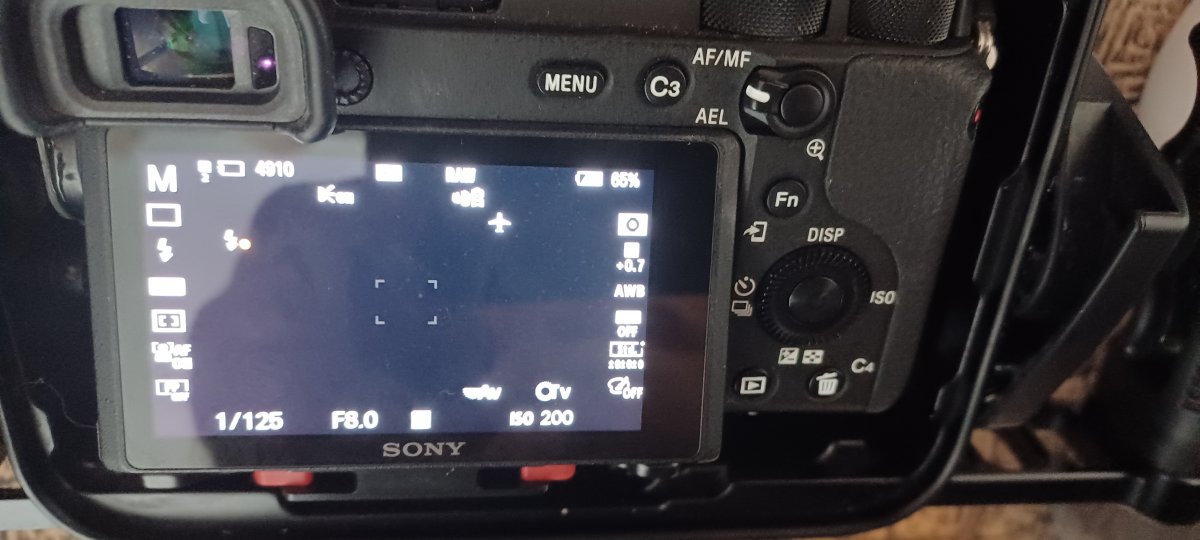
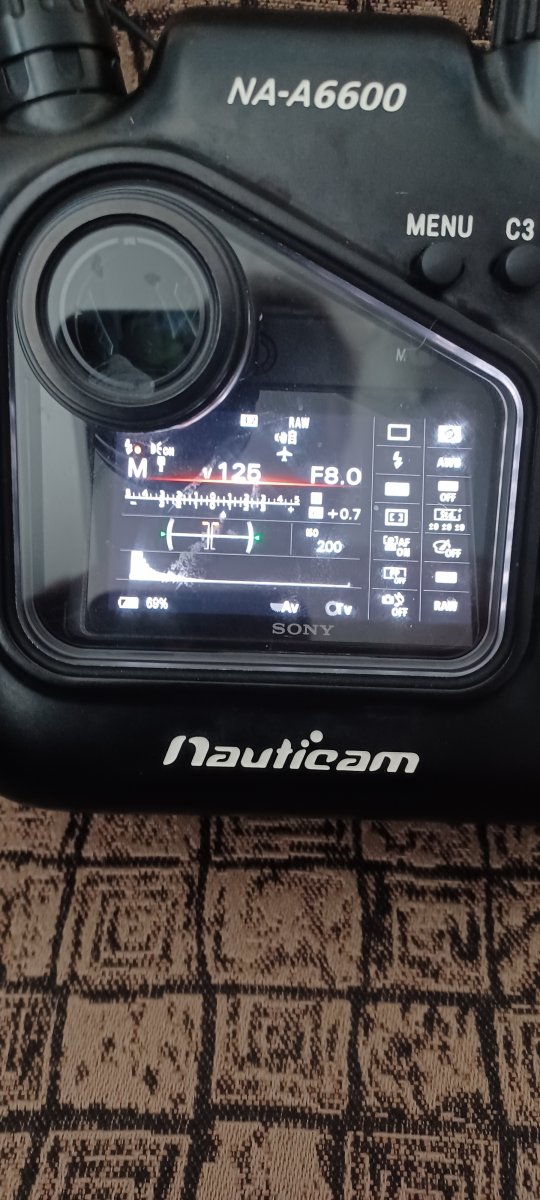
    1) Are you saying that I should see a symbol on my screen that is 2 flash or lightning bolts? I assuming that the strobes should be set for TTL mode? I do not do not see this( pic attached) What does it mean the system is broke? Camera? flash trigger? strobe? I don't usually keep my screen this busy, but I don't believe I've ever seen that symbol on my screen. Please confirm settings of camera and strobes 

    Thank you

    20230724_081533.jpg

  16. This picture shows 2 "flash" symbals, but I'm not sure this is what you were talking about.20230724_082246.thumb.jpg.55b9d77eb9ce2ca06ea0ecba3d2775e5.jpg

  17. This might be a better picture

    20230724_082542.jpg

  18. sorry, don't know why it was upside down.

    20230724_082542.thumb.jpg.3006e3560fc44047a5567627f0e4574a.jpg

  19. By turning the wireless flash on and off I do not see a difference in the led lights. 

     "Finally, he has to set a single flash (M mode) by WL command and be sure visually that it is a single flash" I'm not sure what is meant by this. Does this mean with the WL on I should see the LED flash once while the flash is set to "fill"? if so, I do get 1 flash only from the LED

  20. If you can't see a difference you can test it by seeing if it syncs as it should: Take a shot with WL off which should give two flashes.  Take photos into a mirror so you can see if the flash goes off in sync  and is recorded - the frame should blow out if the strobe fires.  Take a shot at low strobe power (< 0.7)  and at greater than 0.7.  Make sure you get the ready light back between checks.  Do this with the strobe set to one lighting bolt and again with two lightning bolts and record the results.  This test helps confirms if the trigger is putting out one or two flashes in your setup.

    Next repeat the above with WL mode switched on which should be a single flash to see if there is any difference.

    One other thing to check is to see if any sort of red-eye reduction is enabled in the menus.

Account

Navigation

Search

Search

Configure browser push notifications

Chrome (Android)
  1. Tap the lock icon next to the address bar.
  2. Tap Permissions → Notifications.
  3. Adjust your preference.
Chrome (Desktop)
  1. Click the padlock icon in the address bar.
  2. Select Site settings.
  3. Find Notifications and adjust your preference.