




Everything posted by Bobdori82
-
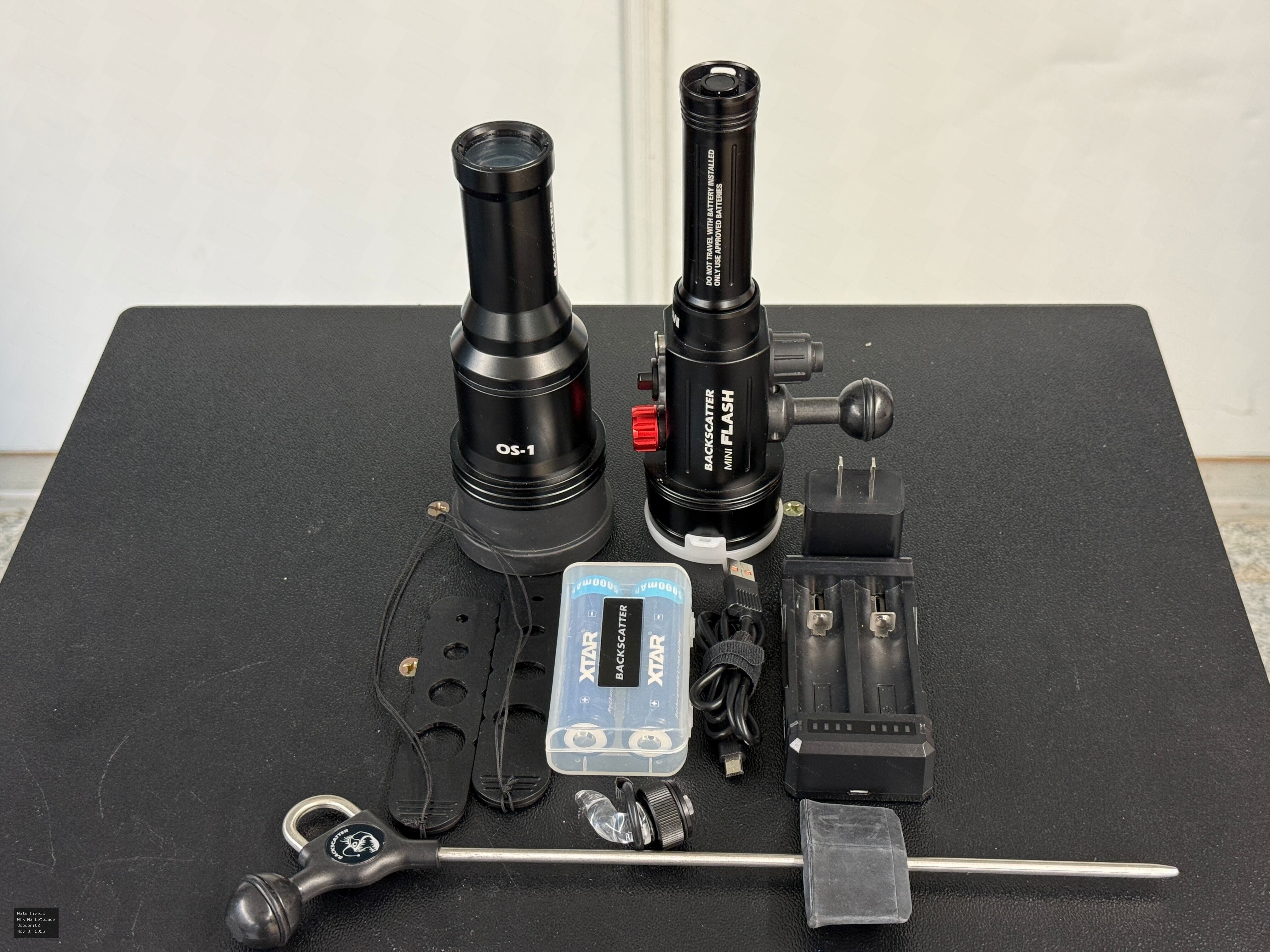
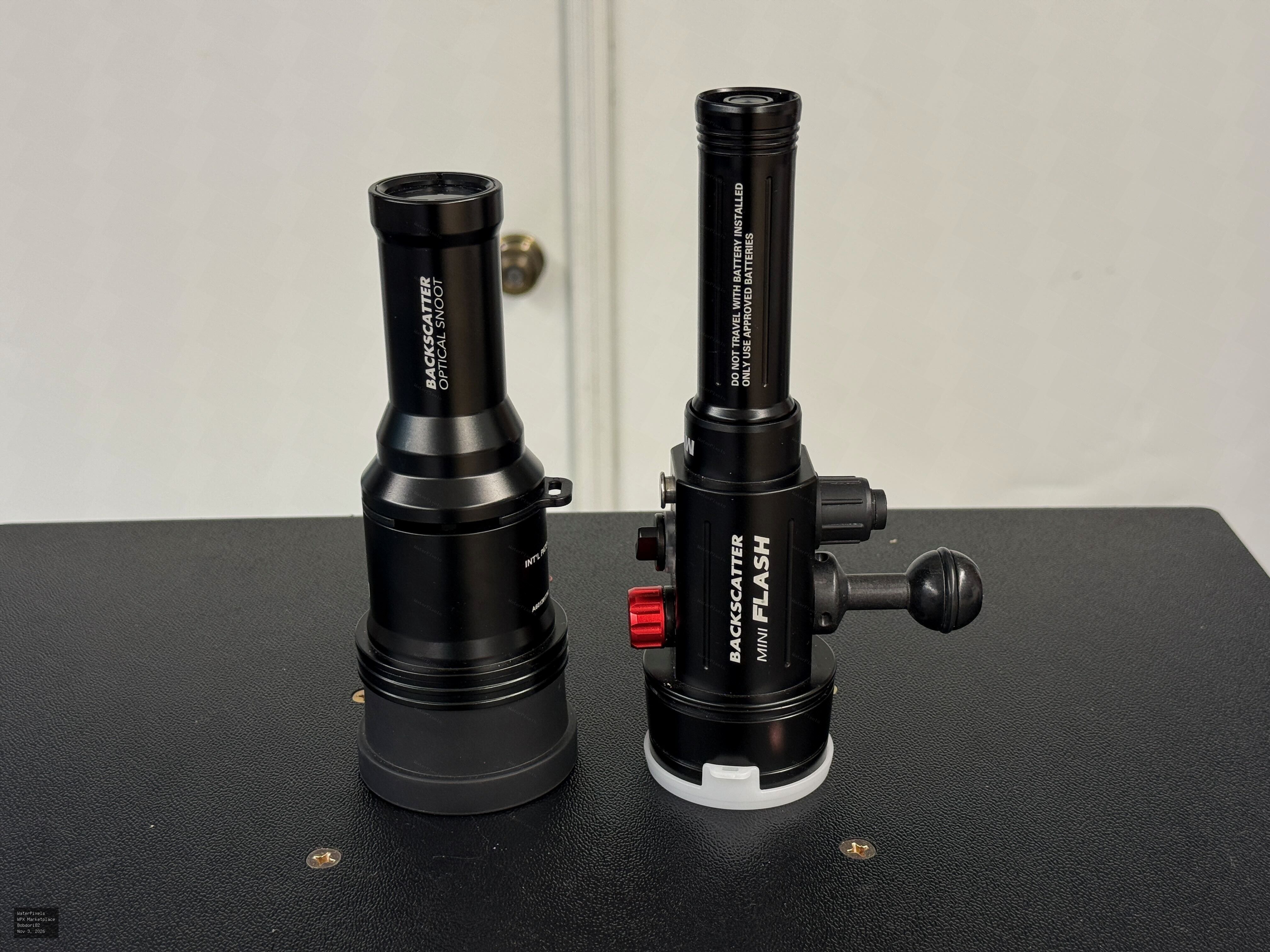
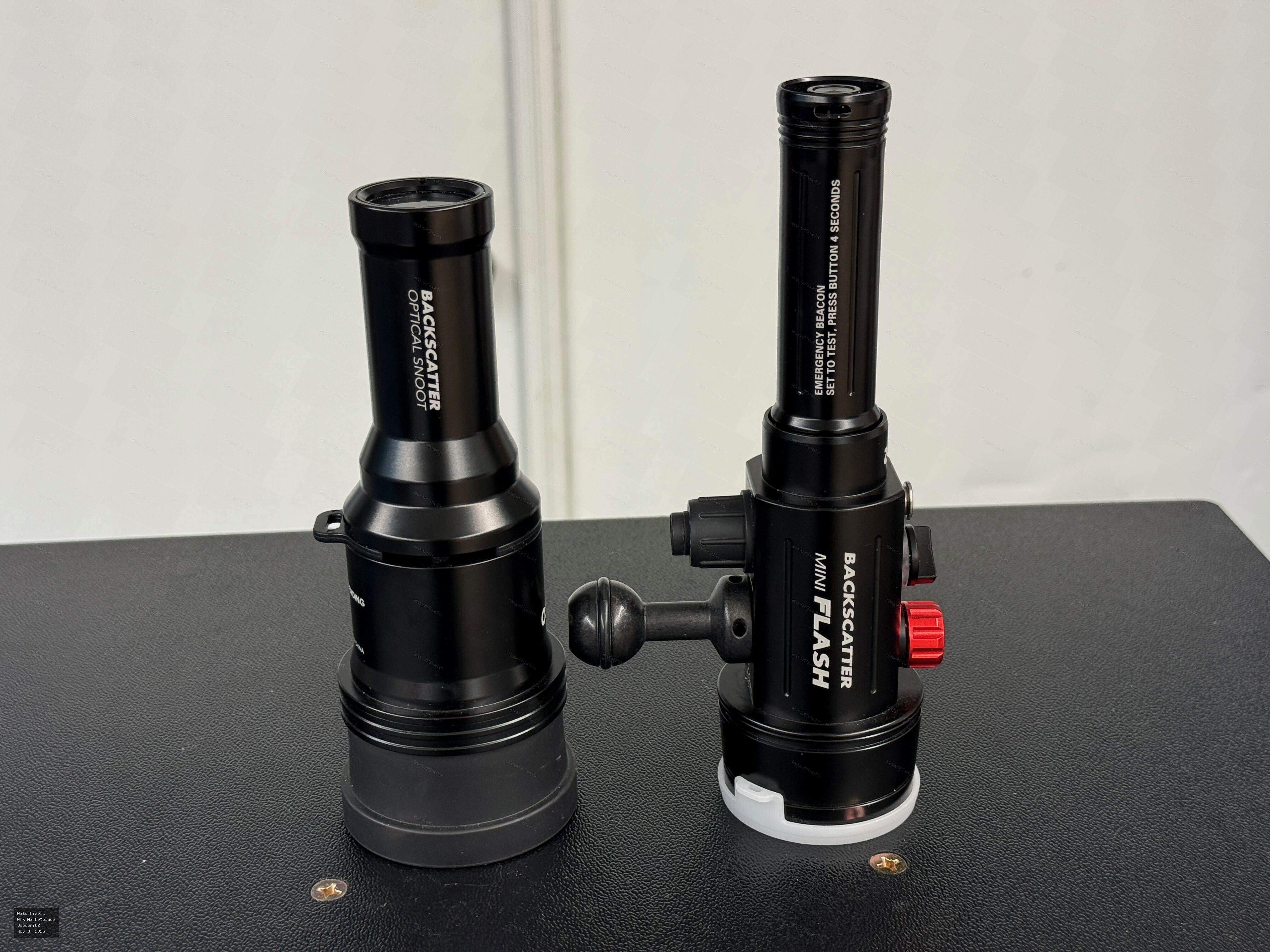 For Sale $495.00 Dubuque, Iowa
Backscatter Mini Flash 2 Underwater Strobe + Optical Snoot OS-1 – Complete Macro Lighting Package Selling my Backscatter Mini Flash 2 underwater strob…
-
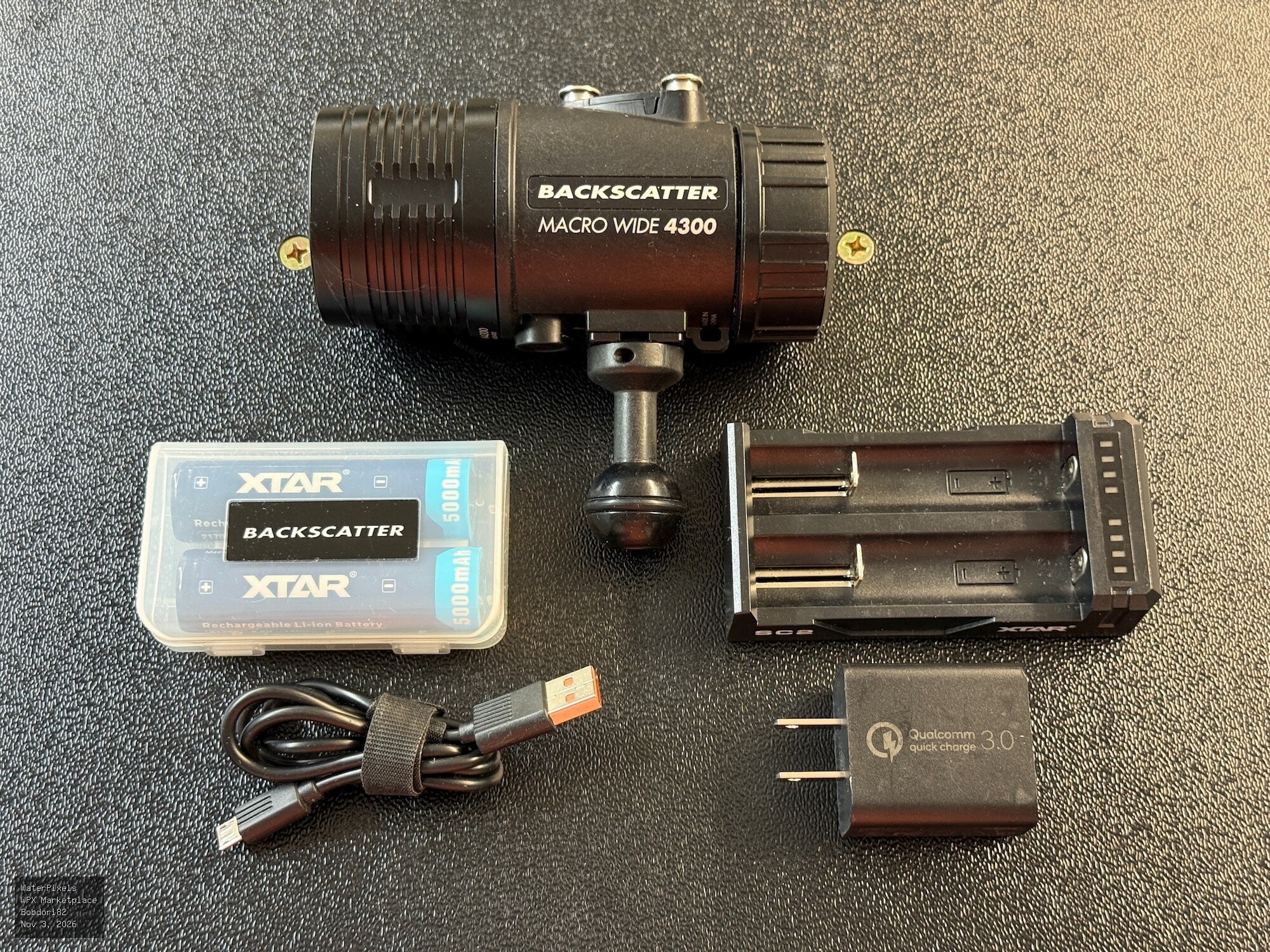
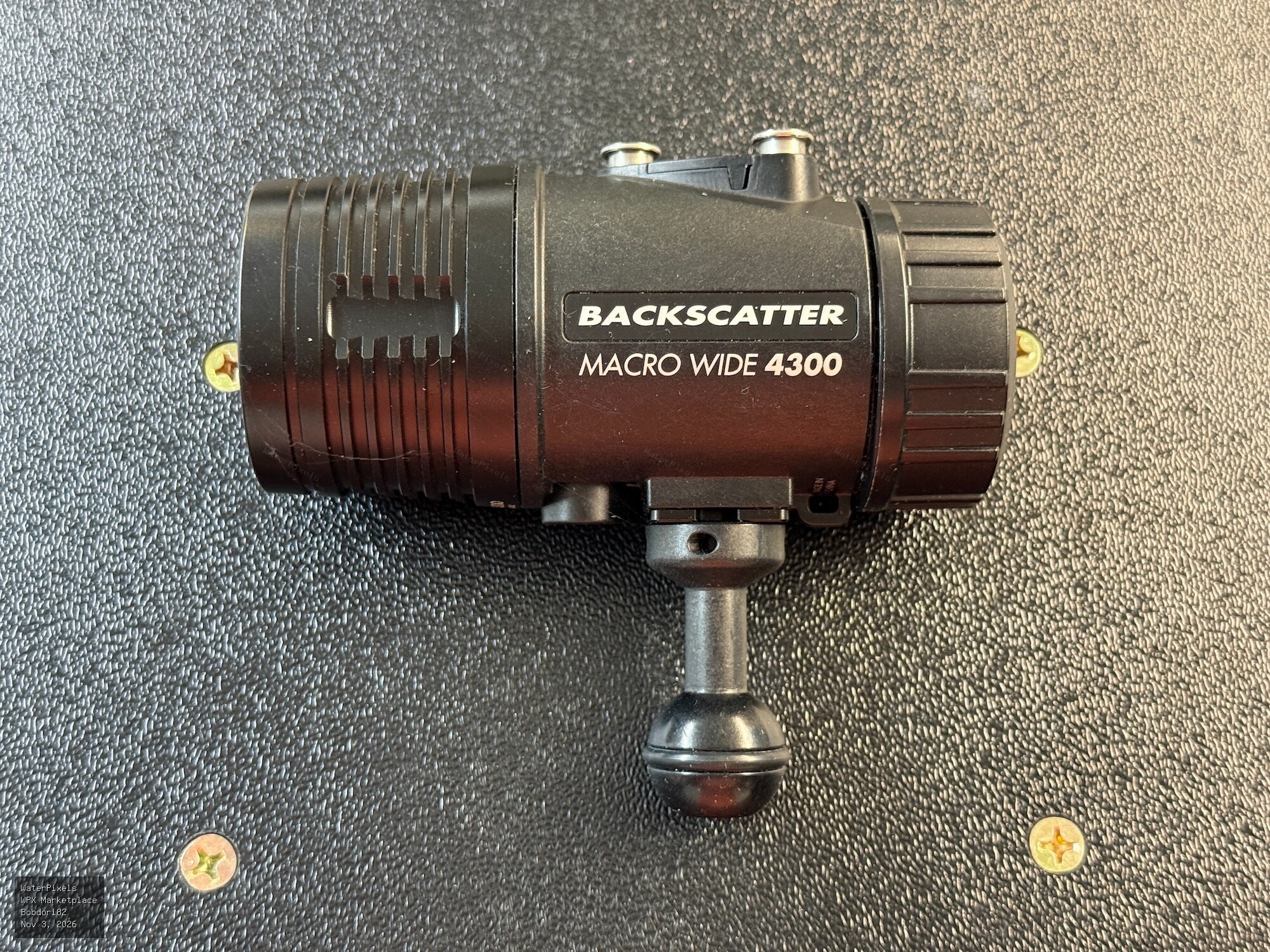
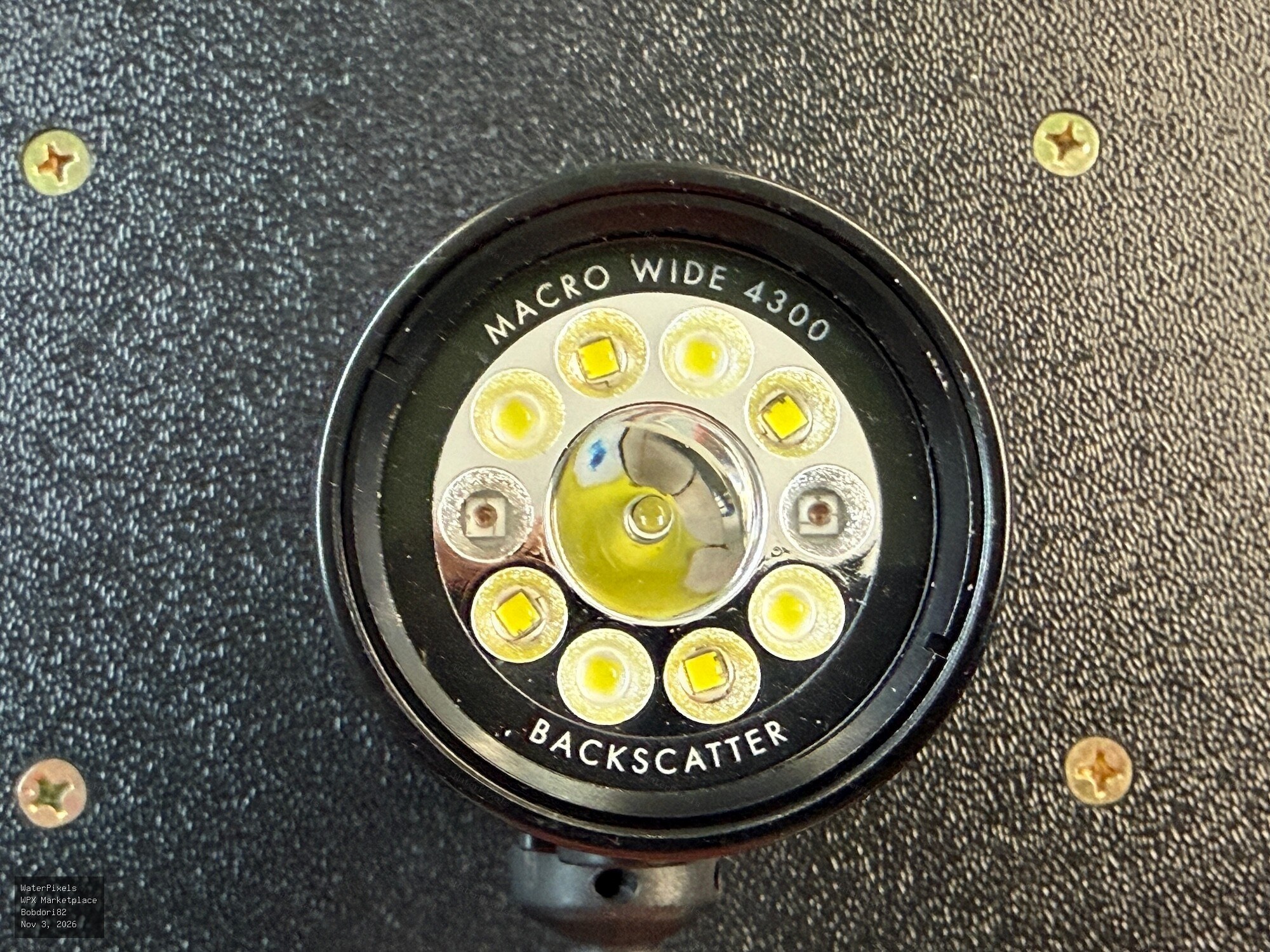 For Sale $295.00 Dubuque, Iowa
Selling my Backscatter Macro Wide MW-4300 underwater video light, purchased new in 2022. The light is in excellent condition, fully functional, and ha…
-
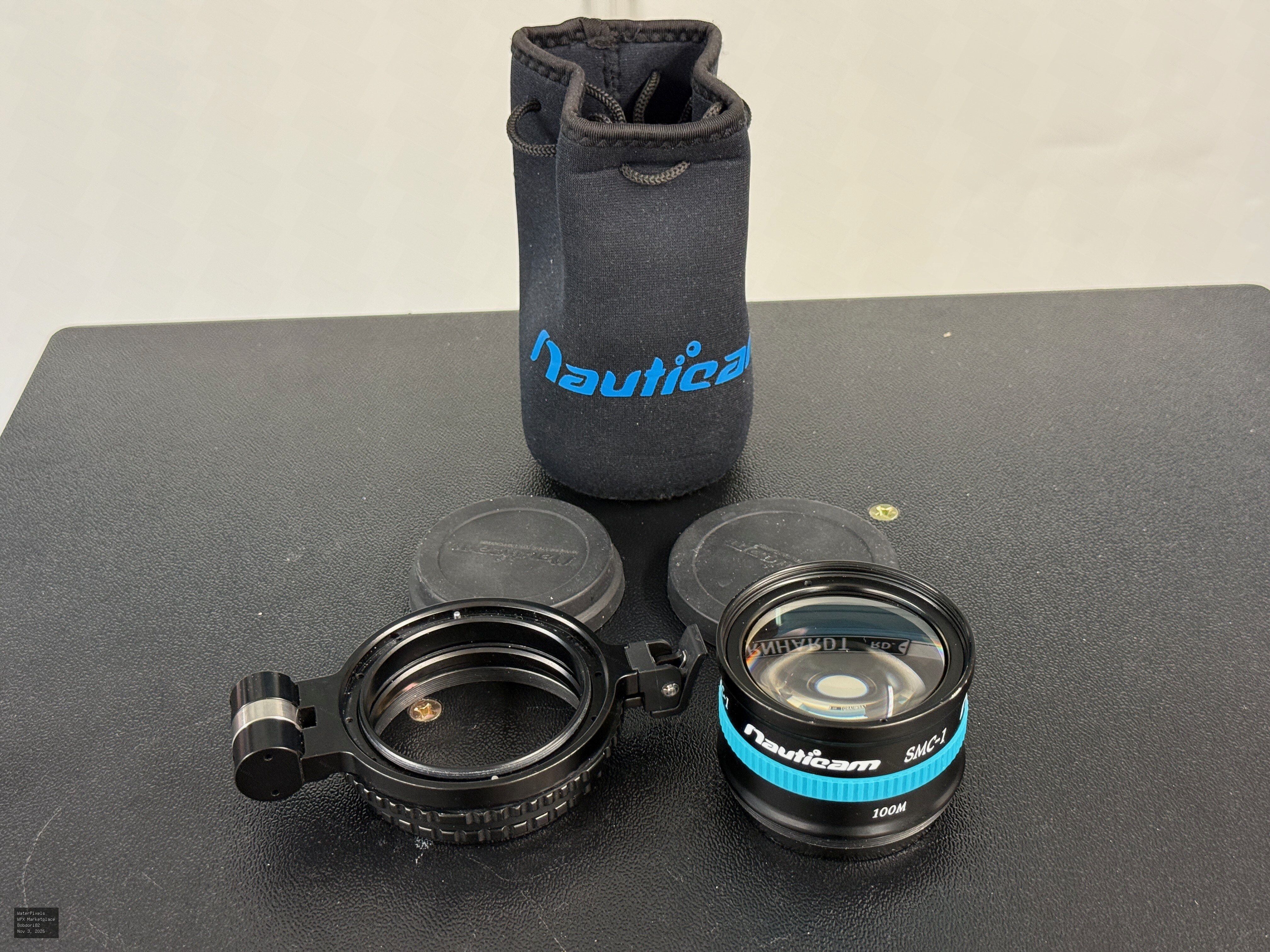
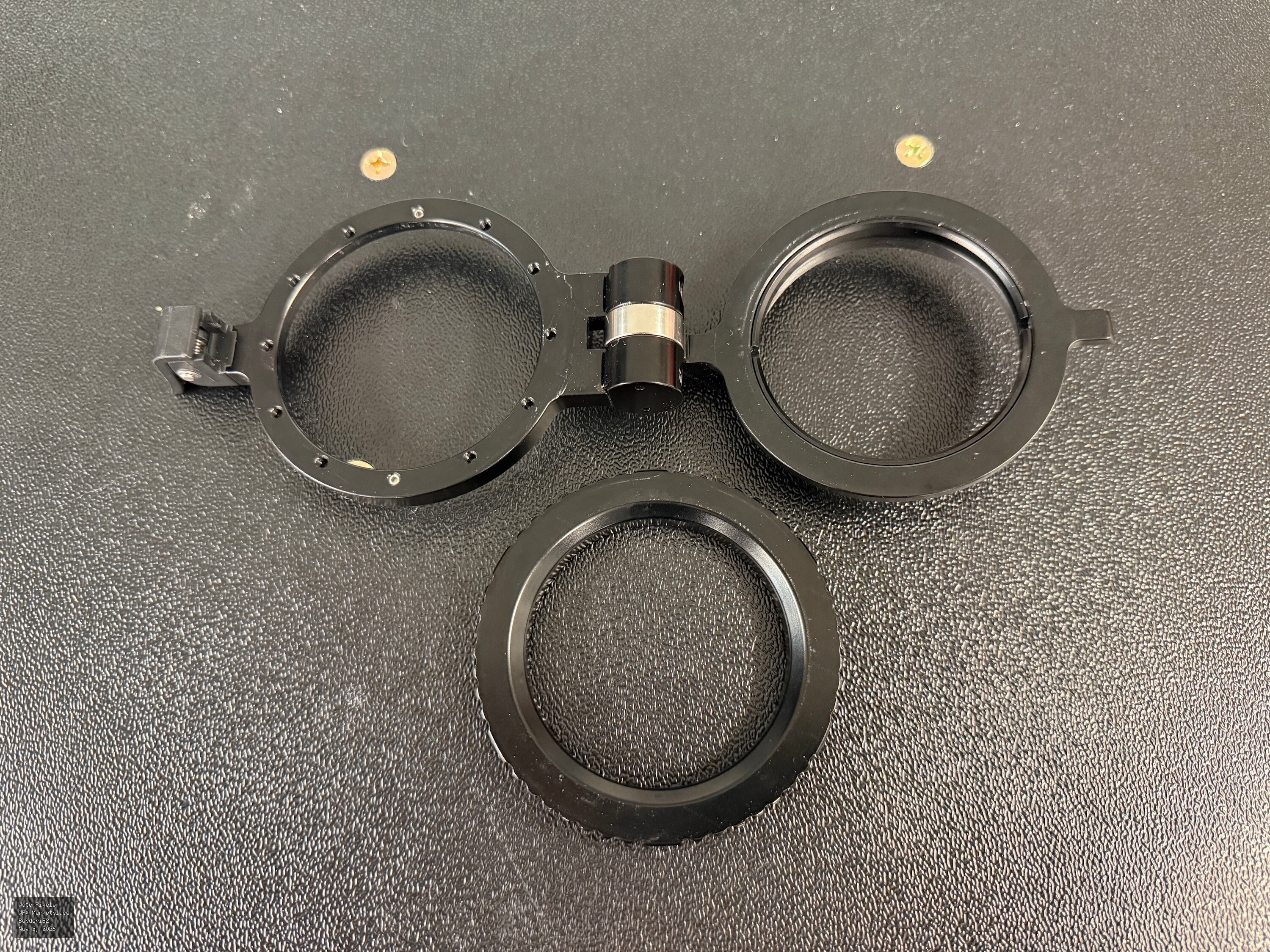
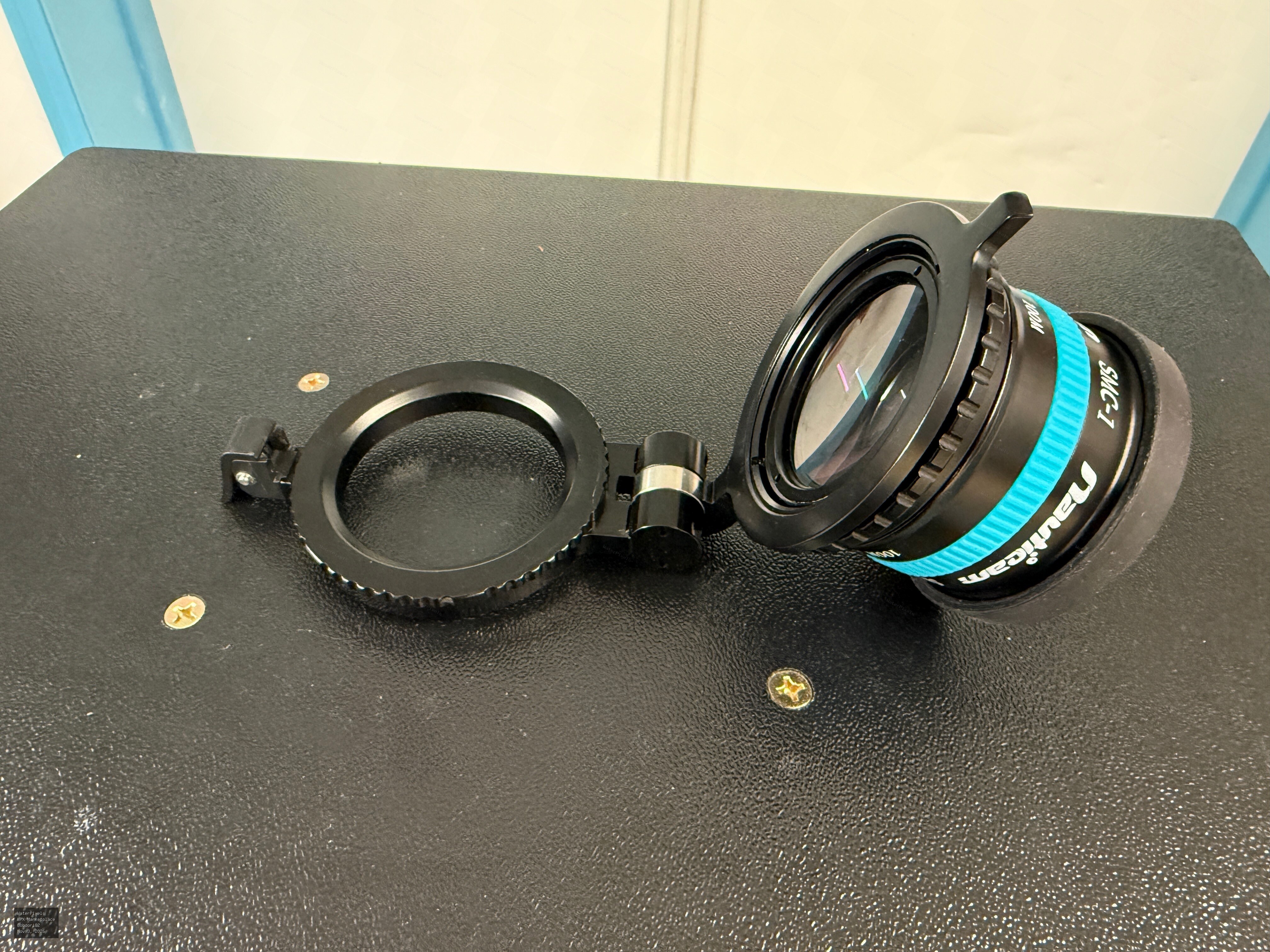 For Sale $495.00 Dubuque, Iowa
Selling my Nauticam Super Macro Converter 1 (SMC-1) together with the Nauticam M67 Flip Diopter Holder. Both were purchased new from Reef Photo & Vide…
-
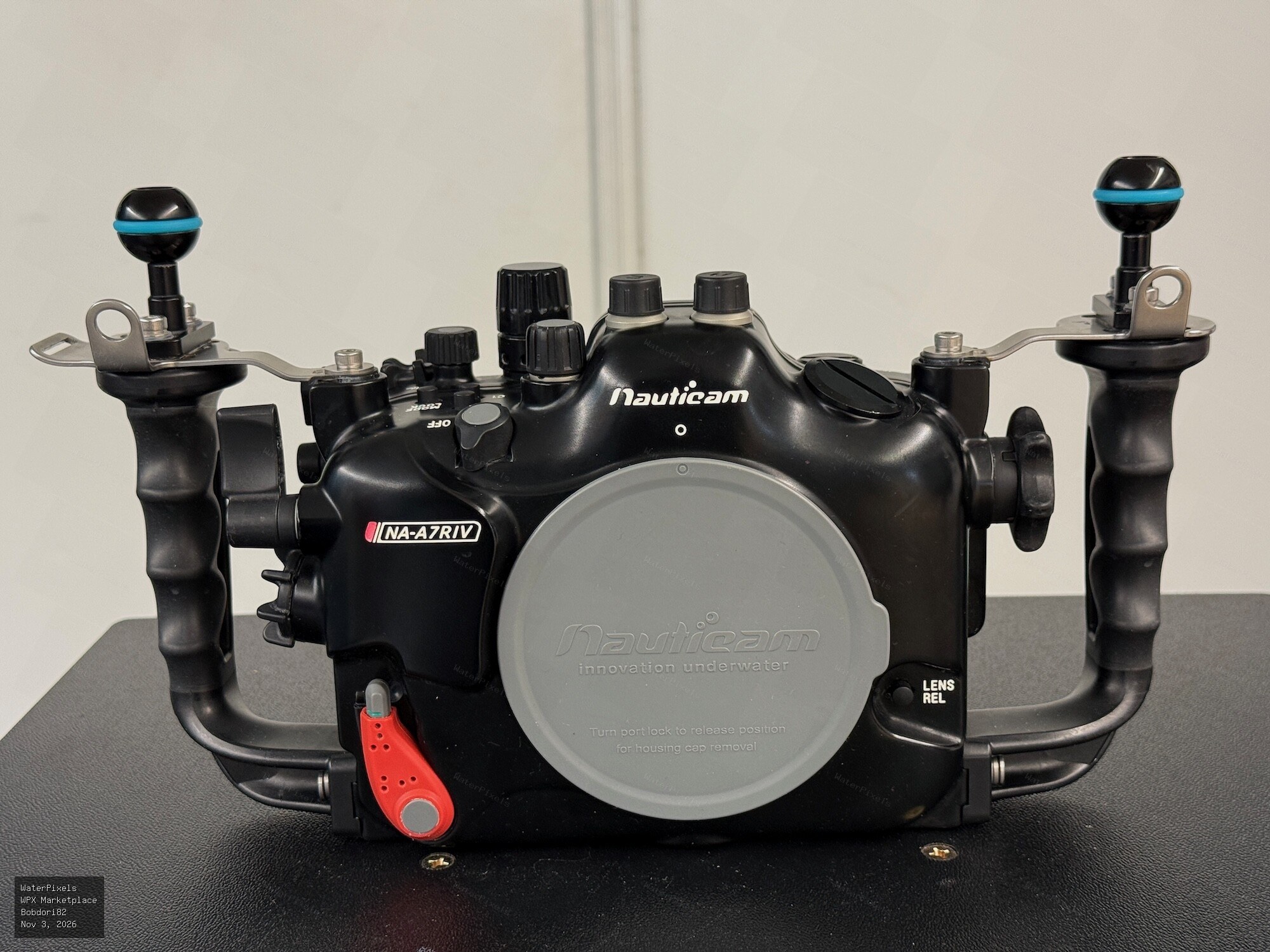
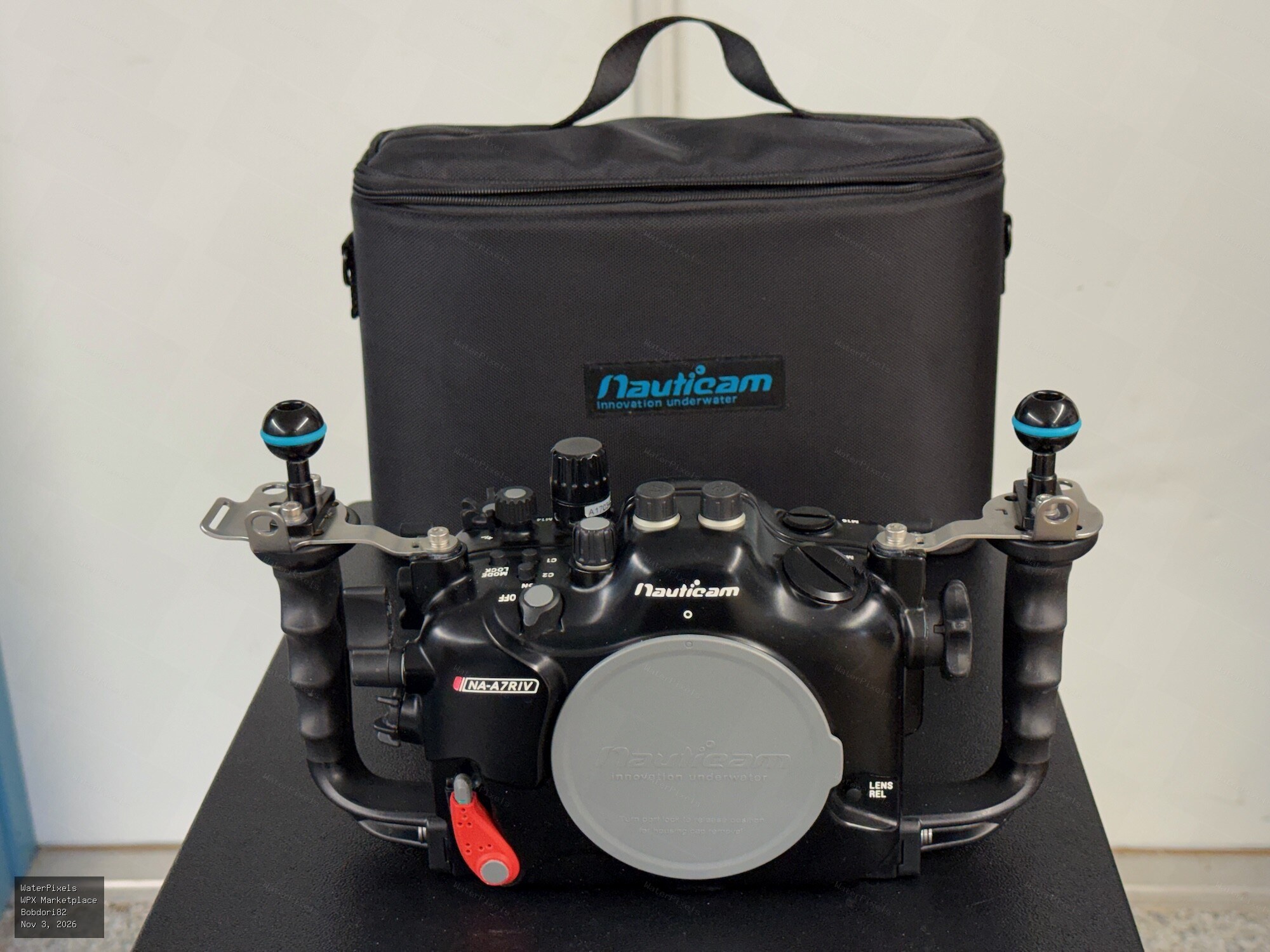
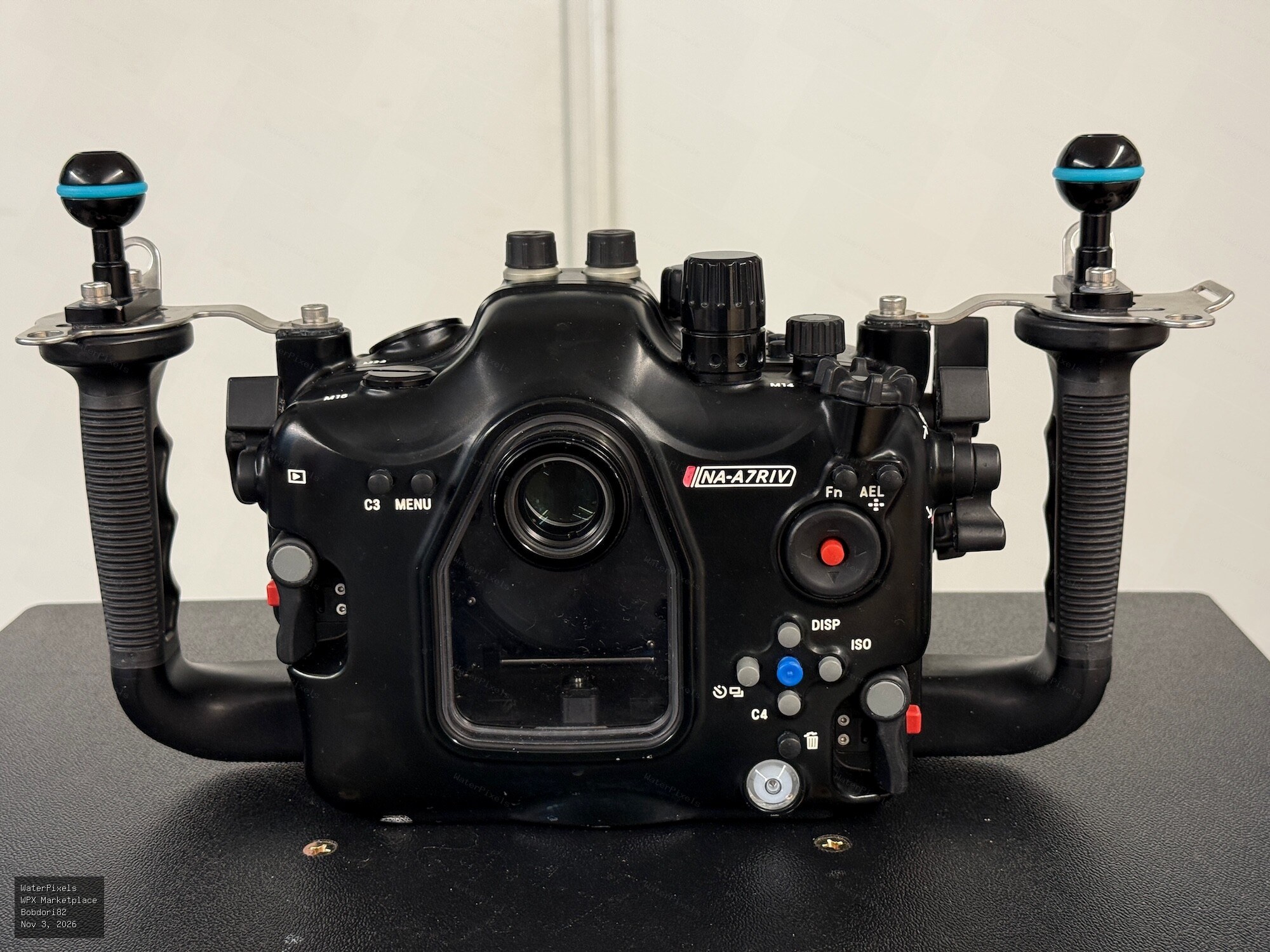 For Sale $1,795.00 Dubuque, Iowa
Nauticam NA-A7RIV Underwater Housing for Sony A7R IV – Excellent Condition Asking Price: $1,795 USD I'm selling my Nauticam NA-A7RIV underwater housin…
-
I'm upgrading my underwater system from a Sony A7R IV to the new A7R VI and am considering making a fairly significant change to my wide-angle setup at the same time. My current A7R IV system uses the Sony 16-35mm behind the Nauticam N100 180mm Optical Glass Wide Angle Port. For the new system, I'm considering the Sony FE 28-60mm f/4-5.6 behind the Nauticam N100 Flat Port 45, with the M67 Bayonet Mount Converter II and WWL-1B wet wide-angle lens. This seems like a very different optical approach from the 16-35/180mm dome combination I've been using, so I'd really like to hear from anyone who has experience with the 28-60 + WWL-1B on a full-frame Sony system. In particular, how does the image quality compare with a good rectilinear wide-angle lens behind a dome, especially toward the corners? How useful is the 28-60mm zoom range with the WWL-1B, and how practical is removing and reinstalling the WWL-1B during a dive? For anyone who has moved from a conventional wide-angle/dome setup to the WWL-1B, did you find it to be an upgrade, a tradeoff, or simply a different tool? Thanks — I'd really appreciate hearing about firsthand experience before I finalize the new system.
-
Thanks, Rich! I appreciate the welcome. I'm looking forward to getting involved and seeing what everyone has been working on.
-
Hi everyone. My name is Bob and I’m from Dubuque, Iowa. I’ve enjoyed photography for many years, including underwater photography on a number of dive trips. My underwater system has been built around Sony cameras and Nauticam housings, and I recently moved from the Sony A7R IV to the new A7R VI. I also spend quite a bit of time doing astrophotography these days, but underwater photography remains something I really enjoy. I’m looking forward to spending some time here, learning from everyone and hopefully contributing where I can. Glad to be here!



