I am shooting with a Nikon D7000. After some reading I understand that I want the preflash button in the down position. Thanks
- 109Posts
- 109Replies
Read-only discussion
New Inon Z330
109 posts
-
-
Actually, the type of camera is less important than how the strobe's output is being controlled.
If you wish to shoot with manual flash output control, then the "Pre-Flash Cancellation" button should be in the in (down) position.
If you wish to shoot using TTL flash/exposure output control, the "Pre-Flash Cancellation" button should be in the out (up) position.
Of course, your camera settings control whether the camera is supplying a manual or TTL flash signal, so this needs setting in your camera menu too.
Adam
-
Got it
-
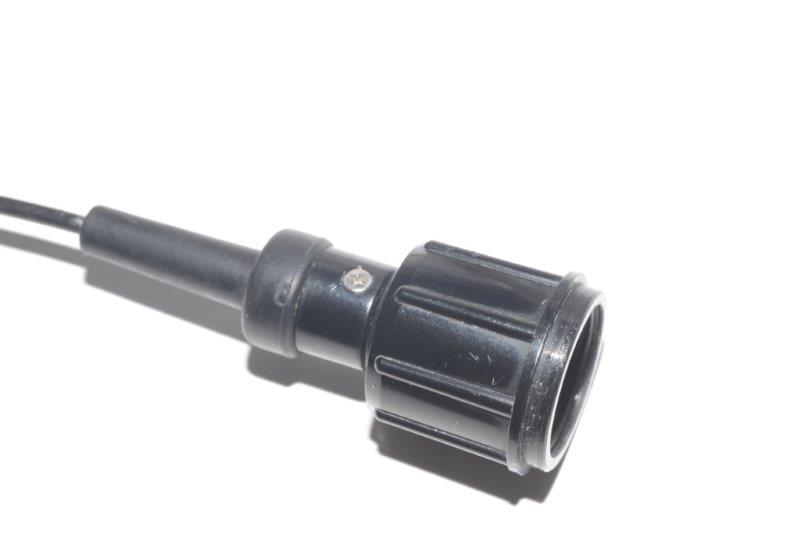
I am currently using the INON Z-240 strobes (the old type 2).
Does anybody know whether I can use the same optical cables with the new INON Z-330 strobe ?
(see pictures)
Thank You.
Kind regards,
Jesper


-
I have the Z330's. Seems to be the same connection.
-
Thanks, Walt.
I was just a bit worried because the sensor on my old "Z-240 type 2" strobe looks bigger to me than the one on the Z-330 strobe.
/Jesper
-
I have the Z330's. Seems to be the same connection.
Walt hi.
Do you know if they are the same on s2000 strobes?
Thanks.
Spyros
Sent from my iPhone using Tapatalk
-
Same for all... The type 2 have a bigger fiber 'knob'
-
The cable for type 2 works on type 4 and probably the same on z330.
The other way arround is not true.
The screw is the same size.