



Hello everyone
Why is the lens hood showing up in photographs?
I tried rotating it 90 degrees but its the same?

Photography Gear and Technique / Archived topic
Started by hedonist222 ·
Read-only discussion
Hello everyone
Why is the lens hood showing up in photographs?
I tried rotating it 90 degrees but its the same?
The longest hood petal should be horizontal and the short petals vertical, perhaps show a image of the lens hood installed on the housing?
Or do you have the right extension ring and the lens is too far back in the port?
1 hour ago, TimG said:Or do you have the right extension ring and the lens is too far back in the port?
No extension ring
Lens designed to screw in directly to housing port
OK, have you actually got the lens hood on inside the port? If so, can you just take it off? Then try.
4 hours ago, ChrisRoss said:The longest hood petal should be horizontal and the short petals vertical, perhaps show a image of the lens hood installed on the housing?
I have it like that and same issue.
If I reverse it, its even more amplified obviously.
40 minutes ago, TimG said:OK, have you actually got the lens hood on inside the port? If so, can you just take it off? Then try.
appears to be bolted onto lens via 4 hex screws
ill see if I can remove it
Sure. If it's hex screws it should be easy to remove - if you have the right screwdriver!
I was able to remove the hood but it appears that its not designed to be used without the hood as it took an allen key
something appears strange with this
6 minutes ago, hedonist222 said:I was able to remove the hood but it appears that its not designed to be used without the hood as it took an allen key
something appears strange with this
Oh right. Just googled the lens now and, yeah, sorry, I can see now how it fits on to the camera etc. Very strange you are having that problem.
The Backscatter website says it works in Microscope Mode. Are you using that? Can you attach a pic of the setup?
thanks for your help, Tim
but its a wide angle - why would I use it in microscope mode? This comment is obviously directed at backscatter and not you
I've seen multiple videos on this lens and backscatter but no mention if it requires any software setup
strange very strange
photographs here:
Thanks. It certainly looks setup right.
This is what the Backscatter website says:
Is it the same problem through all off the camera zoom range?
It's odd. It looks as though it is screw-on and go. Can you go back to the supplier?
25 minutes ago, TimG said:Thanks. It certainly looks setup right.
This is what the Backscatter website says:
- 81° Underwater Field of View
- Sharp Corners
- No Vignetting
- Anti-Reflection Coating
- Zoom Through for Tighter Shots
- Works with TG-5 & TG-6 Microscope Mode for macro while installed
Is it the same problem through all off the camera zoom range?
It's odd. It looks as though it is screw-on and go. Can you go back to the supplier?
yeah its simply screw on
I haven't tried but I'm fairly certain if I zoom it, it won't show the hood
physics..
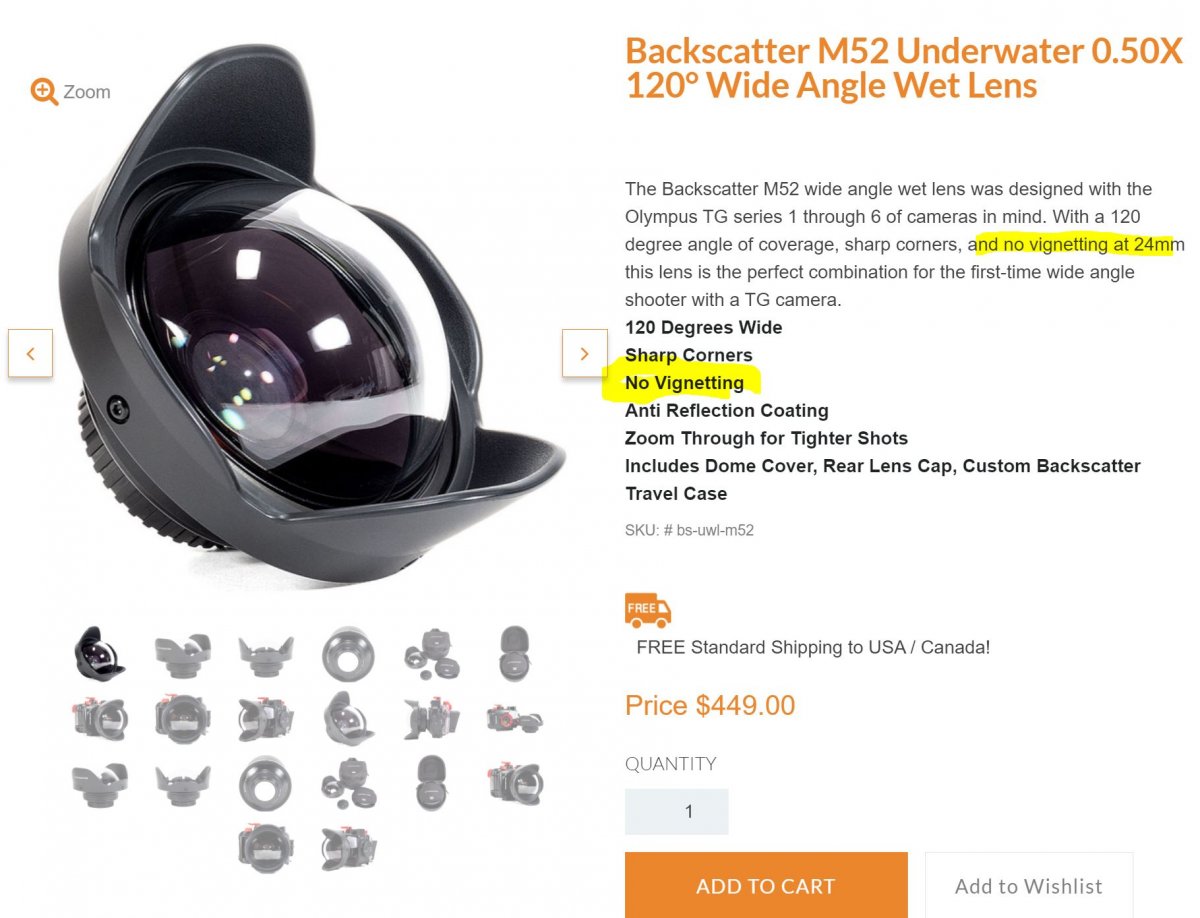
its this lens: https://www.backscatter.com/Backscatter-M52-Underwater-0.50X-120-Wide-Angle-Wet-Lens
I've emailed backscatter but they take ages (more than a day to respond)
lets see what they say
1 hour ago, hedonist222 said:yeah its simply screw on
I haven't tried but I'm fairly certain if I zoom it, it won't show the hood
physics..
its this lens: https://www.backscatter.com/Backscatter-M52-Underwater-0.50X-120-Wide-Angle-Wet-Lens
- 120 Degrees Wide
- Sharp Corners
- No Vignetting
- Anti Reflection Coating
- Zoom Through for Tighter Shots
- Includes Dome Cover, Rear Lens Cap, Custom Backscatter Travel Case
I've emailed backscatter but they take ages (more than a day to respond)
lets see what they say
Thanks for that - at least now we are talking about the same thing!
It is really odd. I would have thought you screw/bayonet it on and you're done.
Time zones differences don't help on corresponding with them of course. But, as you say, let's see what they say.
Need to confirm a few things to get to the bottom of this - Are you using any type of adapter or quick release setup between the port and the lens? I note your lens is labelled AOI - I know the backscatter lens is made by AOI, but is it the same lens as the backscatter one? The AOI version is called the AOI UWL-400A.
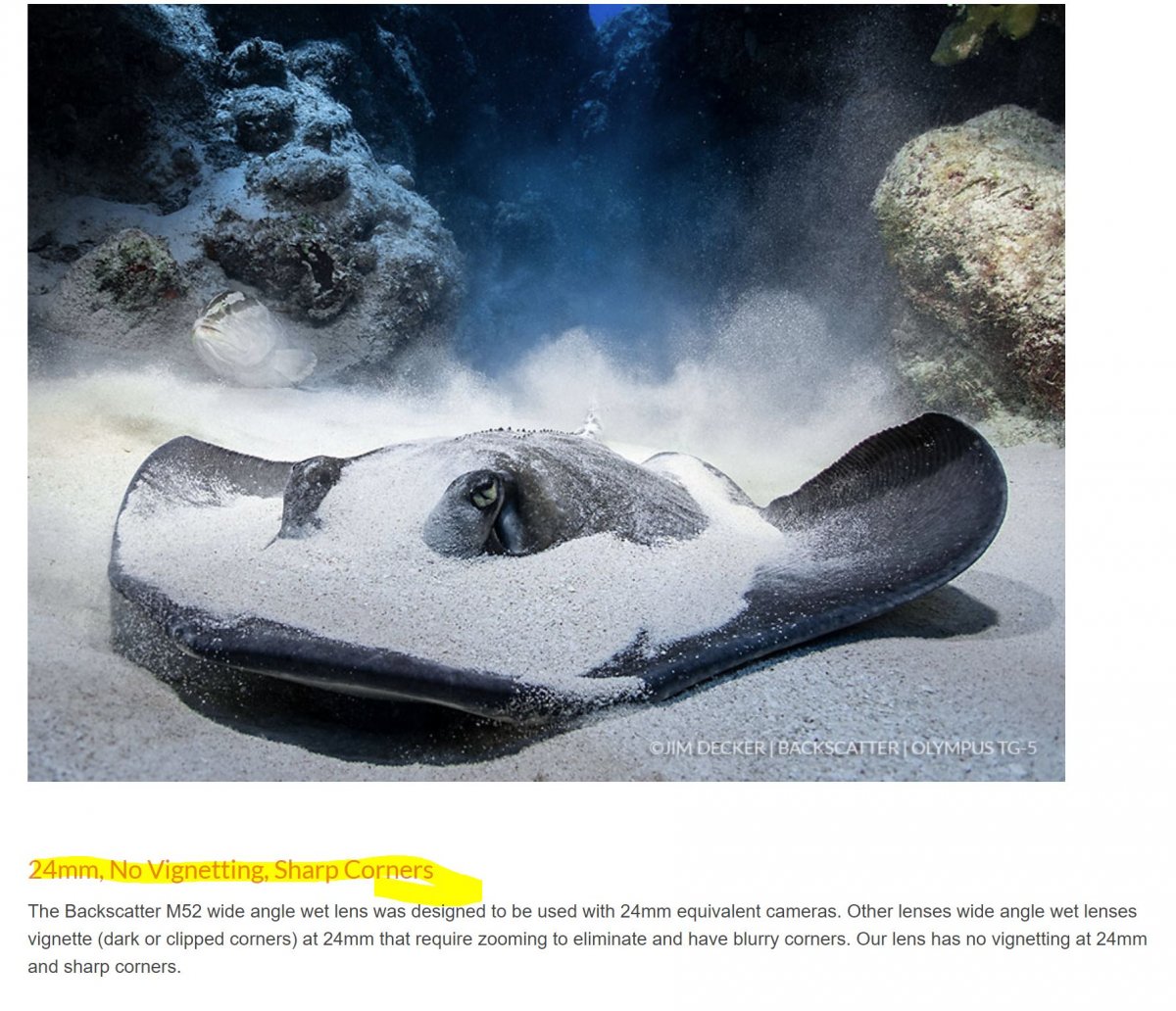
Vignetting can be caused if the wet lens is mounted too far from the camera lens and some wet lenses need to be zoomed in until the vignetting stops. The Backscatter lens is supposed to have no vignetting at the widest on the TG-6 though.
2 hours ago, ChrisRoss said:Need to confirm a few things to get to the bottom of this - Are you using any type of adapter or quick release setup between the port and the lens? I note your lens is labelled AOI - I know the backscatter lens is made by AOI, but is it the same lens as the backscatter one? The AOI version is called the AOI UWL-400A.
Vignetting can be caused if the wet lens is mounted too far from the camera lens and some wet lenses need to be zoomed in until the vignetting stops. The Backscatter lens is supposed to have no vignetting at the widest on the TG-6 though.
No adaptor or quick release
Lens directly screwed on to housing
I have the m52 lens that comes as a package with the tg6
Yes, supposed to have no vignetting at the widest but it's clearly there
I would just call Backscatter directly. I'm sure they can help you troubleshoot this over the phone.
I had a similar lense with my tg5 and it was vigneting also so i had to use it with zooming in a bit..
my email to backscatter: their less than helpful response
Hello,
Yeah, not a terribly helpful reply.
I must admit to being stumped! It should work....
I don't know the TG series in any detail, but there is no setting that might narrow the zoom range without you necessarily realising? But you've probably looked at that many times!
Only a couple of thoughts (sorry): it is at a feasible you could call them and talk it through? I do appreciate that timezones and cost is less than helpful. Perhaps if you emailed them in advance and explained the situation and asked for a time to call using, say, Skype Out and talk it through with someone who knows the system?
If that's no good, maybe you have to return it? But I do appreciate that is not straightforward either and could prove costly.
Argh. How annoying for something that shoudl be straightforward.

Terms of Use Privacy Policy Guidelines We have placed cookies on your device to help make this website better. You can adjust your cookie settings, otherwise we'll assume you're okay to continue.

A worldwide community for underwater imaging.
