Everything posted by ACHiPo
-
I’ve seen a lot of helpful ideas on travel cases, but nothing on how folks keep photo gear safe, organized, and out of the way (I seem to have photo gear multiplying in every room of the house!). I shoot OM, so everything is a little smaller than FF (except strobes), but it still piles up. What solutions have you found that work?
-
Welcome! I’m in E Bay. I do some diving in Monterey, but prefer warm clear water.
-
I’d concur that CoCoView is a solid 3-4 star dive resort and I can’t wait to get back. They may have trouble accommodating 30-40 people, though.
-
-
-
-
-
-
-
-
-
-
By the way one consideration on housing is if there is any thought to adding a monitor as I think only aluminum housings accommodate the HDMI needed.
-
These plan view comparisons are really helpful for a sanity check! I handled/shot the Sony A7RVI in the Singapore airport and gave it a thought as it was a joy to hold and shoot (and FAST AF!), but the cost, weight, and bulk of lenses, ports, and housing sobered me right up!
-
I shot the 30 mm on two daylight dives by mistake (the hazards of assembling camera gear before coffee when jetlagged!) inside the 60mm port. Shots turned out amazingly well, although I wondered why my CMC 2 was so easy to shoot and seemingly lower mag than expected!🤯 I did not notice any creature spooking issues, but again I was unaware I was shooting the 30 until after the two morning dives when I pulled the camera for a battery swap so I wasn’t really looking for any difference. The 30 worked great on blackwater.
-
Davide, That is consistent with my findings—no complaints about image quality when it focused. I suspect it would be better on an OM-1 body, but not sure. The 45 on land seems decent for me—maybe a little slower than the 30 and 60–and even daytime dives the 45 wasn’t awful. On a blackwater dive it sucked. The 45 uses the same AOI port as the 30, but without manual focus capability. Evan
-
Chris, Thanks! The biggest issue I had initially with the 60 was getting too close as it has about 100mm min focal length. Once I got calibrated for set up it generally works ok for high contrast subjects. The biggest AF issues I had in Lembeh were 1) blackwater with the PL 45mm. The 30 mm wasn’t easy, but it focused much faster than the 45. The 45 produced some decent shots, but I missed a lot due to AF issues. 2) AF with the 60 or 45 on thin subjects—pipefish, whip coral with gobies, etc. This was amazingly frustrating as it didn’t seem what I was trying to do was that difficult. I’ll try to replicate the focus issues above water so I can compare the “gateway” EM10 to the M1. If the EM-1 mkii AF is just a little worse than the OM-1 ii I might move in that direction as I have a line on a used EM-1 ii with housing. Evan It was my first time, so I’m not sure, but I suspect so. I certainly didn’t hear any grousing about the visibility being worse than usual.
-
And expensive! I was surprised to see the number of people shooting Kraken monitors. Equally surprised that monitors now cost less than the 45 Nautical viewfinder.
-
This is why I bought HF-1s that were >2x what my starter camera and housing cost. I definitely am happy with the purchase--they continue to deliver consistently which makes me not hate their size and weight so much.😎
-
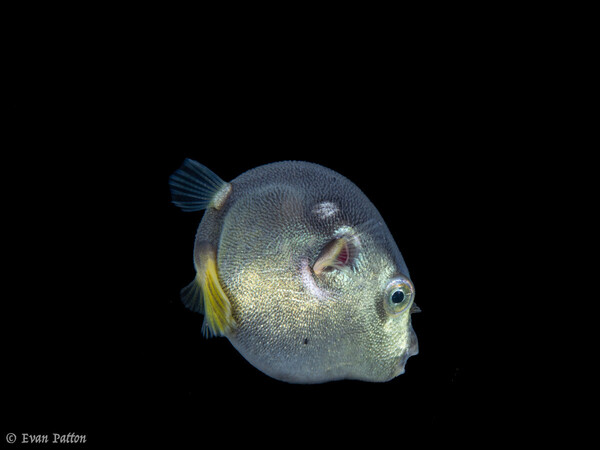
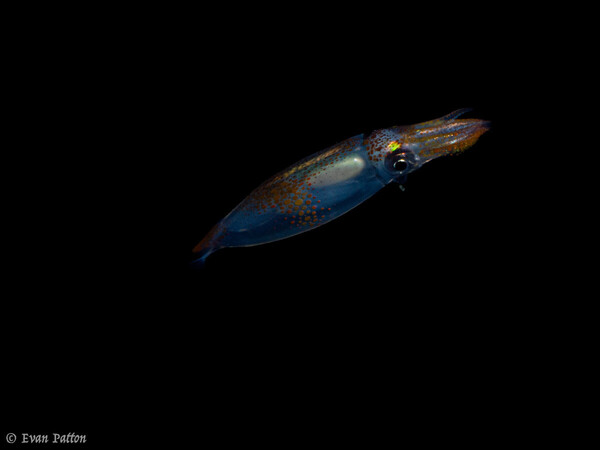
I shot the P/L 45 mm a few dives in Lembeh, including one blackwater dive. It seems to be the ideal focal length for blackwater. I liked the 45 mm on daylight dives. It did not focus quite as quickly as the 60, but on blackwater it was very frustrating. I missed several shots because the 45mm (on my E-M10) just wouldn't focus. On shots where I got focus, however, the image quality is at least as good as the 60 and 30. Maybe it will work better on an OM-1? The 30mm on blackwater worked great. At least as snappy as the 60, and with the ability to focus almost to the port it was great for subjects that got very close.
-
Yes she has the OM-1 ii. And she was comparing to the E-M1 ii. She echoed Chris's comments that she only saw a slight improvement in autofocus underwater with the OM-1 ii over the E-M1 ii. She also was unable to get satisfactory results using CAF tracking underwater, although we both hypothesized that is likely due to the large amount of particulates in the water in Lembeh (vis was only 20-40 feet). With all the hoopla about AF tracking on the OM-1 being fantastic for fisheyes, etc., it seems in clearer water it might be a significant improvement.
-
Interesting idea! Although a bumper/cover tied off to the lens seems like it will work ok. I will need to mount/dismount on a bayonet unless/until I get a 90mm macro lens and port as the 60 mm is too short to use a flip.
-
I think you'll have a great time. I'm looking forward to getting my MFO-3 I ordered several months ago for my Lembeh trip. I borrowed one to shoot in Monterey a few weeks ago and I was sold on the concept. Unfortunately they are back ordered due to a lens quality issue. Get your order in!
-
Mickey is a fantastic teacher. The amount I progressed over 3 sessions with him blew me away. He literally opened up a whole new world to me.
-
@TimG @Chris Ross definitely interested in information on the OM-1 II autofocus. I'm just wrapping up two weeks in Lembeh with my E-M10 IV with a 60 mm macro, and while I got some good to great shots, the AF continuous single point focus speed and accuracy was frustrating at times. I'm hoping the OM-1 is a significant step up, but one person was shooting the OM-1 for the first time and didn't see much improvement underwater compared to her EM-1 (not sure which model, but it is over 10 years old), and found focus tracking unusable underwater.