-
I am quite suspicious of the Backscatter GN testing. There are a lot of issues with the data, GN is not linear and in most cases that I have ever seen, the GN underwater is considerably less than in air. Their data shows the opposite. If you were closer I would let you borrow one to try but it is a long swim to get here. Cheers BV A
-
Sorry, I only shot a few wide shots and they were all CFWA. For what I shoot, and comparing them to my Z330, they were equally bright. but I clearly am the wrong guy to ask about wide angle. There are 7 power levels and I never went above 3. Bill
-
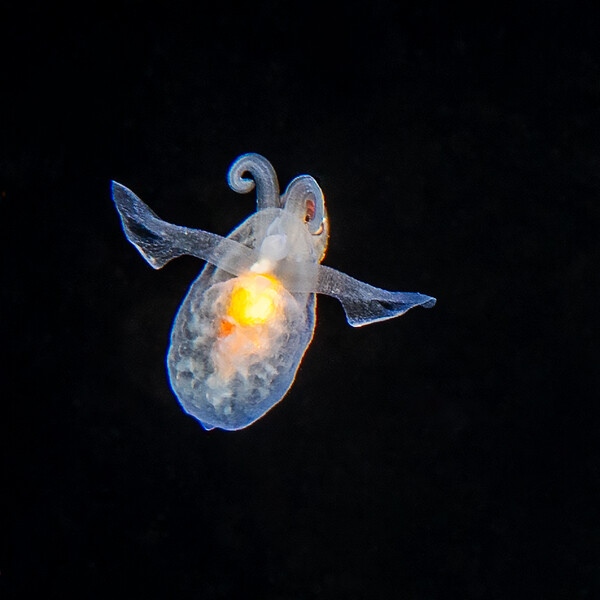
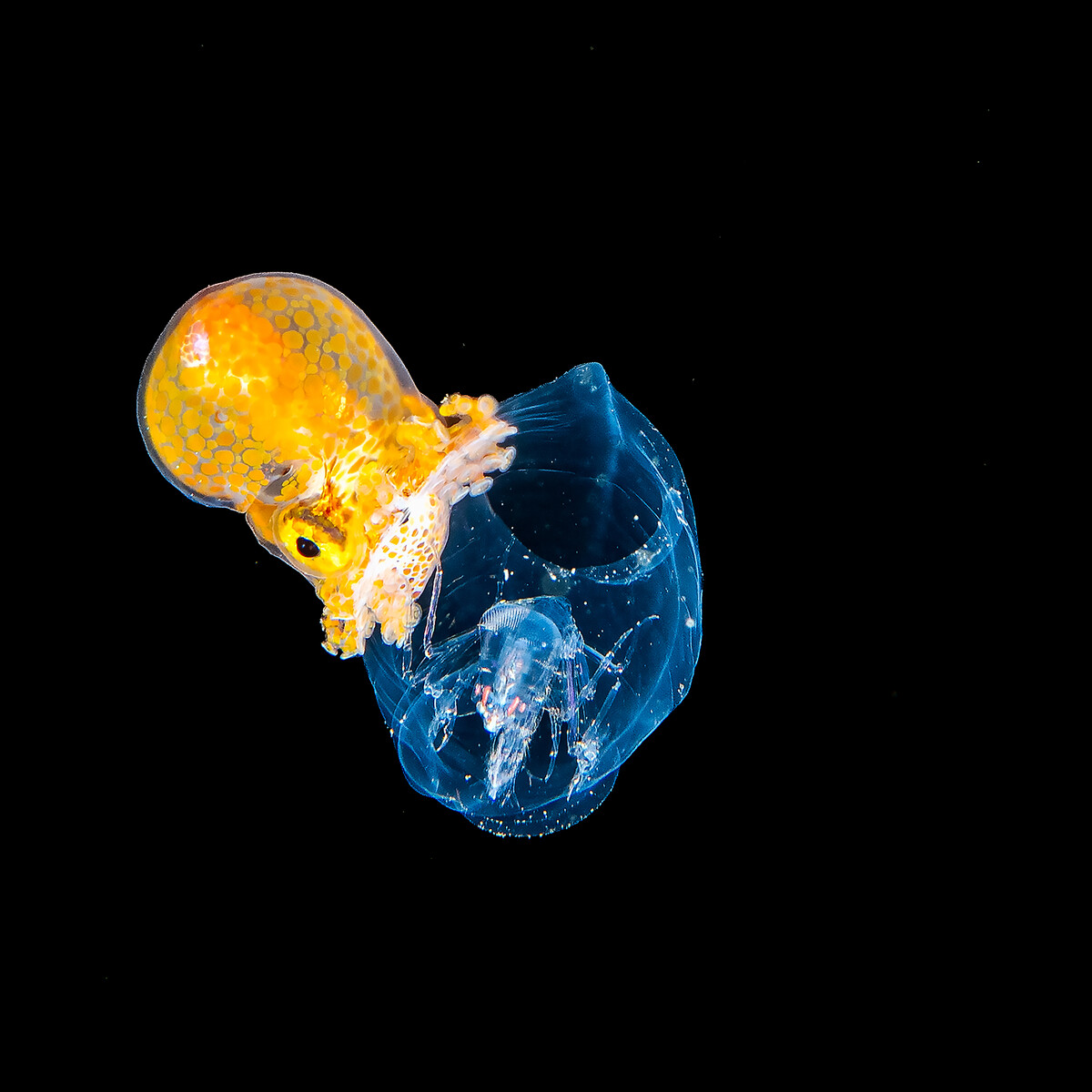
I have two and there is a write up somewhere here about them. The GTM for me is quite similar to the Z330 but I think better built, i.e. it is all metal and uses modern Li batteries and has a circular flash tube. They are pretty heavy but underwater not so much. The Paper Nautilus below was shot with 2 of the GTM
-
For me at least and a couple of colleagues, extensive testing has shown not much difference with any of the micro 4/3 lenses or the Canon 100 macro
-
-
-
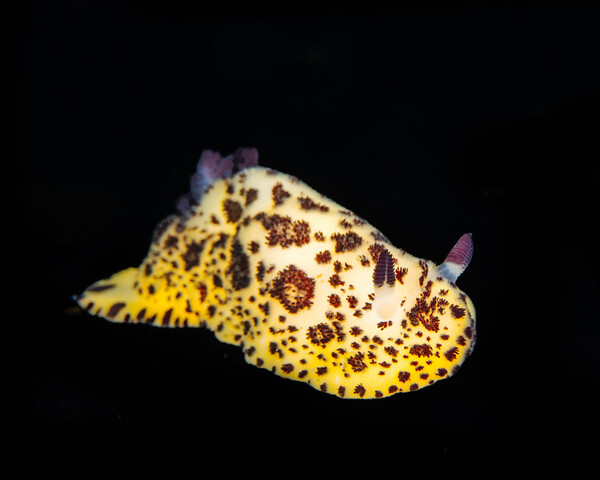
It is tough to be in the moral minority here, but I dive with a bunch or real nudi nerds and will occasionally move a nudi to a purpose built stage. A lot of folks seem to want to protect all sea creatures; to do that we should not get on jet airplanes and fly 10,000 miles (300,000 kg/CO2) or go on liveaboards that use palm biodiesel (cut down forests to make oil), or go on small dive boats with 2 cycle engines. As for nudibranch fragility, some might be but many are clearly not. Much of what we know about neuroethology has been learned by running nudibranchs in Marine Biology labs where they are handled extensively throughout their lives with no apparent issues. For me I think that I am trying hard not to harass (but I have no idea what that actually means) them. Mostly I let them crawl onto a wooden satay stick. They like that texture then I let them crawl off the stick and onto a stage. Take some photos, then reverse the process and put them back where they were more or less. I suppose I could try the Wayne Gretzky approach and try to put them back where they would have been if I didn't take their photos. David Doubilet had a cover of Nat Geo with nudibranchs on a complex stage that probably introduced nudibranchs to an order of magnitude more people than had ever seen one diving. I know the folks who ran that (Graham Abbott was one) and they were extraordinarily careful to put them back where they got them. In any case, we all have ethical boundaries; I won't do fed shark dives, but I do test our medical products in animals to make sure they are safe for patients. Cheers Bill
-
Seems suspicious that a brand new housing would get charged for fixing a problem that should be under warranty. I thought that the warranty was 1 year. Bill
-
I think that a flood from a dirty o-ring is NOT a plastic housing problem, but rather a universal problem that would most likely be a problem for any kind of housing. I think that over reliance on a "green" light might eventually lead to as many problems as the vacuum system has prevented. Bill
-
I have more than 1K dives now on my AOI housing with minimal issues, and my wife who shoots video (www.blueviews.net) has now moved to an OM-1 mark II (i get the old one) in an AOI housing. So far so good. I have ordered a 45 finder from the guy in Europe, should be here in a few days, will let you know how it works Bill
-
Sorry to hear this. All I can say is that after more than 1K dives my AOI/OM1 is still dry. I think that I have had 2 cases where it went red during a dive but never let water in. I attribute this to an overly sensitive temperature compensation on the vacuum hardware. Bill
-
Nice first pass, but NO raw input capability yet. Subject detection is terrible at least for my stuff. I would really like a Lightroom classic version but that might be too tough. Bill
-
-
-