I replied to someone heading to Socorro in another thread, but I decided this topic was worth its own thread, since so many people struggle with this issue.
Since I started shooting video underwater, I've been bedeviled by the mixed light problem. Years ago, few cameras apart from Canon DSLRs could dream of being able to white balance at depth. Then, along came the Panasonic GH5, and slowly camera makers followed suit. But what about supplemental light?
The problem is that when you're white balanced at depth, the output of 5600K video lights look red. If you white balance to 5600K to match your lights, then the ambient color looks terrible. And unlike strobes, almost video lights almost never have the sheer power to overwhelm daylight enough to get good color unless you're very close to the subject. What you really want is nice ambient white balance, and supplemental light that looks "normal", i.e., like natural light at depth.
The secret is to white balance for the ambient light at depth, then adjust your video lights so their output matches the ambient light color temperature. That way, you get a nice, colorful ambient light exposure, with a little more light on things close by to bring out detail and color, but without any weird color casts. For example, consider filming sharks. Ambient light only with a good white balance may look good when filming them from the side, but when the animal swims over you, it becomes a silhouette. It's alot nicer to throw some light onto the shark's belly so you can see some detail. But if you add light from normal 5600K video lights, it looks all red or pink. You want it to be white. And even though you can get a nice shot of sharks from the side with ambient light only, without extra light, you miss out on the beautiful iridescent colors in their skin. With good light, you will see flecks of gold and other colors in their skin as they swim by.
Around 8 years ago, Keldan released cyan heads for their original Luna 8 lights, and few people took notice. I remember then Nauticam rep Chris Parsons lamenting that he was having a hard time getting people to understand the idea of using cyan video lights to get better color underwater. After all, isn't a lack of red in underwater daylight the problem in the first place?
I was an early adopter of the Keldan cyan idea, but I never could get it to work very well with my GH4 (w/red filter) or the GH5 (without red filter, as it could white balance at depth on its own) Even with the GH5 white balanced at depth, I could never get really clean whites.
I was in the Revillagigedos a few weeks ago, and finally had some success getting decent ambient color with a mix of ambient and supplemental lighting. The rig was:
- Sony α1
- Nauticam NA-α1 housing
- Sony FE 28-60mm F4-5.6
- Nauticam WWL1-B wet lens
- Keldan Spectrum SF -2 red filter (a frameless filter placed between the flat port and the WWL-1B)
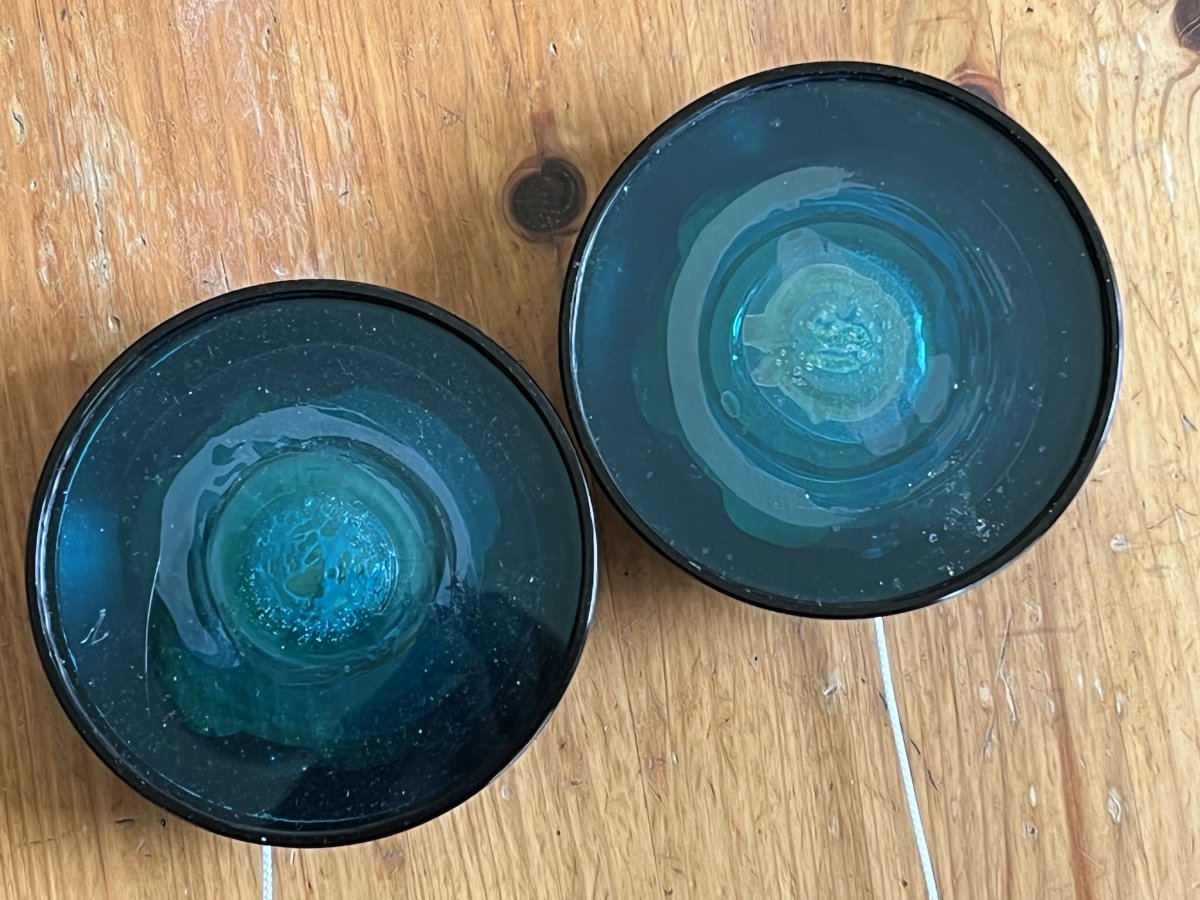
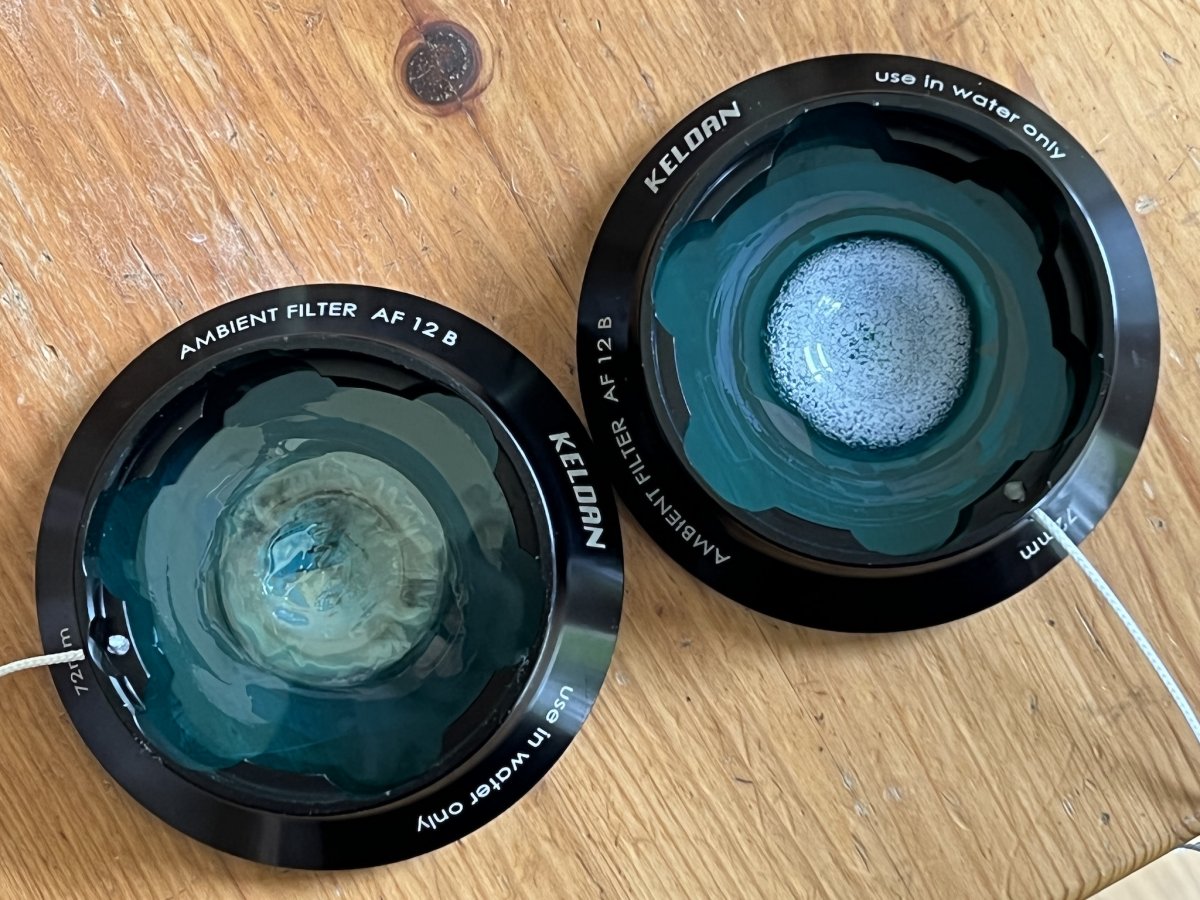
- Keldan 4X lights with SF-12 Ambient filters.
I shot mostly Slog-3, but I also tried HLG. My experience was that, with Slog-3, I was at 6400-12,800 alot of the time in order to punch through the red filter and at the same time overexpose by about 2 stops required by this profile. This means quite a lot of noise, but Neat Video does a good job of cleaning it up.
I shot one dive at the boiler with HLG3, and I think going forward that will be my go-to profile. You don't have to overexpose it, so noise is less of an issue. If you nail the white balance, you get very nice color and good dynamic range. But remember that you have a little less room to work with it than slog-3. Still, HLG3 grades very easily, once you drop a corrective LUT onto the clip (I use the Leeming LUTs). Once that's done, I found that only minor corrections to contrast and exposure and saturation were required. Simple corrections and easy to do. Another benefit of HLG3 is that you can use the footage later to deliver for HDR displays, if you like. Here is the workflow for HLG in Final Cut Pro. My advice is to try HLG3.BT2020 in XAVC 4K S-I at 60P, 10 bit 4.2.2
For Slog-3, I am using the Phantom LUTs, and have found that the "Ice Blue" LUT works beautifully for underwater footage. After applying the LUT, only minor corrections to contrast, saturation and exposure were needed. Just a few clicks...
The Keldan system is brilliant. I was able to get nice color with ambient light at the Canyon cleaning station, where you will be at 80-90 feet. It's nice to have good ambient color and be able to put some light on the animals without the red cast. With the Keldan red filter (on your lens) and cyan filter on your lights, you get a nice clean look.
I credit a deceptively simple little tool for making my life underwater alot easier. If you're serious about video, YOU MUST have a good gray card at a minimum. And a color checker is also very useful as a color reference when finishing your footage. The Keldan color checker/white balance card was INDISPENSABLE. I had it on a small retract, so I could just grab it for white balance, and I'd also sometimes flip it over to show the Xrite color checker side at the beginning of a shot. I hold it at arm's length for white balance. Really, I cannot emphasize how valuable this thing is. Don't think, just buy it and thank me later.
The attached video shows my wife, Karin, photographing a silver tip at the Canyon. It was shot in slog-3, probably at about ISO 3200 or 6400, XAVC 4K S-I (600 mbps), 10bbit 4.2.2 at 60-FPS. Noise reduction with Neat Video. Keldan SF-2 red filter, and Keldan SF-12 cyan light filters on Keldan 4X compact lights. Depth was 85-90 feet, proving that the SF-2 (rated for 2-15 meters) and SF12 (rated for 10-18 meters) work well together, even beyond their respective depth ratings. Notice that the lights don't have an overly warm cast, even though at 30,000k, the light temperature is a little lower than ambient. I found the SF-2/SF-12 filter system to work well from safety stop depths all the way down to 100ft.