
-
down here in Japan as well... Error code: PR_END_OF_FILE_ERROR
-
Mainland China / Shenzhen, if I'm not mistaken?
-
As a side note, stabilisation is very much an issue for video - I think this applies to both Marelux and Nauticam conversion lenses. From what I understood, the change in focal length confuses lens stabilisation calculations and the image bounces all over the place. I use the MFO3 with the Sony 100mm macro on the A7SIII, and turned off lens OSS (but didn't have to change anything with IBIS), no issues. I've heard similar feedback from someone shooting video on the Nikon Z8. But it's very much a video related issue. I think Davide had noticed a similar issue with another lens conversion for video - seems like the changes in focal length and real time lens stabilisation leads to issues. Manually setting the focal length in camera might be a work around if your camera allows it.
-
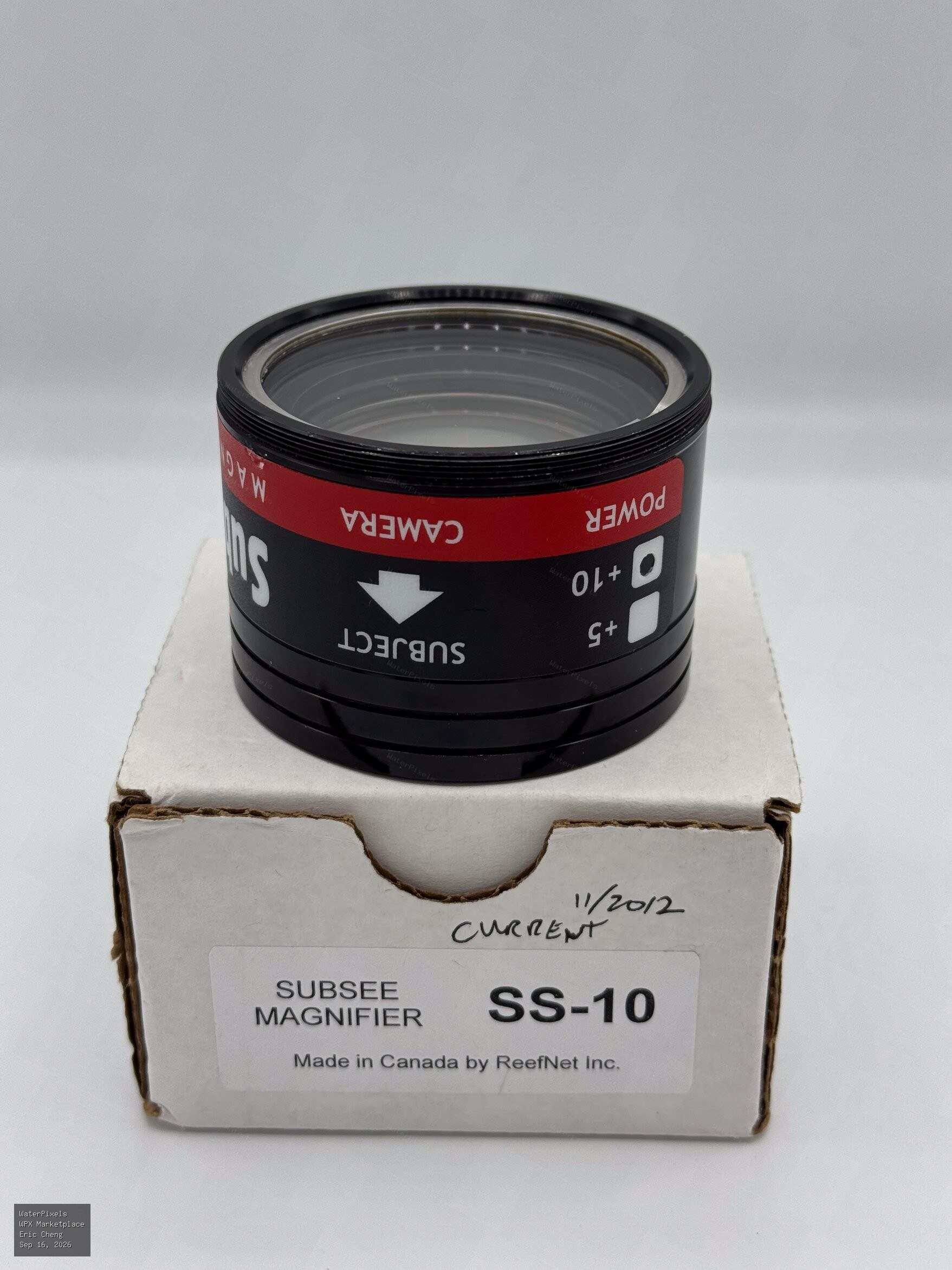
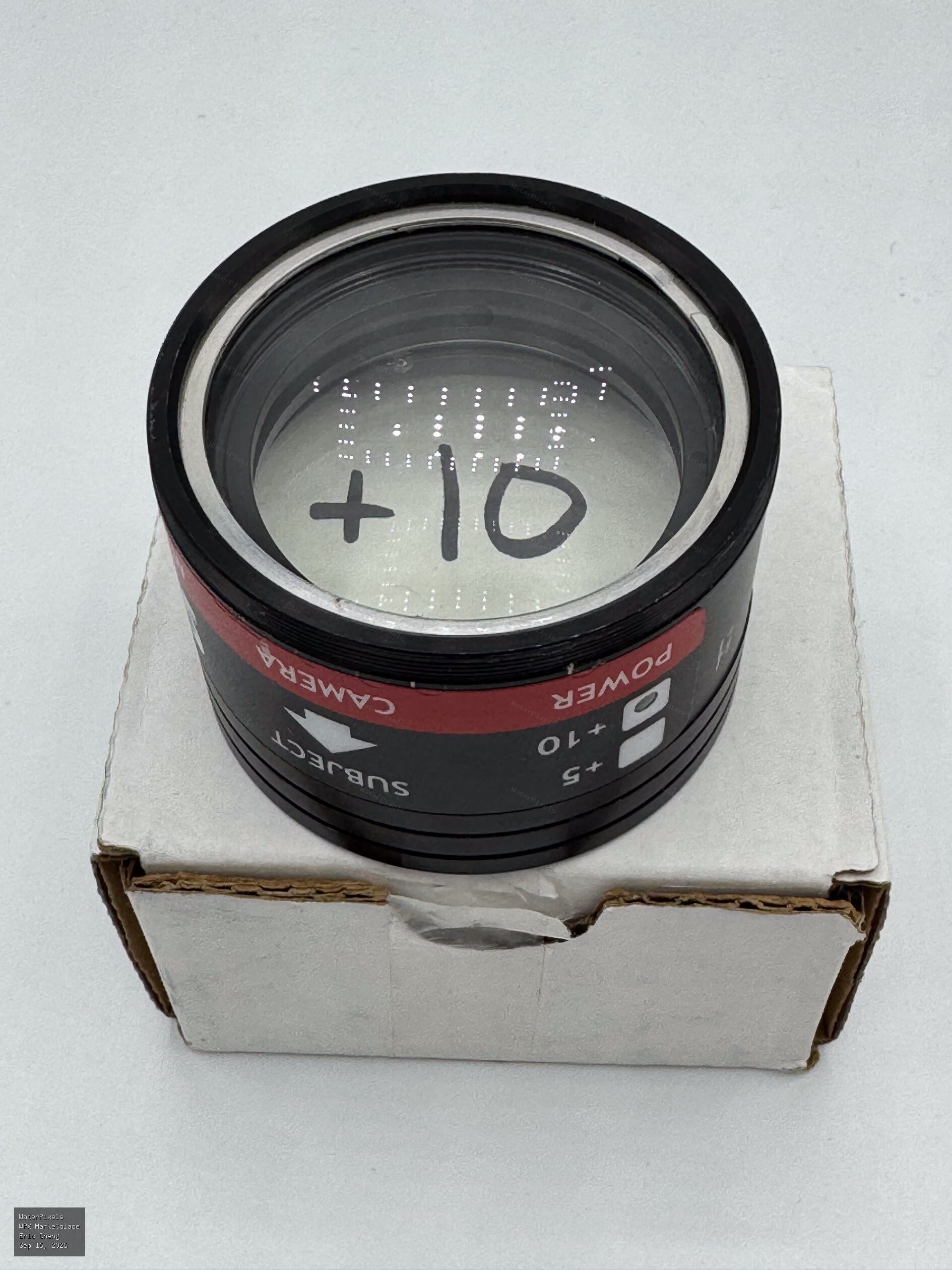 Free USA
Hi Eric, I’d be very interested in on one of these for underwater video, if you’re able to ship to Japan. Thanks a lot! Ben
-
Gili Air and Komodo are not the easiest for photography, especially macro - I love Komodo and it has great macro, especially in the south but it's Komodo and not many sites are protected. With a 90mm, in the central part a site like Waeniliu is great for macro but not dived that often, not in my days anyway. And the south is more seasonal. I've never been to Gili Air but did dive Gili Meno in 2014, and I imagine it's not very different. Good "fun diving", lots of courses but not the best settings for imaging (unless you work there that is) and a little lacking in subjects perhaps? Yes, I definitely second Tim's Lembeh recommendation - otherwise Bali's Tulamben will have plenty of subjects and good spotters, and lots of photography oriented resorts and diving When it comes to dive operations, Lembeh and Tulamben are probably the most photocentric diving areas in the country. Plenty of others of course (Triton Bay, Alor, Raja4 to some extent, etc) but in terms of imaging-friendly areas, these two areas really stand out I think.
-
Thanks, interesting test and interesting discussion in this thread as well. I would be great to have something like this for the murky world of video lights. A little bird recently told me CRI measurements are not really representative, since CRI evaluates colour rendering on only 8 pastel and low-saturated colour samples for instance. And beyond light quality, burn times/battery life, constant output (or not), actual lumen/lux/candela output, edges and beam angle, button ergonomics, weight and buoyancy...
-
Yes, I totally agree. In this light, it's interesting to revisit the discussion in this September 2024 thread as well: https://waterpixels.net/forums/topic/1704-number-of-camera-sold-worldwide/ Let's see how how the prediction holds up in two years 👁️🗨️ Who knows, maybe by then we'll all have smart dive masks giving us augmented-reality dives in real time 😁 In the meantime, hold on to your hoverboards...
-
Yes, absolutely. Smartphones are vastly bigger in volume and a huge amount of imaging technology research is now clearly driven by the smartphone market. Where it's a little weak in the knees is to use this fact to predict that the dedicated cameras will effectively disappear fast. It seems to me the market is evolving into something rather different: smartphones dominate general-purpose photography, while dedicated cameras survive - and in some segments are actually growing again ( built-in-lens camera shipments is forecast to grow by 13.6% this year for instance by Japan's Camera & Imaging Products Association) - because they offer things a phone can't, despite being a cumbersome dedicated tools. And then we also have action cams on the video front, which in a way seem to be mutating into some high end neo-camcorder function. I guess it's more about different tools for different purposes, and this makes predictions a little more complicated as society, users and uses evolve as well. Video, as a medium rather than a format, has little to do now with what it was 20, even 10 years ago. And we see weird things in the music sector as well. I suppose the lesson is that predicting market dominance is easier than predicting actual market extinction.
-
still remember a couple of years ago, when compact cameras were pronounced dead and buried for good in one such report - and of course, in our cozy forum pages. 😁😁😁 Isn’t 2026 the year we were all supposed to be shooting underwater on our phones, BTW? 😁
-
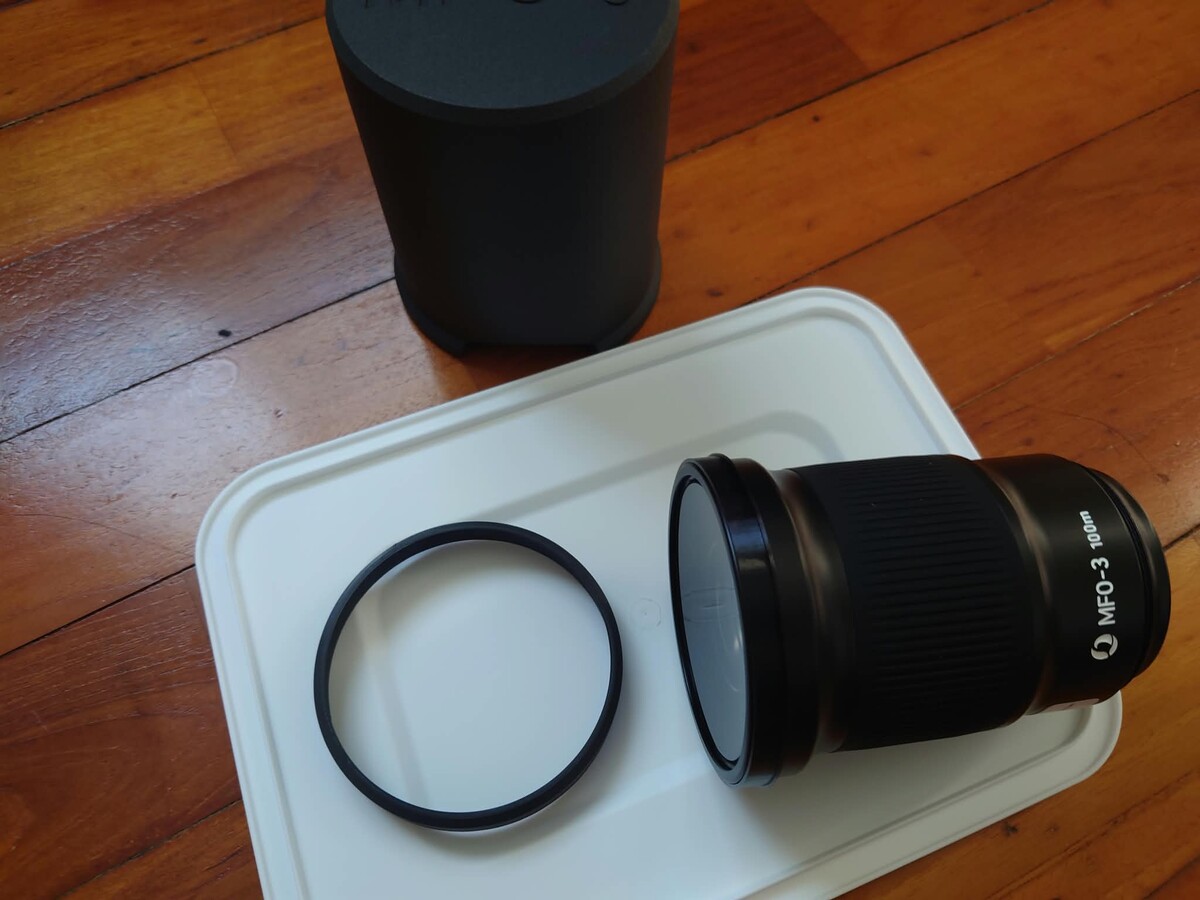
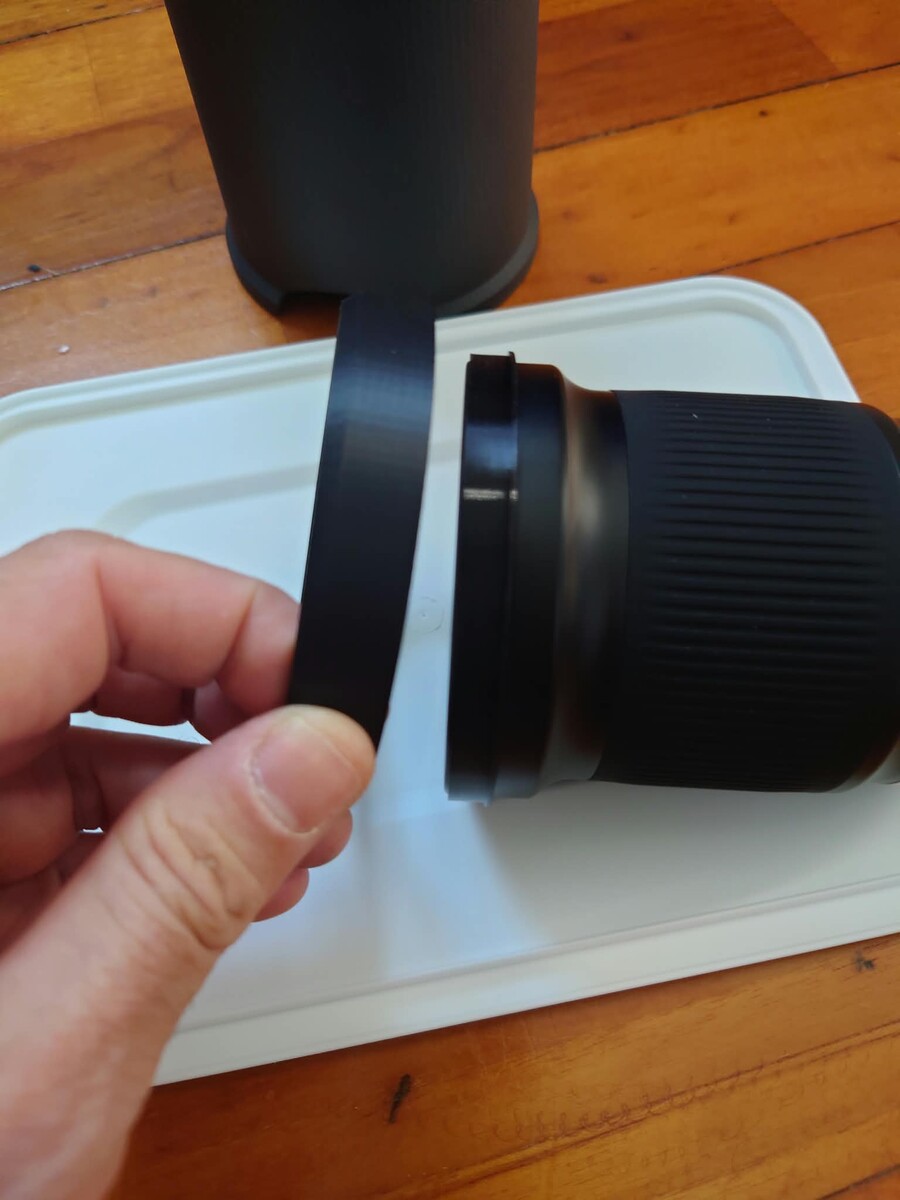
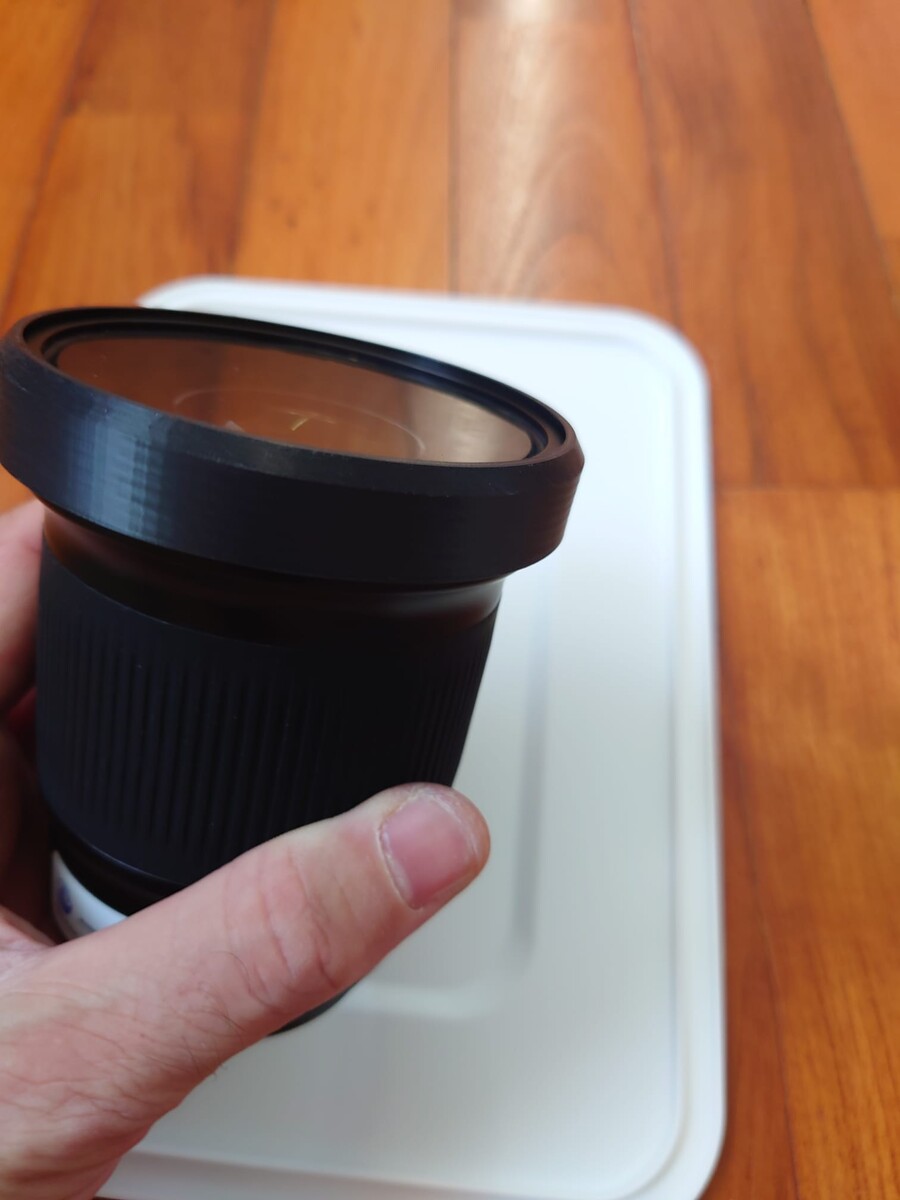
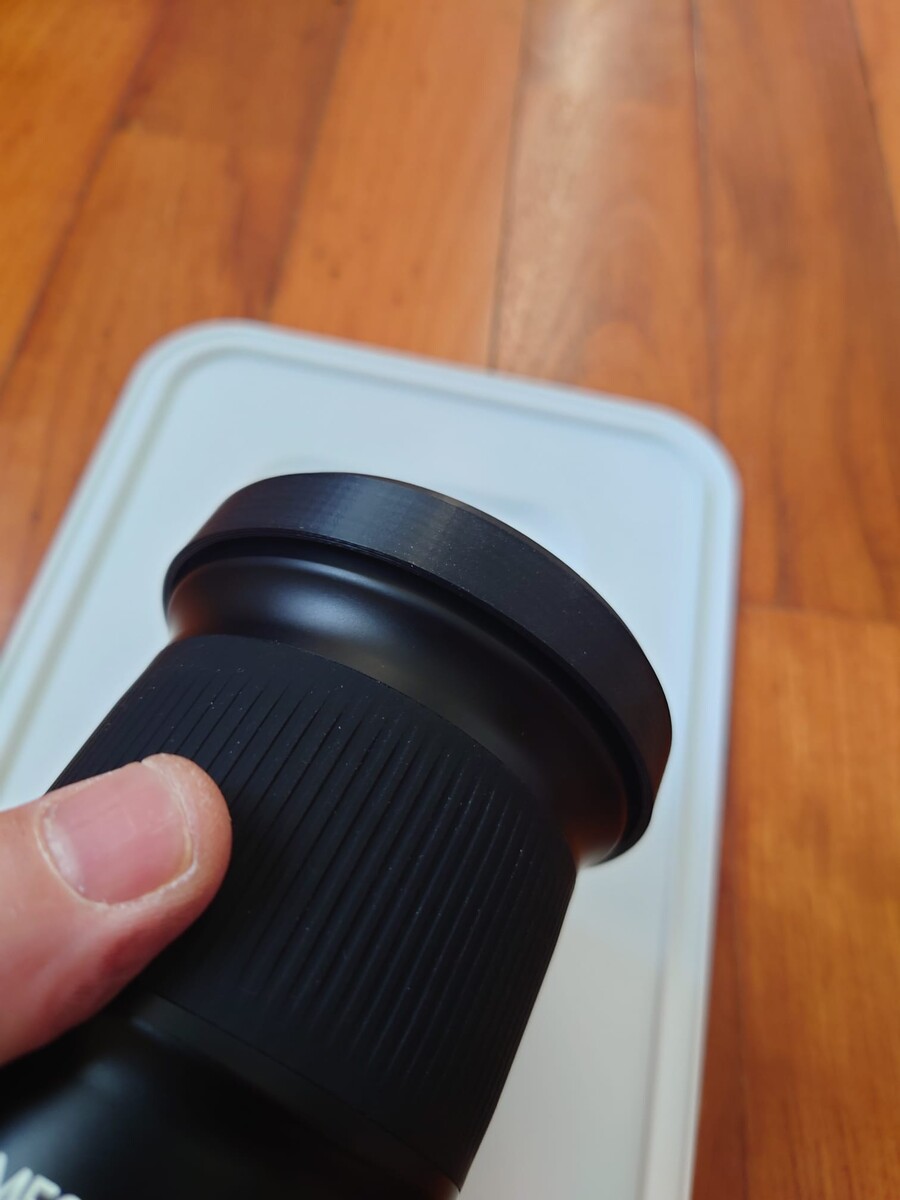
Hi Tino I've just have this printed in China (JLCPCB) but not sure how it works. On my print, the larger ring slips off the smaller retainer ring - did you glue it on? Or maybe I'm mounting it wrong / the material used. thanks! EDIT - after trying multiple combination I managed to make it click on somehow, but not sure if this is the "correct" way, as it looks a little different from your pic:
-
Yes, very interesting thought. On quite a lot of cameras you do need to fill the WB calibration square/rectangle completely to get an accurate balance, which is why a larger slate at arm's length is quite common. I really like this contraption here: https://waterpixels.net/forums/topic/3745-sony-fx5-released/#findComment-26786 There were multiple WB threads on Wetpixel back in the heydays of underwater video, and yes, sand usually works quite well as it covers a large enough area for calibration. But it also depends on the type of sand. I've had very mixed results with brown/muddy sand, and black volcanic sand is also a no-go. Another recommendation that came up a lot, especially from Nick Hope who did a lot of testing at the time, was using the palm of your hand as a WB reference.
-
I can't help with the question, but the Kraken Hydras have auto on-off and can be connected with an optical fiber cable or just use light from the strobes. I have the discontinued 1500, and it's powered by a standard 21700 battery. https://krakensports.ca/product/hydra-1800wsr/
-
Very interesting product, thanks Chris. The mount plate is too large for my NA-A1 housing (max length is 77mm i order to close the housing), but this is a brilliant idea. The Anker Nano is build around a 21700 cell, but I'm looking into custom-made dual 18650 battery packs now, for a non-autoshutoff solution. If anyone is interested in using the space above the hotshoe in the Nauticam A1 housing, main size restriction is a 77mm length, 40mm width and a roughly 25mm height.
-
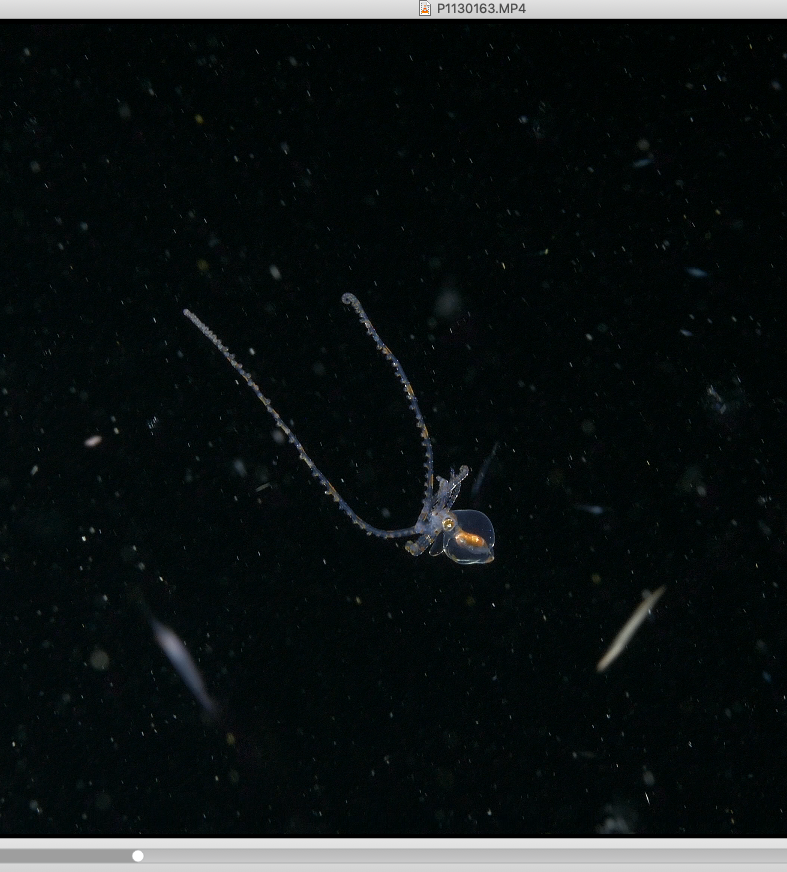
I used it at the lens' 60mm FF equivalent on the LX10, and there was quite an increase in image sharpness compared to the bare flat port. What also really impressed me is how focus peaking points doubled, this is the first thing I noticed, and how snappy the AF was. I'm not sure how the LX10's rather dreadful AF worked, but I'm guessing this linked to contrast somehow. I posted this in the other thread at the time, but here is a screen capture a raw clip shot, Lumix LX10 + MFO1 at 60mm equivalent, 4K 30fps (larval long-arm octopus)
-
No, the MFO1 - the LX10 has a zoom lens, so no need for the MFO3 - I got the MFO1 a couple of weeks before I transitioned to the A7SIII so did a few bonfire dives with the MFO-1 on the LX10, and it was really impressive. Like an AF and IQ update (faster focus acquisition, crisper/sharper image and double the amount of focus peaking points - I was shooting in manual focus with peaking as a reference, so this was really striking - the LX10 was in 60mm equivalent). I also have the MFO-3 and it's great - for blackwater style video on the A7SIII with the 100mm, I shoot 80% with the MFO-3, switching to the MFO-1 when I need more magnification.