




-
nice collections
-
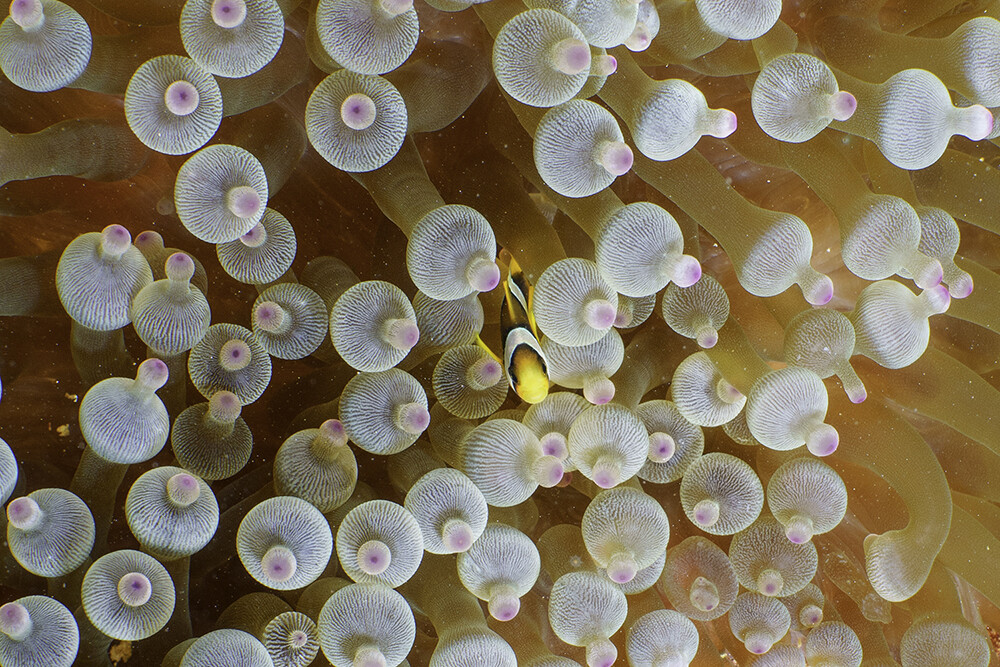
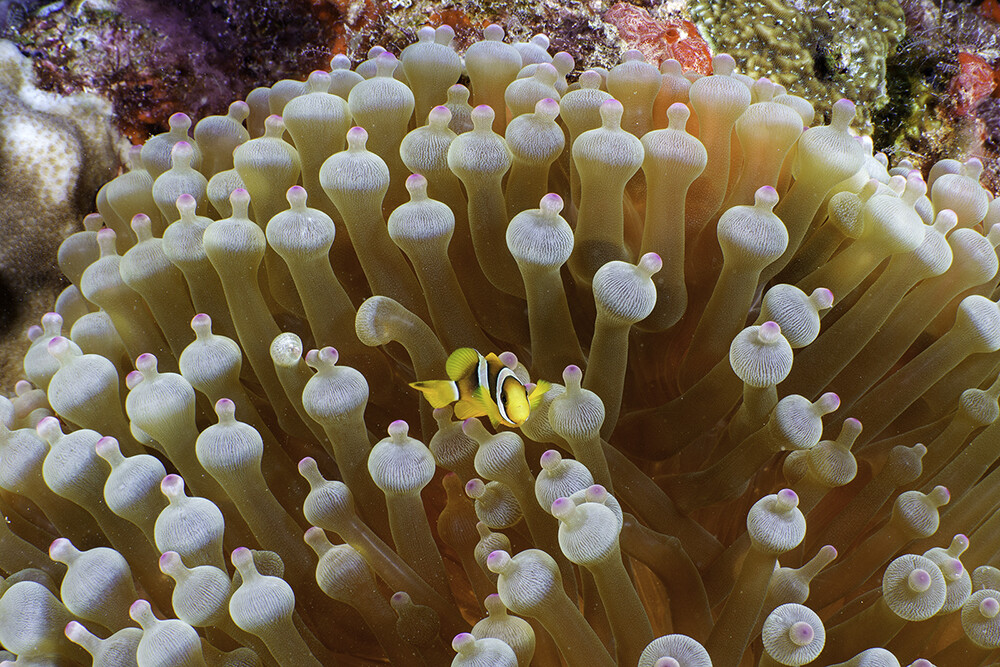
This I snot a the best combination of lens . I shot with Sony 28-60 on 60mm( in crop mode )with MFO-3 I thought its very interesting field of view and I can do very close focus. more like a close focus wide angle.
-
@Chris Ross Thank you. I will check where I can get online.
-
Wants to buy Keldan Lights , 2 x 8x
-
yes it looks bit muddy, not sharp when shooting into the light, specially when shooting without any strobe or video lights
-
Must be very interesting series. Many Ideas and technique can apply to UW photography.
-
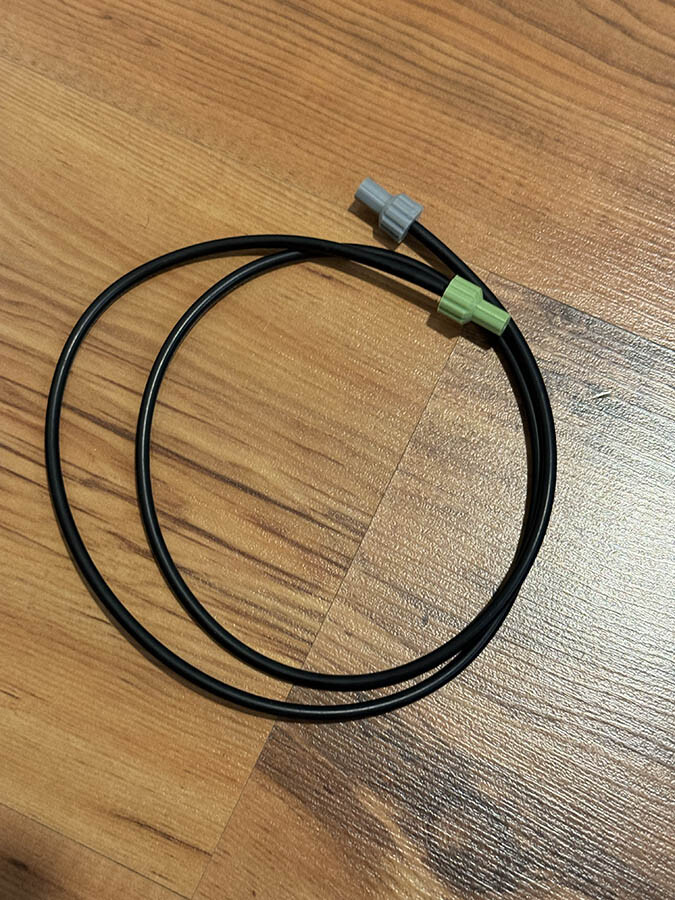
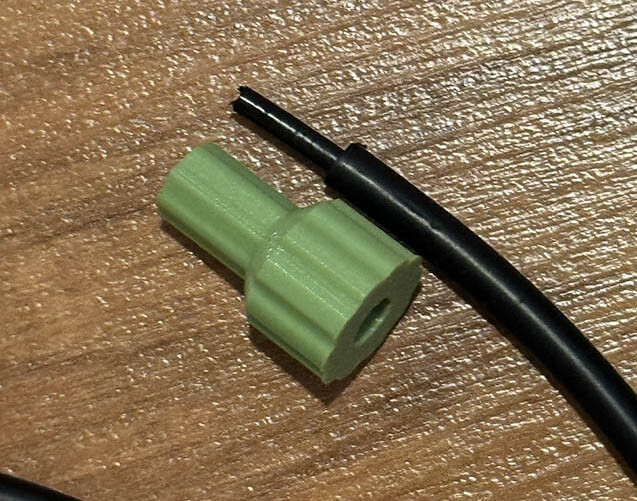
After I saw the article from Wetpixel , I also use DIY cables. Cables are expensive and it's hard to get in Maldives , so I 3D print the plugs and use high quality optical audio cable. this has been used with Retra , Inon, and Sea&Sea strobe and recently with the Meralex strobe with housing. Also TTL with the Retra. I don't use any glue , it's very tight and I have no problem. If anyone one need any cable in case of emergency while you are in Maldives , pls let me know , I am happy to provide for free.
-
My Nauticam Glass dome port has no issue , I think it's about the external coating on the lens.
-
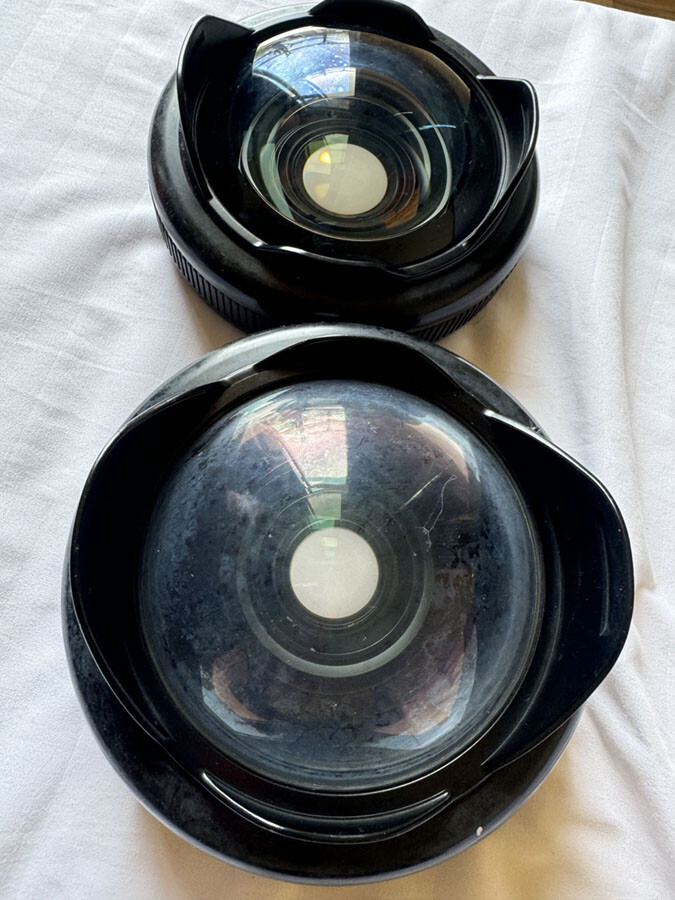
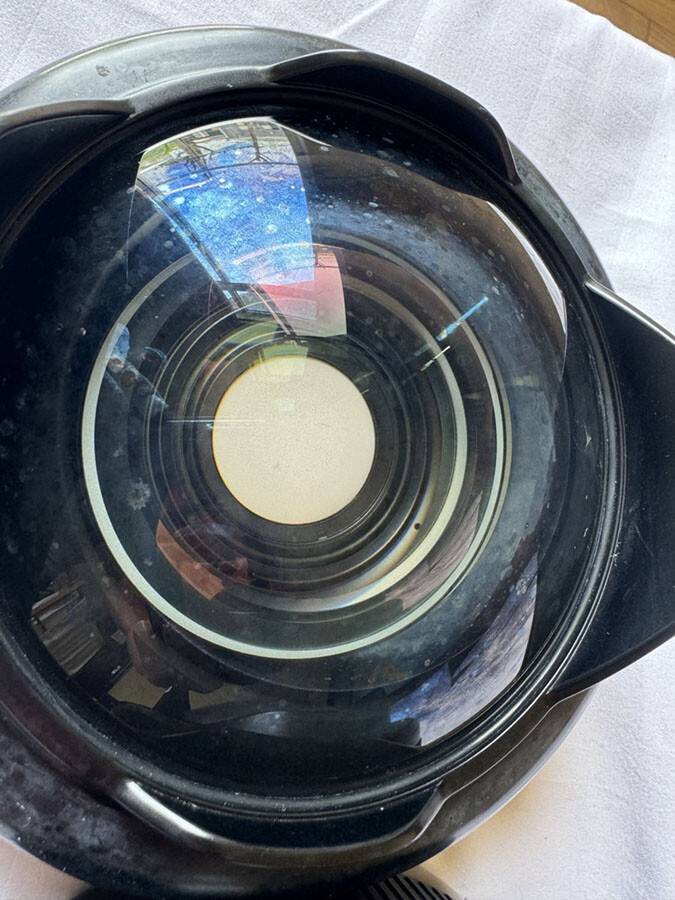
Thank You @Chris Ross We clean these glasses with freshwater same as our dome port, but there's no problem with the dorm port, I found that all our WWL lenses have this issue with less than a year. we usually do around 150-200 dives per year which is I believe very less. And also this is design for saltwater and it must be more durable? Thank You
-
Hi Can anyone help me how to clean these Nauticam Wet lenses ? We have 4 lenses from our friends with same issue. I have sent few emails to Nauticam but did not get any reply. Thanks
-
Hi Tim Yes I saw your post about the incident. Good that everyone is ok.
-
Hi I am photographer from Maldives , mostly shooting above water and sometimes underwater. Thanks



