




-
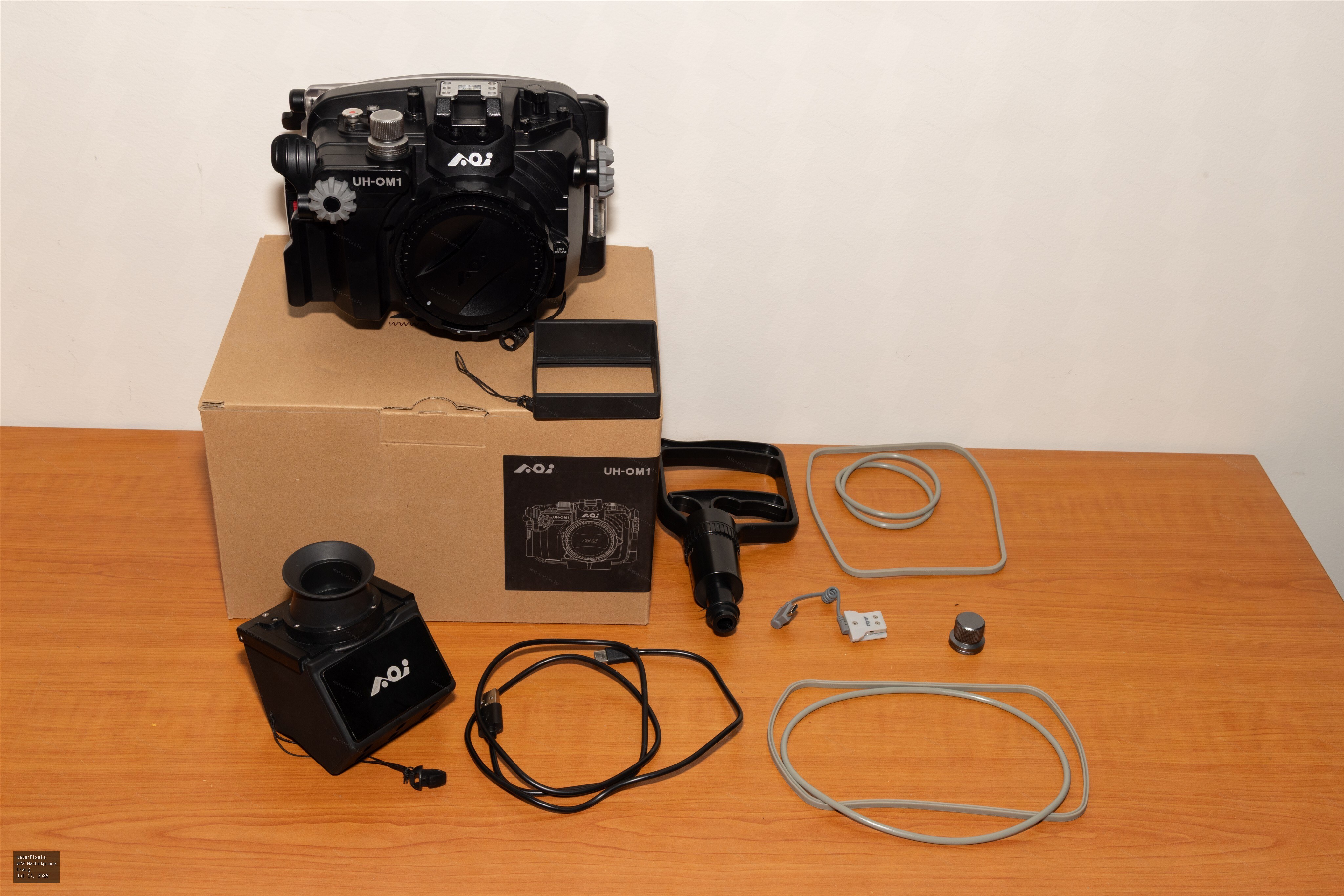
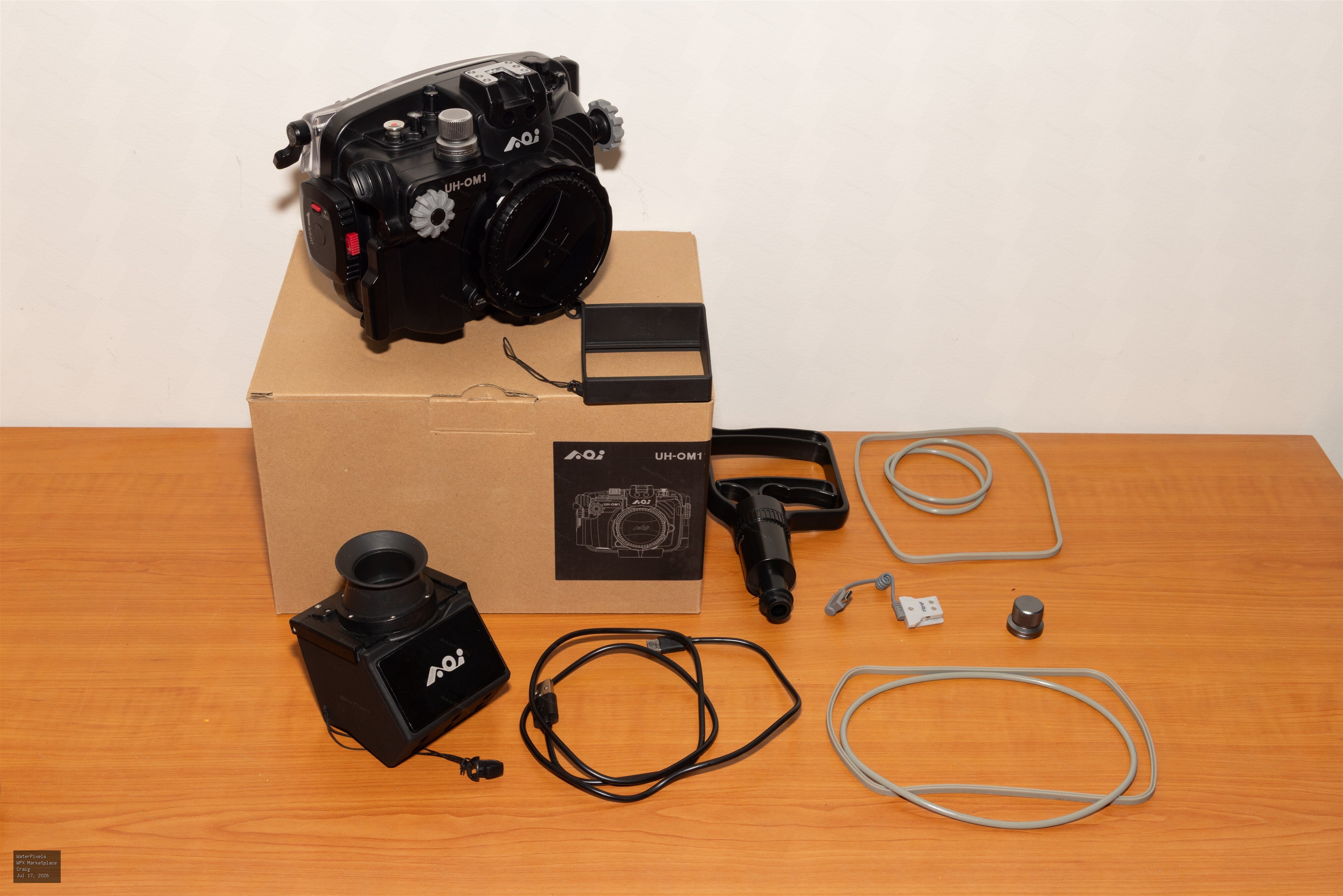
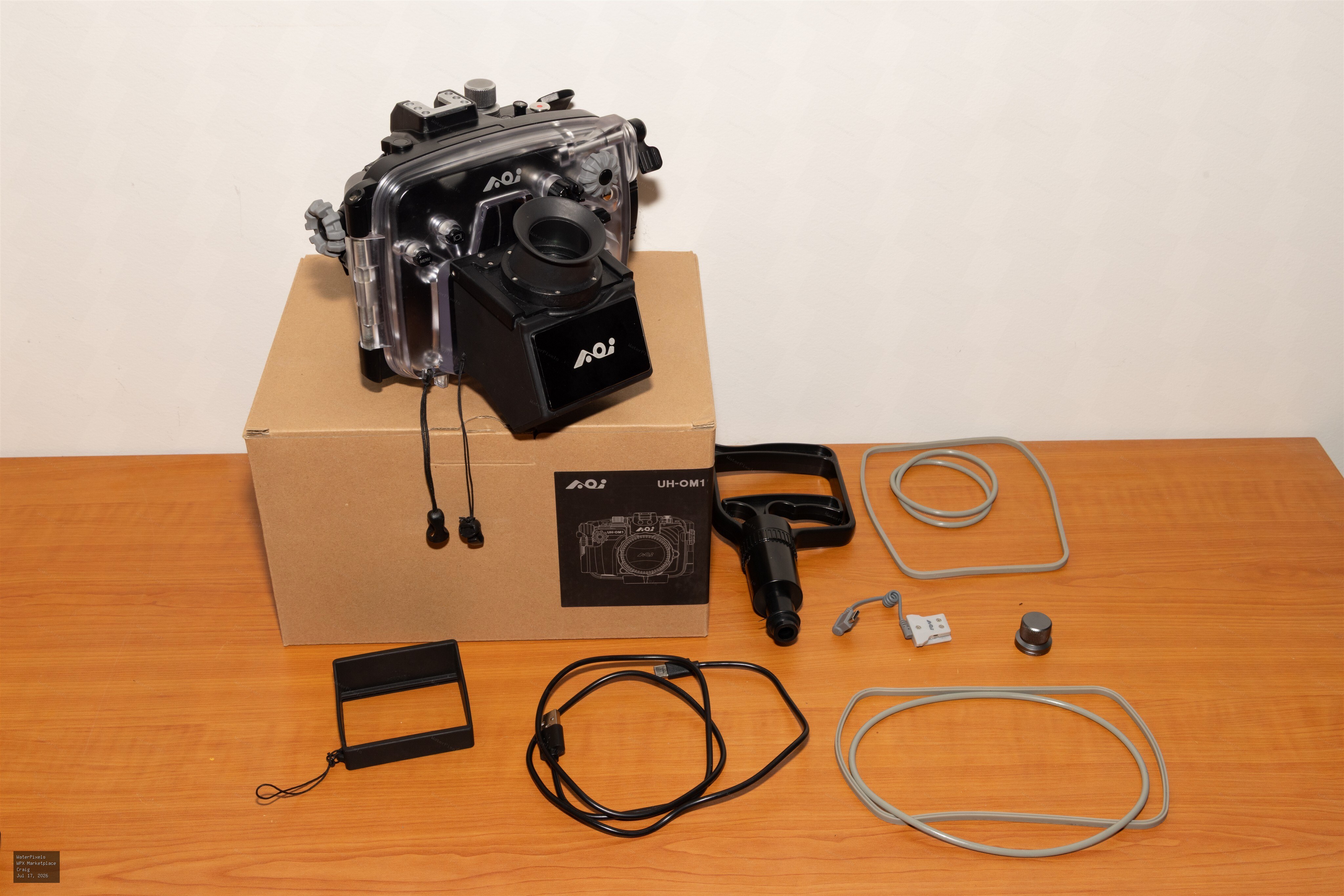 For Sale A$3,000.00 Coffs Harbour, New South Wales, Australi…
All items are now sold.
-
Great video and cool critters!
-
Hi CCRphoto, I used to use Digidirect but they stuffed me around a few times and lately I have used Digital Camera Warehouse and found them reliable with good service. Cheers.
-
For Sale A$3,000.00 Coffs Harbour, New South Wales, Australi…
I am selling my AOI camera rig for an Olympus/OM Systems OM1. The gear was purchased new two and a half years ago from Australian suppliers. I’m happy…
-
Hi Adrian, I am currently shooting the OM1 mk2, also in an AOI housing with SUPE D-Pro strobes. I use Standard Live View for all underwater photography, and I shoot a fair bit of macro. I too have found the LCD can be dark in some situations, and to compensate I increase the brightness of the LCD screen. You must always remember though that it is not giving a true indication of exposure, so to assist me in this regard I also have a histogram included on my LCD information, and use that to adjust my composition, lighting and exposure. I find it helps me also finding smaller subjects. I have found a similar situation to @Chris Ross in that images tend under-exposed slightly, but thats how I like my images, so it doesn't worry me too much. I have been using the AOI LCD viewfinder accessory attached to the LCD bracket of the back of the housing for some time now, and have got to the point where I would not dive without it. It does take some getting used to though. I found using the camera viewfinder itself is a quite limiting, as @Chris Ross said.
-
Nice video!
-
-
-
-
-
Welcome Will!
-
Nice video, the crab in the jellyfish at the start is amazing. I would be chasing that for a photo for sure.
-
Great shots!
-
Hi Chris, I'm based in Coffs Harbour, a fellow OM1 shooter!
-
Hello, Just wanted to introduce myself, I have been a user of the site for some time and follow a few of the experienced photographers on here. I am an avid underwater photographer located on the east coast of Australia. I dive locally at least every couple of weeks and have done extensive dive travel in South-east Asia and the Western Pacific. Cheers!



