-
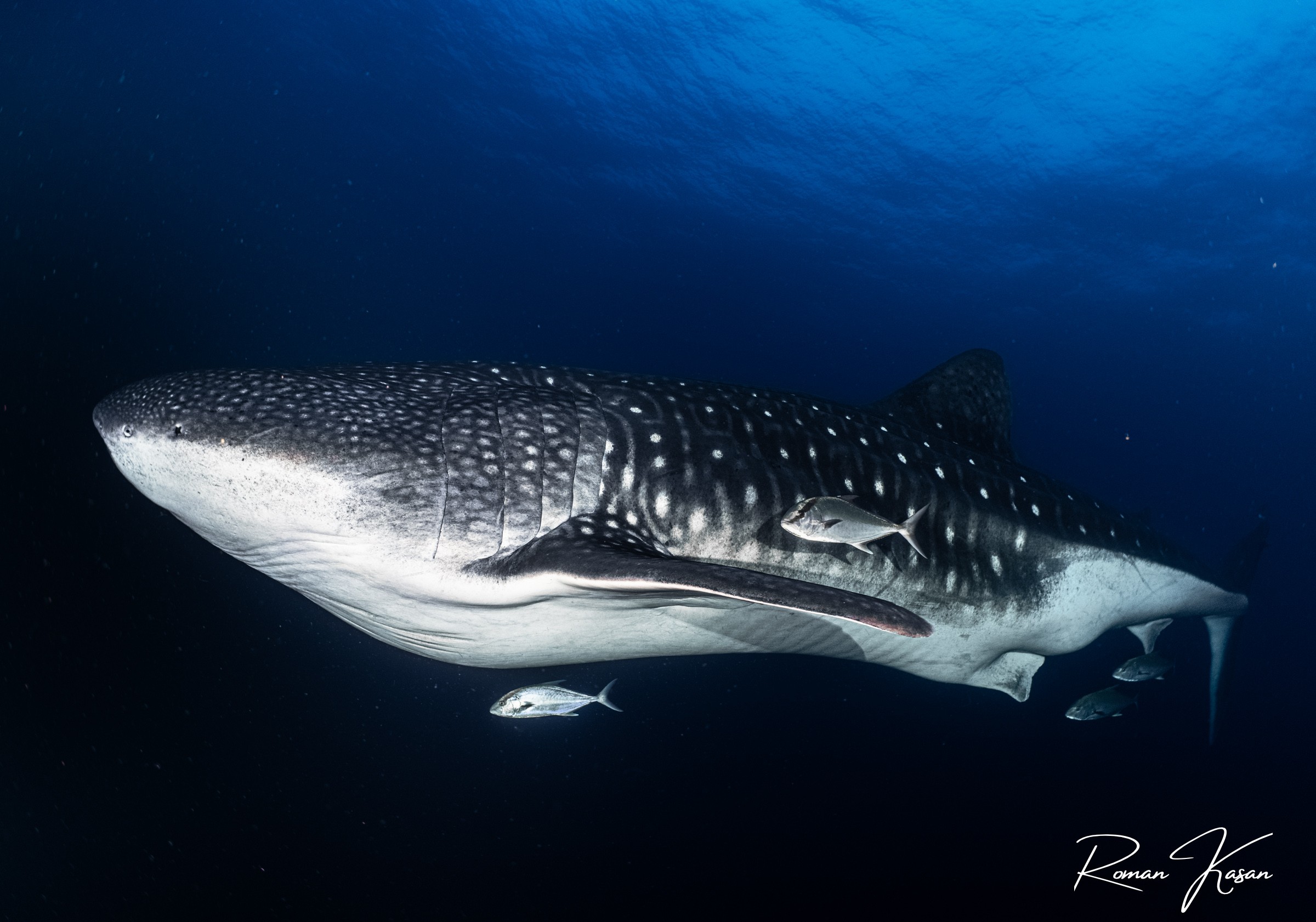
I have had privilege to spent 45 minutes alone with this baby whale shark during wee hours while on a live aboard in Maldives. The lights behind the boat had different colors and another challenge was the flicker which I did not notice at first. Sony A1 in Slog3 denoised and deflickered in Davinci Studio.
-
hahahahahahahahahahahaha🤣 welcome to the club!🥂 Same for sony A1 except for apsc zoom but that's because A1 has 8k sensor. Enjoy buttery smooth 4K and just focus on strengths not weaknesses. 4K120 - use it wisely. The same applies to my 8k. Also overheats and chews battery. CWB on custom modes - yep. Not possible. Reserve these modes for assisted light shooting. Like with strobes and video lights where you gonna use AWB. DO NOT use UWAWB with these. Use AWB only. Monitor - yep. It's what it is. Plus as long as you stay away from 24p the switch between modes is instantaneous. However as soon as you get 24p in the mix you need to budget extra second coming in and out of that mode. Also set your display in preferences to 1080p Tracking? in Video? On a Sony?🤣 You have now options to set custom focus areas and assign focus area selection to a custom button. Or switch between them using custom button. You need to adjust around these limitations. Again - welcome to the club! 🤣
-
it's the ability to submerge even if 2m. For better angle. To get orcas and humpbacks with the surface. Otherwise its mostly boring. In drysuit you really are a duckie like that plastic toy for kids bathtubs 🤣. On one drop I lost a fin. When I saw it I tried to grab it. It was hovering and slowly really slowly descending. Almost neutral buoyancy. My fingers were like 2cm from it. I tried to jump up and down using my remaining fin. I was not able to touch it. 🤣 The only thing I could do was observing that beautiful yellow fin slowly descend into the blue in a beautiful sunny nordic day 🤣 Edit: I forgot - and I saw orca underneath (true) and I thought 'wouldnt that be nice if she would bring it back to me?'🤣🤣 Save Willy! 🤣
-
for 1/3? heck yeah! Where do I fly? As for X5 the problem is not so much with the camera itself but the housing. Standard housing should have never been released and the pro housing does better but still way worse then X6... trust me.... have them all... 360 standard and pro AND Nauticam's ...
-
If you want to save some money skip WWL and get WACP-C. You will end up there anyway... So very much sharper on both ends.
-
yes, Waterproof. Was your Polar Front already converted to diesel electric? That boat is AWESOME! Whom do you go with this time? Yes action cams were terrible from what I saw, people had their gopro13s and such and perhaps good for cellphone but not for your home 72inch OLED panel. But they were handy and got the memories... This is why I originally steered you towards X6 because that thing has awesome low light mode and still with 10bit I-log. In your shoes I would still get it as 2nd cam... considering the cost of this experience nothing seems expensive :-)
-
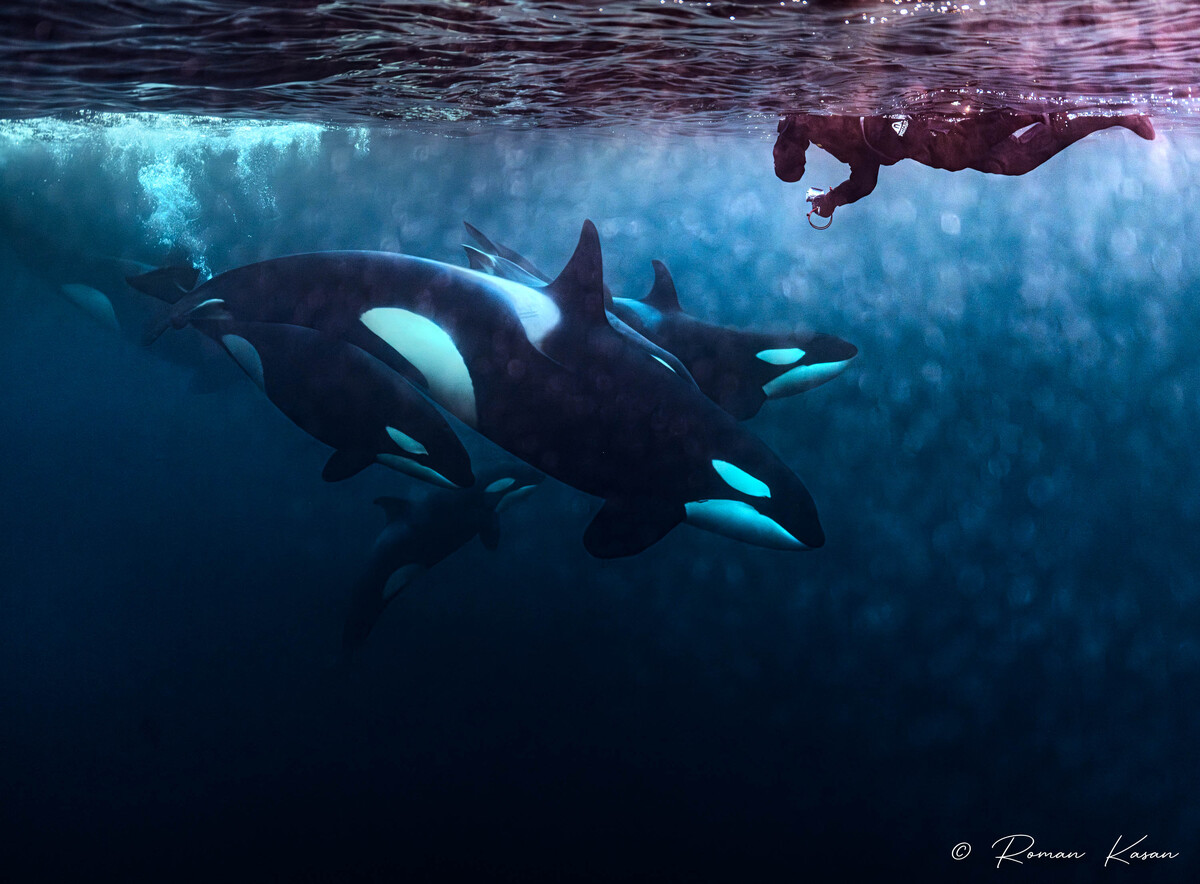
Thanks :-) we were lucky with this feeding session. But before it was ended not by one, not by two but 4 humpbacks my battery died and my backup Osmo I lent a poor soul who drowned hers so talk about luck :-) As for 1.8 it's tempting BUT you would need extra rings and 250mm dome which is like not practical and very expensive. My experience with excellent Sony 14mmF1.8 wide open on 180mm glass wasn't good. And if you become a lucky dog and orca bypass you only center will be sharp at 1.8 so I would not go that route. That orca feeding picture above was 1/250 F4 ISO25600 but in Slog3 so without log it would have been ISO6400 which is like nothing for A1 and I guess for Z8 too. That video was at 4pm so quite dark already but F4 24fps in Slog3 overexposed took care of that :-) ISO was like 32000 but with Sony A1 you dont really need to care... :-) So if you want one good solution for Orca and beyond get a loan and go for WACP-C. You will not regret it (your wallet maybe will🤣) . And stop being obsessed with WWL-C nonsense, your Z8 deserves better 🤣
-
My route with Sony A1 was 180glass with 16-35PZ which proved awesome for big seas Socorro and Cocos as my first destination with the camera. Also for A1 seamless zoom to APSC so it gave me 16-55 on 4k with all metadata. Next step was WWL-1B (which may be for sale btw) where the original idea was both tele, macro and wide-angle on one dive. Well it didn't last long as on Galapagos I missed a lot of action between the drop and bubbles cleaning. Then for the fun of it the experiment with 140glass and adapted Canon 8-15 with TC2x. Both with and without TC not a good idea as the whole setup is loooong and gave me little compared to next step. And so then ultimately it came to WACP-C which is still good for travel and create a pocket rocket out of A1 with sharpness unparalleled to any of above and the seamless reach from 130deg all the way to like 35 in 4K on A1. One would say I could have save some money skipping the two intermediates. For orca Norway trip with Z8 I would get 180glass with 14-30 F4 which would give you chance for nice topside snaps without taking camera out, splits and very good wide angle. And will become ultimate video package. And then close your eyes, open the wallet and get WACP-C with 24-50 and call it a day 🤣 Above pictures and video below are done with sony's equivalent 16-35 f4PZ
-
Why the question then? 🙈 You know the 7 mil drill 😂 We were very lucky for the weather last year last week of October. Still the viz was unforgiving even for my Sony A1 AF. Got a few nice snaps but in our group (several big cams) the consensus was that action cam was the way to make memories 🤷. But we also were dry. Next time for me is wet. And will I take big cam next time? For sure!🤣
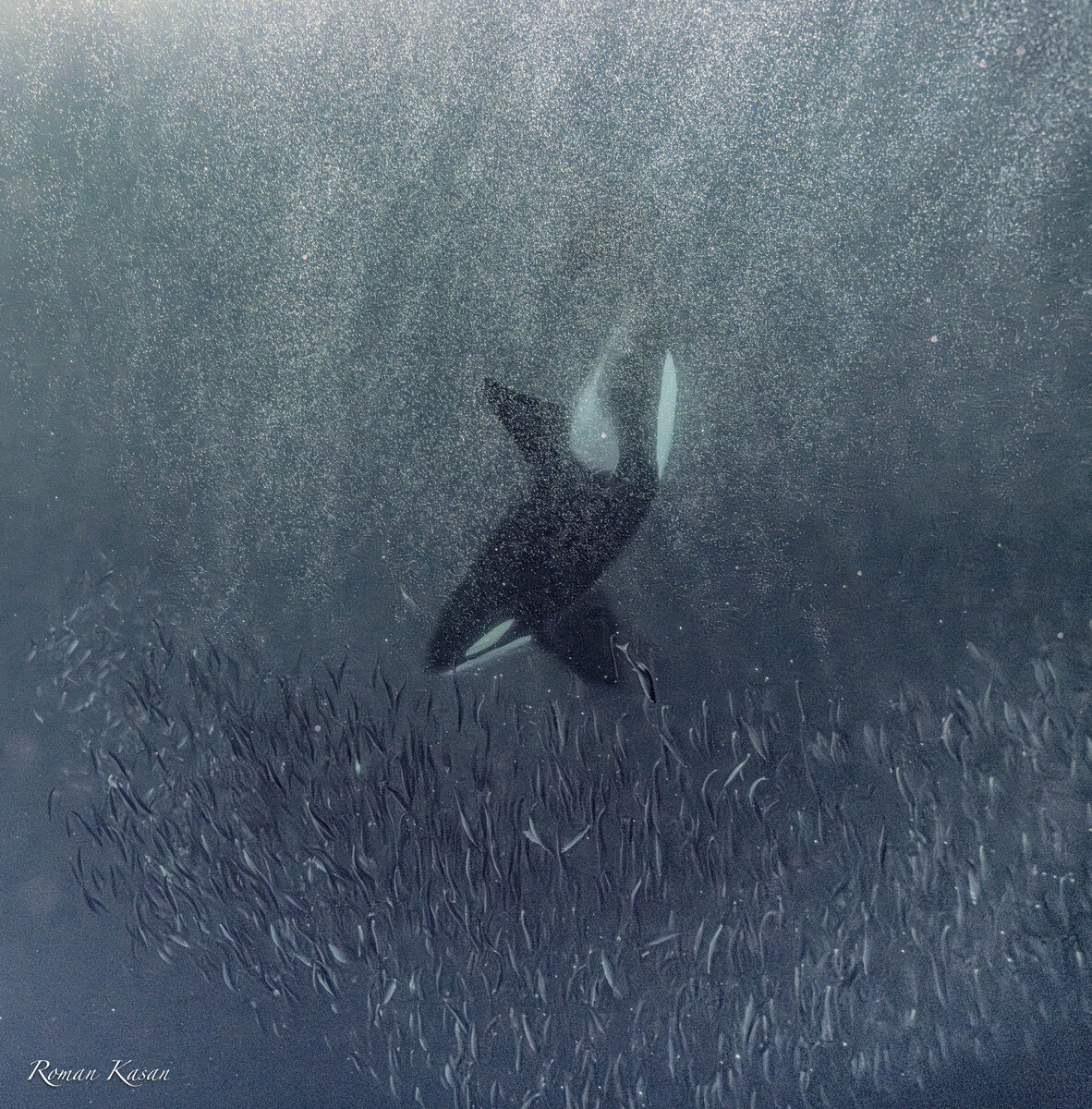
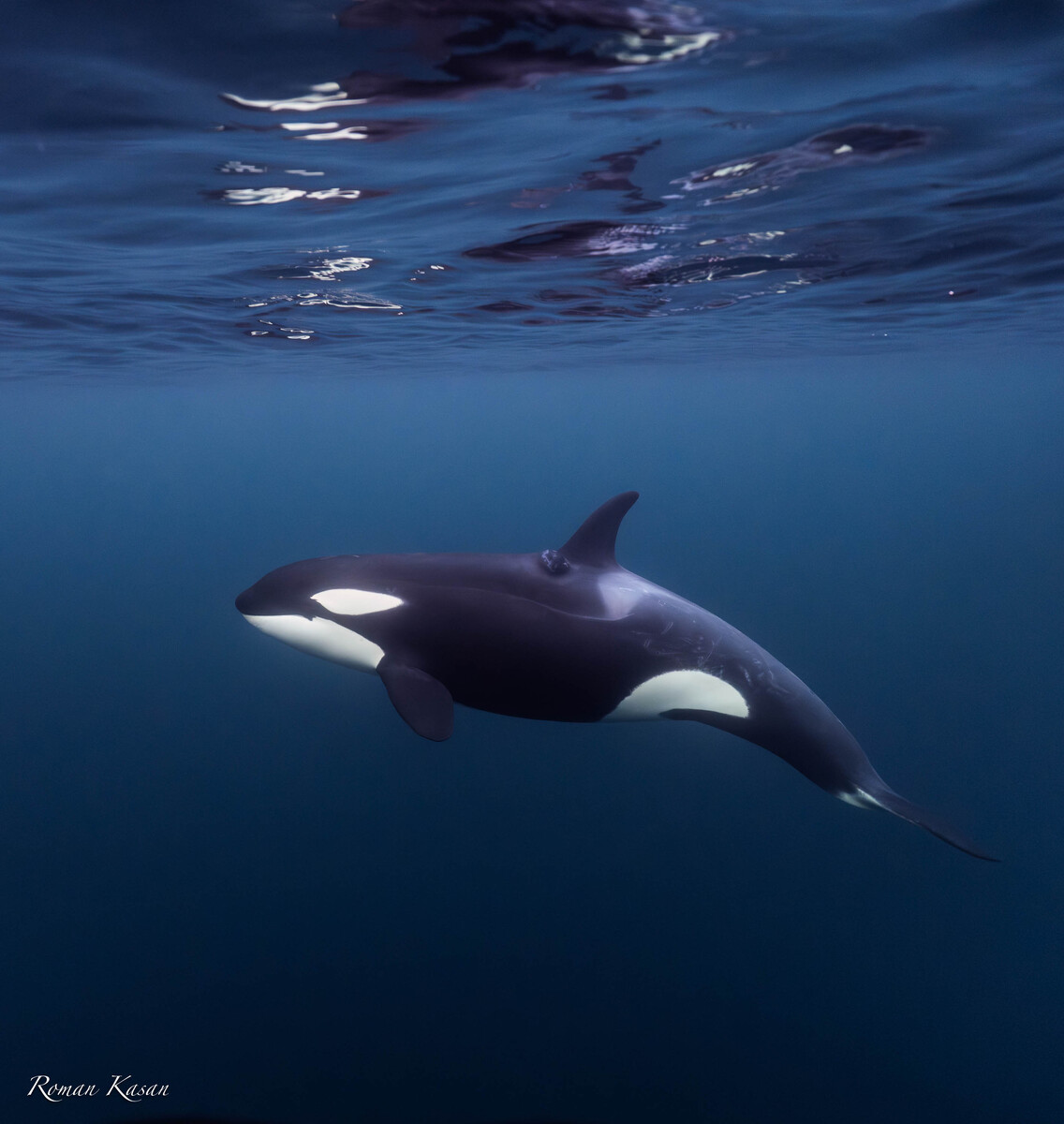
-
Orca in Norway… umm… quickly in and out, 7 mil wet gloves, cold fingers no you don’t want to do take off wet lense and clear bubbles 😂. Plus you won’t see shit, viz is real bad and without monitor at angle you won’t see shit anyway. AF will struggle and without sun up you won’t see anything guaranteed. For memories better to add X6 with UW case on a 3m pole to the price of the trip and be done with it. But with luck it’s a blast. Unforgettable. In the splash zone of surfacing humpback. 💙
-
There is one on instagram but kinda hideous to me. Truth is he must have had terrible visibility which is common over there. https://www.instagram.com/reels/DdimfUBt-BL/
-
Late reply - sorry. No lights for big Galapagos. Yes lights for small Galapagos. Hammers dont like them. They hate them. Kill anyone in your group with their GoPro and 1000lumens light trying to make difference. There are only a couple dive sites where they can be useful for smaller life, like the red lipped batfish but you will spend 90% of your time hunting for big life so to me not worth the travel trouble.
-
yeah... swallow the X5 pill, get X6 and dont look back.
-
Exactly my sentiment. They probably know they are going to sell them so why to put extra effort to think... Better to copy FX3 housing and be done with it... Lazy Nauticam... Being in Sony and N100 ecosystem I was considering FX5 ... but with this? I really liked C50 housing for what it offers. Maybe I was also hoping for some kind of levers Aquatica is using on their GH5 housing... great access to top buttons... ... lazy Nauticam...
-
What do you all think compared to C50 housing? NauticamNauticam NA-FX5 Housing for Sony FX5 CameraThe Sony FX5 brings VENICE-class capability into a body barely larger than the FX3. A newly developed full-frame, fully-stacked Exmor RS CMOS sensor paired with the BIONZ XR2 processing engine deliverNauticamNA-C50 Housing for Canon C50 CameraThe Canon C50 is a compact, powerful cinema camera that blends cinematic image quality with a portable form factor, making it a versatile tool for underwater creators looking for a smaller system. It