-
"Using raw files obviously takes a lot more time and patience, since you could have had all that processing done right in the camera for free. You only want to go through this trouble if for some reason you're unsure of what settings to use. The raw data, since it includes everything, also takes up a whole lot more space and takes more time to move around. It's sort of like either having a complete car that runs (JPG), or a science project in a million pieces that still needs assembly before you can drive it (raw). You can't really change exposure after a raw file is shot, although the software that opens this data gives one the option to rescale the data and give the impression of changing exposure. You can get this same synthetic lightening from JPGs, too, although only raw allows some ability to correct overexposure. I take a lot of heat from tweakers because I, like other photographers, prefer to make my adjustments in-camera and use the JPGs directly. Others prefer to spend even more time later twiddling in raw, but that's not for me. I get the look I need with JPGs and prefer to spend my time making more photos. If you're the sort of person who likes to twiddle and redo than by all means raw is for you. Everyone's needs vary. For many hobbyists tweaking is part of the fun and I don't want to spoil that. Please just don't take it personally that I prefer to get my shots right the first time instead of having to tweak them later. If I need to correct a goof I just do it from the JPGs." taken from Ken Rockwell my personal go to person.
-
I'll be 75 in October and I'm still diving and taking pictures.
-
Want to Buy
I use this Lens with my Nikon Z50 2 in my Ikelite Housing with 8 inch Dome Port. It works Great with no problems.
-
Back button works good but will not let you focus on a new shot till you use the shutter button, that's they way it works on my Nikon.
-
I was there last year 2025 I was very disappointed. I find Bonaire a better choice.
-
I took my TG 6 with the FCON 2 Lens on when I went snorkeling. I told the camera I was using the FCON Lens II. When the camera got below water the camera would zoom in to cover the full frame. When I tried to go to the full 180 circle mode it would not ?
-
Why do you need to tell the TG series cameras that you are using a FCON T01 or a FCON T02 Lens. What does the camera do or not do if you don't ?
-
Wanted both Ikelite 75344 D0me port and 75028 extension Please contacted me if you have these available ?
-
open to offers ?
-
I made a lot of housing in the past using compass domes. Look for a company who fixes them .
-
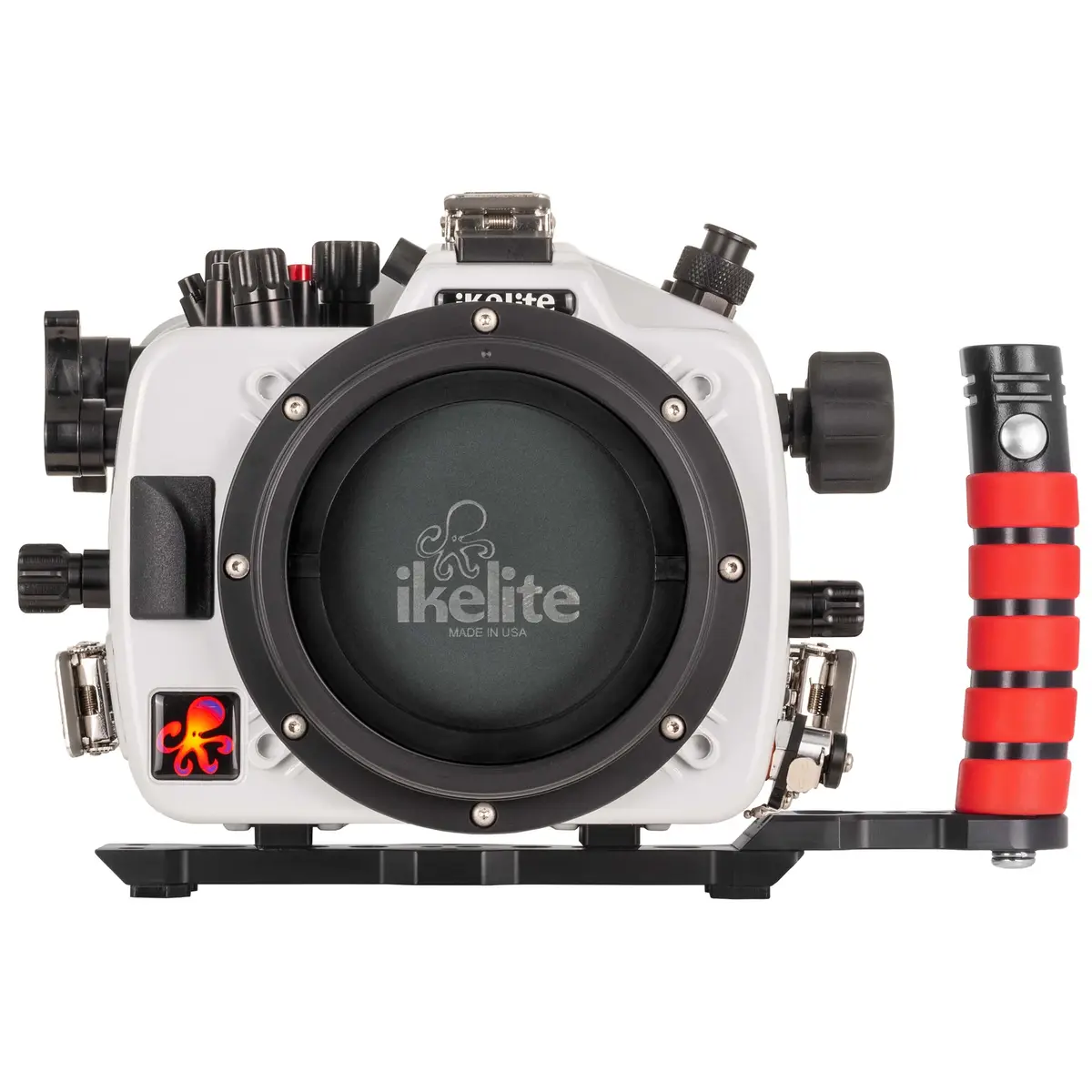
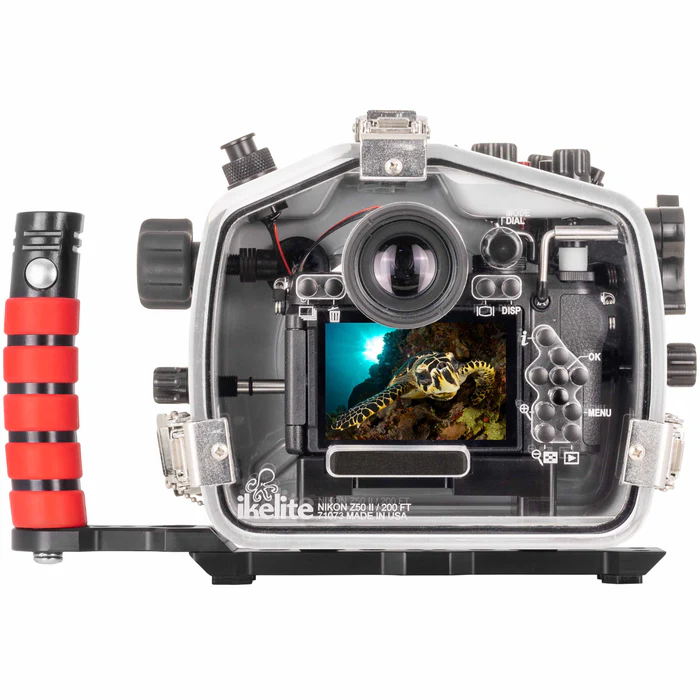
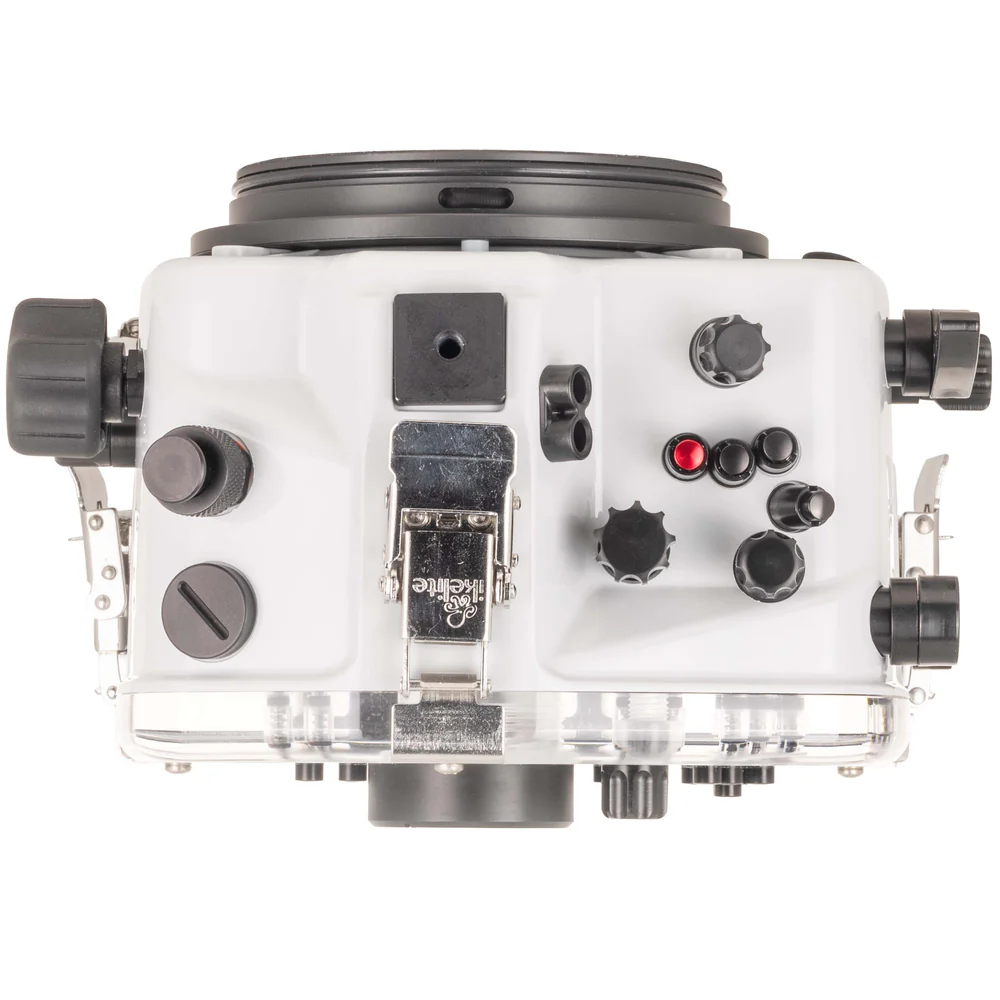
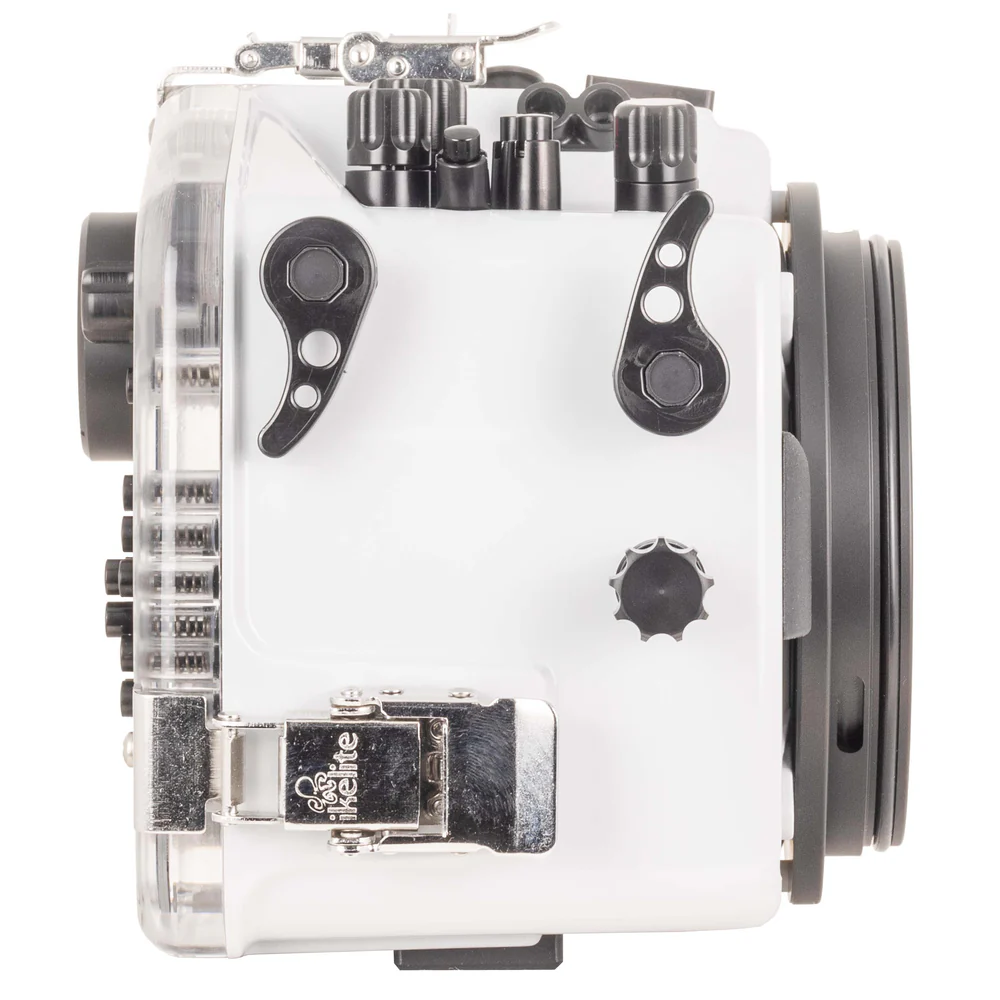
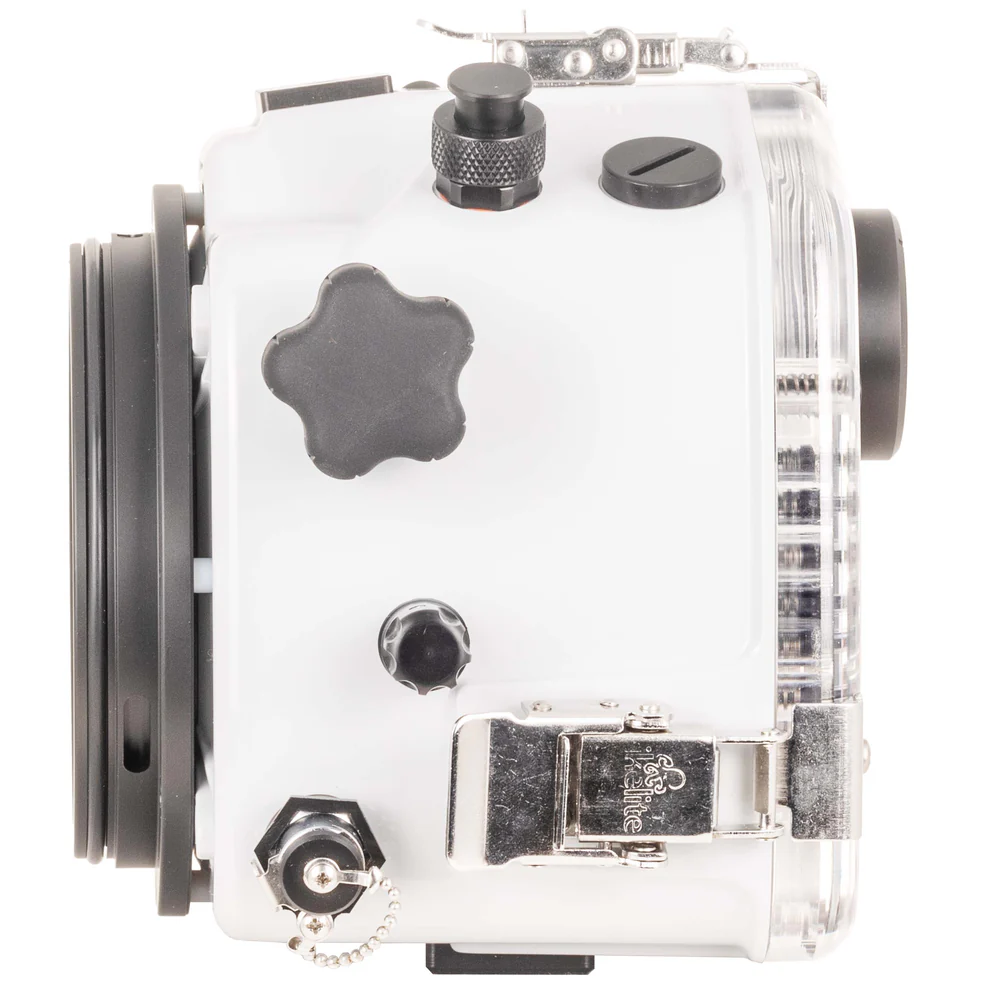
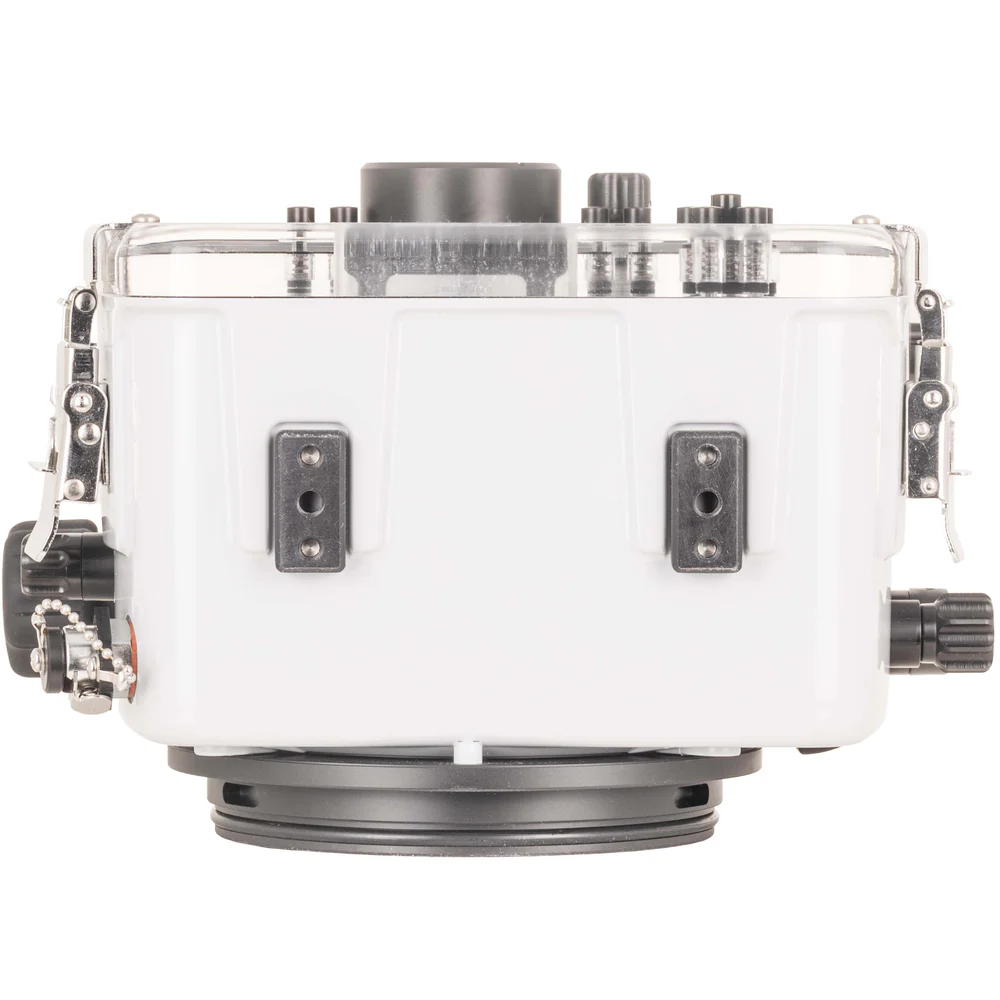
Ikelite 200 Dl Housing for the Nikon Z50 II camera. Bought new in December of 2025 less than 3 months old. used one time in shallow water dive. Have to sell because of health issue. I paid $1,895.00 plus shipping and taxes. will sell for $1,500.00. The pictures here are from Ike's website but look the same as my housing. not a scratch on the housing in perfect condition. I live in South Florida and own a Hotel called the Blue Seas Courtyard. com
-
Does anyone know how well the OM-1 mark II does white balance in shallow water. Looks like it has a pre set white balance for it ?
-
I'm interested too ?
-
I have been looking for a good camera that does good white balance in shallow water. The Tg cameras are excellent. I have been using Nikon z50 and Cannon r10 cameras and find there not as good. I just bought the OM 5 II because it has a underwater white balance setting, will see how well it does. I'm not shooting RAW but I have with all my cameras.
-
I can't be leave how much the housings have gone up in price. Ikelite looks like the best deal around.