-
Yes, it feels like a very basic refresh of the 330s. I prefer the trend towards simpler UIs in strobes, and I’ll probably choose one with more modern batteries whenever I upgrade. Not to mention, they just about shut down the company for the last few years which doesn’t fill me with confidence for future service.
-
Terrifying, thanks for the vivid retelling and cautionary tale. It would be great to keep the data from the trip but better to keep the family safe.
-
Received in great condition! Good trade with SH Jeong.
-
I have a 45-deg viewfinder too. When reviewing images on the back of the camera on DSLR, I had to rotate the camera forward just to see the display under the viewfinder. Reviewing through the EVF is much better, especially for supermacro critters that are tough to find in the first place.
-
EVF plusses generally outweigh the minuses, but it’s an adjustment. Dynamic range for one, auto-adjusting so you can’t ballpark how bright it actually is without taking your face off the camera for another. On the 5d4 I could see that it was dark through the viewfinder but could usually still see the thing I was focusing in, and make a judgement of how much to crank the exposure. I hear the R5ii is better, but I have the original flavor. But on balance it’s better and having instant playback in the VF is worth the adjustment.
-
Perhaps Nauticam could send you CAD files for the ports. I'd be interested in one for macro port 94.
-
Those look pretty sharp to me!
-
Interested if still available
-
He didn't mention it in his email, it's buried in his editorial called "150," but this is the last ever issue of Underwater Photo Magazine as Peter is retiring. https://www.uwpmag.com/ will stay open through the end of 2026. I'll miss it as a resource, mostly for photo-oriented trip reports and in-depth equipment reviews. But 2026 hasn't been kind to magazines, even digital ones. So long and thank you.
-
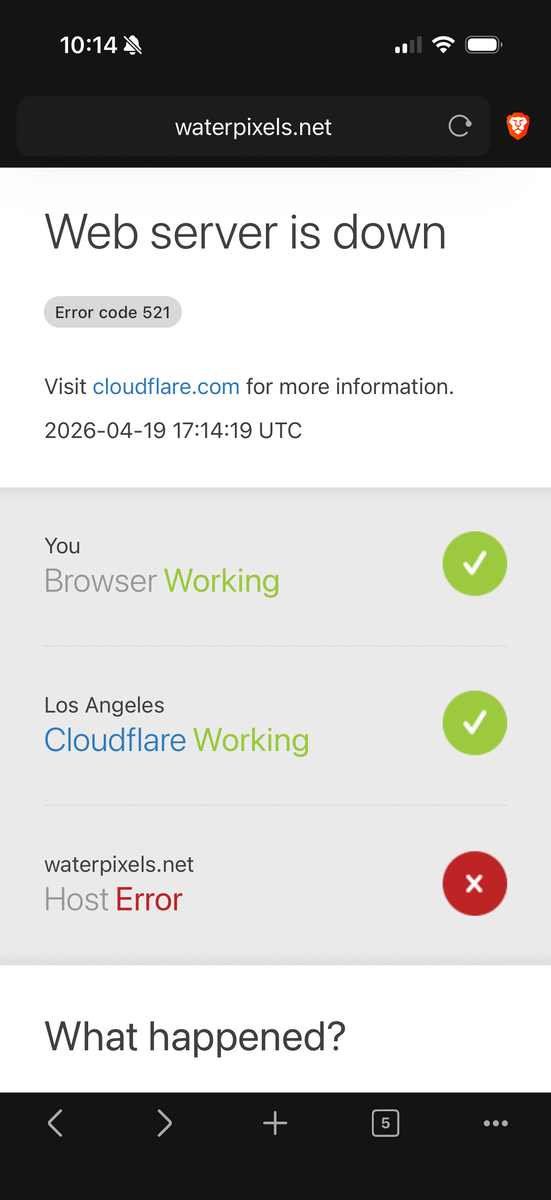
Now I’ve seen that same error from the web app linked at the top of the page.
-
I’ve seen this error around 20% of the time I try to visit the site over the past month. Usually from iOS mobile Safari or Brave/Chrome. I know Brave is weird so I’ve tried Safari and seen the same error. I just downloaded the App so I’ll try that for a while to see if it’s better.
-
Oh, excellent. I need the preflash mod too. I just did a few days of a trip with the strobes in preflash.
-
Does anyone know how to remove/swap a knob on the Z-330? It looks like there’s a set screw, but the hole goes all the way through. I’d like to change the power knob to anything else (hopefully swap with my Z-240 knob) so it’s a different shape. I’ve been backlighting macro subjects lately, and it’s impossible to keep track of which knob is which when the strobe is upside-down and backwards. I noticed the Backscatter strobes had a feature “the power and mode switches are different shapes!” and hoped I might be able to do that myself.
-
Could you post a video? I’m a bit worried about letting beta software start writing to my catalog, there is years of work there. Yes it’s backed up, but I still don’t want to test it. Do you select an image in the grid, click search, it fills to the metadata fields, then I can save that or discard it? Does it add to the keywords or replace them?
-
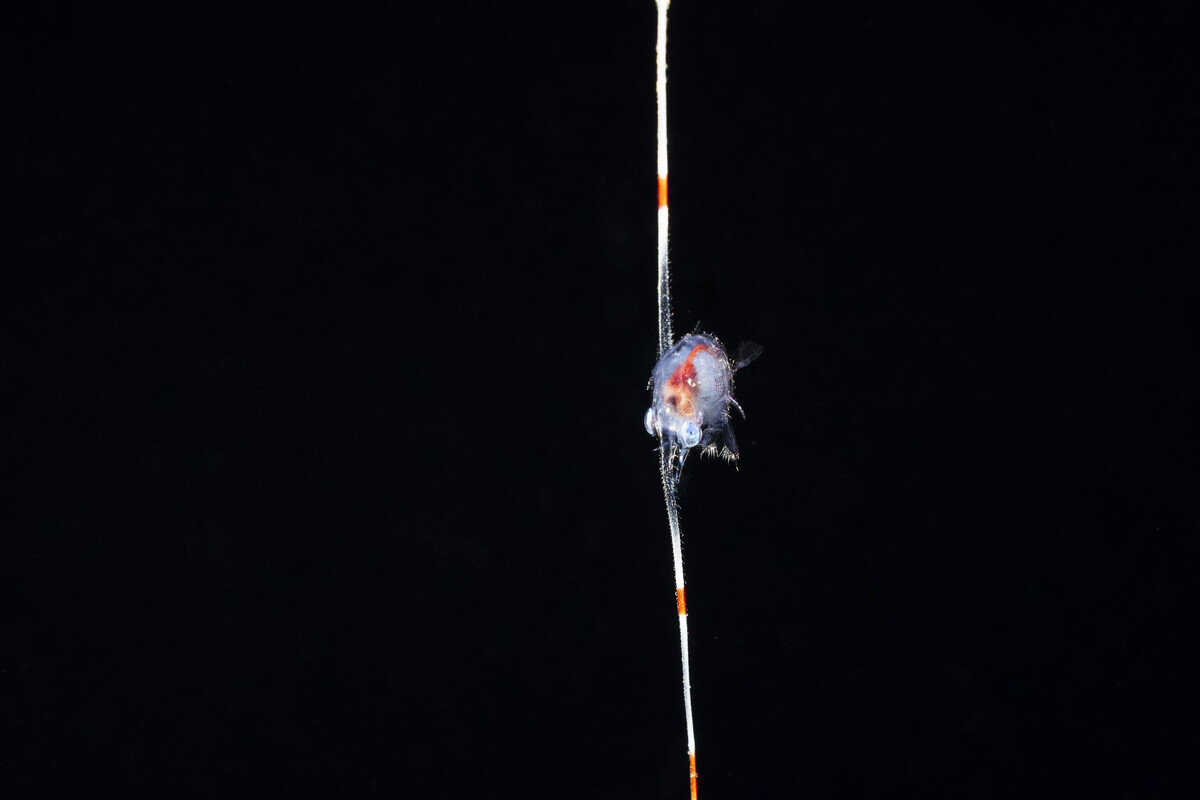
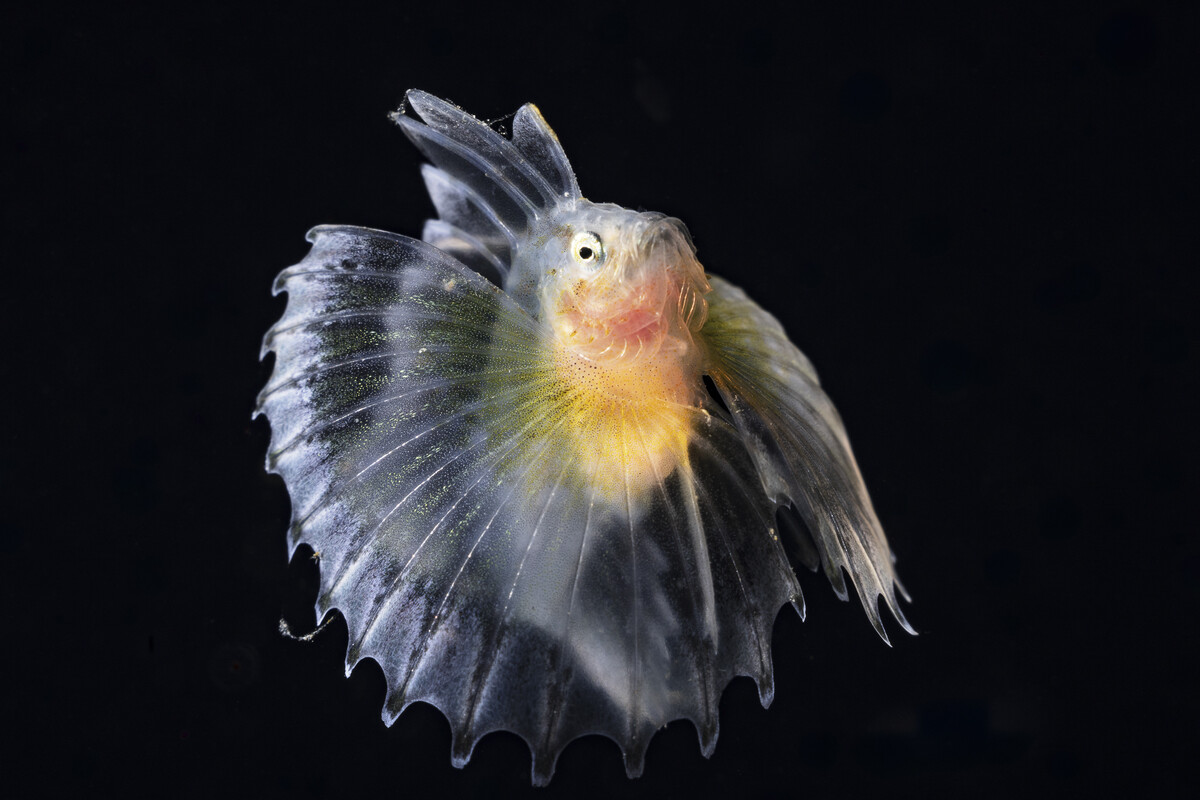
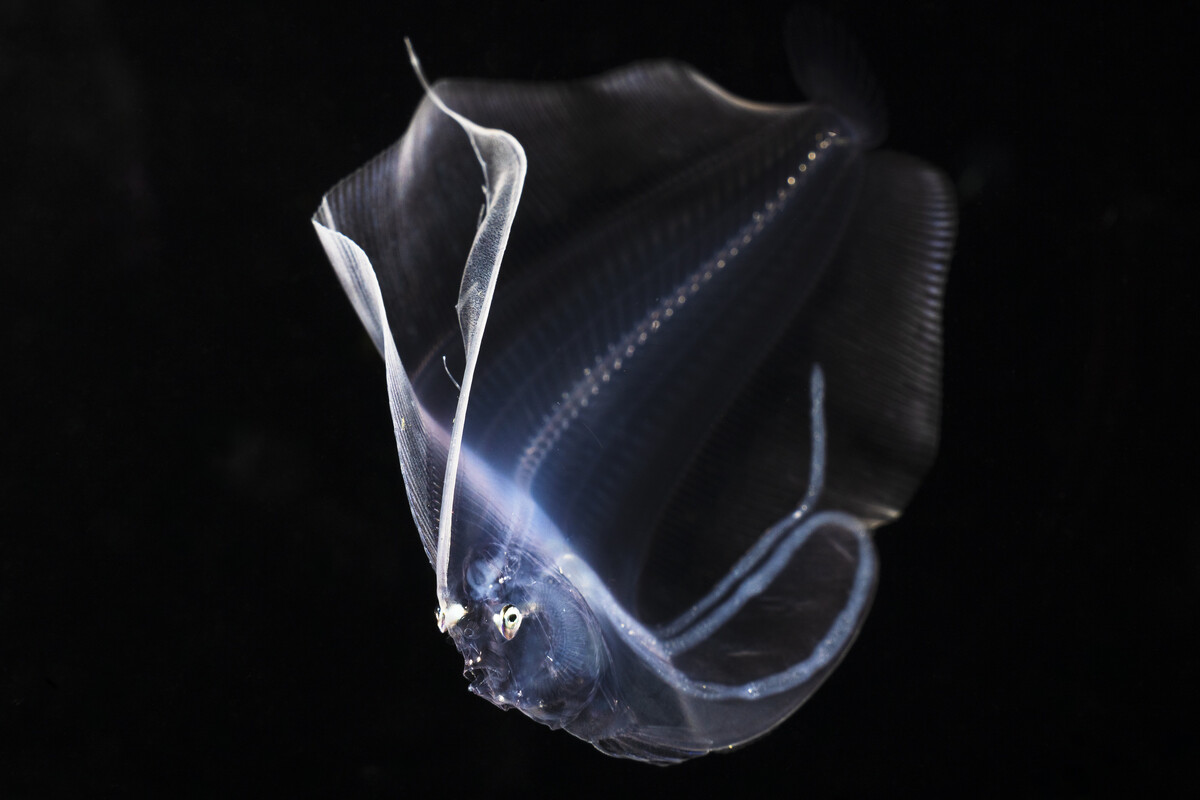
Here are a few shots with the MFO-3. The black water Crab zoea "stickhead" crab is uncropped. The Lionfish larvae is barely cropped for composition, and the larval Flounder is cropped to maybe 88% of the frame. I've only ever shot 100mm underwater, but I don't notice any image quality difference between the RF 100mm/L with or without the MFO-3. In theory it should be a bit sharper with since it does corner correction. Using it with a teleconverter seems like cross purposes, like walking the wrong way on an escalator and ending up where you started.