I do sometimes. https://www.instagram.com/theashleeruss/
- 95Posts
- 95Replies
Read-only discussion
Who shares on Instagram?
95 posts
-
-
OK I caved. Just set up an account even without a functioning smartphone. Populated with a few snaps using LR. It would not take my graphic watermark so resorted to a text based one. https://www.instagram.com/salmonographer/
-
I'm interested in following some more underwater photographers on Instagram. Do you share your photos on Instagram? What underwater photographers do you follow?
You're welcome to follow me, or not. It's totally up to you! :-)
I do too, and I do follow you: great shots by the way!
I shoot only in freshwater, mostly salmonids. Here is my account: https://www.instagram.com/rainforest_steel/
-
I only started recently. https://www.instagram.com/pyuch/
-
I just joined Wetpixel, but I do share pictures on instagram. Please check it out and follow along. https://www.instagram.com/ctdavismd/
-
Instagram is my personal fave way to share images.
My feed is here https://www.instagram.com/spencerburrowsphotography/
-
I have just started and I'm liking it. https://www.instagram.com/josiluna_uw/
-
This guy is awesome:
-
I follow almost every underwater shooter I can find since it becomes a great source for inspiration. My instagram account is https://www.instagram.com/oftheseaphotography/?hl=en
-
I'm fairly active on Instagram: https://www.instagram.com/tom.st.george- mainly cenote and cave diving photos.
-
-
I do sometimes. https://www.instagram.com/theashleeruss/
Very nice style! I do a little beach glamour frequently.
-
I'm sharing on Instagram for a few years now.
https://www.instagram.com/p/Bppb6nFFp3k/?utm_source=ig_share_sheet&igshid=1pjun52qddwis
Follow me?
@uwshoot
https://www.instagram.com/p/BpfBaj9iOlX/?utm_source=ig_share_sheet&igshid=zmxjy55mgybh
It works easy and fast, also you can see lots of other underwaterfotography.
Verstuurd vanaf mijn Nexus 6P met Tapatalk
-
OK folks, am I missing something here? I take great care in how I compose my images, but Instagram "insists" on cropping the image... doesn't it? I have nothing against square, but if I wanted a square image, I'd take it that way...
Not to mention the ridiculous workflow to put an image up there from a laptop.
Help out a skeptic will ya? ;-)
-
OK folks, am I missing something here? I take great care in how I compose my images, but Instagram "insists" on cropping the image... doesn't it? I have nothing against square, but if I wanted a square image, I'd take it that way...
Not to mention the ridiculous workflow to put an image up there from a laptop.
Help out a skeptic will ya? ;-)
Based on my recent experience it is best to post square images. Recompose them yourself or you may see undesirable results. If one clicks on an image one will see the image without cropping but this requires a bit of effort (lots of clicking). It is much easier to scope out what is there by looking at pix in the default grid.
I am using the Lightroom app mentioned back a bit in this thread. No major issues with workflow. However, one needs to delete an image and then undo the deletion and re-upload to see edits. Not quite as smooth as other LR apps.
-
Thanks Tom... I've heard that there is a way to post full frame, but again, it seems like a lot of work! ;-)
@stu_seldon
Don't rush. Although there is a link to my website there. ;-)
-
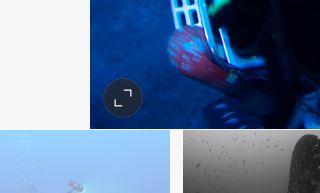
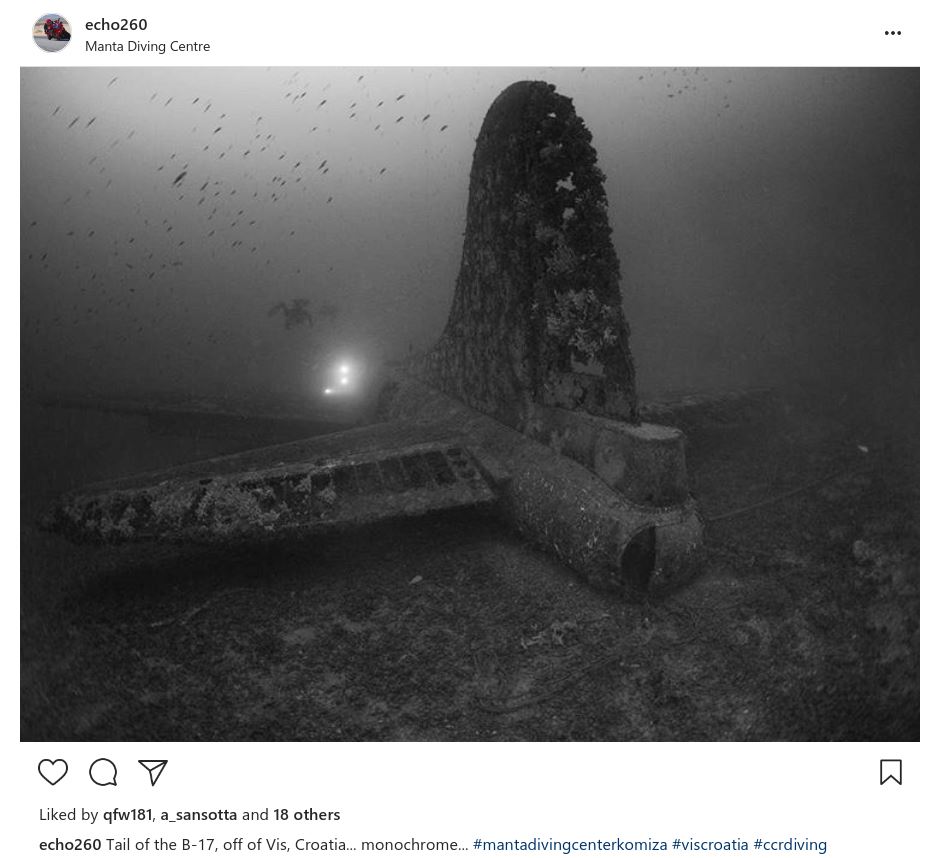
Posting full frame images to Instagram only requires a single additional click, if using the IG app on a Windows PC. This, however, is not obvious from the app's screenlayout... After selecting the desired image, one should see a small black circle, with two outward pointing arrows, in the lower lefthand corner of the image:

Simply clicking on it will change the image from square to full frame (landscape or portrait). And, that's it... just follow the rst of the prompts for captioning and tagging and you'll have full frame images on Instagram.
One caveat, though... If the person perusing your photos is using a grid preview layout, they will still see a cropped version until they actually open the image.
HTH...
ECho
-
Started from last summer and for me it is a little extra motivation to get to the cold water (on my days off from the cold water)- get some shots to share with friends and who ever is interested : https://www.instagram.com/antStern/
Just about looking around for a new camera as well.. countless hours of research what to choose.. -
I photograph UW kids, families, brides and fashion March through October - I only get to photograph marine critters on vacation a couple times a year. But my feed is here - and my UW specific hashtag is #charlotteunderwaterphotography
Instagram.com/reneestengelphotography
-