



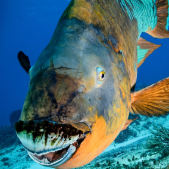
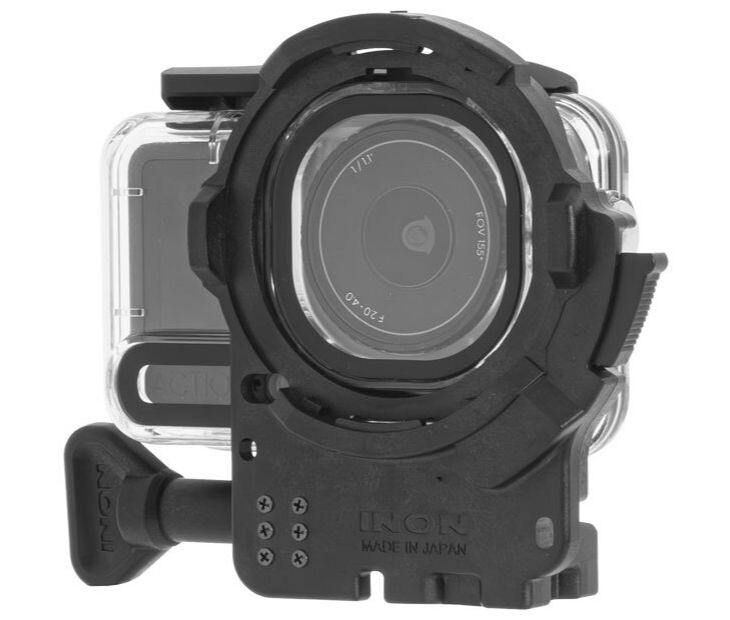
INON INC. releases the ZD Front Mask for Osmo Action 6, made specifically for the official Osmo Action 60m Waterproof Case (OA6J12) on December 26, 2025.
Also, the ZD Front Mask for Osmo Action 6 Grip Set has been released, enabling use of the DJI Osmo Action 6 with an optional underwater light.
Attaching the INON ZD Front Mask allows the use of the underwater semi-fisheye conversion lens UFL-GR140 ZD (*1) which can deliver wide and quality view with its large-aperture optics across more wide-angle FOV settings on Osmo Action 6.*
Also, the wide variety of INON close-up lenses (UCL-G165ll ZD, UCL-G100 ZD, UCL-G55 ZD) now allows Osmo Action 6 users to enjoy macro imaging that wouldn’t be possible with the camera alone.
(*1) The UFL-G140 ZD is not compatible as it causes vignetting at most FOV settings.
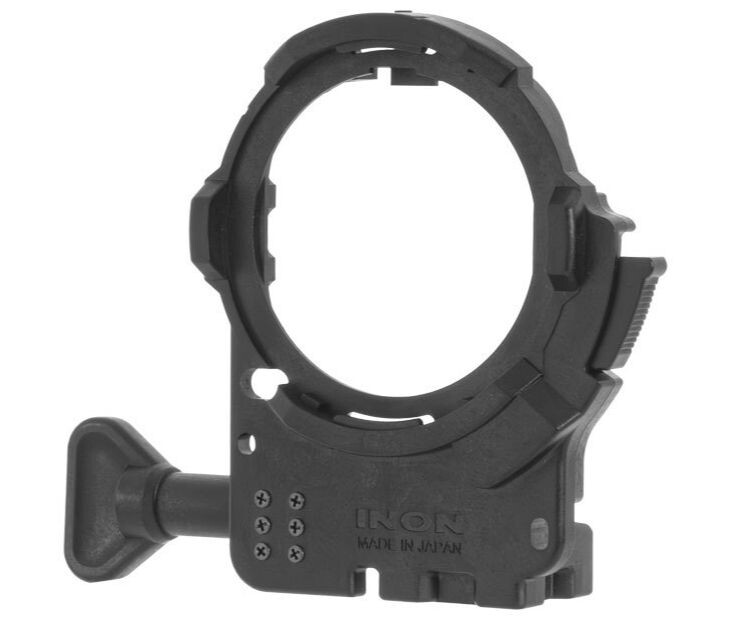
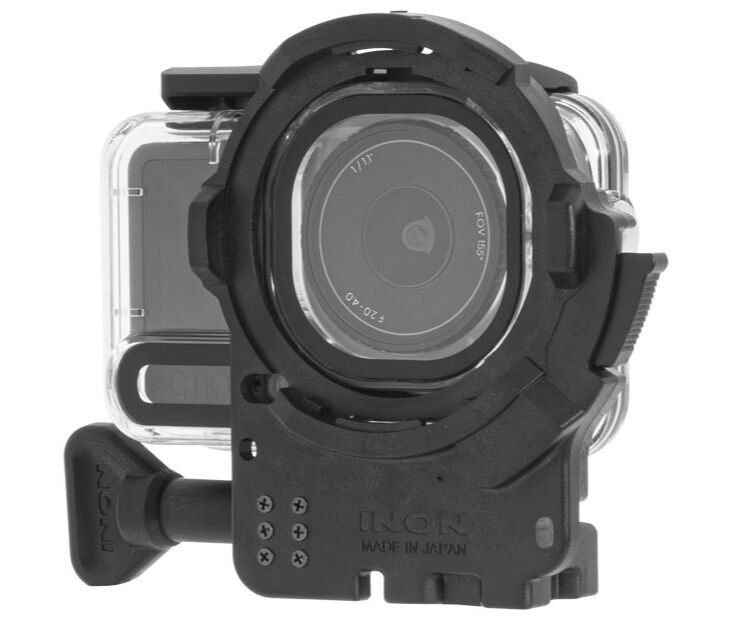
ZD Front Mask for Osmo Action 6
-- Release date: December 26, 2025
--JAN/EAN: 4570018121296

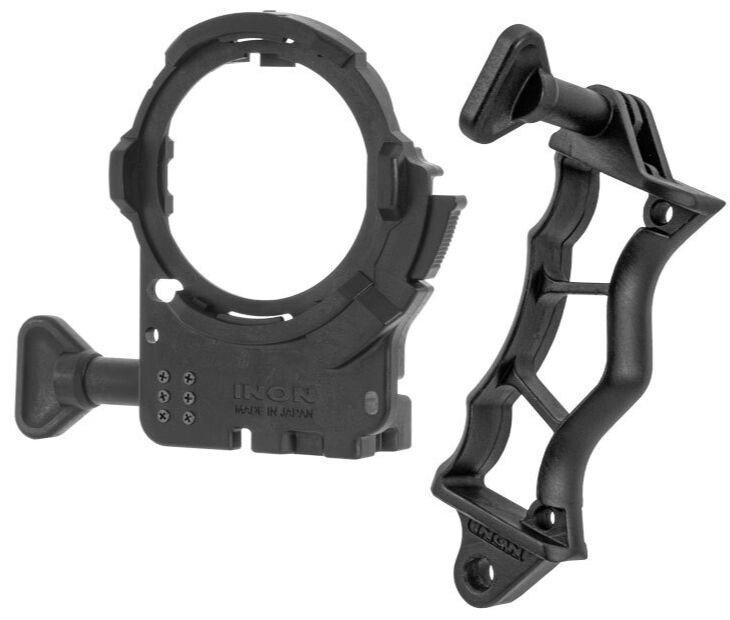
ZD Front Mask for Osmo Action 6 Grip Set
-- Release date: December 26, 2025
--JAN/EAN: 4570018121302
Model | ZD Front Mask for Osmo Action 6 | ZD Front Mask for Osmo Action 6 Grip Set |
Compatible housing | DJI Osmo Action 60m Waterproof Case (OA6J12) | |
Mount | INON ZD Mount | |
Compatible lens | ||
Size (excl. handle) | 82.0 mm/3.2 inch (W) × 98.0 mm/3.9 inch (H) × 34.0mm/1.3 inch (D) | - |
Weight ( incl. handle) | Air: approx.58 g/2.0 oz, underwater approx. 24g/0.8 oz | - |
Material | PC, POM etc. | |
Accessory | Male Adapter (GP) | 4D Light Grip, Male Adapter (GP) |
Compatibility* | Please see attached PDF | |
Remarks | Third party housings are not supported. | |
*For information on the Front Mask and lens vignetting, please refer to the attached PDF.
Please note that vigorous camera movement may still cause the lens hood or Focus Stick to appear in the frame, even when marked as “usable.”

-
 2
2

Recommended Comments