



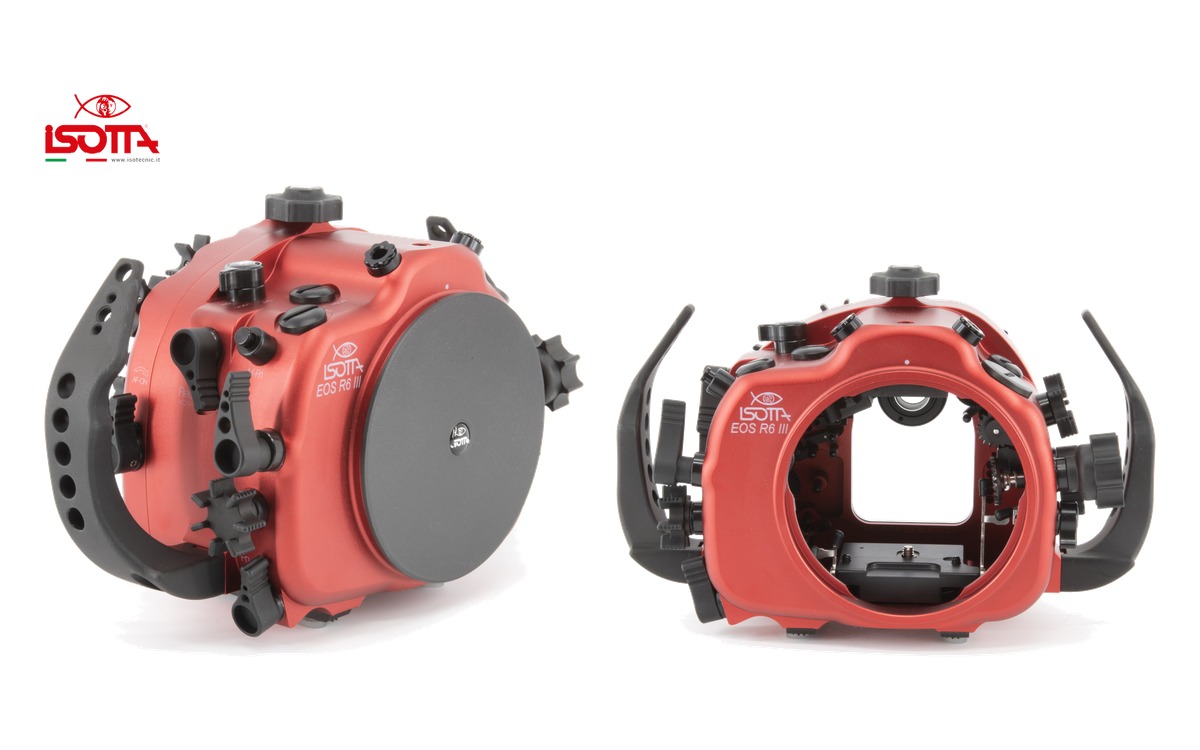
Isotta has released an underwater housing for the Canon EOS R6 Mark III. Built from red anodized aluminium, it is rated to 100 metres and uses the company’s B120 bayonet port mount.
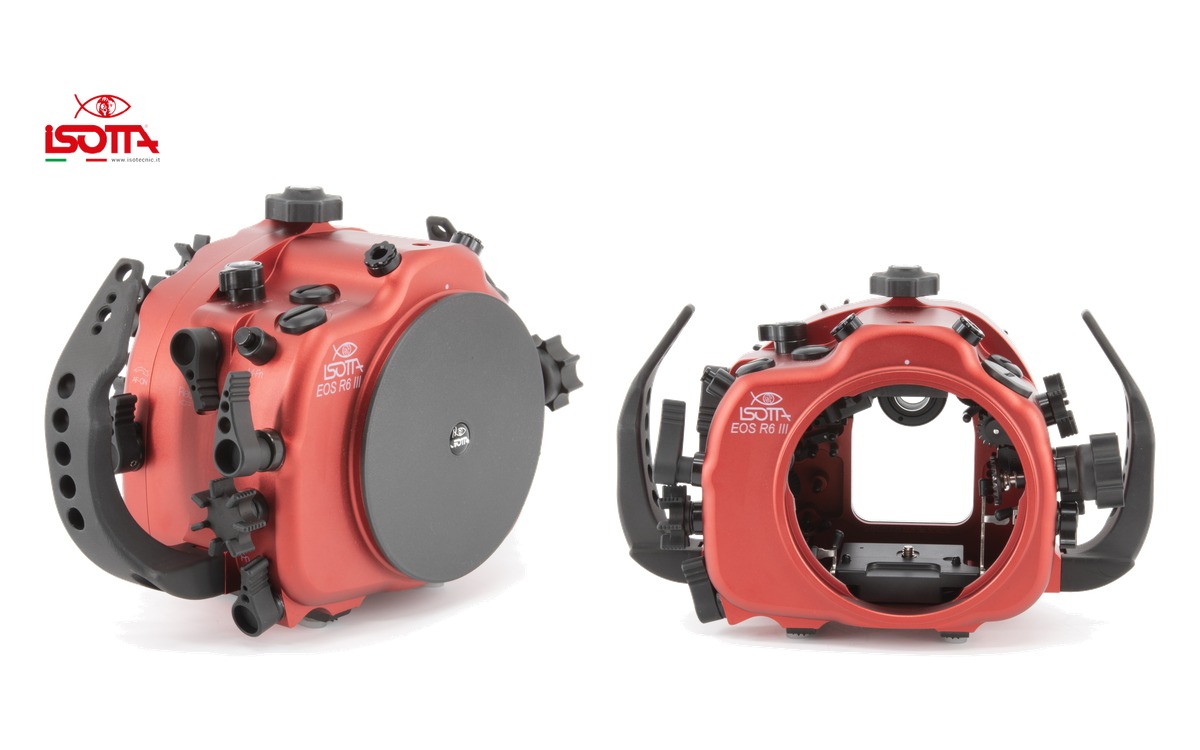
Photo: Isotta
The housing provides access to the camera’s main shooting controls, with a focusing and shutter lever designed for use with gloves, a locking camera tray and a fully detachable rear section secured by a single-hand closing knob.
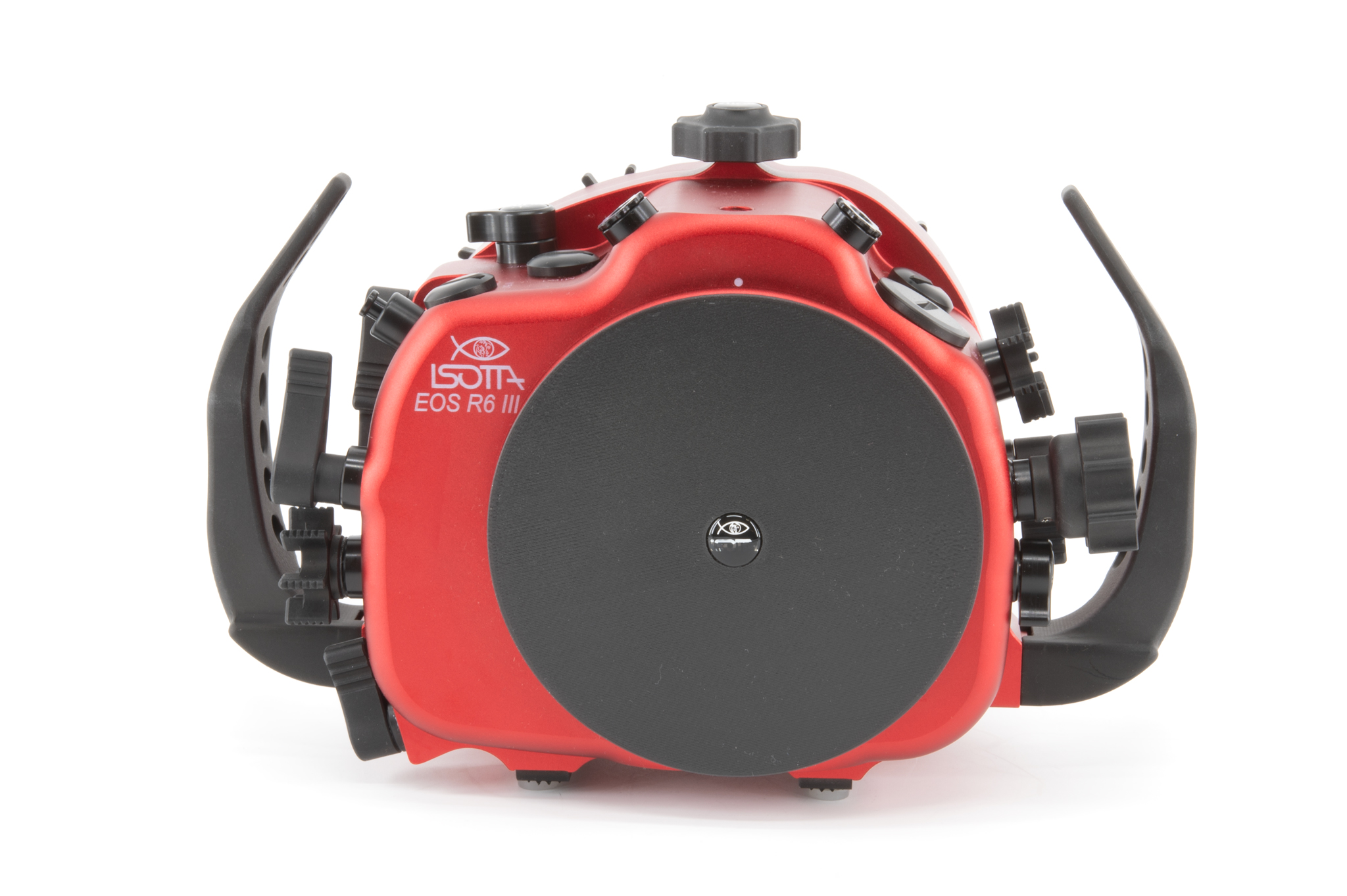
Photo: Isotta
Key specifications
Depth rating: 100 metres
Dimensions: 292 × 186 × 138 mm
Port mount: B120 bayonet with safety lock
Strobe connections: two fibre-optic connections; optional trigger required
Accessory openings: three M16 and one M24
Sealing: double O-rings on all buttons and removable parts
Monitoring: moisture sensor with LED indicator; vacuum system optional
Viewfinder: standard Isotta viewfinder included
Warranty: two years from the manufacturer, excluding batteries
The package includes handles, a front lid, the standard viewfinder, humidity sensor, fibre-optic connection bulkhead, replacement O-ring kit and silicone lubricant.
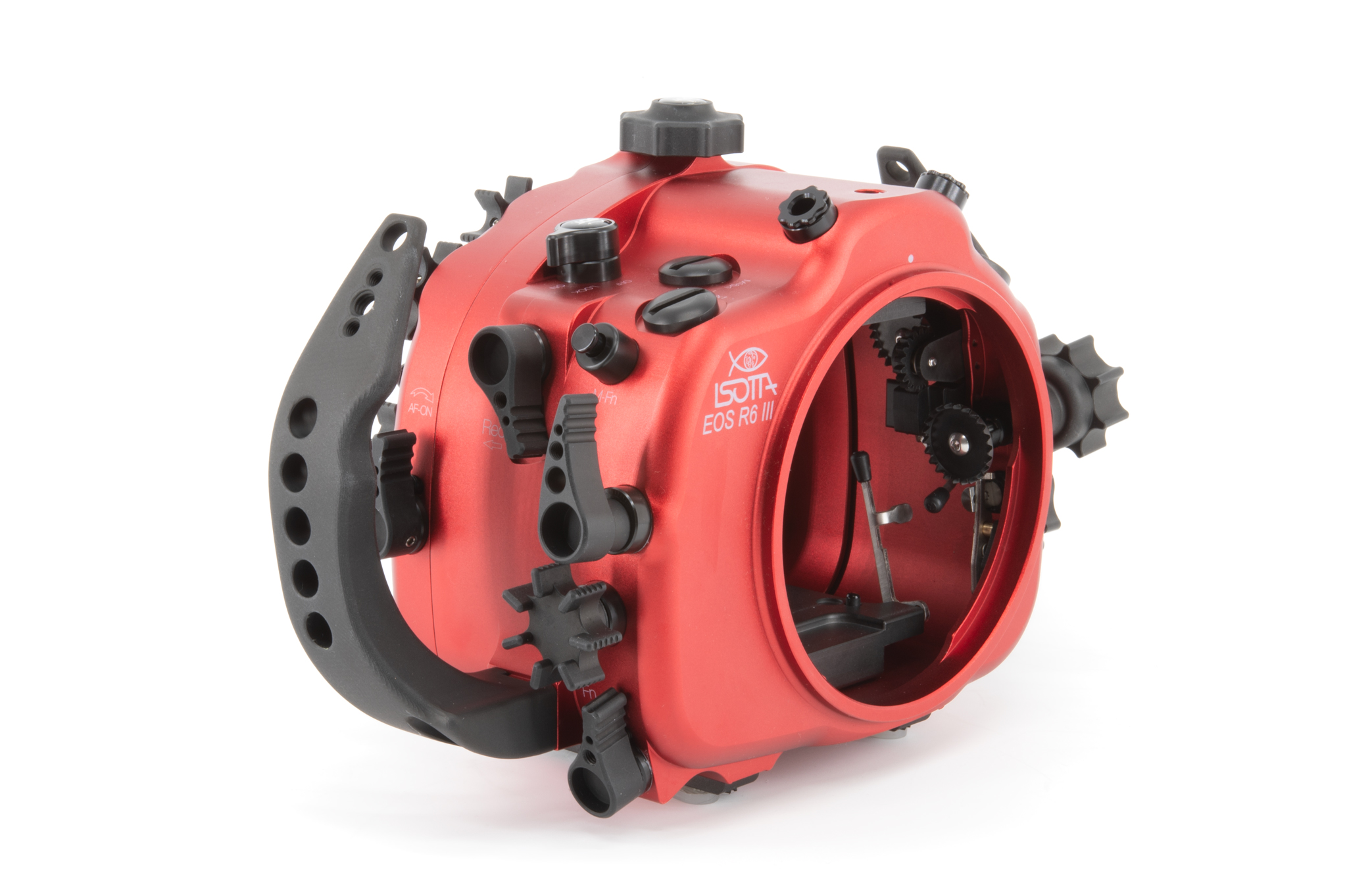
Photo: Isotta
Isotta lists the housing at €2,899 excluding tax. The optional vacuum system is €195 and the manual trigger is €239, also excluding tax. Shipping availability has not been confirmed.



Recommended Comments