-
I've tested the Canon RF20-50mm and RF14-35mm in a 140mm dome as a compact travel setup. Edges will be too soft for some people, but it provided acceptable results for me.
-
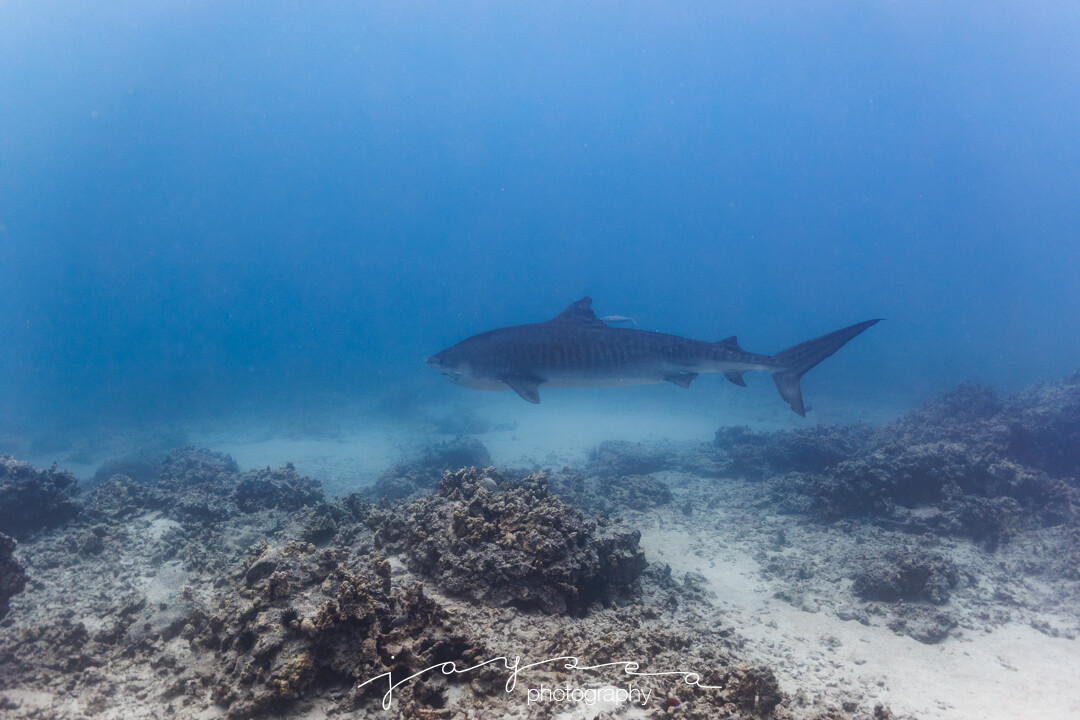
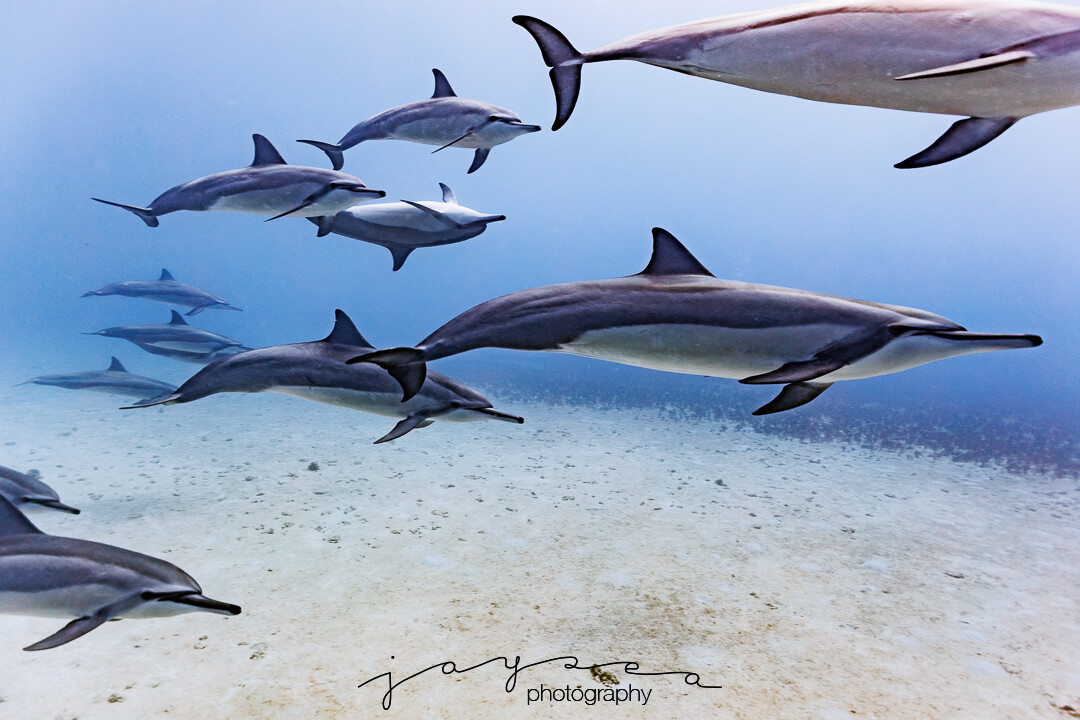
Ask 10 different photographers the same question and you’ll get 10 different answers. All we can really respond with is what has worked best for ourselves. First off, I predominately shore dive, but do not dive with a DPV, so can’t comment on that piece of the puzzle. I have shot the following in order: Sony RX100IV Oly OM-D E-M1 MKII 12-40mm + 60mm macro + 8mm fisheye +7-14mm wide angle kit lens+WWL-1B + CMC-1 Sony AC7 kit lens + WWL-1B + SMC-1 Canon R5 14-35mm wide angle + 100mm macro + 8-15mm fisheye + 50mm + 20-50mm I went the WWL-1B + CMC/SMC-1 route, but found it was awkward and fiddly underwater swapping lenses and trying to carry them on flips and arms. I also didn’t enjoy using the CMC/SMC-1 on kit lenses, part of that would my level of skill and experience with a razor thin depths of field. The WWL-1b was nice for close focus wide angle, but for me it just wasn’t something I enjoyed swapping…also, I didn’t enjoy burping the lens when offshore in deep water. Fisheye and macro lenses are awesome, but specialized. My favorite do everything, go-to lenses which I’ve used are these (in order): Canon RF20-50mm (Perfect compromise for my regular diving. Close up dolphin passes. Distant tiger sharks. Good fish portraits. Crop for nudibranchs. I’ve been shooting it in a 230mm dome, but it should work nicely in a 180mm dome too. I’ve also used it in a 140mm dome with surprisingly good results, but the edges would be too soft for some folks). Olympus 12-40mm (Great all around lens and sharp. Not quite wide enough for me though.) Canon RF14-35mm (A little distorted at 14mm and not enough magnification at the 35mm end).
-
"I think, the marelux 180 glass dome or their 210 acrylic will not add much volume or load and dramatically improve lens performance." @Adventurer I'm considering the 180mm. I haven't had great luck with larger acrylic domes, as the ones I've used require weight to keep them from nosing up. "I assume the freshly introduced Marelux Aquista 135D - which is Marelux‘s take on Nauticam‘s WACP lineup - will give you the highest image quality with that lens," @Adventurer . For me, the improvement in image quality would need to be significant to justify the cost and heavier weight (for shore diving) of the Aquista 135D. A little out of my budget for testing purposes. I'm interested to see the results though, once someone is able to test and report back.
-
I haven't been able to find a way to turn off lens correction in camera. You can turn it off in Lightroom after importing, but Lightroom defaults to applying it. I prefer lens correction on for the 20-50mm and 14-35mm, but lens correction off for the 8-15mm fisheye.
-
Tiger @27mm. Dolphins @20mm.
-
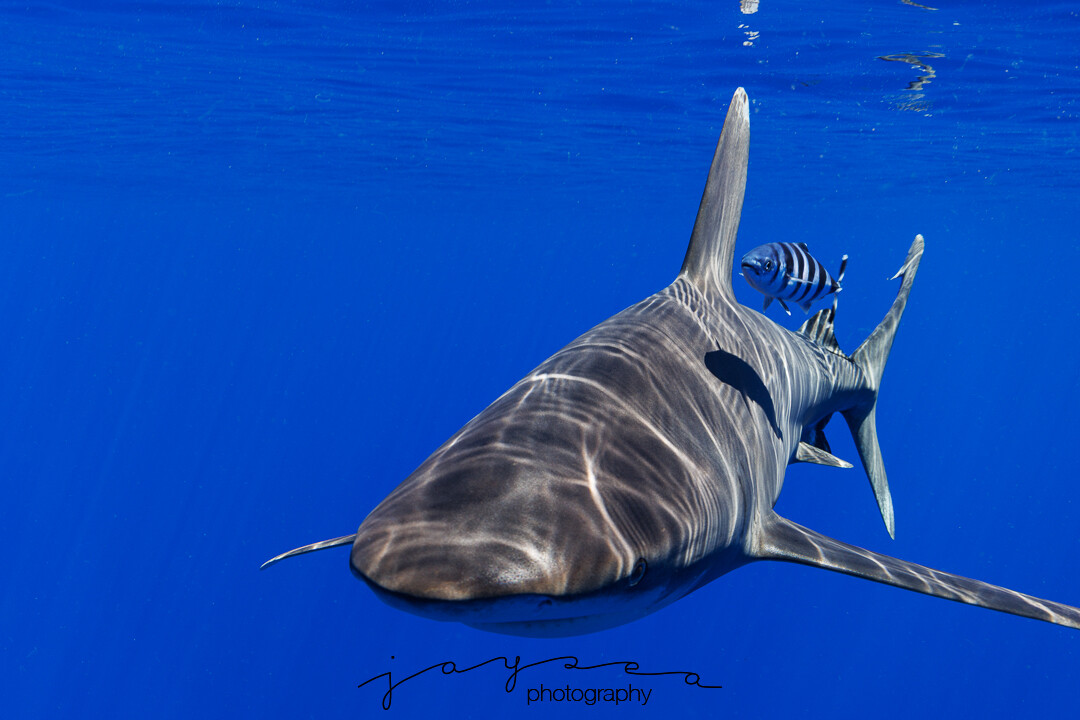
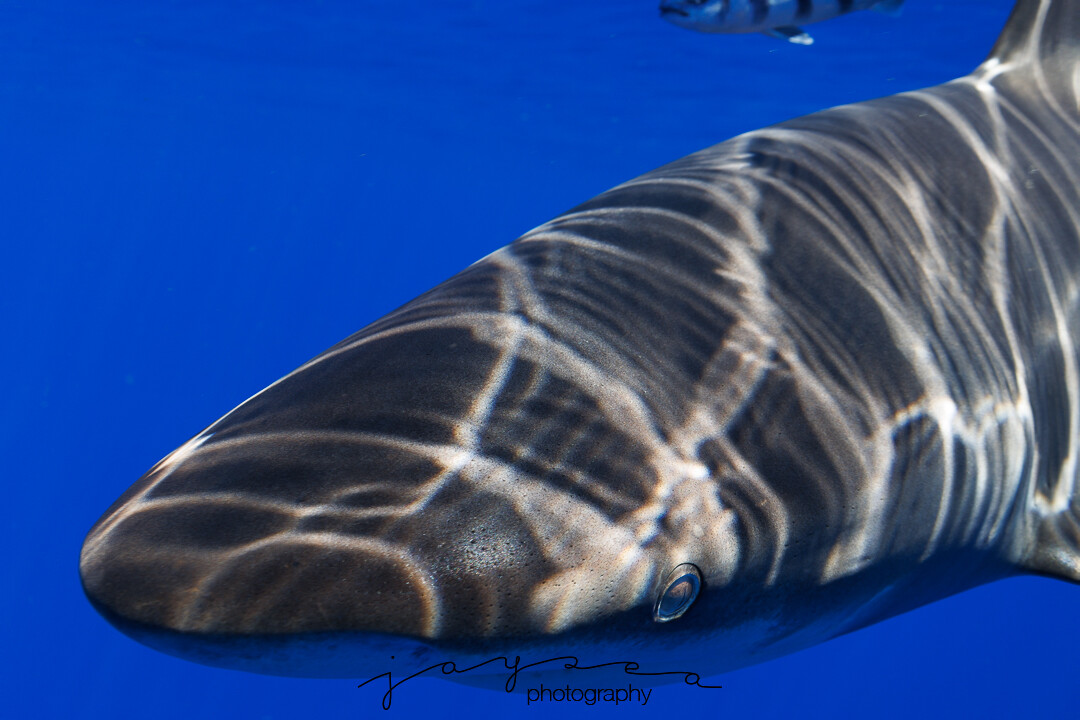
1/250 sec at f/10, ISO 320 @45mm
-
I did not add a diopter. I have been shooting this setup with 140mm dome and 30mm extension, which is the recommended port and extension for the EF 8-15mm fisheye. As I mentioned earlier in this thread, I was able to re-use the zoom gear from my RF 14-35. I've taken it on 5 dives and one offshore shoot for big animals. To be honest, I have been very surprised at how well it has worked in the tiny dome. I know the edges will not be acceptable for some, but for me, I am satisfied. I mainly shore dive, so lugging a bigger dome down rocky entries can be a handful, as well as exiting in rough conditions. There are definite dark corners without lens correction at 20mm, so lens correction is mandatory. This zoom range is very useful for most of my diving, and I think it may end up being a popular choice underwater use for some people. I have been able to shoot Harlequin shrimp (cropped) and dolphins on the same dive. I'll upload a few more shots at various focal lengths.
-
Yes. If I turn 'Enable Profile Corrections' to 'On', I get the banding. The banding is more exaggerated when zooming in. At 20mm, it is negligible.
-
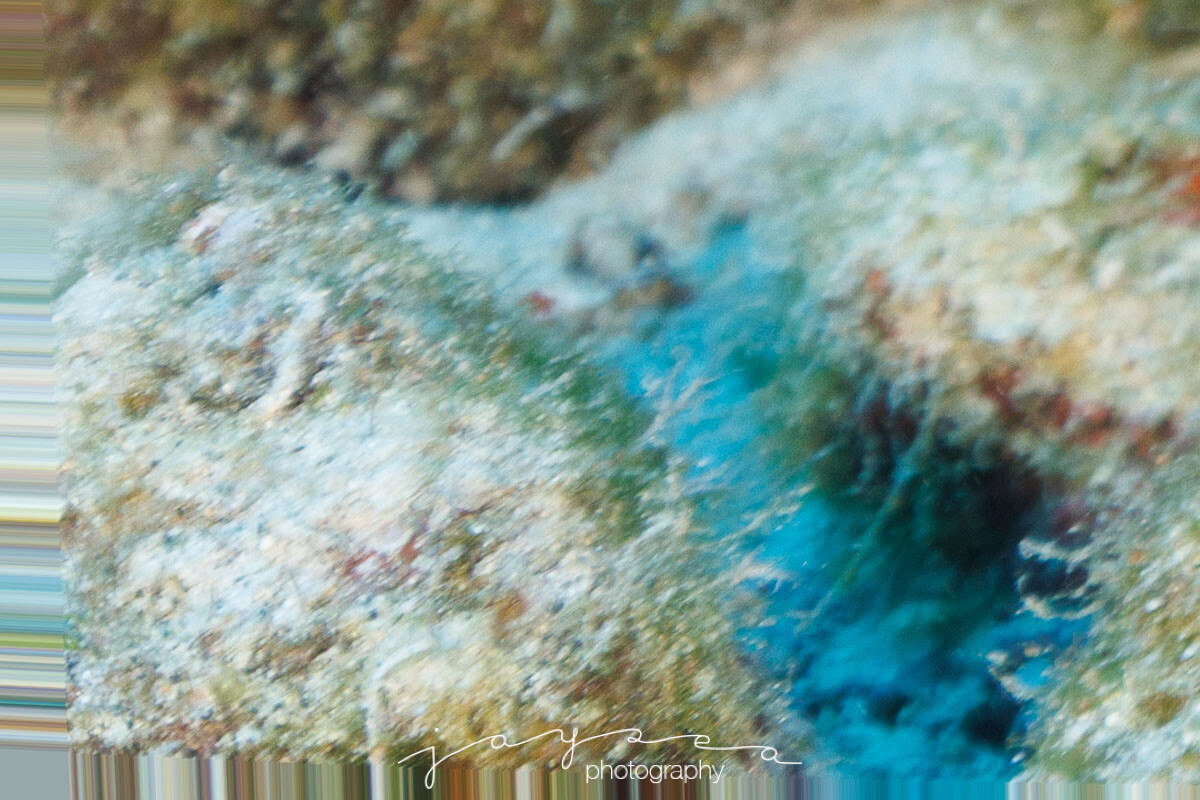
Last photo cropped lower left to show the Lens Profile banding on the border introduced by Lightroom.
-
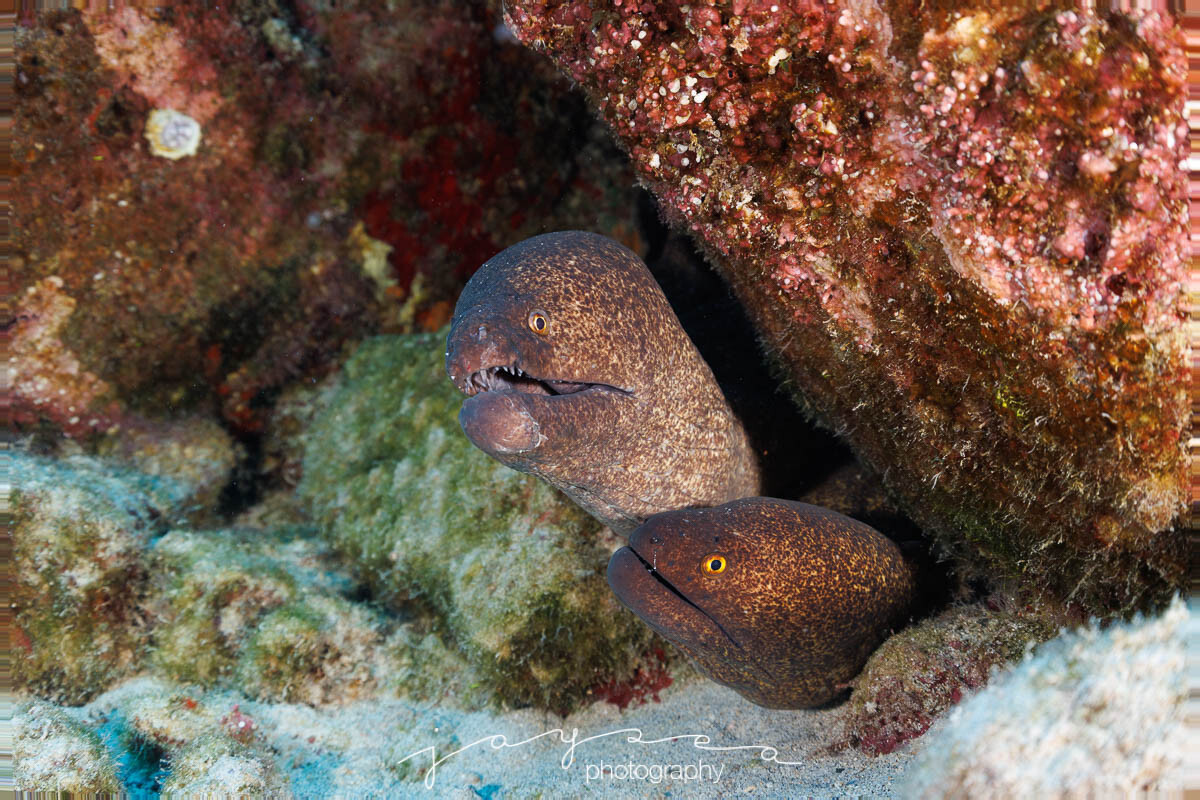
Same settings, but at 50mm. Color corrected a bit.
-
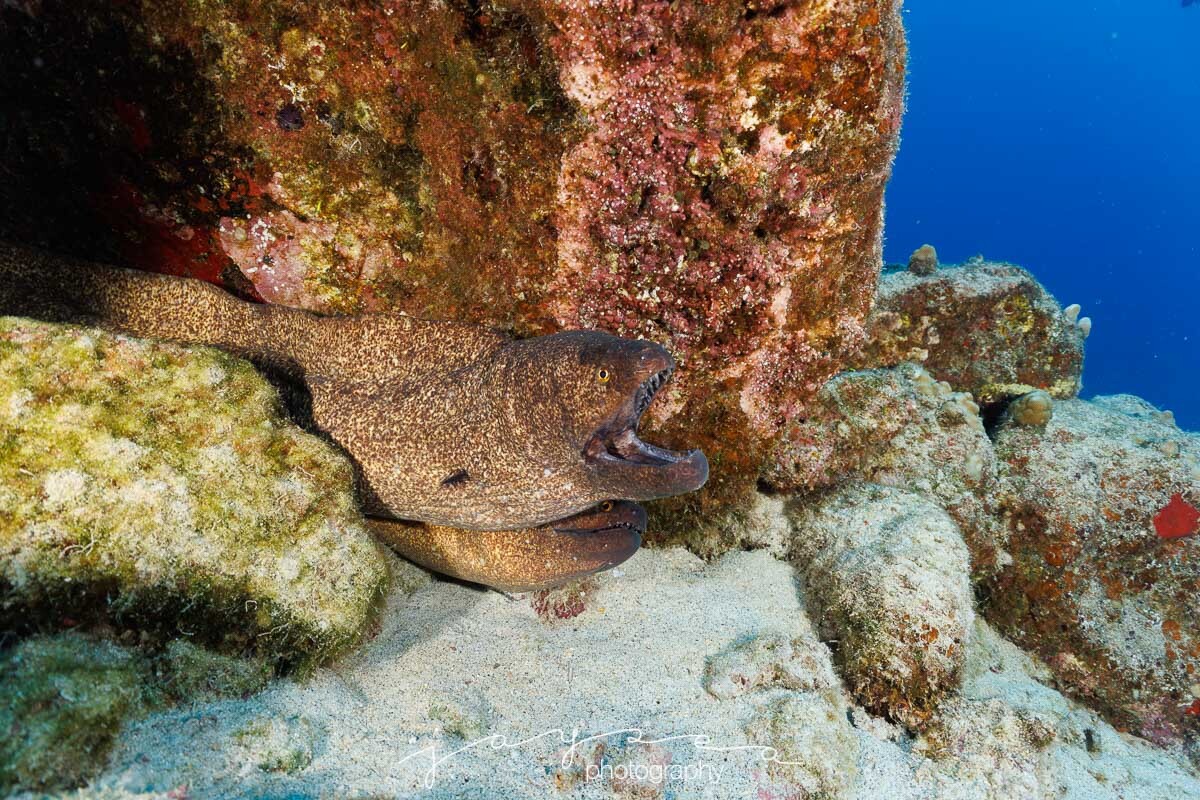
I was able to try this lens out yesterday underwater in a 140mm dome. 1/160 sec at f/8.0, ISO 100 @ 20mm. I bumped up the exposure +.55 in Lightroom, but otherwise no other changes. One negative, is the Lightroom Profile Correction for the new lens leaves a thin border banding. I assume future versions will fix this.
-
I use a couple of different blowers as part of my routine. Milwaukee compact leaf blower immediately after removing housing from the rinse tank. Blow off excess water on housing and dome/port. M18™ Compact Blower (Bare Tool) | Milwaukee ToolMILWAUKEE® M18™ Compact Blower delivers the fastest jobsite cleanup. Offers a best in class power to size ratio and comes with a universal inflator/deflatorWolfbox MF200 to blow off o-ring moisture on lights, strobes, housing, ports. https://wolfbox.com/products/compressed-air-duster-mf200?
-
Good news. Although the diameter lens spec for the 20-50mm is 80mm and 14-35mm is 84mm, the marelux zoom gear for the 14-35mm fits the 20-50mm (snugly). I took 3 of the rubber shims off the inside of the ring that contacts the lens barrel. Next will be figuring out the extensions required.
-
RF20-50mm lens arrived. I do not yet have a zoom gear. Tried mapping the PZ zoom in/out to custom buttons, but the R5 does not allow this option, even with the latest firmware. I see Nauticam has a zoom ring for the 20-50. Marelux does not list it, and I haven't heard back from them on whether they plan to. Does anyone know if the Nauticam zoom ring would work inside my Marelux housing?
-
Perhaps this setting prevented the optical sensor from being active for me. Menu->Setup Menu (yellow wrench)->Screen/viewfinder display (3)->Screen