Everything posted by Nando Diver
-
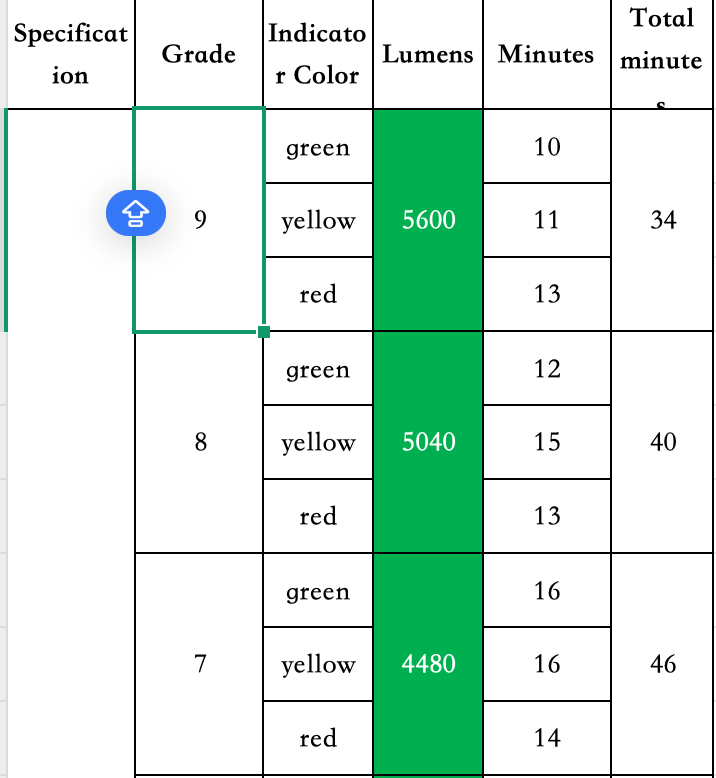
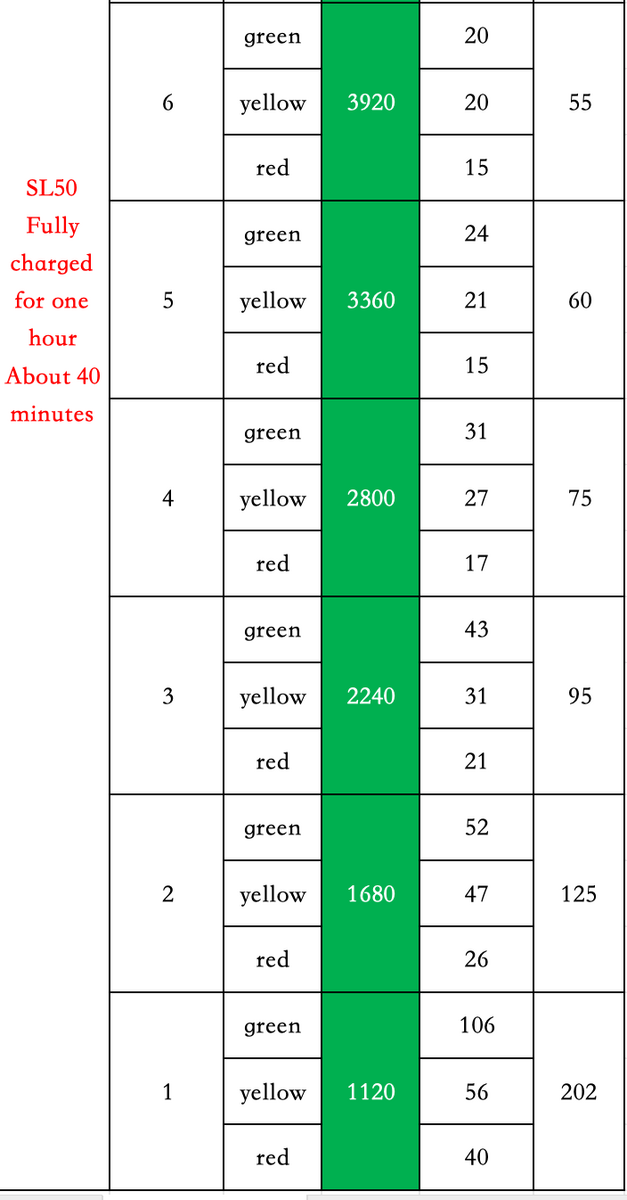
Does dive lights weefine solar flare 7000S are great ( CRI 95 + Beam 150) but does lights deserve better than gopro. Your filming will have excellent light conditions for sure. Im using 2x divevolk LS50 (CRI 96 + Beam 120 + 5000 lumens ) and im using them in minimal brightness between 1 and 2 ( 1680 & 1120 lumens each) The things is, the ideal filming distance for the Gopro is +- 1m to 30cm, and too much brightness will get you too much backscatter, or you will need some extended arms. But with 2 extended arms sometimes you will be far away from the subject, or limited to small spaces, and the small sensor will struggle in case the diving conditions aren't the best. Im keeping one of the LS50 for macro filming + divevolk case, and ordered 2x bigblue AL1300XWP (CRI 85 + Beam 120 + 1300L) for the Gopro13. Dont get me wrong, i love the LS50, but their weight is compromising my system.. a goodman handle with 2x bigblue AL1300XWP + Gopro is all that i need if i want to take advantage of action camera size.
-
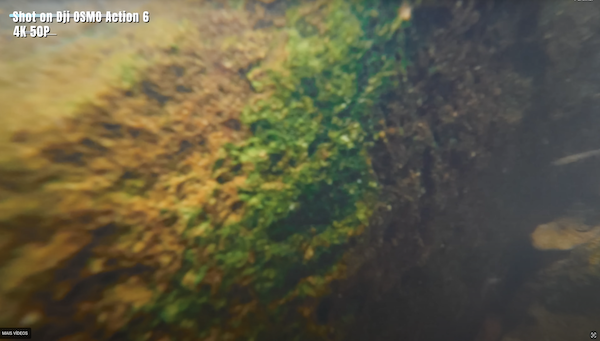
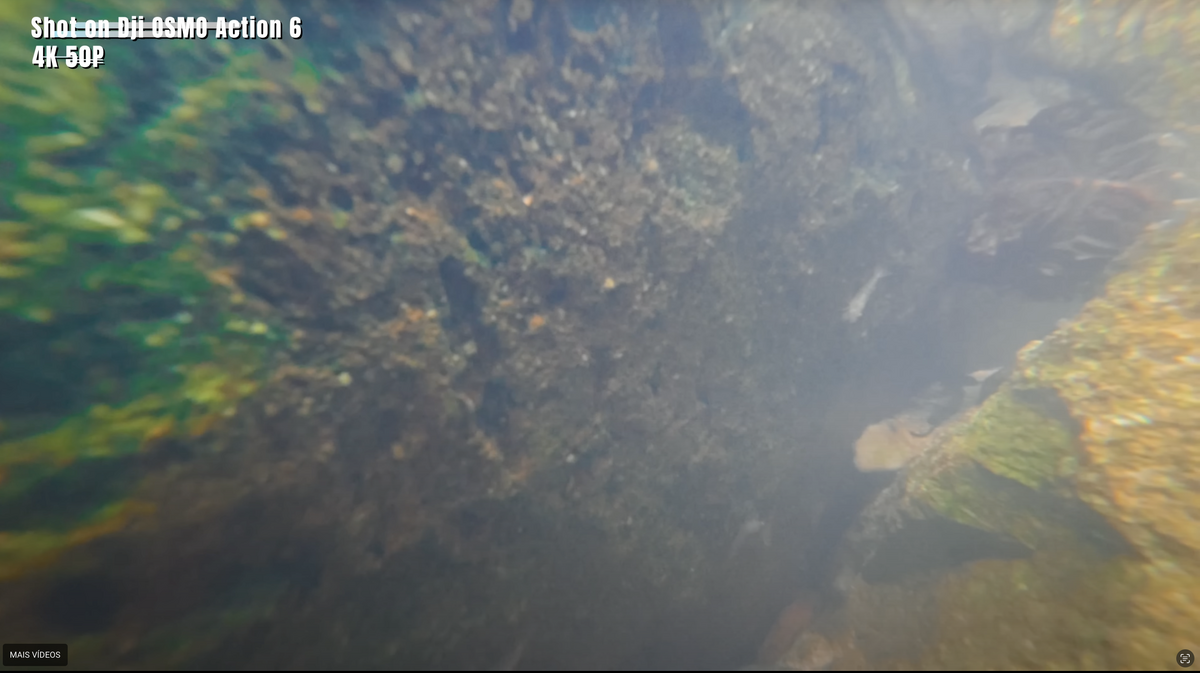
For scuba Diving or snorkeling i dont see the Dji osmo 6 being better than the Gopro 13 with labs firmware Gopro 13 labs firmware 5.3K 5312 x 2988 8:7 bitrate 200Mbps Dive=1 dive mode that remove underwater distortion WBLK Mode that lock white balance after 1 second DJI osmo 6 4K 3840 x 3840 4:3 bitrate 120Mbps
-
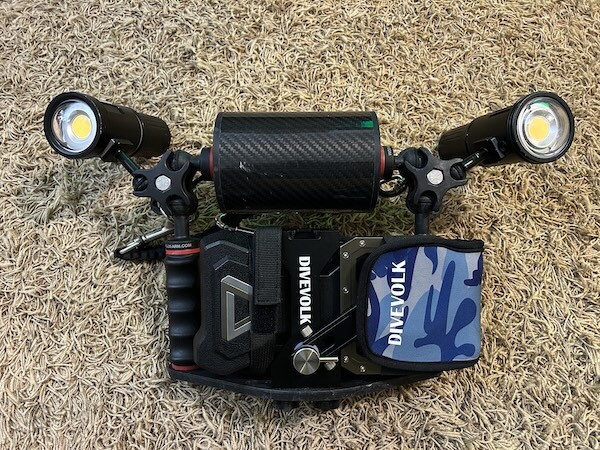
Well... i change my mind ☹️ This is super heavy and bulky... about 4kg in total. I lose flexibility to make macro shots in small spaces.. With strong currents the divevolk mass drags and affect the overall stability of the gopro filming... I decide to make 2 separate systems: Divevolk + single dive light with cold shoe + tripod + Macro lens Goodman handle + gopro13 + double dive light + wide angle lens
-
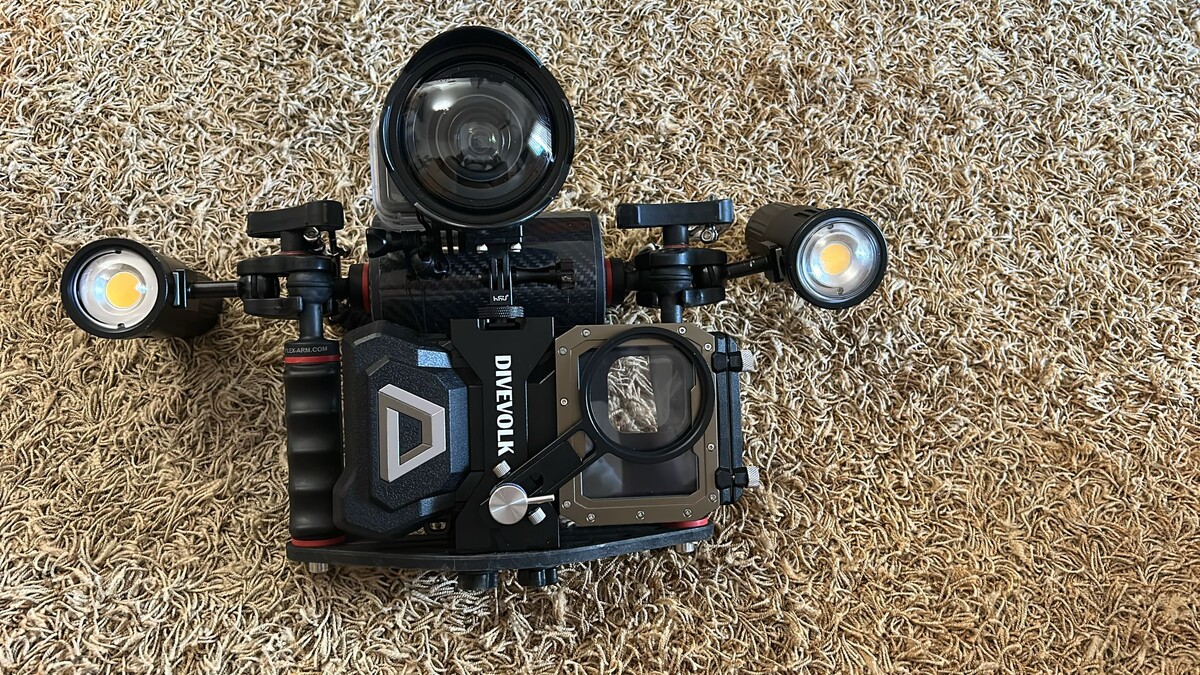
Upgrading to larger tray (32cm) from flex-arm to fit the divevolk case. The gopro 13 + AOI UWL-03 will be used for wide-angle video (cold shoe) The iphone will be primary for super-Macro video Haven't decide about: Macro Lens (67mm) Flexible/Gorilla Tripod
-
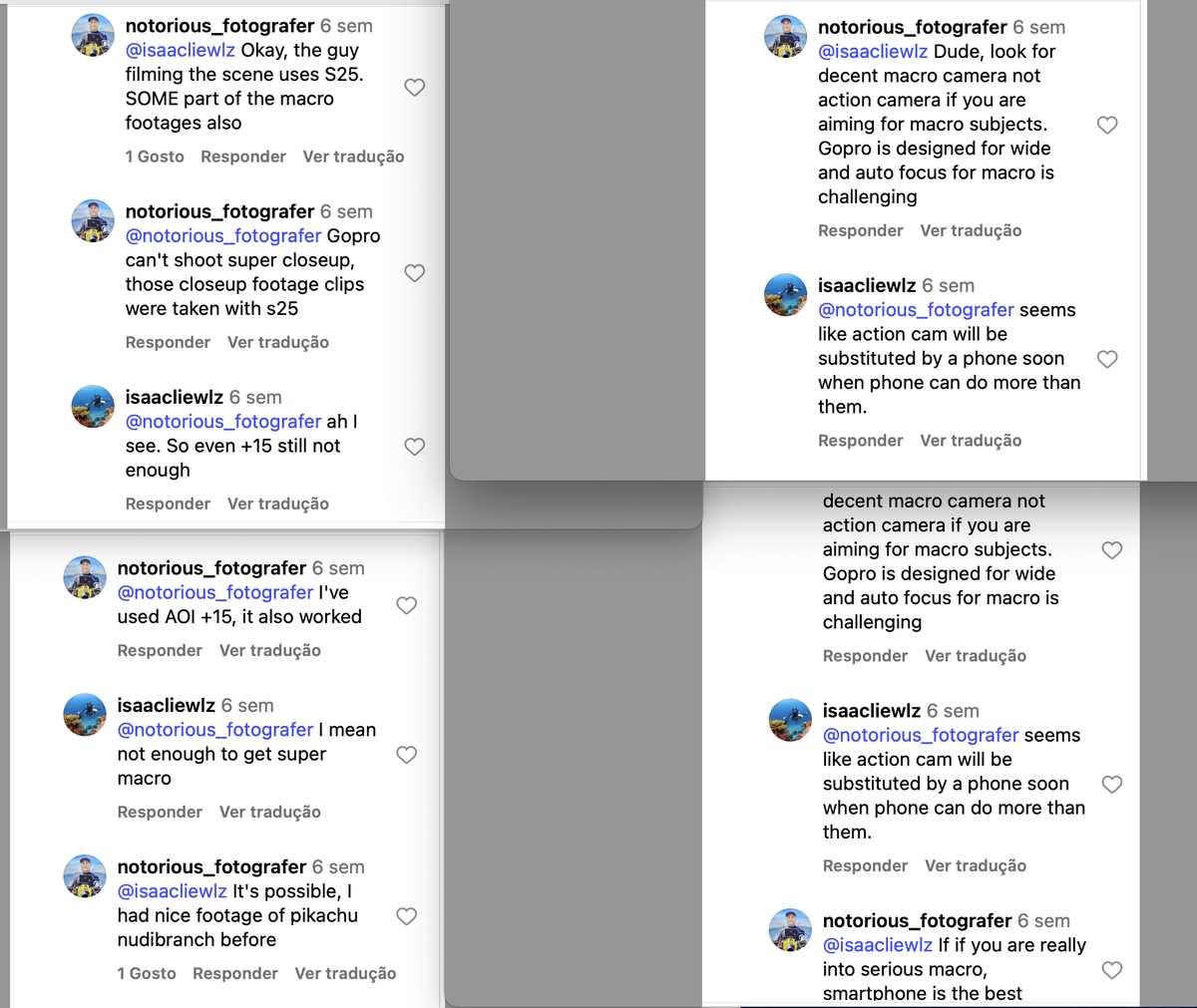
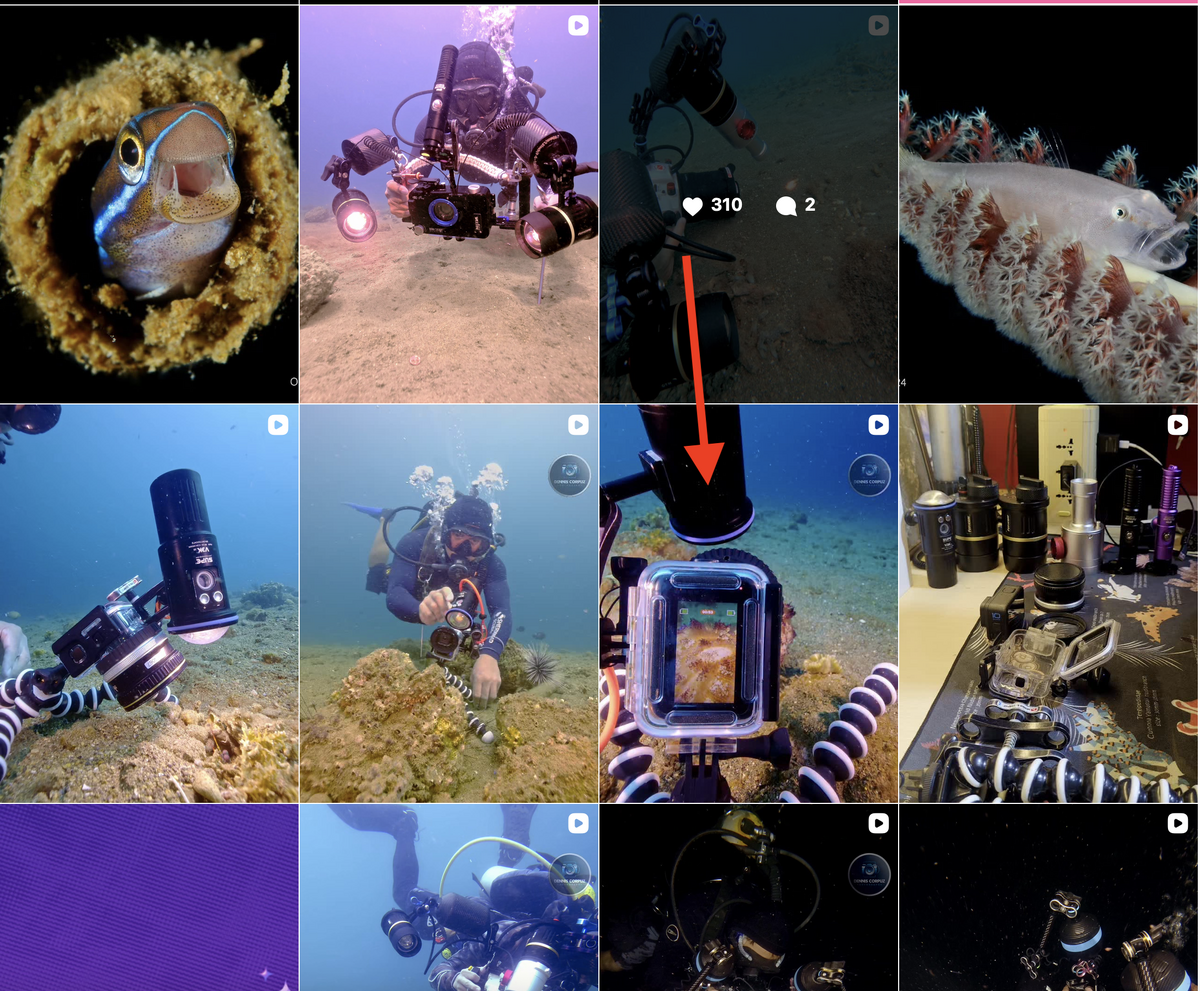
See this video made with gopro 10 and samsung s25 Macro with gopro is OK, but for super macro smartphone is the way to go On this account see the video marked with red arrow https://www.instagram.com/notorious_fotografer/?g=5 The advice is simple... dont invest too much in gopro macro..
-
Other option AOI ULC-03 focus distance 40mm (min.) to 78mm (max.)
-
For macro you will need a tripod Macro mini focus distance 7.5 cm (3.9 inches) UCL-G55 focus distance 4.8cm to 6.2 cm (1.9 to 2.4 inches UCL-G100 focus distance 7cm to 15.2 cm (2.8 to 6.0 inches) UCL-G165 focus distance 10 cm to 35 cm ( 3.9 inches to 13.8 inches)
-
Yes, WBDV it acts has a red filter (see first page of this topic) It can work well at 20m depth, but the same profile will have to much reddish at surface/shallow water. I though to use different WBDV profiles to different depths but i think the WBLK is enough and we have more control. Imagine you going to Malta and film purely wrecks at 30m/40m.. perfect..but if someone point some dive light to what you are filming... the filming will have excess of red. its very experimental..
-
@Gmsalterego yes.. i send the video to visual category ( 60 seconds) but the top three winners had proper visual macro and better ambient.. The competition rules are strict, like the 3 categories need to be presented separated , clean cuts, no transitions, no text, no pictures, macro needs to be 70% of image, original music, no copyright...30m maximum depth and 90m maximum each dive. From 8 diving spots, i was only was familiar with one, other divers that take this competition more serious, spend weeks diving in those spots before the competition, this year they about 80 participants. Its very good to share experiences and techniques.
-
Heres video (60 seconds Fish, Macro, Ambient ) from past week where i participate ( for fun) in CMAS underwater Porto Santo & Madeira 2025 i had no macro lens with me ☹️
-
if i need to use Denoise video i would do it in davinci (no longer available in free version)
-
I dont see any advantage to use the FW stock version for underwater.. it doesn't have wide=1, 200Mbps Bitrate or white balance lock
-
WOW 😀
-
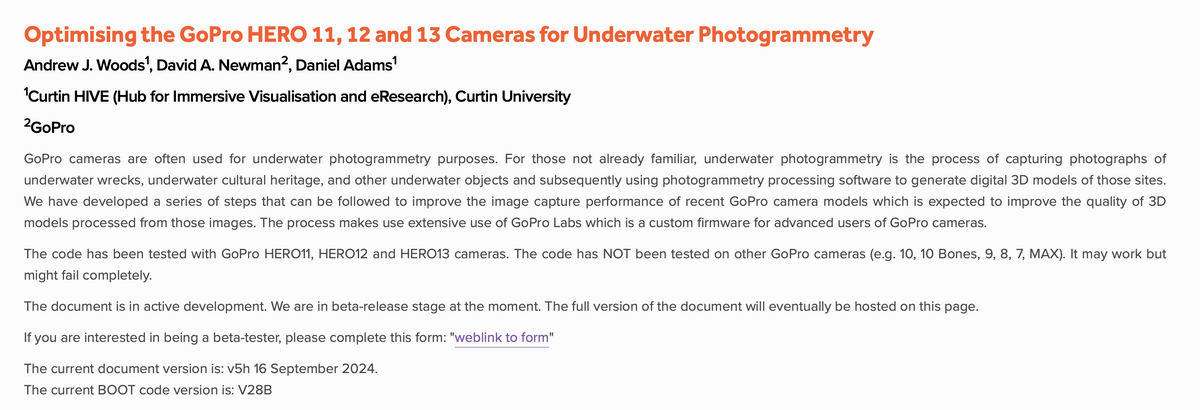
Today i found this 😀 Underwater photogrammetry is the process of creating 3D models of submerged objects or environments from overlapping underwater photographs. This work involves acquiring images underwater, transferring them to a computer, and using specialized software to process the images into a high-accuracy, detailed 3D model. The applications are diverse, including archaeological documentation, environmental monitoring, and creating digital records of wrecks, as well as geological and scientific studies. Source : For beta testers https://hive.curtin.edu.au/Research/GoProUP/ Source: https://hive.curtin.edu.au
-
Ive never use Photo underwater with Gopro, i will try next weekend. ps: looks like you got reply from gopro labs 😀
-
And another with DIVE Mode
-
Heres one more video with *dive=1 applied
-
If you Diving or Snorkeling and you have GOPRO 12 or GOPRO 13 you must install Gopro Labs firmware for free After several dives using the Dive mode hack im very pleased with results underwater in terms of lens corner distortion that affect all actions cams underwater... Gopro its the only one that solved this problem using software... Kudos to David Newman from Gopro labs, no other action cam like the Osmo 5 or insta360 have this level of software support like the Gopro. Many of us have bought the wide angle lens from INON or AOI to correct the corners/side distortion but with Dive mode its no longer issue. The lens will give more clarity and objects will look closer. Heres the 3 x permanent hacks that i use from Gopro Labs Firmware even if you reboot the camera (No QR code are required underwater) *DIVE=1 (corrects corner distortion) $PRES="0,WBLK" and create a preset named WBLK (Lock White balance 1 second after recording start) *BITR=170 ( video compression in Mb/s ) Heres some videos made with the *DIVE=1 Mode.
-
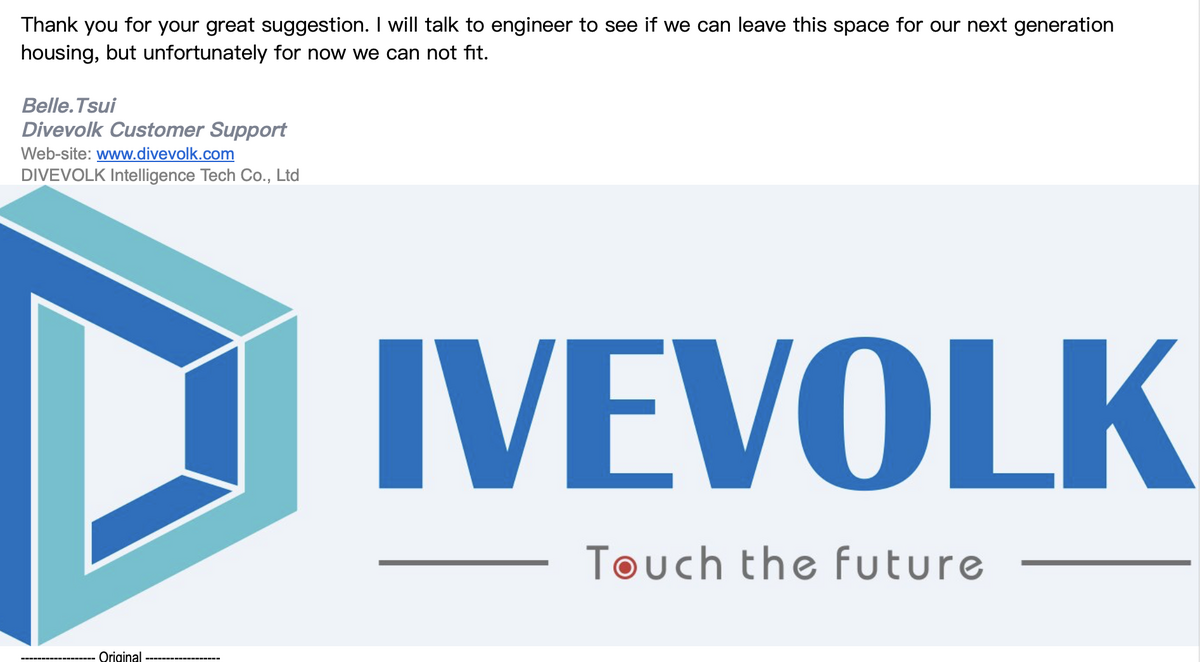
Nice approach from divevolk about the use of Planck SSD.. and very Quick reply
-
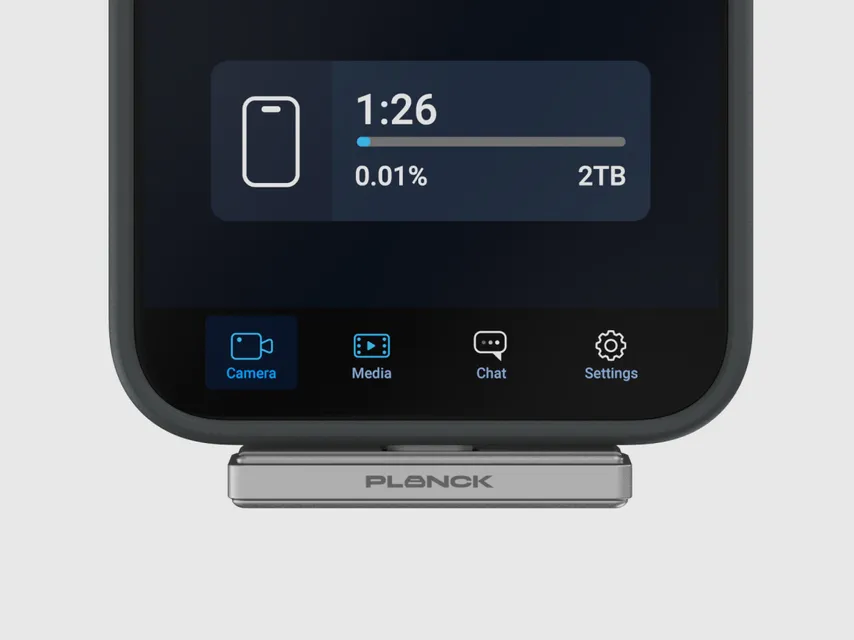
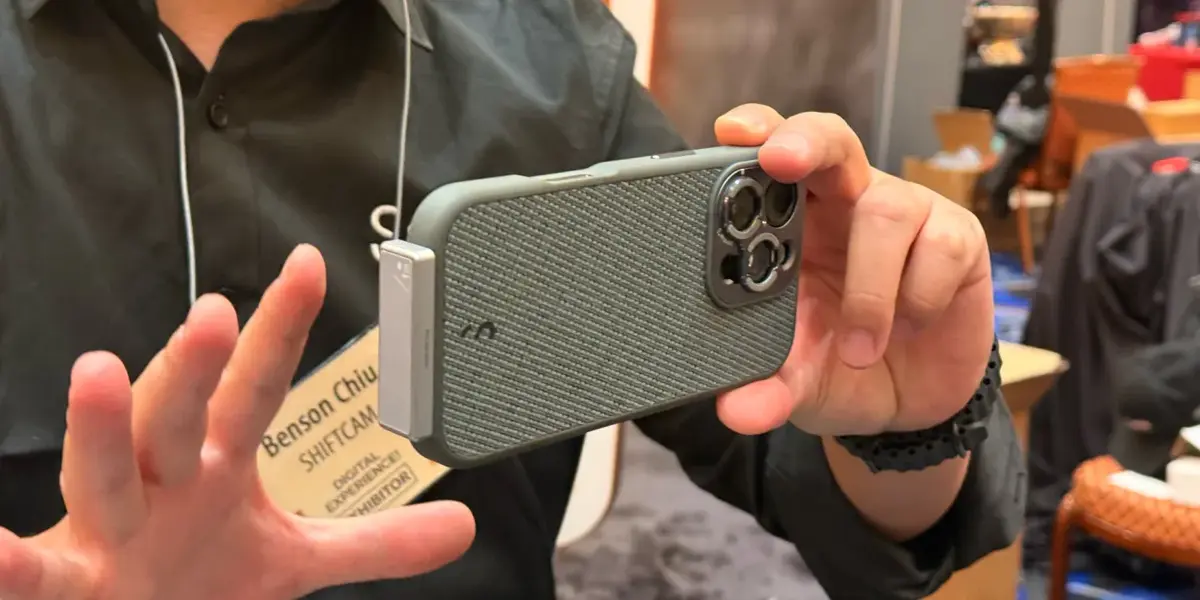
ShiftCam Planck SSD 1TB & 2TB Kickstarter for iphone.. This might fit inside the divevolk case https://prelaunch.com/projects/planck-ssd-powerful-storage-hidden-in-your-palm-planck-ssd-powerful-storage-hidden-in-your-palm
-
Small Hack/workaround/bug on how to record ProRes RAW HQ Open Gate directly to Apple internal SSD..Only works with Final Cut cam This means its a apple software limitation, or Nikon/RED having a patent on internal RAW recording ProRes RAW HQ Open Gate its 960Mbps at 25fps 😂
-
Ive ordered the 17 PRO 256gb and then return it, after i found out to take advantage of PRORES RAW its necessary external SSD. Not even the 2TB model support internal PRORES RAW. Theres one solution from easydive (leoR smart universal underwater housing) but with high price tag. https://www.easydive.it/en/underwater-housing/smartphone/leor-smart-universal-underwater-housing-for-smartphones.1000.html
-
I would love to test this camera but in single mode lens for underwater + Gopro labs The 360 Effect its great for filming inside the shipwrecks for 360 view, but the Max2 is not recommended for low light conditions.
-
haven't receive the lens yet.
-
I think apple chooses the correct path, cinema, broadcast that fits in your pocket. v14044g50000d30rmonog65tajqi3u6g.mp4