waso
Members
-
Joined
-
Last visited
-
Currently
Viewing Forum: Photography Gear and Technique -
Country
Germany
Everything posted by waso
-
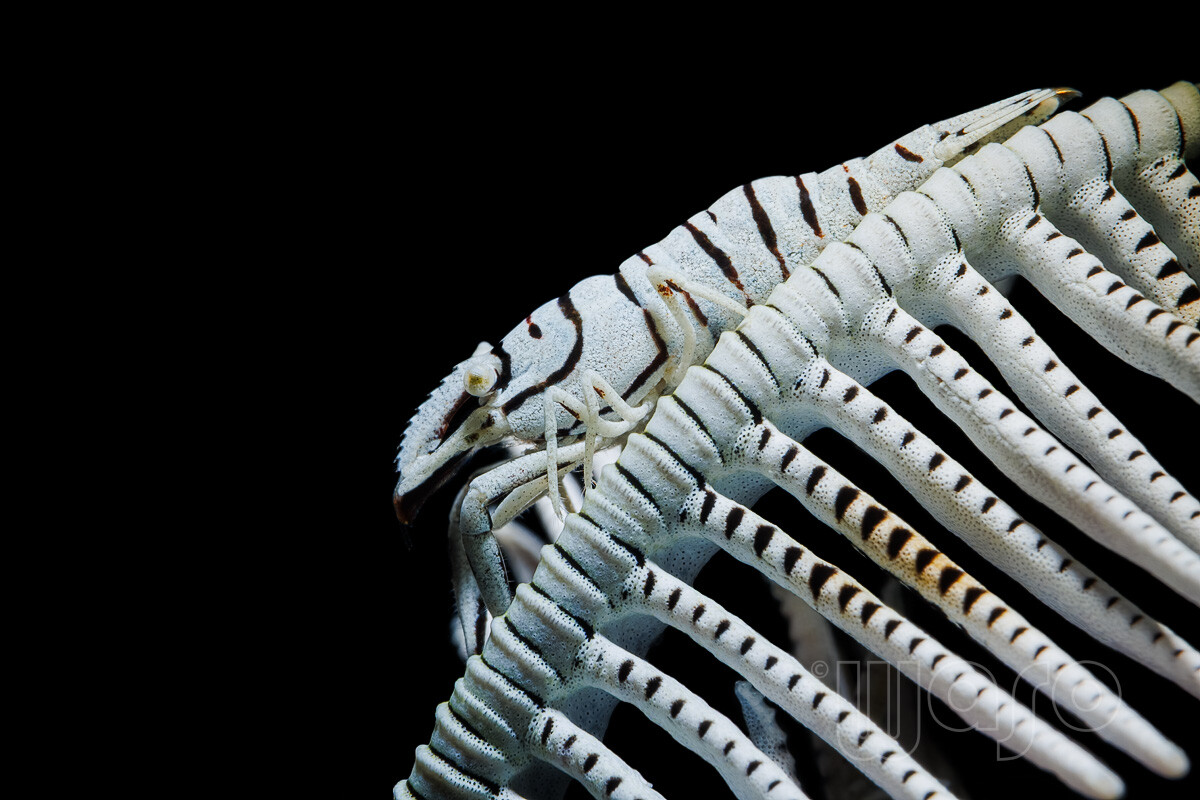
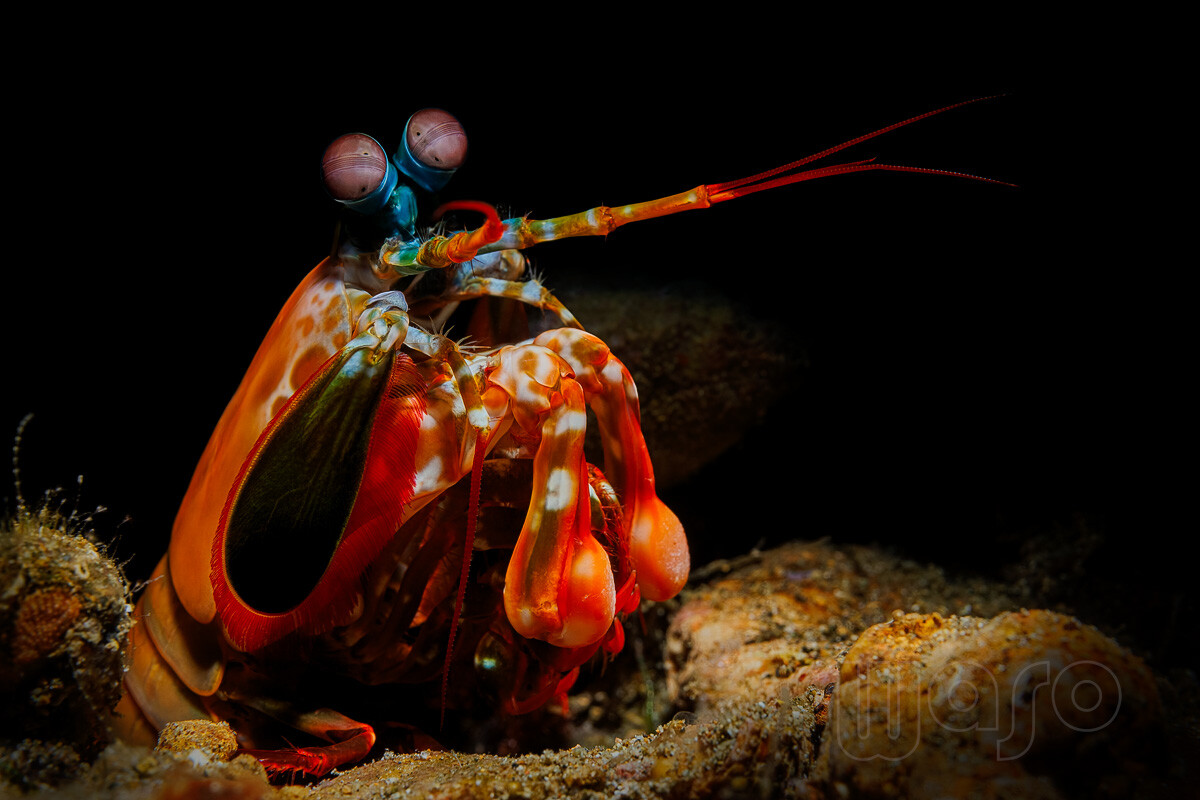
Due to excessive workload at my job, I barely have time to develop photos. Two last photos from day 3: Feather Star Shrimp (Hippolyte catagrapha) with SMC1 Peacock Mantis Shrimp (Odontodactylus scyllarus)
-
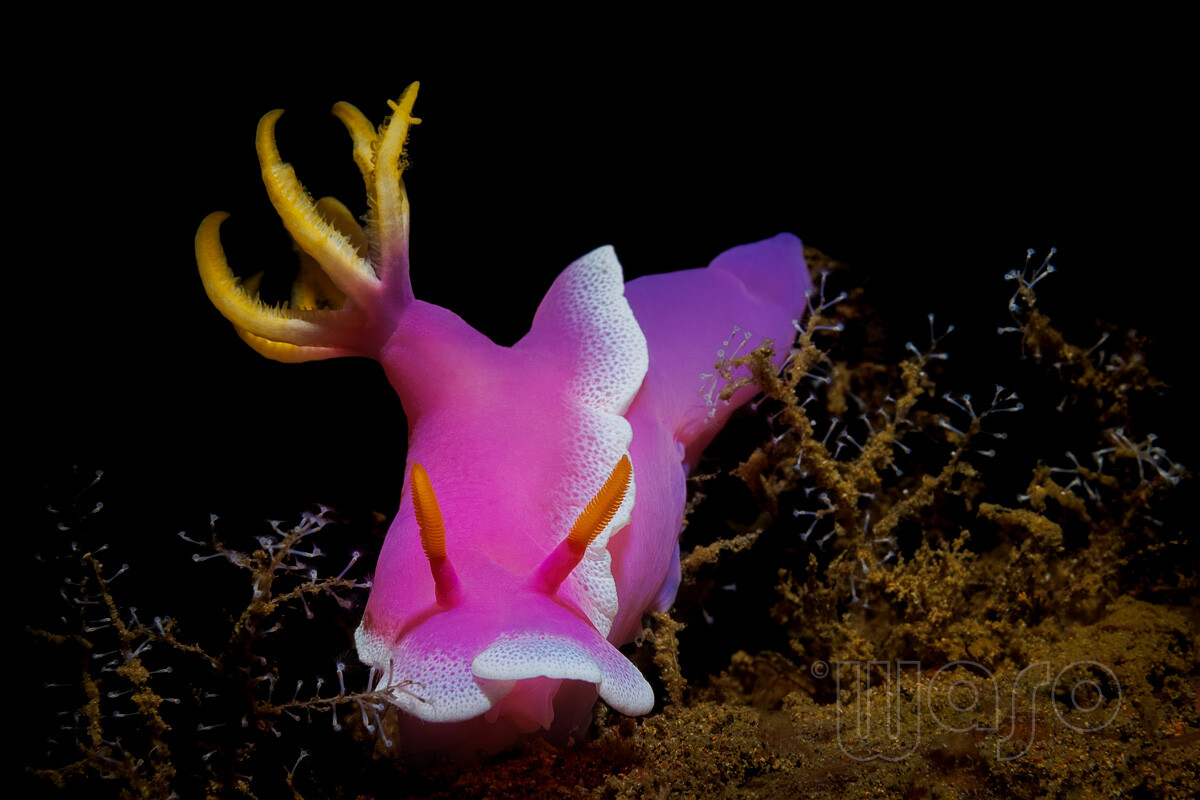
Still day 3: Zanzibar Whip Coral Shrimp (Dasycaris zanzibarica) Hypselodoris apolegma

-
Ohh, that's interesting - thanks!
-
I admit that above a certain image ratio I almost exclusively focus manually, because the AF is usually not exactly(!) where I want it to be.
-
Thanks for the update - I'm waiting...
-
Did you often have the problem that the autofocus accidentally focused at infinity? It didn't happen to me often, but it certainly depends on the subject.
-
Thanks a lot, that's good to know! I'm considering buying it primarily because of the color fringing, as it really bothers me. The autofocus precision on my R5 is already quite good (though still far from perfect), but the MFO-1 can't fundamentally improve it, of course. It simply limits the maximum focus distance, which prevents accidentally focusing at infinity.
-
The manufacturer writes: 'The MFO-1 is designed to elevate your macro shooting experience by eliminating any noticeable focus hunting while ensuring crisper, sharper and more vibrant images. ' What do you notice in real-world use? Can the MFO-1 deliver on these promises? I'm curious about your experiences. I'm considering buying the MFO-1 if the image quality in the corners improves significantly and the focus becomes more precise.
-
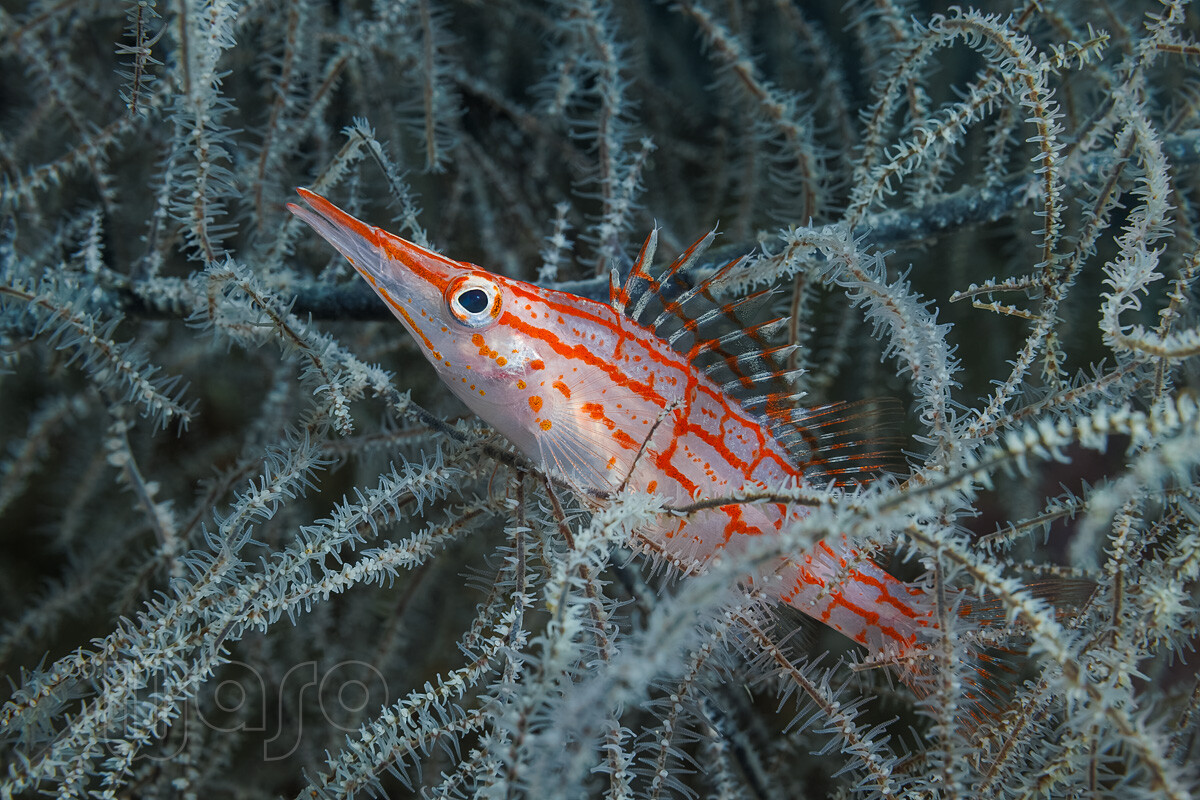
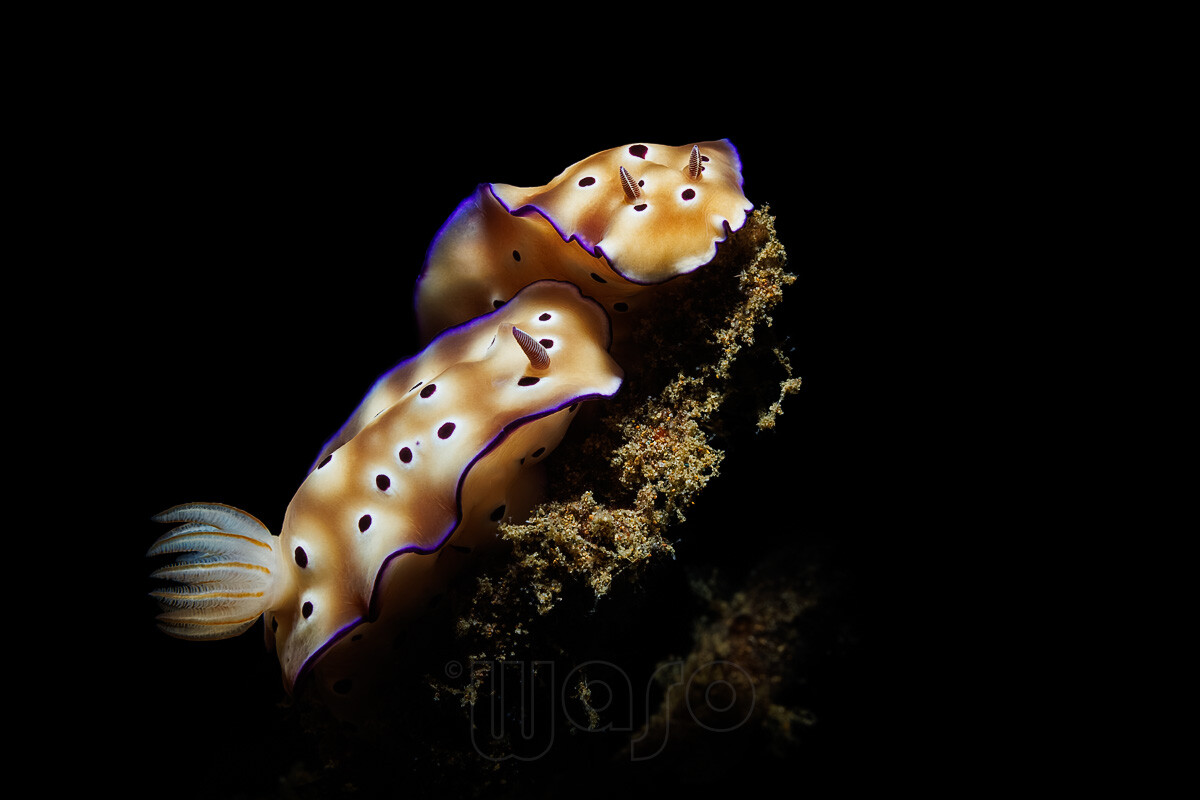
Two more from day 3: Longnose Hawkfish (Oxycirrhites typus), appr. 5% crop Hypselodoris tryoni I have no idea what happened to one of the rhinophores.
-
Thank you so much! I know that with a good guide, even much more would have been possible, as Anilao is a great area for macro photography. It is especially famous for Blackwater, which unfortunately didn't happen at all in my case and I was very disappointed.
-
@ACHiPo @canislupus Thank you both very much, guys! Unfortunately, I currently have little time to review and develop images. Therefore, this thread will take a while to complete.
-
Looks pretty complete to me... Maybe add a 'sky' for split shots, although you could probably invert the 'water' mask instead. But perhaps the other photographers have more ideas.
-
Still day 3: Hairy Shrimp (Phycocaris simulans) with SMC2 Feather Star Shrimp (Hippolyte catagrapha) with SMC1 Peacock Mantis Shrimp (Odontodactylus scyllarus)
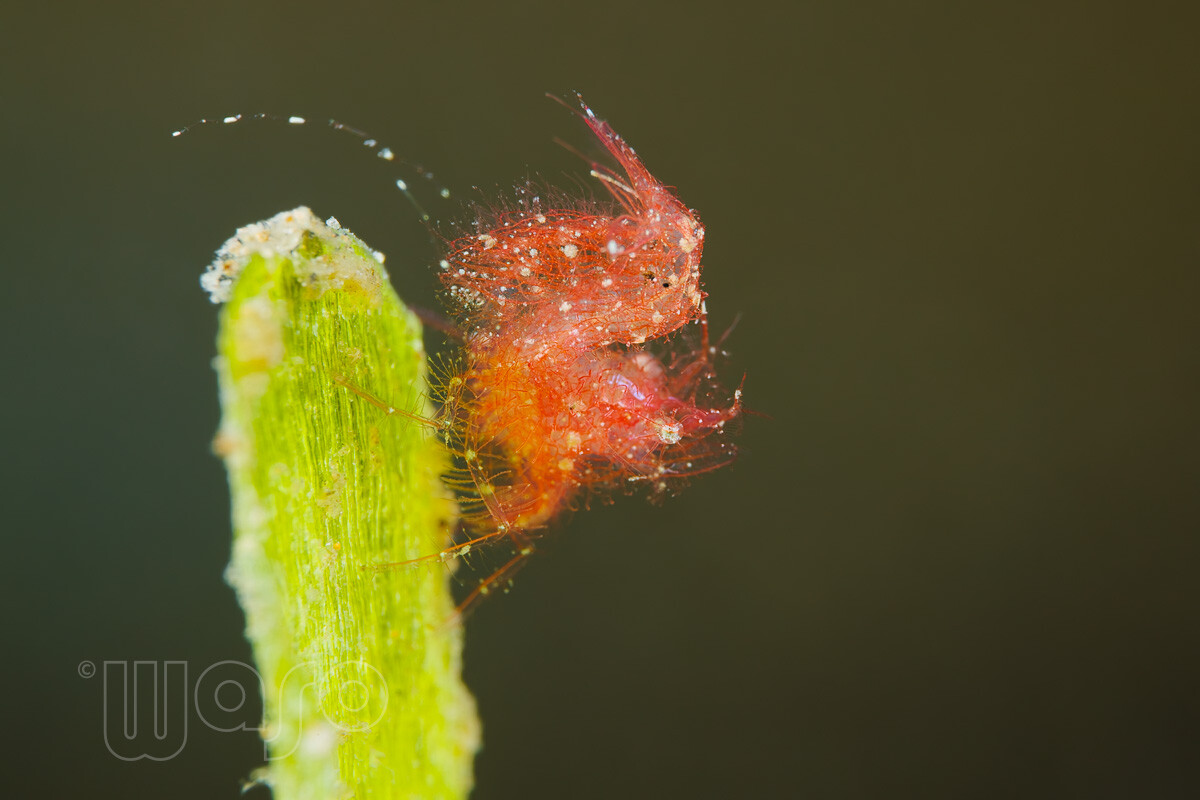
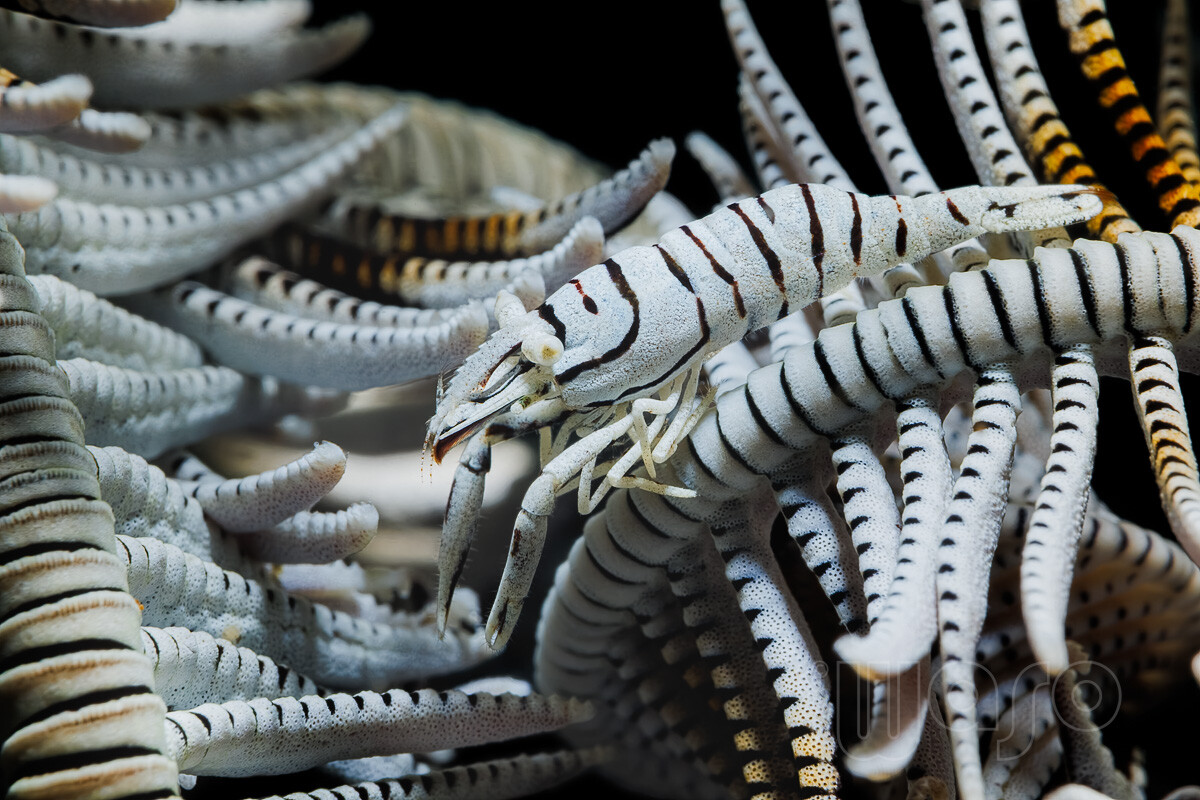
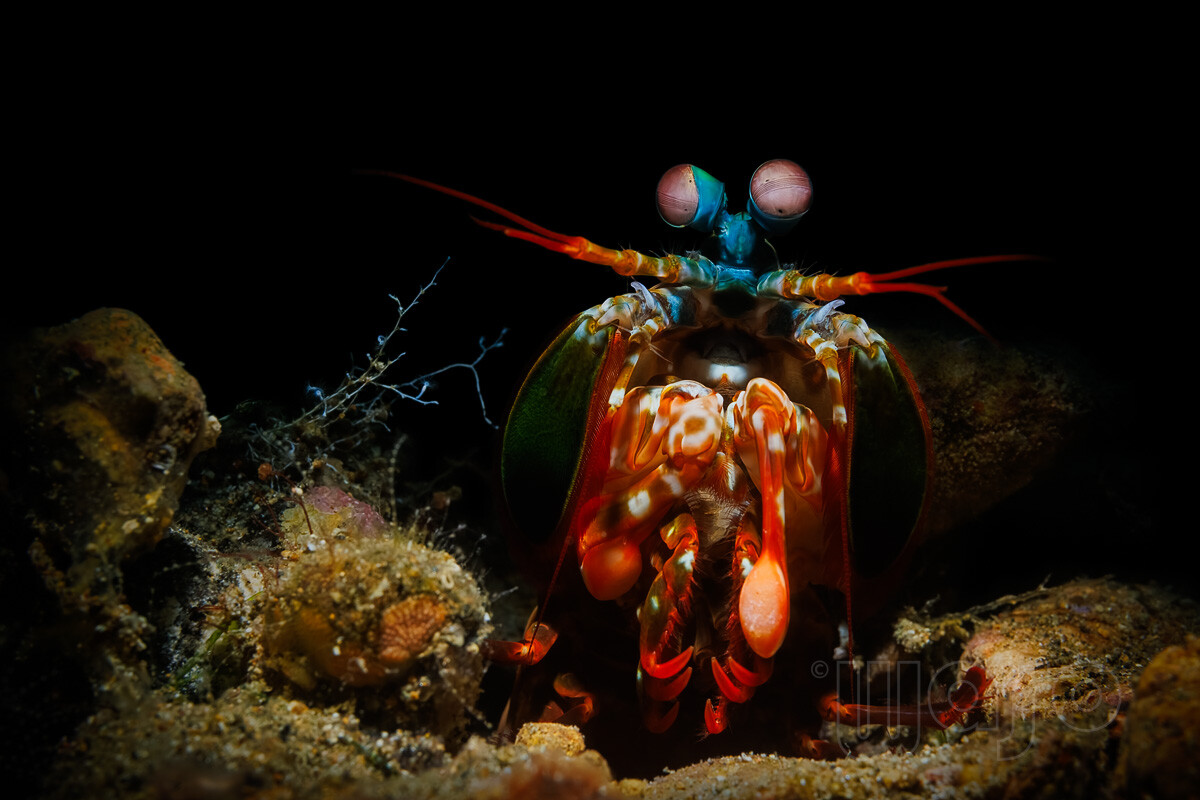
-
I assume you know that luminance masks are also possible with PS's built-in tools - although of course not as convenient as T. Kuyper's actions. That's why I still use the brush tool quite often.😁
-
Thanks @ACHiPo! That was made with the Nauticam SMC1 (uncropped).
-
One forgotten Disc Anemone Shrimp (Pliopontonia furtiva) from day 1 Day 3: Mimic Octopus (Thaumoctopus mimicus) Banded Tozeuma Shrimp (Tozeuma armatum) Emperor Shrimp (Zenopontonia rex) on a Sea Cumcumber
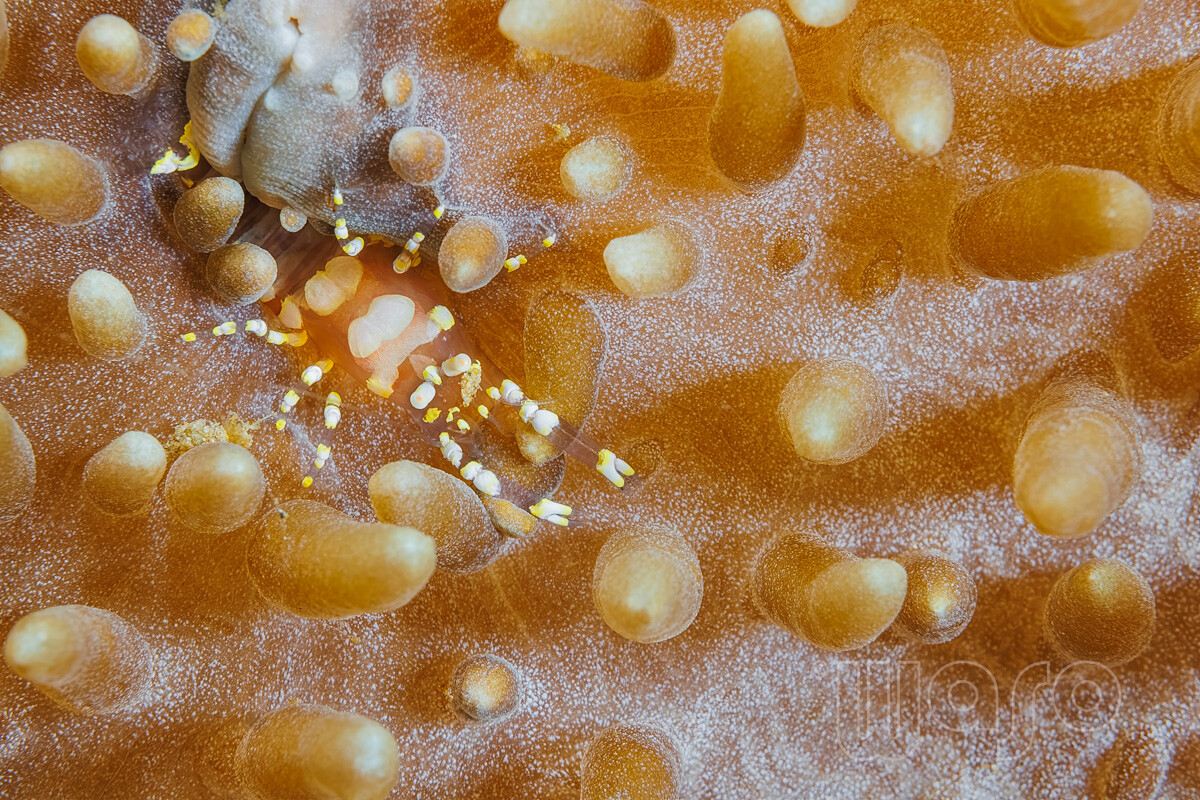
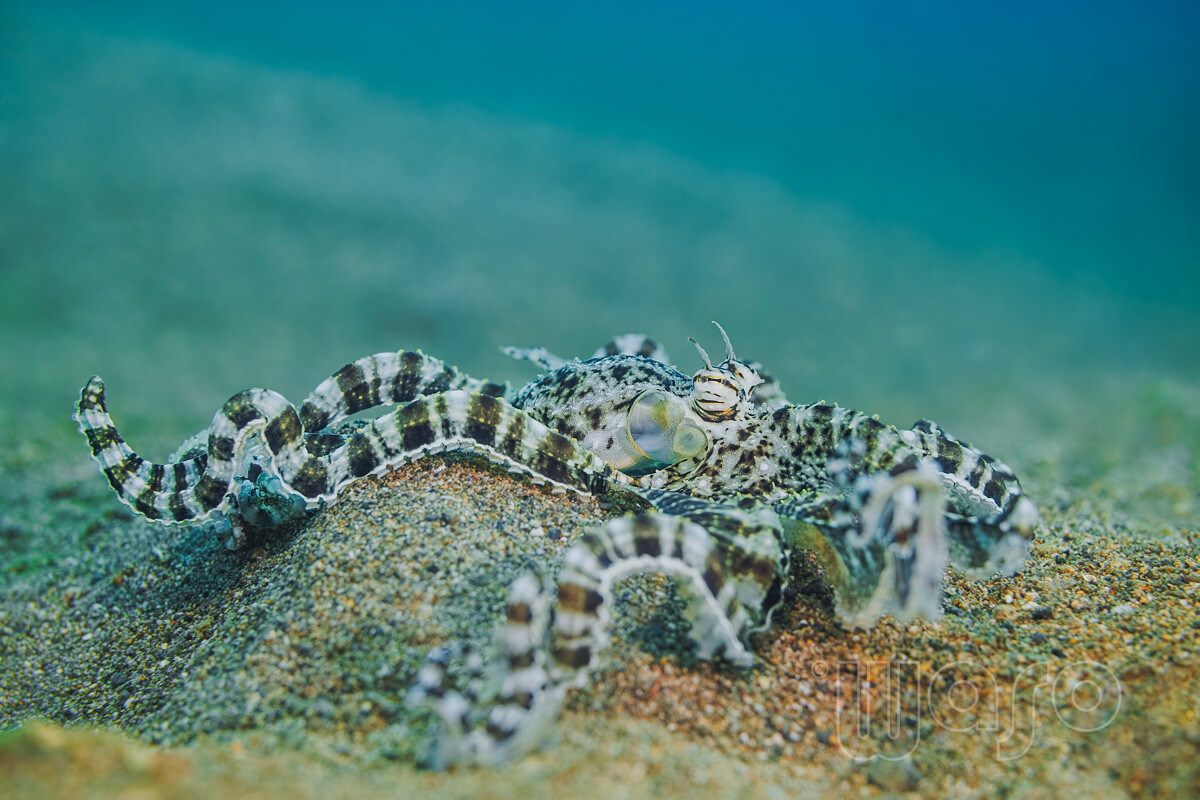
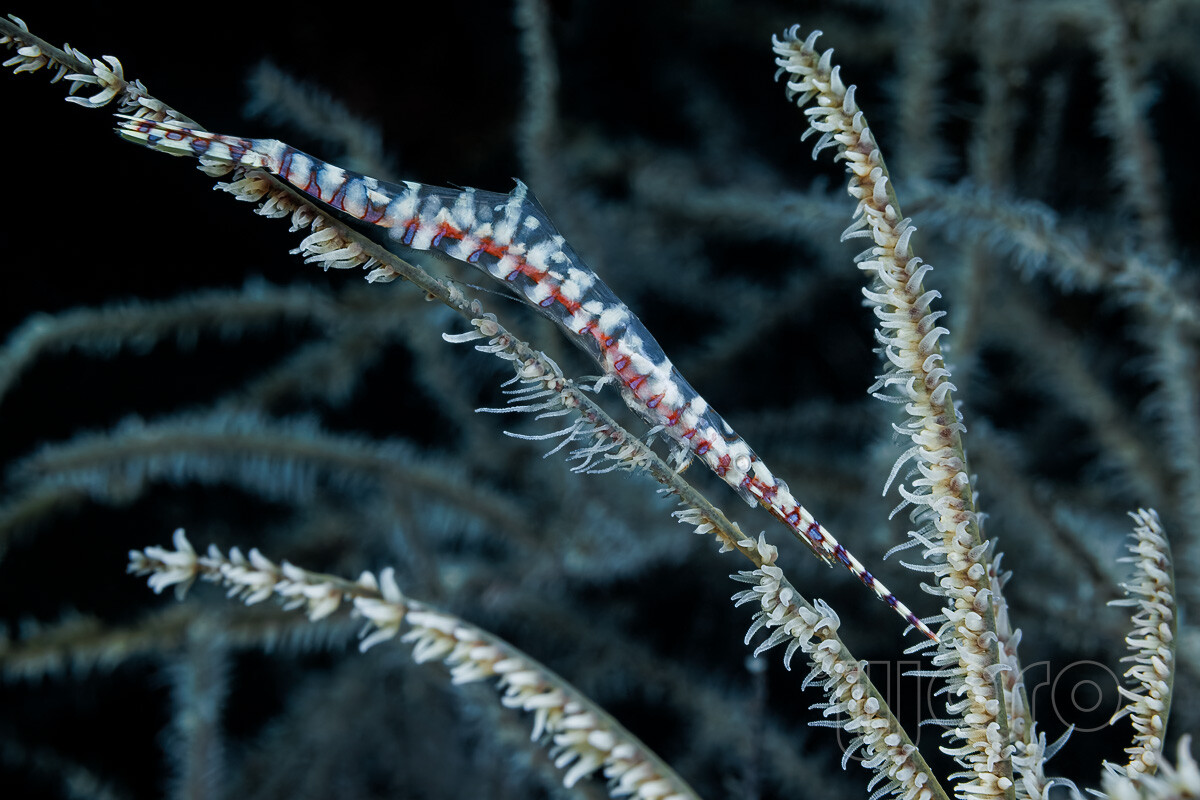
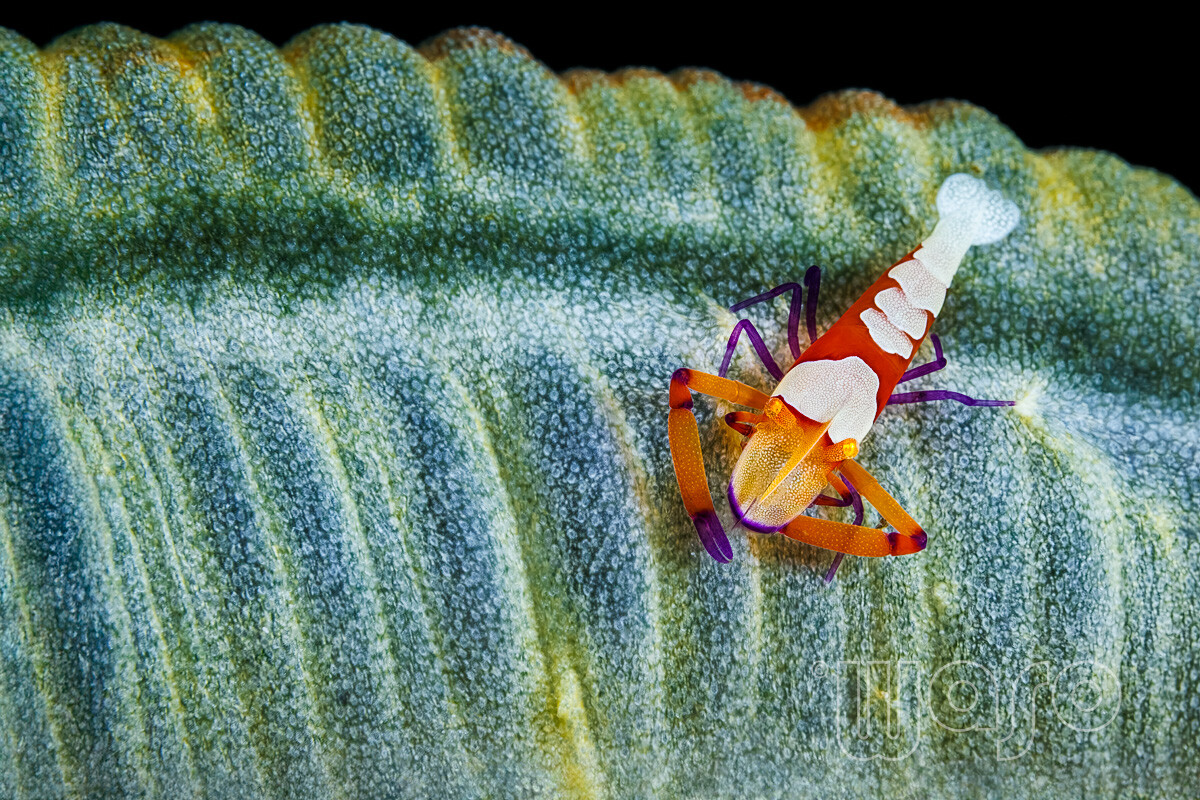
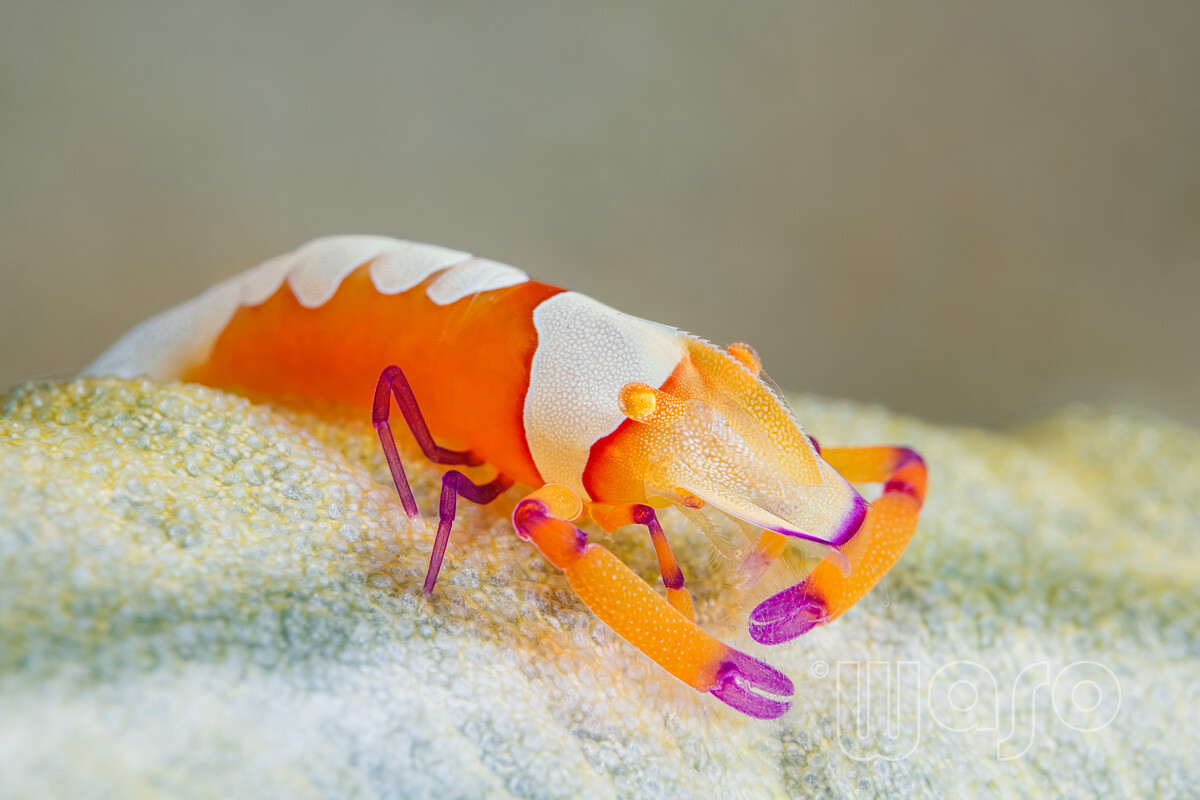
-
For example, for selective noise reduction or sharpening.
-
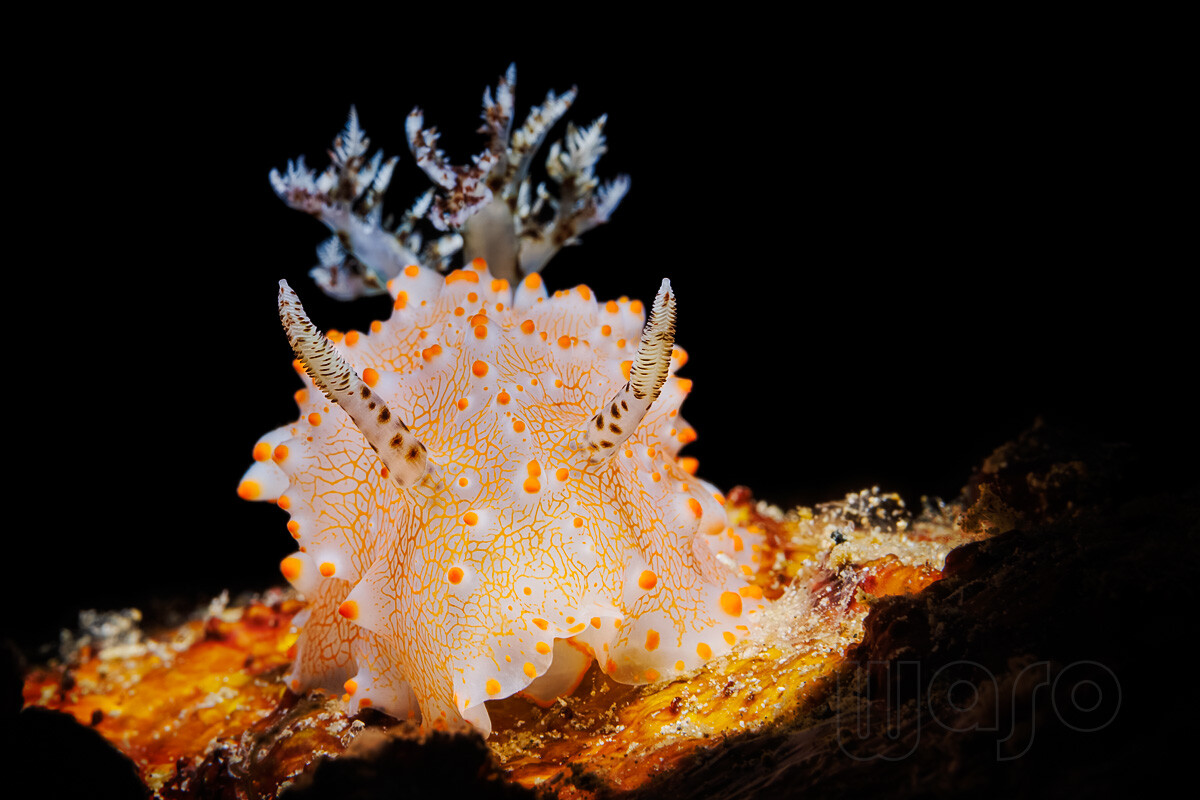
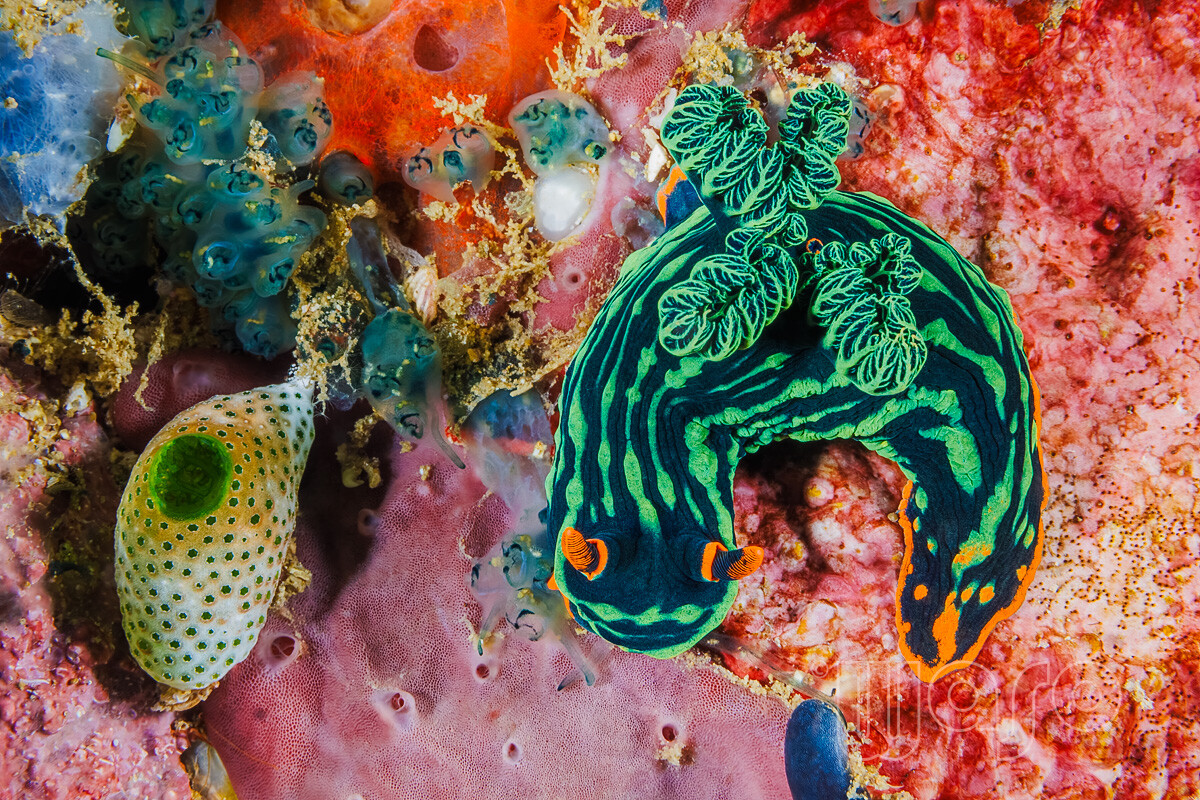
Two more from day 2: Halgerda batangas Nembrotha kubaryana
-
Before 2023, I was in Bali several times (Pemuteran area, Padang Bai area, Tulamben, Nusa Penida, and a few more). I can always go to Pemuteran on a low budget because a good friend of mine runs a dive center there. I simply wanted to see something different, and Anilao was recommended to me several times, especially for macro and blackwater diving. I assume it was very good there at least before 2023 – several acquaintances have reliably assured me of this. With such macro-specific spots, a lot depends on the guide, as I've experienced many times. Thanks!
-
Thanks, Jurgen! My expectations were also very high, as I had generally heard only good things about Anilao and especially about this resort from two friends. From what I can see so far, there will be quite a few more pictures to come. 😉
-
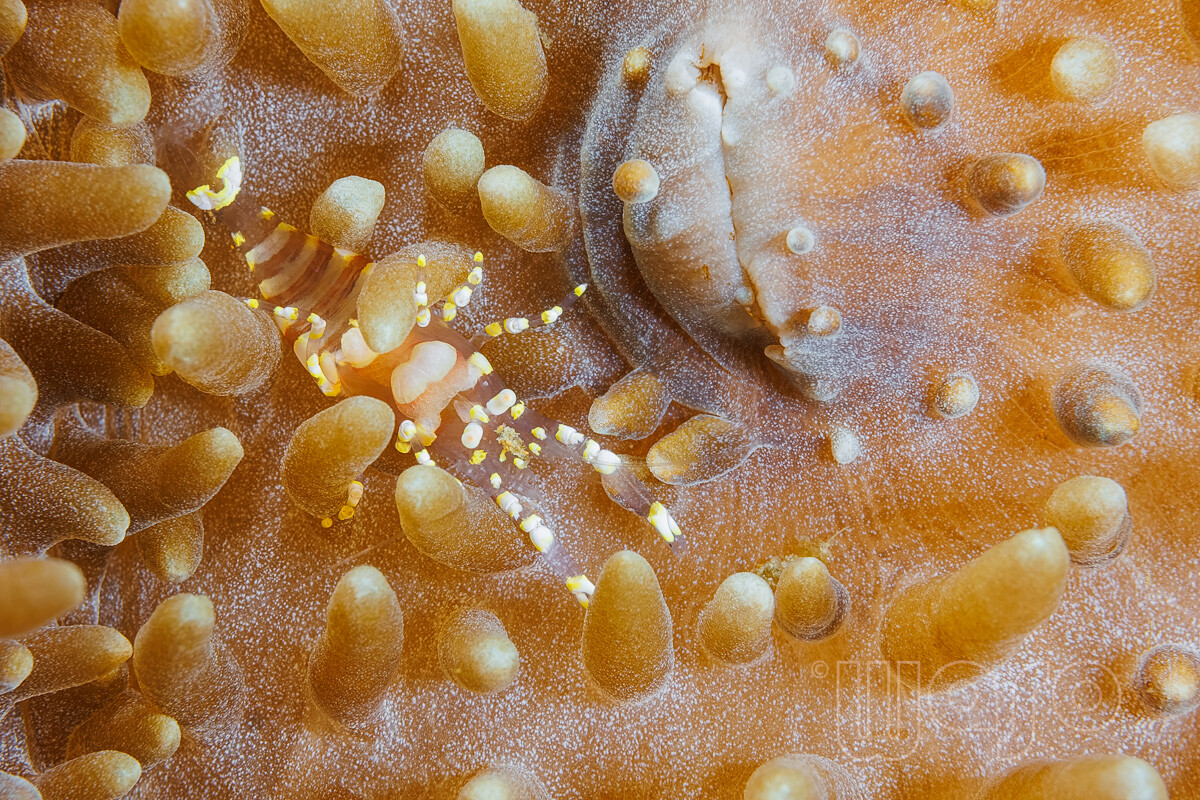
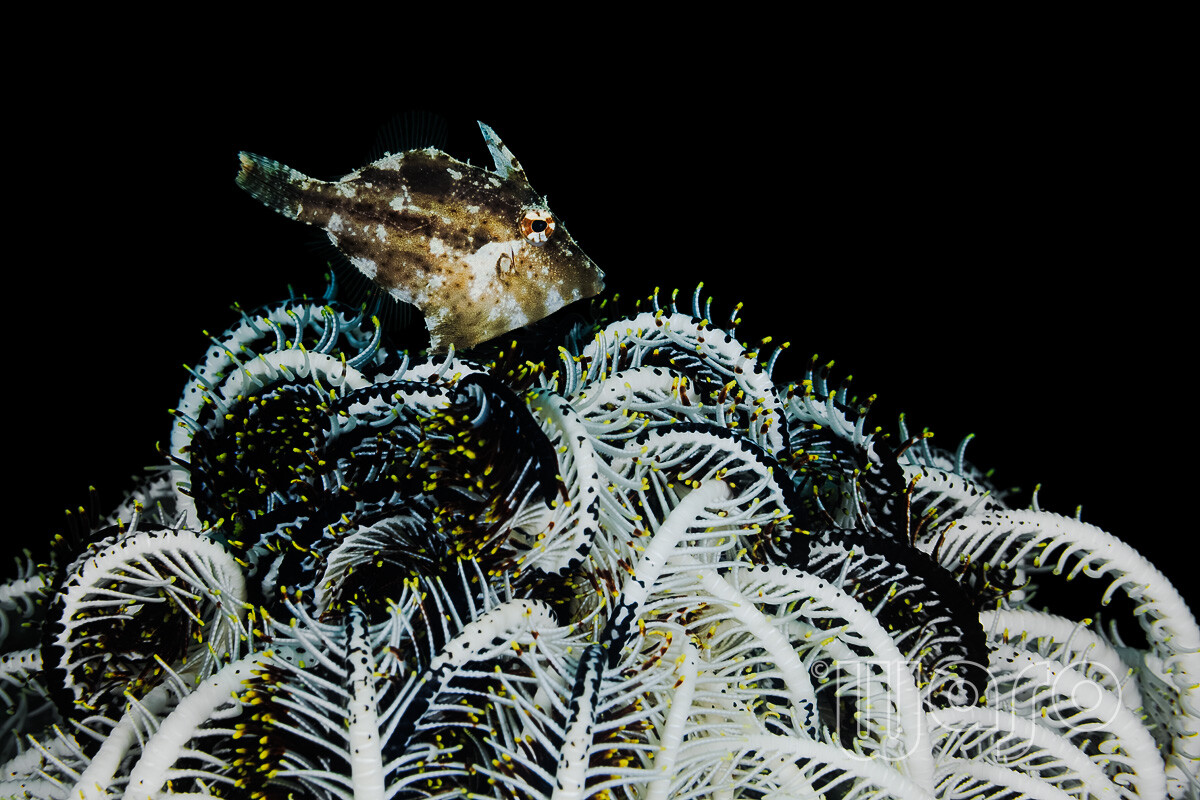
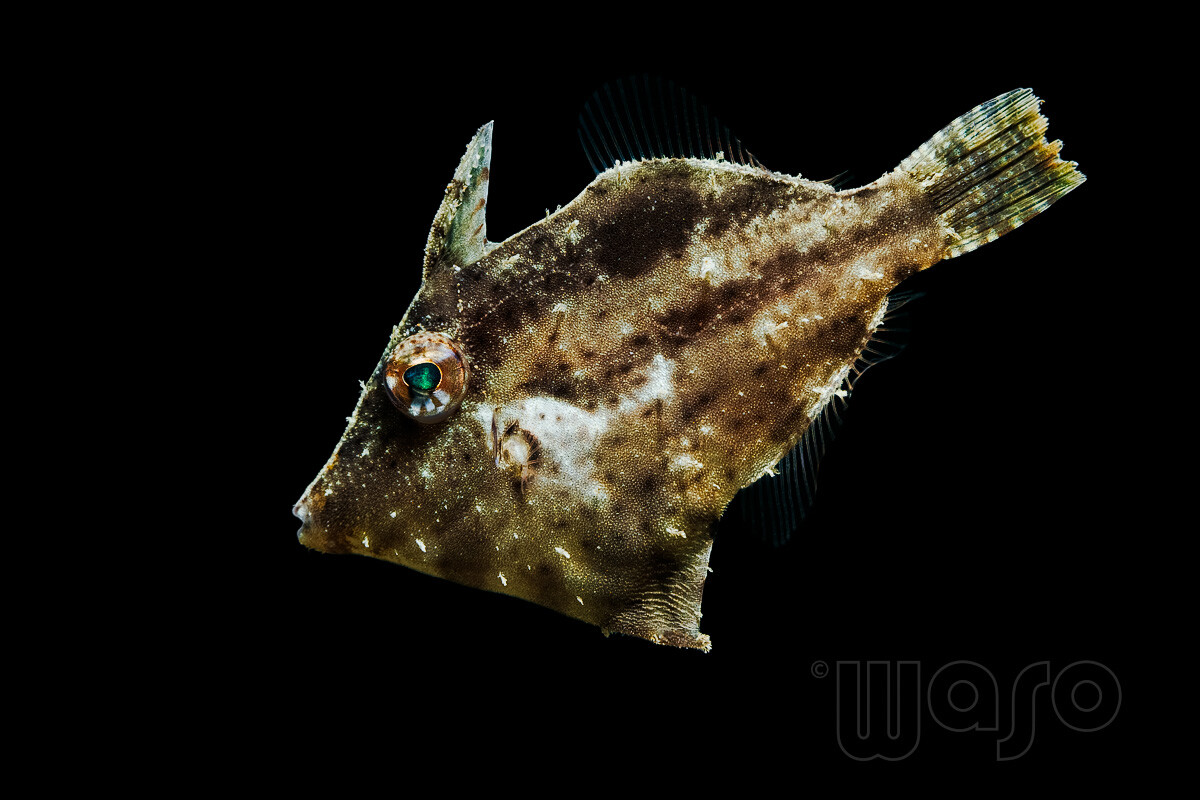
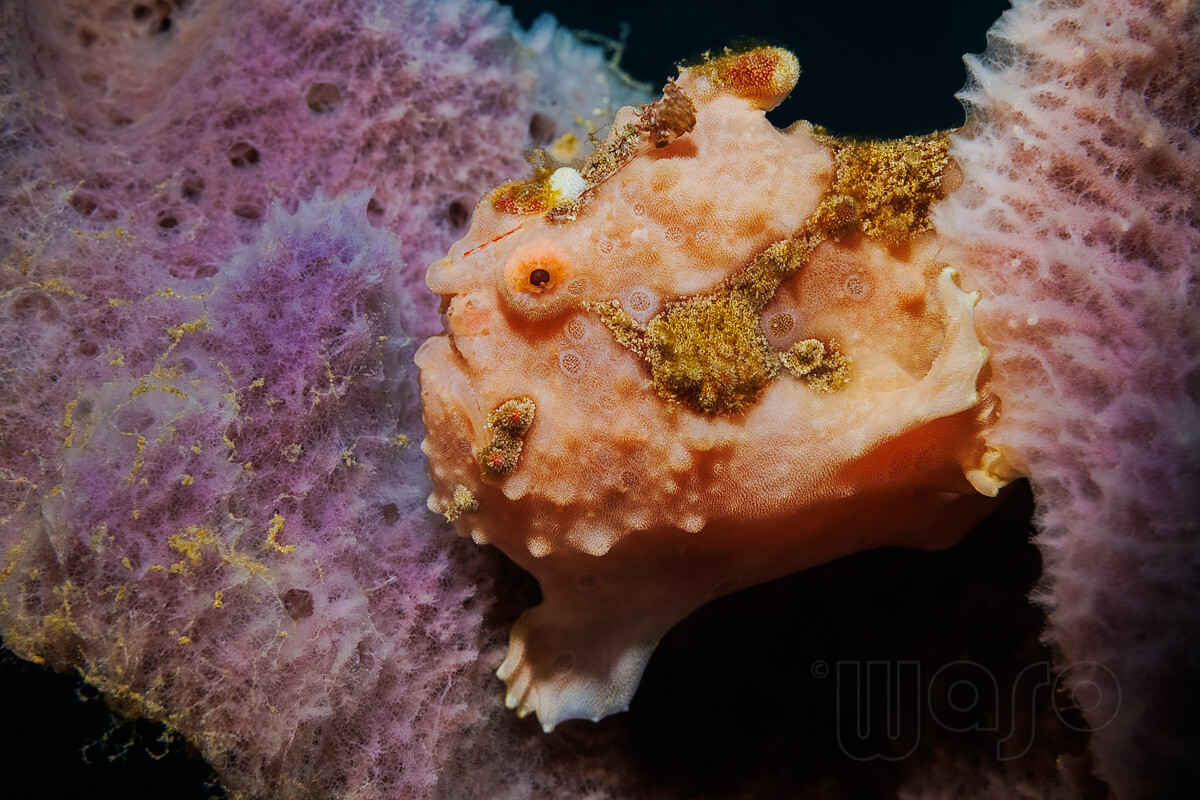
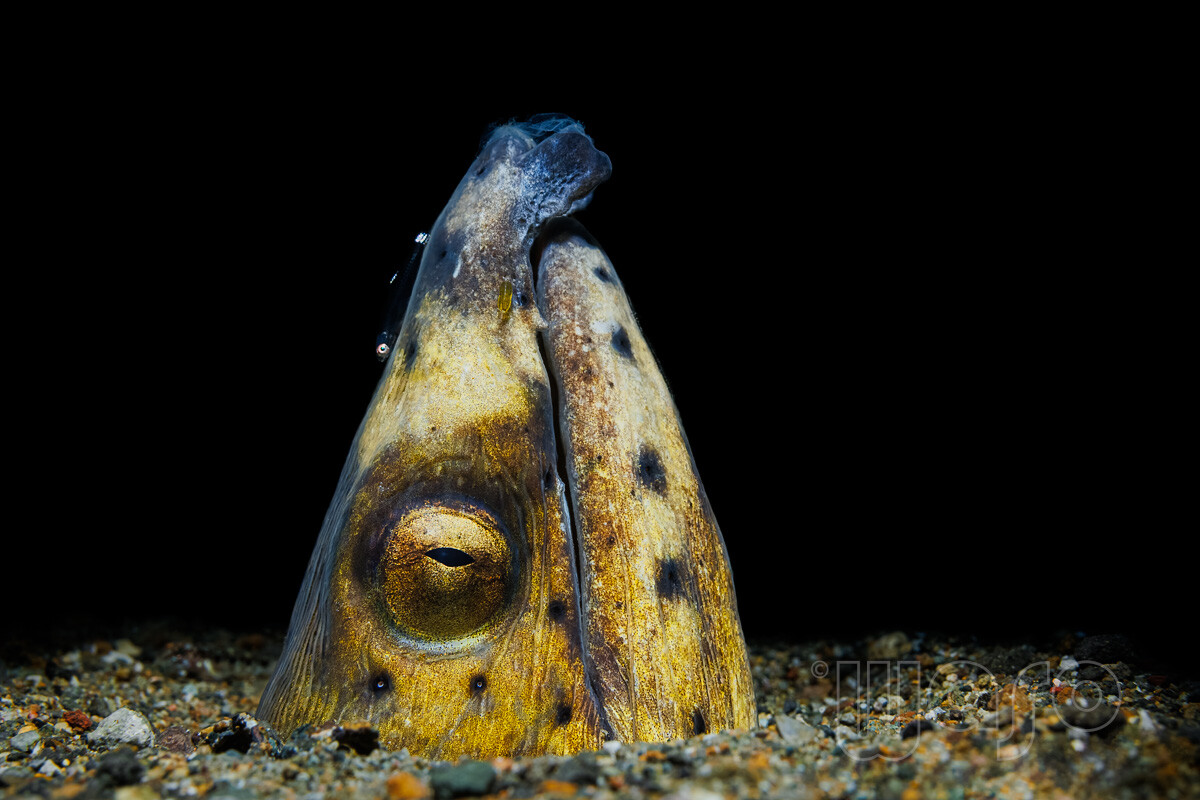
In 2023 I spent 3 weeks in Buceo Anilao/Philippines (Buceo Anilao resort) and hoped to fly back with a decent amount of good pictures. Unfortunately, I had very little luck overall and had to deal with a rather lazy and uncooperative guide the entire time who also always preferred to dive against the current. On top of that, after the first day of diving, I had several days of total diving downtime due to a typhoon (although other dive centers were diving in calmer bays). Blackwater diving was promised to me at the beginning, but it never happened. All in all, I can't recommend the rather expensive Buceo Anilao. After the trip, I was so frustrated that, although I saved the photos on my computer, I didn't develop a single one. I more or less put the trip out of my mind and only remembered it just a few days ago, went through all the folders and tried to identify the species. After that, I decided to develop some of them and want to show a few images here in chronological order (I'll start with day 1 and work my way through the individual diving days). Incidentally, I believe this was my first ever diving holiday where I didn't use the wide-angle/fisheye lens even once. I don't know if anyone is interested in the camera settings – if so, please let me know and I'll add them. Generally, I photographed everything with the Canon R5, the Canon RF 100/2.8 Macro lens and two Seacam 150D strobes in a Seacam housing, sometimes using snoots and close-up lenses (Nauticam SMC1+2). All images are uncropped (otherwise, I'll mention it in the image description) and developed with Lightroom and Photoshop. Day 1 (just one check dive): Disc Anemone Shrimp (Pliopontonia furtiva) Day 2: Female Hairfinned Leatherjacket (Paramonacanthus japonicus) Warty Frogfishh (Antennarius maculatus) Highfin snake eel (Ophichthus altipennis) with a Black coral goby (Bryaninops tigris) and if you look very closely, you can also see a parasite, probably a Gnathia sp. (yellow colour) between Goby and mouth
-
Many years ago, I started out on a Windows system using ACR, Bridge and Photoshop. Because at a certain point I started selling images to stock photo agencies, and because keywording in Lightroom was significantly more comprehensive, better implemented, and practically an 'industry standard' at the time, I reluctantly switched from ACR/Bridge to LR. However, Lightroom's database/catalog system, inflexible GUI, and the inability to crop pixel-perfectly when zoomed in on an image are incredibly frustrating. My keyword hierarchy is very extensive and organized by species. In Photoshop, I sometimes use the Photo AI plugin from Topaz, Backscatter Exterminator (which I don't find particularly good), and very occasionally something the old Nik Collection. I have actions for resizing and automatically sharpening images for different web sizes, which I then selectively edit for sharpening. Generally, I try to work non-destructively for as long as possible, so I also open my RAW files from Lightroom in Photoshop as Smart Objects. This allows me to edit the RAW files again later in Photoshop if necessary, without having to start from scratch. In my underwater photography workflow, the following are important: (Semi-)automatic masking, backscatter removal and selective processing in general. The first two things don't work quite satisfactorily in Photoshop yet and good masking depends heavily on one's skill in using the right PS tools - I still have room for improvement there.🫡 The automatic subject/background recognition in Photoshop is okay, but for me, as a perfectionist, it's still not quite satisfactory and I usually have to do it manually. I like the logical structure of the individual tools in Lightroom/ACR and would prefer not to switch to a completely differently structured RAW converter. However, because of my complete dependence on Adobe, I also have a somewhat uneasy feeling about the future - I wouldn't put anything past these monopolists.
-
This is absolutely possible with a snoot. The key is correct flash alignment and a sufficiently small snoot opening. Also, of course, as little ambient light as possible is essential (low ISO, fastest possible shutter speed, small aperture).
-
Version 27.10 is also buggy on my Windows 11 machine (the colors are far too saturated in every image) - I'm currently in contact with Adobe support. It seems this isn't an isolated case, according to Adobe support. Fortunately, I never delete the previous version, and my Photoshop 2025 runs smoothly.
-
I want to echo most of the comments here and expressly commend the undoubtedly extensive work that went into this elaborate testing procedure. Really great, Backscatter!